-
-
NameTags- Networking withOUT pressure.
-
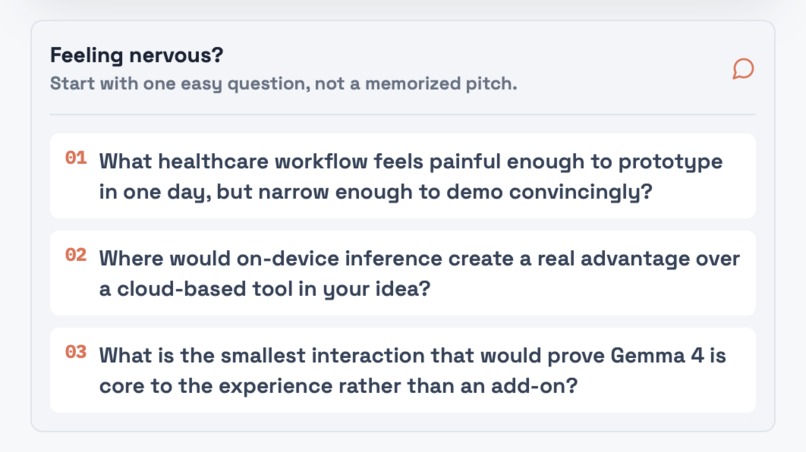
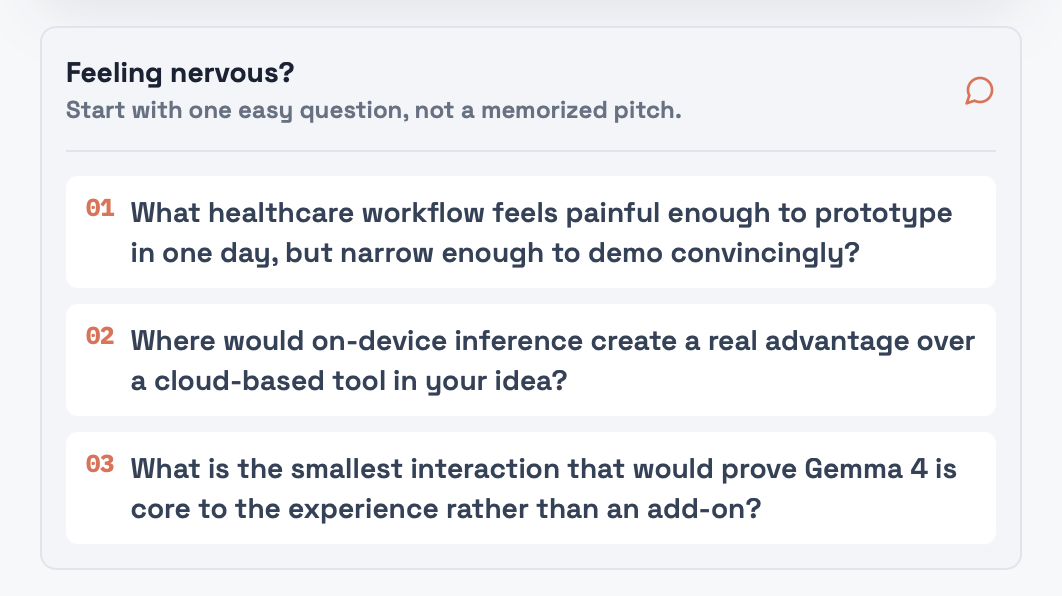
Questions brainstorming - Not nervous at all
-
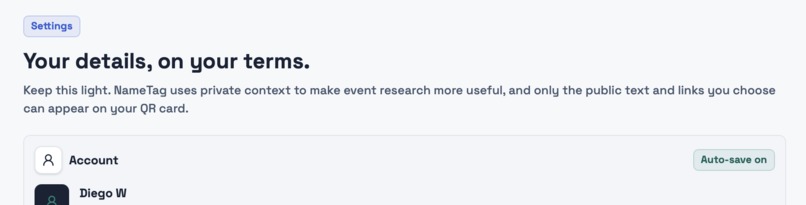
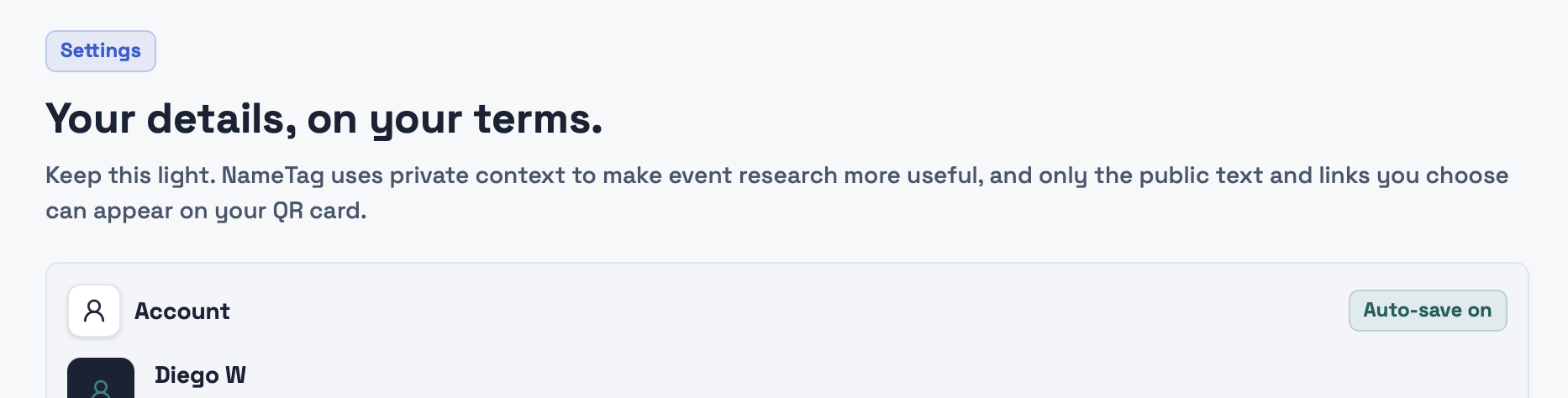
Auto saved on
-
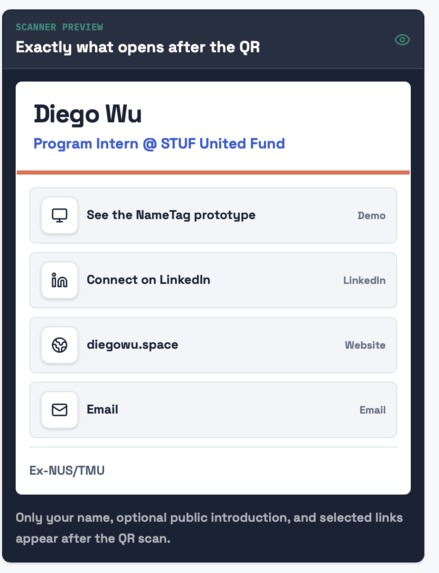
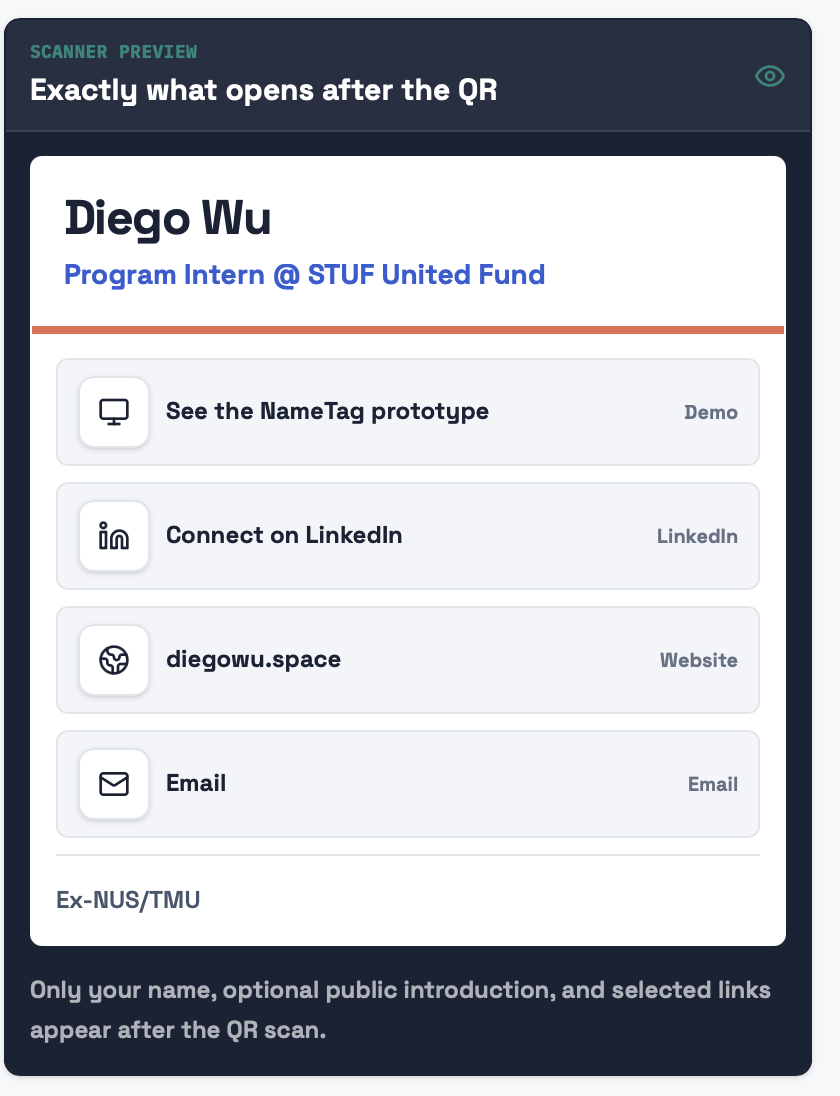
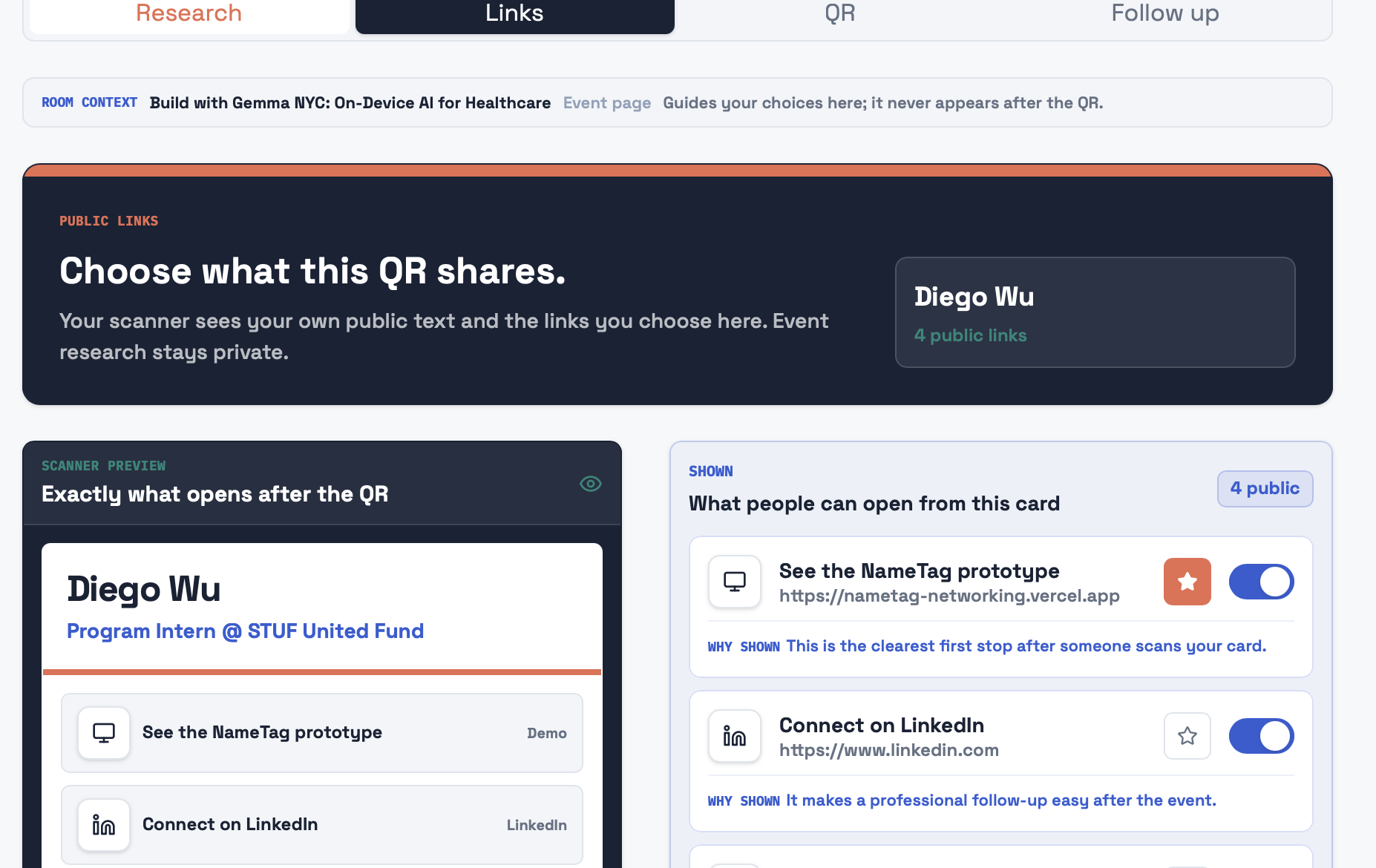
Links shown for people who scan
-
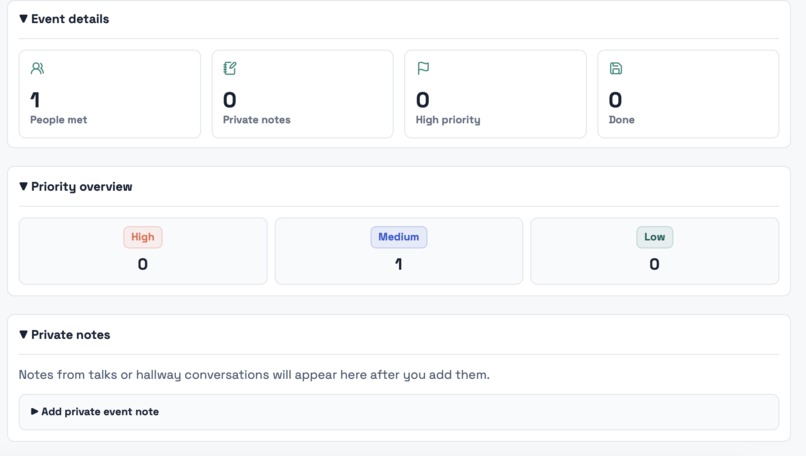
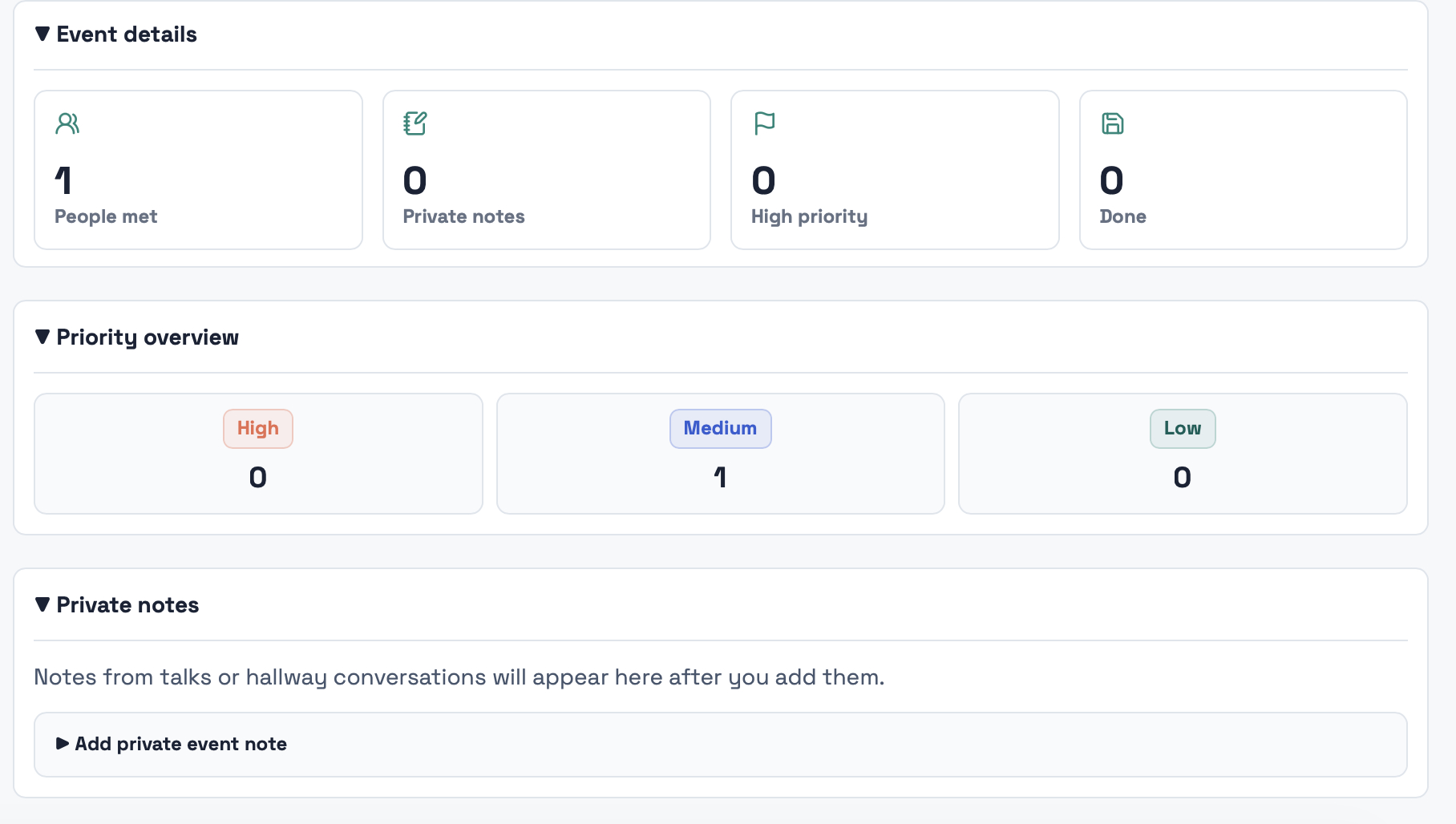
Be organized!
-
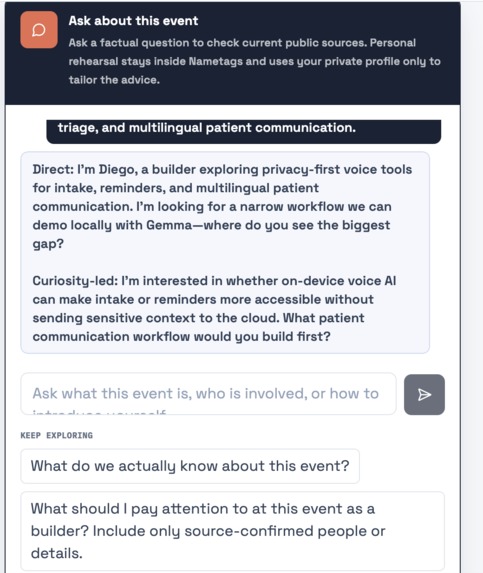
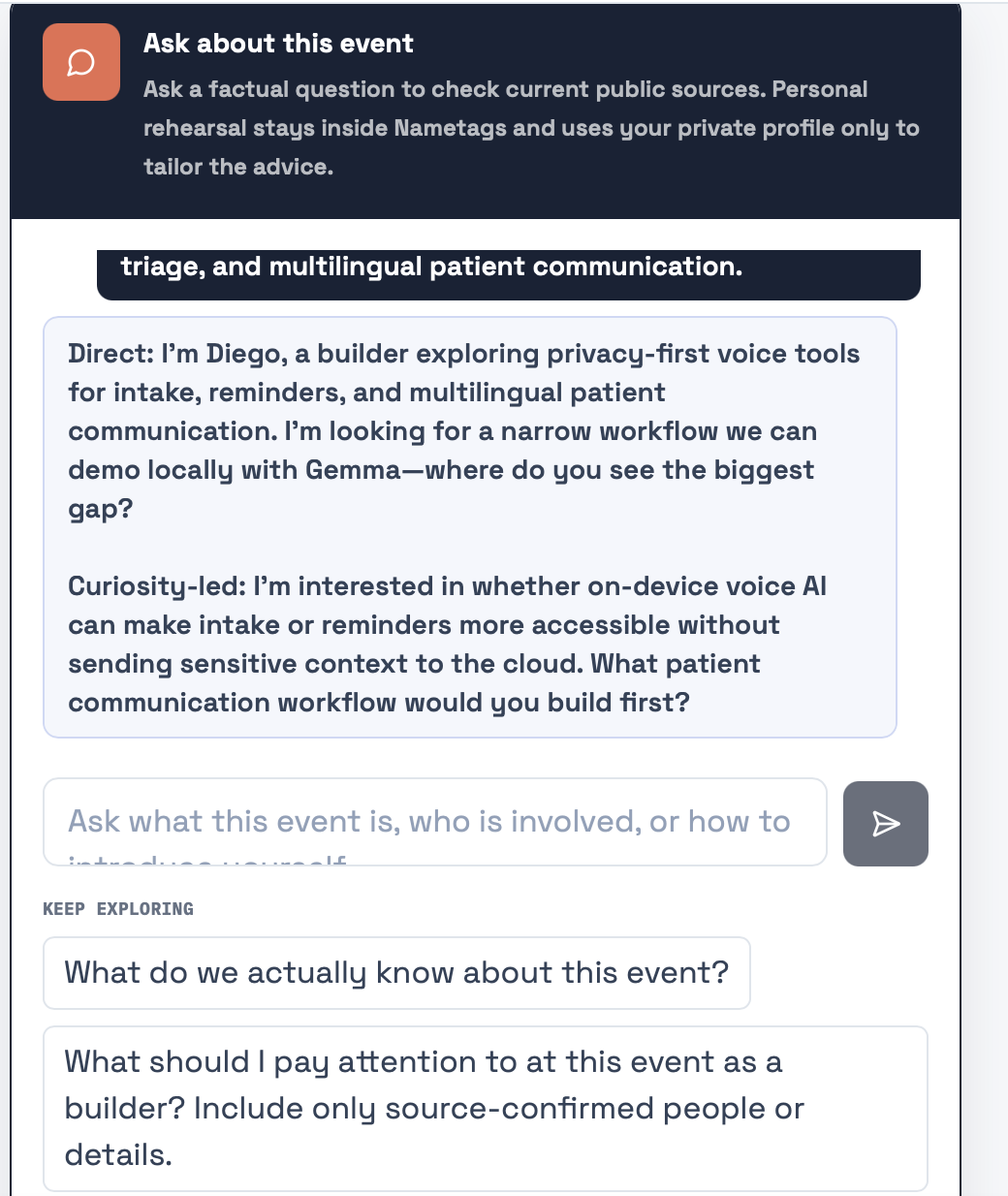
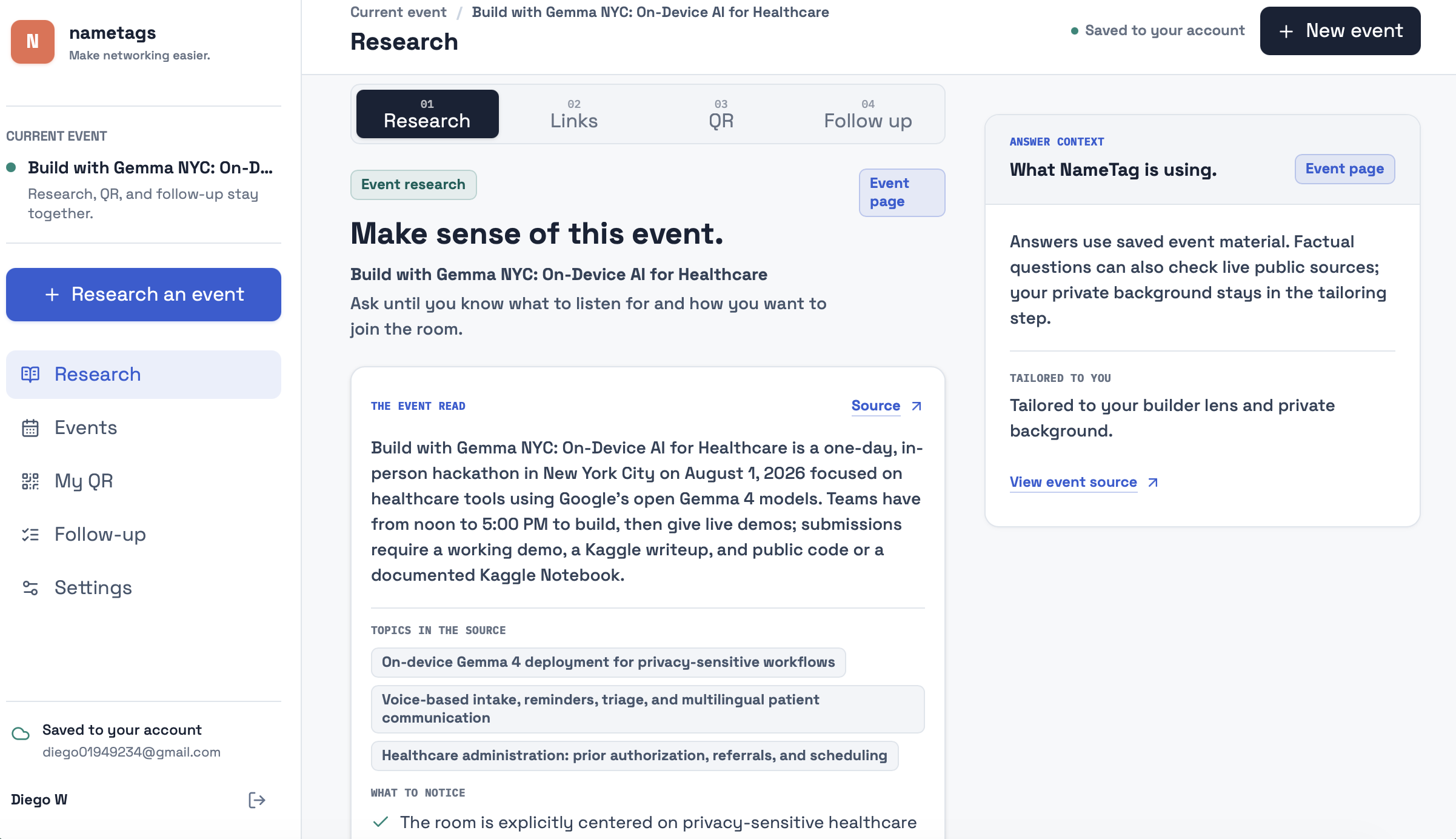
AI Chatbox helps you better understand
-
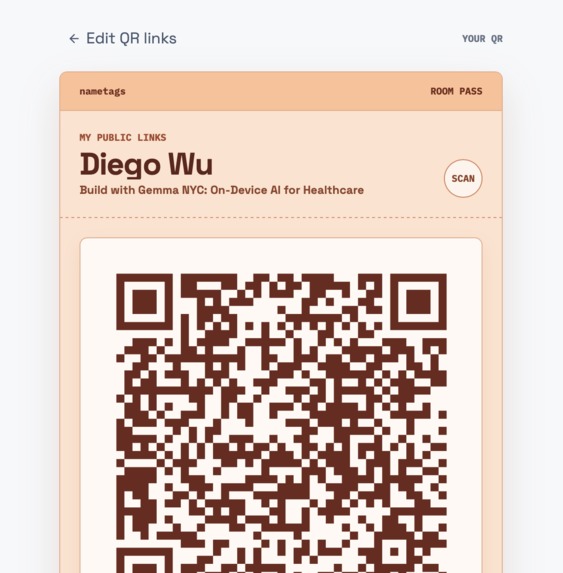
1 QR code for all the links (and it's customizable for everyone)
-
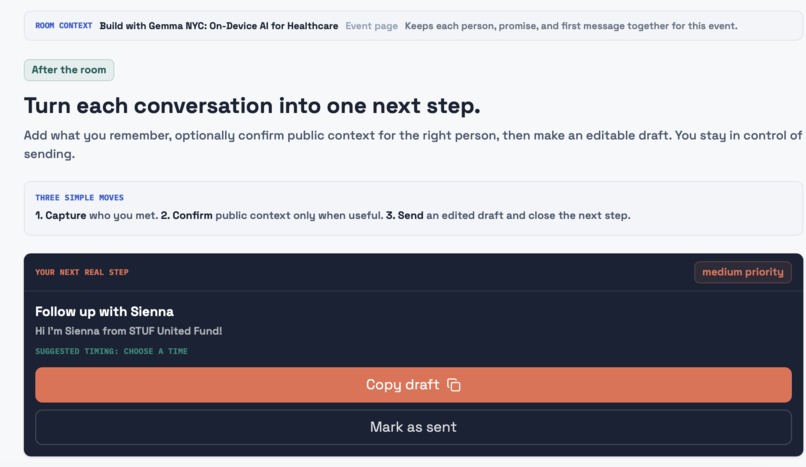
Follow up page
-
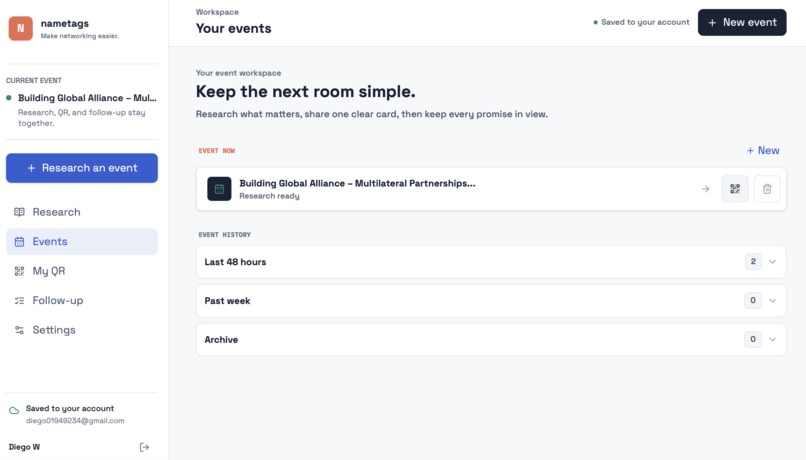
Home Page
-
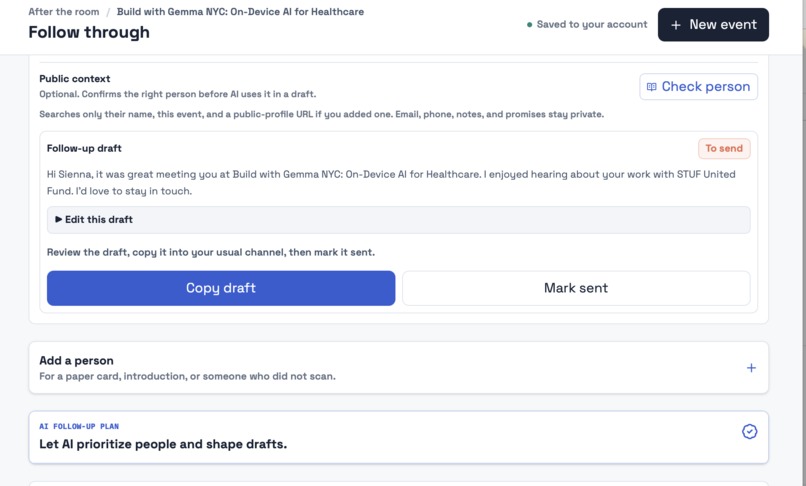
AI helps you draft/priortize and keep track of follow up messages
-
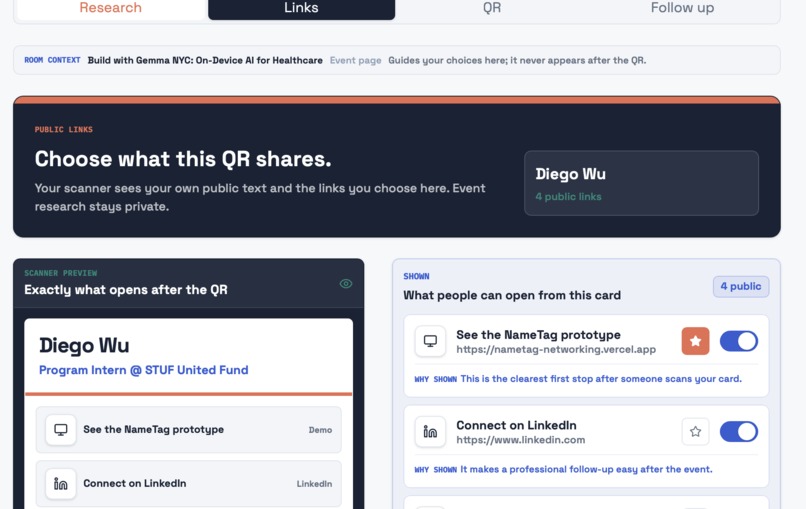
Customized Digital Card sharing to different person
-
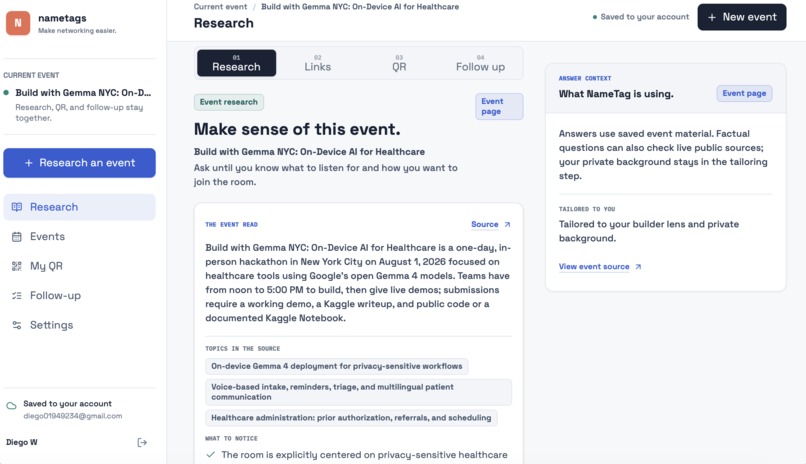
Research for the Event with a sentence/link/screenshot
-
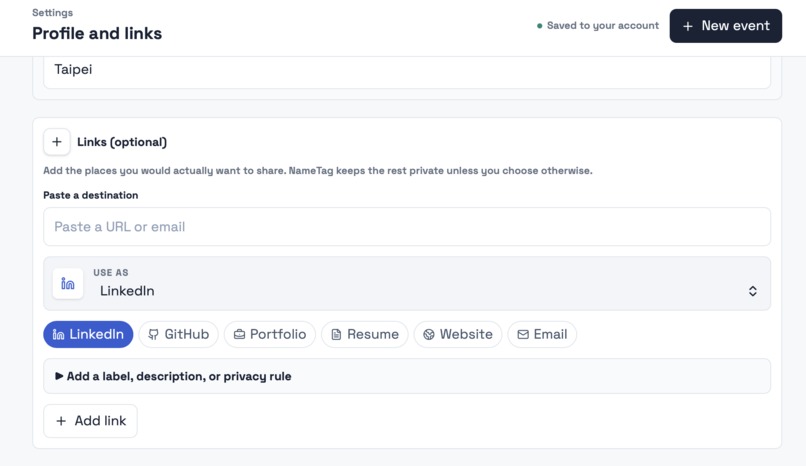
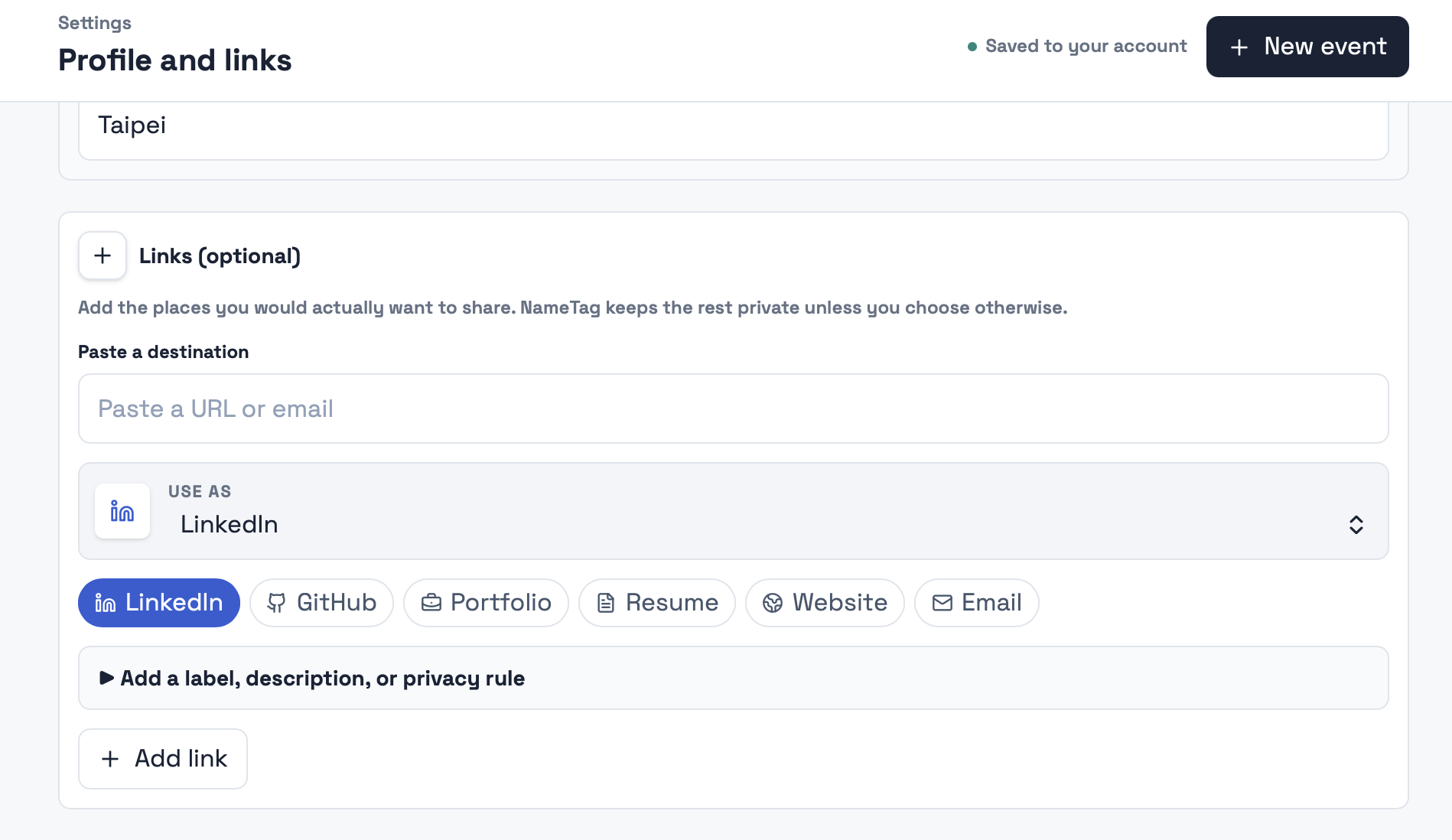
Settings - add your own links
-
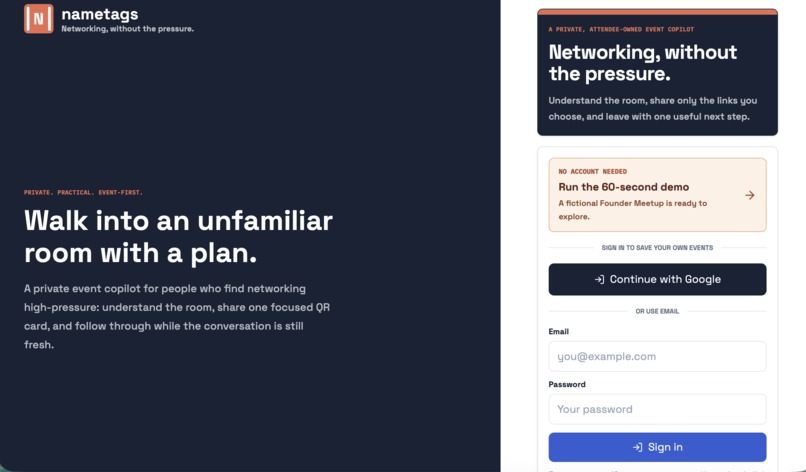
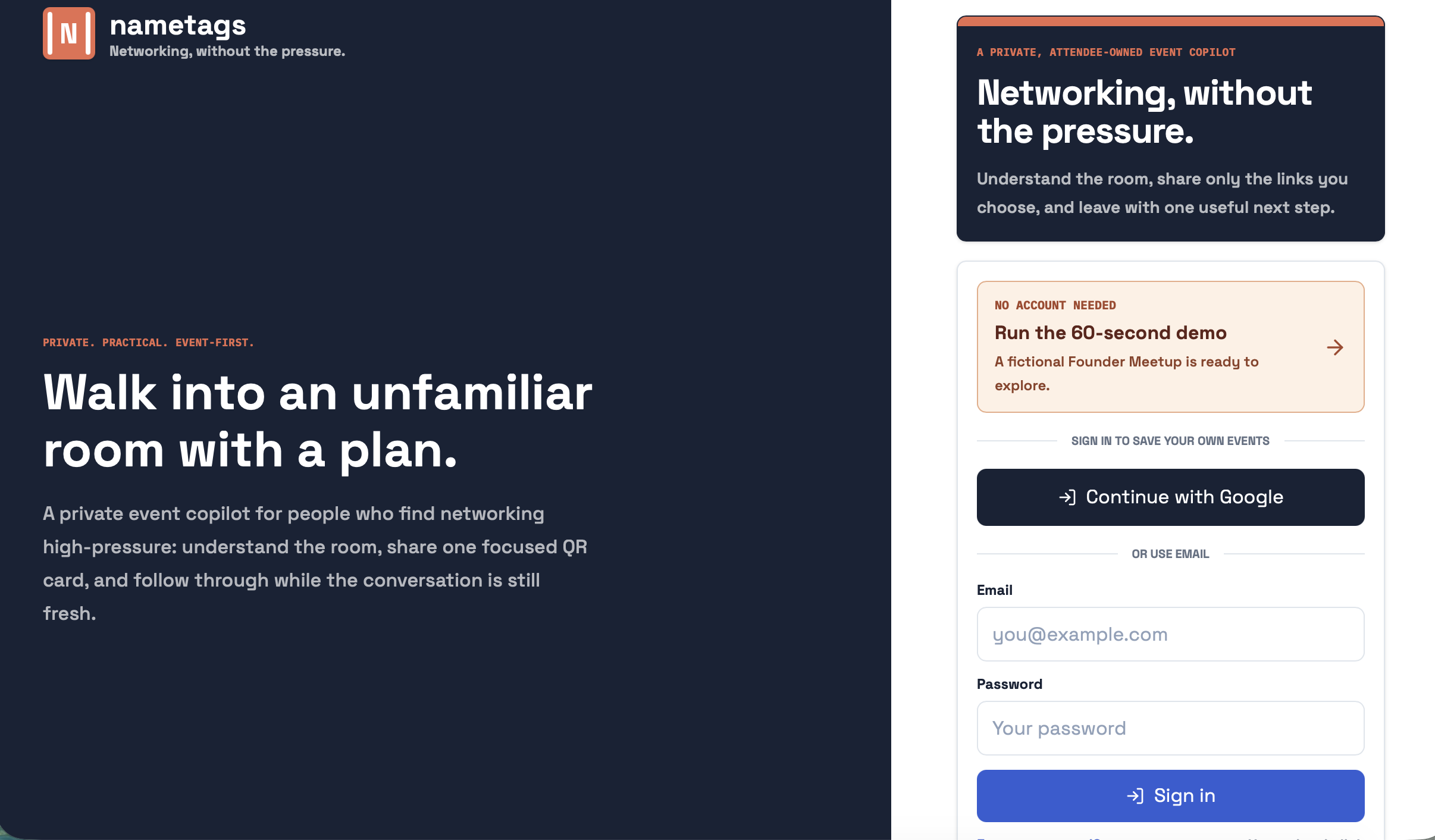
Log in page
Inspiration
https://nametags-network.vercel.app/landing
I came to New York for a summer internship and was surprised by how social the city felt. There were meetups, founder events, hackathons, and networking events everywhere. As a non-native English speaker in a new city, I often did not understand how people could walk into a room full of strangers, know what to say, exchange the right information naturally, and remember every conversation afterward.
Before events, I was searching event pages, LinkedIn, notes, and different contact apps while commuting. During events, I did not want to share the same generic profile with everyone. Afterward, names, business cards, and promises became a follow-up task I kept postponing.
I built NameTags because I wanted networking to feel less like a performance and more like a clear sequence of small next steps.
What it does
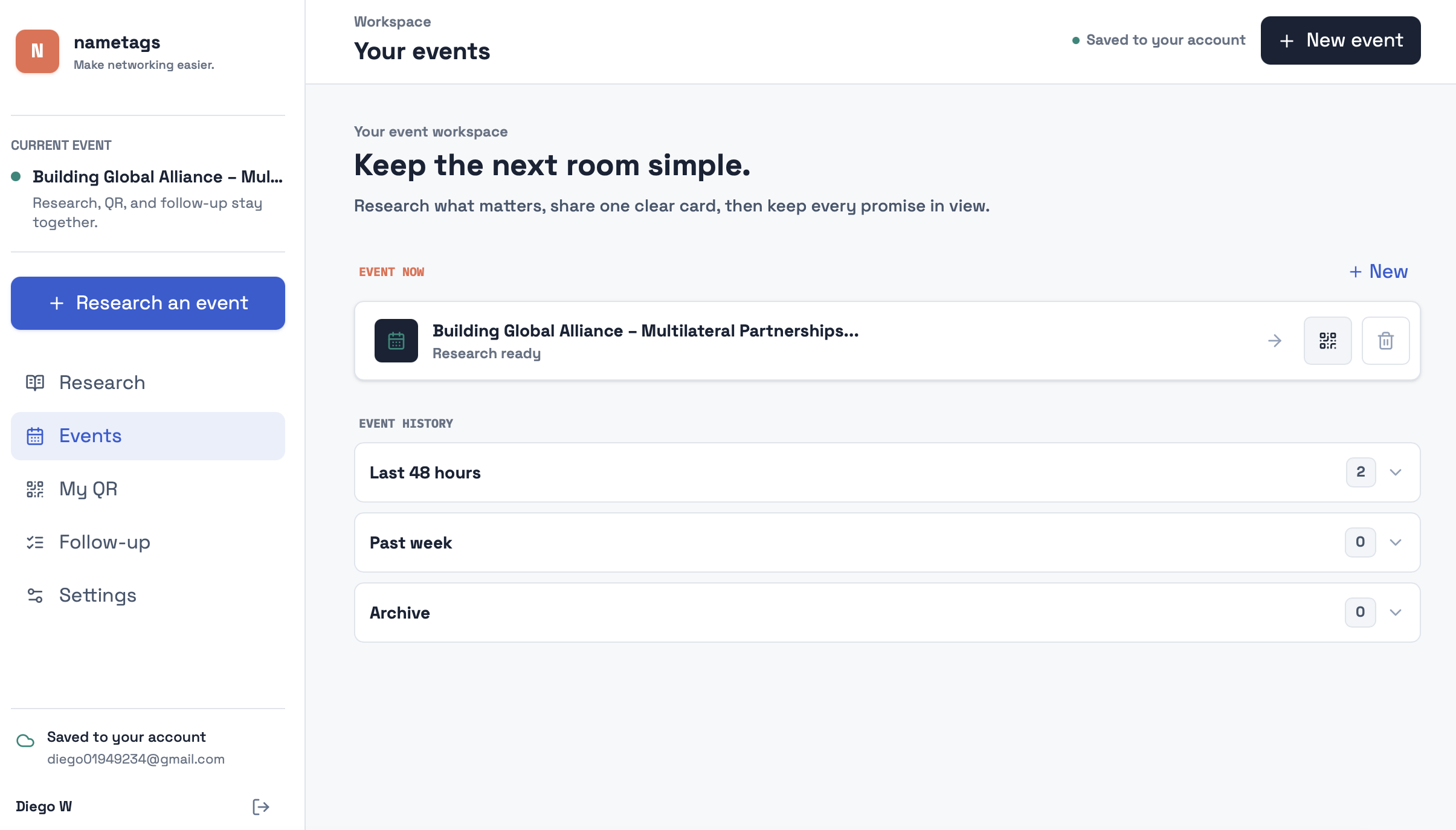
NameTags is a private event copilot that helps people before, during, and after networking events.
Before an event, a user can paste an event link, description, name, or screenshot. NameTags researches the event, creates a structured brief, suggests useful questions, and provides an interactive research chat so the user can ask what they actually need to understand.
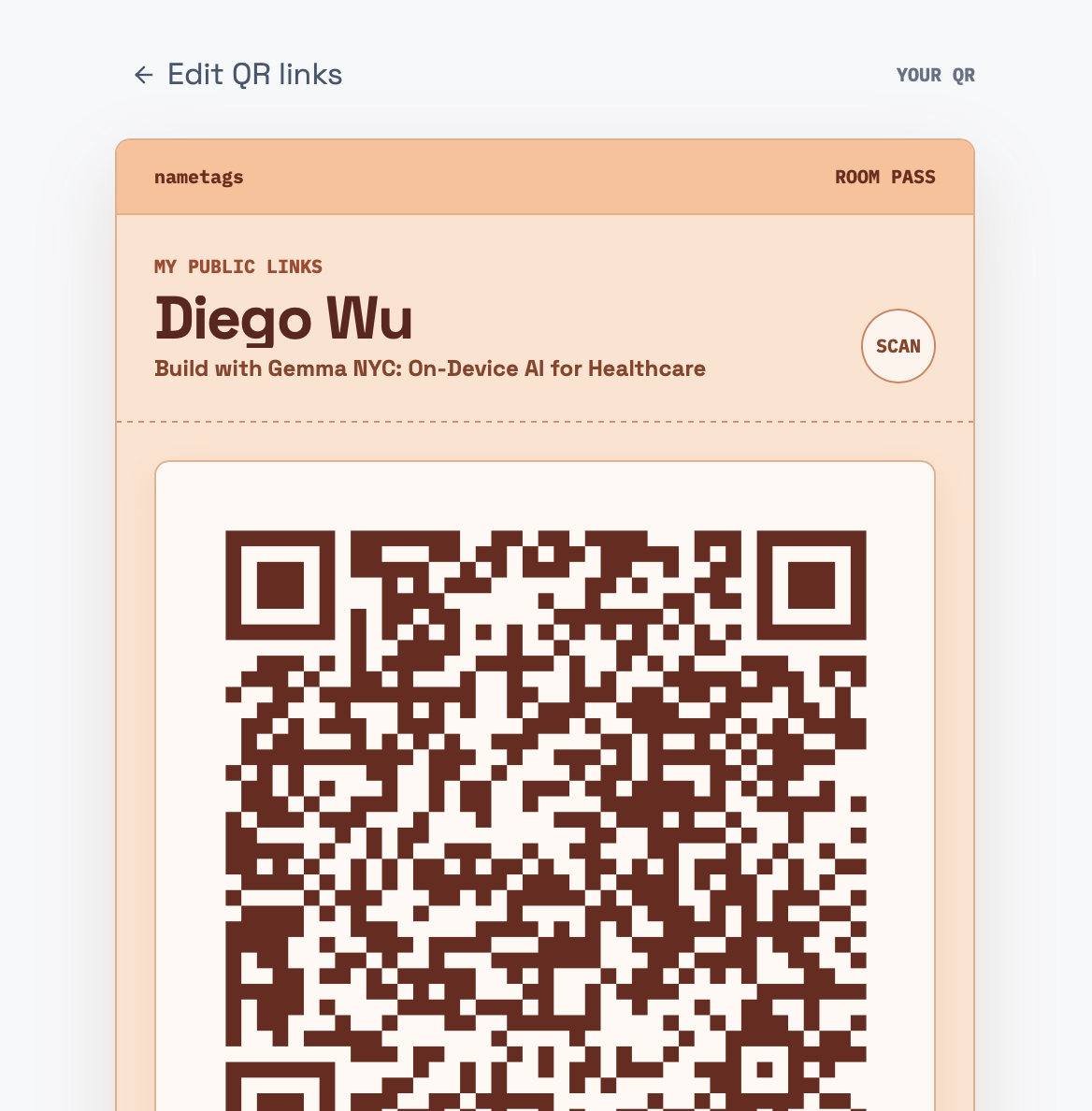
During an event, the user creates an event-specific QR room pass. They choose which links to share for that room, while private links, notes, and AI reasoning stay hidden. A scanner sees a clean, link-first digital business card and can choose whether to share their own contact details and a conversation note.
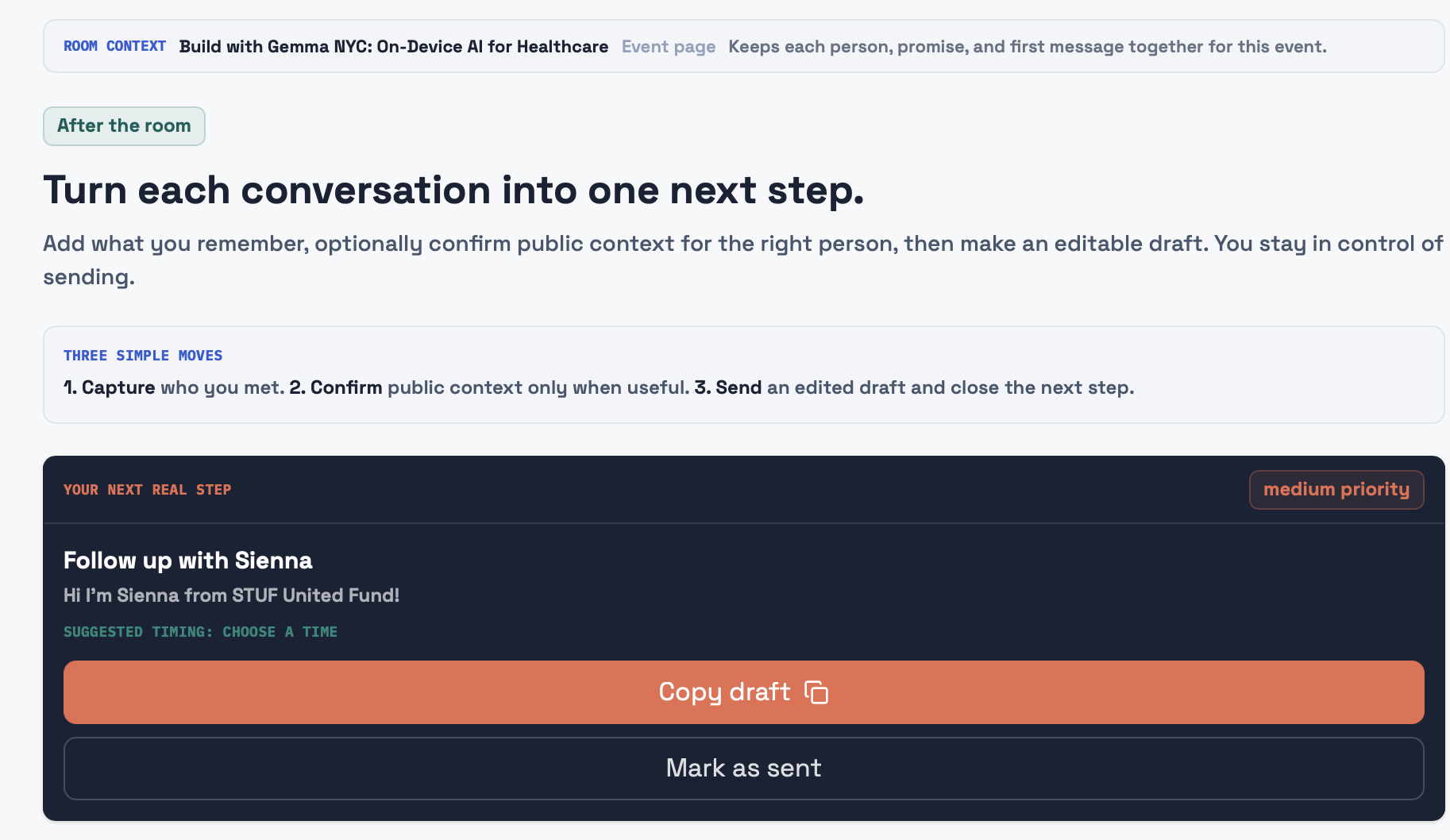
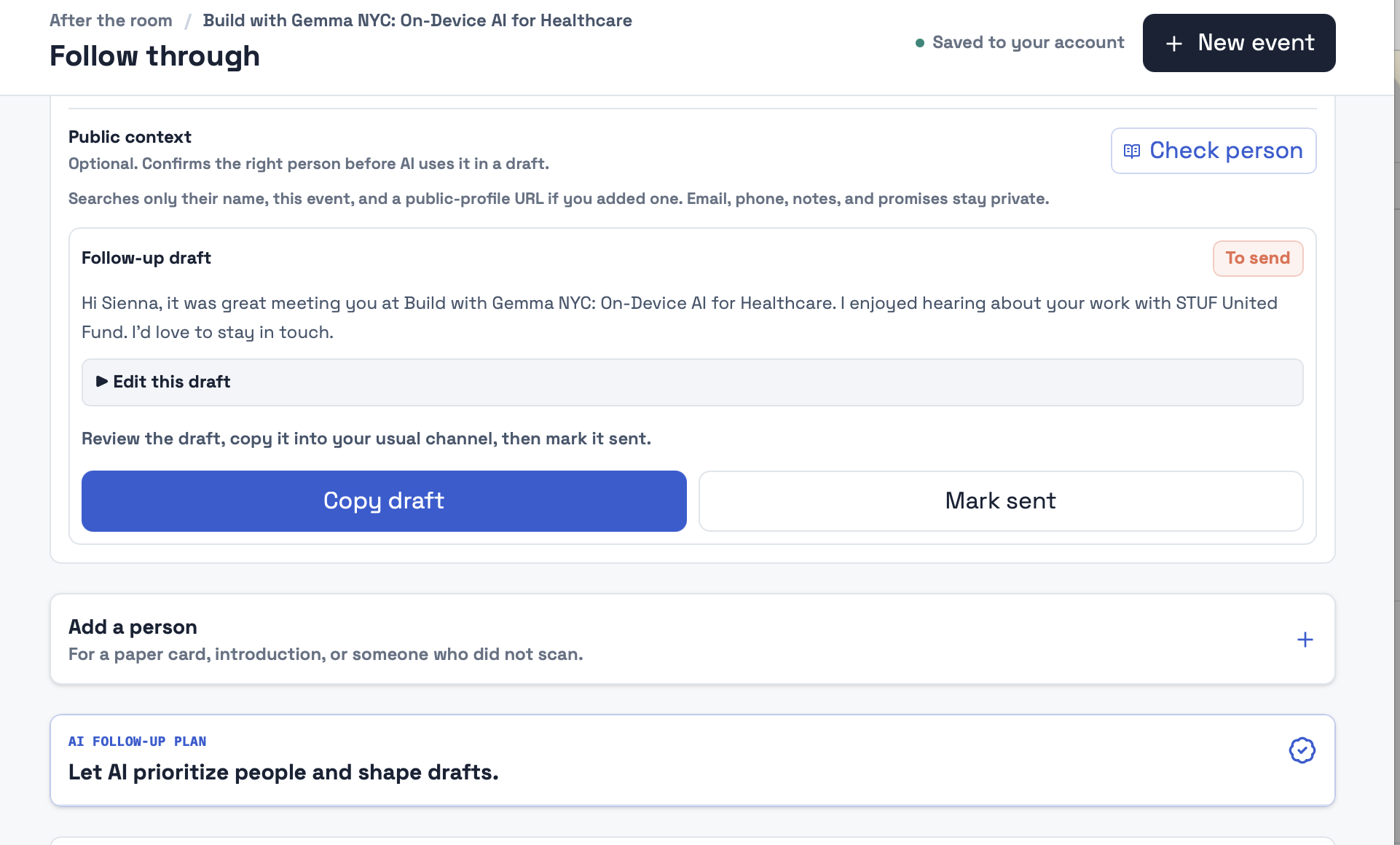
After an event, NameTags organizes consented contacts, notes, promises, follow-up priority, and an editable AI draft. The user stays in control: they can edit, copy, mark sent, or mark done. NameTags never sends outreach automatically.
How we built it
I built NameTags as a full working web application with Codex as my primary development partner. I used Codex across the entire build: product planning, Next.js and TypeScript implementation, mobile and desktop UI, Supabase authentication and persistence, QR card routes, consent-based contact capture, AI API routes, debugging, deployment, repository cleanup, and documentation.
GPT-5.6 powers the intelligence inside the product. It researches events from links, descriptions, screenshots, and public sources; helps users understand the room through an interactive research chat; recommends which links fit a specific event; and turns event context, notes, and promises into editable follow-up drafts.
The product is built with Next.js, TypeScript, React, Tailwind CSS, Supabase, OpenAI’s Responses API, and qrcode.react. Sensitive keys stay server-side, private workspace data is protected with Supabase Row Level Security, and public QR cards expose only the links selected by the owner.
Challenges we ran into
One of the hardest challenges was clarity. Because I built the first version mostly on my own, I understood the full product flow in my head, but early testers and colleagues sometimes did not immediately understand what each step was for or what they should do next.
Their feedback showed me that the product had too much information and too many possible paths at first. I spent a lot of time simplifying the experience: making event research the starting point, making the QR card link-first, separating private owner controls from the public scanner view, and making follow-up actions more obvious.
Another challenge was making AI useful without making it generic. I did not want NameTags to give vague “network more confidently” advice. I used GPT-5.6 to connect the event context, the user’s goal, and their private profile into practical help: what this event is about, what to ask, what to share, and what to do after meeting someone.
What we learned
I learned that networking pressure is not solved by removing human interaction. The goal is not to make networking automated or transactional. The goal is to remove the unnecessary pressure around it: not understanding the room, not knowing how to start, not knowing what to share, and losing the follow-up afterward.
I want NameTags to make networking feel close to zero-pressure while preserving the real human part of it. It should help people arrive prepared, be more present in the conversation, share intentionally, and actually follow through afterward.
Codex and GPT-5.6 made it possible for me to turn this personal problem into a working product quickly, then keep iterating as people gave feedback. The important lesson was that the technology should make people feel more confident being themselves, not replace the conversation.
What's next for NameTags
My next goal is to test NameTags at real meetups, founder events, hackathons, and career events with people who feel intimidated by networking, especially newcomers to a city and non-native English speakers.
I want to continue improving the event research, make follow-up timing more useful, strengthen consent and spam protections, and learn from real users which moments still feel stressful.
The long-term vision is simple: make networking feel almost zero-pressure without reducing the human interaction that makes it meaningful.
Built With
- ai
- codex
- css
- google-gmail-oauth
- gpt-5.6
- mobile-first
- next.js
- oauth
- openai
- postgresql
- qrcode.react
- react
- supabase
- typescript
- vercel

Log in or sign up for Devpost to join the conversation.