Inspiration
You probably heard about eye tracking keyboard's which is an assistive technology that allows you to type and control a computer entirely with your eyes. This is mainly used for those who are in a paralyzed state, therefore communicating with the tracking of their eyes. This is great, however this excludes a specific criteria of people, those in live with conditions like ALS, locked-in syndrome, or severe cerebral palsy that strip away the ability to speak or move.
We asked: what if your eyes alone were enough? The visual cortex responds to flickering light at precise, measurable frequencies — a phenomenon called Steady-State Visual Evoked Potentials (SSVEP). We built a system that reads those brain signals directly, interprets them in real time, and lets a patient communicate through nothing but gaze — no hands, no voice, no click — on a standard computer screen.
What it does
NovaMind is a four-layer brain-computer interface that enables hands-free, voice-free communication for users with severe motor impairments:
Spell & Speak — Users gaze at flickering letter tiles in a VR headset. Their brain's response to each tile's unique flicker frequency (9–30 Hz) is decoded in real time and converted to text. A locally-running Gemini AI predicts word completions after every letter, dramatically cutting the number of selections needed.
How we built it
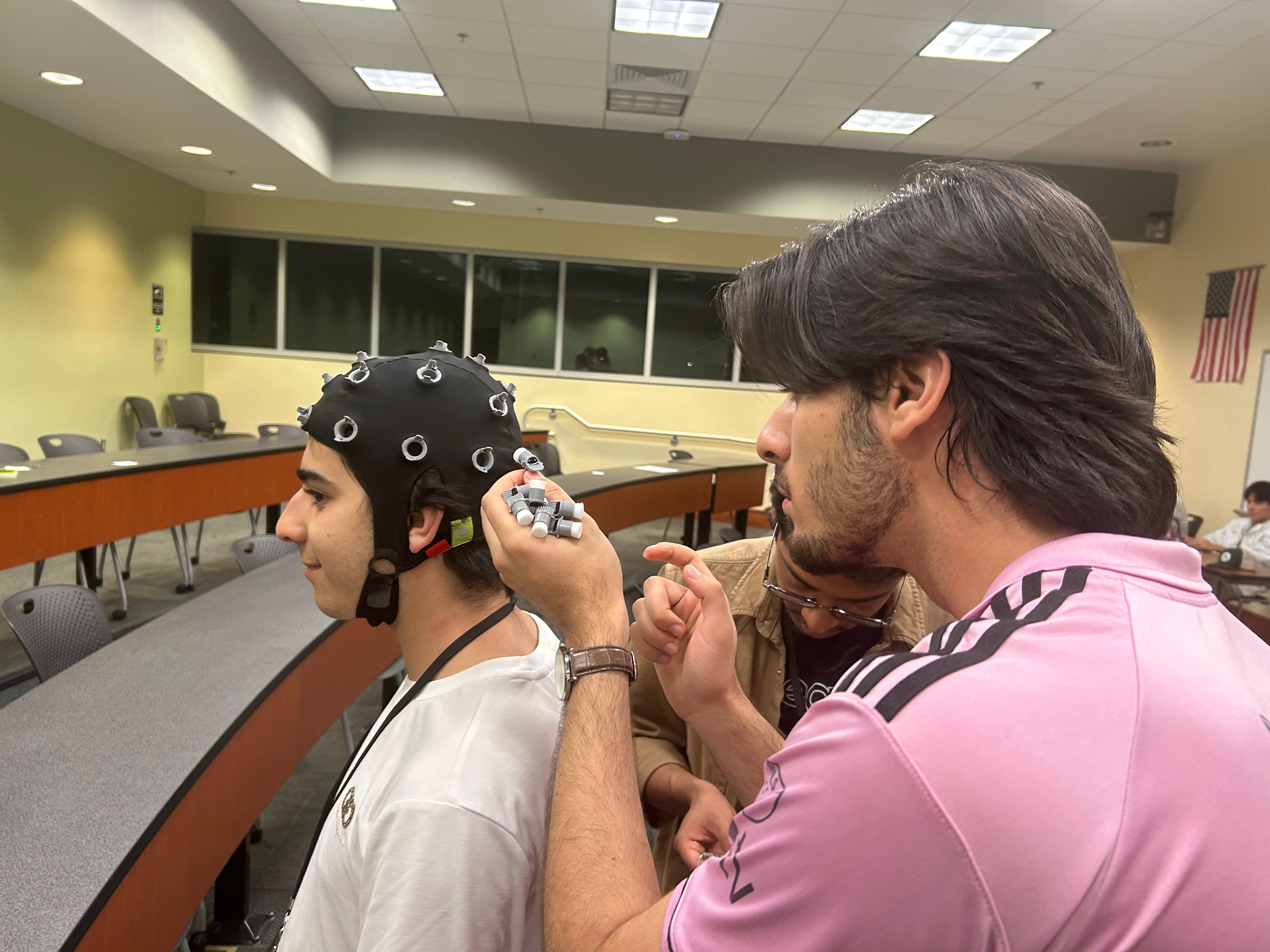
Layer 1 — EEG Acquisition: OpenBCI Cyton (8-channel) with electrodes placed at Oz, O1, O2, Pz — the brain's visual cortex cluster. Streaming 500 Hz raw EEG via Lab Streaming Layer (LSL).
Layer 2 — Signal Classification: A Filter Bank CCA (FBCCA) pipeline: notch filter → bandpass → Common Average Reference → 4-subband decomposition → weighted correlation scoring against reference signals. An SNR gate (3.5 dB threshold) blocks false selections before they ever reach the user. The full pipeline executes in under 8ms — well within real-time constraints.
Layer 3 — FastAPI handles command routing through a state machine that maps each detected frequency to either NEXT or SELECT, updating the interface and maintaining the user's current selection in real time.
Layer 4 — Screen Frontend: A lightweight browser-based application running on localhost displays the menu interface on a standard monitor. The two action buttons — NEXT and SELECT — flicker at distinct frequencies calibrated to the monitor's refresh rate, ensuring frame-perfect stimulus timing. The UI is designed for users operating entirely through gaze: large targets, minimal options on screen at once, and clear visual confirmation when a selection is made.
Challenges we ran into
The biggest challenge we faced was extracting and isolating the occipital EEG waves — the specific signals generated by the visual cortex when responding to flickering stimuli. Raw EEG data is extremely noisy; it picks up everything from muscle movement to power line interference to unrelated brain activity. The core difficulty was figuring out how to separate the SSVEP response — the signal that tells us where the user is looking — from all the noise surrounding it. Getting the electrode placement right, the filtering pipeline tuned correctly, and the classifier sensitive enough to distinguish between two flickering buttons was far more involved than anticipated.
Accomplishments that we're proud of
Being able to control a cart with just your brain. this was huge, people with locked in syndrome no longer need to feel the insecurity of going outside and over relying on people. We are really proud that this has a huge future for those in that condition.
What we learned
What's next for N.O.O.R. - Neuro-Occipital Output Reader
Proof of concept is a huge step for the future, the fact that we can get a input from someone who's not able to move any muscles is huge. Controlling smart houses and with more planning and work, a speech interpreter is possible, using a aggressive predictor, you would be able to have a full conversation with a person who can't move a single muscle.
Built With
- cyton
- eeg-headset
- fastapi
- javascript
- openbci
- python
- react


Log in or sign up for Devpost to join the conversation.