-
-
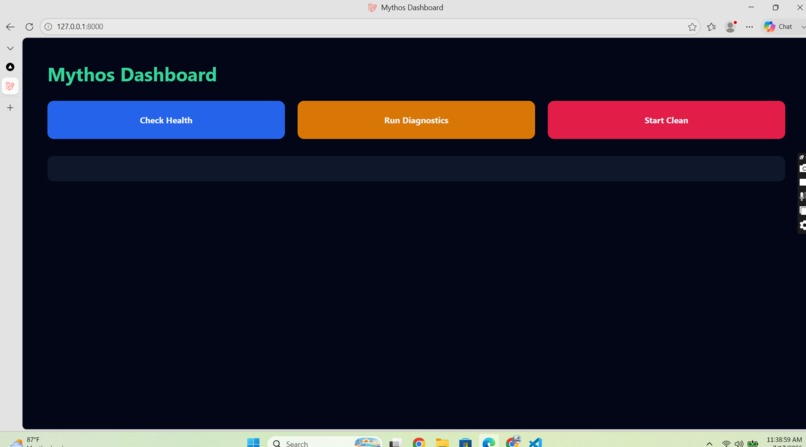
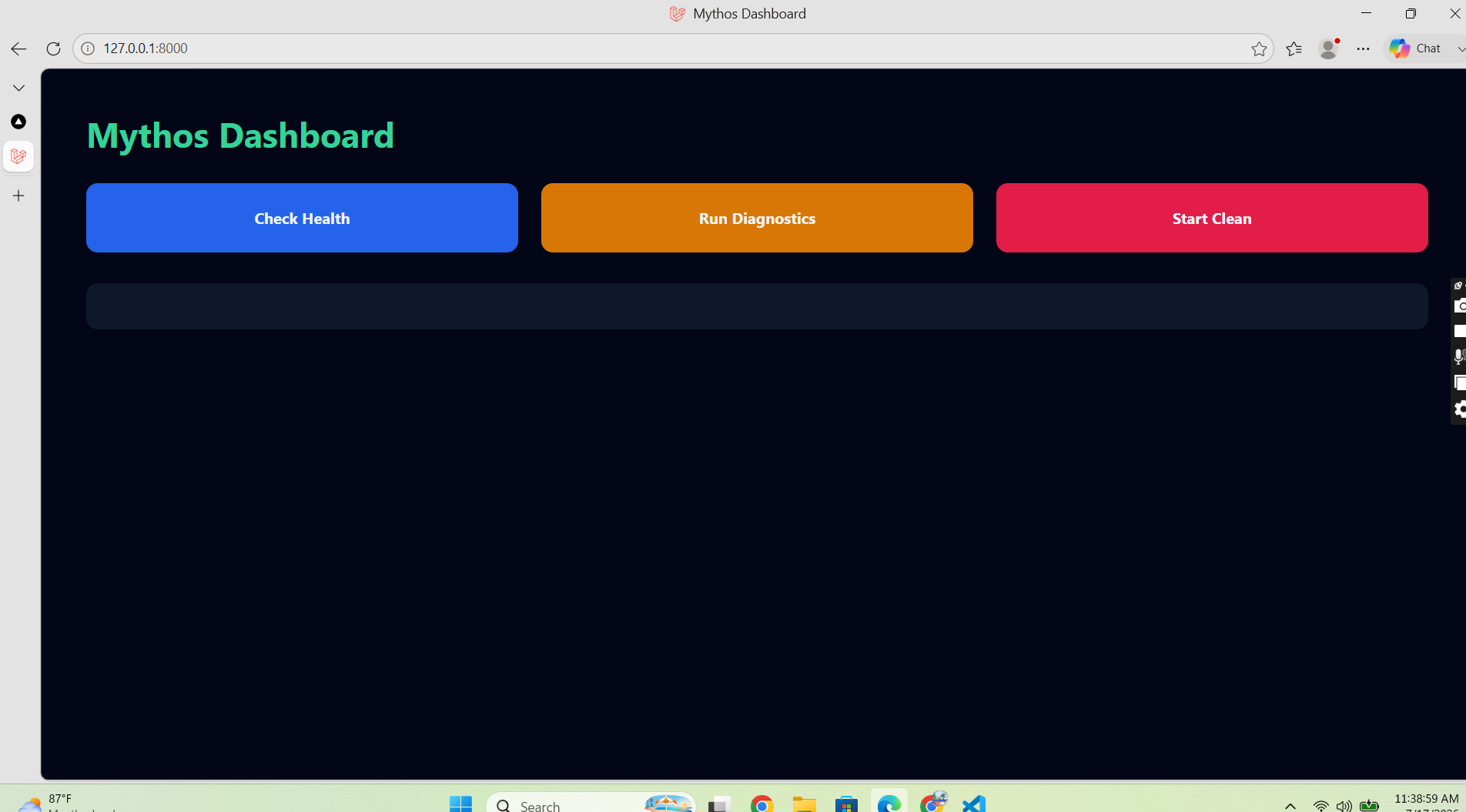
Mythos Dashboard overview with health check, diagnostics, and cleanup controls.
-
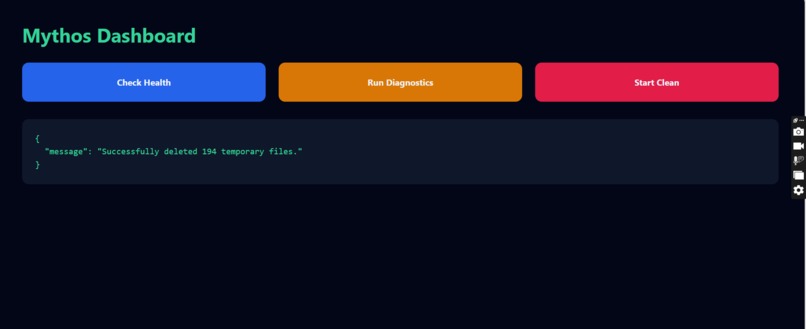
Health check confirms that the Mythos backend and monitoring service are running successfully.
-
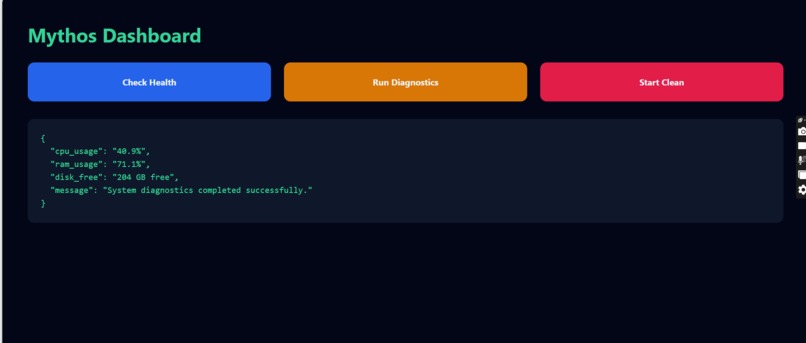
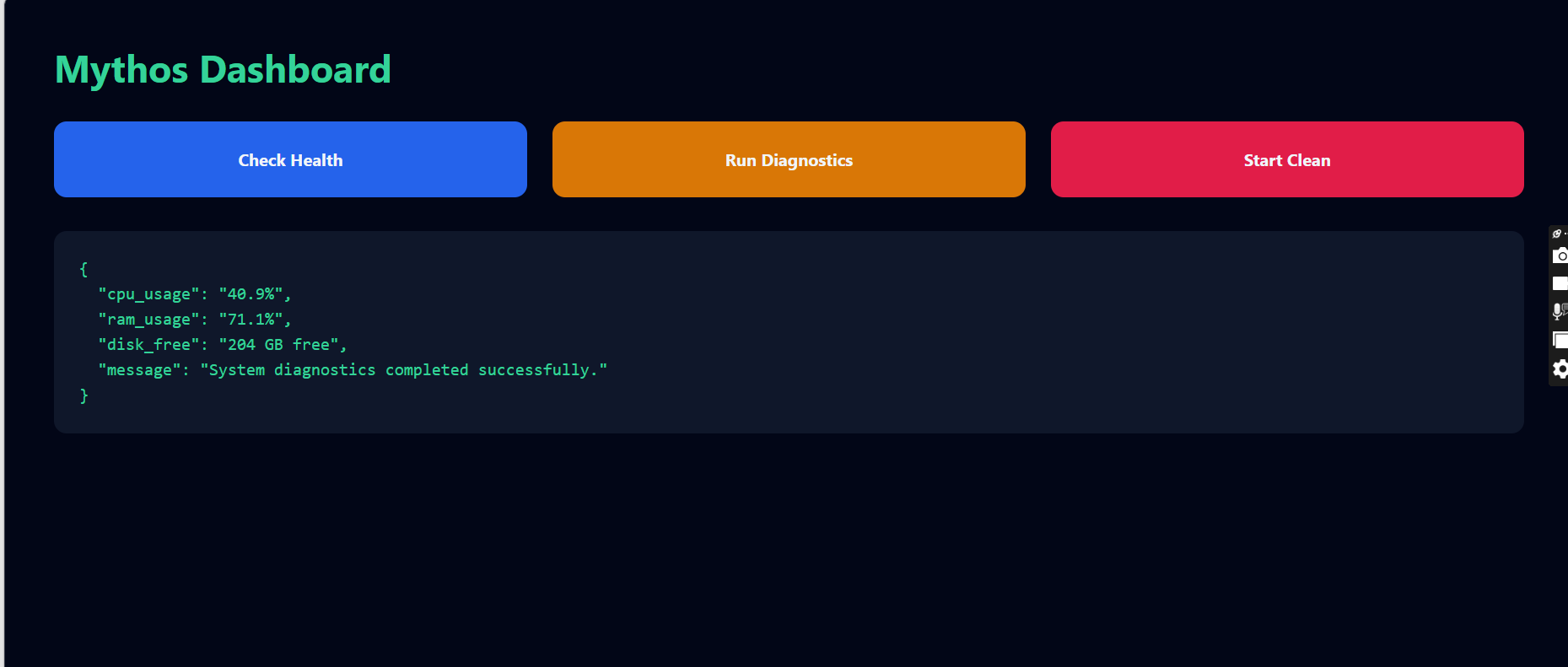
Live system diagnostics showing CPU usage, RAM usage, and available disk storage.
-
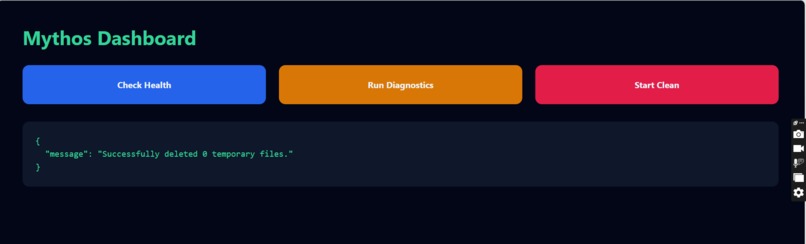
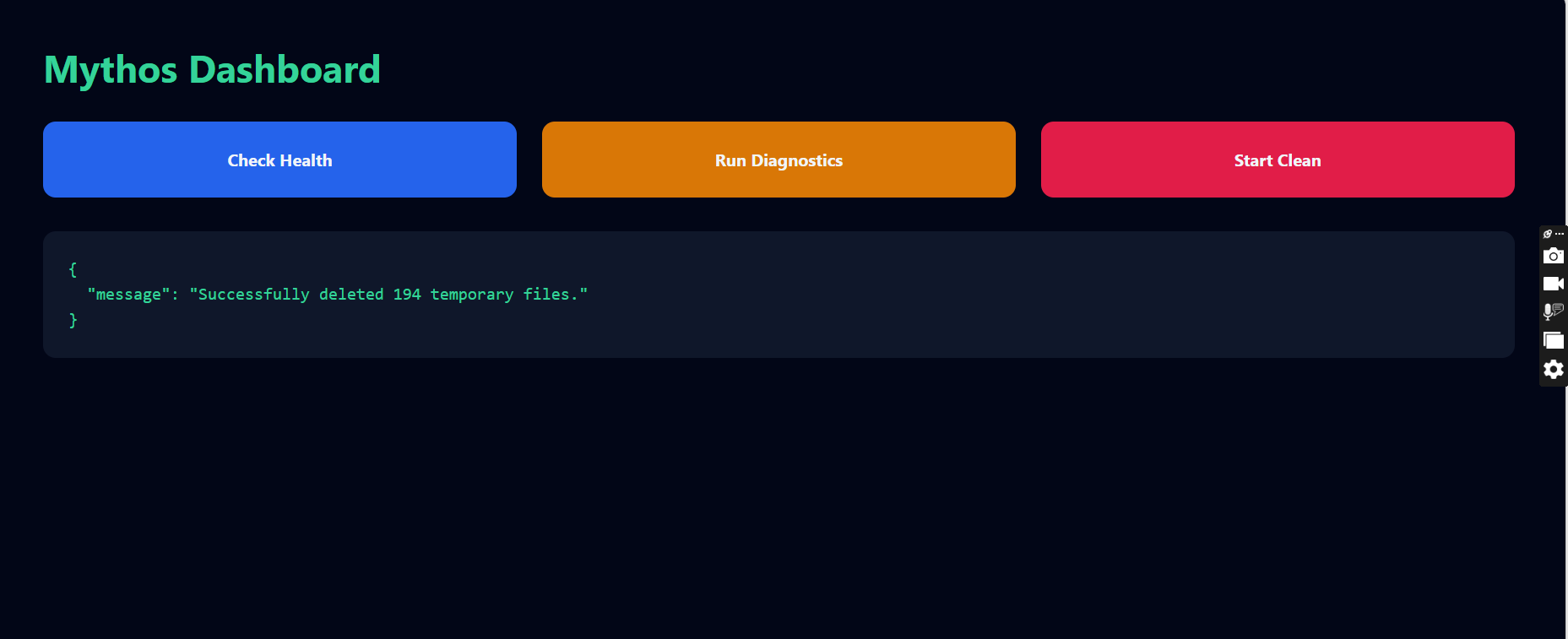
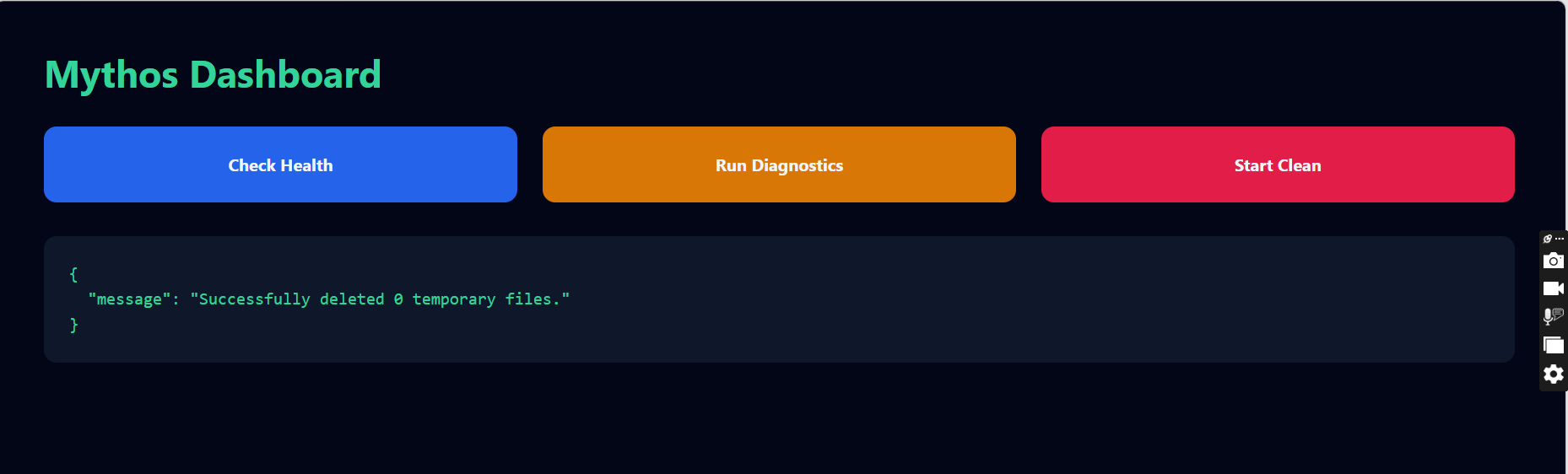
Temporary-file cleanup completed successfully with the number of deleted files reported.
Inspiration
What it does
How we built it
Challenges we ran into
Accomplishments that we're proud ## Inspiration
Many people use computers every day but do not have a simple way to understand system health, resource usage, or temporary-file buildup. Existing system utilities can feel fragmented or overly technical.
I built Mythos Agent to provide essential local system monitoring and maintenance actions through one clear dashboard.
What it does
Mythos Agent is a local system monitoring and maintenance assistant that allows users to:
- Check whether the monitoring service is healthy
- View live CPU usage
- View current RAM usage
- Check available disk storage
- Remove unnecessary temporary files
- See diagnostic and cleanup results immediately
The dashboard communicates with a FastAPI backend that performs real system operations on the local machine.
How I built it
The backend was built with Python and FastAPI. The project uses psutil to collect live CPU, memory, and disk information from the operating system.
The dashboard provides three primary actions:
- Check Health verifies that the backend and monitoring service are operational.
- Run Diagnostics collects live CPU, RAM, and disk information.
- Start Clean scans temporary storage, removes eligible temporary files, and reports the number of files deleted.
The repository also includes a frontend workspace, project documentation, setup instructions, API information, and demonstration screenshots.
How I used Codex and GPT-5.6
Codex was used to inspect the repository, understand the architecture, review implementation details, troubleshoot the local development environment, and improve project documentation.
GPT-5.6 supported planning, architectural reasoning, debugging decisions, feature prioritization, and preparation of the final hackathon submission.
This AI-assisted workflow accelerated development while the final functionality was tested locally through the working dashboard and FastAPI service.
Challenges I faced
One challenge was connecting system-level operations to a simple browser interface while keeping the project easy to run locally.
I also worked through Python environment setup, dependency installation, backend startup, frontend configuration, Git integration, and documentation.
Temporary-file cleanup required additional care because the feature performs a real operation on the user's machine.
Accomplishments
- Built a working local monitoring dashboard
- Implemented live CPU, RAM, and disk diagnostics
- Implemented functional temporary-file cleanup
- Created FastAPI endpoints for each action
- Added complete setup instructions and screenshots
- Published the source code in a public GitHub repository
- Recorded a working demo video
What I learned
I learned how to expose local system operations through FastAPI, present structured results in a browser dashboard, manage a Python development environment, and use Codex as part of an iterative engineering workflow.
What's next
Future versions of Mythos Agent could include:
- Historical resource-usage charts
- Scheduled system checks
- Configurable cleanup rules
- Safety previews before file deletion
- Desktop notifications
- AI-generated diagnostic explanations
- Cross-platform packaging
- A fully integrated Next.js frontendof
What we learned
What's next for Mythos Agent
Built With
- codex
- css
- fastapi
- github
- gpt-5.6
- html
- javascript
- next.js
- psutil
- python
- uvicorn

Log in or sign up for Devpost to join the conversation.