-
-
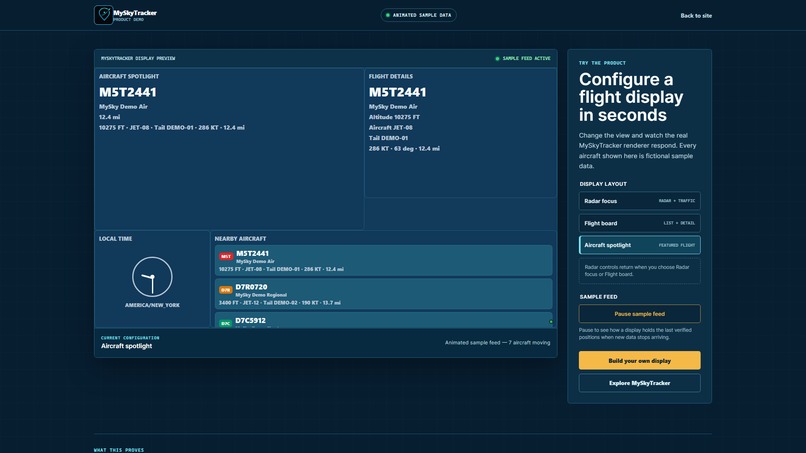
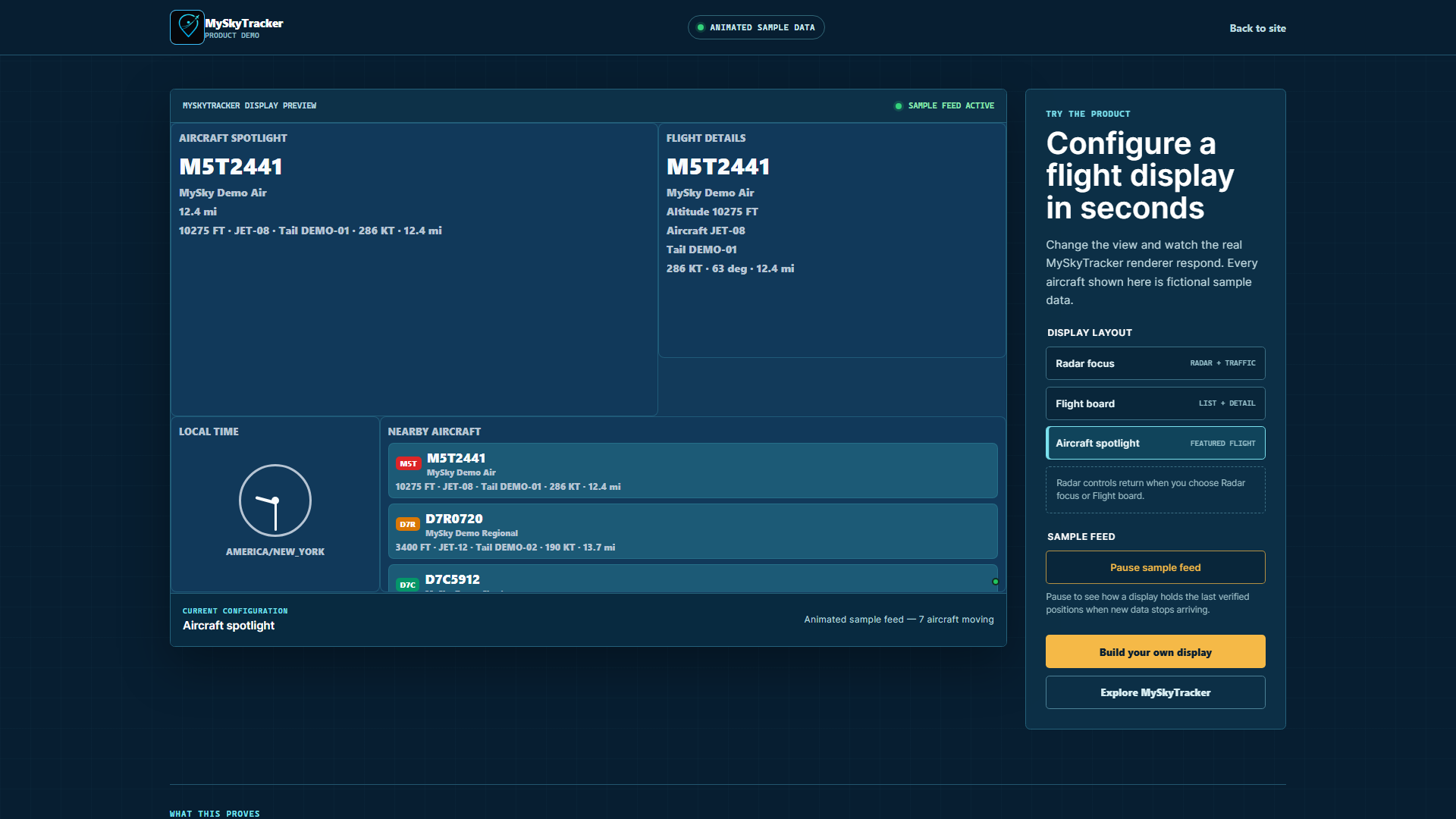
Aircraft Spotlight Display
-
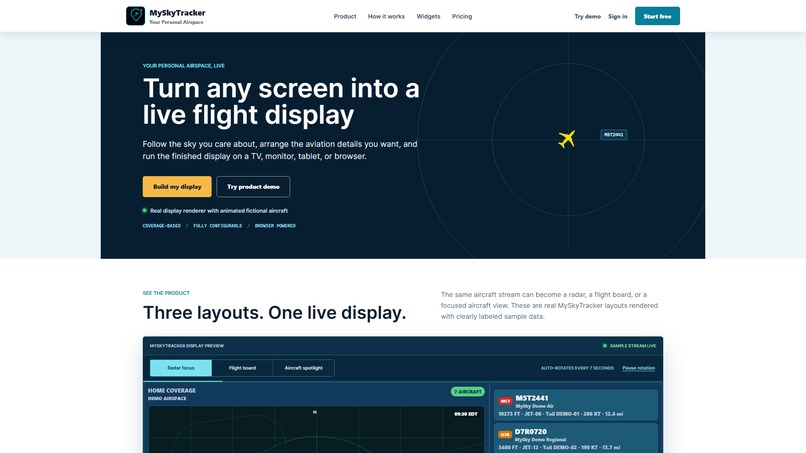
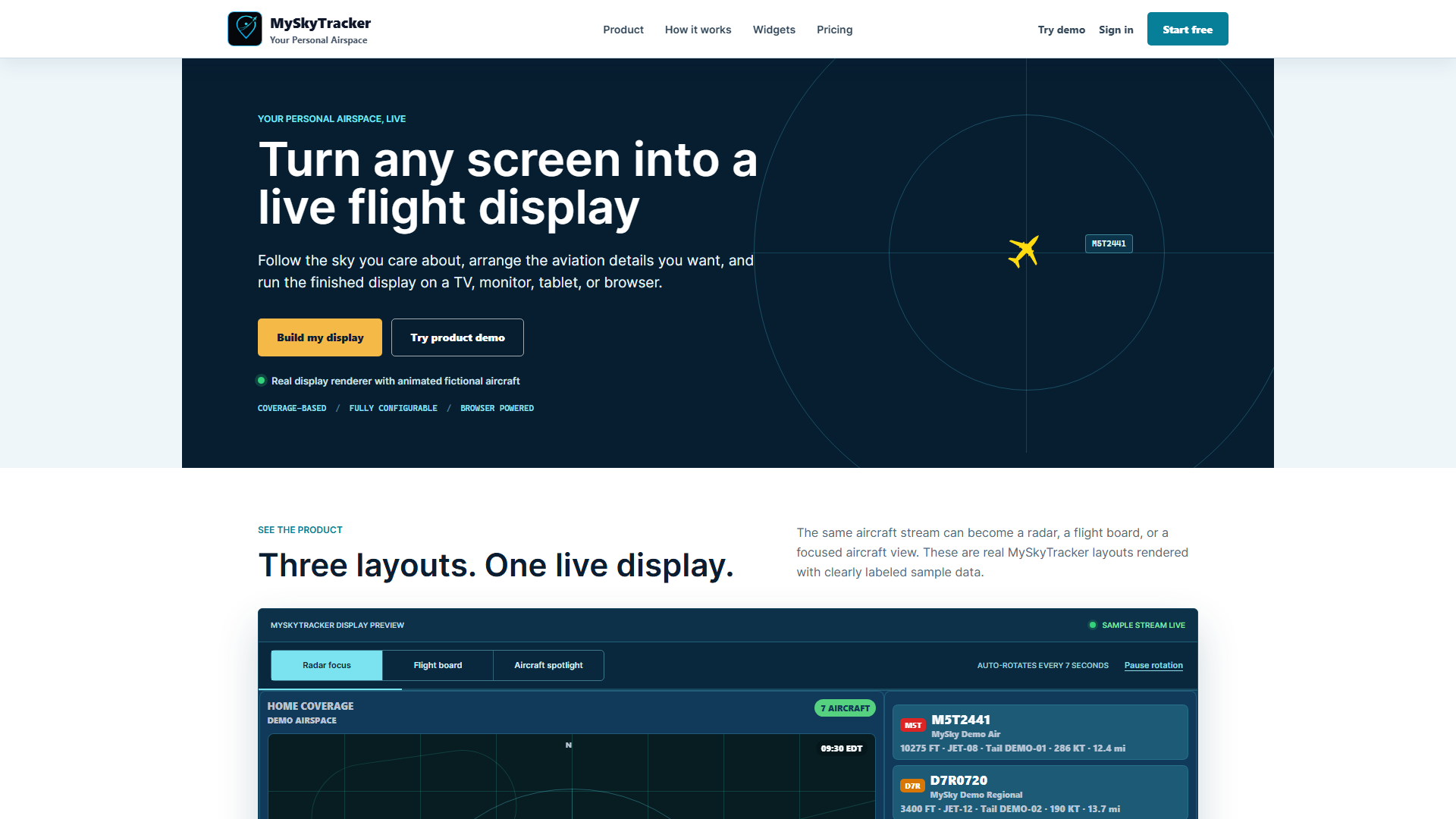
Landing Page
-
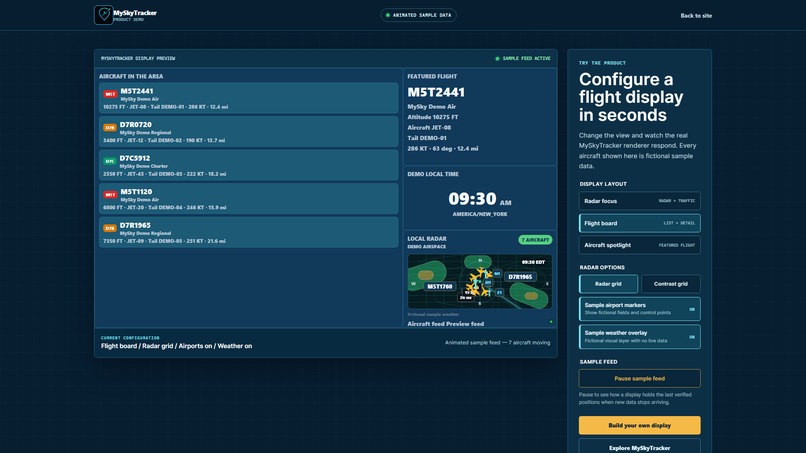
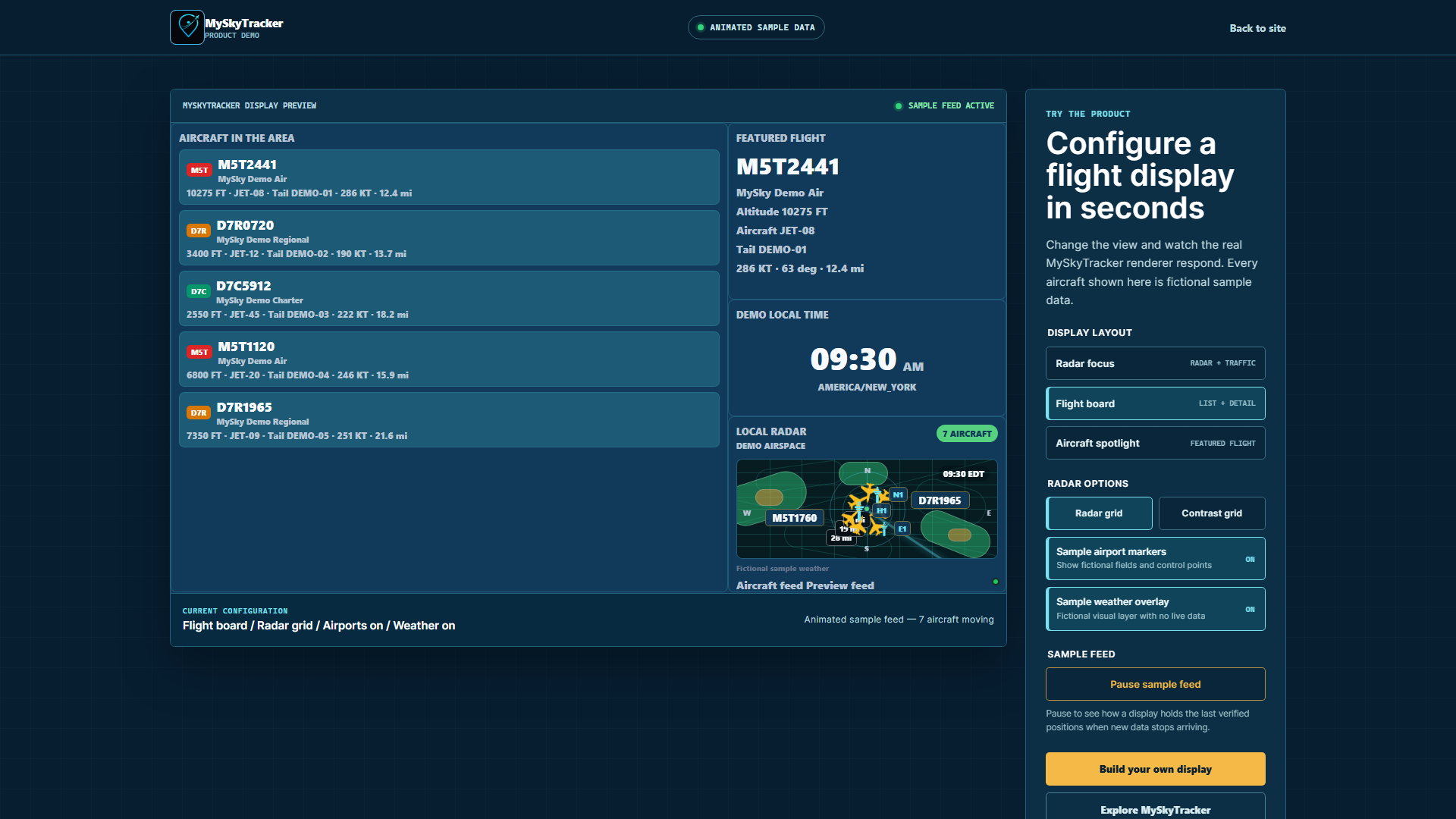
Flight Board Display
-
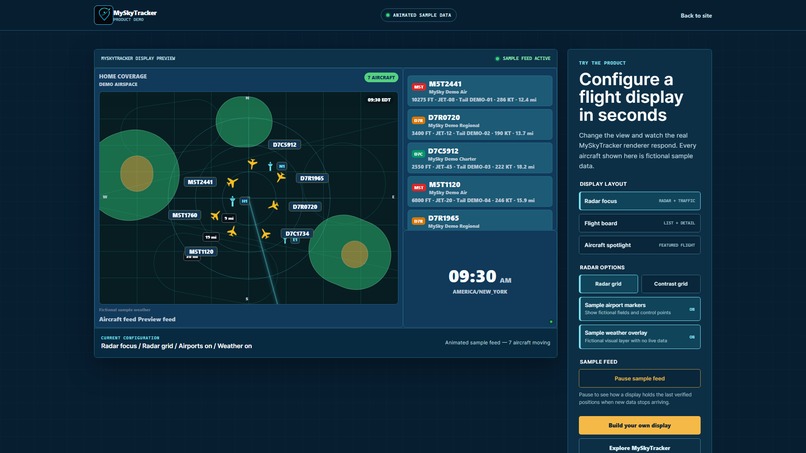
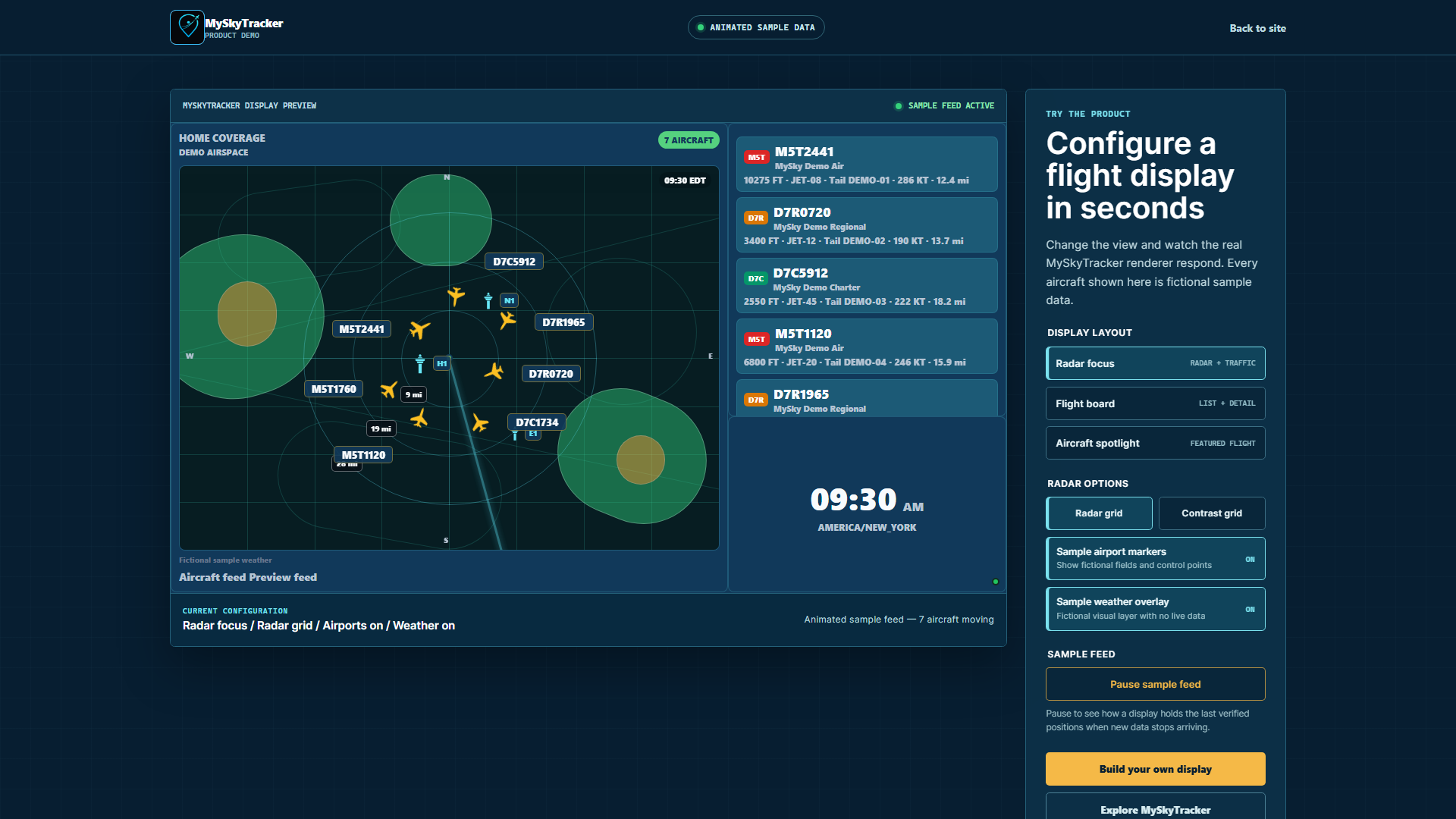
Radar Display
Inspiration
My son-in-law is an aviation enthusiast. His dad was a commercial pilot, but he died when my son-in-law was young, so I have become his second dad. He loves to fly and loves everything about aviation. He even started his own company selling diecast model airplanes.
I wanted to give him something special for his birthday and he had mentioned a product that he saw that displays the flight number of an airplane when it flies overhead. I have been using Codex to program a project management for work so I knew that Codex could help me out. I decided to build this app so he could have his own personal display on a tablet, his phone or his TV.
After showing him the prototype he suggested we turn it into a sellable product, so I have been continuing to use Codex to complete the build and make it a full functional SaaS.
What it does
MySkyTracker takes live aircraft feed data and displays in on a customizable display. I have built several configurations such as a radar view and flight list view and a single airplane spotlight. The display can be customized by adding and configuring widgets. I am still working on adding more.
The public judge demo requires no login and uses fictional aircraft, airlines, routes, airports, and weather. It exercises the real production renderer and controls, but it does not allow the full customization options.
What changed during Build Week
The core tracking product existed before Build Week. During the submission period, I used Codex with GPT-5.6 to meaningfully extend it with:
- a redesigned public landing page
- an interactive, no-login demo built on the production display components
- fully synthetic, locally rendered radar and weather layers
- smoother aircraft movement and more resilient feed continuity
- improved display and device workflows
- encrypted, organization-scoped customer provider credentials for bring-your-own airplane feed
- production route hardening and regression coverage
The repository includes a dated baseline and commit ledger that distinguishes the pre-existing product from the qualifying Build Week work.
How I built it
The entire app has been built with Codex. I only provide the product direction and human testing and Codex has done 100% of the coding. The app uses TypeScript, React Native with Expo Web, React, Fastify, Supabase/PostgreSQL, Docker, and CapRover.
Challenges
Some of the challenges has been determining the best workflow for a user to set up a working display. A display requires a coverage area (the area that will be used for tracking the airplanes), a display configuration and then an actual device. I had a hard time determining which step should be done first. I also had a challenge getting Codex to understand some of the cleanup and polish work that I wanted done, but we eventually got there.
Accomplishments
The finished demo is public, requires no login, avoids third-party map and weather requests, and uses fictional aviation data throughout. Judges can switch among the three display modes, toggle sample layers, and pause or resume the simulated feed.
What I learned
I learned that a human touch is still needed when designing an app. AI is great at generating code and can make many helpful suggestions, but it sometimes struggles to truly understand how a human operates, so a human touch and direction is still needed.
What's next
Next, I plan to finish the app by adding in more customization and widget options. I then plan to do my own beta testing with the help of my son-in-law. Once solid we will decide if we want to turn it into an actual side business.

Log in or sign up for Devpost to join the conversation.