-
-
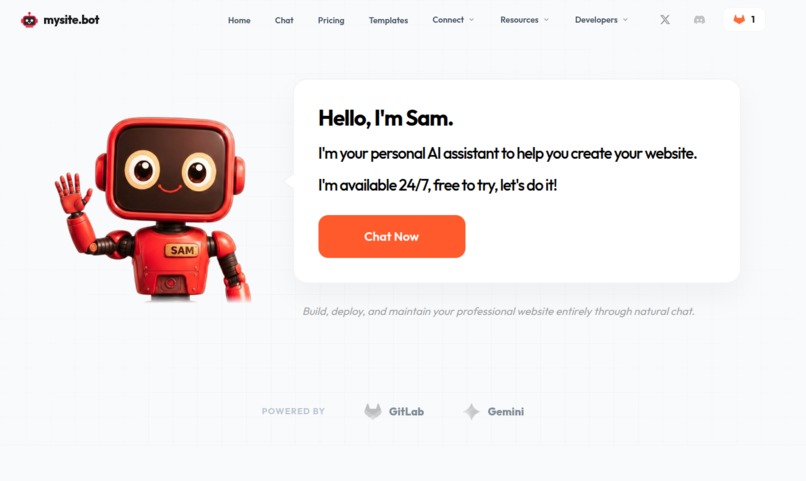
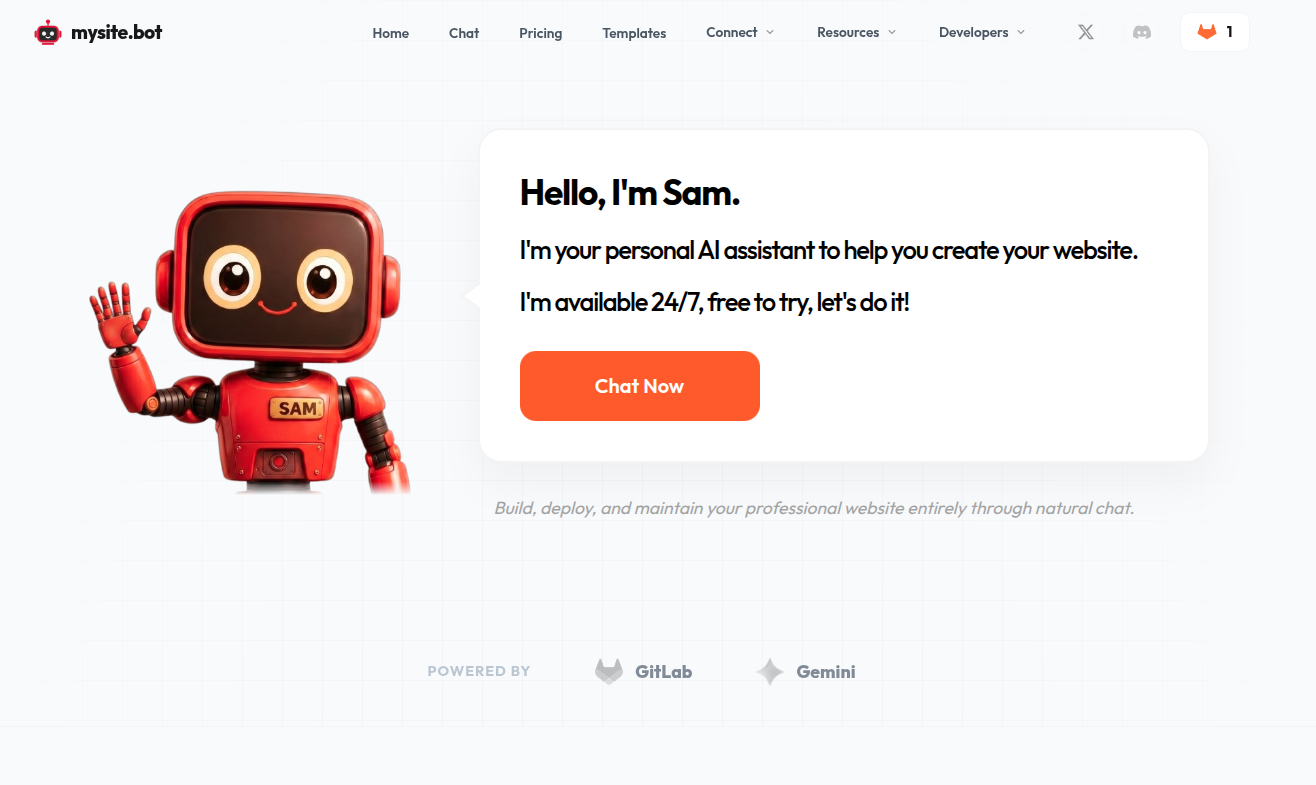
Hero Section
-
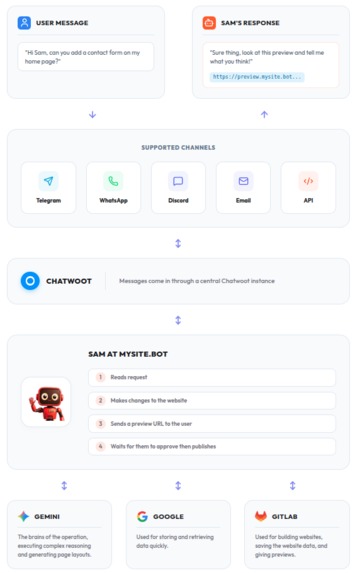
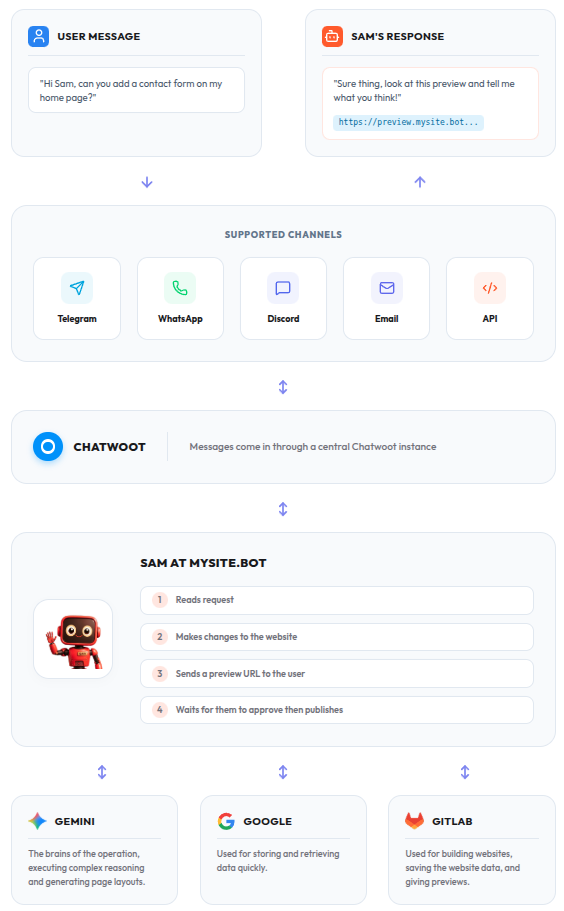
How it works
-
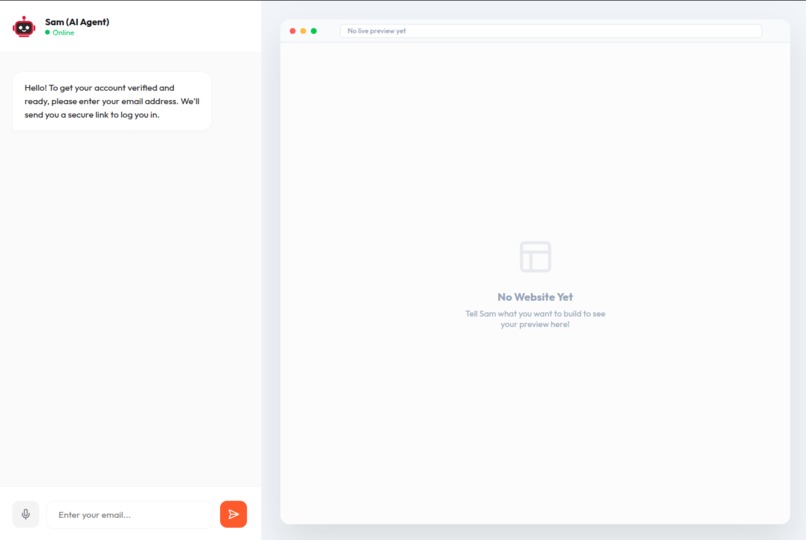
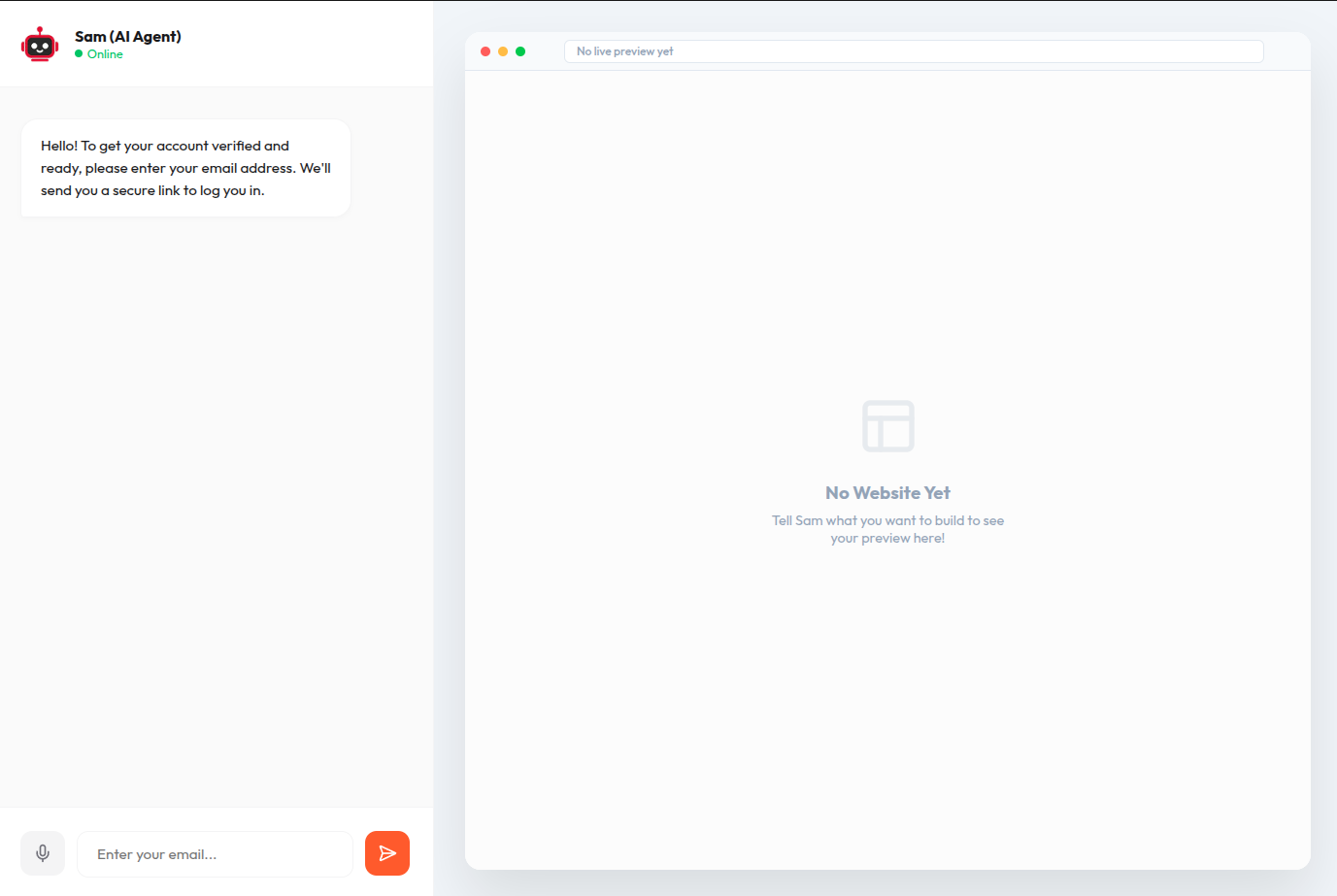
Web Chat - not logged in
-
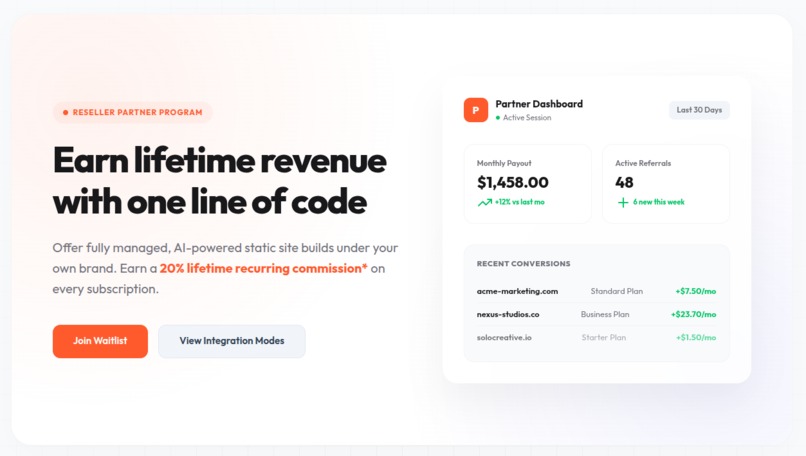
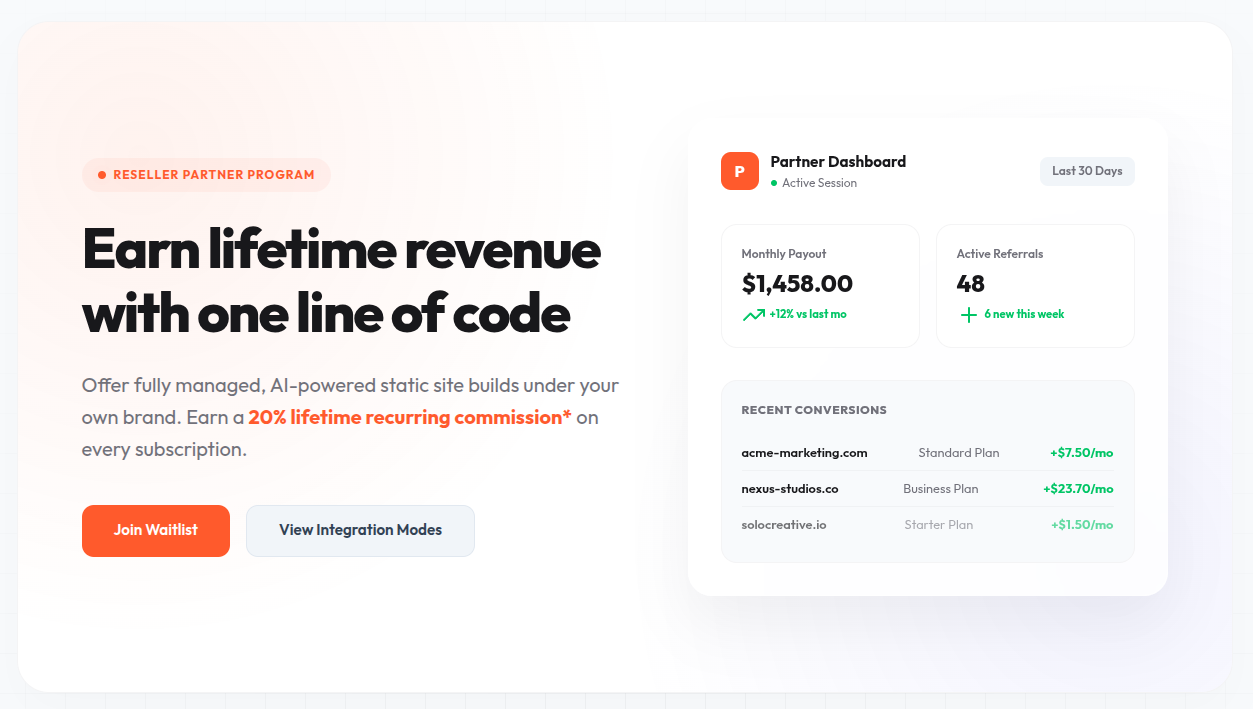
Plan - Reseller program
-
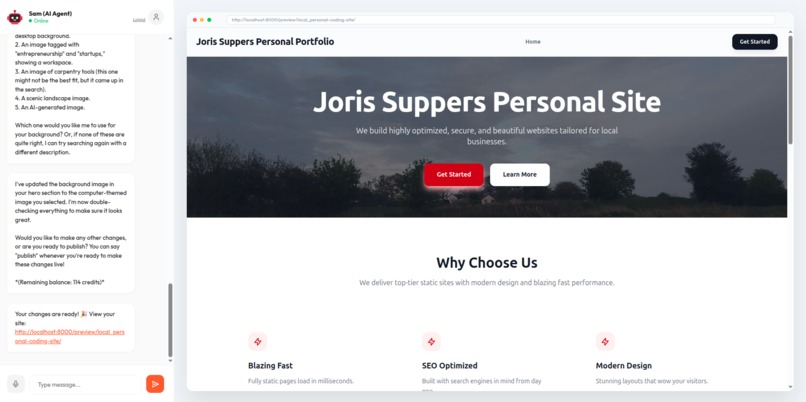
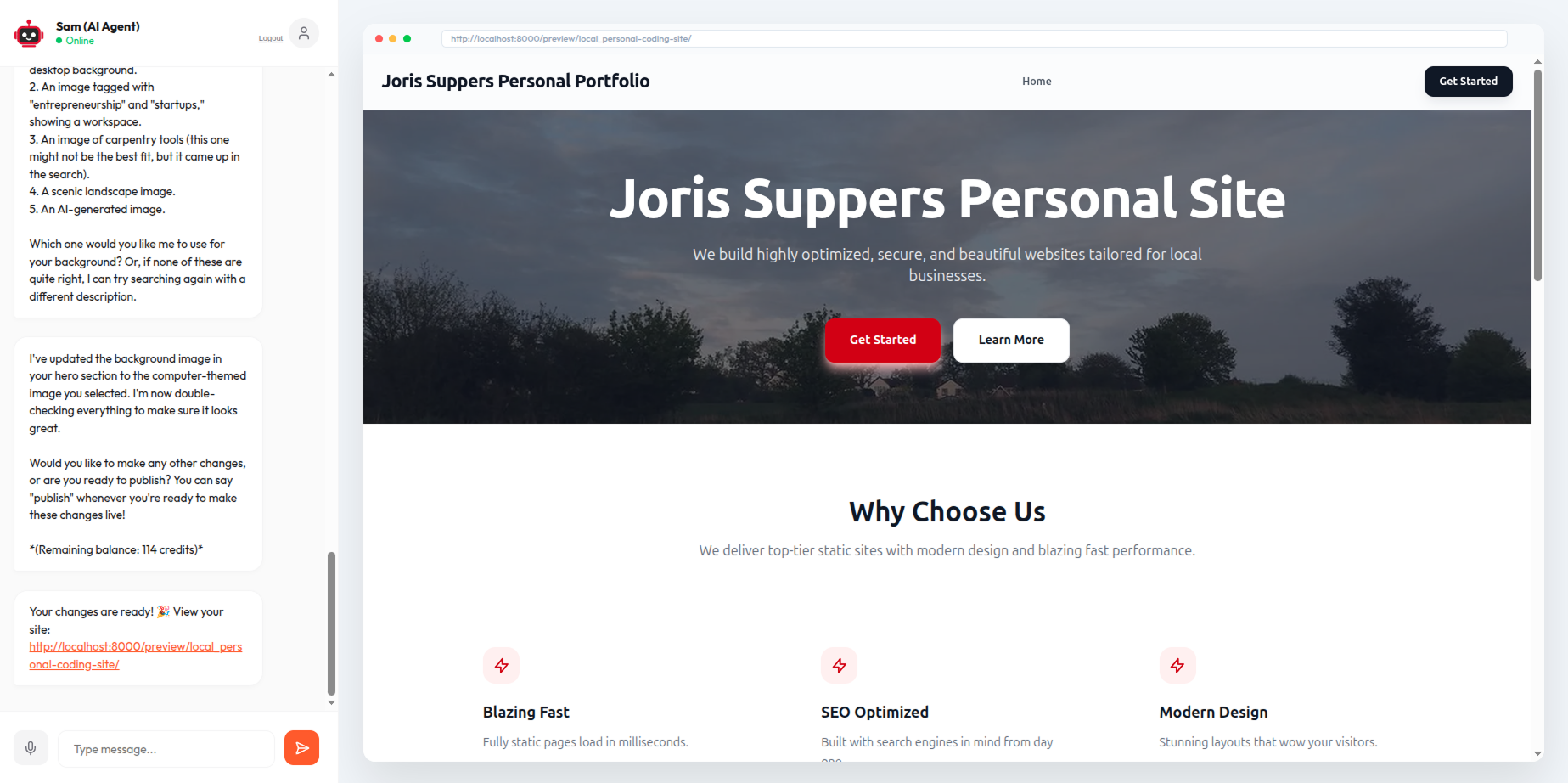
Web Chat - personal site created
The Journey of mysite.bot: A What You Prompt Is What You Get (WYPIWYG) Editor
Inspiration
For most Small and Medium Businesses (SMBs), launching a website is still too hard. Traditional builders like WordPress, Wix, or Squarespace promise simplicity but often overwhelm users with complex drag-and-drop grids, template settings, and hidden hosting costs. Meanwhile, raw AI code generation often produces fragile code that breaks easily when customized.
I asked myself: What if a business owner could manage their entire web presence just by chatting with an AI agent on apps they already use every day, like Telegram, Discord, Email etc?
I wanted to create a site builder where What You Prompt Is What You Get (WYPIWYG)—combining the flexibility of natural language with the rock-solid stability of modern static site generators.
What it does
mysite.bot is an AI-driven, self-healing static site builder. It allows users to build, customize, and publish custom static websites entirely through natural language conversations:
- Omnichannel Chat Interface: Users converse with the bot via Web Chat, Telegram, Discord, Email etc.
- AI-Driven Site Customization: Users can request changes like "add a contact form" or "change the primary brand color to forest green".
- Sealed Boundary Publishing: The AI updates pages (written in MDX) and site configurations (stored in YAML) within a secure sandboxed directory.
- Automated Deploys: The site is compiled using Astro and deployed automatically to high-performance static hosting via GitLab Pages.
- Self-Healing Loop: If a user request introduces a syntax error that breaks the site compilation,
mysite.botautomatically catches the build log, diagnoses the error, and pushes a fix in seconds. - Magic Link Dashboard: A secure, passwordless
/accountpanel for managing subscriptions, viewing site analytics, and retrieving live preview URLs.
How we built it
mysite.bot is architected as a decoupled system featuring a FastAPI backend (the orchestrator) and a Sealed Astro Template frontend.
The Technical Stack:
- The Brain: Google Gemini (using the new
google-genaiSDK) manages site modifications, utilizing tool-calling to interact with file repositories. - The Hosting & CI/CD Engine: GitLab hosts the source code repositories, runs the compile-time checks, and deploys the final static pages.
- The Gateway: Chatwoot serves as the omnichannel adapter, routing messages from Telegram, Discord, and Web Chat into a unified API stream.
- The Core Database: PostgreSQL on Cloud SQL handles session persistence, credit tracking, and concurrency locks.
Challenges we ran into
1. The LLM Boundary Violation Problem
LLMs are notoriously prone to "hallucinating" file edits or corrupting layouts by trying to modify CSS, JS configuration, or HTML structure directly.
- Solution: enforce the Sealed Template Pattern. I programmatically locked the agent out of the Astro codebase. The agent only has access to non code directories.
2. Single-Session Race Conditions
If a user spammed multiple requests before the previous GitLab CI/CD pipeline finished building, the branch became out-of-sync, leading to merge conflicts.
- Solution: I implemented a distributed locking mechanism to ensure serialized, conflict-free updates.
3. Log Ingestion & Token Limits
When a build failed, the compilation logs from the Astro bundler were often massive, which would overwhelm the LLM's context window and waste API tokens.
- Solution: a log slicing technique so only part of the logs are seen.
4. Training the Agent on Component Adaptations
Teaching a generic language model to design new UI components that match our Sealed Template rules and write prop-driven MDX was a major challenge. Hand-coding components for every unique design pattern was not scalable.
- Solution: a autonomous training module using the WebSight dataset.
5. Privacy, Cookies, and the Stock Imagery Dilemma
To maintain enterprise-grade privacy standards, we strictly prohibited the use of third-party cookies, tracking scripts, or hotlinked images from external services (e.g., Unsplash, Pexels) which serve tracking pixels and cookies to visitors.
- Solution: We built a dedicated, privacy-first internal media library:
- We created an ingestion engine that queries CC0 public-domain images via the Openverse API.
- A PIL-based processing pipeline converts all downloads into WebP format, automatically stripping out all location metadata and tracking headers.
- Every image is scaled to multiple responsive viewports
- The images are stored in an isolated, secure Google Cloud Storage bucket
- We generate 768-dimensional embeddings and query them using a
pgvectordatabase. This lets Gemini run semantic searches (e.g., "find something warm and cozy for a bakery") and link locally-hosted, CC0-licensed assets directly.
Accomplishments that we're proud of
- The Self-Healing Loop: It feels like magic. If a user asks for a complex change that violates markdown formatting rules, the build fails. Within seconds, Gemini reads the GitLab compiler logs, understands the exact syntax error, commits the correct file, and sends the user a working live link.
- Centralized Omnichannel Architecture: Building a single chatbot backend that can seamlessly converse on Telegram, Discord, and Web Chat without duplicate message queues.
- Magic Link Authentication: A completely passwordless login experience. JWT tokens expire securely after one hour
What we learned
- Pre-Validation is Crucial: I learned that relying solely on GitLab CI/CD to catch bugs is slow. We moved YAML and frontmatter validation in-memory inside the backend so Gemini is forced to fix layout schemas before the code is ever committed.
- Context Compaction: In chat-based coding, context accumulates rapidly. I implemented a rolling trajectory summary. Once the log crosses a threshold of conversational turns, we compact it, This keeps the model focused, responsive, and cost-effective.
What's next for mysite.bot: The Roadmap
- Implement all channels i.e. whatsapp, email, api etc
- Find solutions to speed up deploying/building, and scale up training, templates and the image library
- Train the agent to be smarter, get it to ask questions, provide examples etc
- Allow inserting an existing website, or sketch images of a website and ask the agent to make something similar
- Create dynamic content
- Allow selling products
- Custom domains
- and much more!

Log in or sign up for Devpost to join the conversation.