-
-
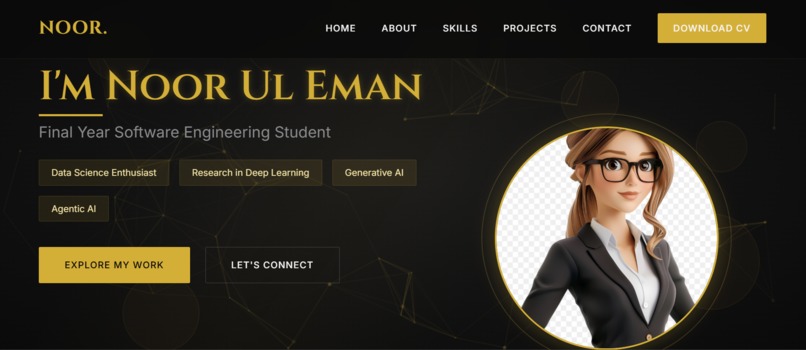
Front Page
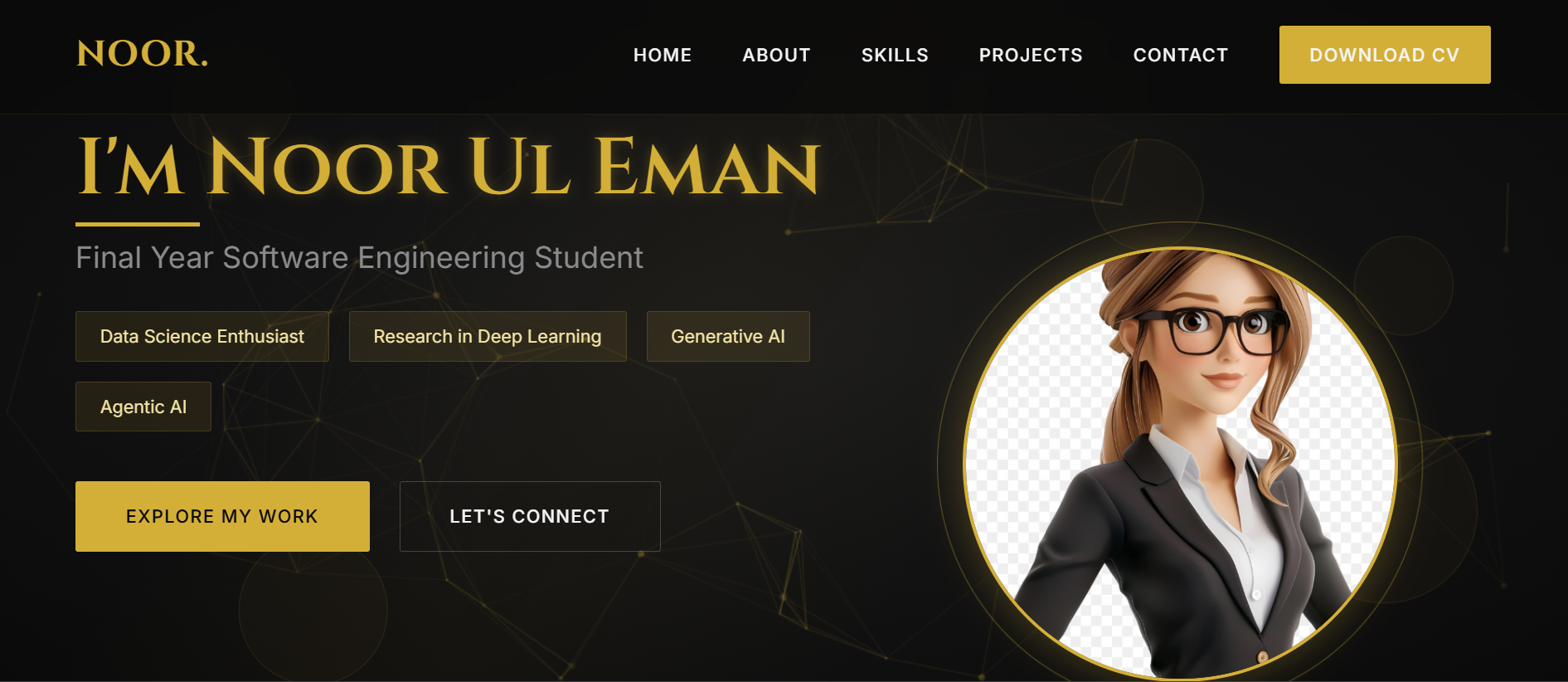
Inspiration
As a Data Science and AI enthusiast, I wanted to create a portfolio that reflects both technical expertise and sophisticated design. Traditional data science portfolios often focus solely on content, but I believe presentation matters equally in making a lasting impression. The inspiration came from luxury brands that masterfully blend aesthetics with functionality, proving that technical content can be delivered through beautiful interfaces.
What it does
This portfolio serves as an interactive showcase of my Data Science and AI capabilities, featuring animated project demonstrations, skill visualizations, and a functional contact system. It transforms complex technical work into an engaging, visually appealing experience that effectively communicates my expertise to potential collaborators and employers.
How we built it
I developed this portfolio using HTML5 for structure, CSS3 with custom animations and CSS Grid/Flexbox for layouts, and vanilla JavaScript for interactivity. The portfolio integrates Particles.js for dynamic background effects.
Challenges we ran into
Balancing rich visual effects with fast loading performance while maintaining cross-browser compatibility.
Accomplishments that we're proud of
Creating a fully responsive luxury-themed portfolio that maintains its visual impact across all device sizes while loading under 3 seconds. Successfully integrating multiple animation systems that work harmoniously without compromising performance.
What we learned
Building this portfolio taught me several valuable lessons: Advanced CSS Animations: Mastered complex keyframe animations, particle backgrounds, and smooth transitions Performance Optimization: Learned to balance visual richness with loading performance Responsive Design Principles: Implemented mobile-first approach with graceful degradation UX Psychology: Understood how color schemes and animations affect user engagement
What's next for Myportfolio
I plan to evolve this static portfolio into a dynamic platform by implementing a backend system that will allow: Admin Dashboard: Web-based interface to manage all content without code changes Dynamic Content Management: Add/update skills, projects, and blog posts through forms Database Integration: Store all content in a database (considering MongoDB, PostgreSQL, or Firebase) Authentication System: Secure admin login for content management Media Upload: Direct image and file uploads for projects

Log in or sign up for Devpost to join the conversation.