-
-
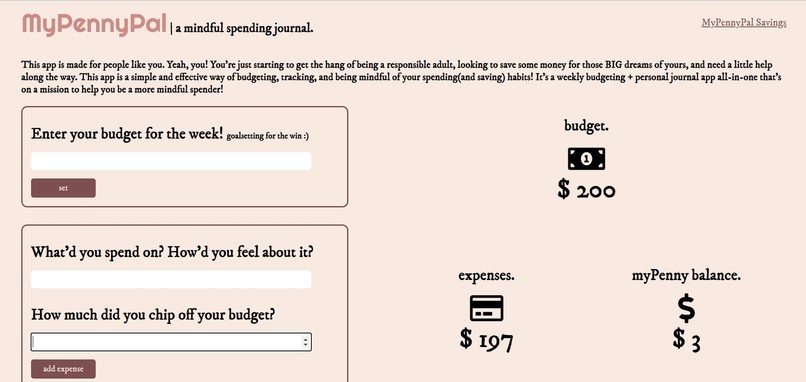
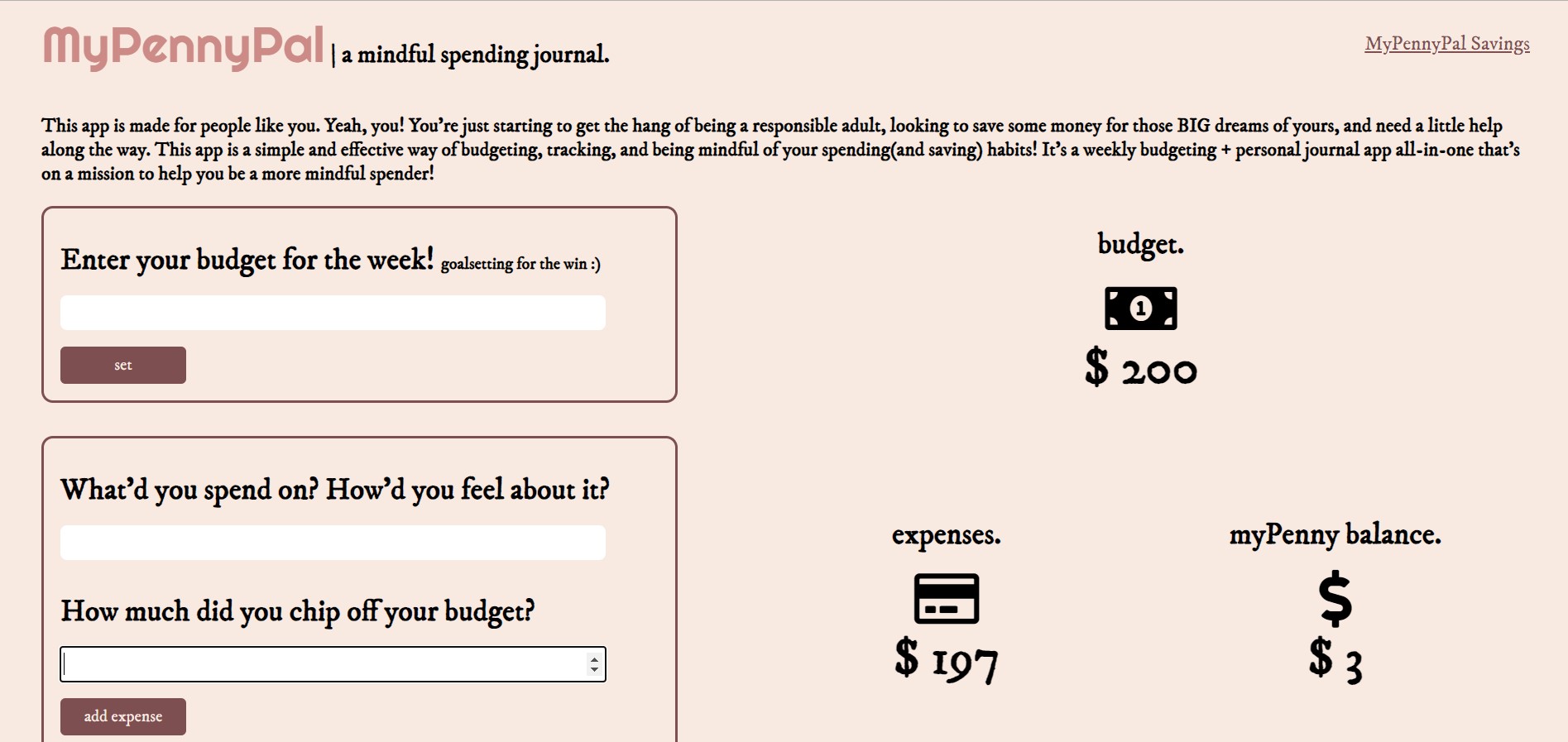
Your dashboard! Enter your budget and journal entries on the left, and watch it affect the trackers on the right.
-
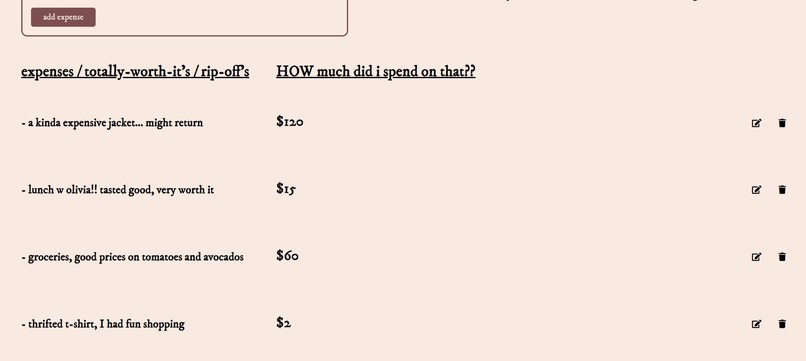
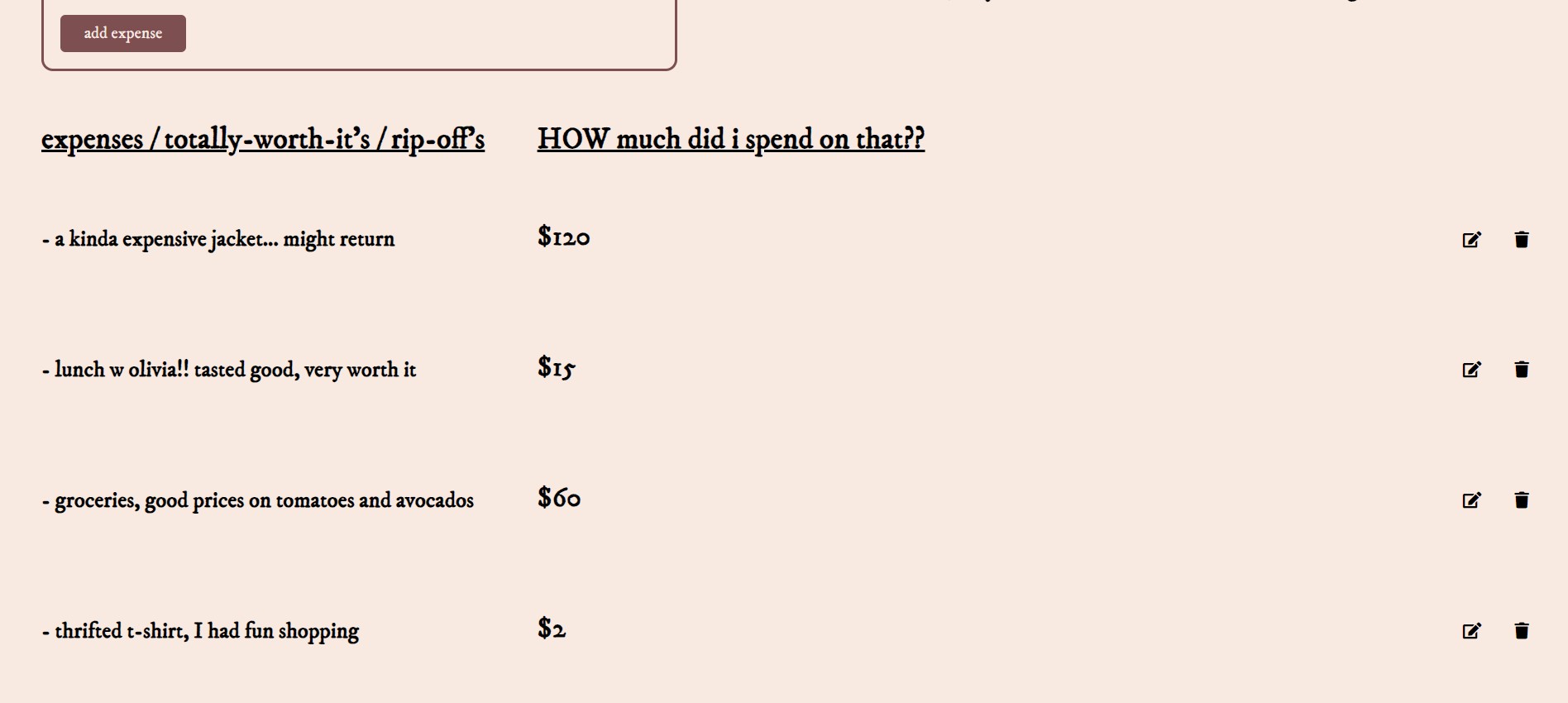
Below is your journal! Short but informative descriptions of how you felt about your purchases is great for building mindfulness.
-
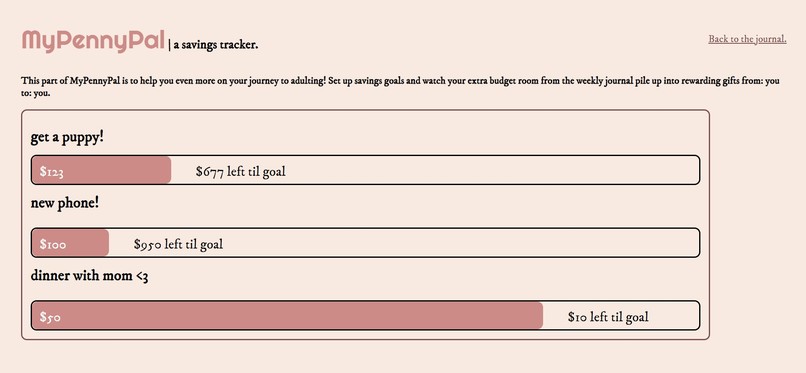
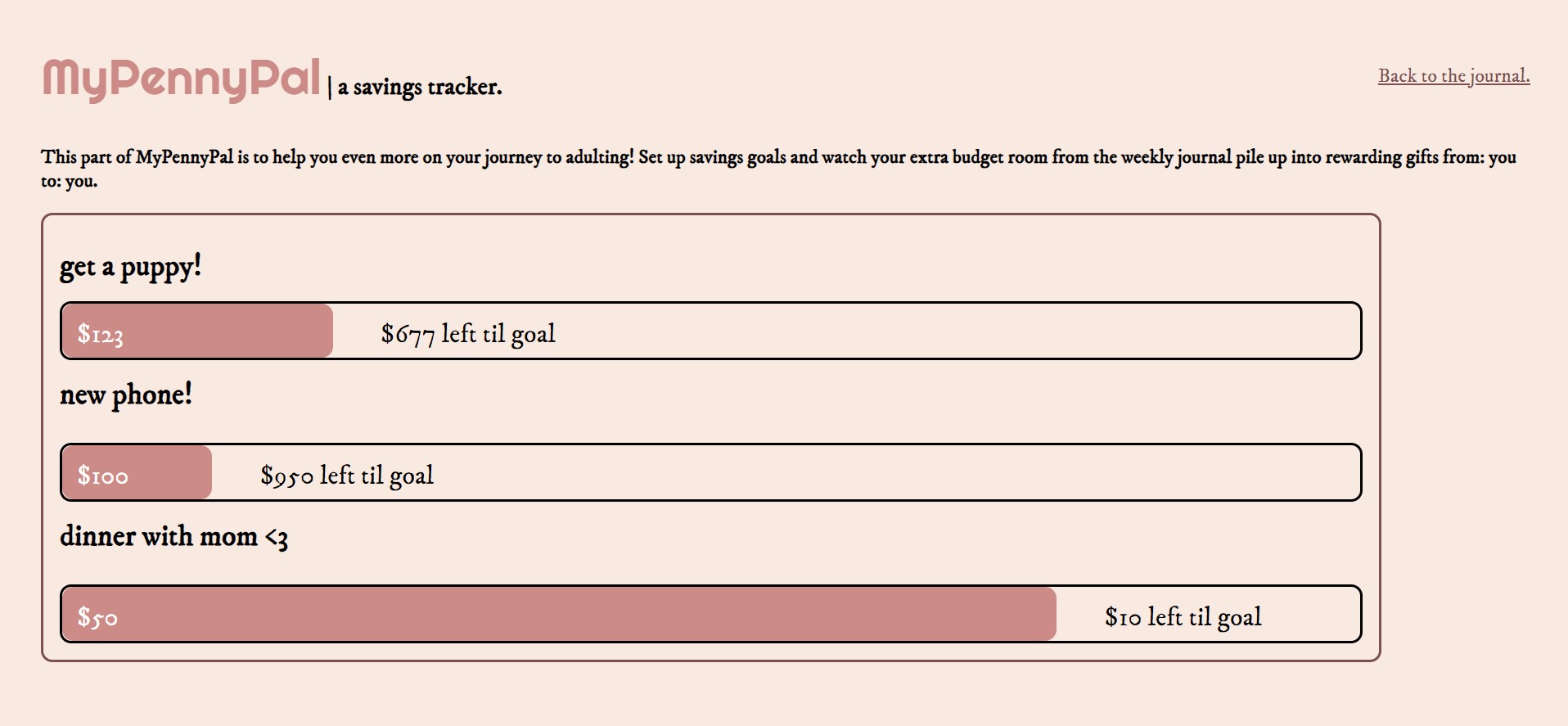
Page to track your savings goals! Makes financial responsibility feel rewarding :)
-
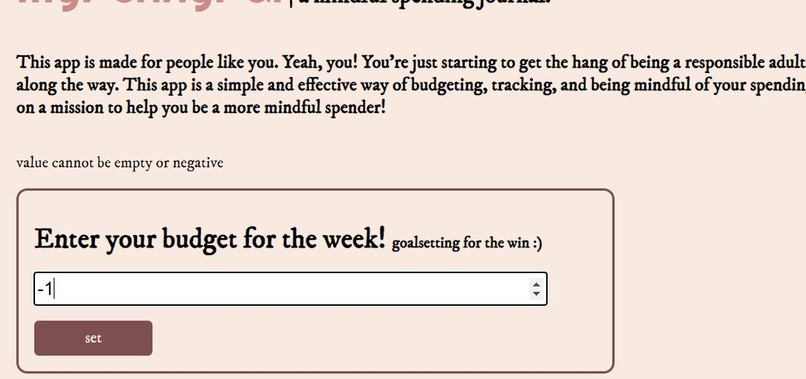
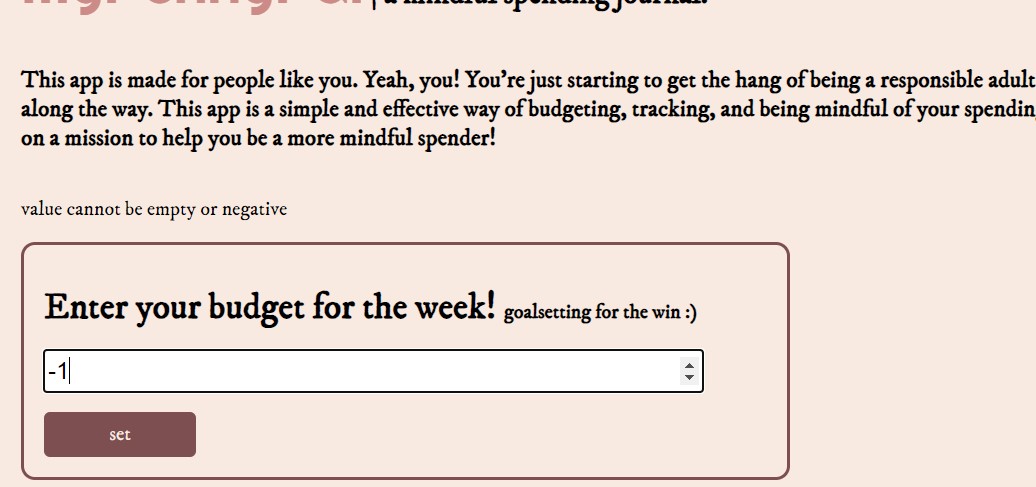
Timed error message if a negative or empty value is inputted.
-
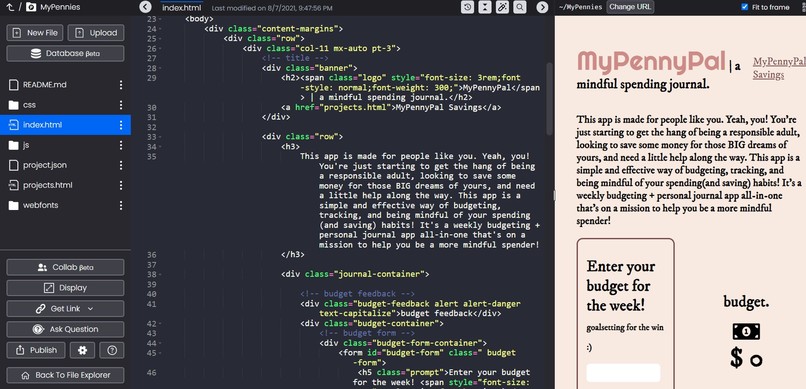
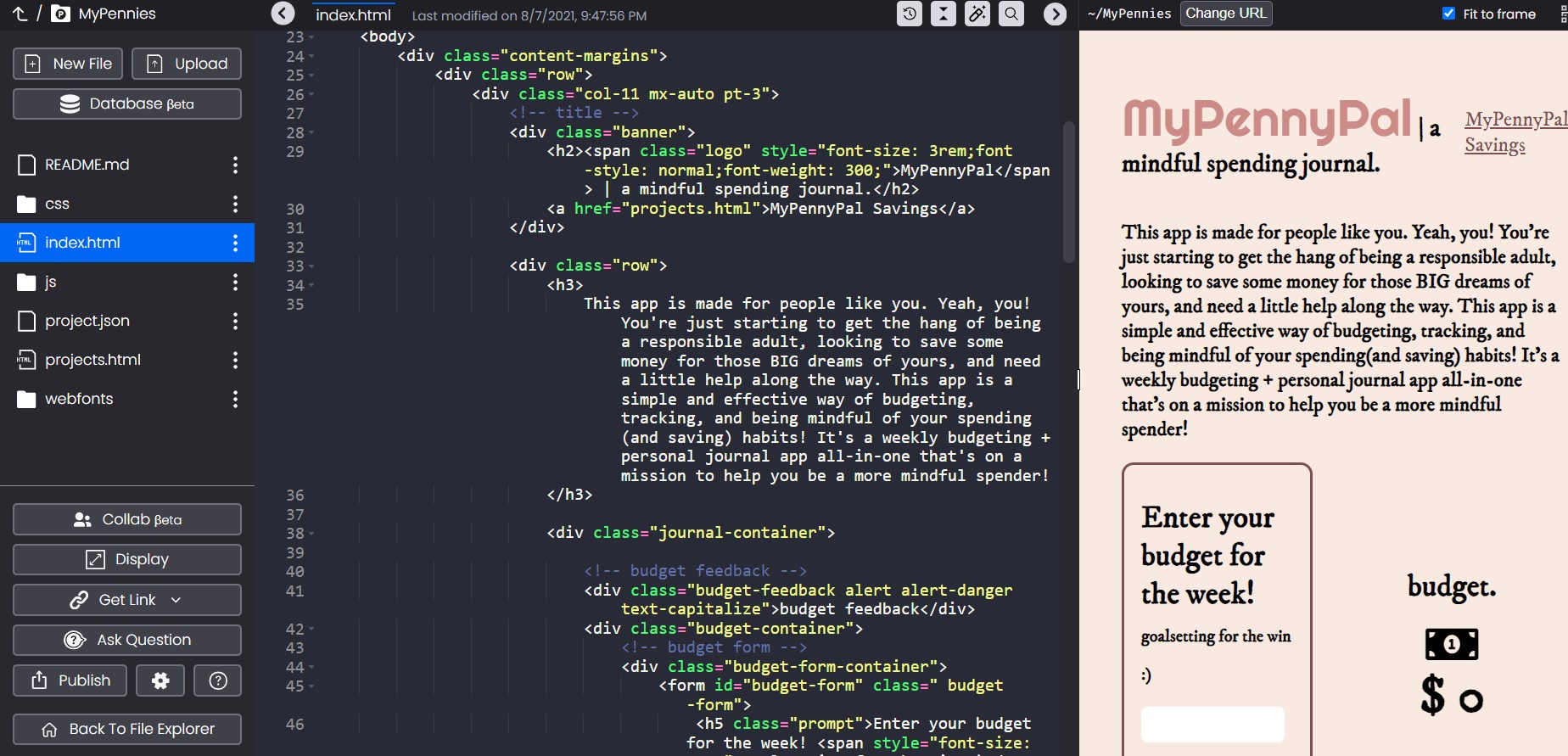
First time using Qoom!
-
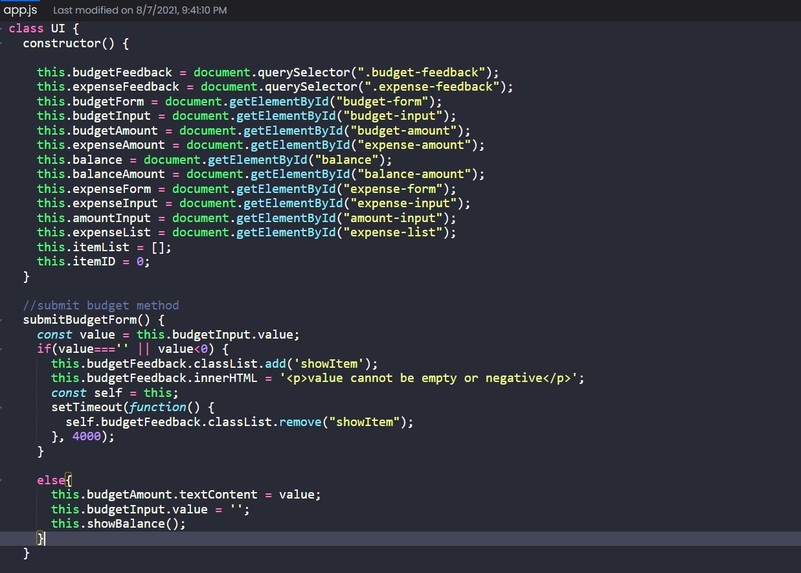
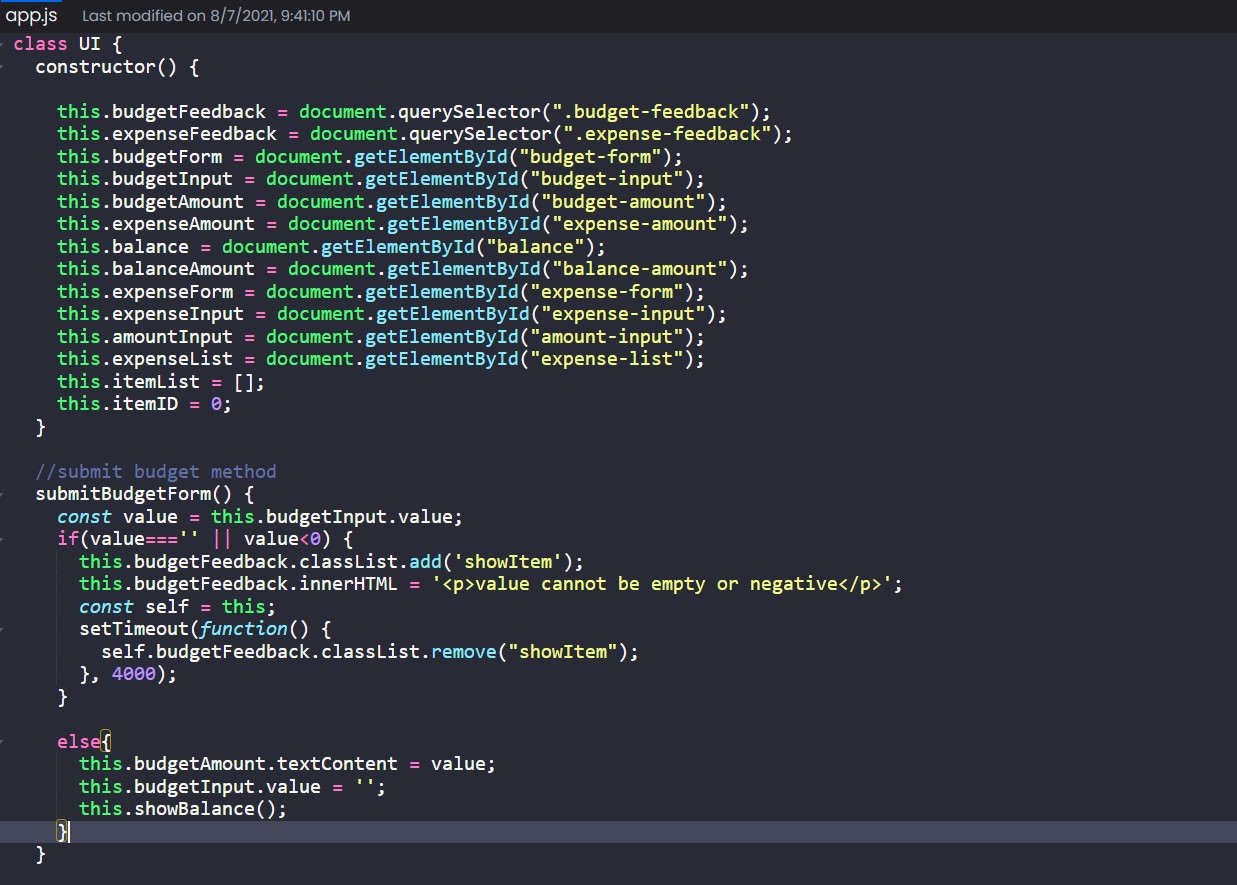
First time adding JavaScript to a website!
Inspiration
This summer I got my first job, and I suddenly found myself nervous about how much of my new hard-earned money I was using, and if I was spending it on worth-while things. I would try to count back in my head what I bought in the last few weeks and then try to forget about it to not stress me out. This made me make the connection of financial responsibility to the idea of mindfulness- being aware of the decisions you make and the thoughts and emotions attached to them. I realized how people don't tend to connect how responsible financial decisions can be based on how mindful of a spender you are- knowing when you're making a necessary purpose vs. a purchase that makes you happy vs. one you did out of impulse and regret later. I then combined the idea of budgeting/savings apps I've seen (which makes budgeting look fun,) with a personal journal that is a great way of practicing being mindful.
What it does
MyPennyPal is made to be a weekly budgeting + journal app to help young people build financial responsibility as they become more mindful spenders. At the beginning of the week, you enter your self-decided budget and can see it throughout the week at the top of the app. Then, for the rest of the week as you begin spending, you make journal entries describing what you bought and how you feel about it. This is the opportunity to be mindful, do you feel good adding this to your list of expenses? Hopefully, yes, and you are still able to stay at or under your budget for the week,which is reflected in your myPenny balance and expenses trackers also at the top of the screen. The journal entries are also editable in case you want to add some more thoughts about a purchase. At the end of the week, looking through your entries and reflecting on your thoughts about spending should be a rewarding process as you acknowledge which ones were questionable, and which ones you feel confidently about. As you use the app more often, you will slowly learn to make more of the right decisions.
MyPennyPal Savings is an extension of the journal that acts as a savings feature of the app. Making responsible financial decision is meant to be rewarding! So, anytime you don't exceed your budget, money is added to your personal savings goals! This is a great way of learning the how to save up your money.
How we built it
I began by following John Smigla's tutorial on YouTube for building a JavaScript budgeting project. linked here: link After completing the tutorial which taught me how to make JavaScript interactions for a budgeting app, I opened the files on Qoom and began making big changes to the interface to suit my app. I started by stripping the elements of old CSS and styling, and re-formatting the website and HTML elements with flexbox. I wanted to have the budget, expense, and balance be shown very obviously at the top with the journal entries below. I changed the fonts to be suited towards young people, and added different descriptions and questions that would make more sense for the user. I then added another page with mock savings goals to display what it would look like.
JavaScript - all the forms are functional and use simple operations to accurately display numbers in the expenses, budget, and balance trackers. When a journal entry/expense is submitted, the entry is created as a part of the list and adds on to the previous entries at the bottom.
HTML/CSS - uses a stylesheet and lots of flexbox to organize the page
Challenges we ran into
- starter files from the tutorial contained bootstrap styling and syntax that I had to remove or ignore in order to begin changing the interface
- making the budget be not change-able after setting one
- have only made a few static websites before, and first time submitting to a hackathon
- creating functions in JS that create an HTML element
- independent project
Accomplishments that we're proud of
- Successfully using JS interactions in a website!
- First hackathon project, one of my most efficiently coded projects
- Idea that I am proud of and a website I would like to continue working on and implement into a real app
- a good name for the app- penny as in the coin, and pen pal as in someone you write to... so MyPennyPal!
What we learned
- how to make JavaScript functions and interactions for a website
- How to use Qoom
- 's are your best web friend, plus flexbox properties
- the importance of the this keyword in JS!!
What's next for MyPennyPal | a mindful spending journal.
I would like to make this a functioning app that I can use myself!
Built With
- css
- html5
- javascript
- qoom
- vscode

Log in or sign up for Devpost to join the conversation.