Inspiration
Iron Man movies.
What it does
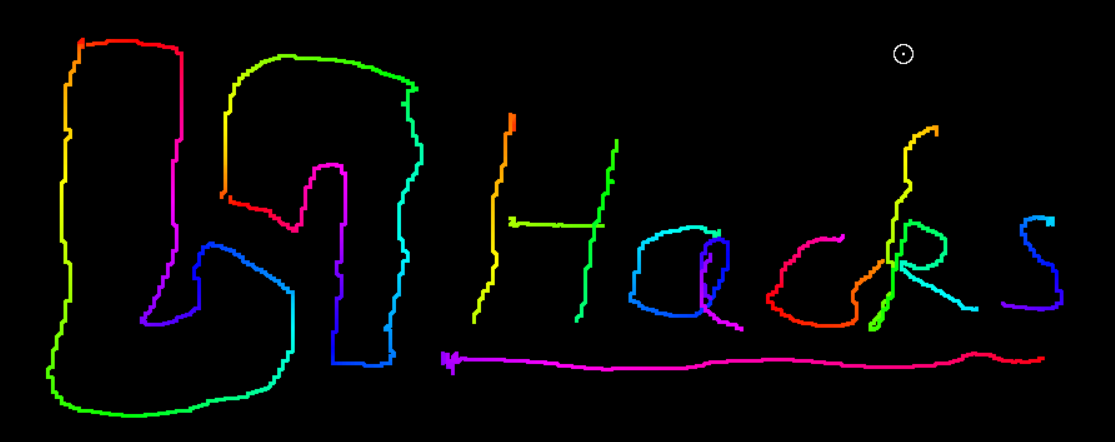
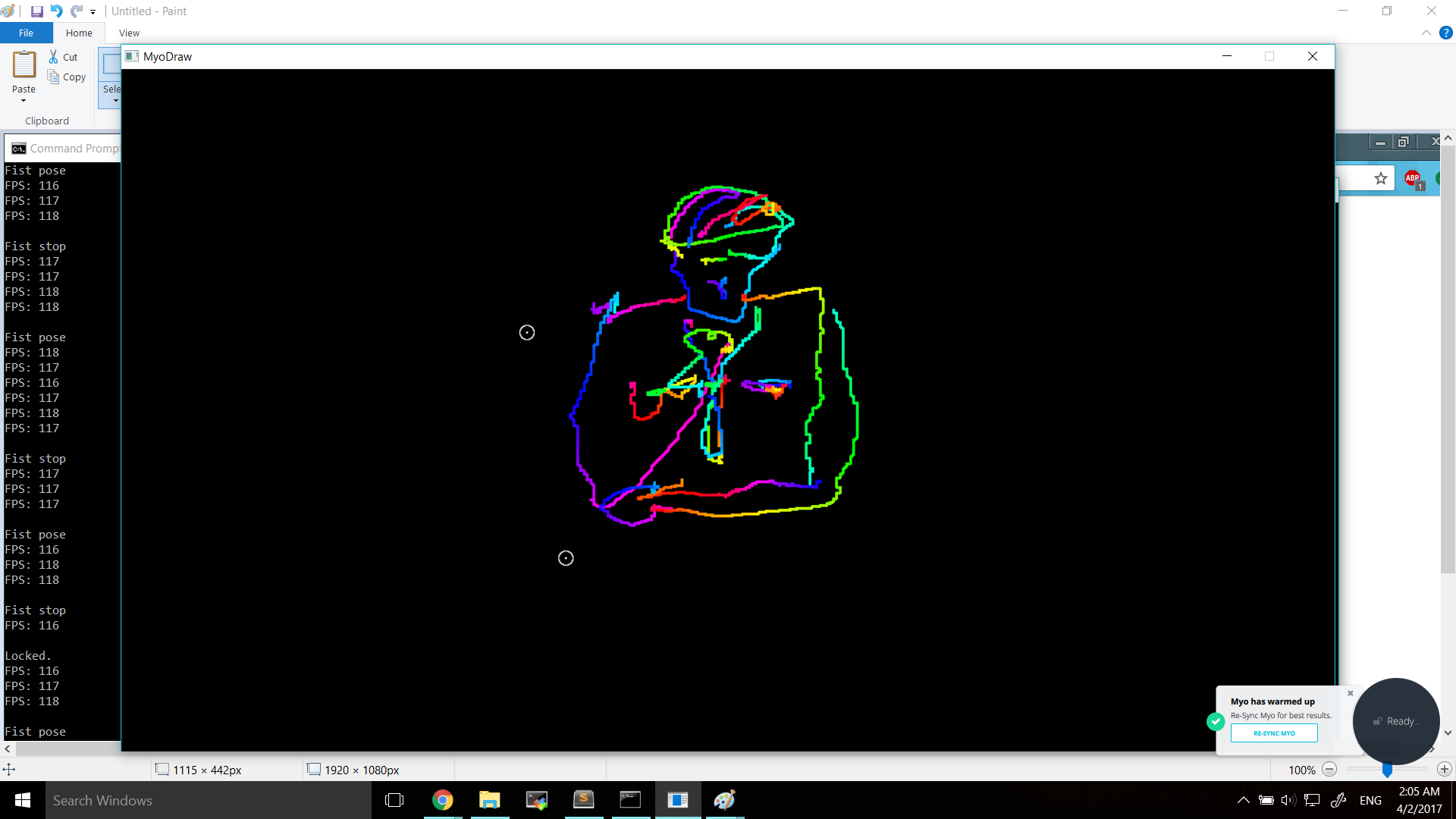
Use hand gestures and arm movements to draw on the screen! Fun, interactive drawing application for users of all ages.
After syncing the Myo with arm: Tap your thumb and middle finger twice - zero out the cursor. Make a fist - draw by moving arm around. Click - draw straighter lines. Rotate wrist - change drawing width. Spread fingers - clear screen.
How I built it
We used the Myo's IMU (inertial measurement unit) and EMG muscle sensors to pull data on arm movements and hand gestures. This was used in conjunction with SDL2 (Simple DirectMedia Layer) to create a windowed application and visualize Myo data. All of the code was written in C++ as well.
Challenges I ran into
SDL2 was quite challenging to pick up given the limited time. The Myo also often registered incorrect gestures due to sporadic EMG muscle sensor readings, and these issues varied in severity between users. However, through continuously testing and reassigning gestures to different functions, we were able to greatly reduce the frequency and severity of accidental actions.
Accomplishments that I'm proud of
It's great to see the Myo in action, utilizing all of its features relatively effectively. Binding it to a windowed program that was written from scratch was also a big accomplishment for us.
What I learned
Writing a graphics program from scratch, even 2D graphics, can be rough to get into. There were also unforseen issues with the hardware that were not immediately apparent from watching other online demos of the Myo. However, there were ways to work around its weaknesses and bring out the unique strengths of the Myo.
What's next for MyoDraw
Moving on to 3D graphics, more data smoothing, and incorporating more features, such as saving to files, manipulating 3D models, and undo.

Log in or sign up for Devpost to join the conversation.