-
-
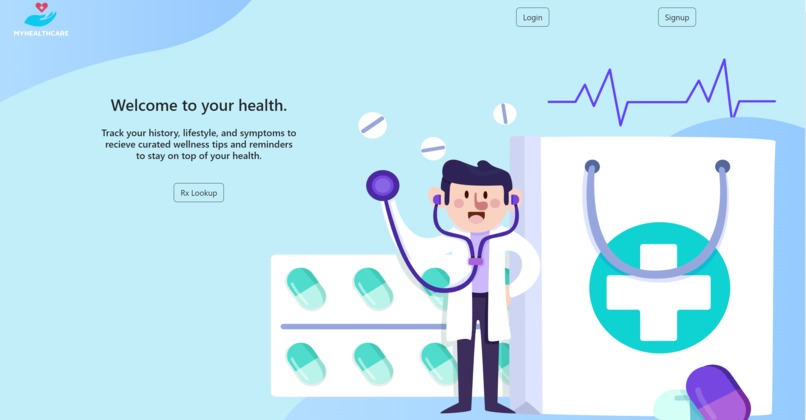
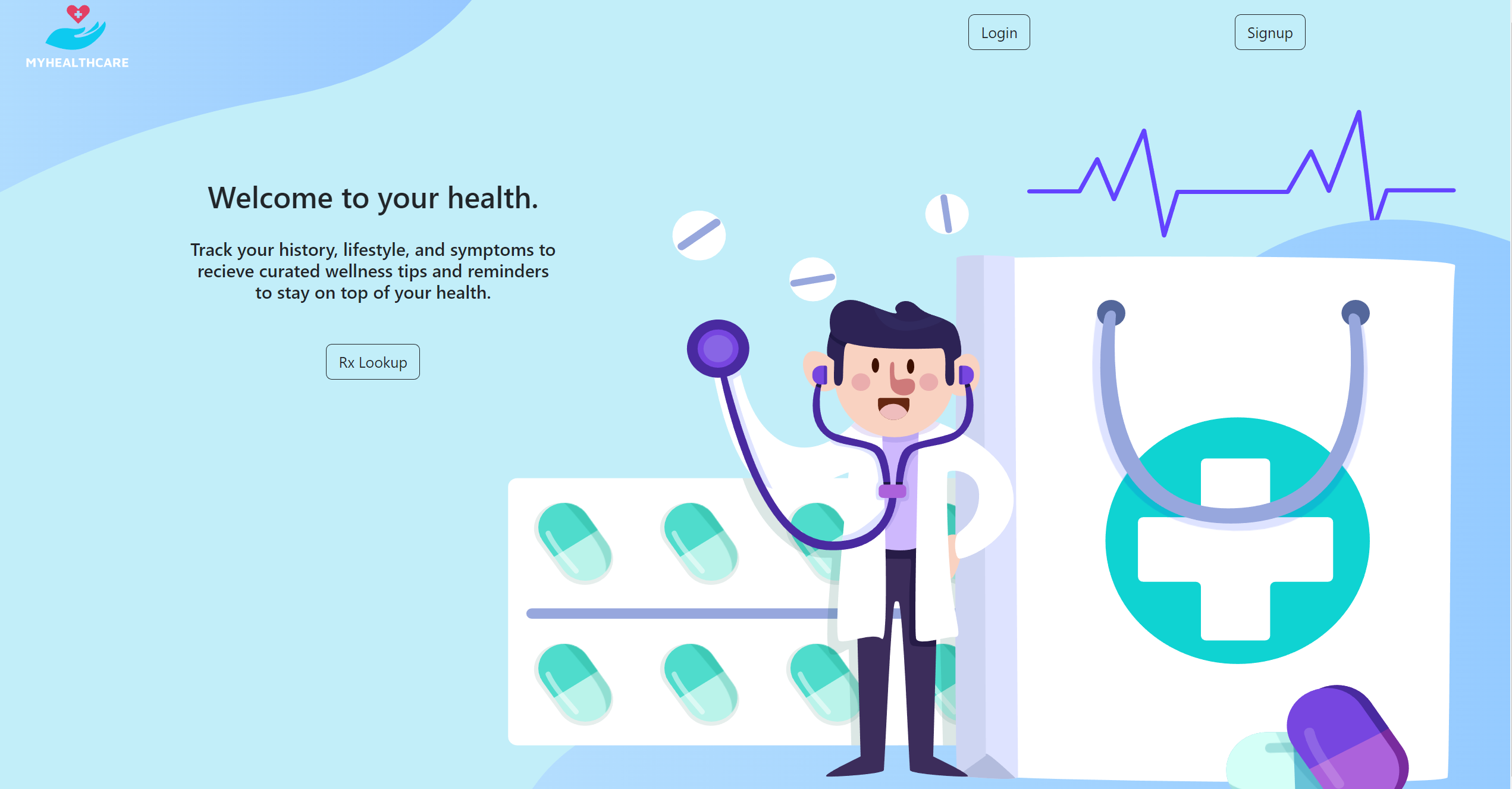
Landing Page
-
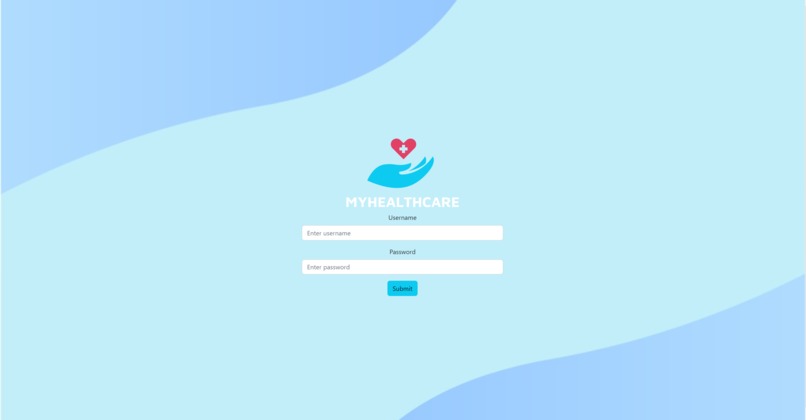
Login Page
-
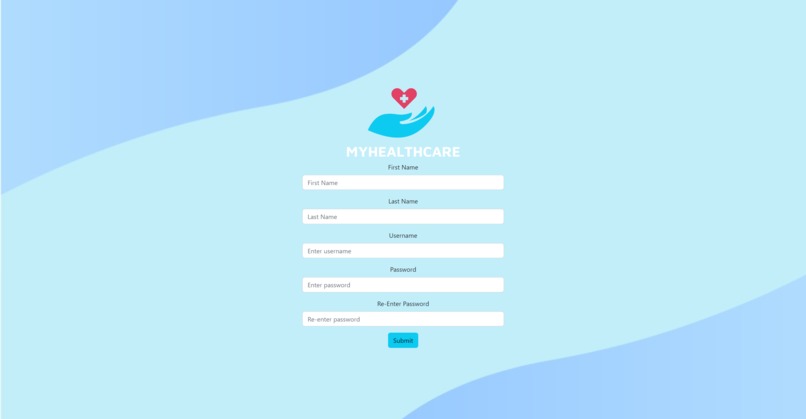
Register Page
-
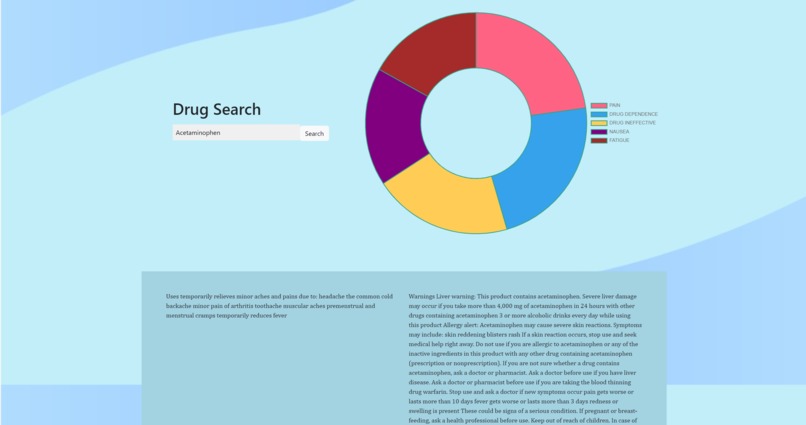
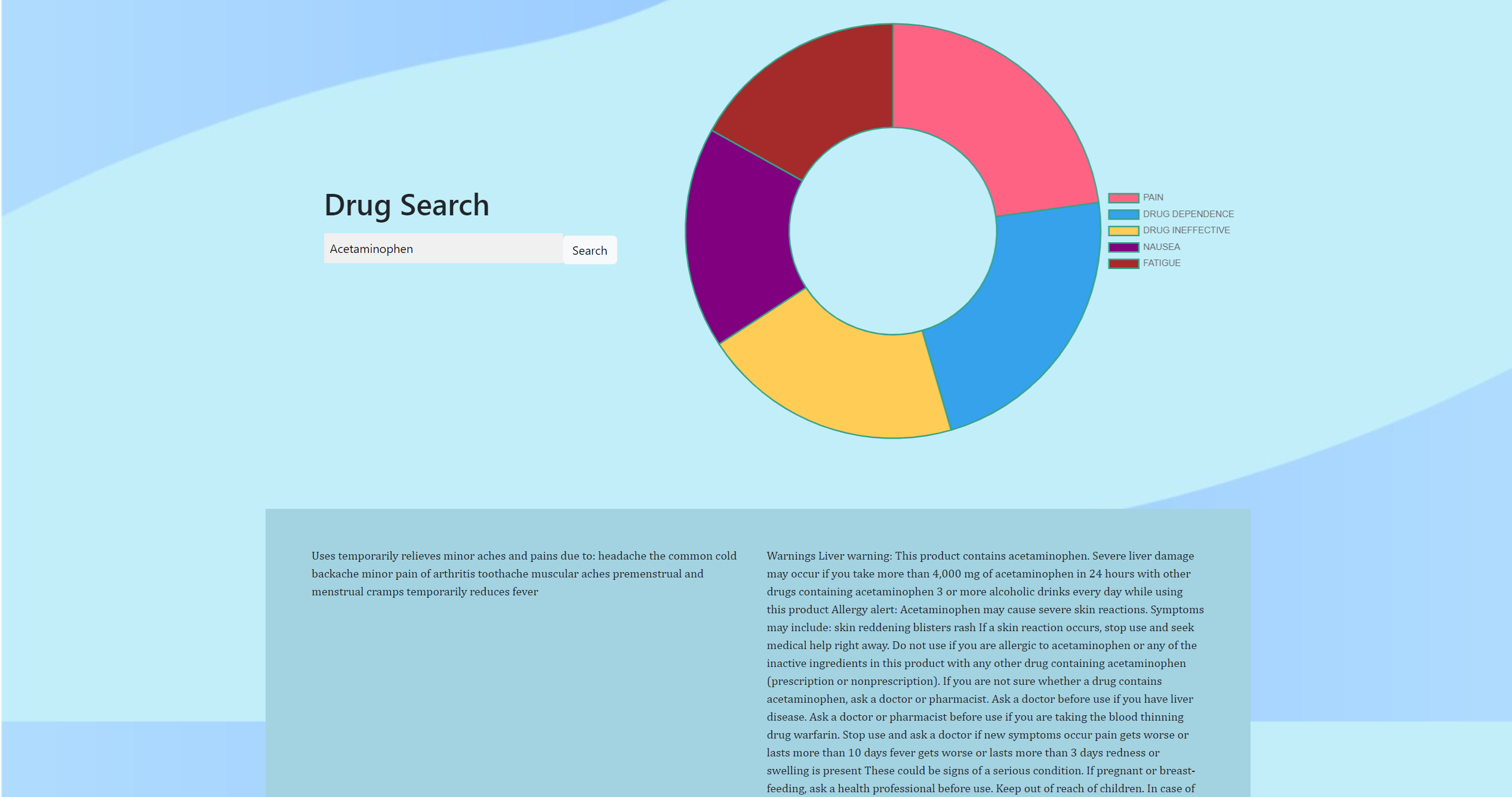
Drug Info
-
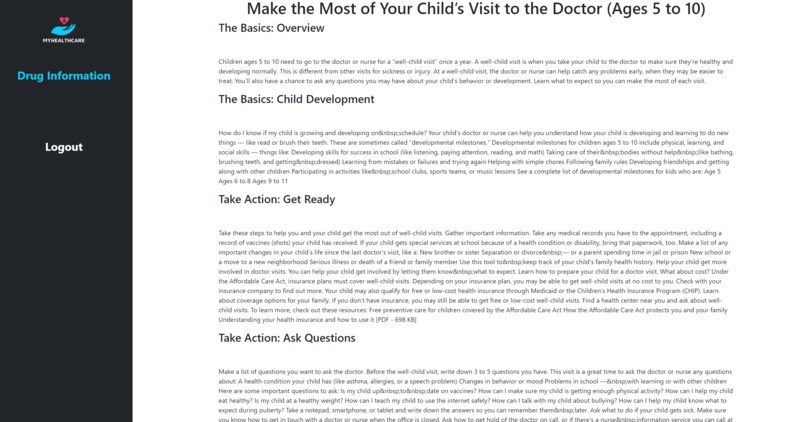
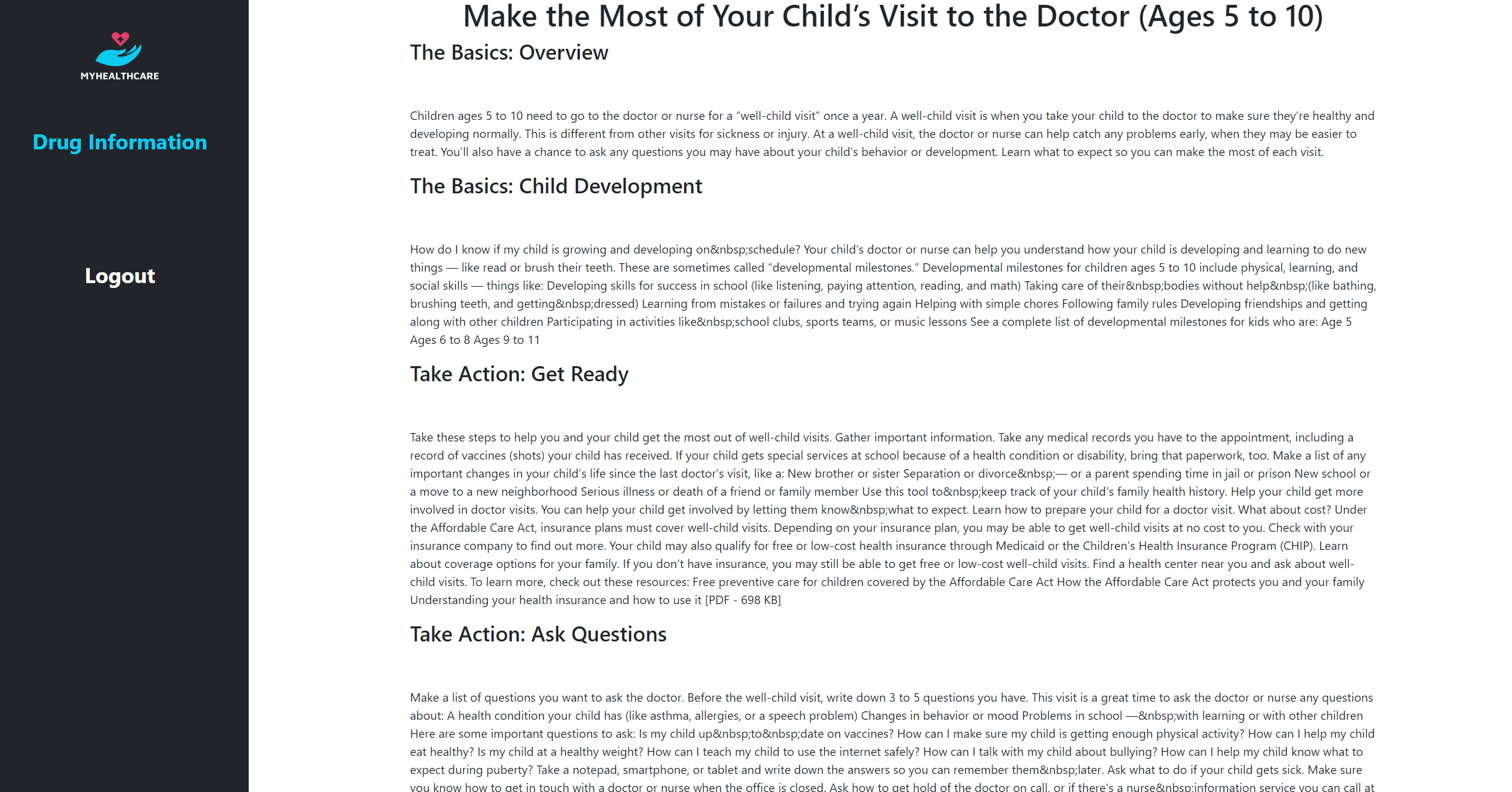
Personalized Articles


Inspiration
As a doctor, it is very difficult to keep track of patient drug interactions and keep your patients safe. As a patient, it is difficult to remember what to tell your doctor (your drugs, symptoms, medical history) when you finally make it in to your appointments. Wouldn’t it be nice if there was a way for patients to have a health database that they themselves and doctors could use to coordinate patient treatments and patient health records? MyHealthCare seeks to aid in this process through an simple and publicly available full-stack web application for patients and physicians to access.
What it does
The MyHealthCare application tracks user biometrics in a health profile to provide personalized resources on managing and working towards a healthier lifestyle. Users can register and input their biometrics to store in a database that can then recommend personalized health articles and information based on the user's health profile. The landing page also offers a drug search functionality for any user registered or not, to read information about a drug and user reports of symptoms
How we built it
On the frontend:
- React
- Bootstrap
On the backend:
- Node
- Express
- Sequelize
- PostgreSQL
Deployment
- supabase for PostgreSQL hosting
- render for server-side cloud hosting
- netlify to host frontend
Public APIs used:
- api.health.gov
- api.fda.gov
Challenges we ran into
Learning nuances of javascript/jsx, frameworks, new technologies, and MVC software architecture in a short time period to develop, integrate, debug, and deploy a full-stack application.
Accomplishments that we're proud of
Being able to integrate front and backends despite the separation of concerns regarding each part of the application. By communicating endpoint requirements and supplying clear documentation, we were able to seamlessly integrate and deploy a full-stack application with complete features in a matter of two days. A feat we are all very proud of.
What we learned
Working together as a team sharing a common codebase and learning how to avoid conflicts in front/backend integration by defining required data and endpoints, daily meetings on Discord, and using version control with Git/Github.
Frontend team learned:
- Using React for front end development.
- Accessing API endpoints and incorporating data into visualized graphs and information.
- Using previous knowledge of libraries and implementing it within the new technology used.
- Understanding how full stack development works.
Backend team learned:
- New technologies like sequelize and postgreSQL and the relational database schema.
- RESTful API design with JSON.
- Organizing server side code using model, router, control, and service layers to handle and serve requests after implementing backend logic.
- Password hashing, authentication, and user sessions.
What's next for MyHealthCare
- Notification feature with personalized medical articles fetched from health.gov API that sort by read/unread.
- Making the website more interactive. Connecting the drug information with user biometric data to see if any conflicts with medications will occur.
- Symptom and health tracker to manage ongoing health issues, doctor’s visits, and recommendations.
Built With
- api.fda.gov
- api.health.gov
- bootstrap
- express.js
- javascript
- node.js
- postgresql
- react
- render-cloud-app
- sequelize
- supabase


Log in or sign up for Devpost to join the conversation.