-
-
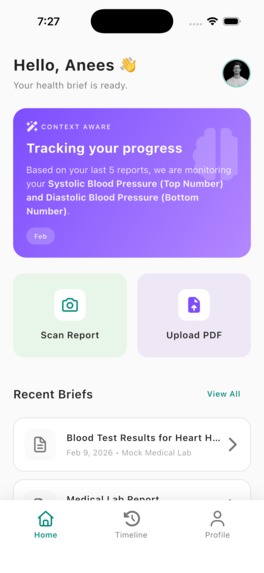
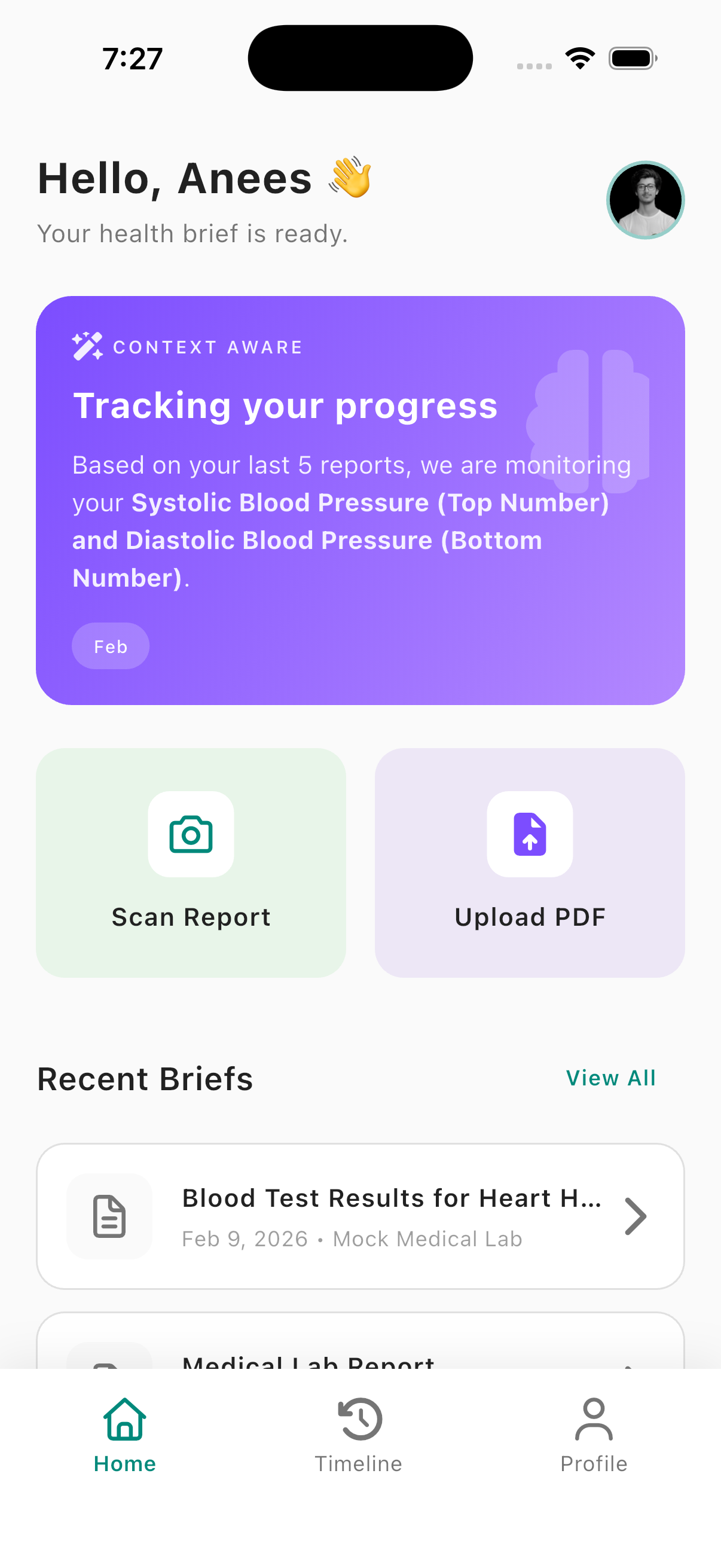
Home
-
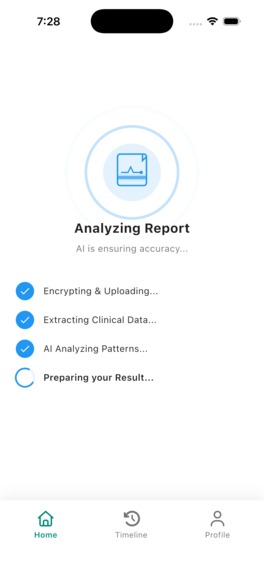
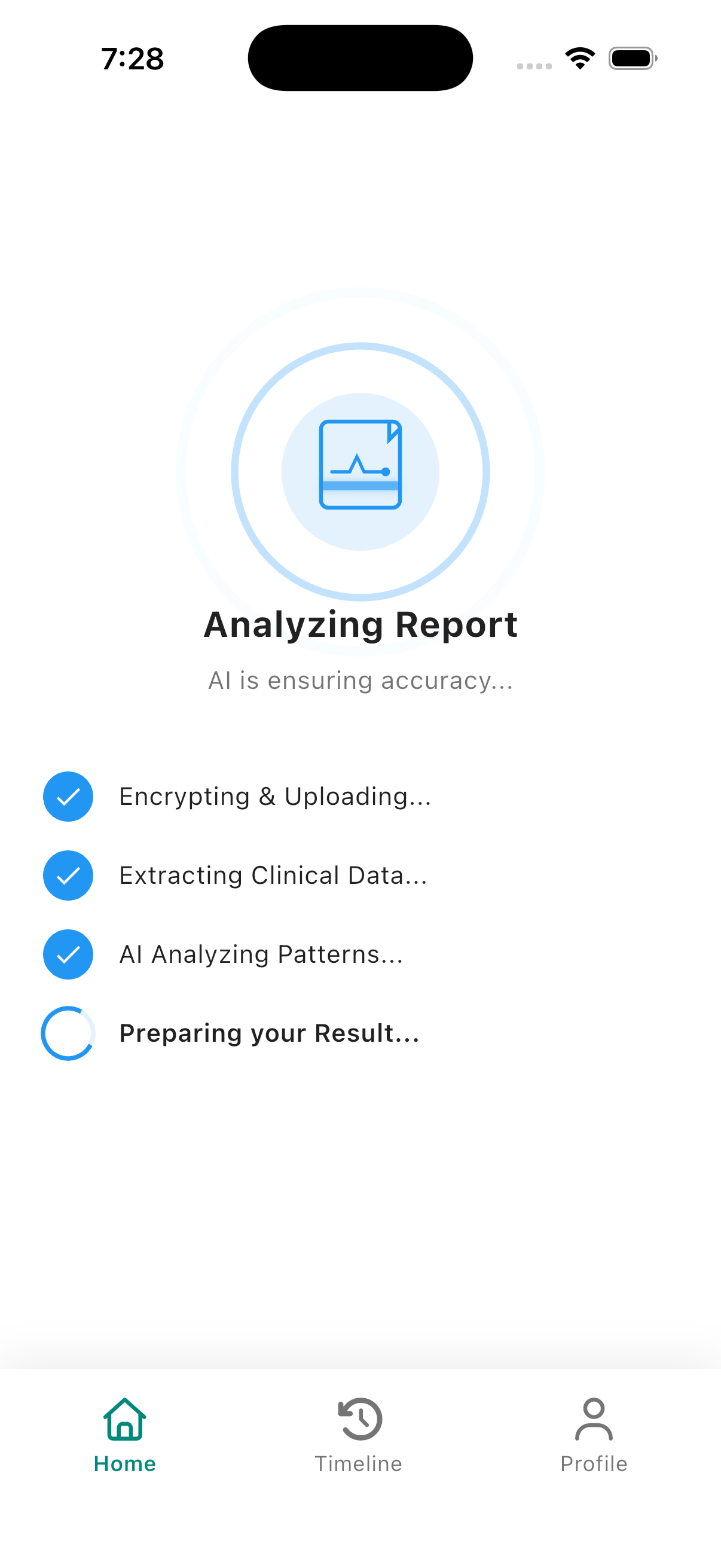
Scanning
-
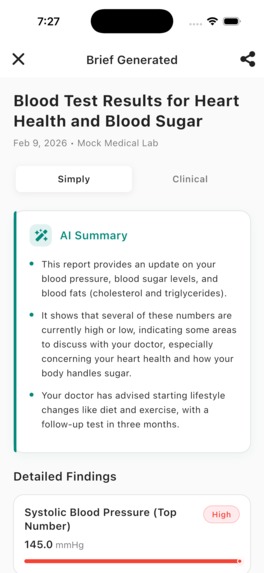
scanned screen
-
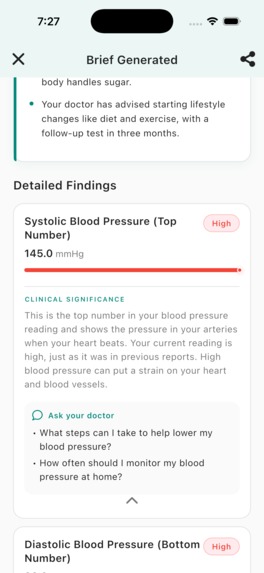
Clicnical mode
-
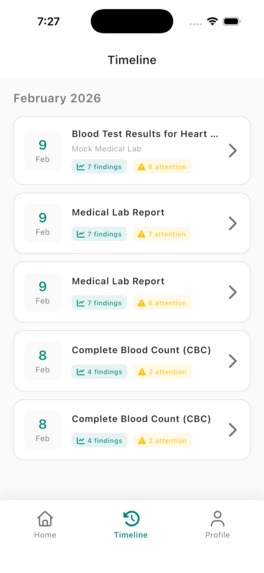
previous history
-
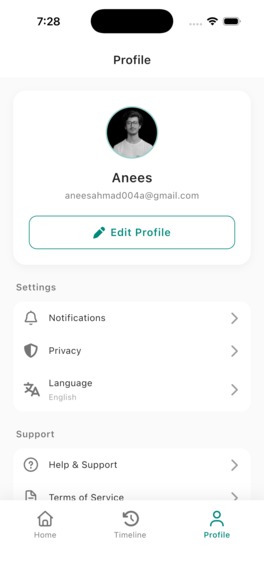
Setting
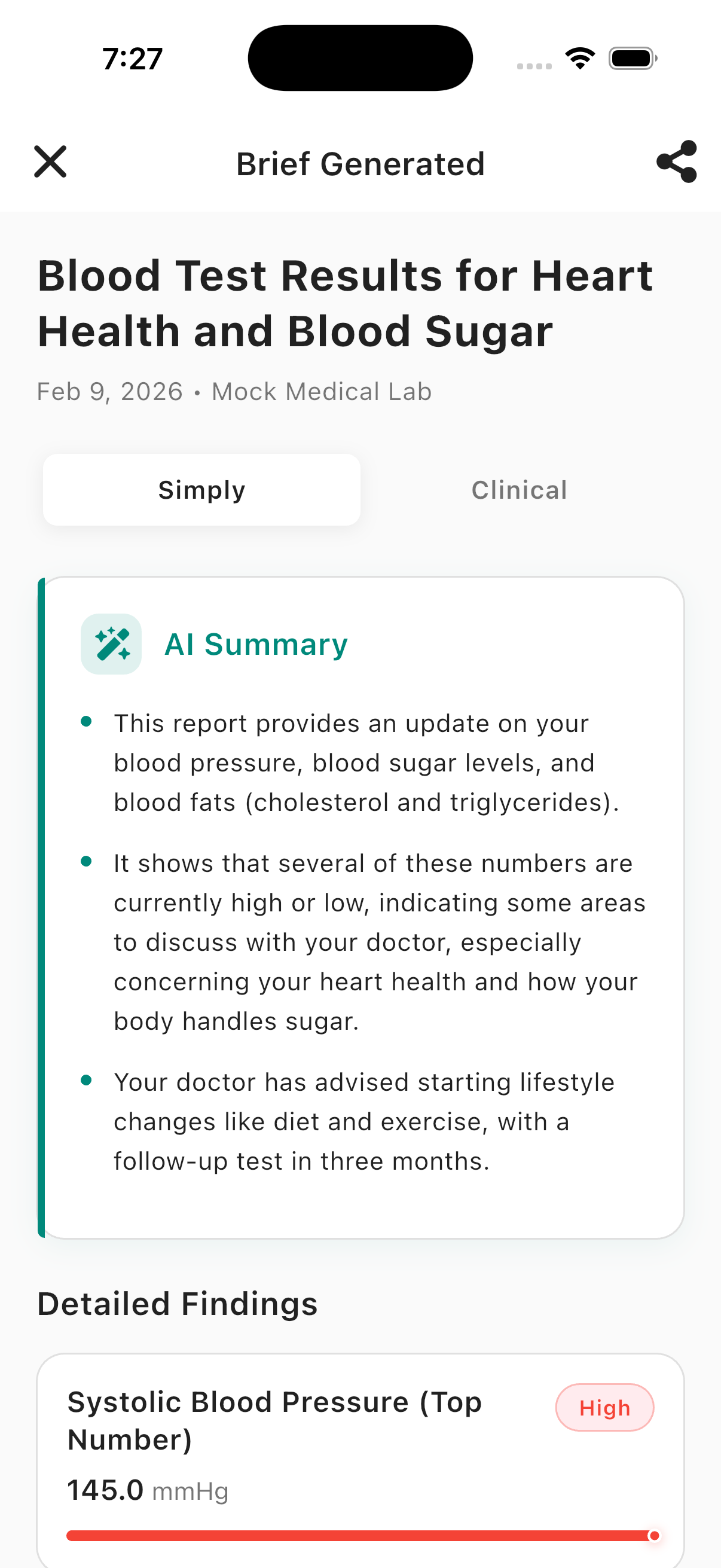
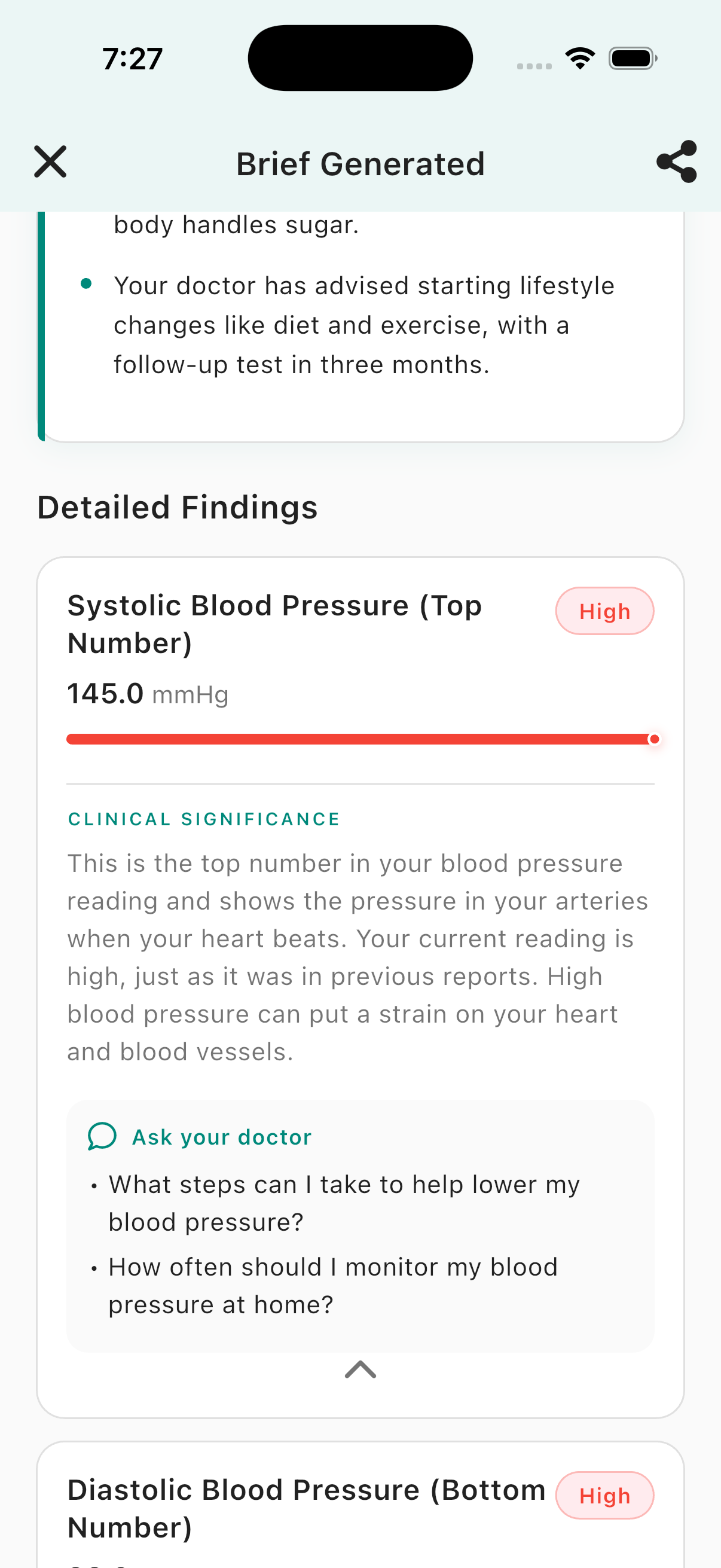
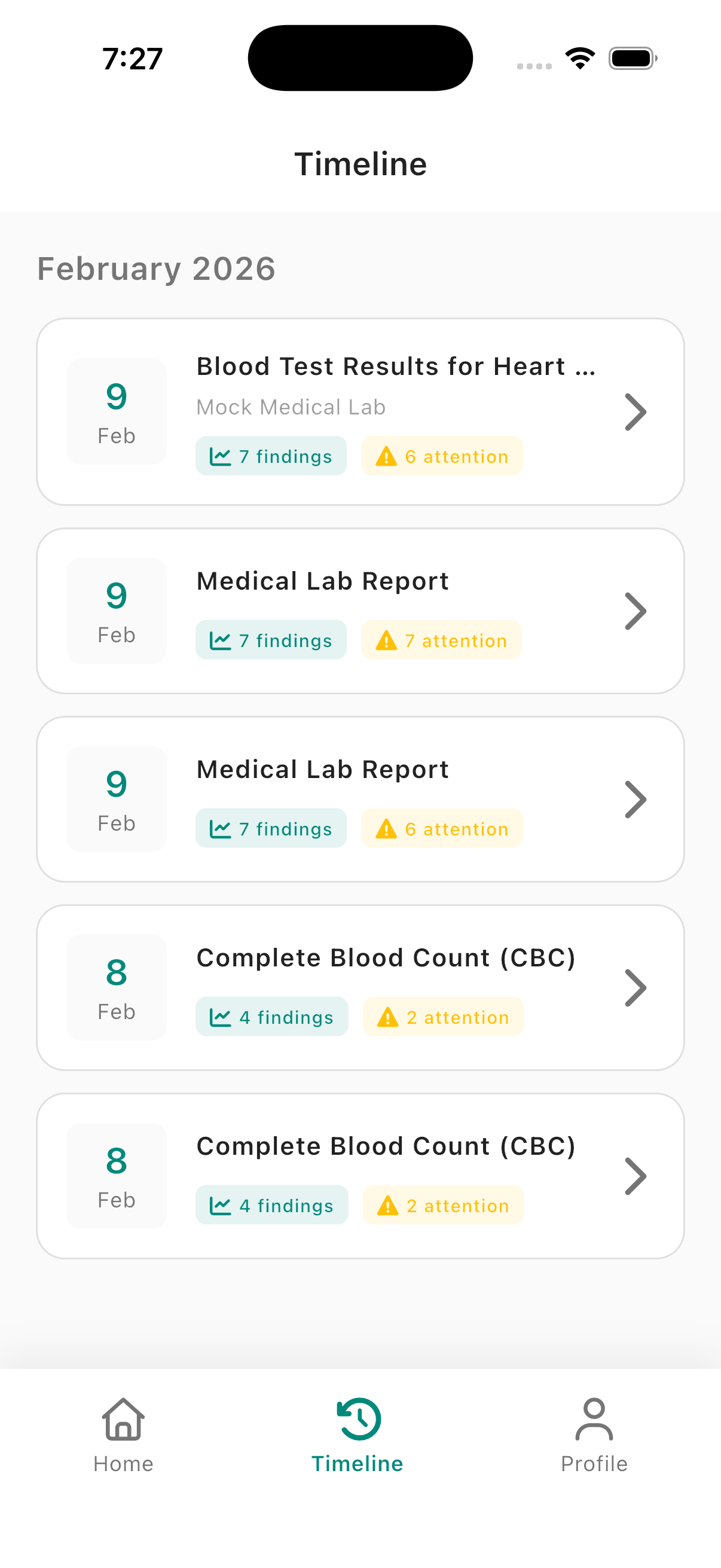
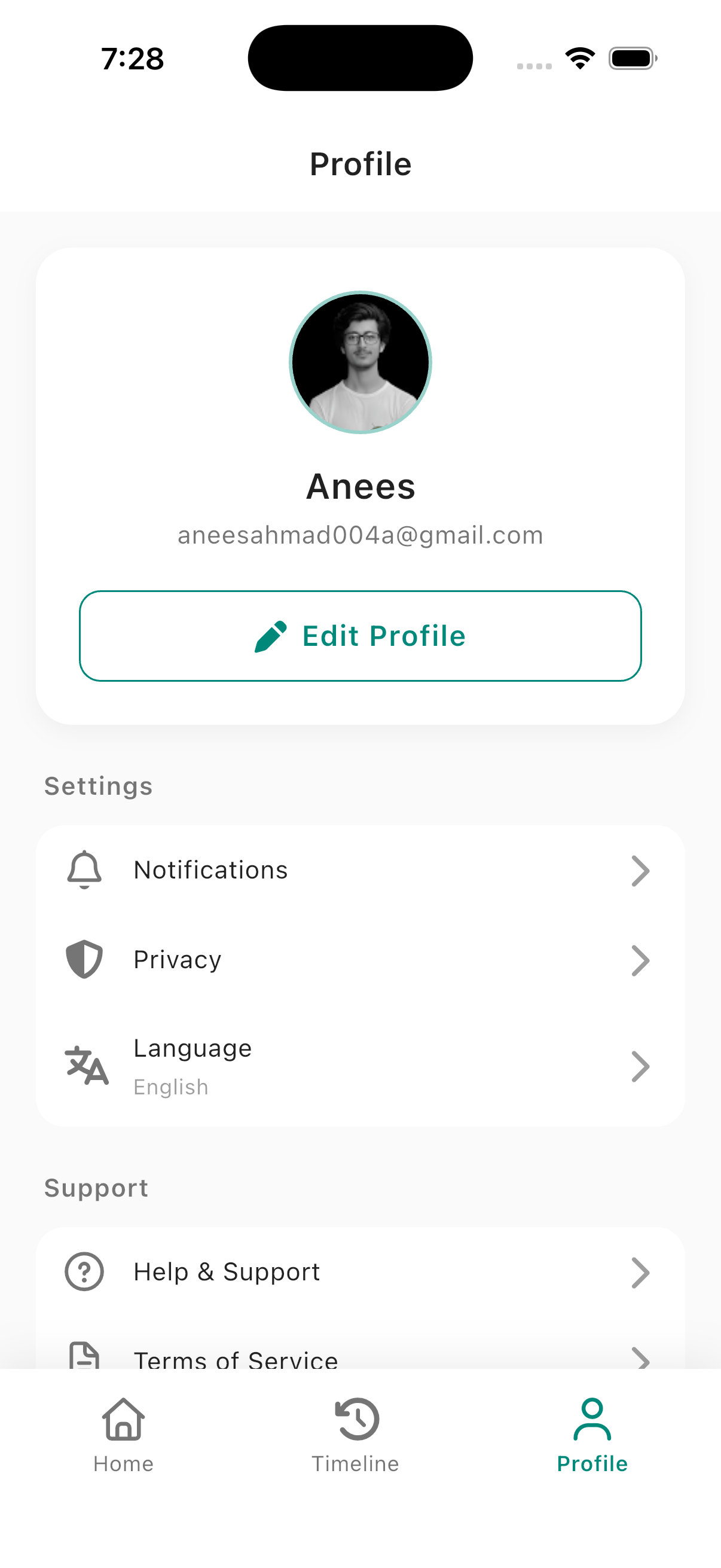
Inspiration
Lab results and medical reports are full of jargon and numbers that are hard to interpret. We wanted to help people understand their health data before appointments—so they can have better conversations with doctors and feel less anxious. That led to MedXplain: an app that turns confusing medical reports into clear, personalized health summaries powered by AI.
What We Learned
We learned how to combine Gemini with structured health data to generate summaries that highlight what matters (e.g., abnormal values and follow-up questions). We also explored Firebase Auth and Firestore for secure, real-time sync, and how to keep sensitive data on-device (e.g., local report storage) while syncing only summaries and metadata to the cloud. Designing for both “simple” and “clinical” views taught us to serve different user needs in one flow.
How We Built It
- Frontend: Flutter app with a clear onboarding and home flow: scan or upload PDFs/images, then view AI-generated briefs.
- AI: Google’s \( \texttt{Gemini} \) API parses reports and produces plain-language summaries, key findings with status (e.g. \( \text{normal} / \text{borderline} / \text{high} \)), and suggested questions for the doctor.
- Backend: \( \text{Firebase} \) for auth (email/password and Google Sign-In) and \( \text{Firestore} \) for user profiles and brief metadata; report files stay on the device.
- UX: Context-aware cards, timeline of past reports, and shareable briefs so users can bring them to appointments.
We used a feature-style structure (auth, health_brief, home, profile) and BLoC for state, keeping the codebase maintainable as we added features.
Challenges We Faced
- Google Sign-In on Android: After changing the app package name, we hit \( \texttt{ApiException}\ 10 \) until we registered both SHA-1 and SHA-256 for the Android app in Firebase; we documented this in our setup checklist.
- Firestore indexing: Queries for “briefs by user + date” required composite indexes; we defined them in \( \texttt{firestore.indexes.json} \) and deployed with the Firebase CLI.
- Balancing simplicity and detail: We added a simple vs. clinical view and tuned the AI prompt so summaries are helpful without oversimplifying or sounding like a diagnosis.
Pipeline in a nutshell:
$$ \text{Report (PDF/image)} \xrightarrow{\ \text{upload}\ } \text{MedXplain} \xrightarrow{\ \text{Gemini AI}\ } \text{Structured brief} \xrightarrow{\ \text{user}\ } \text{Better appointment} $$
Built With
- bloc-(state-management)
- cached-network-image.-platforms:-android
- cloud-firestore)
- dart
- file-picker
- firebase-(authentication
- flutter
- font-awesome
- getit-(dependency-injection)
- go-router
- google-gemini-api
- google-sign-in
- image-picker
- ios
- share-plus
- url-launcher

Log in or sign up for Devpost to join the conversation.