-
-
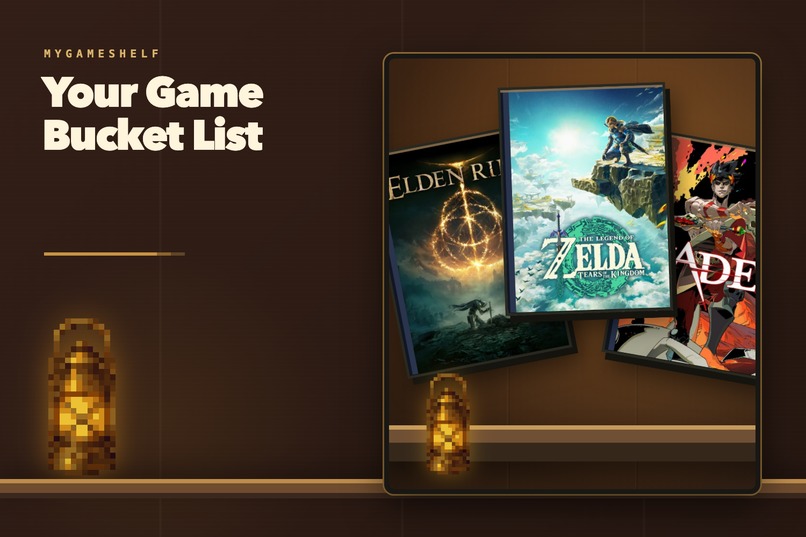
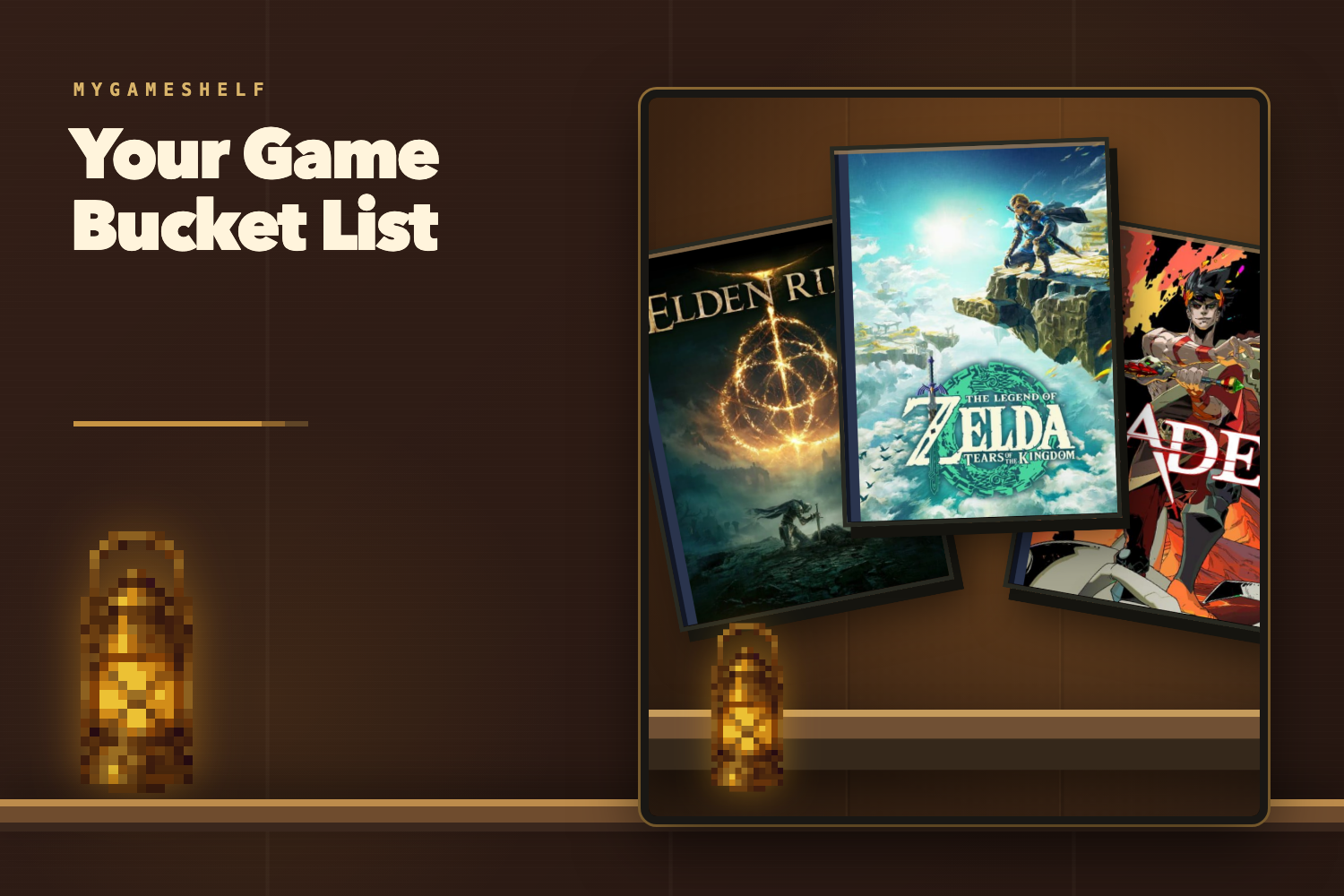
Build a personal game bucket list that feels like the physical shelf you grew up with.
-
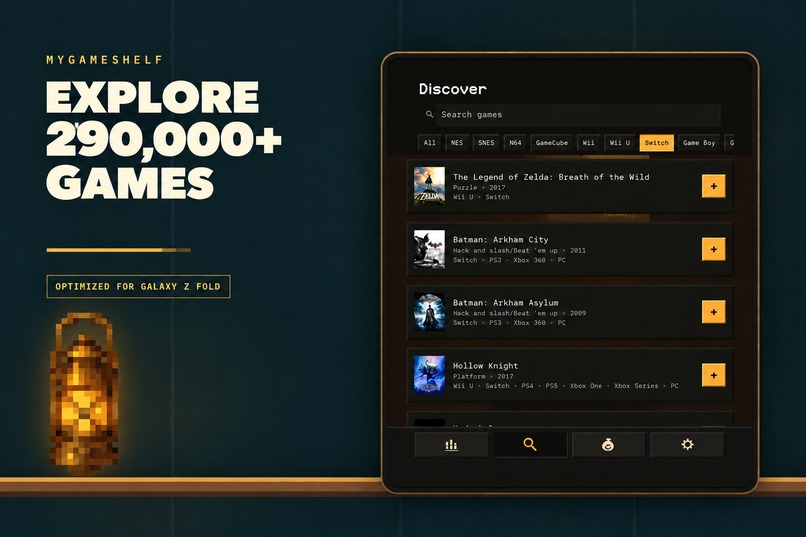
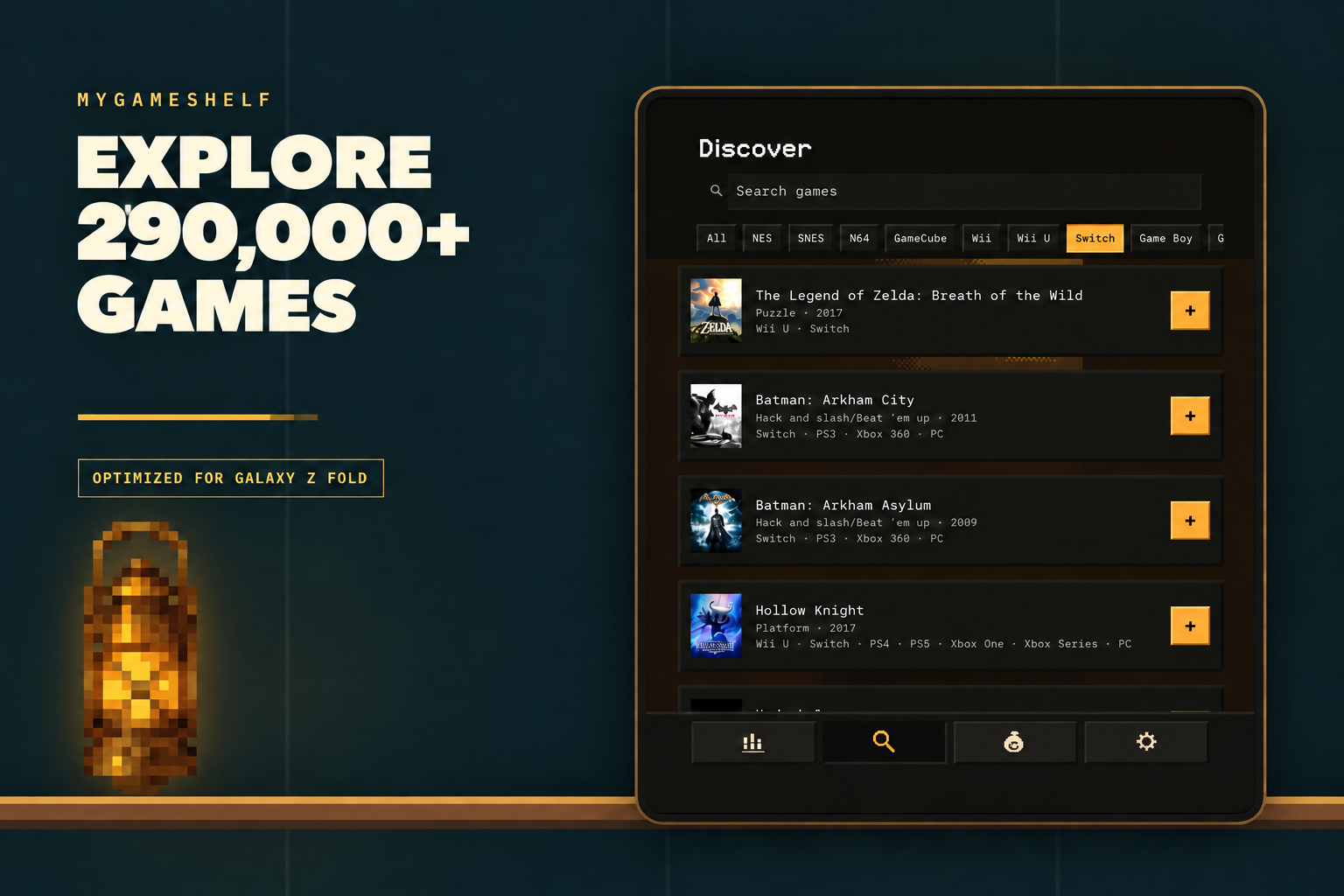
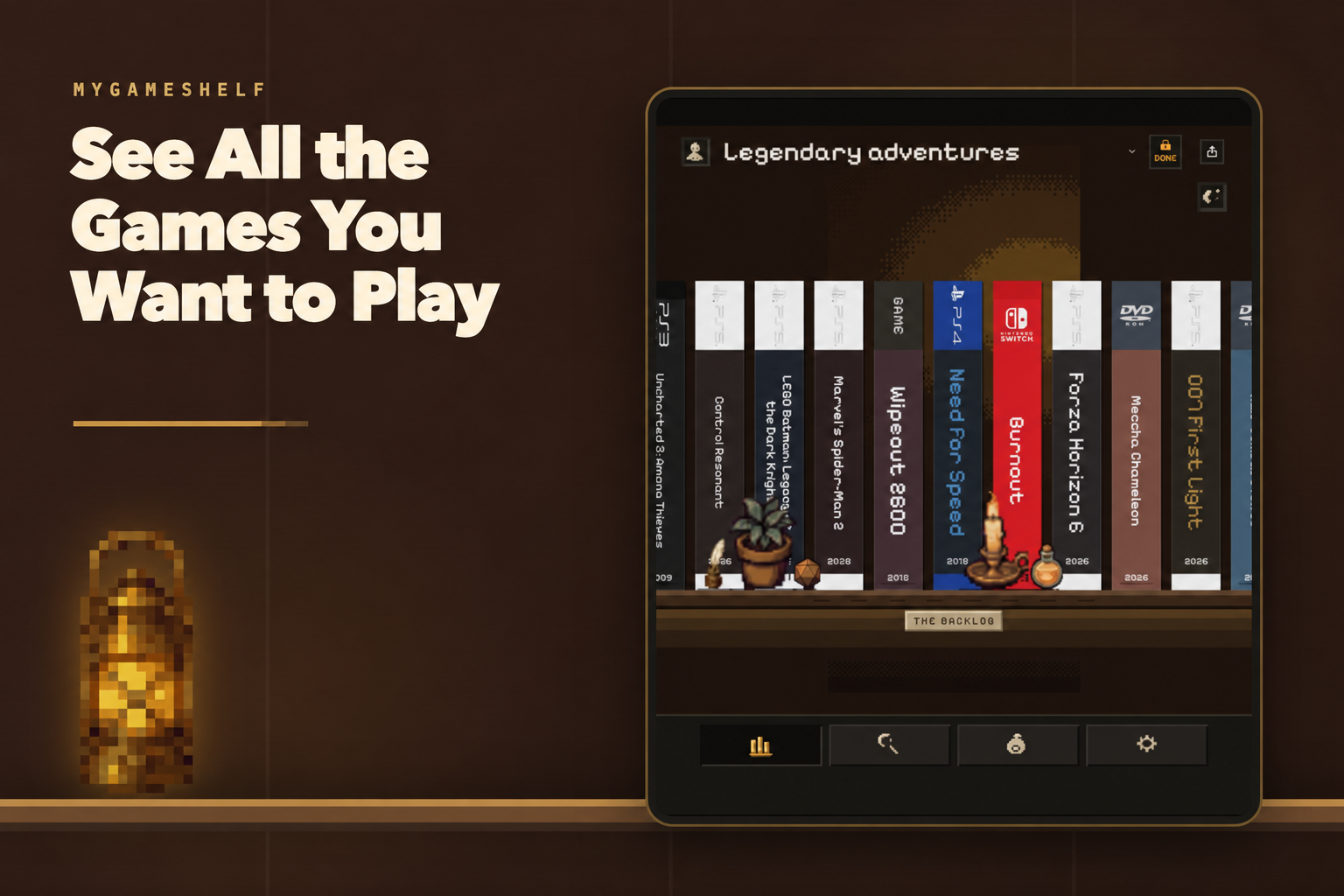
Explore 290,000+ games with a wide-screen layout optimized for Galaxy Z Fold.
-
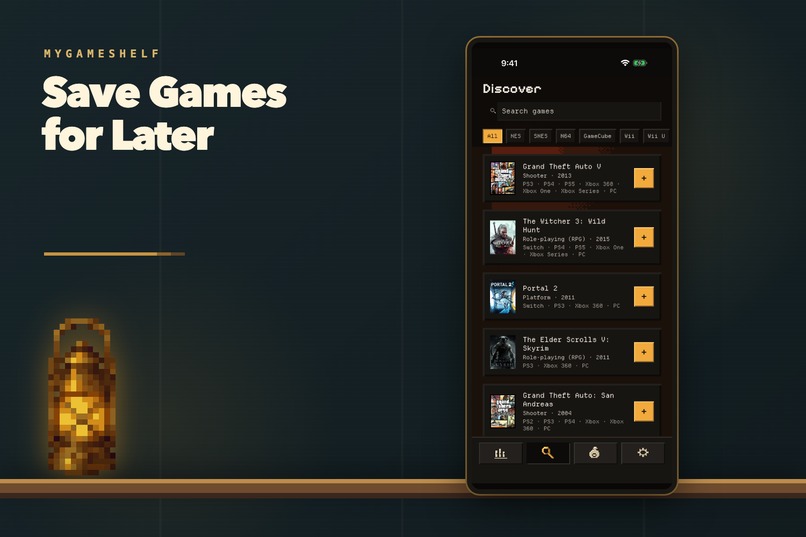
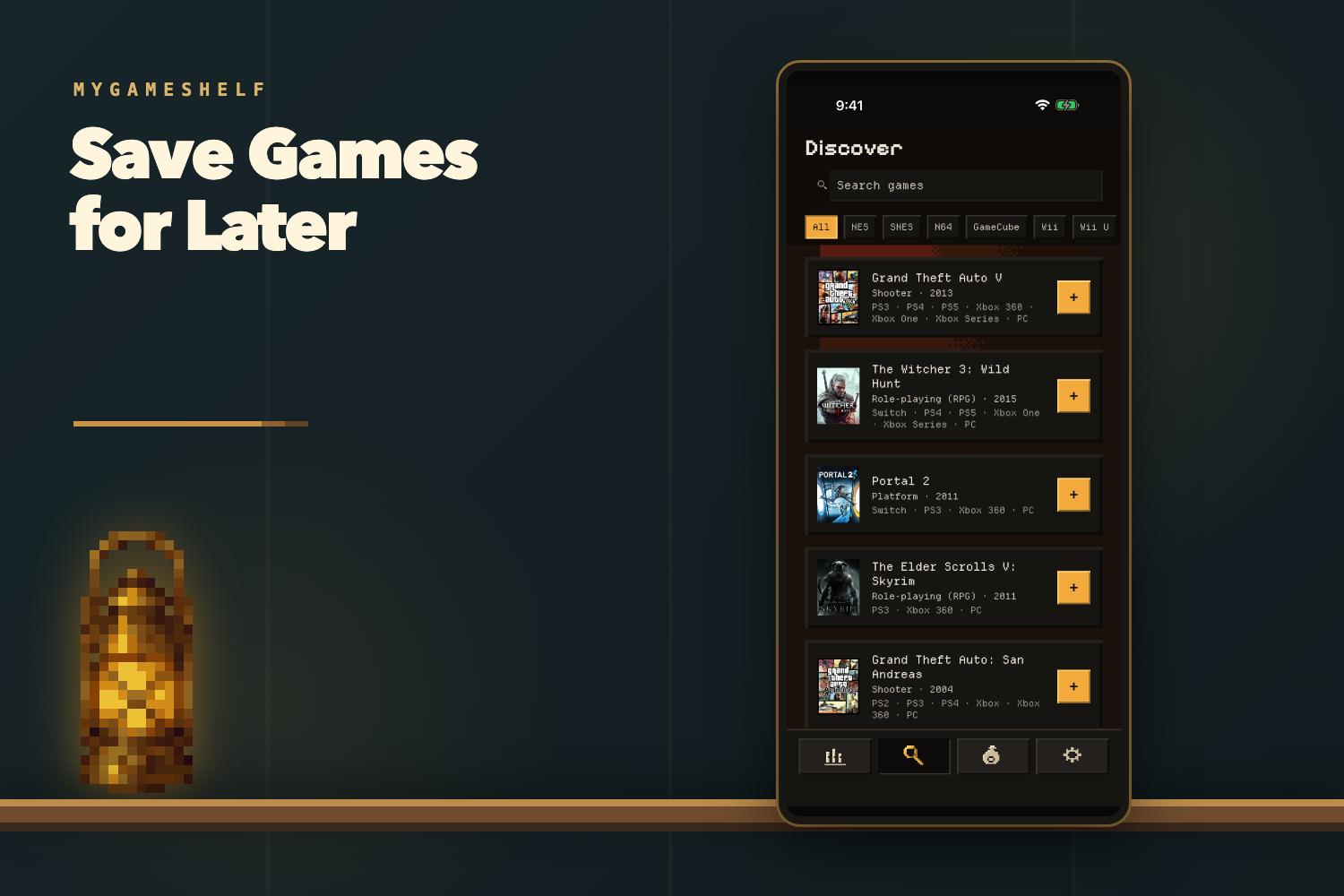
Save every game you want to play before it disappears into another wishlist.
-
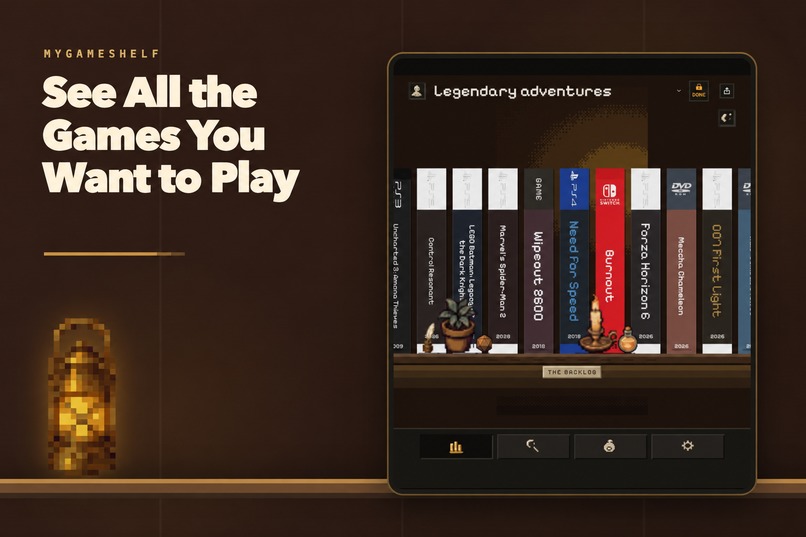
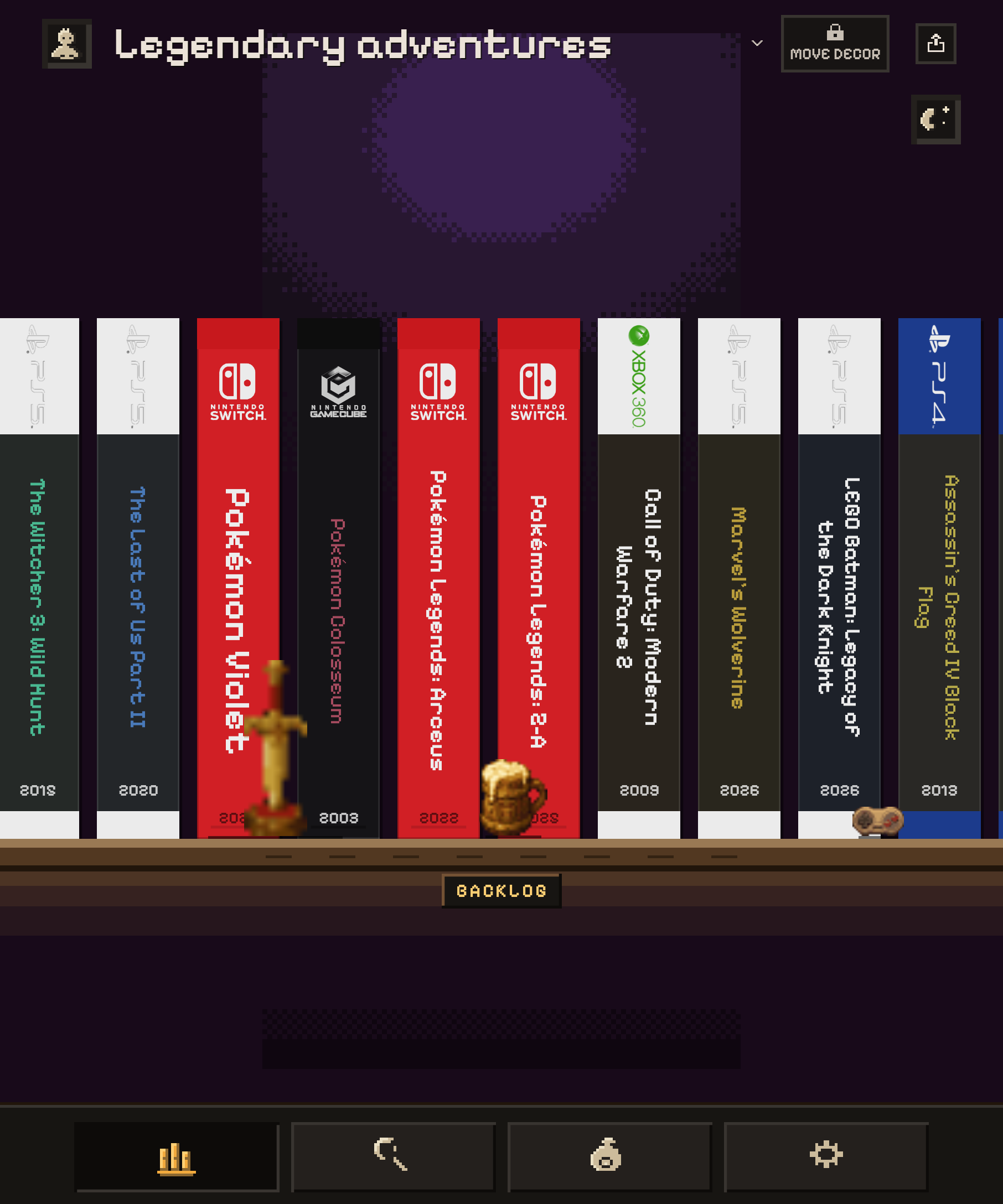
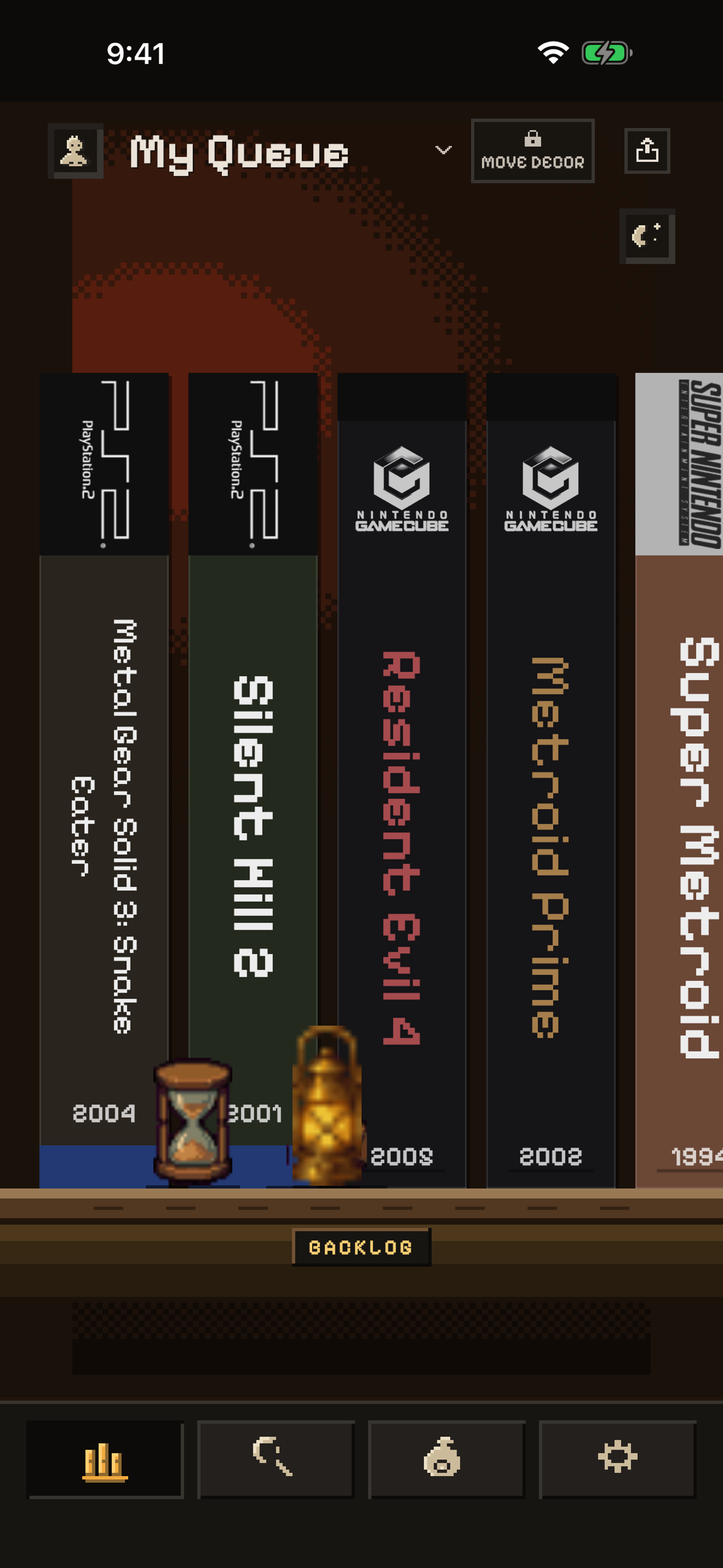
View your backlog as a shelf of game boxes, not another forgotten list.
-
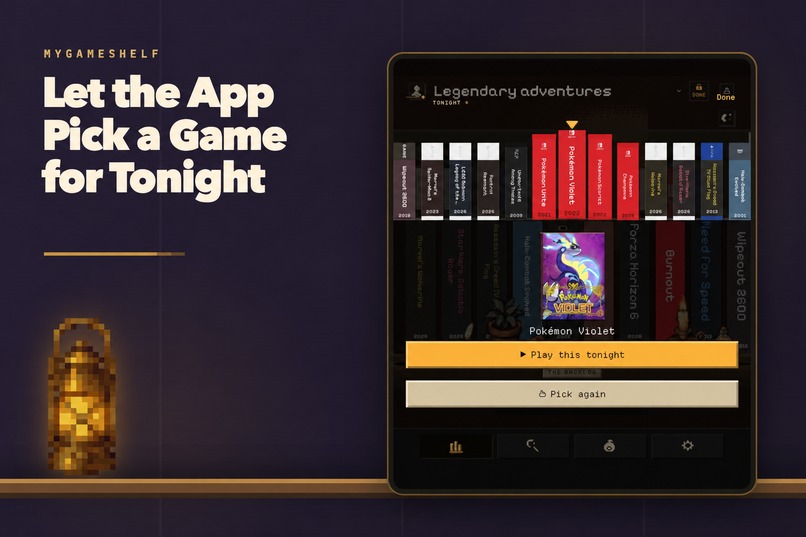
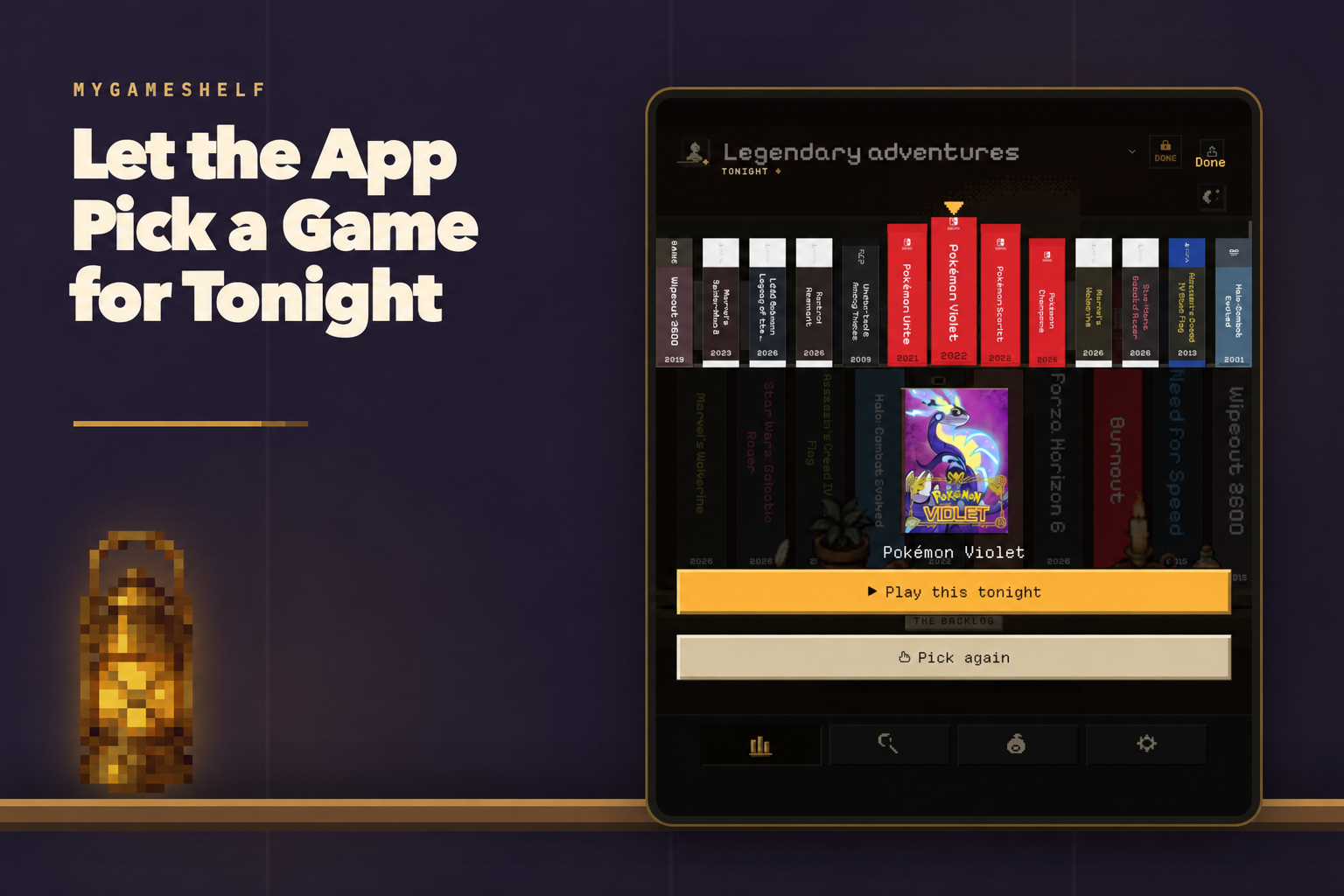
Cannot decide what to play? Let MyGameShelf pick a game for tonight.
-
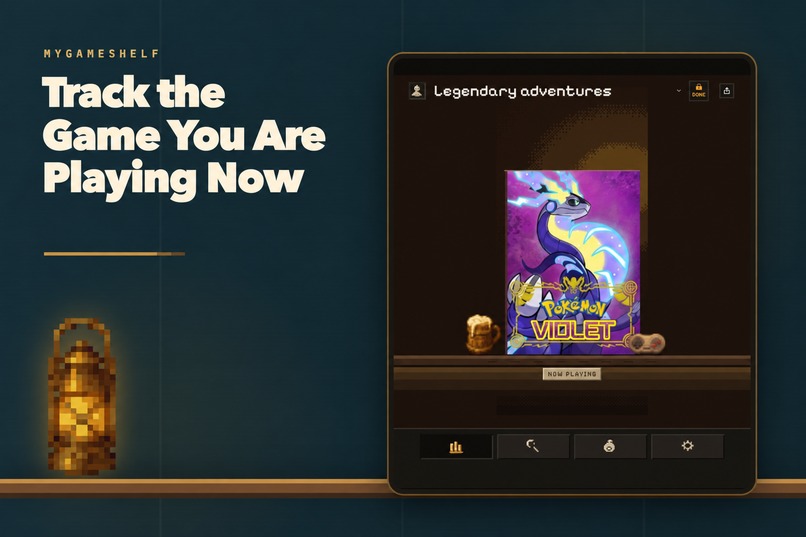
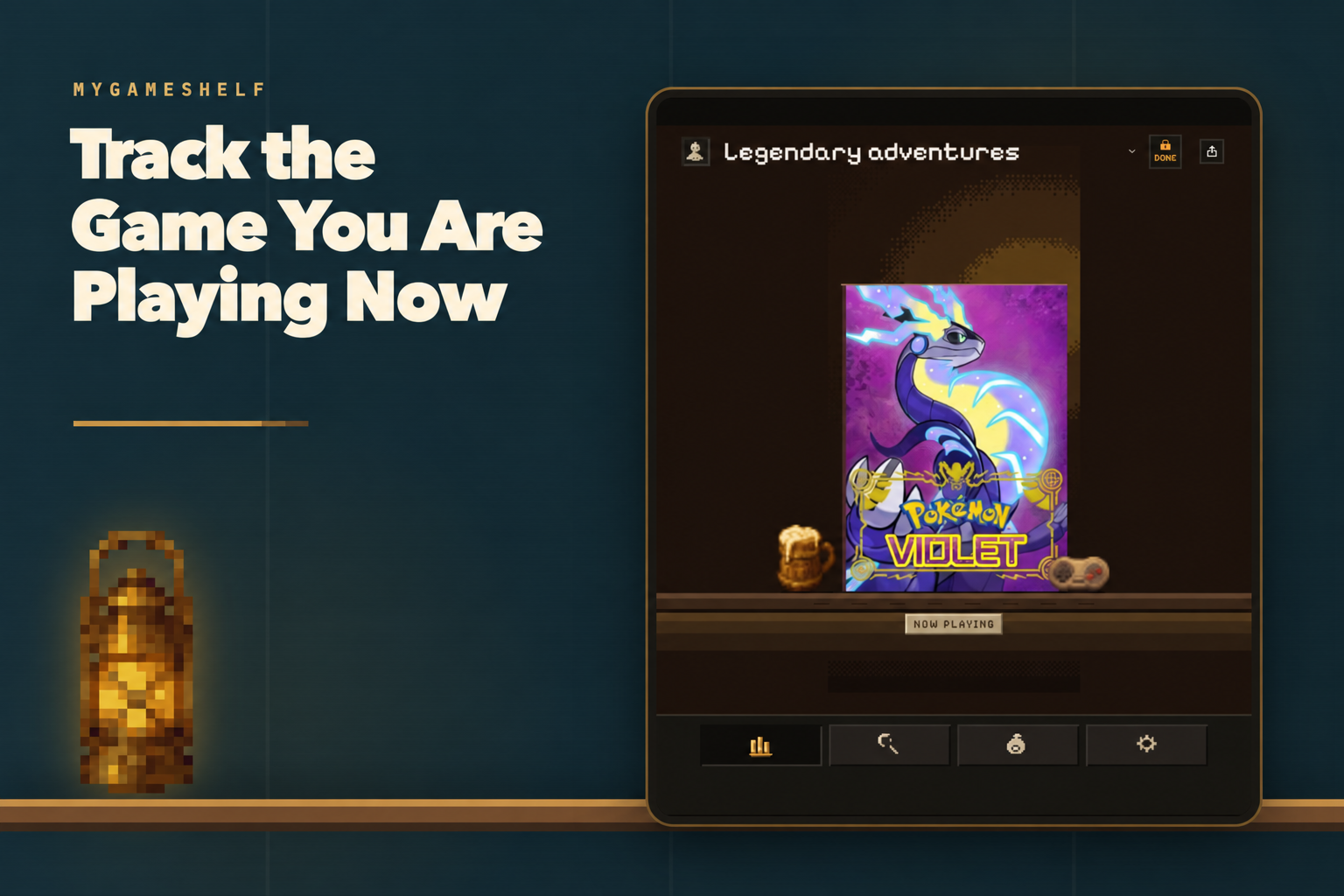
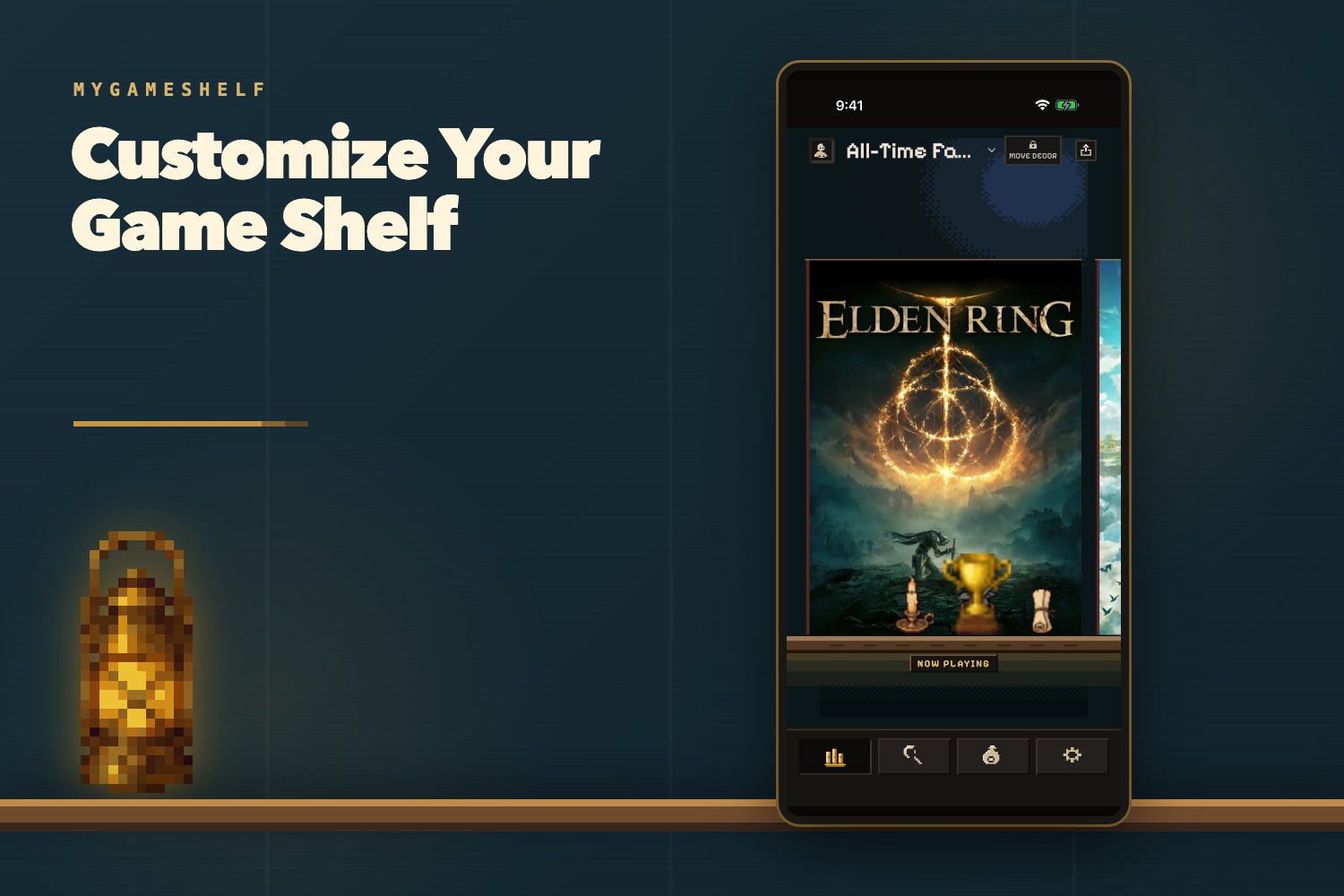
Keep your current game easy to find and ready to finish.
-
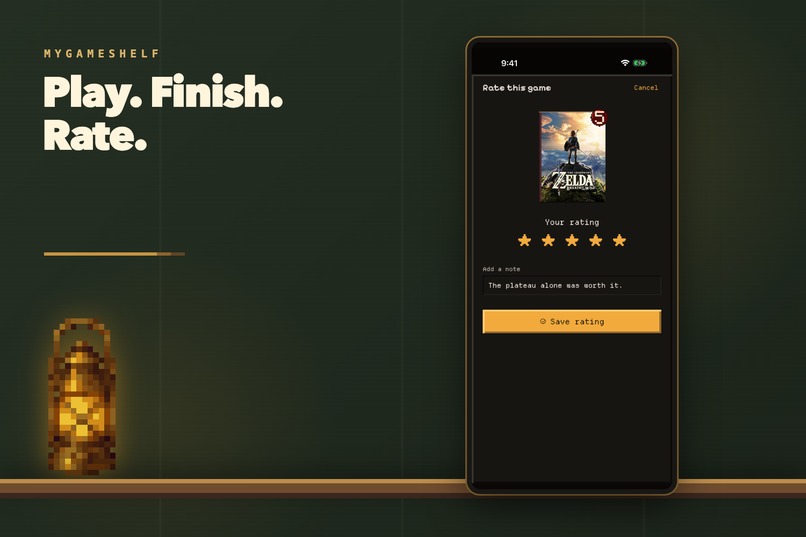
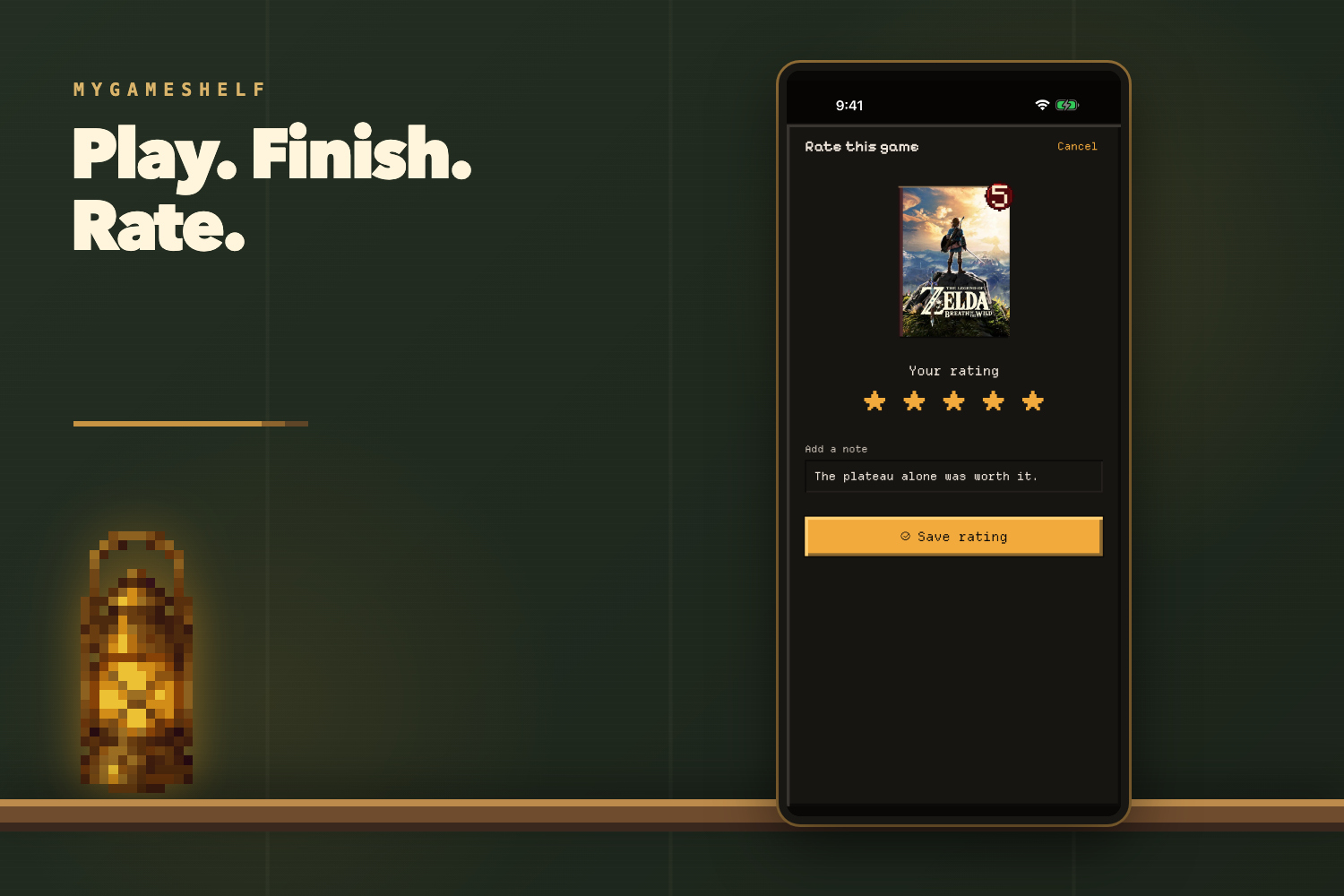
Finish games, rate them, and remember which ones you loved.
-
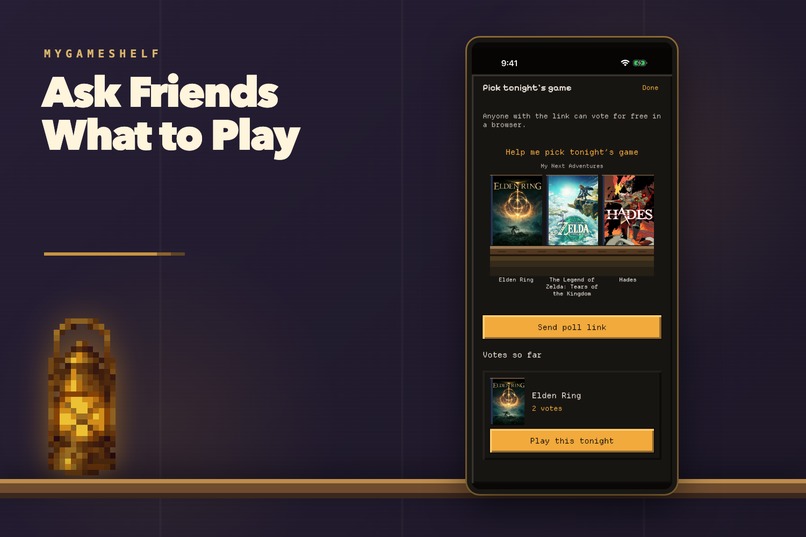
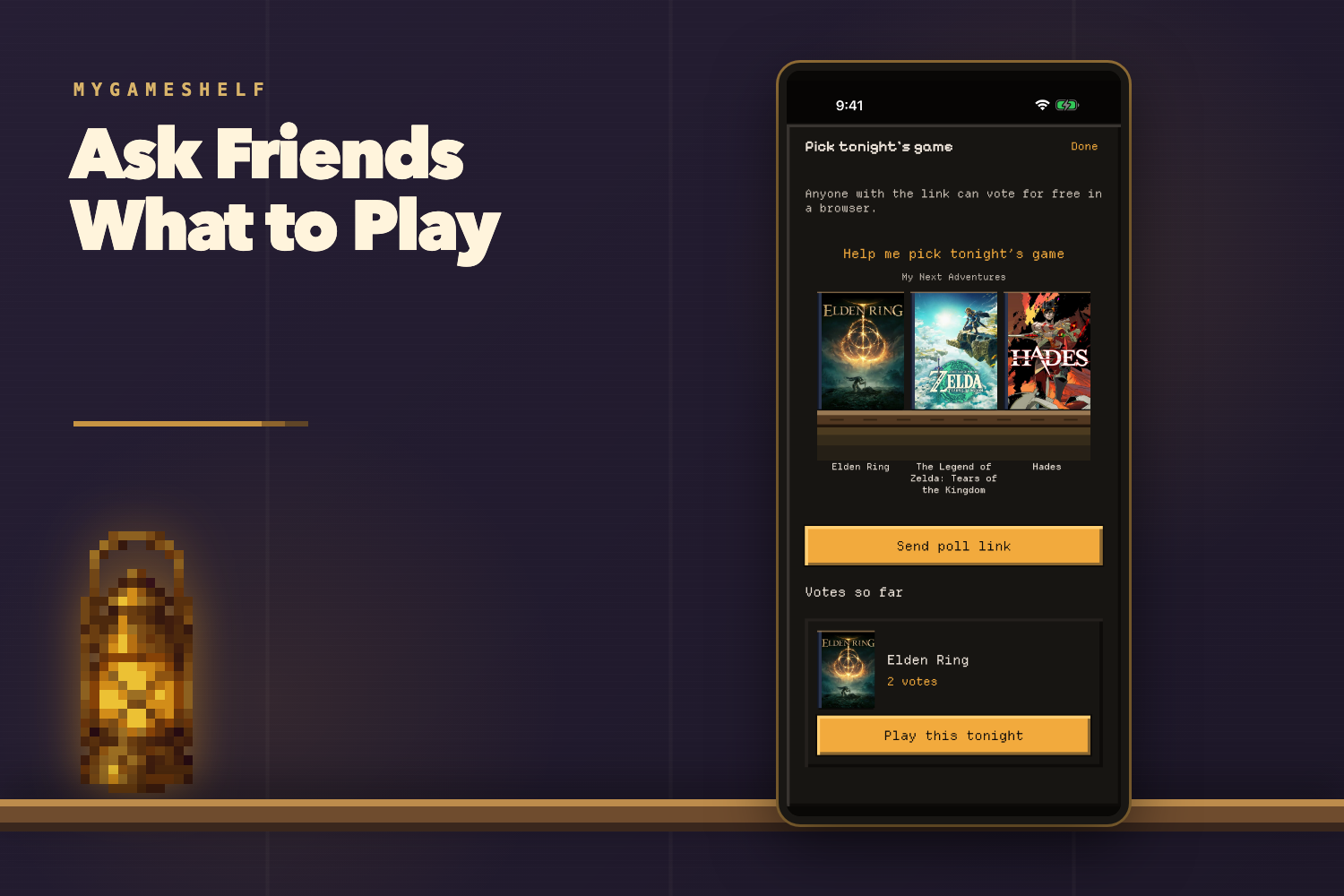
Send friends a poll and let them choose what you play next.
-
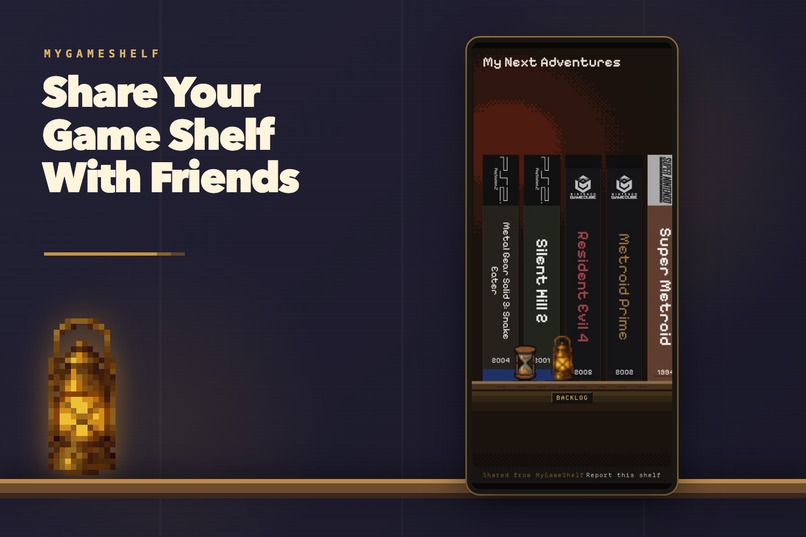
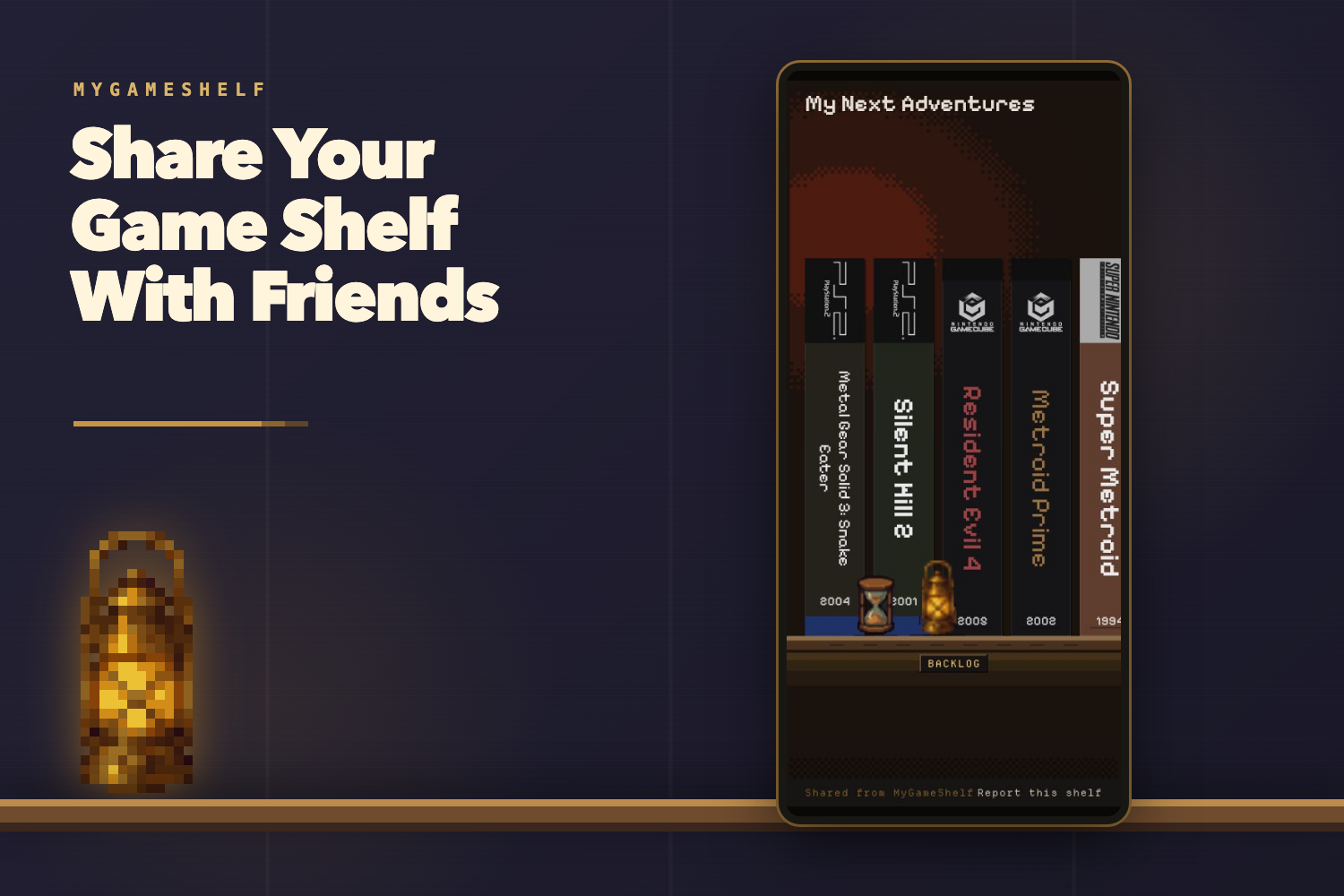
Share your live game shelf with friends through one simple link.
-
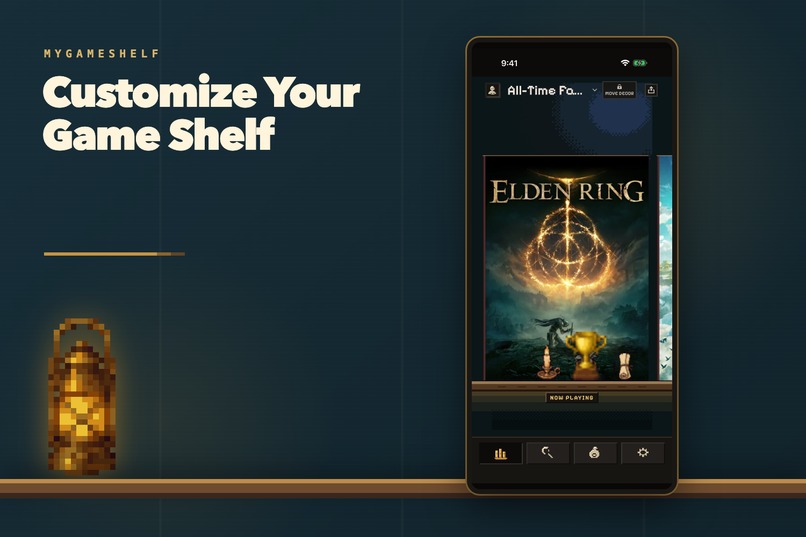
Customize your shelf with decorations, colors, and personal touches.
-
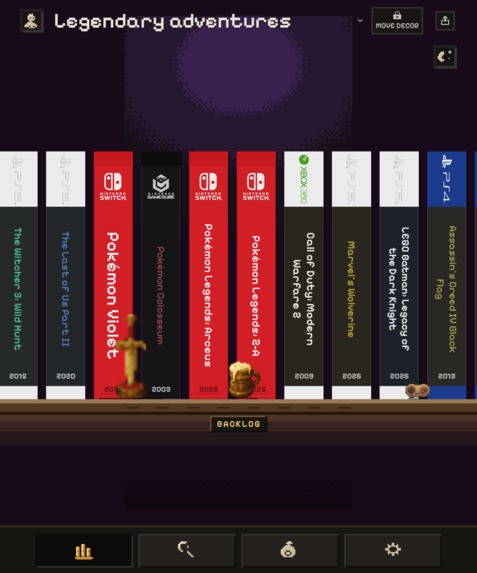
MyGameShelf uses the full open screen of Galaxy Z Fold to show more of your shelf.
-
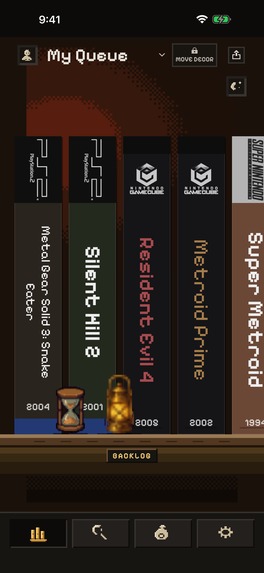
MyGameShelf — raw app screenshot, 1179 × 2556 pixels.
-
App icon
Inspiration
Remember when your games lived on a physical shelf? You could scan the spines, pull out a favorite, and show a friend the games that mattered to you. That shelf was part collection, part memory, and part conversation.
Today, games we want to play end up scattered across storefronts, consoles, chats, and memory. MyGameShelf brings that old feeling back: a personal gaming bucket list rendered as boxes in a warm pixel-art room.
What it does
Search for a game, choose its platform, and save it before you buy or play it. Organize the collection on Backlog, Now Playing, and levels you name. When you cannot decide what to play, Tonight draws a game from a level, or you can send friends a poll and let them choose.
Finishing a game becomes a small ritual: give it a rating, add an optional note, and place a foil sticker on its box. Completion milestones earn keepsakes for the room.
A live shelf link lets friends open the whole room in a browser. Later changes appear at the same link, and the owner can take it down. Saving, organizing, finishing, rating, polling, and sharing are free.
Optional purchases add Merchant decorations and remove Merchant ads. Founder Edition also places MyGameShelf itself on the buyer’s shelf as a game box.
How it was built
Kotlin and Compose Multiplatform share the room renderer, core screens, game data models, and product logic across iOS and Android. The same renderer also runs in the browser through WebAssembly.
Shared Kotlin code draws the pixel room, cases, icons, lighting, stickers, and decorations. Layout responds to the available width and height instead of switching to a separate design for every device. Platform integrations provide storage, networking, native sharing, haptics, purchases, and rewarded ads.
IGDB provides game metadata and cover art. Cloudflare Workers support game search, live shelf links, and polls. RevenueCat handles paid entitlements, while RevenueCat Ads integrates the Merchant’s optional rewarded ads.
The development article One pixel room, three platforms explains the renderer, adaptive layout, and platform boundaries.
Challenges and lessons
The central design challenge was making a detailed pixel room easy to use. Direct labels, named levels, and a short path from discovery to saving keep the artwork from hiding the task.
Cross-platform work required more than sharing screens. Decorations must remain attached to their shelf rows, the room must fit very different widths, and purchases, sharing, ads, and authentication still need native integrations and platform-specific verification.
The biggest lesson was to share the product rules and visual language while treating every platform boundary as real work. One renderer gives the room a common identity; it does not make every operating system behave the same way.
Built With
- android
- cloudflare
- compose
- igdb
- ios
- kotlin
- revenuecat
- swiftui
- webassembly

Log in or sign up for Devpost to join the conversation.