-
-
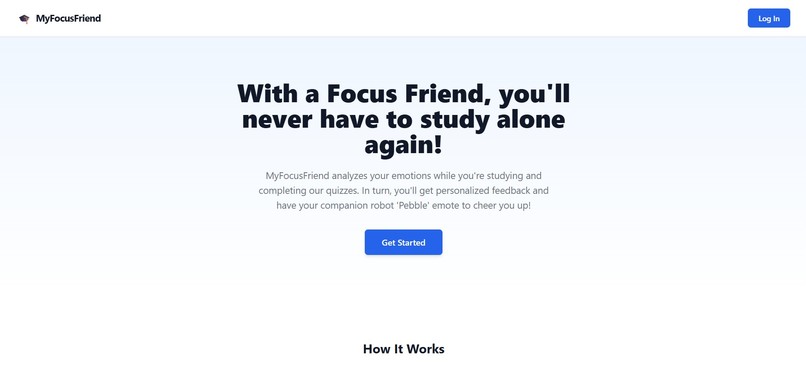
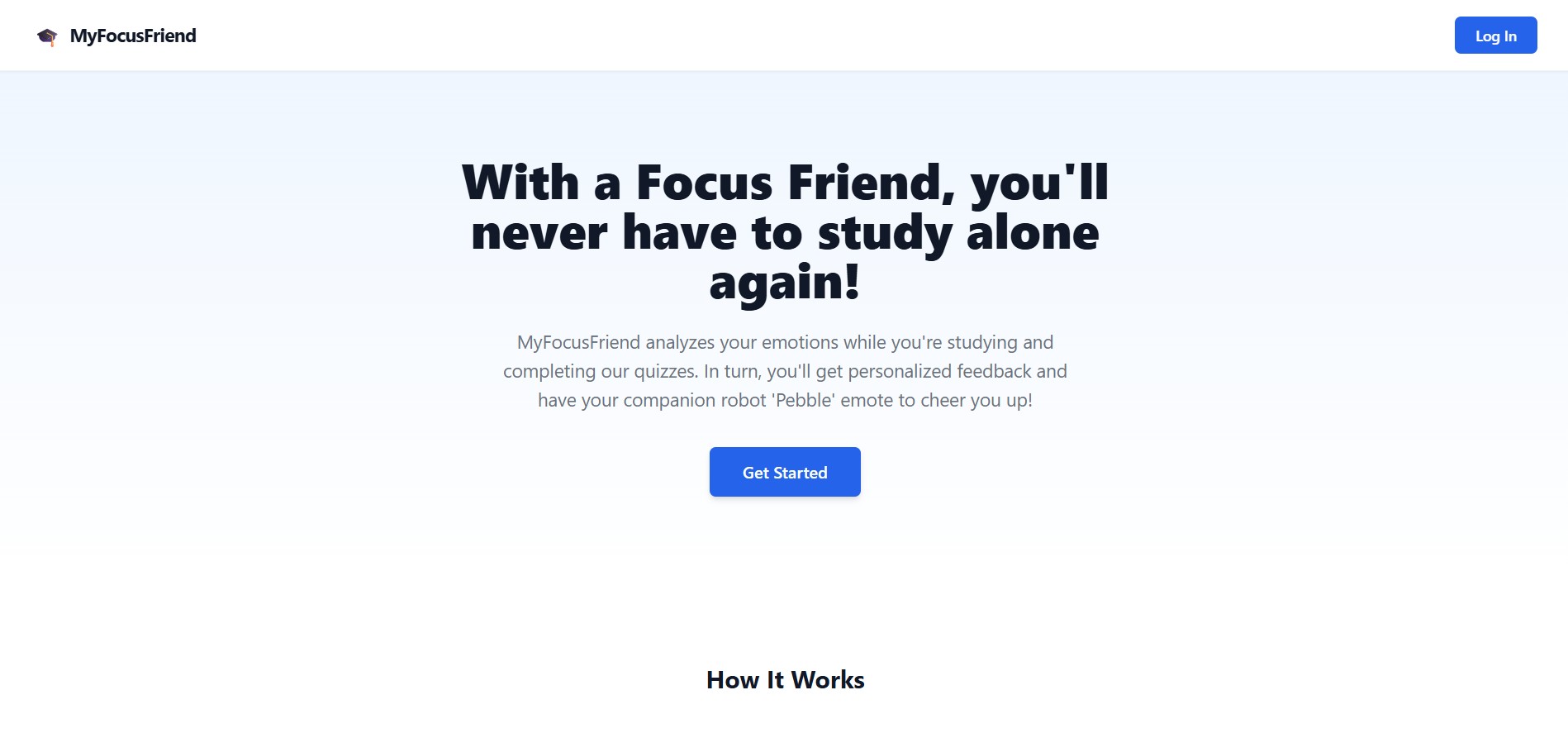
Landing Page
-
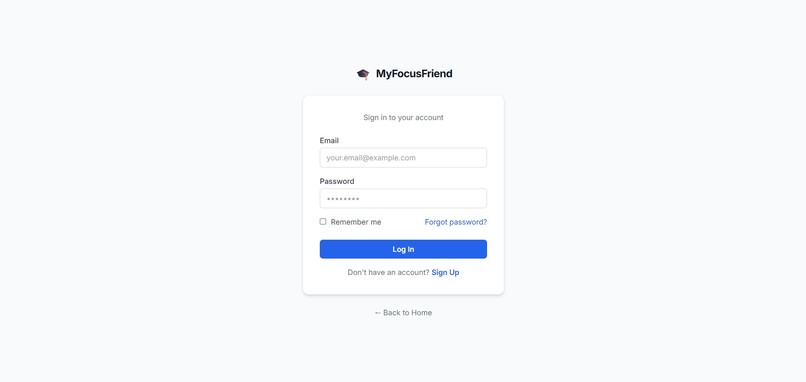
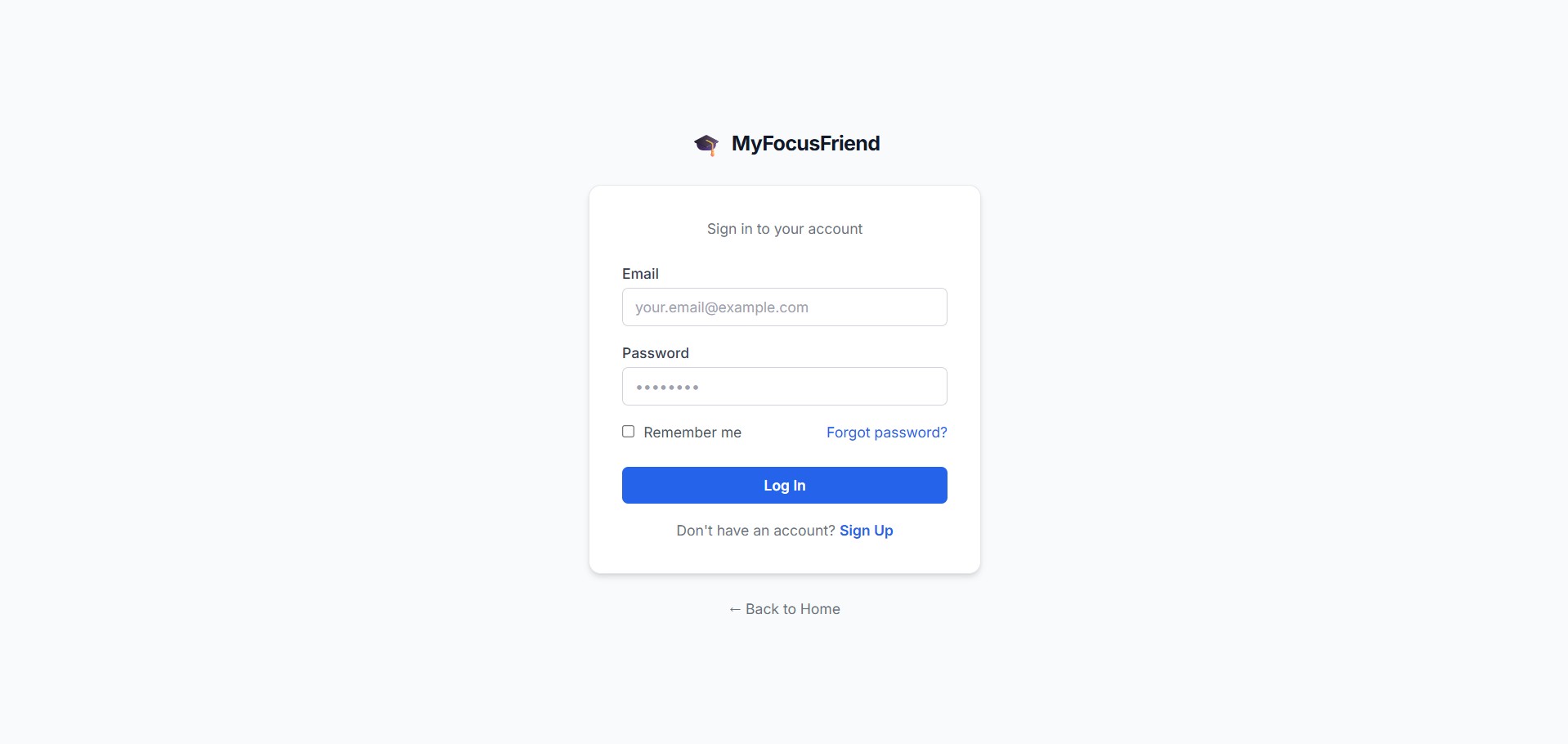
Log-in/Sign-up Page
-
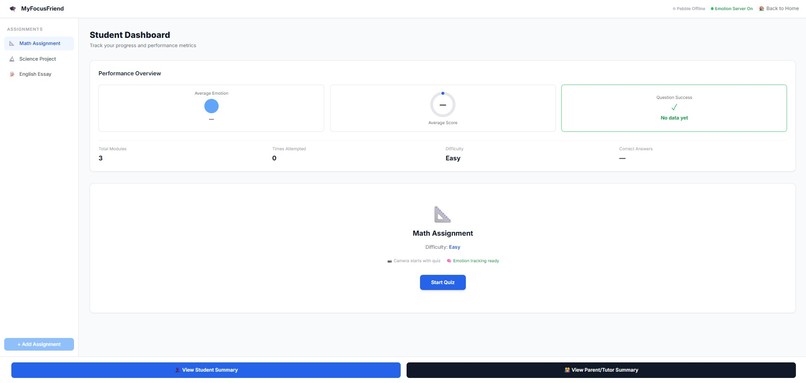
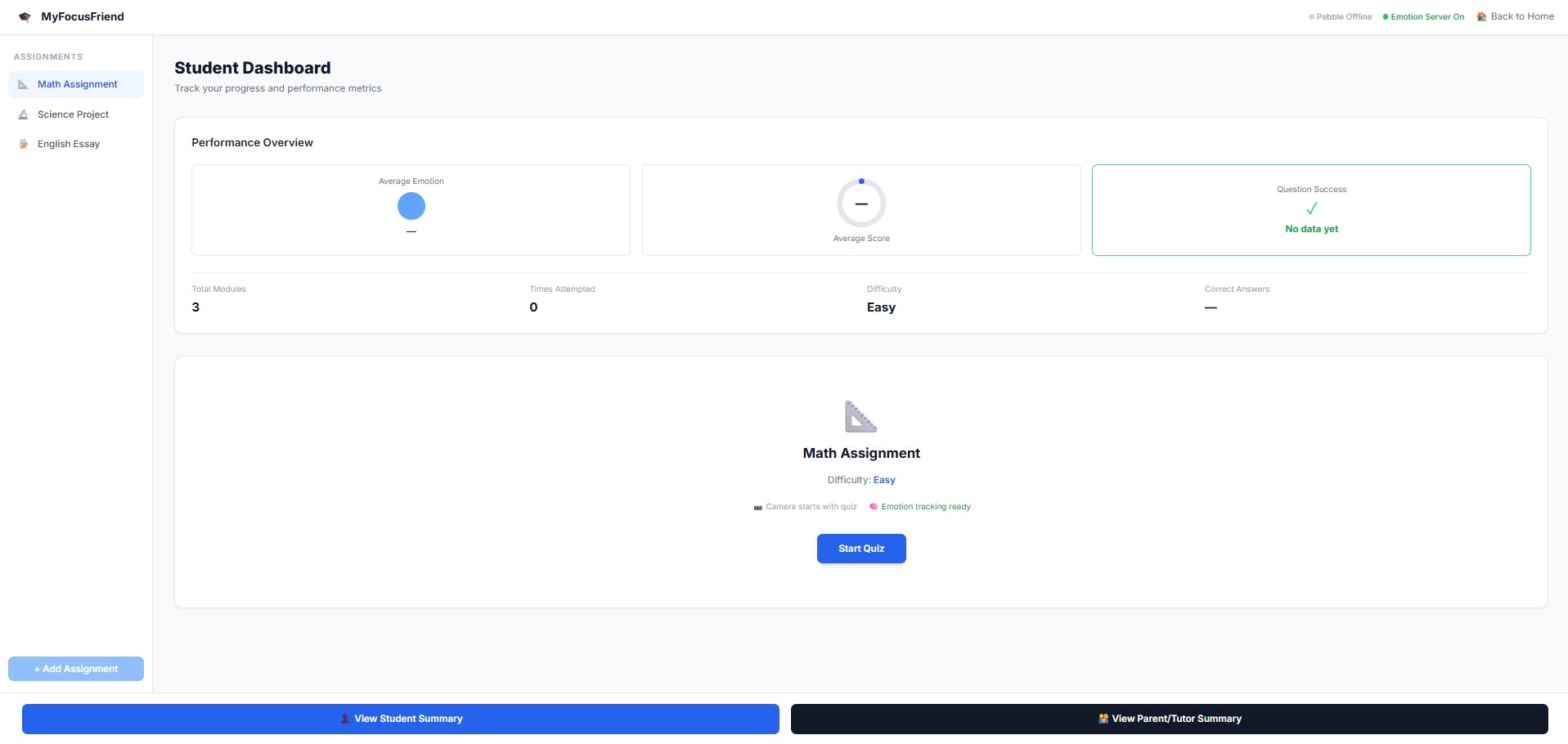
Student Dashboard [Main Service Page]
-
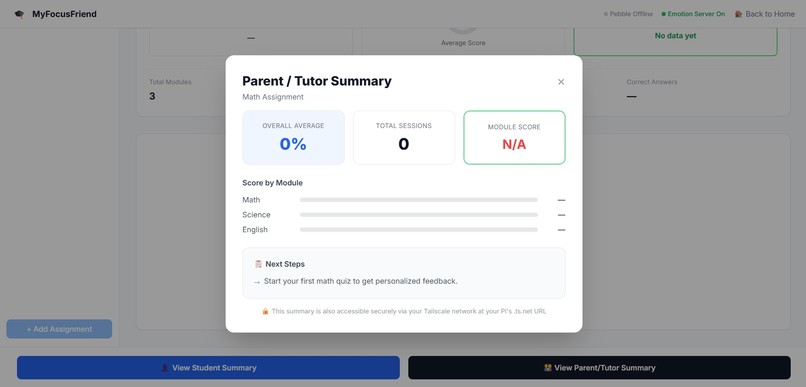
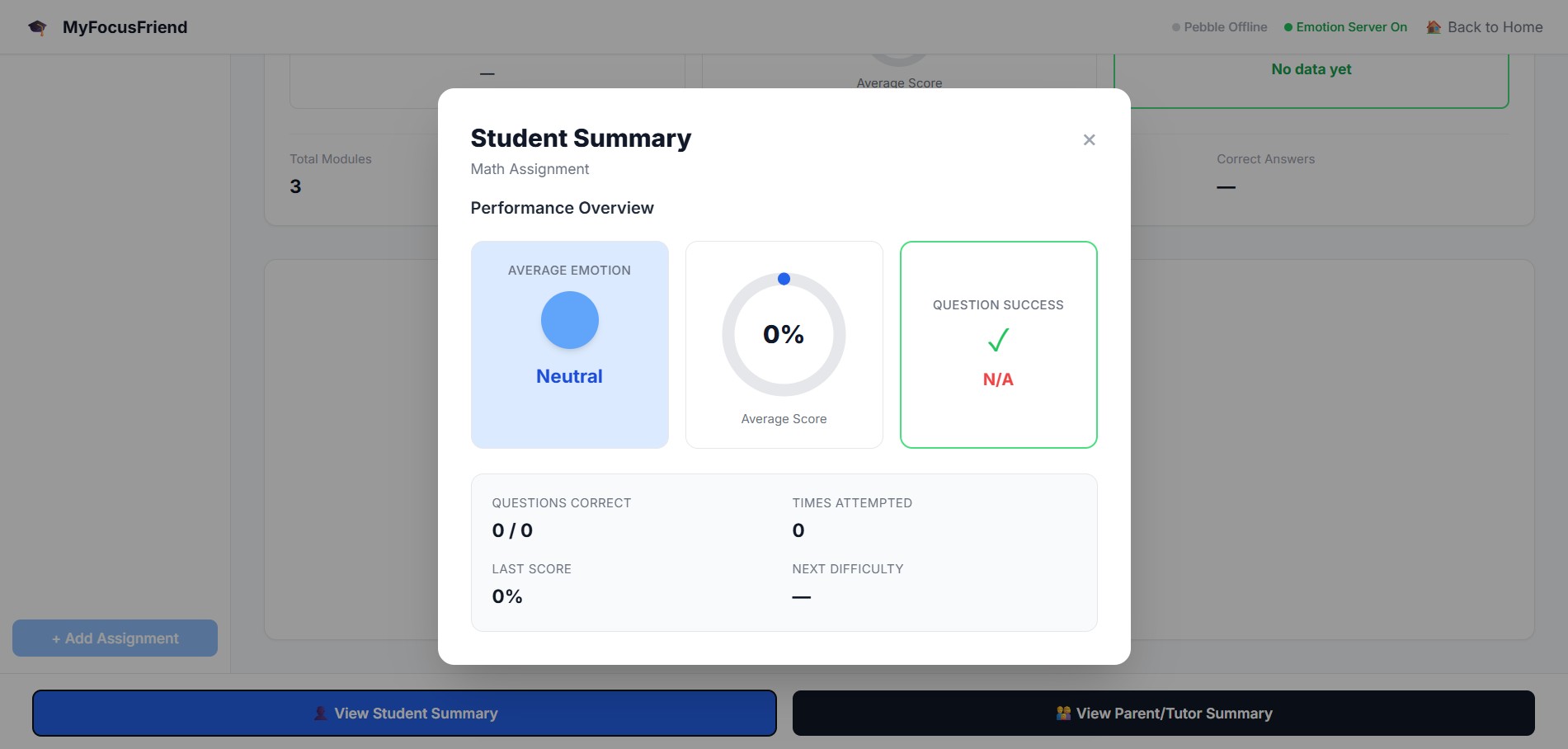
Student Summary Pop-Up Window [From Student Dashboard]
-
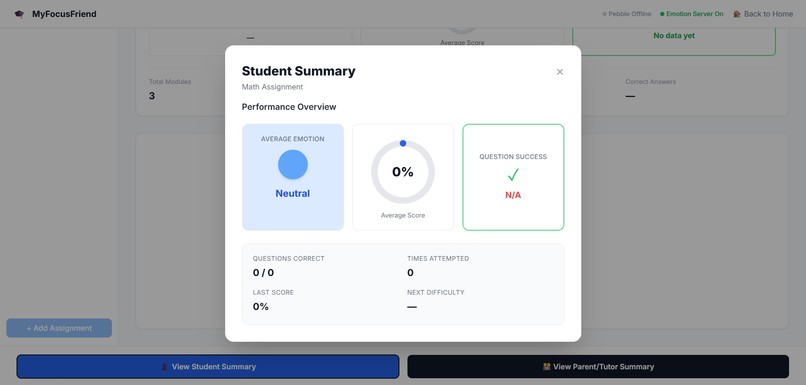
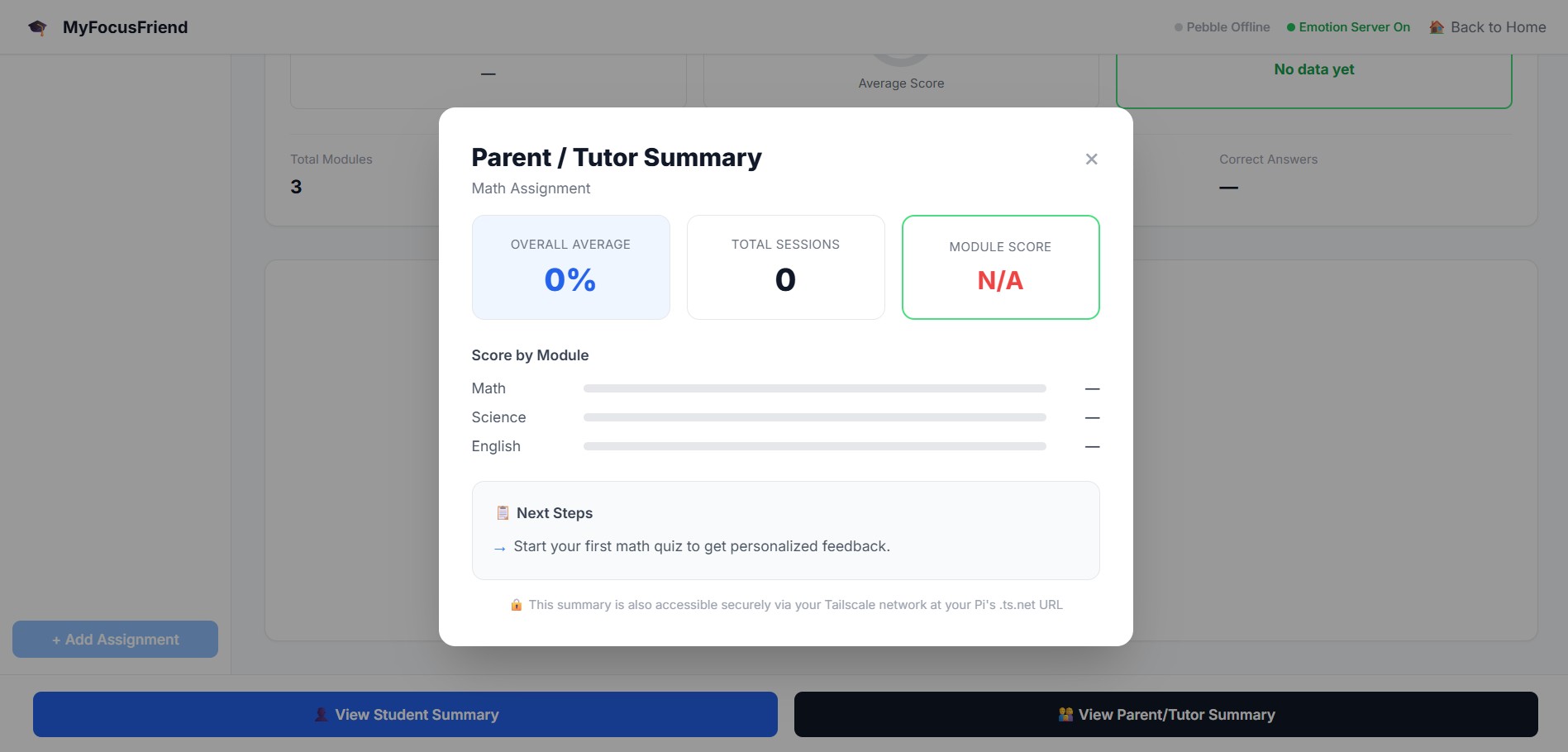
Parent/Tutor Summary Pop-Up Window [From Student Dashboard]
-
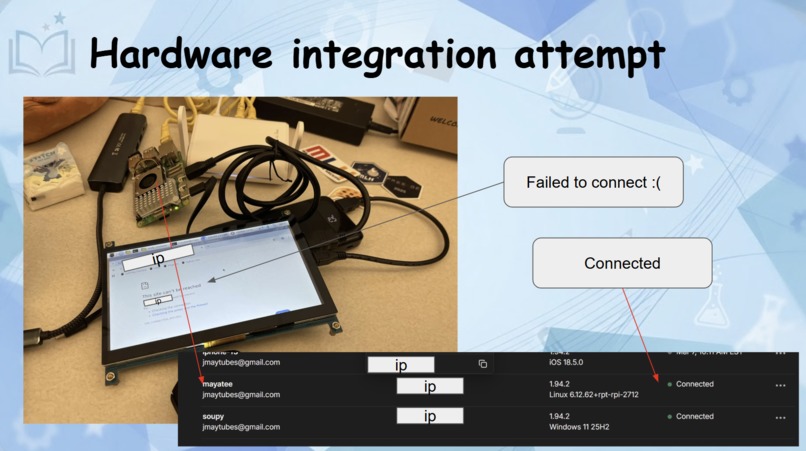
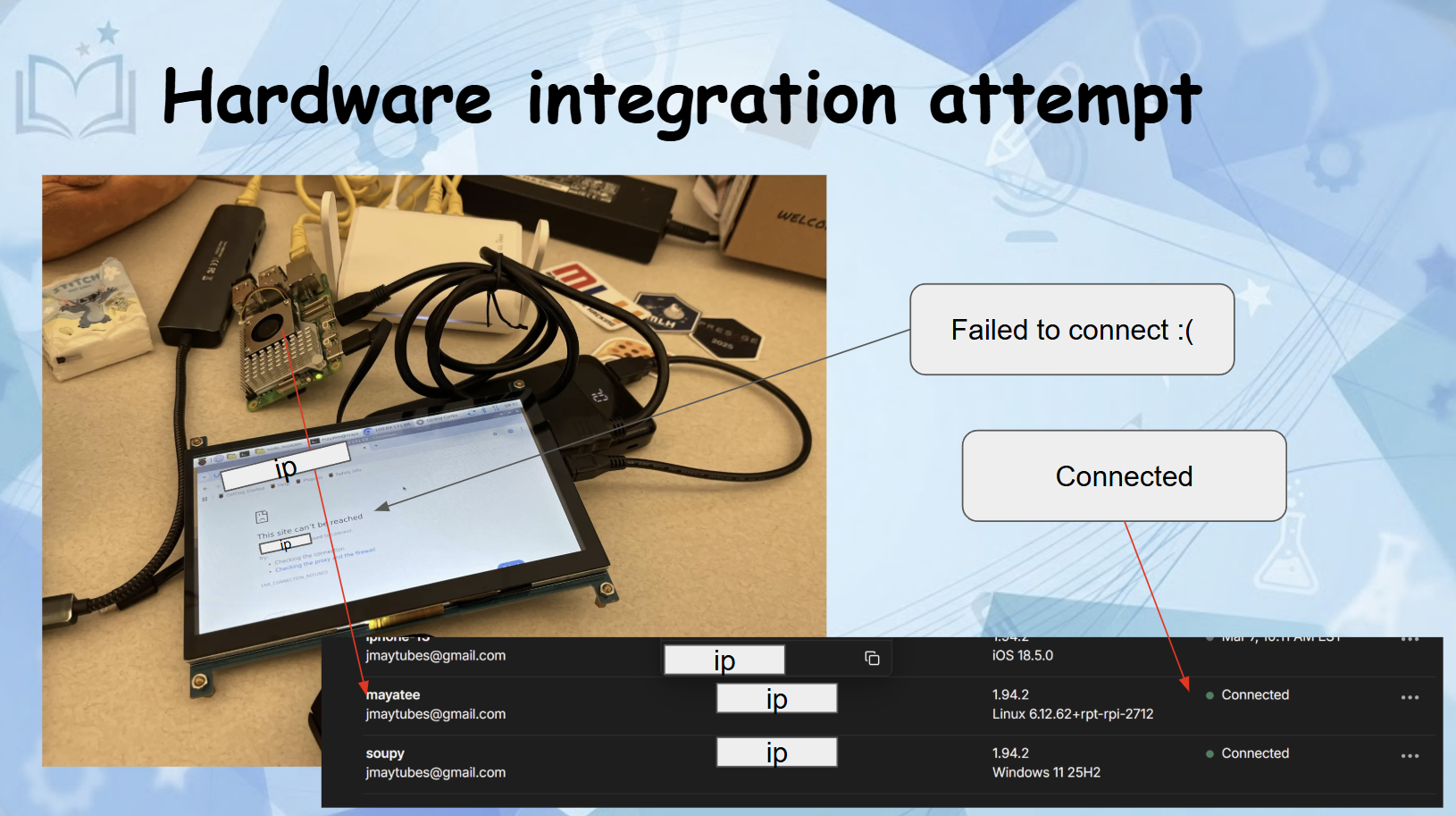
Hardware Integration Attempt [Pebble Interface] - Devices were connected to the Tailnet; direct IP access from the Pebble interface failed
-
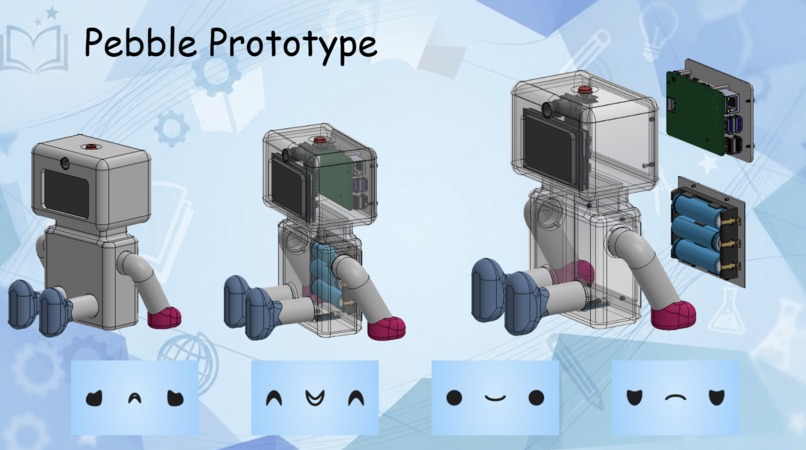
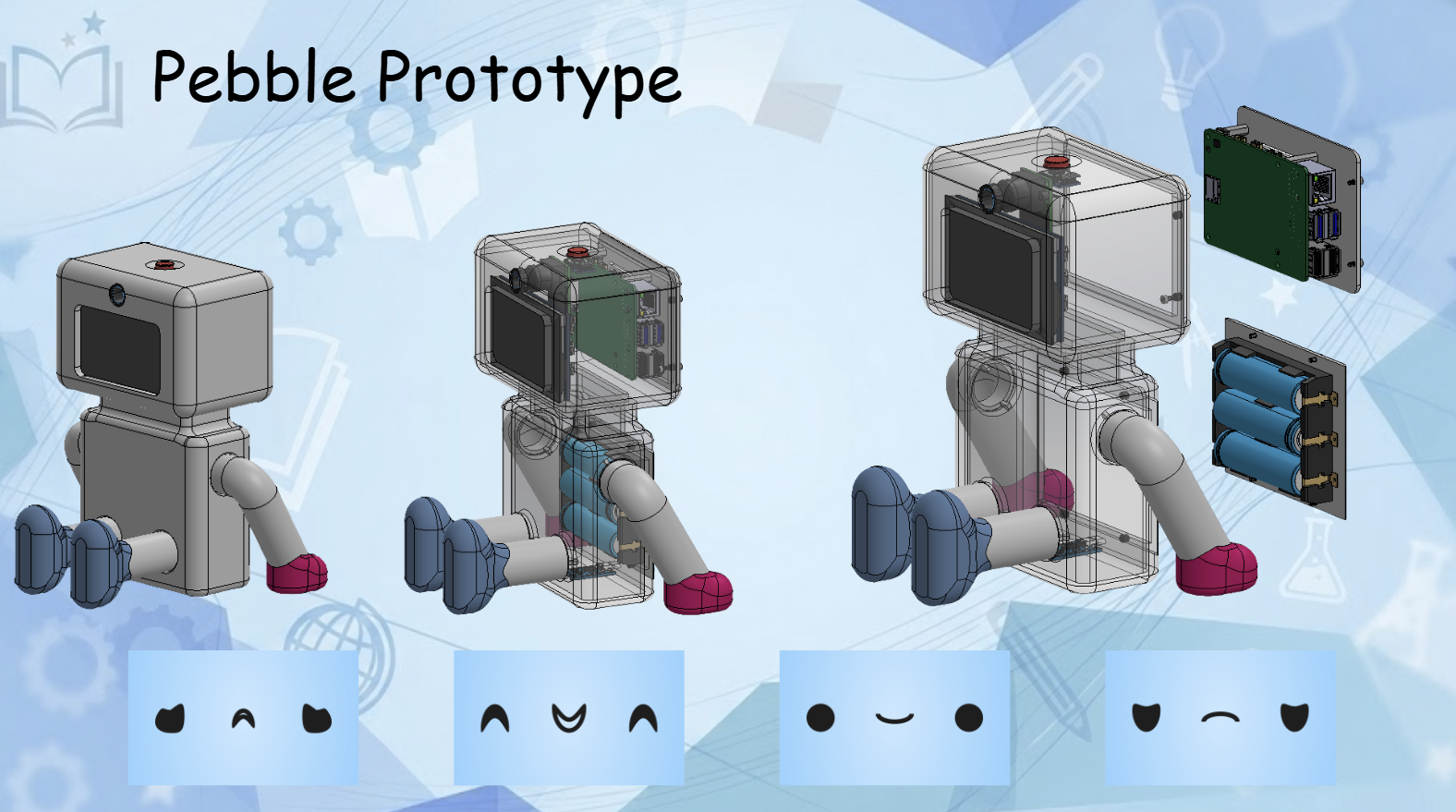
CAD model of Pebble and its faces :)
MyFocusFriend - Project Story
Inspiration
Anyone who's sat down to study and ended up "doom-scrolling" for hours on end knows the problem. It's not that student don't want to learn, it's just that studying alone makes it hard.
In Canada, the decline in motivation and disengagement have been more prominent than ever, especially post-pandemic. Our team wanted to build something that actually sat with you while you studied. No more passive apps and timer windows, but an actual companion that responds to how you're feeling in in the moment.
That's where the idea for MyFocusFriend came from. Your study sessions don't have to make you feel isolated anymore. Who wouldn't want their own personal tutoring buddy!
What it does
MyFocusFriend is an AI-powered study companion that watches your emotional state in real time as you work through subject quizzes, and adapts to keep you engaged.
Here's how it works:
- You start a quiz on one of three modules: Math, Science, or English
- Your laptop camera activates and captures frames every 6 seconds while you answer questions - DeepFace analyzes your expressions and classifies your emotional state (engaged, frustrated, discouraged, focused)
- The difficulty adapts to your emotions and success. Score well and questions get harder, struggle and they ease off
- 'Pebble', a physical Raspberry Pi robot companion reacts and displays an emotion on screen that mirrors and responds to yours, providing real-time encouragement (this feature still needs development)
- After the session, students get a personal summary showing their average emotion, score, and progress over time. Parents and tutors get a separate secure summary, which is accessible privately over Tailscale with complete session history and recommended next steps (this feature still routes issues - future iterations would have this working)
How we built it
The project is split across three layers that all talk to each other: Frontend - React + Tailwind CSS Three pages: a landing page, a static login page, and the main student dashboard. The dashboard handles the full quiz flow, webcam capture, live emotion display, and both summary popups. We used Vite for the build toolchain and React Router for navigation.
Emotion Server - FastAPI + DeepFace A Python server running locally on the student's laptop. Every 6 seconds during a quiz, the frontend captures a webcam frame, converts it to base64, and POSTs it to this server. DeepFace runs facial expression analysis and returns a student learning state (engaged, frustrated, discouraged, focused). We map those to four display emotions for Pebble.
Pi Backend - Flask + Tailscale A Flask server running on the Raspberry Pi 5. It receives emotion readings from the frontend, updates the OLED display on Pebble in real time, stores session data as JSON, and serves the parent/tutor summary endpoint. Tailscale Serve exposes this endpoint privately so parents can access it securely from any device on the Tailscale network with no public ports or credentials beyond the network. (Raspberry Pi works separately but the connection between the stack, tailscale server, and Pi still needs work)
Challenges we ran into
NumPy Serialization crashes - DeepFace wouldn't route emotion analysis' values as numpy.float32's, which led to FastAPI being unable to serialize to JSON immediately. This issue took hours to debug because of a silent 500 localhost error, which was eventually fixed with a single line of code being changed to: {k: float(v) for k, v in emotion_scores.items()}
Tailscale networking - Getting the Pi backend securely accessible to parent devices without exposing public ports required understanding how Tailscale Serve routes traffic internally. The setup has some implementation of Tailscale but the service remains inaccessible for now. (Future feature to be added)
Camera timing- DeepFace takes 1-2 seconds per analysis. Calling it too frequently would block the quiz UI. We settled on a 6-second polling interval with a "fail-and-continue" approach so a slow analysis never interrupts the student mid-question.
Accomplishments that we're proud of
We are very proud of having the full loop for Webcam -> DeepFace -> emotion analysis -> session summary working and updating on the frontend.
We are also proud of the CAD designs and Rasp Pi features that are still in development. The combination of two very different technologies coming together to improve the service was a great learning experience for the entire team.
What we learned
We learned a great deal about computer vision (openCV), FastAPIs and DeepFace for analysis, the connection between backend and frontend with extensive JavaScript.
What's next for MyFocusFriend
Raspberry pi connection to be properly configured so that it runs through the tailnet without having to run the code in terminal. The 3D model of pebble that include that hardware components of button (for study timer module) and camera module to replace the webcam. Utilizing Elevenlabs to let Pebble have a voice to speak to the student through the students' device when providing homework support. Using GenAI to create a chatbot to provide extensive homework questions and added modules upon behaviour responses of user when tackling on the homework modules. The databases are to be implemented to remember the user history of working with such modules to allow different difficulty of modules.
Built With
- autocad
- deepface
- fastapi
- flask
- javascript
- json
- opencv
- raspberry-pi
- react
- tailscale
- tailwind.css
- tensorflow
- vite

Log in or sign up for Devpost to join the conversation.