Inspiration
Many professors now use ebooks* for lectures in the classrooms; likewise, many students use ebooks when studying and doing homeworks. Undoubtedly, using ebooks has more advantages over the use of hardcopy books and pamphlets eg. easy accessiblity, instant search for keywords, etc. Often, professors and students alike need to use two ebooks at the same time - as they may be referencing notes/glossaries from the other file. However, a significant limitation when using ebooks is that current ebook readers open one file per window. So we just open the two files in two separate windows and then keep switching windows to view the ebook we want. This does not achieve a great user experience for both students and professors.
*I use ebooks to mean PDFs
What it does
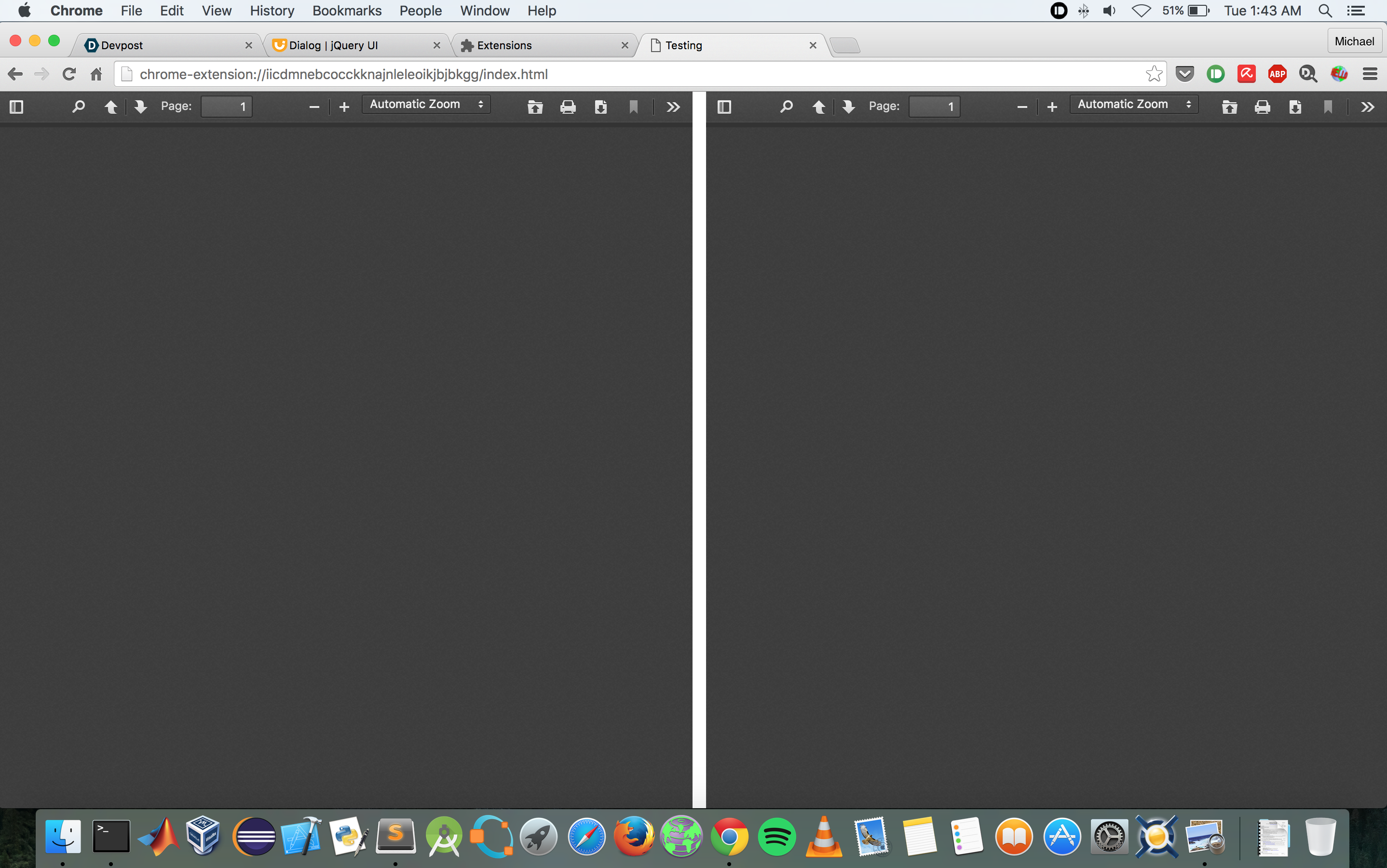
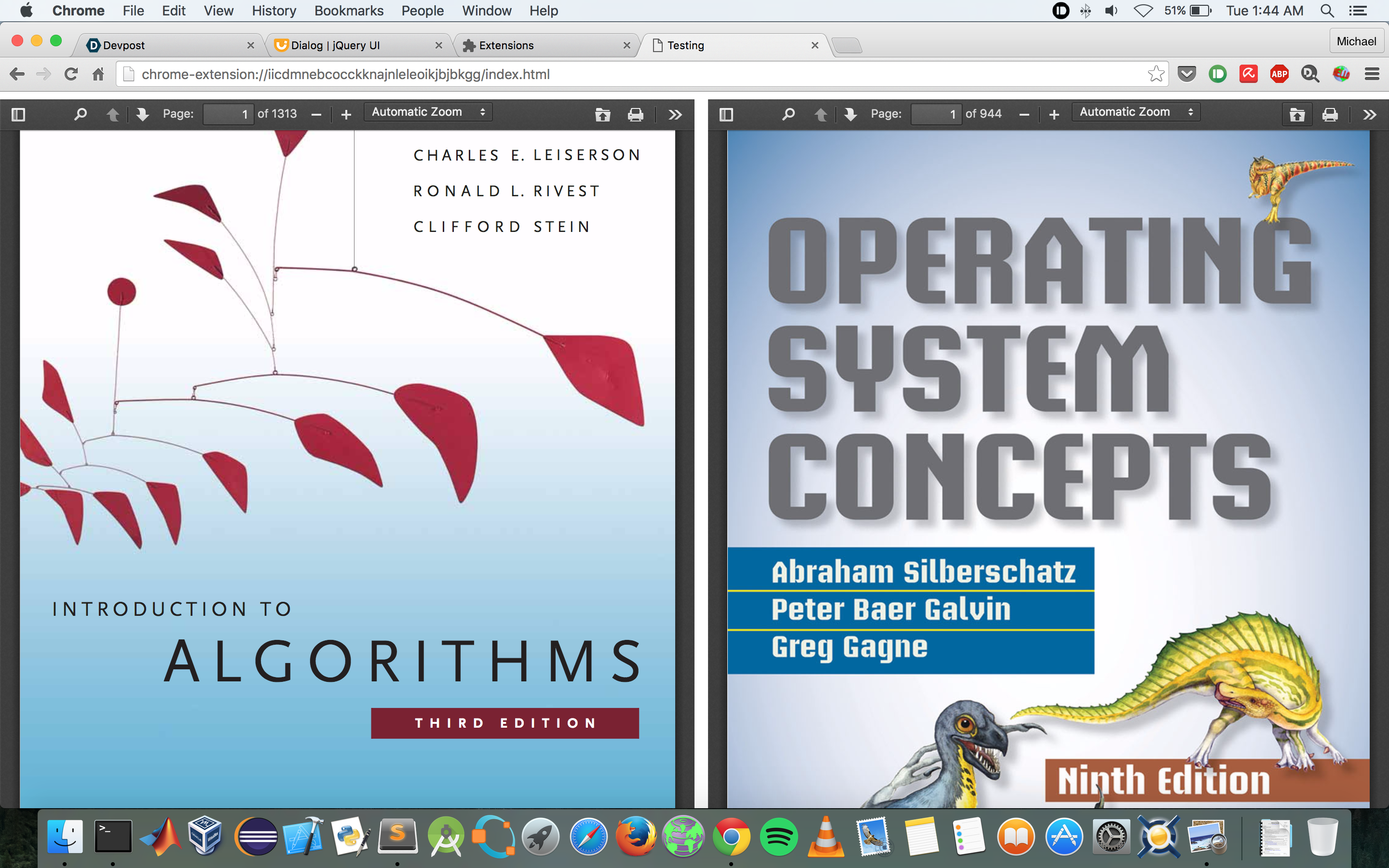
allows users to view and read two different pdf files in a single chrome tab to achieve a great user experience.
How I built it
details to follow shortly on my blog
Challenges I ran into
a lot..details to follow shortly on my blog
Accomplishments that I'm proud of
being able to work with the pdf.js library in chrome..meeting core goal of displaying two pdfs in a single window..
What I learned
a lot..details to follow shortly on my blog
What's next for myE-reader
add contextual dictionary definition using pearson dictionary api a lot..details to follow shortly on my blog
Built With
- javascript
- jquery
- pearson-dictionary-api

Log in or sign up for Devpost to join the conversation.