-
-
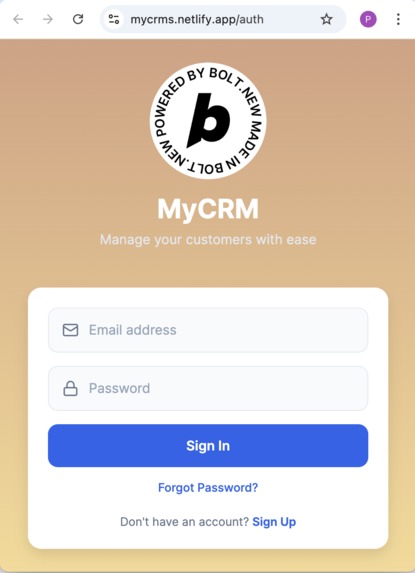
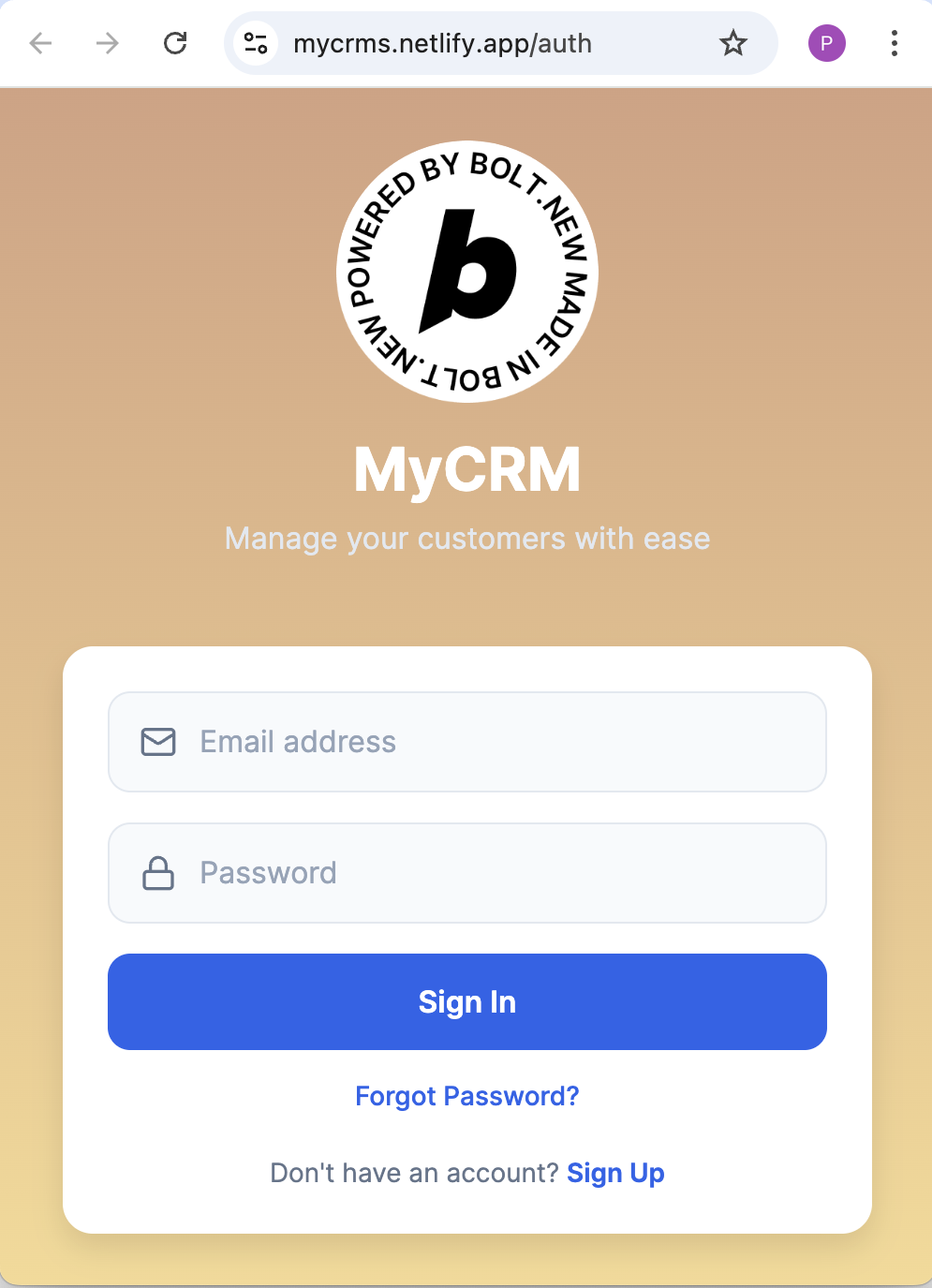
My CRM Web Login
-
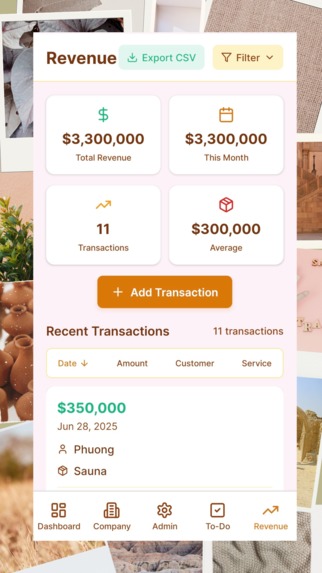
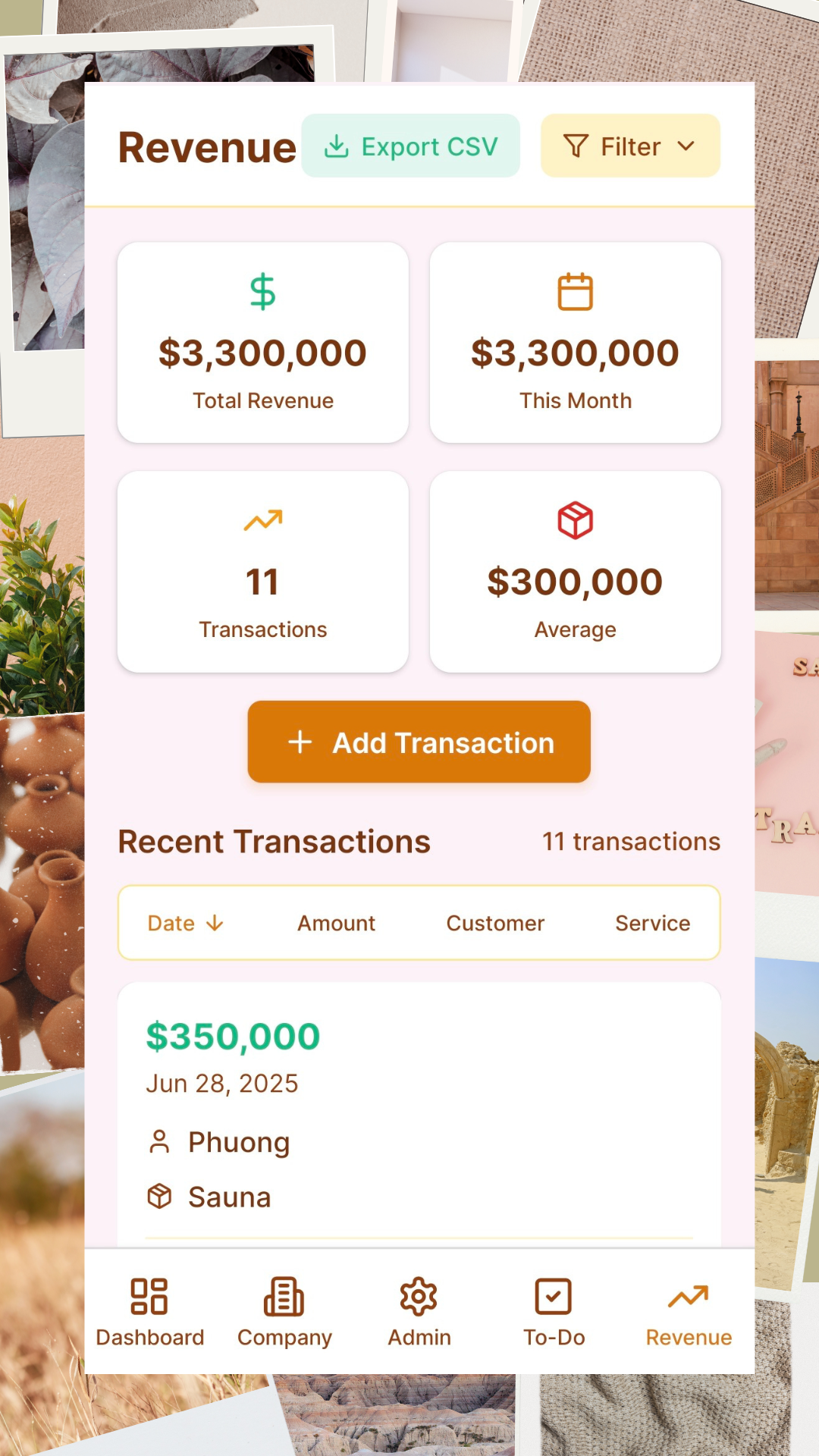
Revenue Management
-
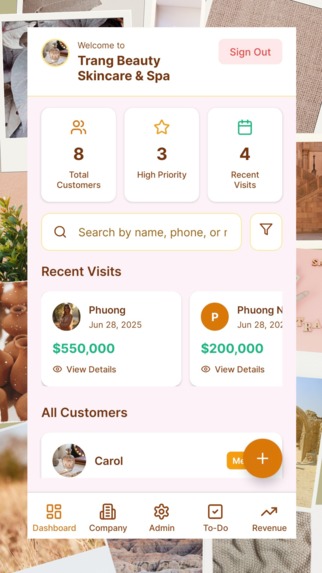
Customer Management
-
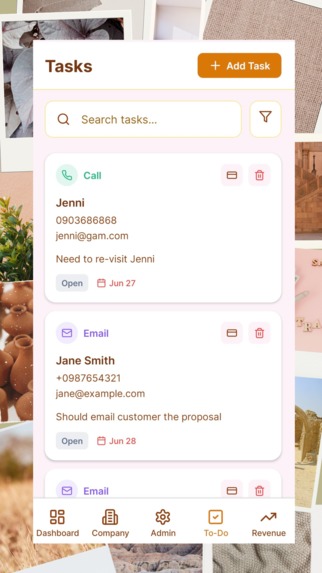
Task Management
-
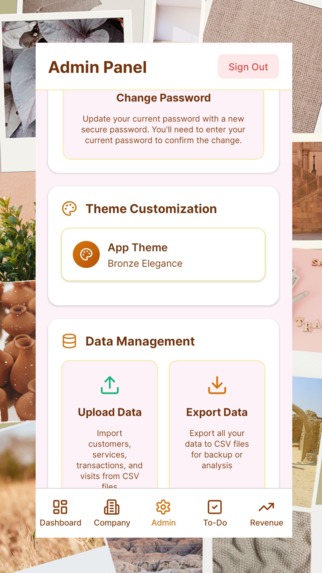
Admin Panel
-
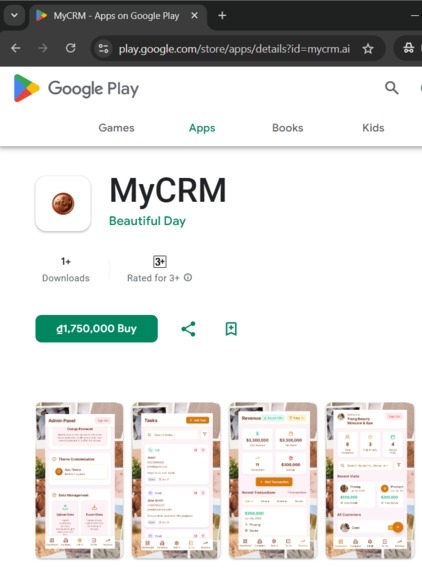
MyCRM on Google Play

Inspiration
SMEs need a great CRM application to effectively manage their customers on the go.
My friend story: My friend Megan is the owner of a Skin Care & Spa. Her regular customers often come to do skin treatment and other beauty care services. For Megan, it is important to remember the customer's next appointment as this is important for the treatment schedule and play an important part of professional service provided by her. As the number of customers are relatively large and manage the various appointments for different kind of treatments are difficult.
Each kind of treatment will help a different schedules (e.g.: weekly, bi-weekly, monthly, bi-monthly...). With hundreds of active customers, it would be a headache for Megan to manage the 'next appointment' for her customers. Therefore, she need an effective tool that help her on manage these tasks. Also it is important that the tool should be really easy to use and don't require a lot of time for use.
When I introduced MyCRM to Megan, after a week, Megan invited me for a dinner, she told me: You save my days. Now instead of shuffling through my messages, emails, notes, photos... I have all information about my customers instantly in my phone. MyCRM is simply beautiful!
What it does
MyCRM is the all-in-one solution designed specifically for small and medium-sized businesses like Spa, Beauty salons, and retail shops. Whether you're managing appointments, tracking revenue, or staying on top of daily tasks, this powerful app lets you do it all—anywhere, anytime, straight from your phone.
Main features:
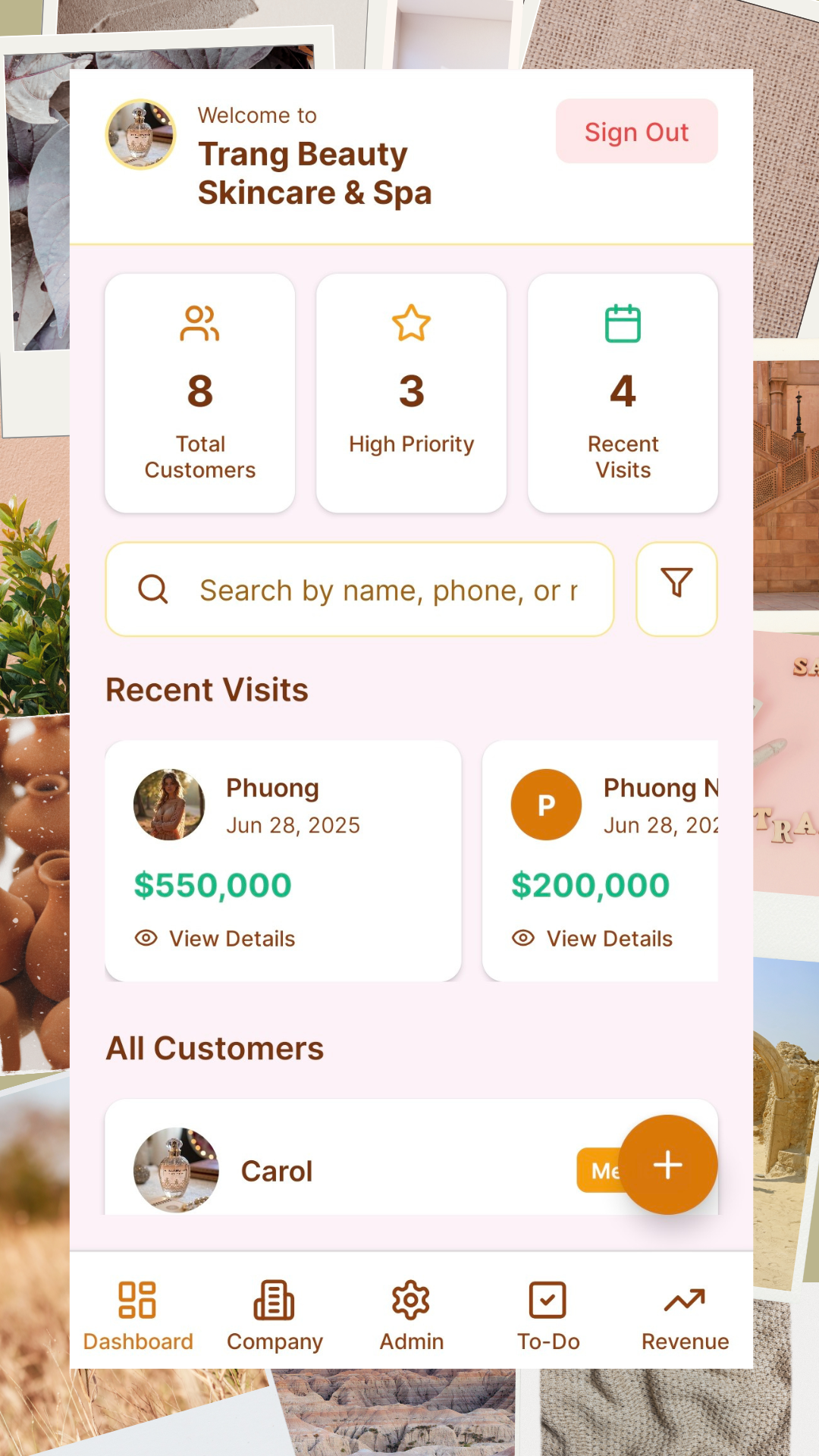
Customer Management: manage customer's info such as email, phone number, address as well as interaction's history with the customers.
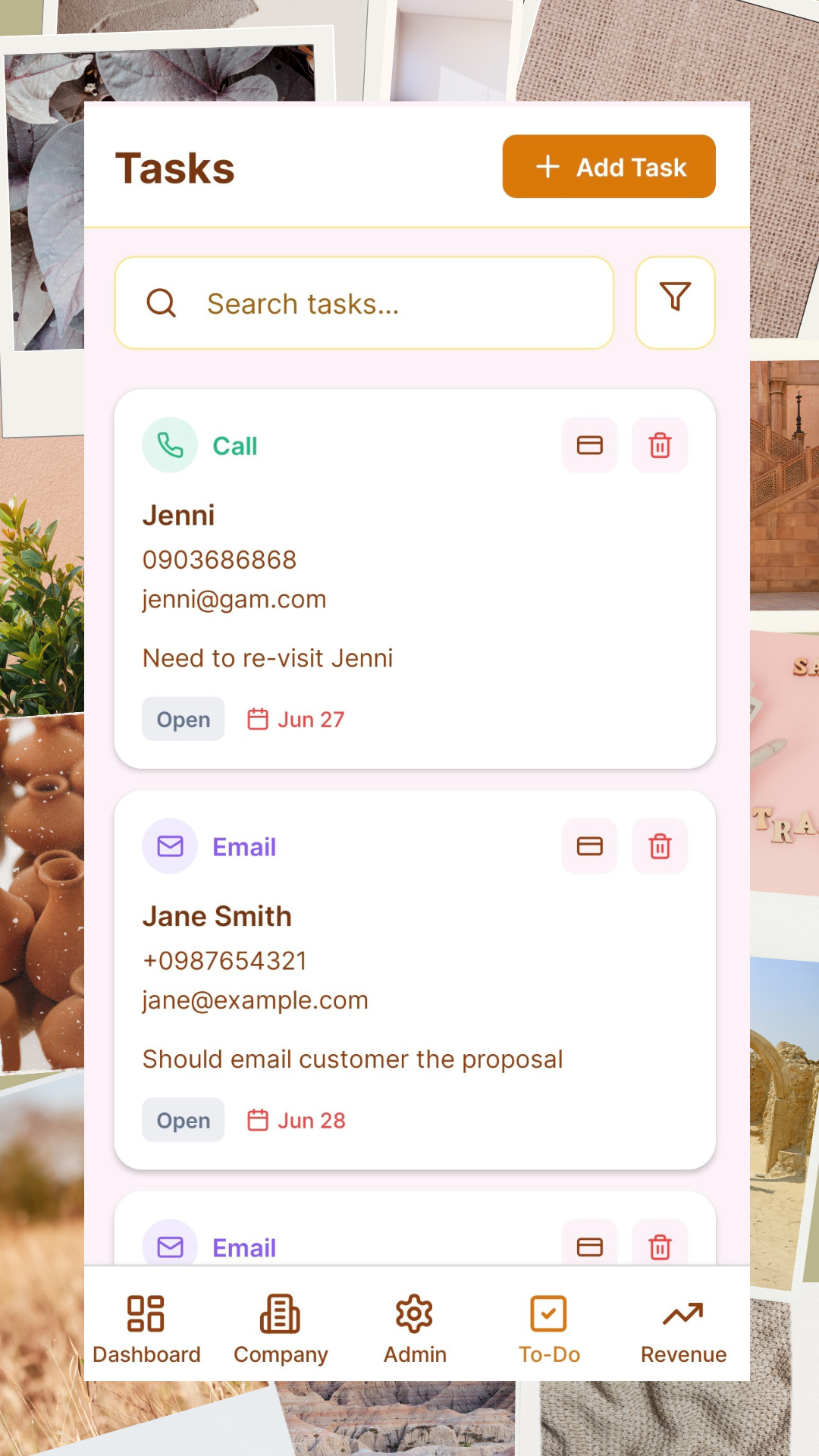
Tasks Management: effective tracking of tasks like calling customer, email contract, meeting with customer so you will never miss an important meeting with customer.
Revenue Management: track all the transactions, all services/products offered to customers, and easy way to get analytics and export to excel.
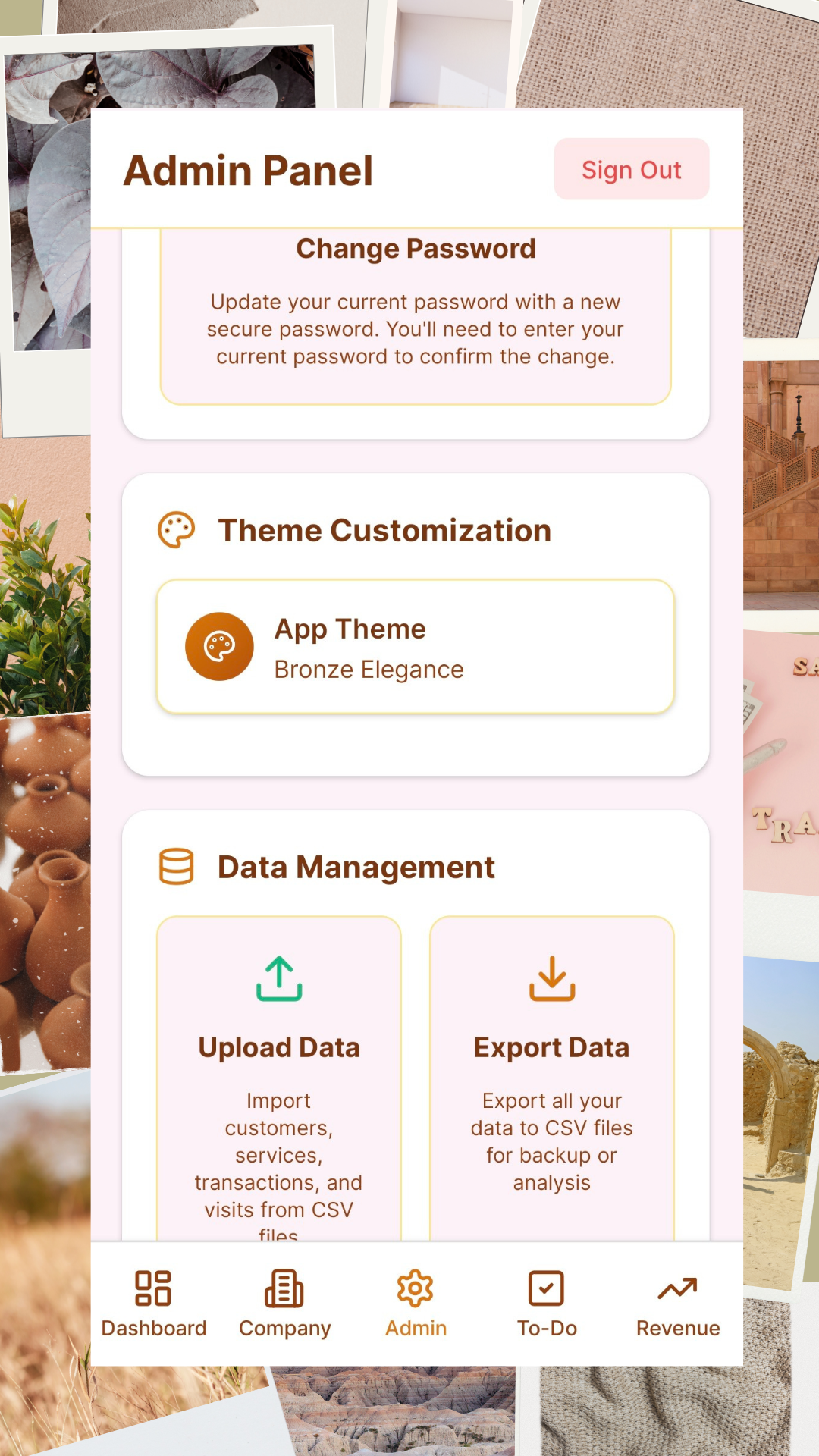
Admin Panel: password management self-service, Data (Export/Import) Management and Service/Product Management.
How we built it
Thanks for the great tools Bolt.new in combination with Expo, Supabase and Netlify that enables build in a week-end, scale to millions.
Challenges we ran into
When the project becomes relatively large, with many screens and features, the performance (code generation) becomes quite slow and we quickly run out of tokens.
Thanks for the great resources from Bolt.new to maximizing token efficiency we can get good balance with performance and hight quality code generation.
Accomplishments that we're proud of
A feature-rich web & mobile CRM application that are ready to distributed to Apple Store, Google Play, and Web.
What we learned
Think big, start small: I found out that at the beginning, your prompt for Bolt.new can be reasonable brief. For initial prompt, it is important that you layout the key features, screens, structure for your product while omitting some level of details. After several rounds, when the generated code main flow works well, you can then go into detail prompts for each screen. Remember: one screen at a time might be a good strategy.. This is because prompting on update or fixing issues on a single screen works very well, and limit the risk of making mess on other screens.
Tell the tool to reuse components as much as possible:: when you have a great generated screen, for example a "Revenue" screen with beautiful and elegant list and filters, you can tell the tool something like: "Update my Customer Screen, use the same filter component from the Revenue screen." that will work very well in compare to another prompt without the context like: "Create a filter for the customer screen.", the tool might end up generate a different filters for the customer screen whereas you already have a great filters on the other "Revenue" screen. Not only the separated create a fragmented user experience, it might introduce separated types of issues that you would have to fix for each screen.
Find the right balance in letting the tool automatically fix the issues with the generated code and manual fixing. Some issues are very simple to fix manually, for example Dependencies incompatible issue: if you already know which versions of the different libraries works well together, it would be a great help to quickly update the correct workings versions for the libraries instead of letting the tool try several combination, saving several rounds of back and forth version compatible issues will save quite some time and tokens.
What's next for MyCRM:
Further enhancements as well as gathering users' feedback for future releases.

Log in or sign up for Devpost to join the conversation.