-
-
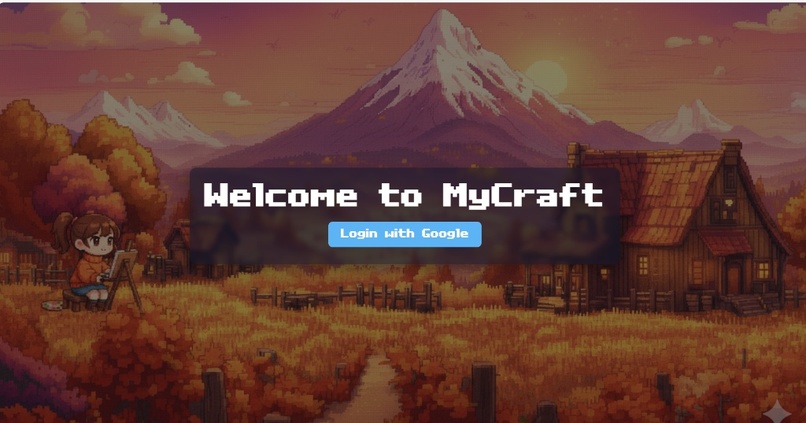
Intro
-
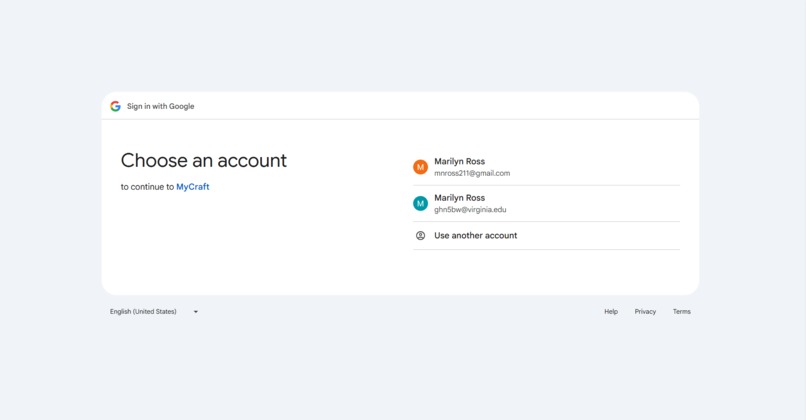
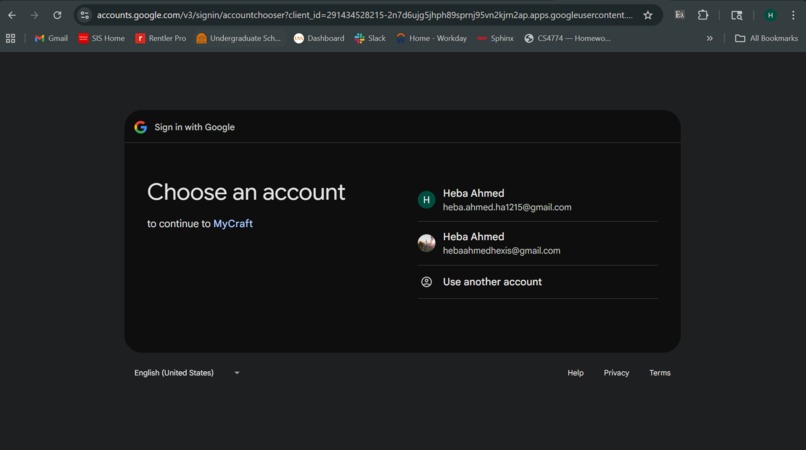
Google login with api
-
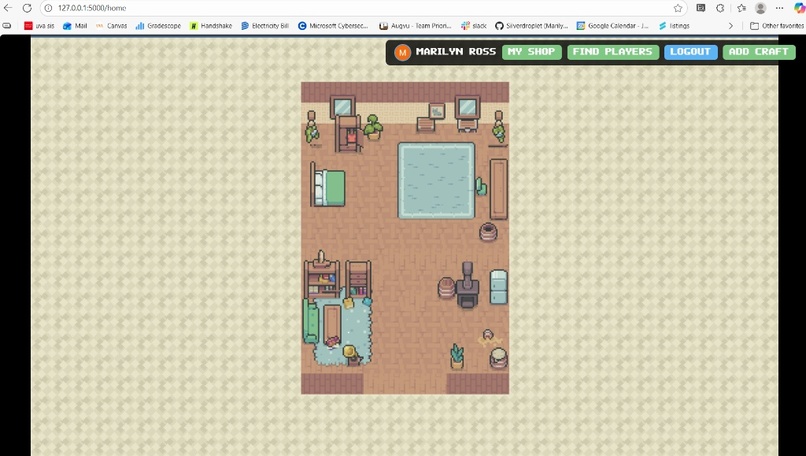
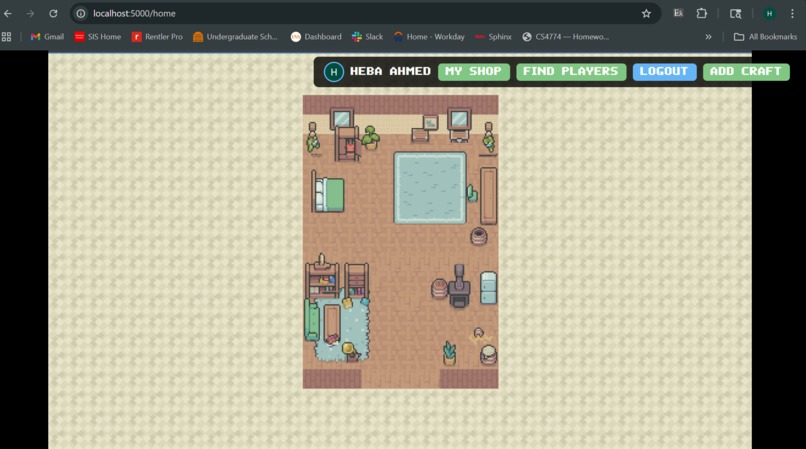
Home
-
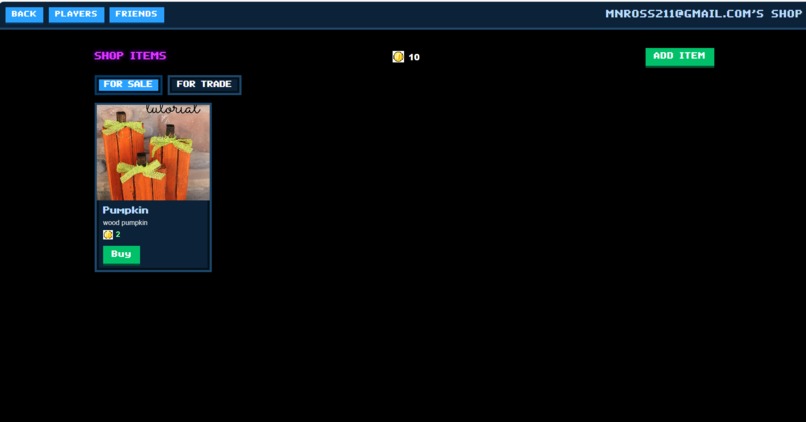
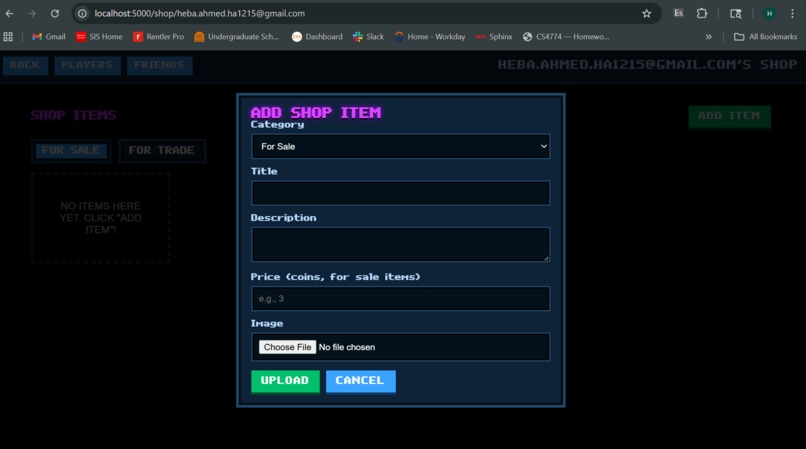
User's shop
-
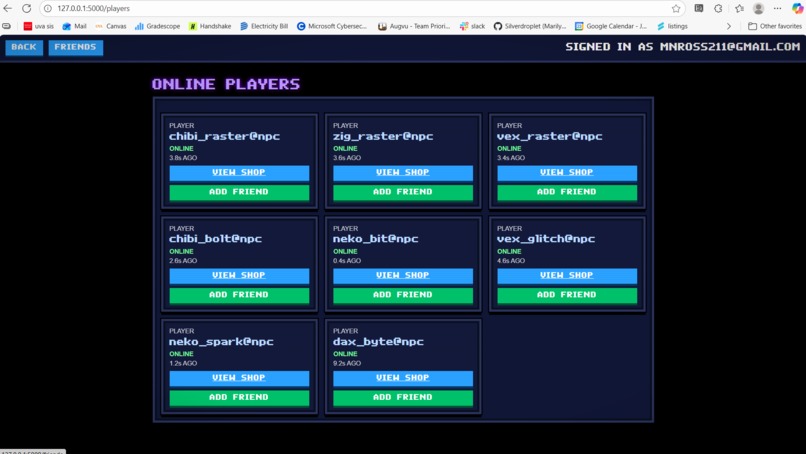
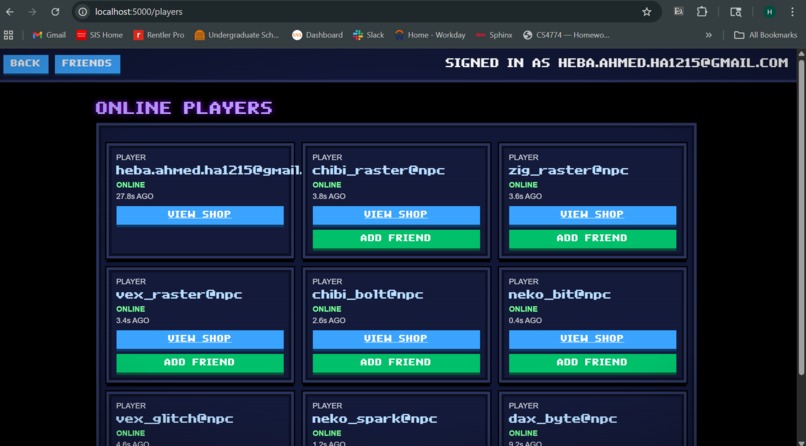
Players
-
-
-
-
-
-
-
-
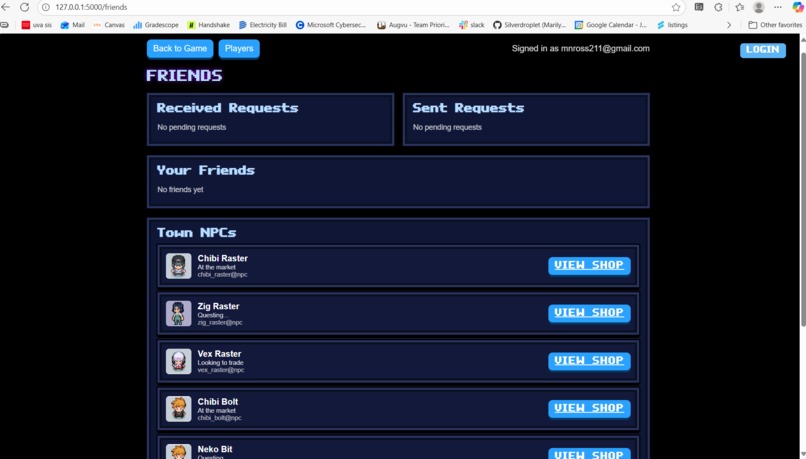
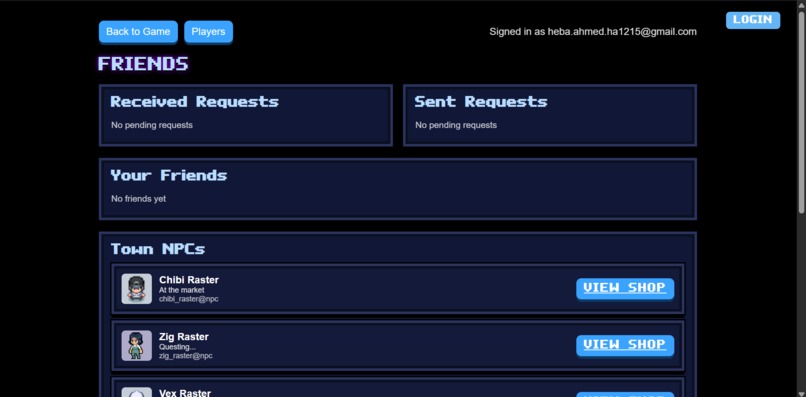
Friends
-
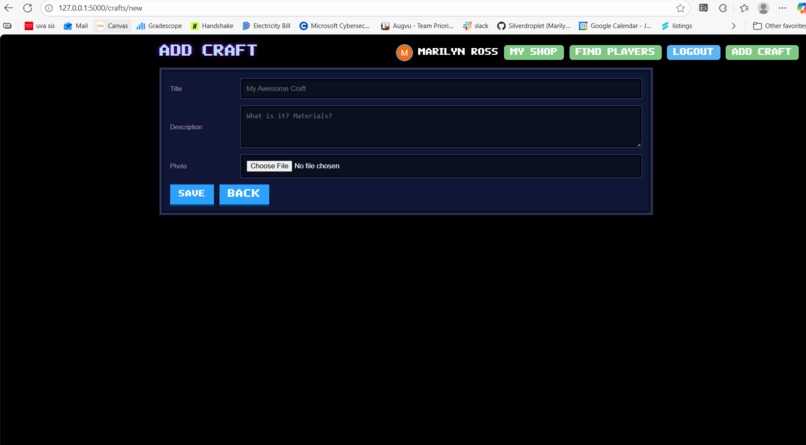
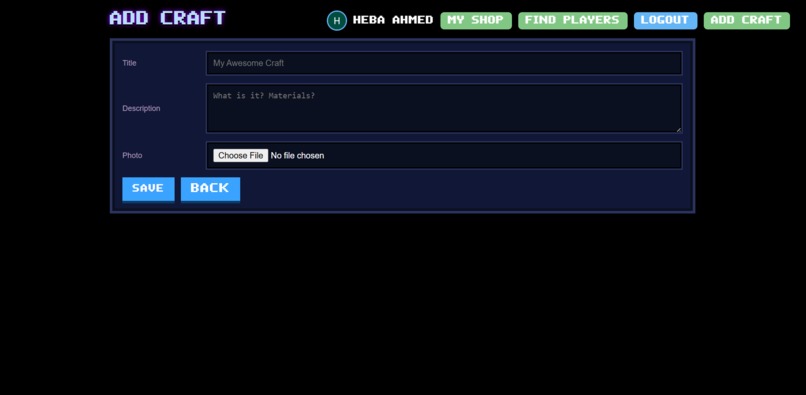
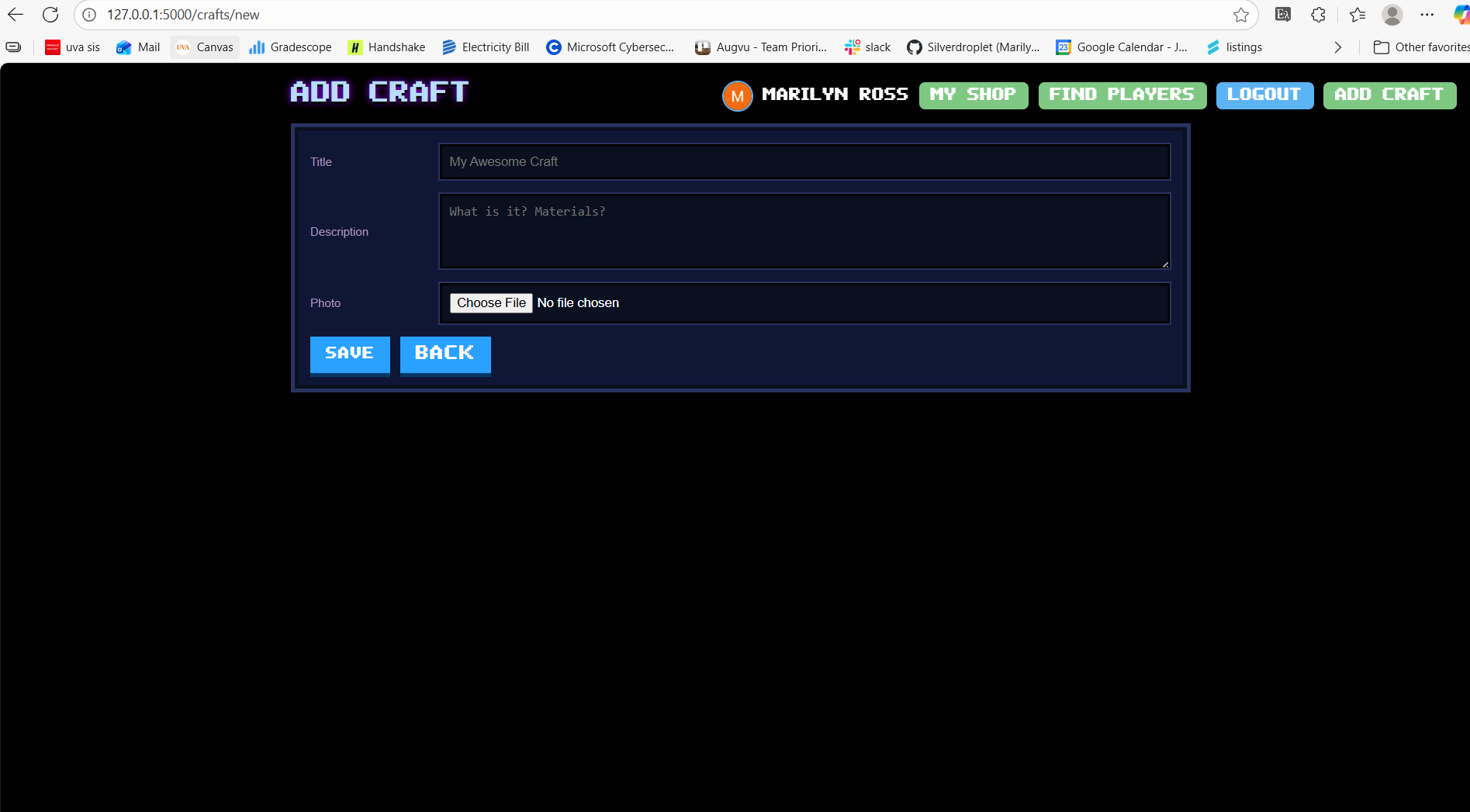
Add Craft
-
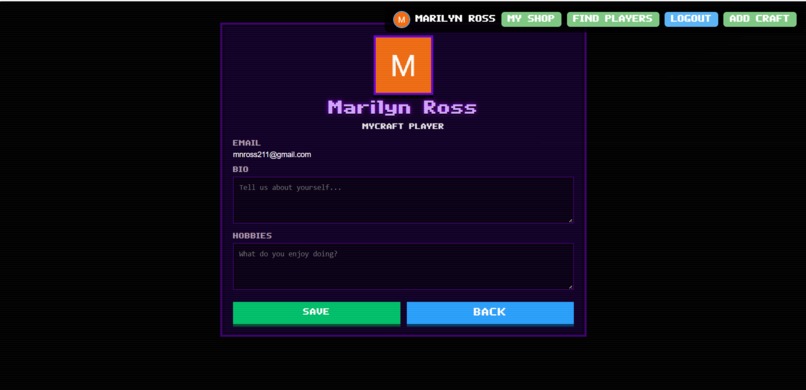
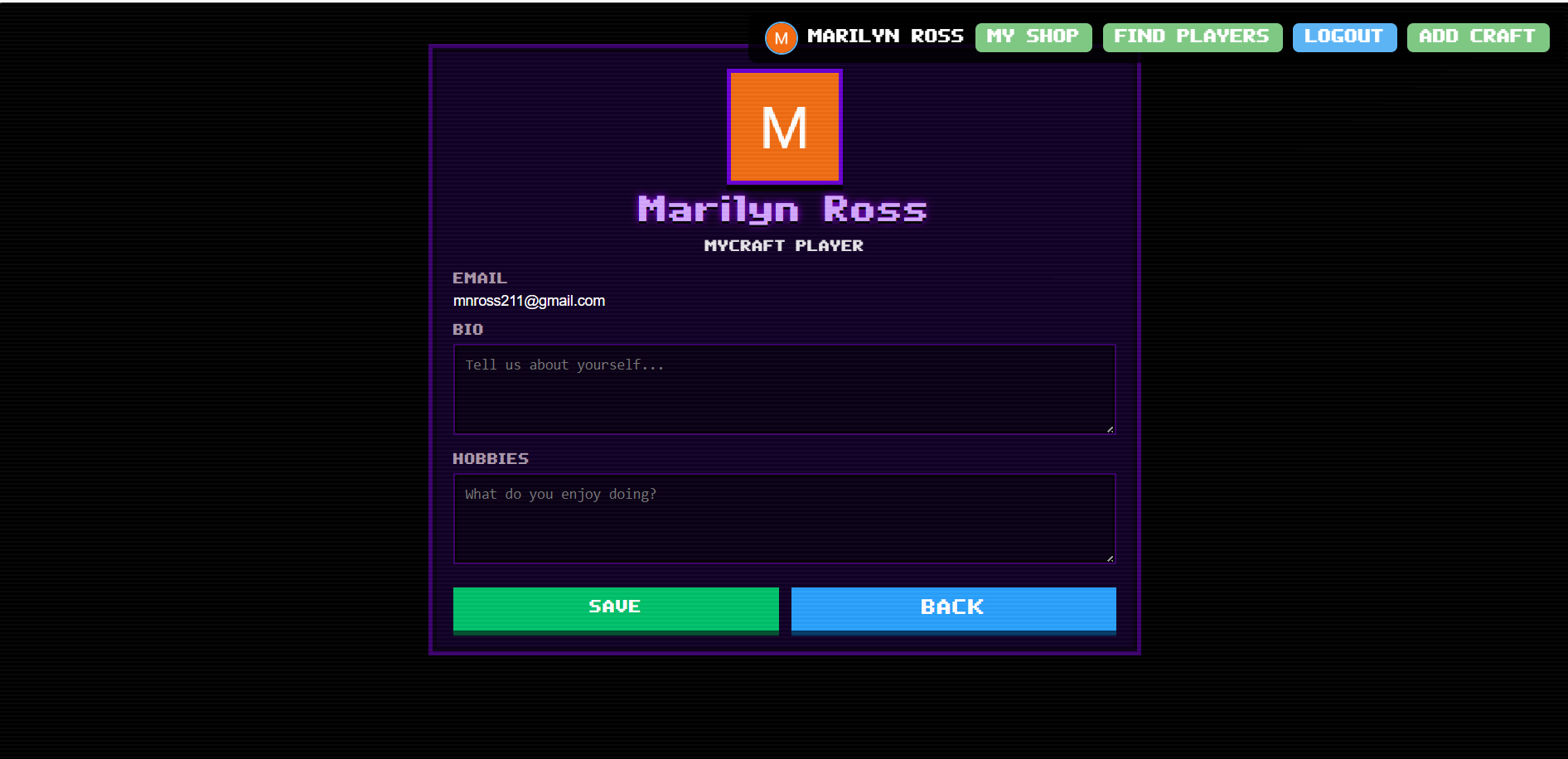
Profile
-
-


Inspiration
Stardew Valley meets Animal crossing - how can we make a game that adds real-life values of finding a crafting community? Etsy-esque selling platform but also trading aspect of it shows it's not all about financial gain. We were all interested in making the 2D style retro art, none of us had ever done game development before so using Godot Game Engine to create the game environment was really fun.
What it does
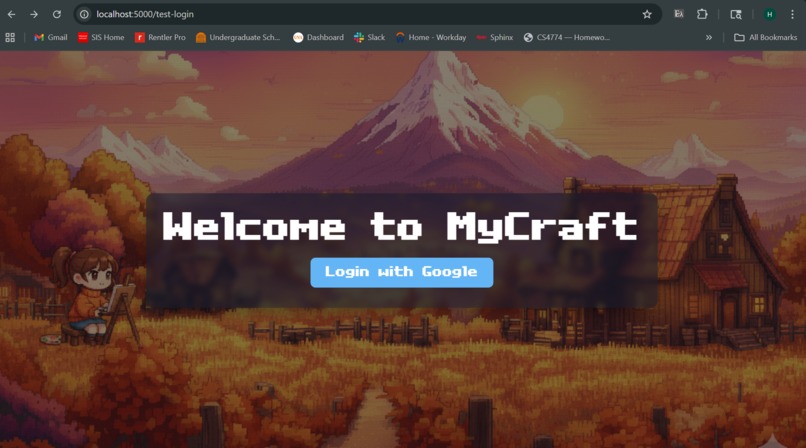
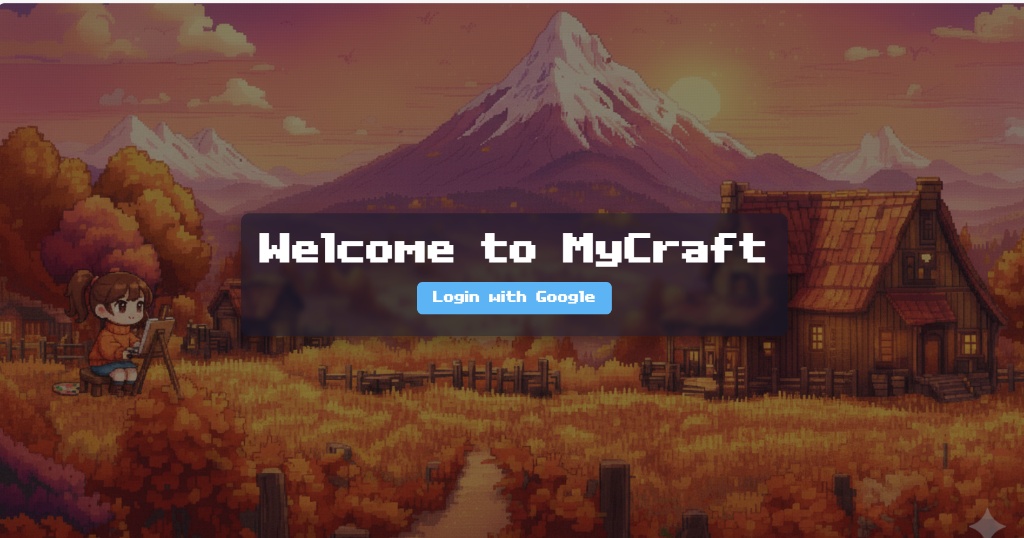
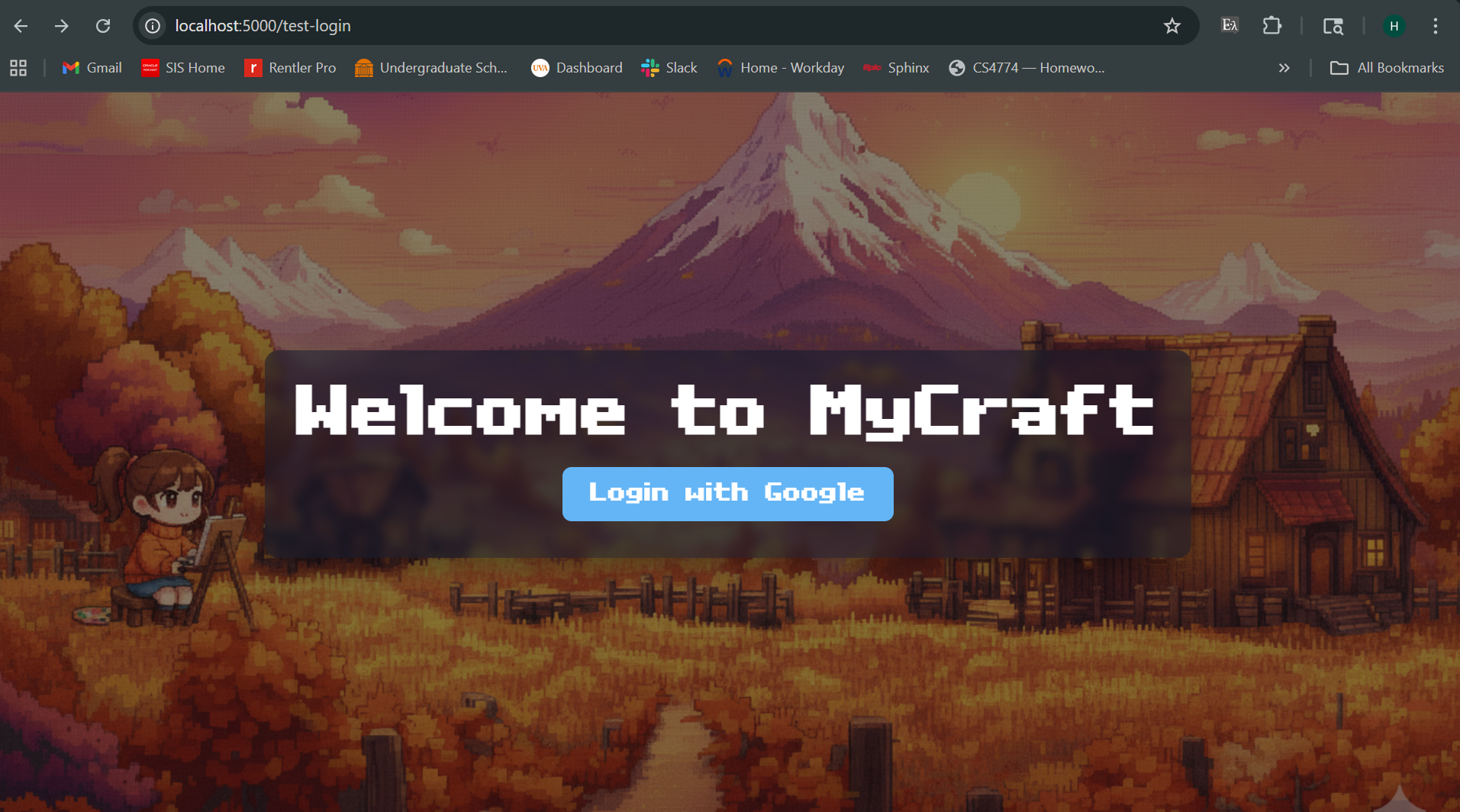
You start at the login page with a 2D pixellated background to give the user a sense of how the game would look, you can also see a chibi character painting which nods to the crafting community the user will enter once they log in. Once the user logs in, they can edit their profile with a bio and their hobbies which other players can view.
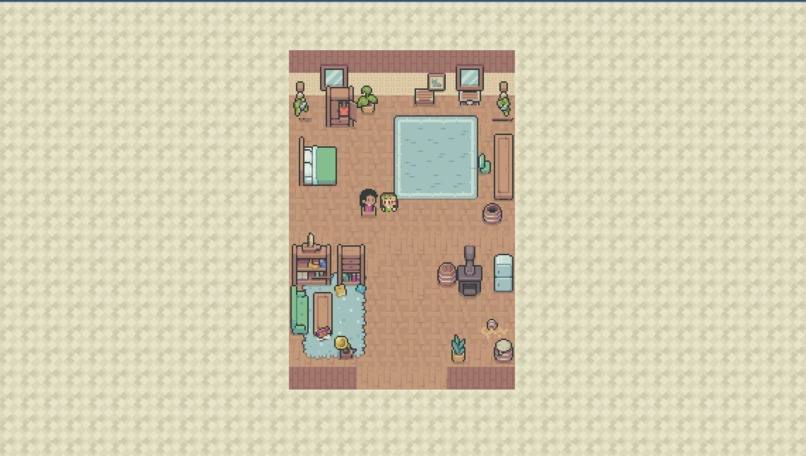
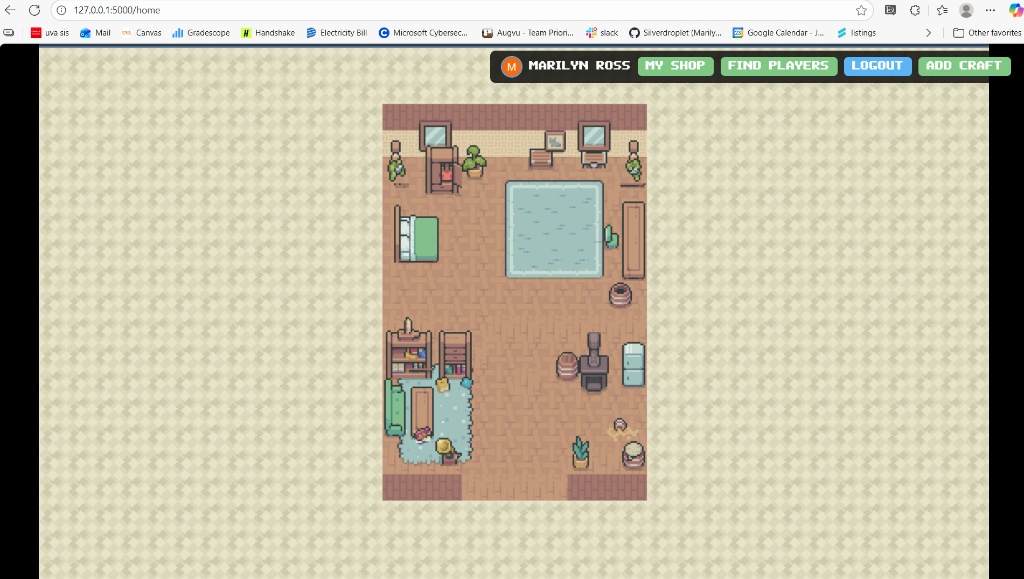
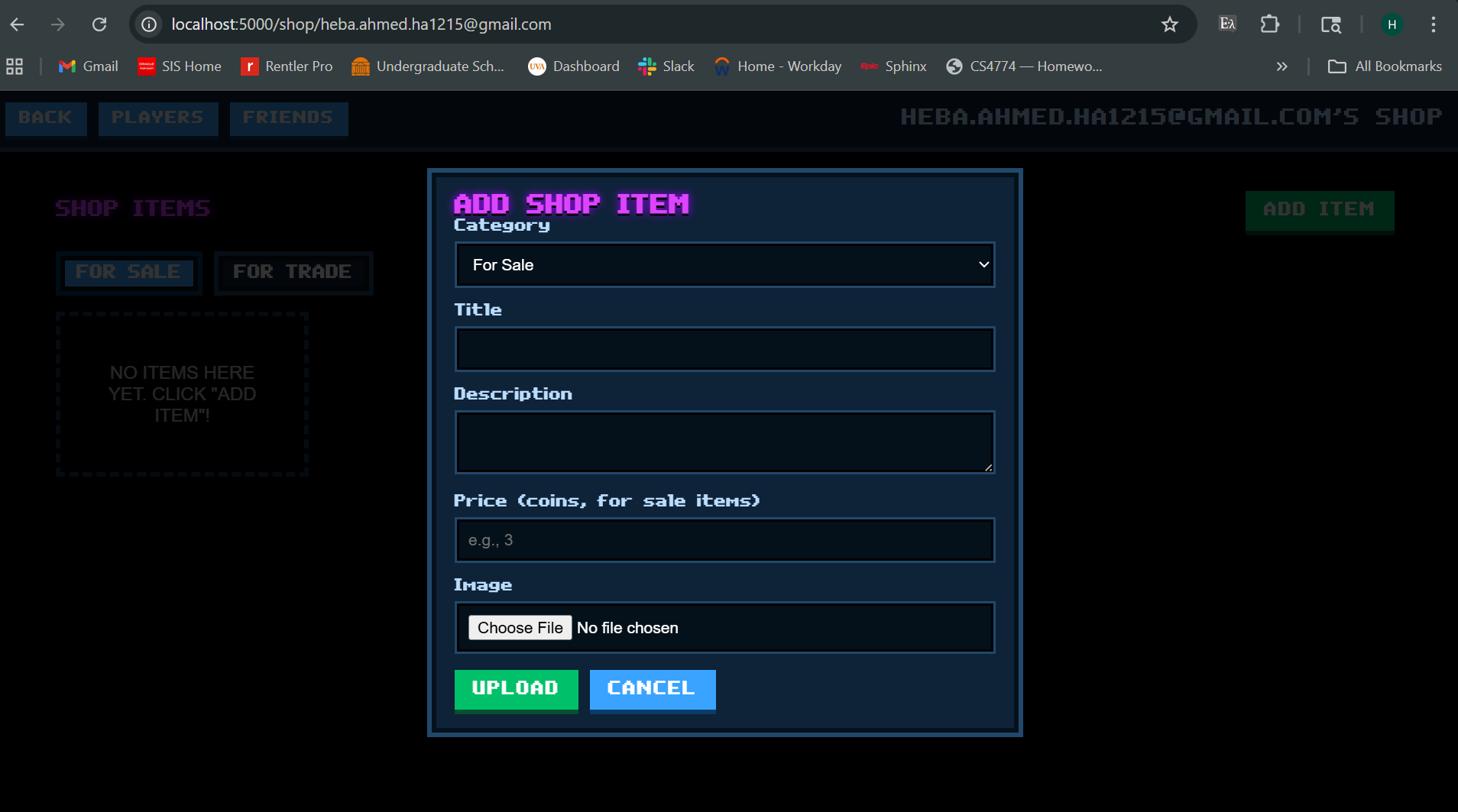
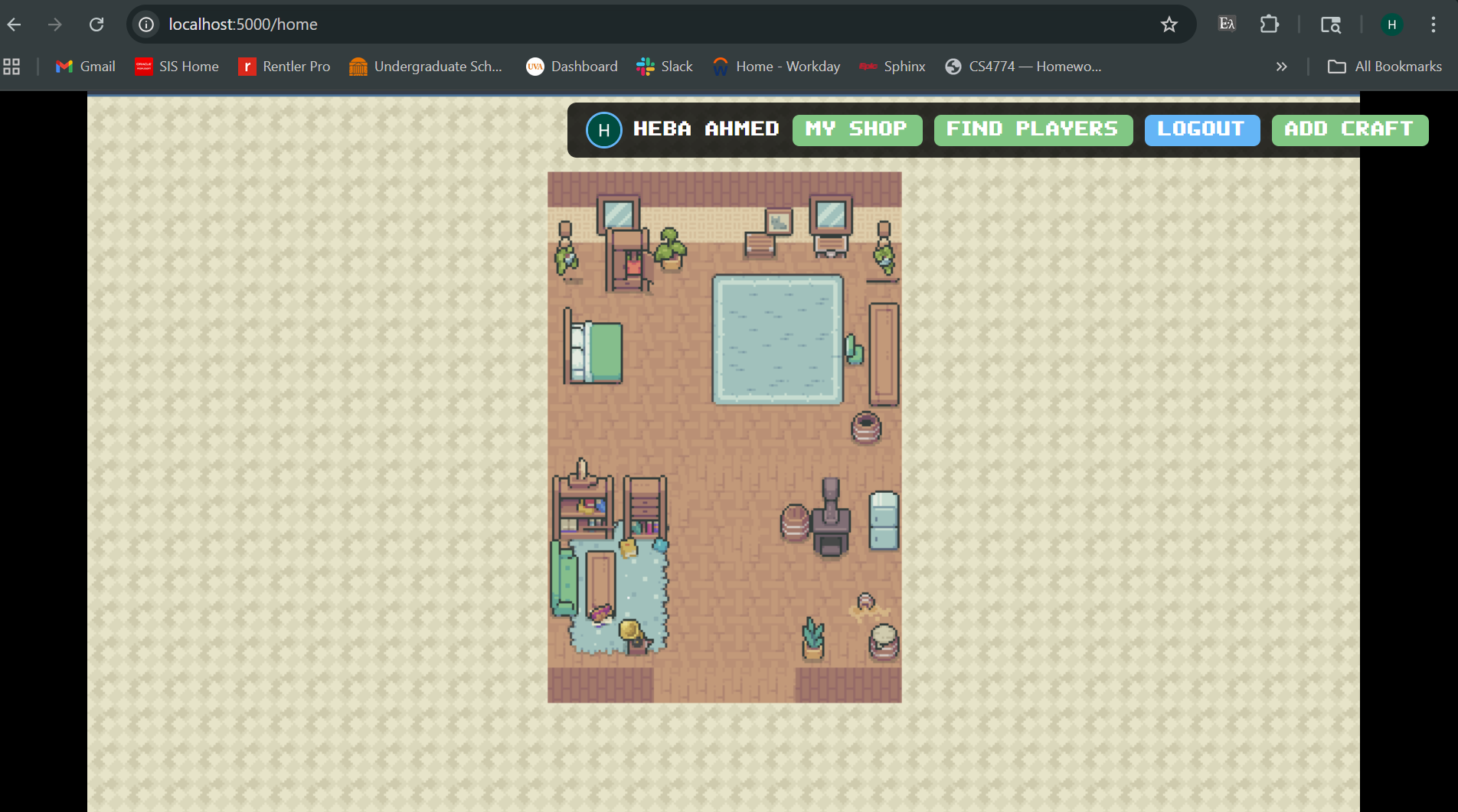
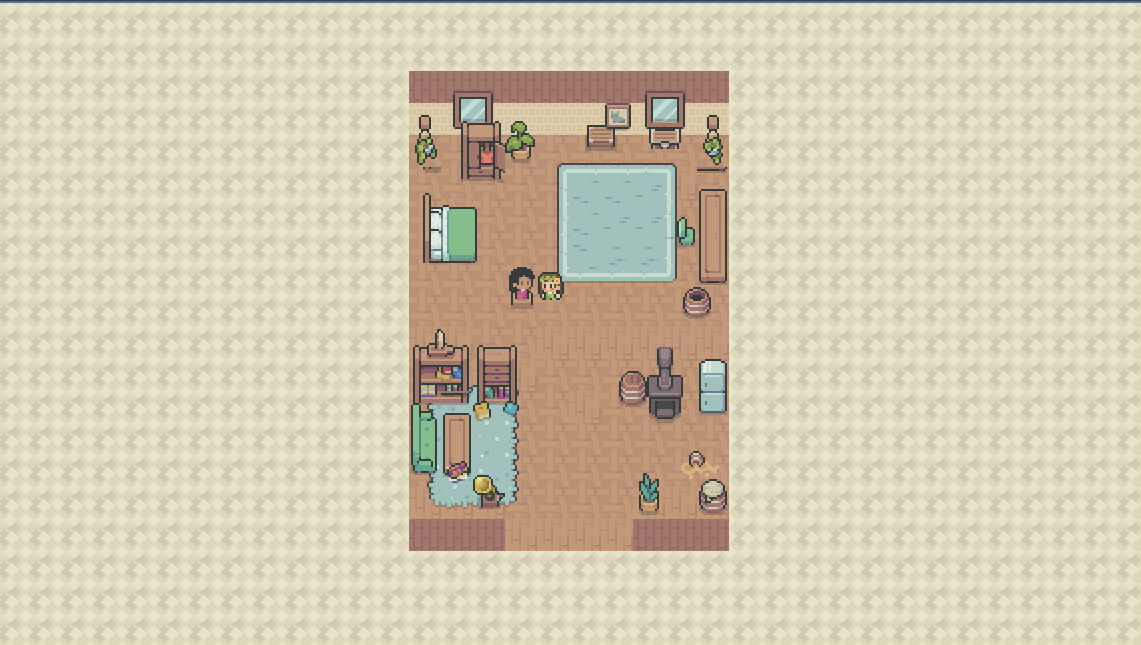
They start out in their room, where they have cute, 2D furniture that can be interacted with to do different things - the table will allow you to write a novel/poem, a little stove will indicate cooking, etc. These actions are just fun little simulations for when you're actually crafting in real life. The chest allows you to upload a picture of your in-person DIY craft and you can pixellate it to create an in-game object which can then be sold/traded. If you want to keep the resolution of the image, there is another button to do that as well so that other players know what they are buying.
You can buy/sell DIY projects with in-game coins which players can gain by paying for (with real currency) or earn by completing in-game quests. Once the trade/transaction has been made, the item will be shipped to the receiver's mailing address theoretically (we did not have time to implement this).
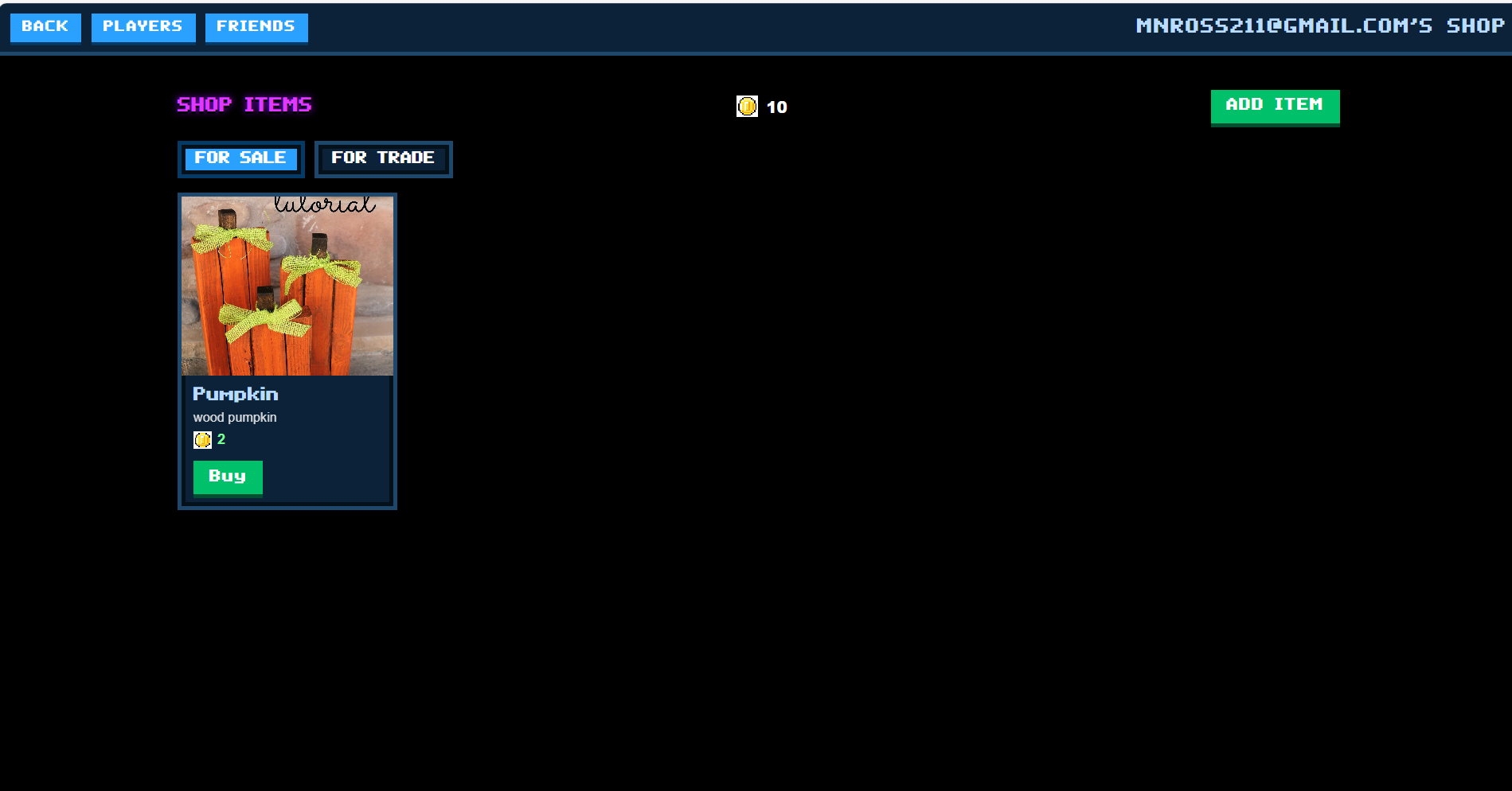
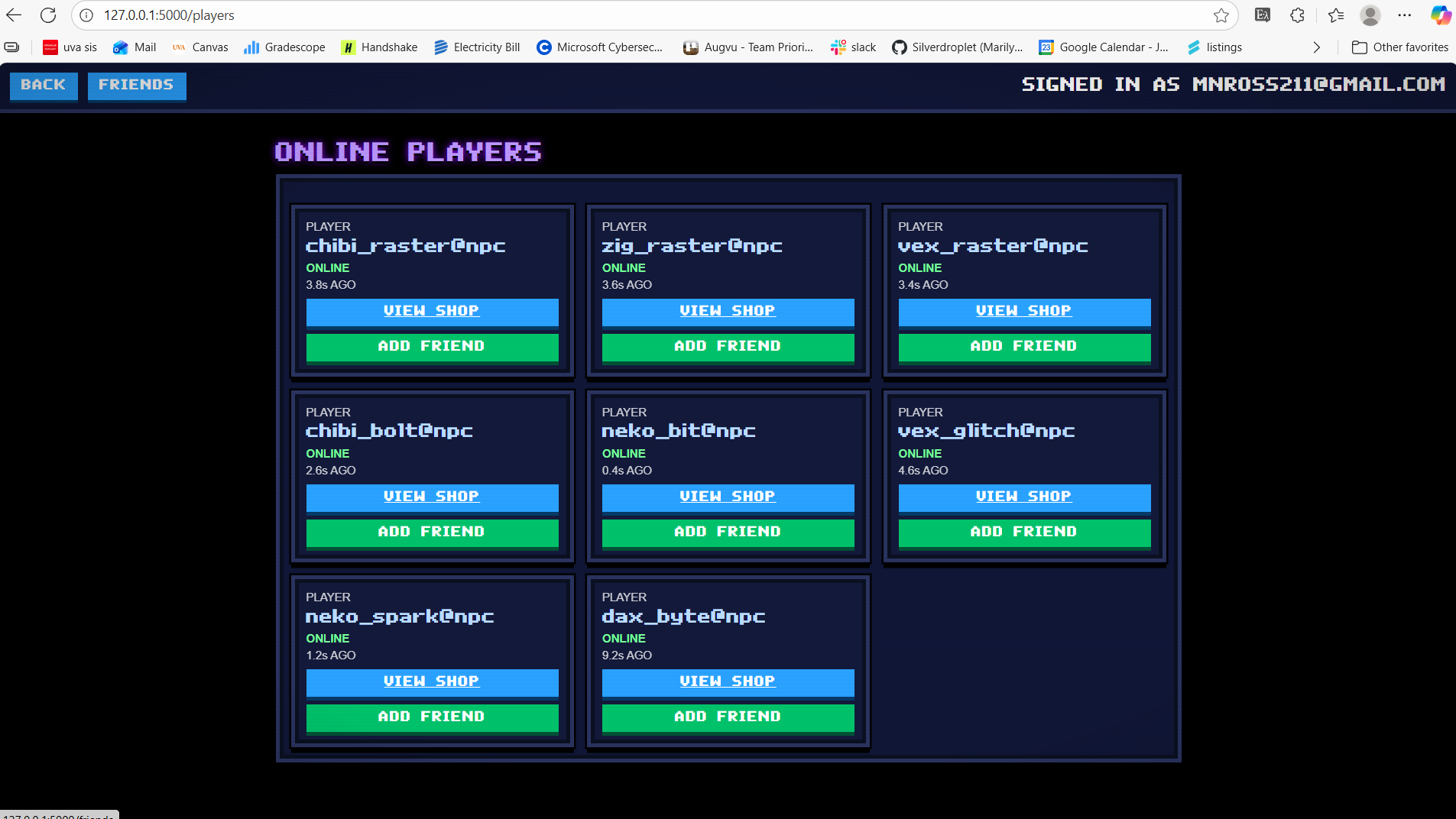
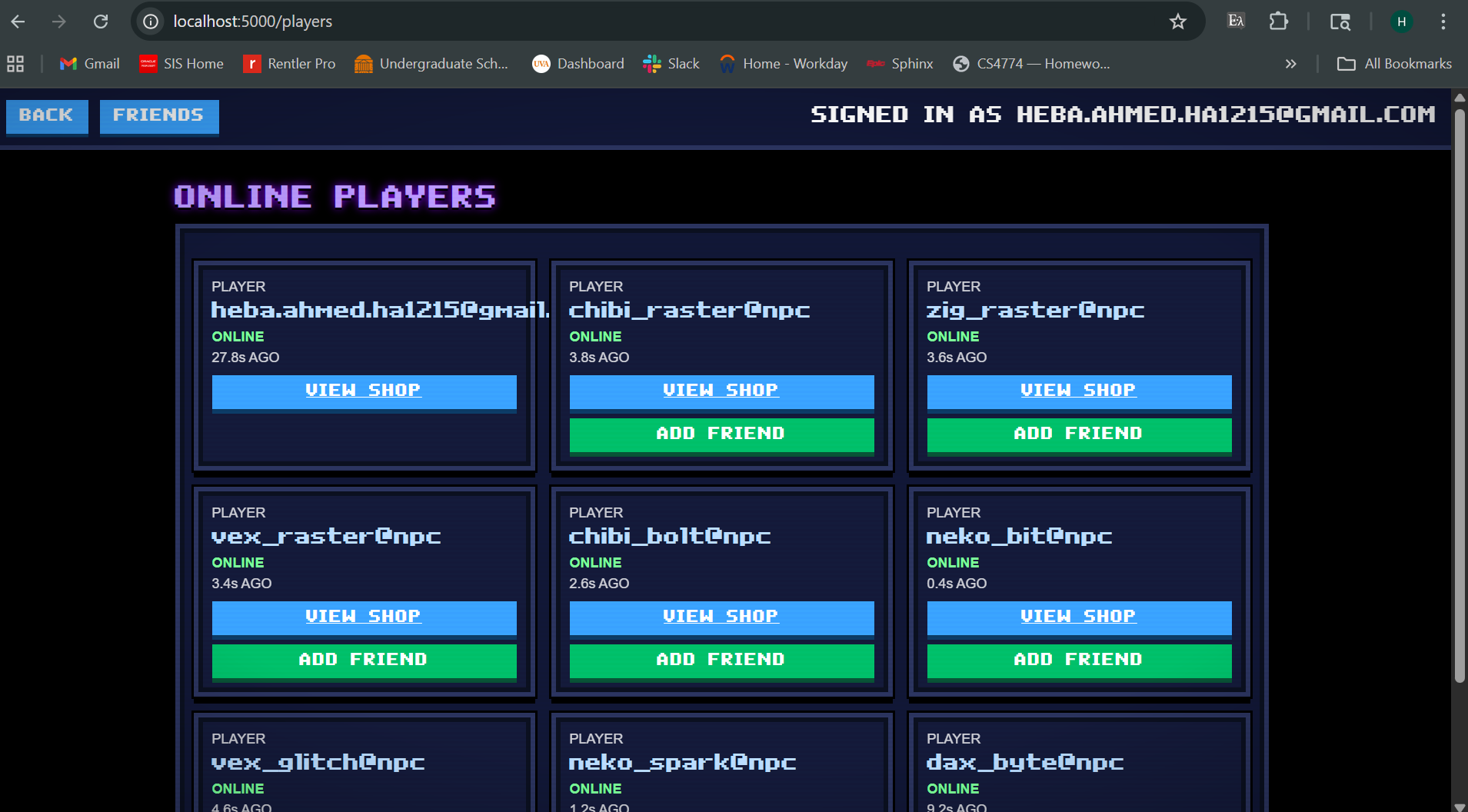
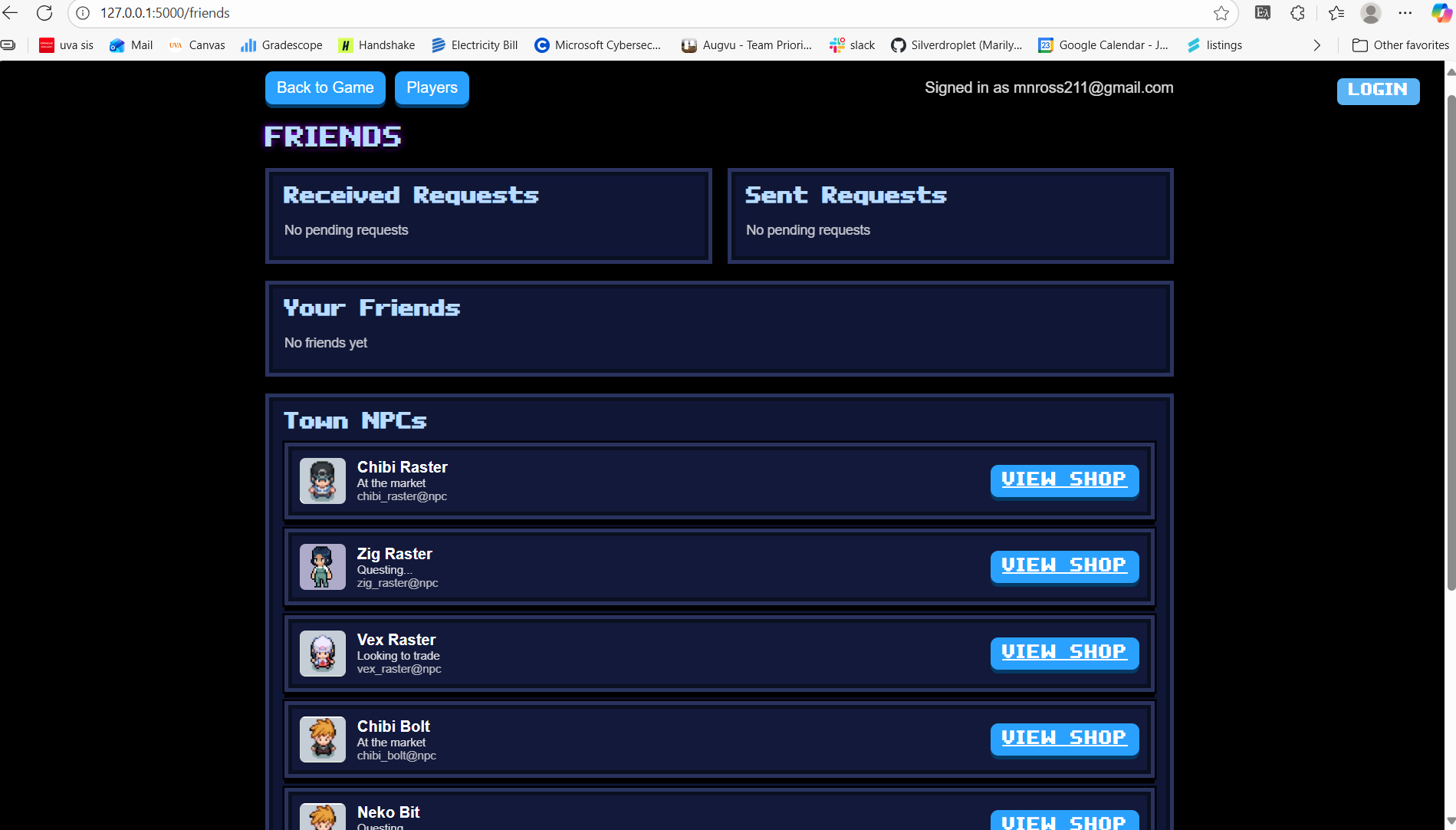
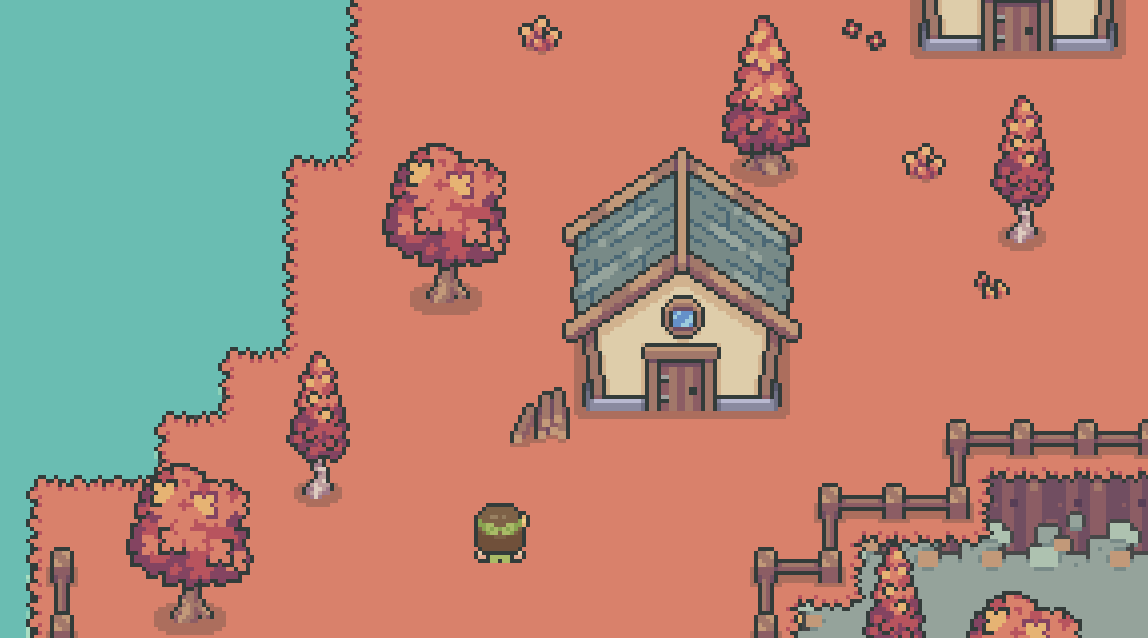
To interact with other players and see their 'shop', aka what items they are willing to trade/sell, you leave your house (which is just one room when you begin with, can expand it like in Animal Crossing using your coins). Once you leave your house, you can see many different houses showing different players. In order to enter another person's house and go to their chest to see their 'shop', you must be friends with them so you would have to go to the "Online Players" button and see who is online and then send a friend request. Once they accept your friend request, you can enter their house and view their shop, to request items for trade or and item you want to buy. The shop owner will accept all these requests first, which adds a layer of security.
Once you're done playing, you can simply use the logout button to do so, and when you log back in at a later time, all your progress and items will be saved and up to date!
How we built it
We decided to split the backend and frontend between the 4 of us, so 2 of us (Heba&Marilyn) worked on backend while the ither 2 (Sanjula&Zebenai) worked on frontend.
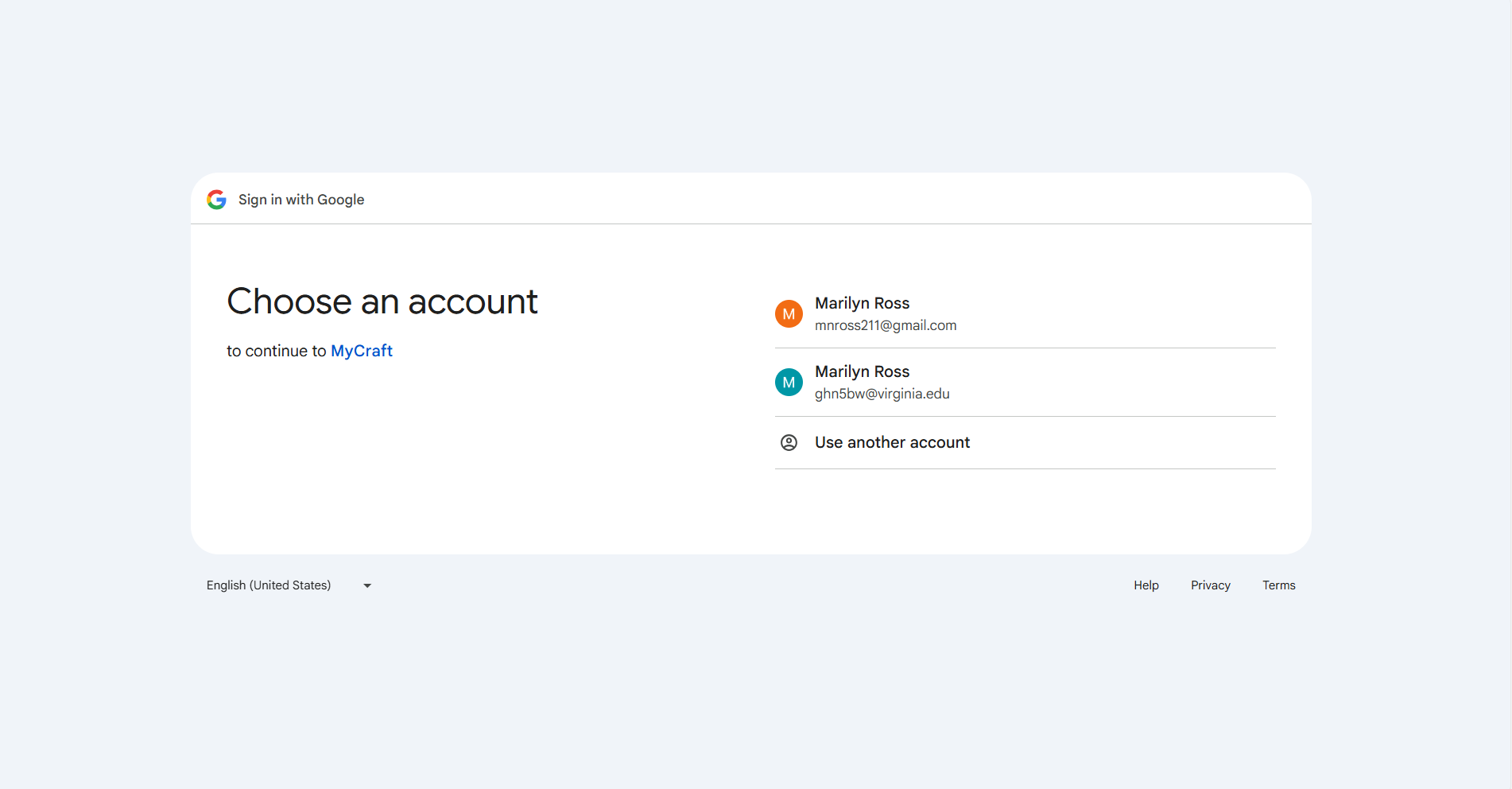
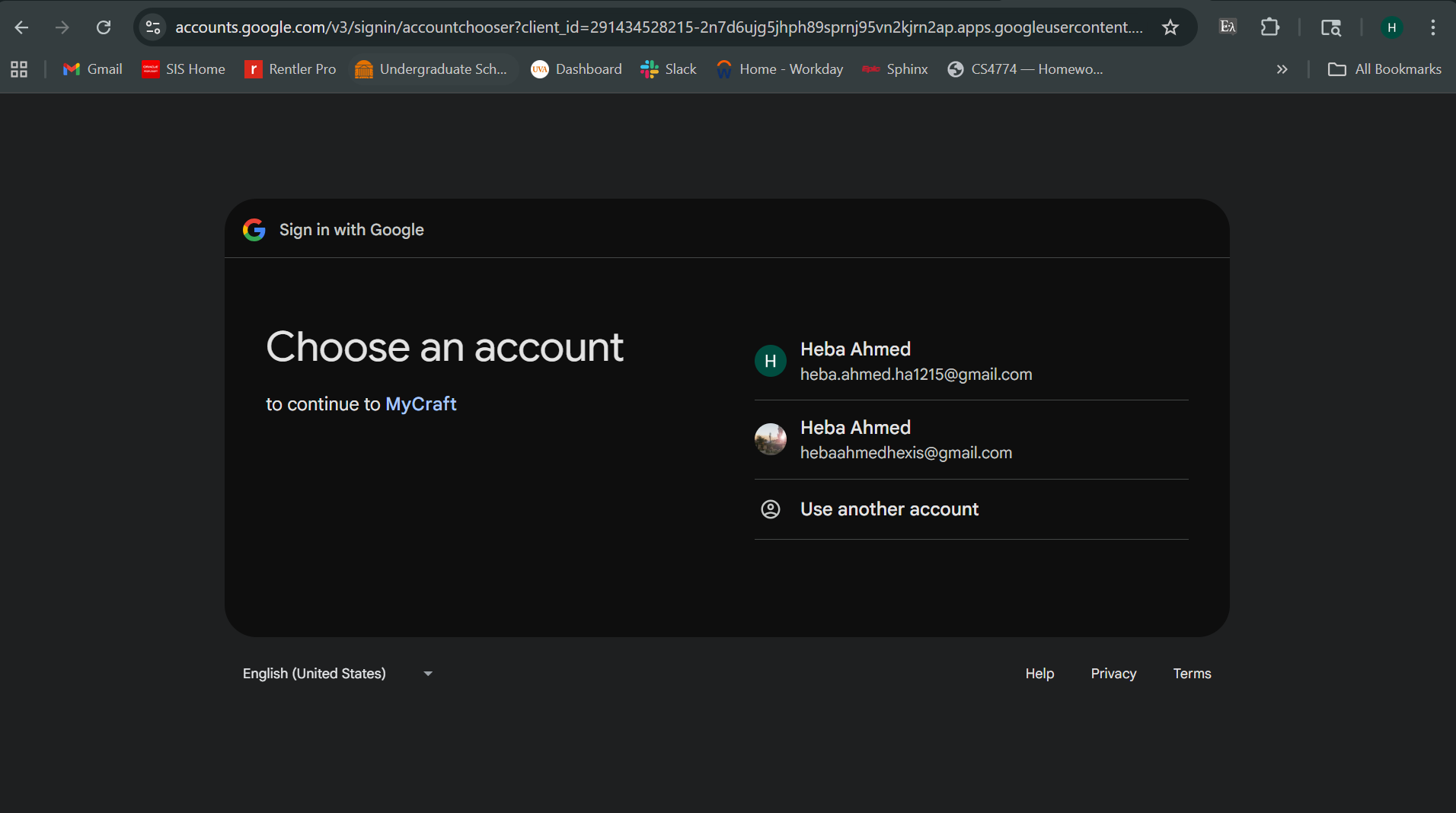
For the backend, we were most familiar with Python so we decide to use that as our programming language, using the Flask framework. We decided on Flask because it was the framework recommended to use in conjunction to our frontend framework (Godot). To ensure quality graphics and image upload/pixellation using the Pixellab API, we used Supabase for our database setup. We also combined SQLite 3 commands in Supabase due to familiarity with that querying language and the fact that Supabase and SQLite 3 are compatible with each other and integrated the logic easily. For the login, we used the Google OAuth API.
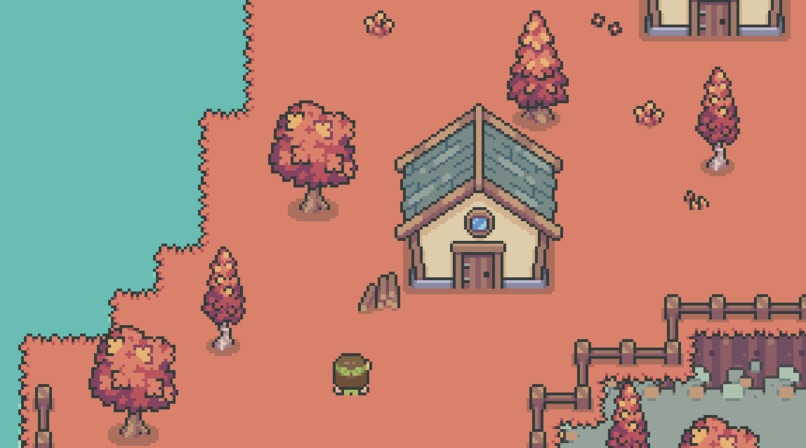
For the frontend, all of the game design and animations were done in Godot Game Engine. We used existing libraries and tilesets for creating the environment but for the actual building of the environment, it was done by scratch. We decided to have the camera angle move along with the characters to make navigation easier, and we added fall vibe graphics and cute chibi avatars to stay true to the cute 2D retro style theme we were going for.
Challenges we ran into
Although we had made sure that Flask and Godot would be compatible with each other, our backend developers had a hard time integrating the two frameworks.
What they had to do was export the Godot project files as HTML5 and make redirect path urls from Flask to those HTML5 files which worked however as the frontend developers made changes to the Godot files, the backend developers had to manually conduct the exports and change the urls. There was also an issue that Flask would cache the Godot files, so we had to ensure that we had it hardcoded that there would be no caching.
Godot Game Engine itself was super tricky and we spent hours going over tutorials, understanding how to make characters move and interact with the environment and just learning game development theory for the first time.
Accomplishments that we're proud of
We successfully made a very detailed 2D retro game that we're proud of. Our UI/UX design looks amazing and both the backend and frontend developers worked really hard to make everything cute and aesthetic. We are all women in STEM so it really was a nod towards how important artistic ingenuity is to all of us.
What we learned
We learned the basics of game development and we coded in a new language (Supabase) which was really cool. We also learned how to implement API keys which was a learning curve, especially with the Nessi API we couldn't use it because of a bad gateway but thankfully we were helped on Discord by some Capital One reps.
What's next for MyCraft
We need to further refine the implementation for mailing the actual items to people and focus on the security aspect and also making mutliplayer instead of having bots (since we had done implementation using a local host).


Log in or sign up for Devpost to join the conversation.