-
-
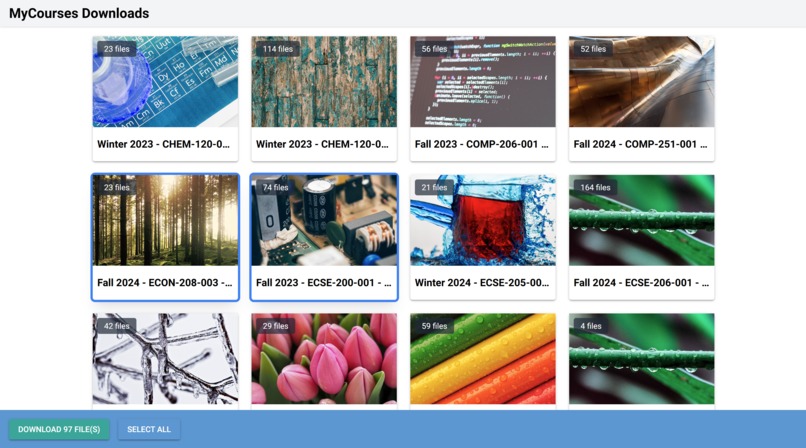
User Interface
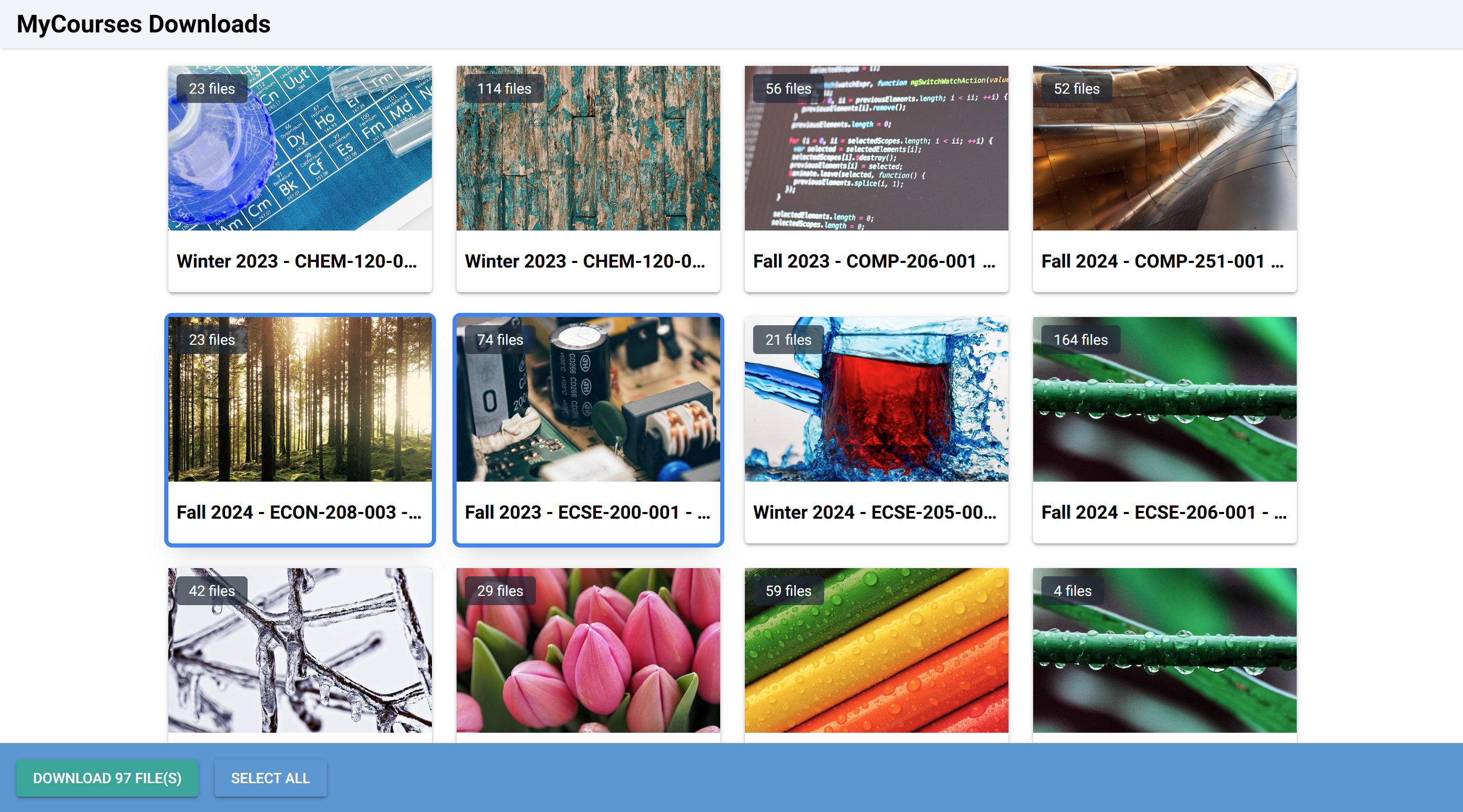
MyCourses Downloads
For the first time that day, David smiled. The sadness of leaving McGill still lingered, but now it was mixed with gratitude. He wasn’t just walking away from his university days—he was carrying its knowledge and memories, neatly zipped into a folder that would stay with him forever.
Inspiration
As soon-to-be graduating students at McGill, we were scared to lose access to all the knowledge we gained through our journey. We were disappointed when we learned there was no way to download in bulk all of our MyCourses files, so we decided to solve this problem.
We created an easy way for graduating students to download all of their course content within a matter of seconds.
What it does
The MyCourses Downloads tool is designed to automatically retrieve and download all available course materials from McGill's MyCourses system. It organizes the downloaded files into structured directories, making it easy to access and manage offline.
How we built it
We developed the tool with Python, making use of Selenium for gathering MyCourses content and NiceGUI for the frontend UI. The tool allows users to sign into MyCourses, retrieve their list of courses, and download associated content with ease.
Challenges we ran into
One of our biggest challenges at first was navigating a JavaScript-heavy website. The MyCourses website utilizes a lot of dynamic loading through Shadow DOM, which meant web scraping wasn’t as simple as just accessing the HTML content. We also ran into compatibility issues when trying to make the saving process work seamlessly across both Windows and MacOS.
Accomplishments we’re proud of
We’re very proud of designing a GUI that mirrors the look and feel of the MyCourses platform. Additionally, we successfully managed to traverse the MyCourses website. We had previously tried building a tool to access MyCourses Lecture Captions but failed—so this was a major improvement for us. Understanding how MyCourses communicates with its API was a crucial step in helping us access the content files.
What we learned
We gained a deep understanding of MyCourses’ structure and how to navigate Selenium through websites that are heavily reliant on JavaScript. We also acquired valuable experience in managing bulk file downloads and ensuring compatibility between different OS platforms.
What’s next for MyCourses Downloads
Currently, MyCourses Downloads can only access the posted files in the Content section of the selected courses. Moving forward, we hope to extend the tool's capabilities to include websites like WebWorks for homework and other external sites. Additionally, we plan to incorporate a feature that allows users to download lecture recordings in the future.
We hope this tool helps students preserve their learning journey and take their McGill experiences with them as they move forward in life.


Log in or sign up for Devpost to join the conversation.