-
-
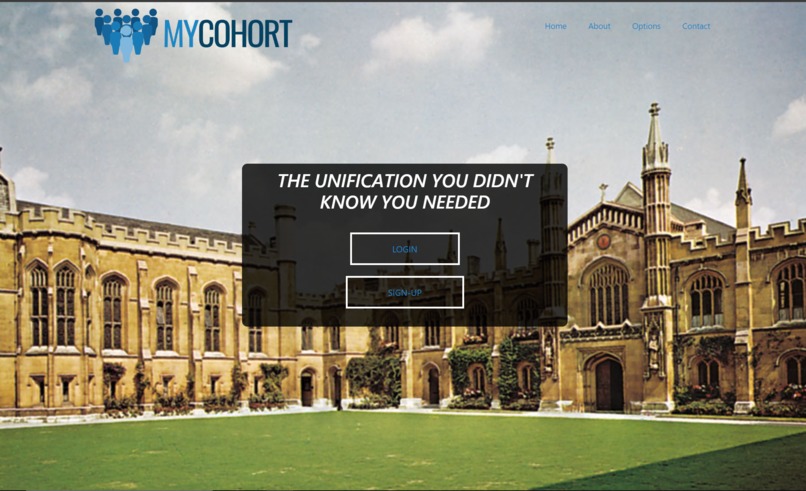
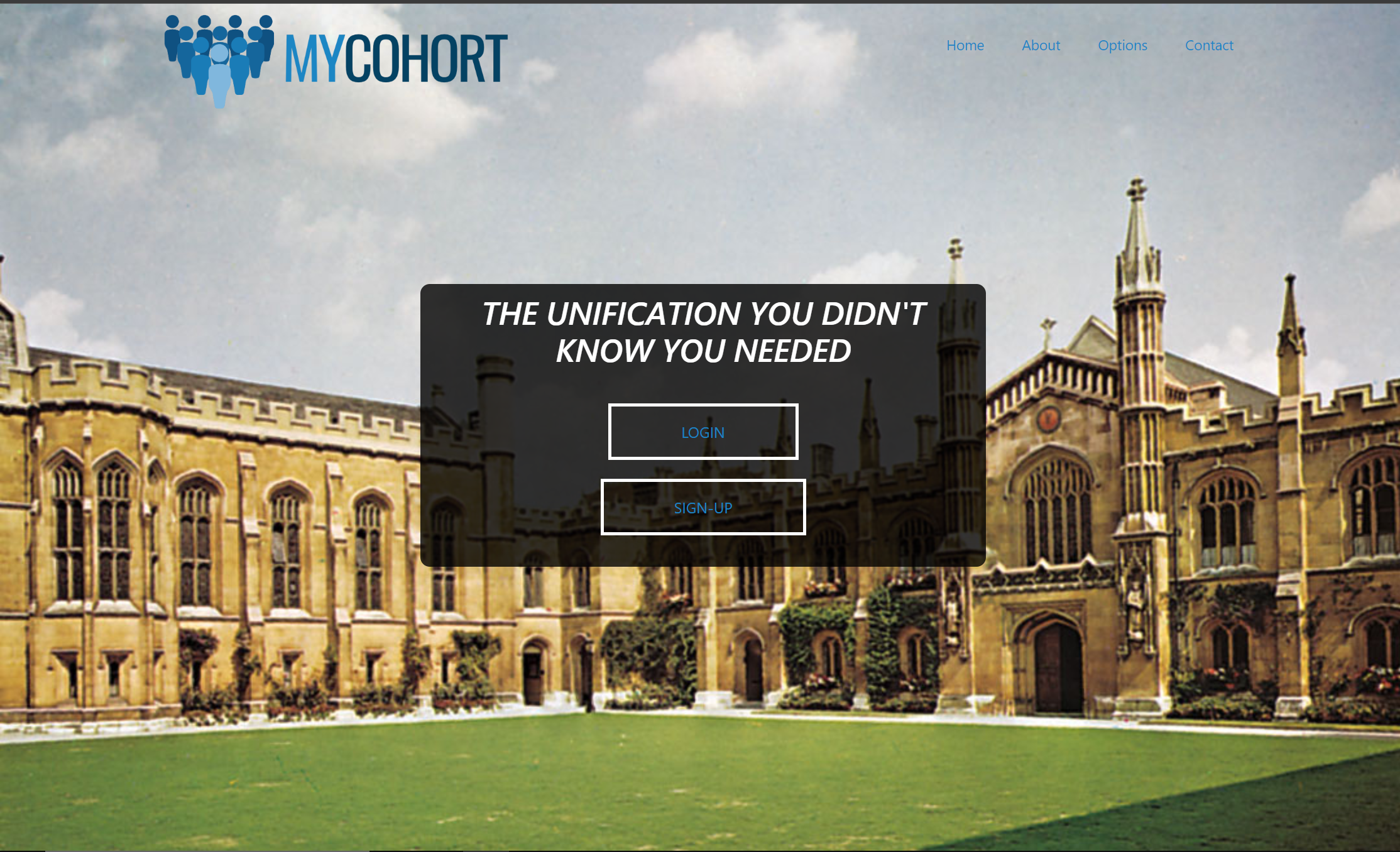
Main Page
-
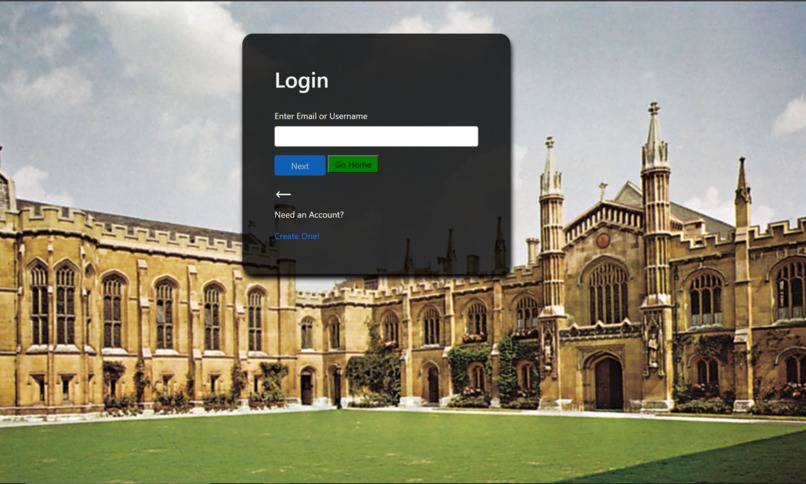
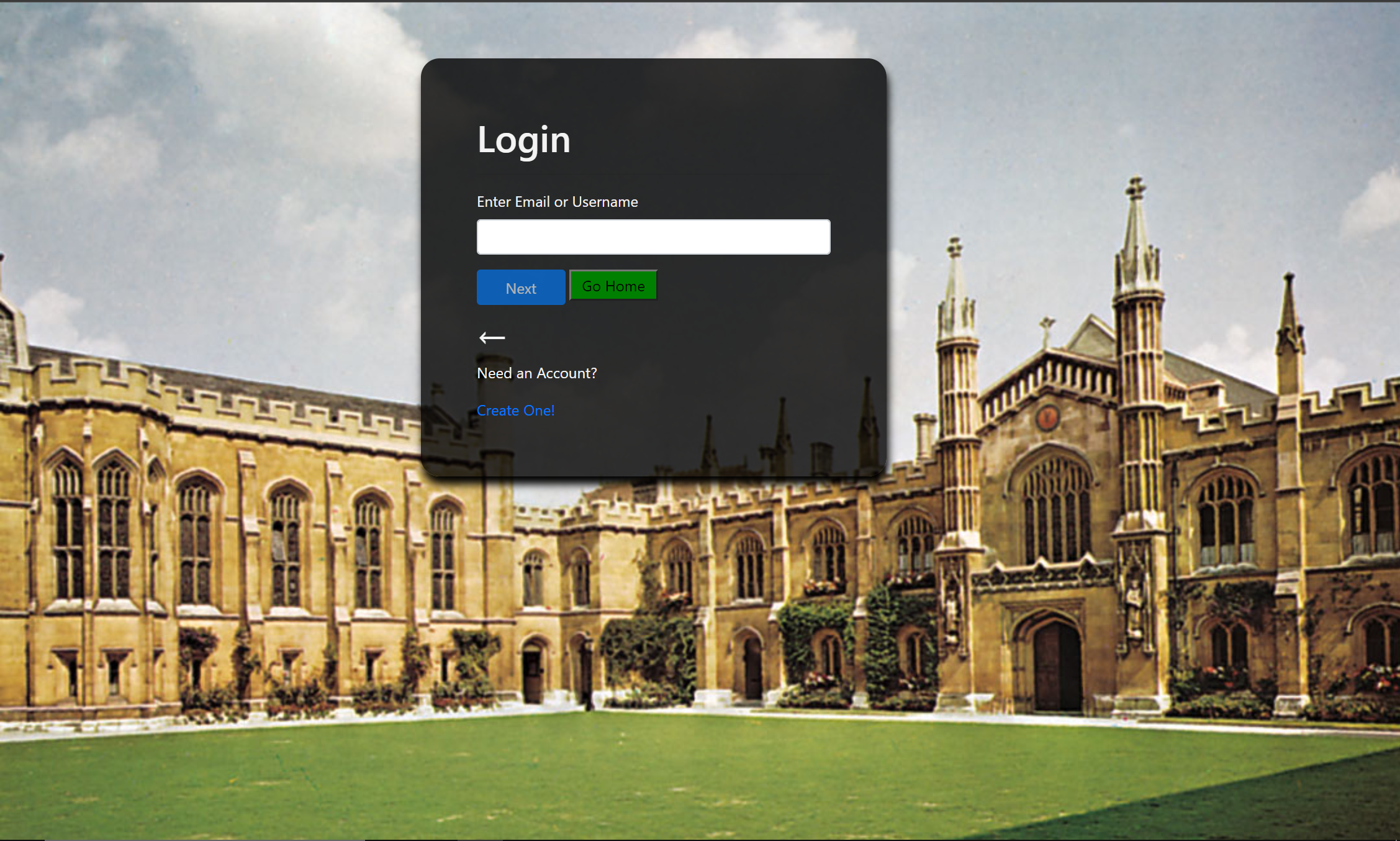
Login Page
-
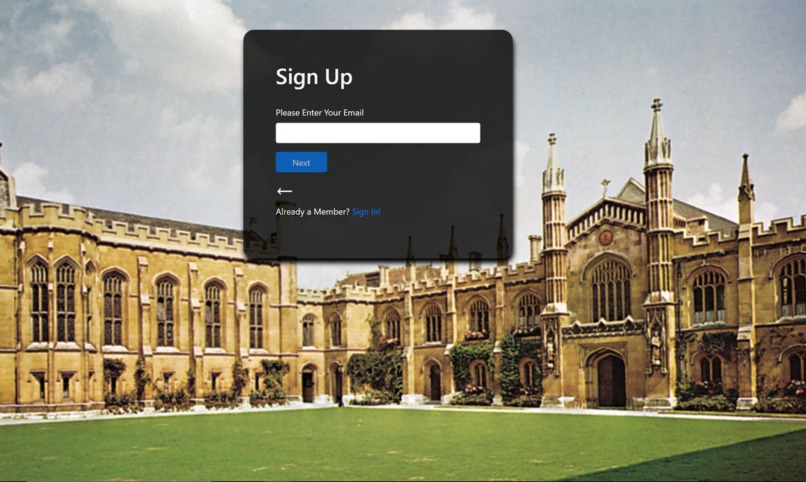
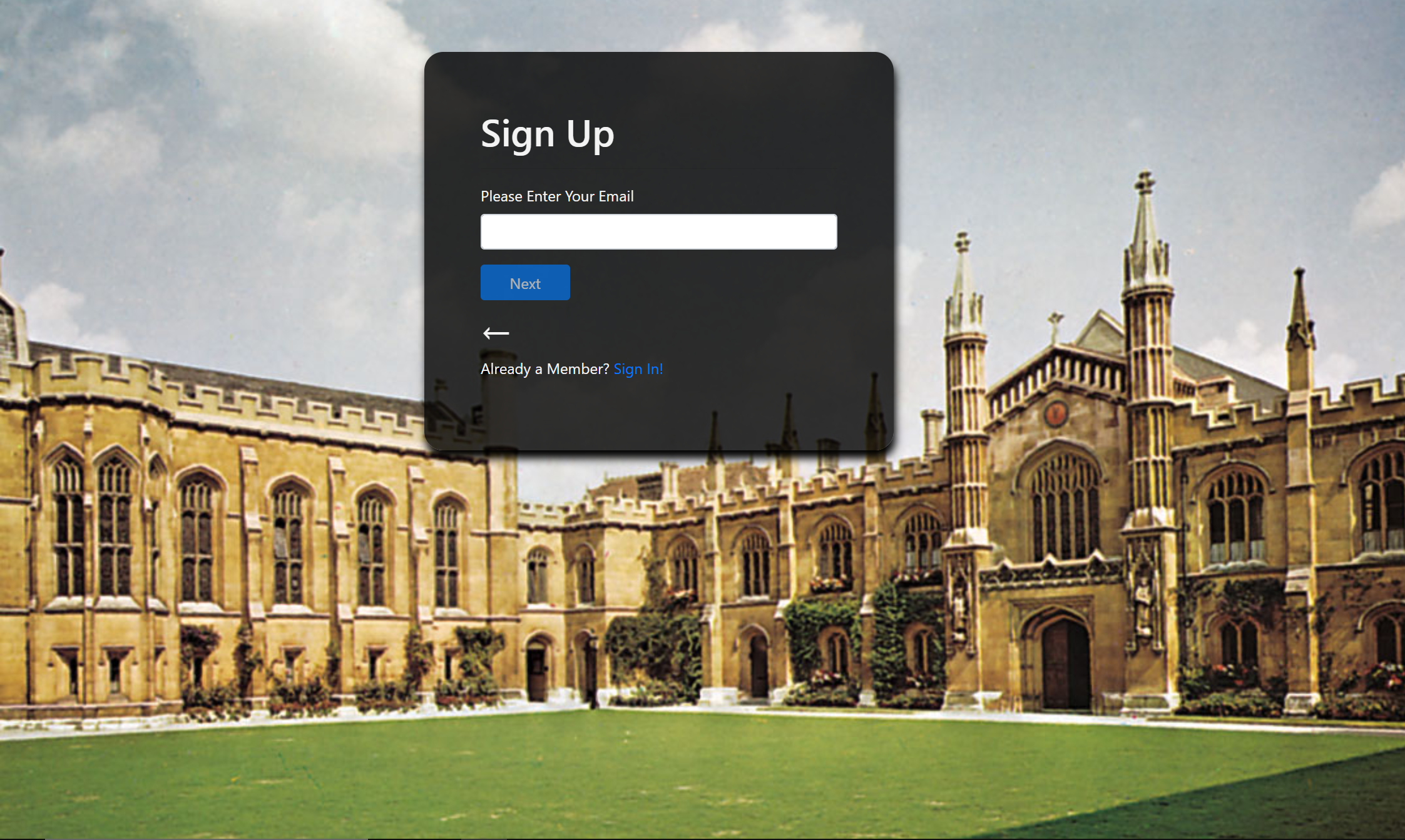
Signup Page
-
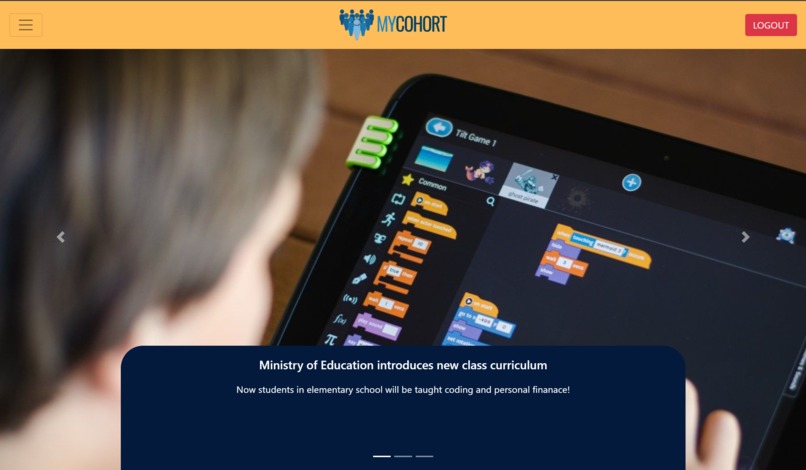
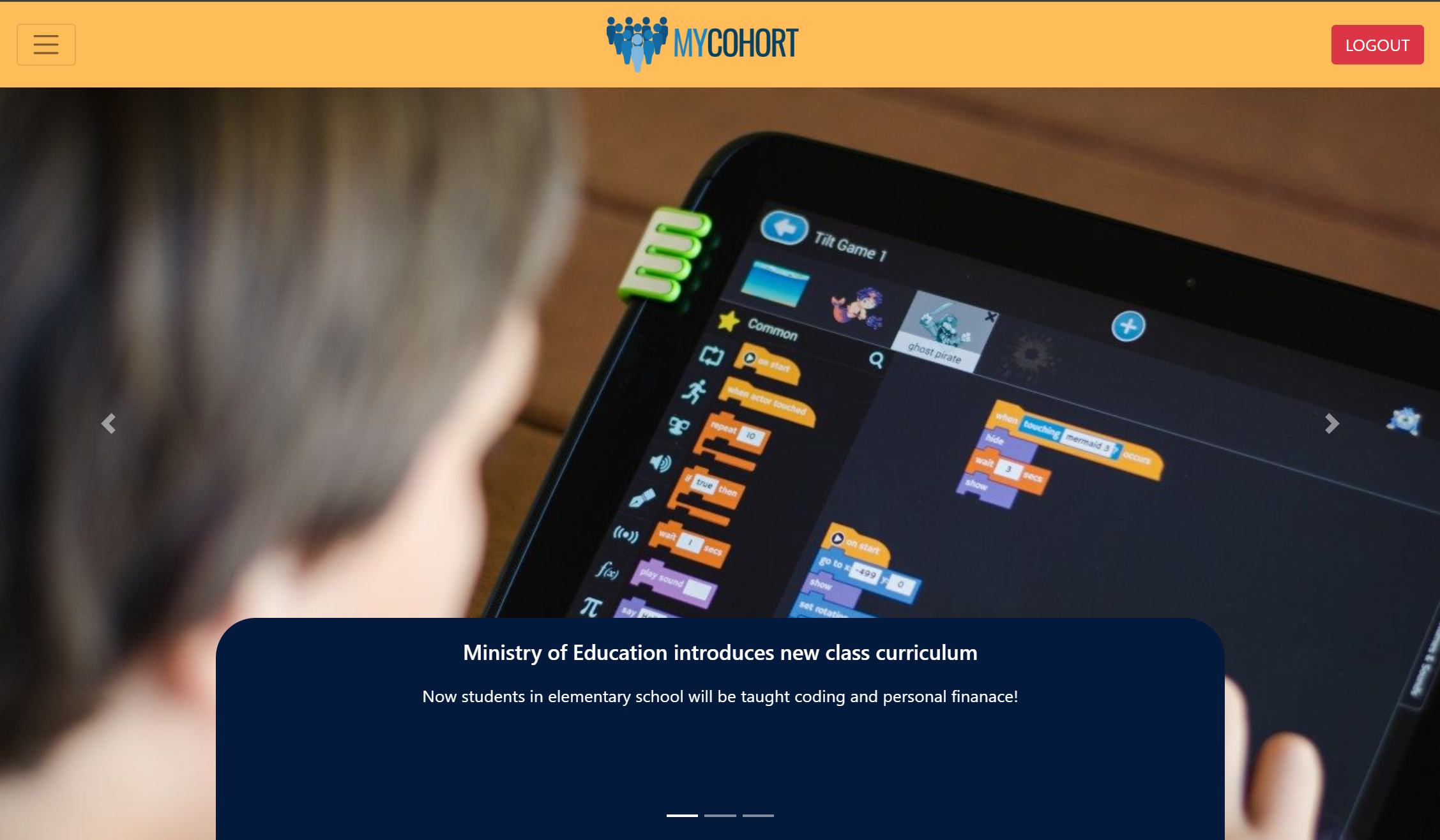
Home Page
-
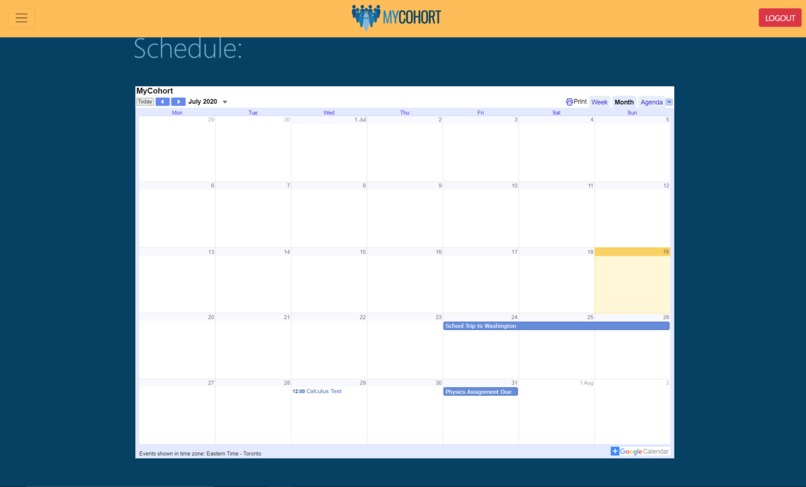
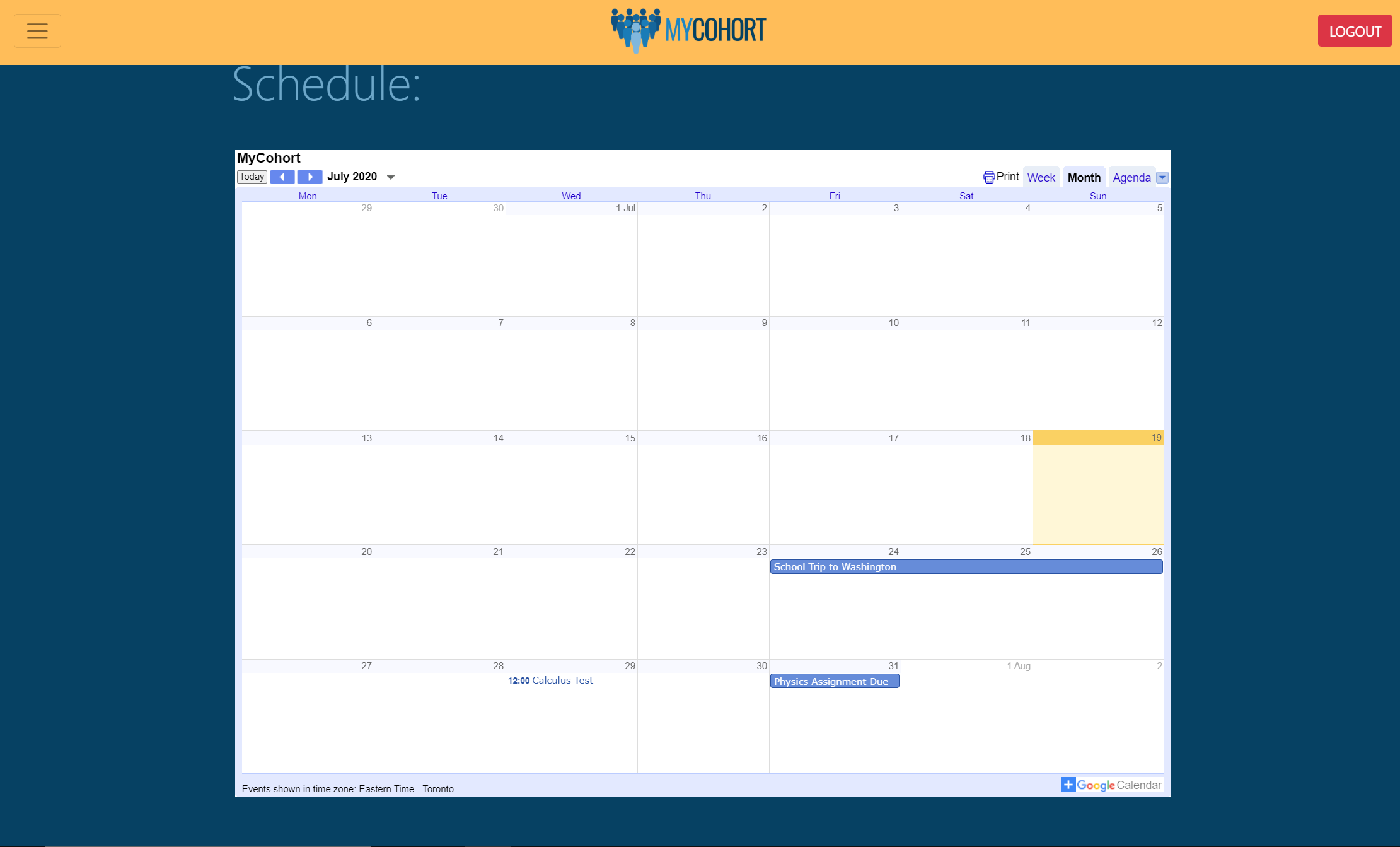
Personal Calendar
-
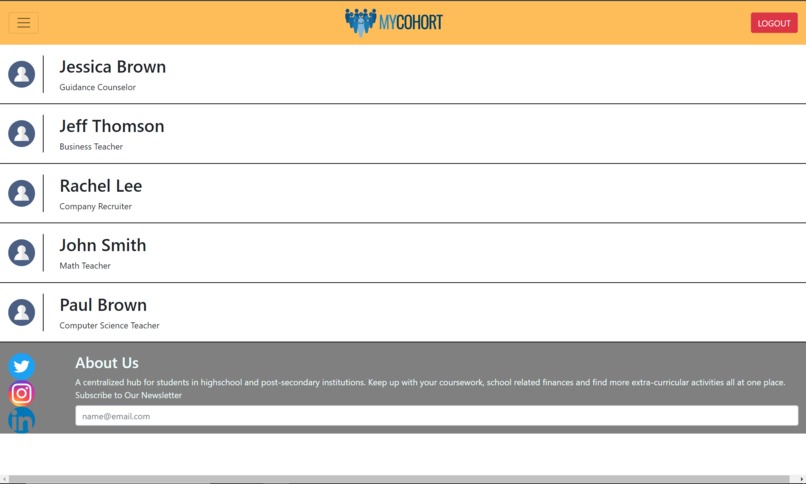
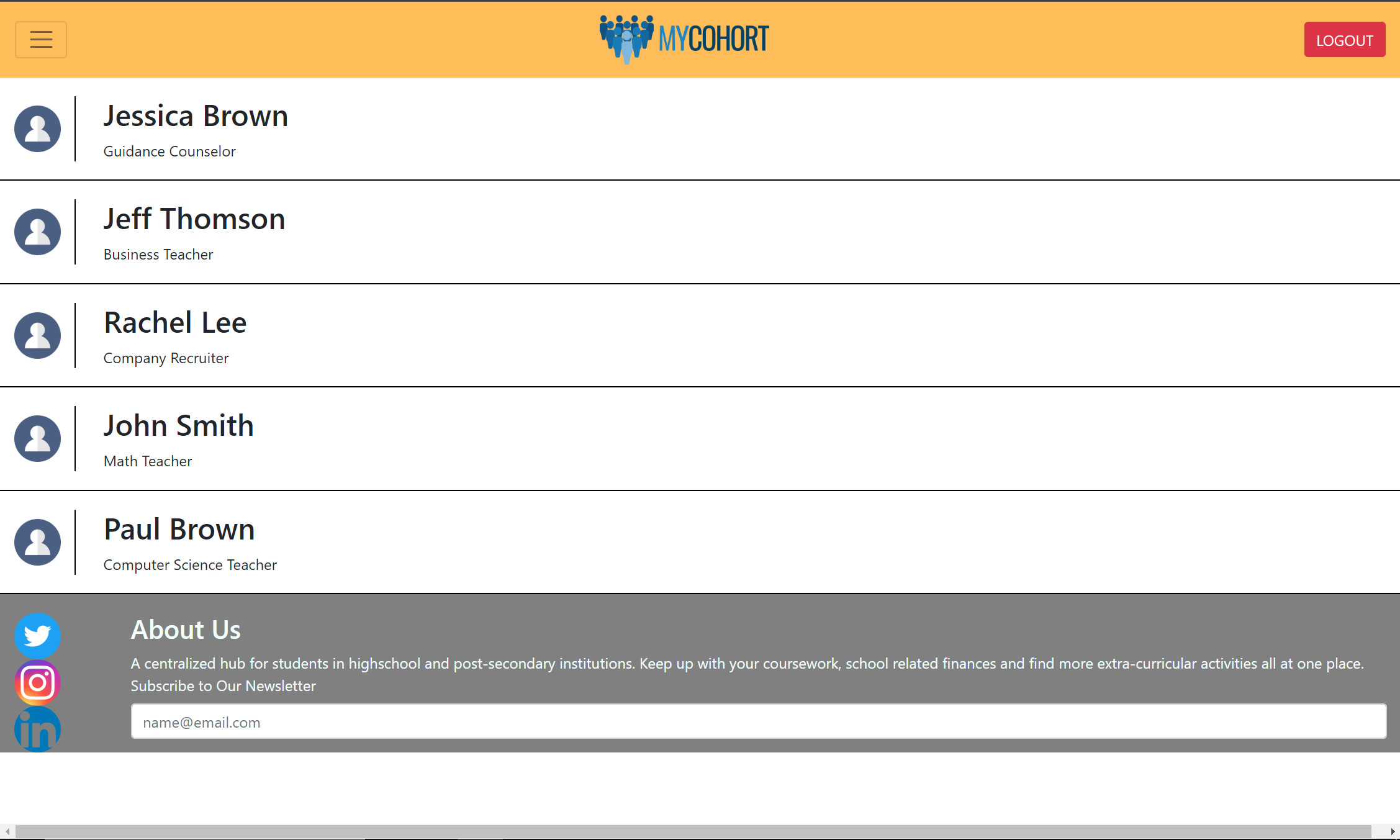
Messages Page
-
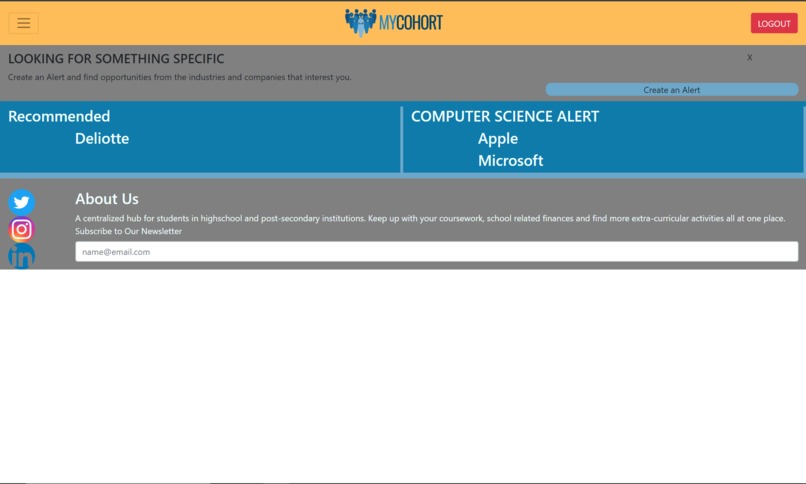
Opportunities Page
-
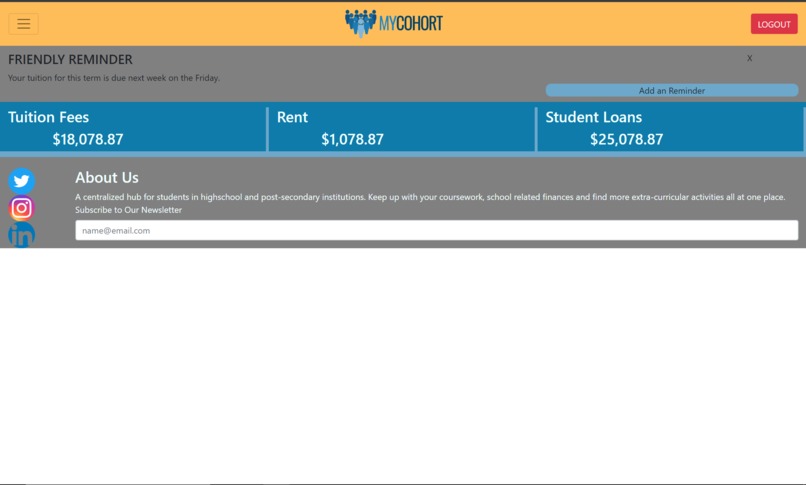
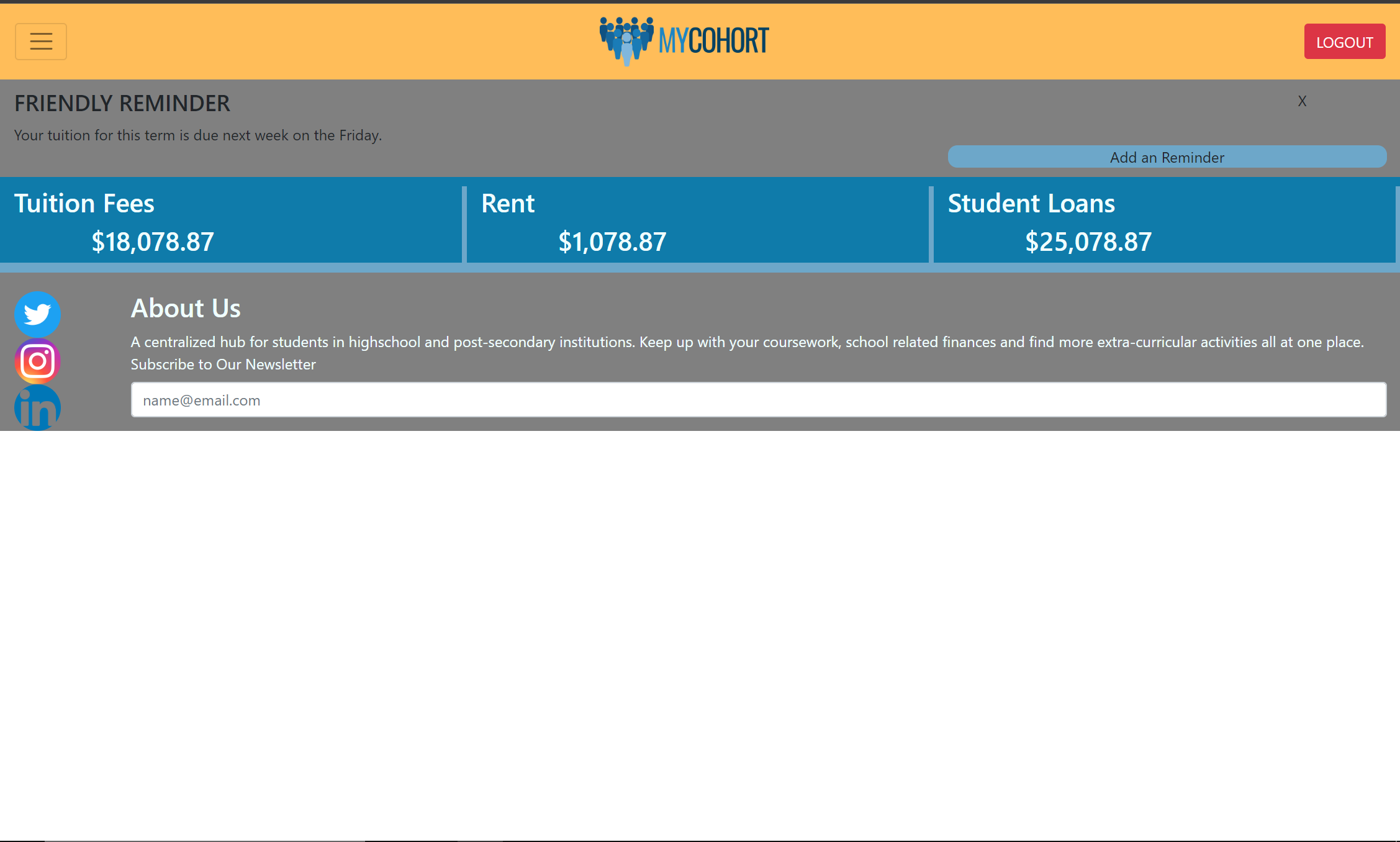
Finances Page
-
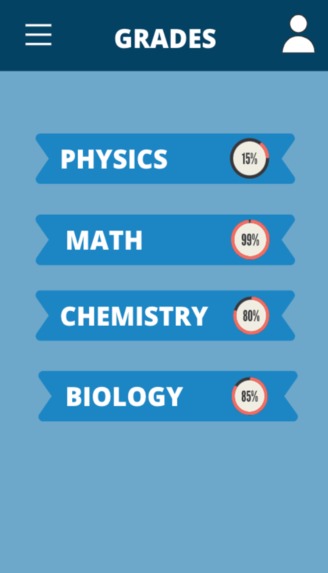
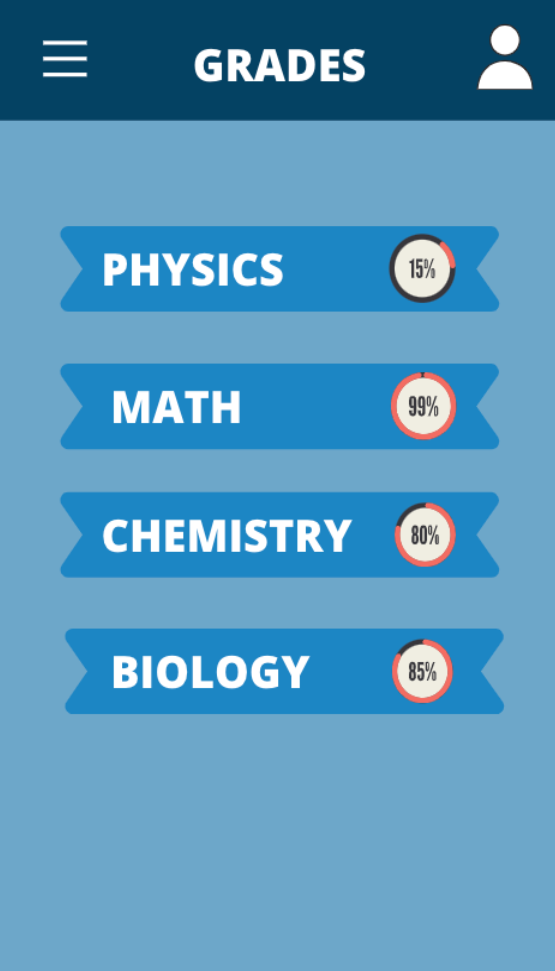
Mobile Version - Grades
-
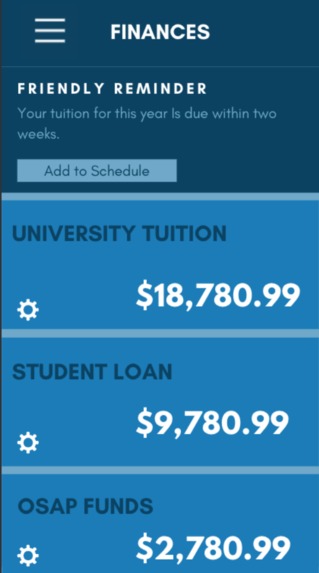
Mobile Version - Finance
-
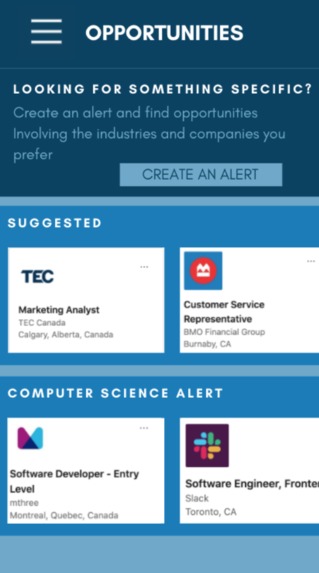
Mobile Version - Opportunities
-
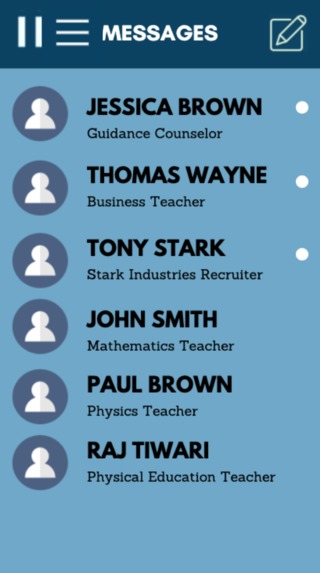
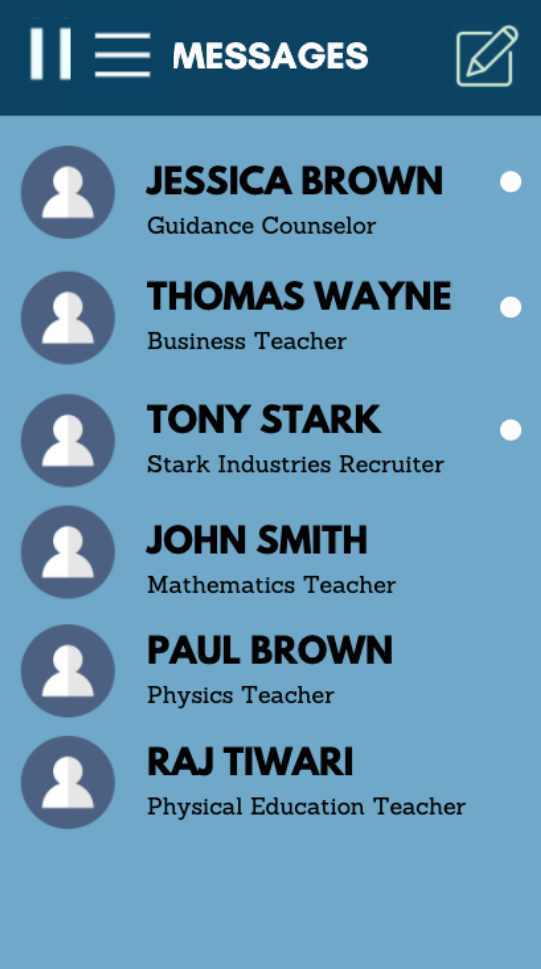
Mobile Version - Messages



MOTIVATION
Covid-19 truly forced individuals who were heavily dependent on traditional teaching/learning methods to adapt to a virtual environment. An issue commonly encountered with this shift is the wide array and complexity of licensed school applications. Many students and teachers struggle to adapt to the variety of different platforms which contain poor UI and UX functionality. We are outgoing high school seniors and we noticed that high school students miss out on a lot of opportunities simply because they are not aware of them. We also experienced the difficulty communicating with teachers and learning content first hand. Thus, MyCohort was created to provide students with an easy to understand, all inclusive hub, which hosts every education related service.
WHAT IT DOES
MyCohort allows students and teachers to manage all of their educational commitments on one application. They can actively keep track of their student loans and fees, their grades and coursework as well as keeping in touch with teachers and counselors. MyCohort also provides students with information about internships and extracurricular opportunities. MyCohort is directly linked to a user’s google account, allowing them to interact with their google calendar straight from MyCohort. The best part about all this is, all these features can be accessed from one website, MyCohort.
HOW WE BUILT IT
Our team built MyCohort with HTML and CSS. Javascript was used to create some functionality within the pages. Bootstrap was used to create the framework of the pages.
CHALLENGES WE RAN INTO
This is one of the first hackathons our group has participated in and it was a great learning experience. Although we learned a lot, we ran into and worked past several challenges during the development and brainstorming stages of our project. As a group determining a well-thought out solution to a major problem was the greatest struggle. We worked on this by looking at major issues that we have experienced and noticed, and how they can be improved using new technology and ideas. Once our solution to the problem of managing several aspects of education had been settled, we began working on the code. Here we came across the challenge of what features and the most important and must be a part of the demo. We decided that the welcome screen, login and signup pages, home page, messaging and finance pages were crucial for the demo. Although all of the functionality is not complete for the application, we intend to work on it after this competition and publish it for public use. The challenge of choosing what components were the most important was determined by examining what students such as ourselves would find most useful. There were also some coding related challenges we faced, including issues in design and functionality, but they were all solved thanks to great problem solving skills and teamwork over the 48 hours we had to work on our application.
ACCOMPLISHMENTS
This hackathon was an exciting and satisfying experience for the entire group. The competitive nature and forward-thinking ideas of this contest allowed each member of this group to try something new, learn about something different, and improve collaboration skills. We all wanted this experience to help us improve our coding skills and it did. Everyone was able to learn more about python, javascript and html through the workshops, work on css skills to make our application look fluid and eye-catching, and using javascript to make our product more functionable and usable. We all felt and knew we accomplished something great through this hackathon, whether it be coding related, a new experience, or being able to work better with others.
WHAT WE LEARNED
As a group of students who have a very basic understanding of HTML, CSS and Javascript, this project provided us an opportunity to test those skills and apply it to an actual real life application. Through the creation of MyCohort, we learned more about Bootstrap and the various classes it provides and how exactly to use it to create a layout that we desired. We also learned how to use github and gitkraken to push and pull edits as well.
WHAT’S NEXT FOR MYCOHORT
Next steps for MyCohort would be creating functionality within the app in order for the project to serve its purpose. This would involve creating a database to store user information to display those variables throughout the application, create a real-time chat feature in the messages page so students can communicate and allow the project to retrieve information of actual opportunities nearby the student to display.


Log in or sign up for Devpost to join the conversation.