-
-
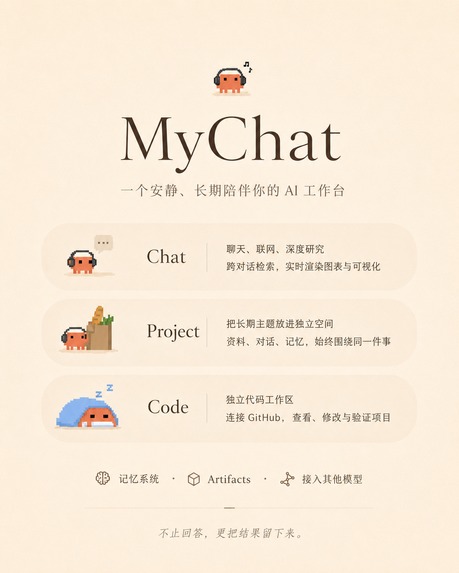
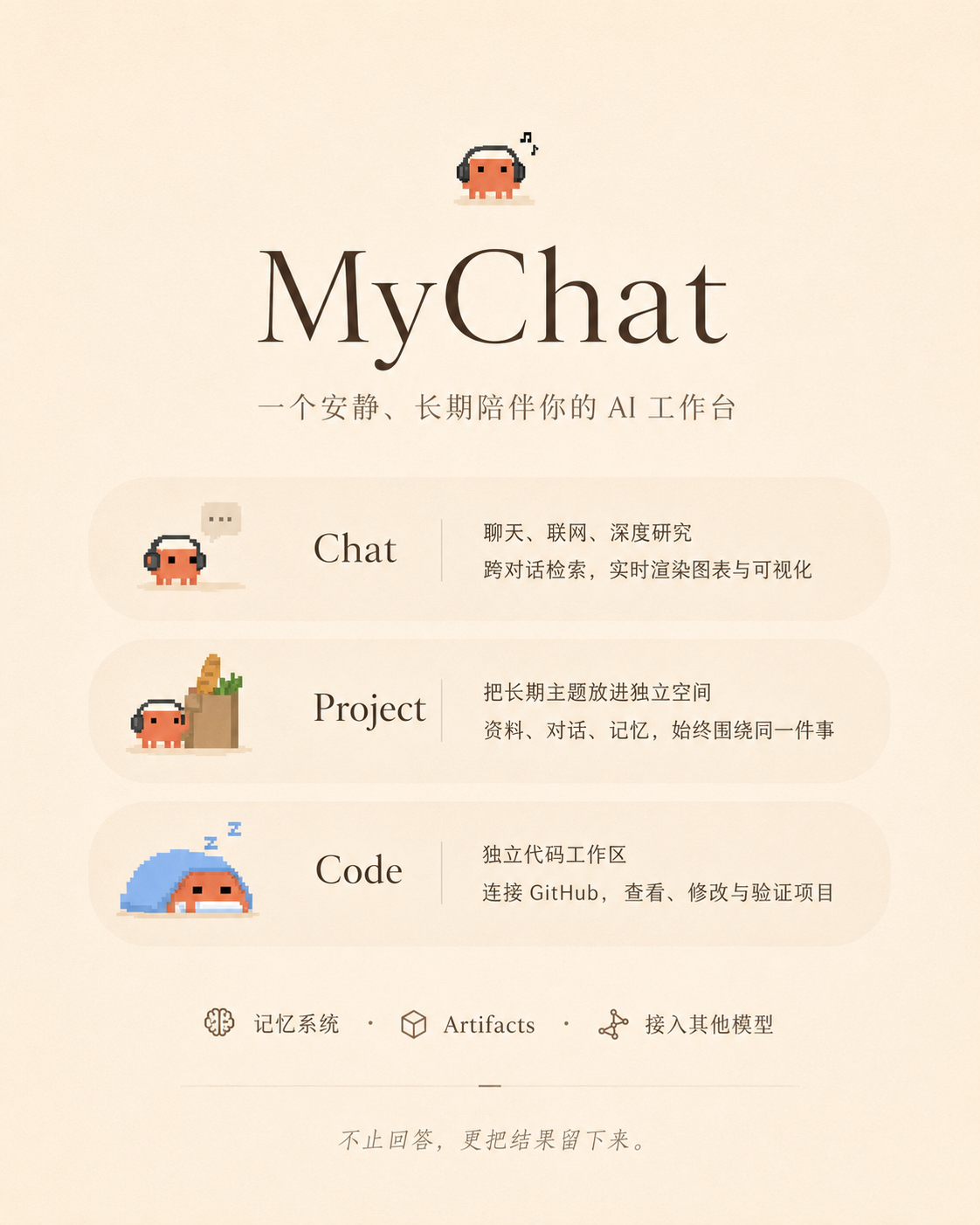
MyChat mobile workspace: Chat, Projects, Code, memory, artifacts, and custom model connections.
-
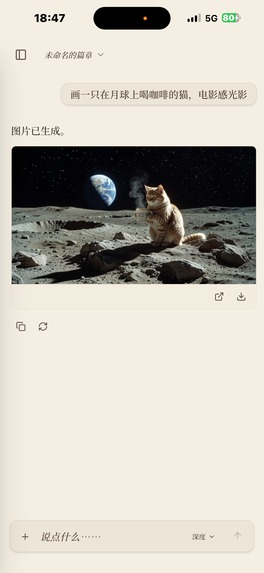
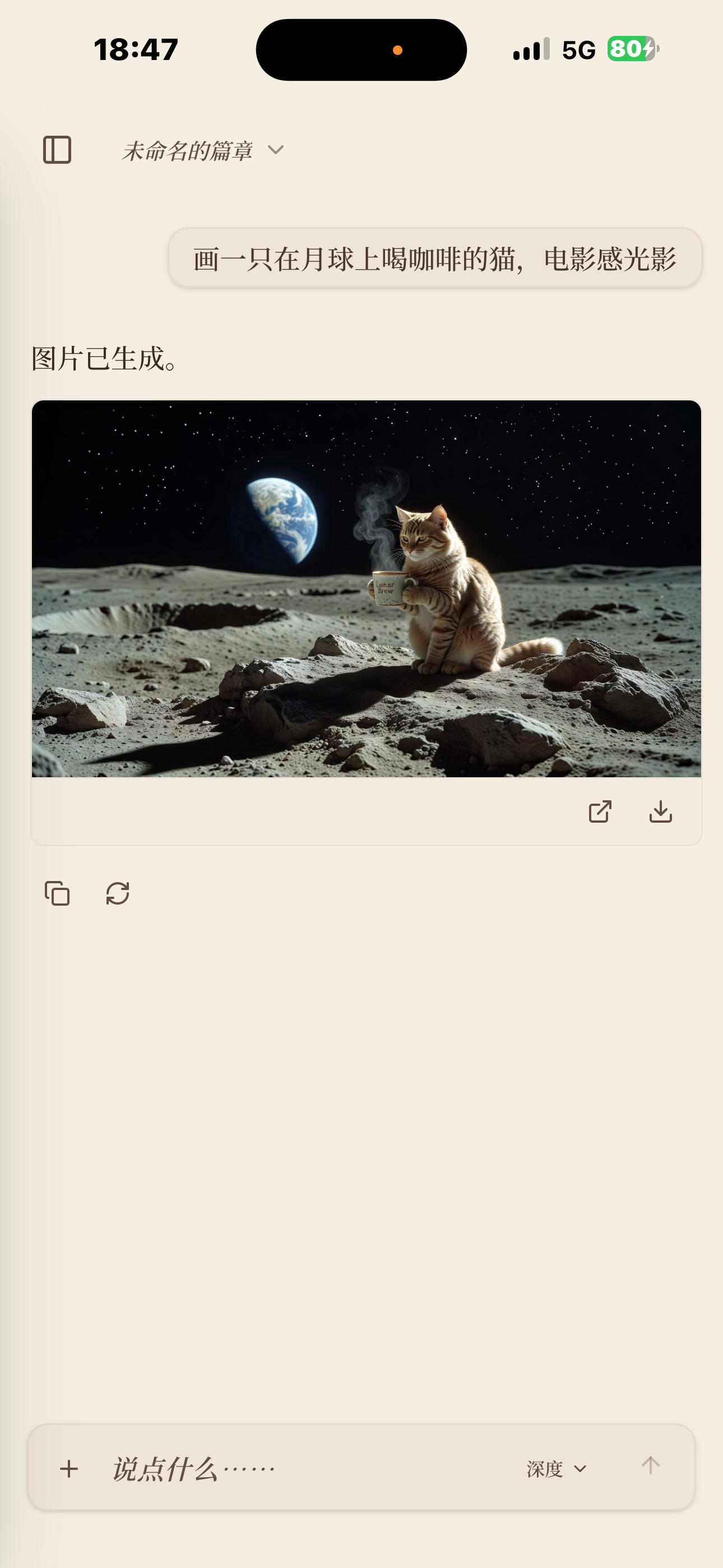
Persistent image generation on mobile, with preview, export, and download actions.
-
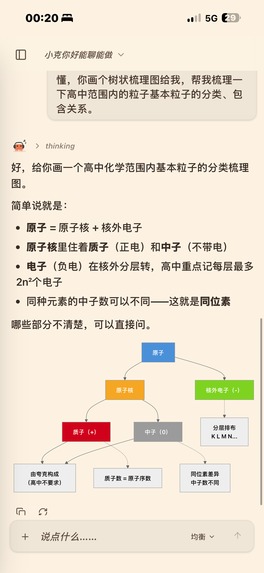
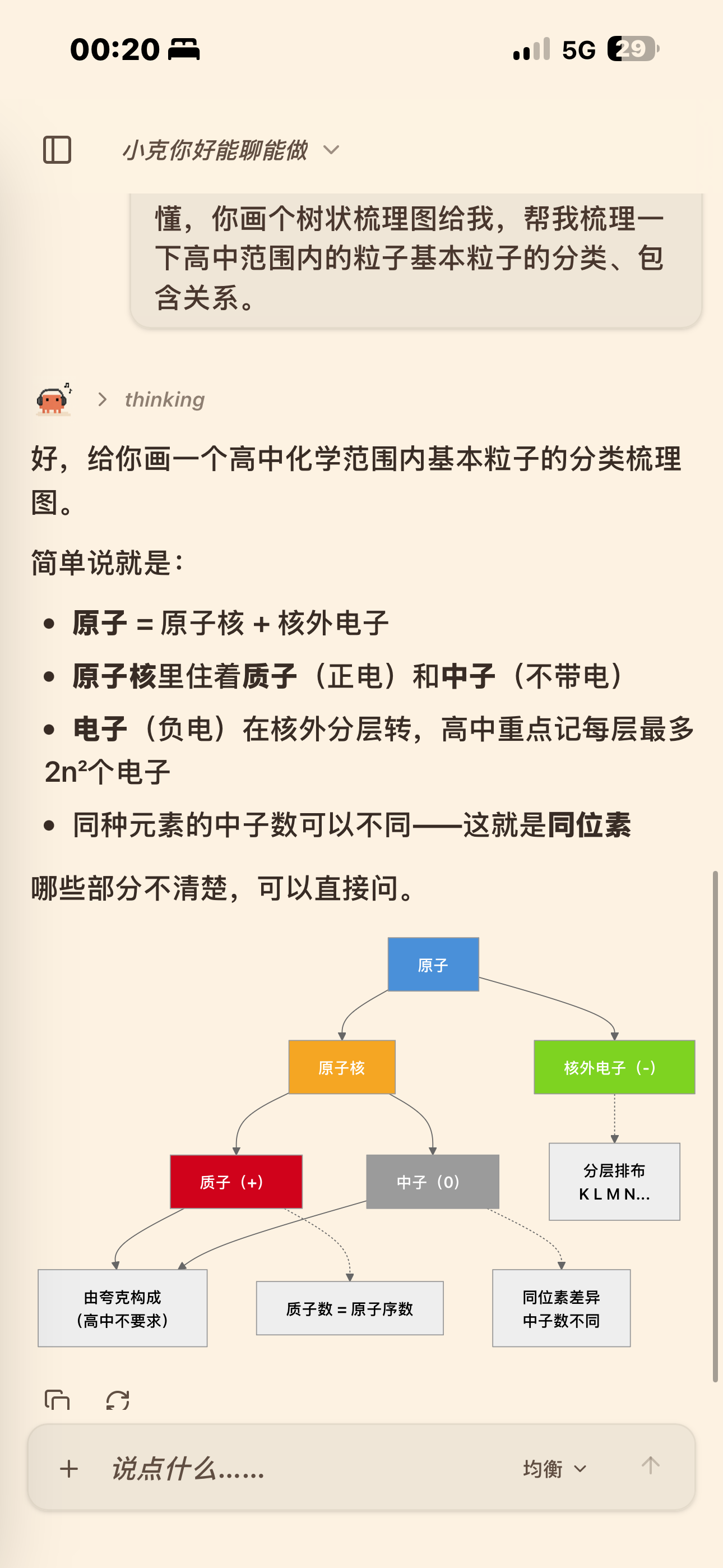
AI explanations rendered as structured diagrams that remain readable on a phone.
-
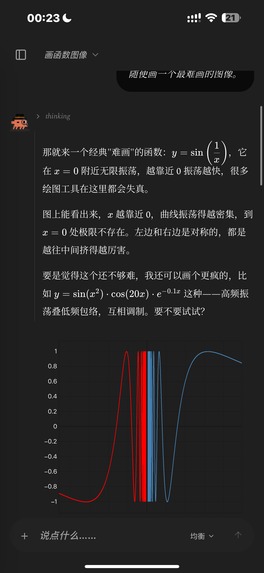
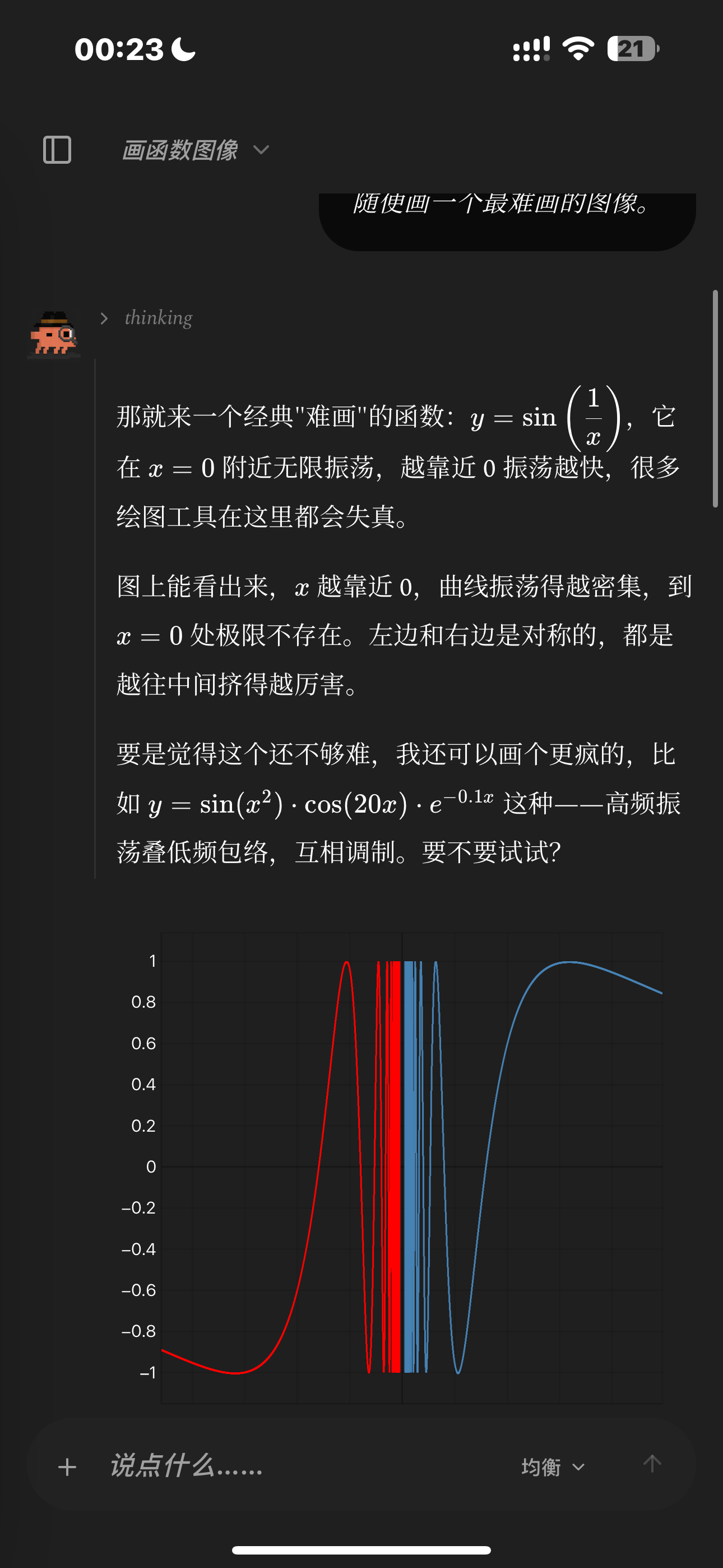
Live mathematical plotting with LaTeX and responsive dark-mode charts.
-
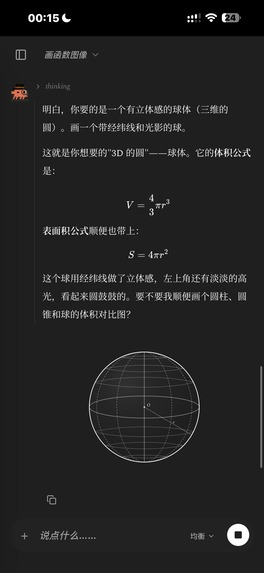
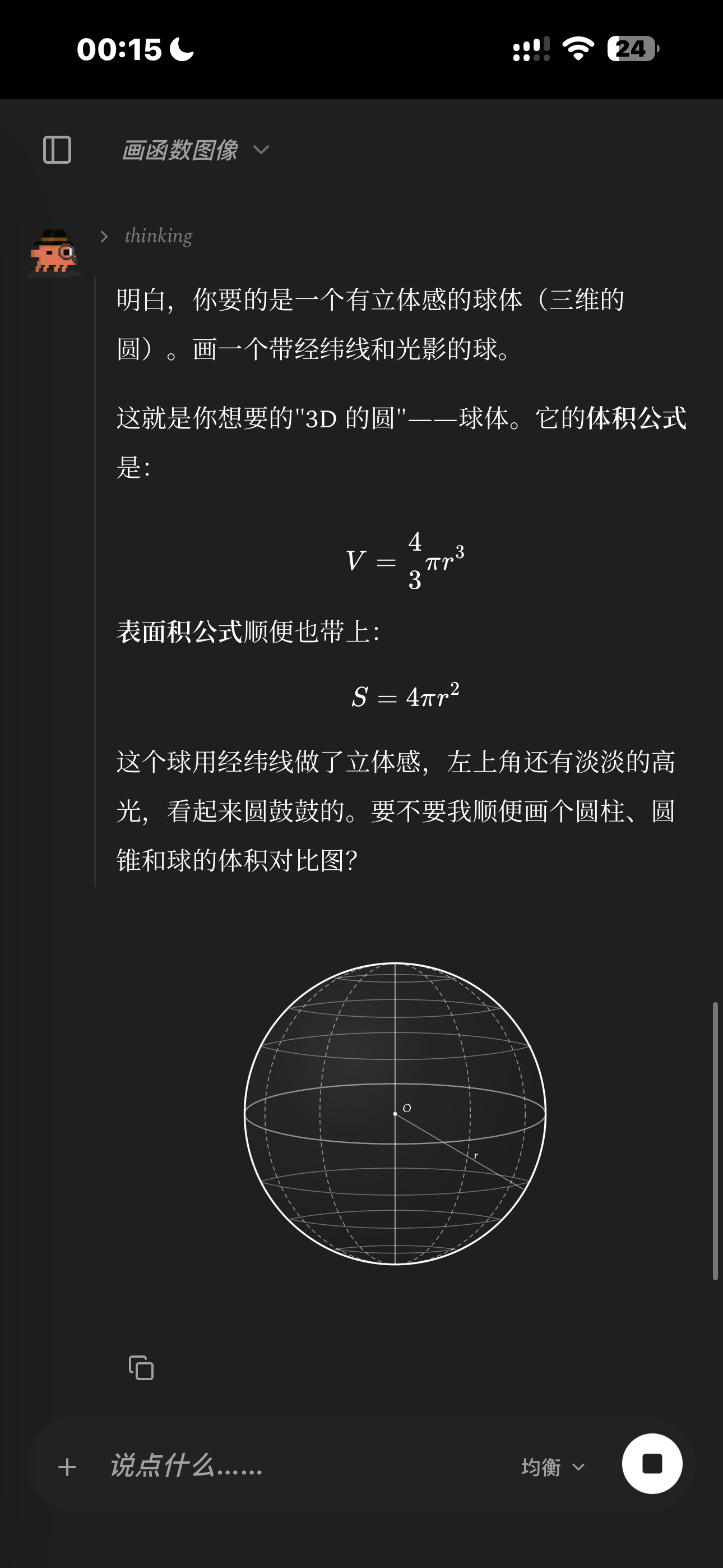
Real-time SVG drawing with formulas, labels, and geometric annotations.
-
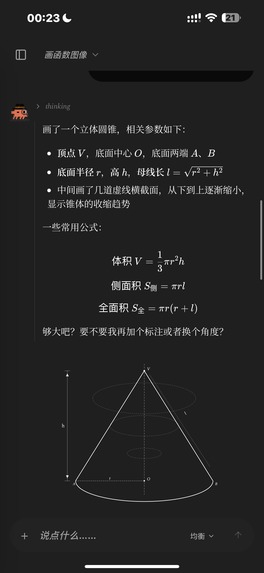
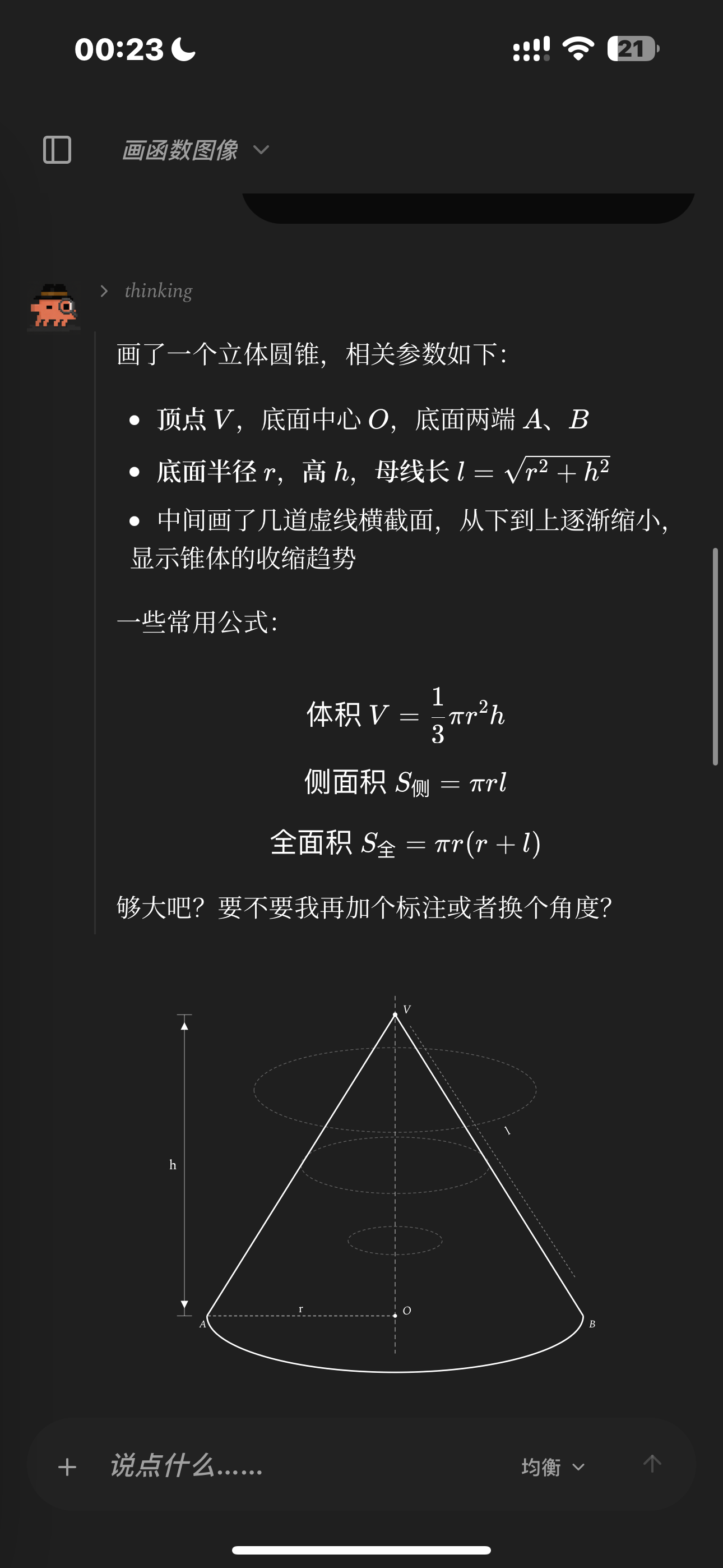
Streaming diagram generation with readable equations on a mobile screen.
-
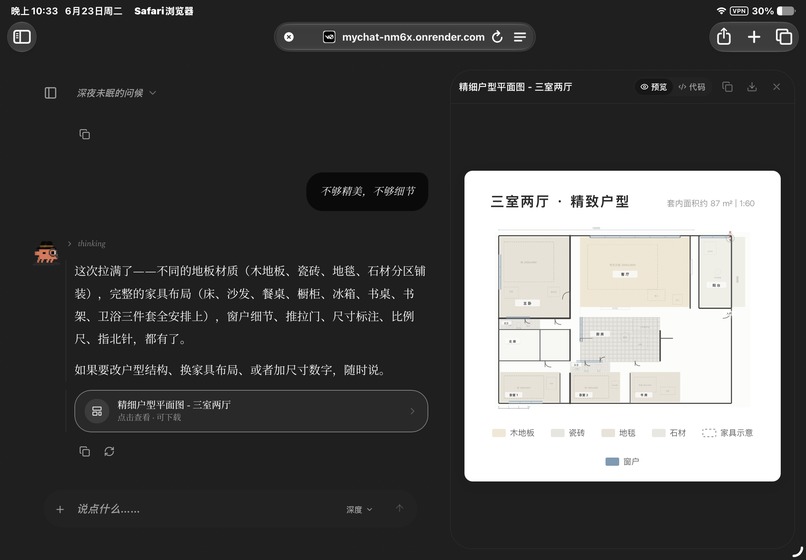
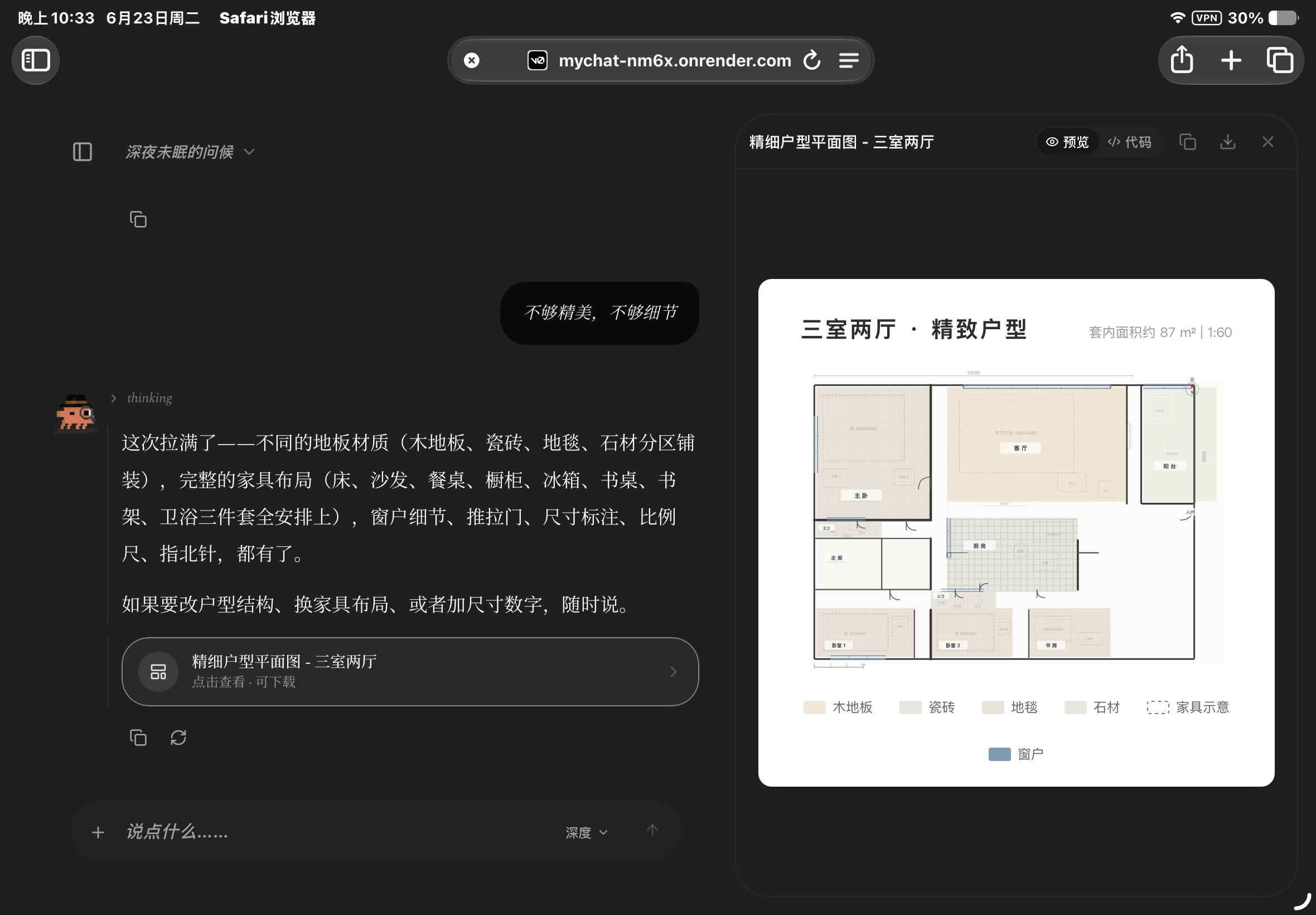
Artifact workspace previewing a generated, downloadable floor plan.
-
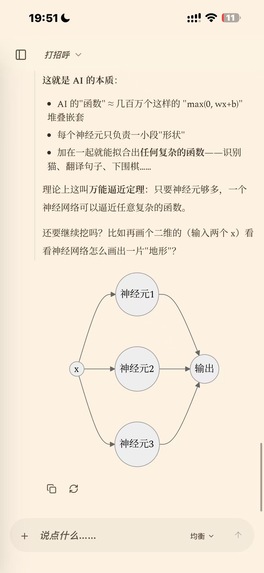
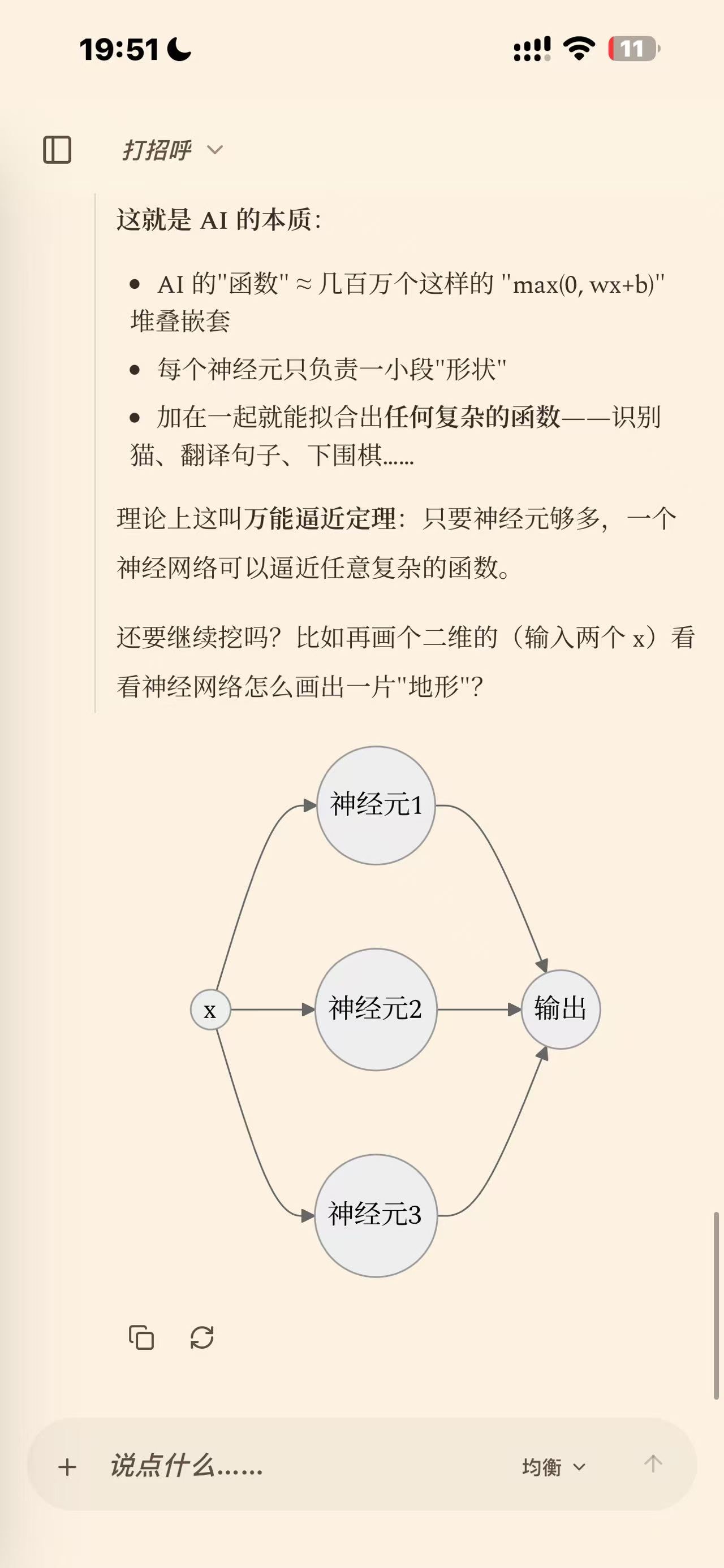
A mobile explanation with a dynamically rendered neural-network diagram.
-
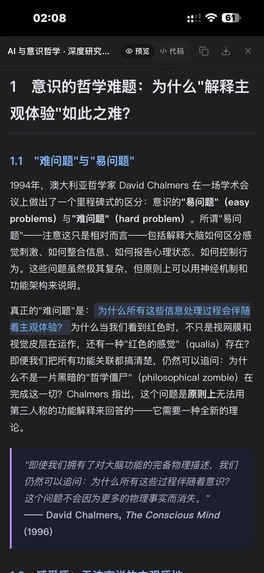
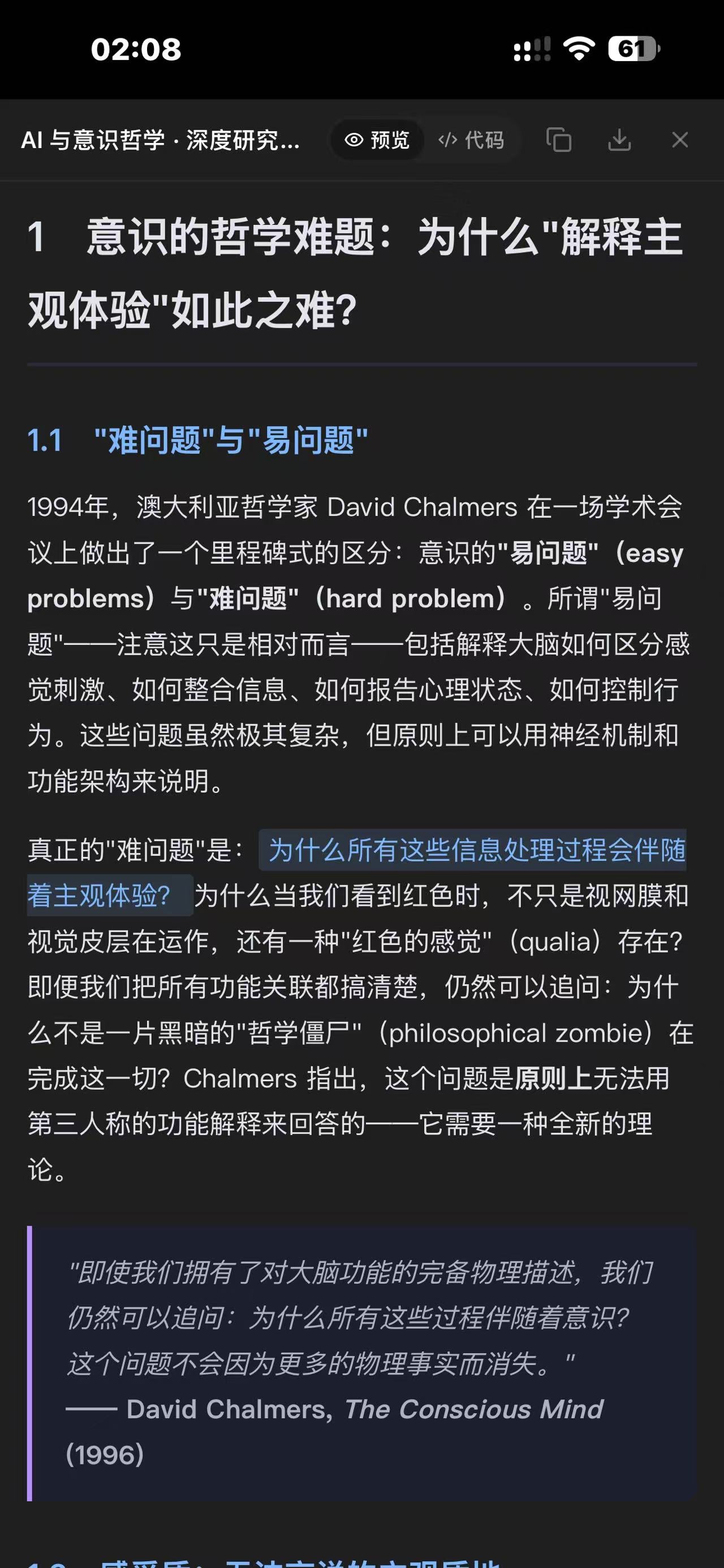
Long-form research artifacts with structured headings, quotations, and readable typography.
Inspiration
Talent is everywhere. Reliable access to a computer is not.
For many people, a phone is the only computer they own. Students, first-time builders, and aspiring developers may have ideas worth creating but no laptop, no development environment, and no practical way to run modern coding tools.
AI coding should lower that barrier. Yet most coding agents still begin with the same assumption: the user is sitting at a computer with an editor, terminal, local dependencies, and a stable connection.
MyChat began with a question:
Could someone go from an idea to tested, published software using only a phone, an internet connection, and their own judgment?
That question shaped MyChat Code. The phone becomes the command center. A secure cloud sandbox becomes the computer.
What it does
MyChat is a mobile-first AI workspace that gives people without regular access to a computer a practical AI programming experience.
From a mobile browser, a user can:
- connect GitHub and choose an existing repository or describe a new project;
- explain the result they want in natural language;
- let the agent inspect the codebase, edit files, and run commands and tests inside an isolated cloud sandbox;
- follow durable progress even after switching apps, refreshing the page, or losing the network temporarily;
- review security-sensitive actions before they happen; and
- approve a real commit, Pull Request, or supported deployment.
The result is not just a code snippet pasted into a chat. It is a real change to a real repository, with tests, history, review, and a publication receipt.
MyChat is not a remote desktop and it is not a desktop IDE squeezed onto a small screen. The user expresses intent and makes the important decisions. The cloud runtime performs the heavy work that would normally require a computer.
MyChat also includes multimodel conversation, search, media generation, file processing, memory, Markdown and LaTeX rendering, and custom OpenAI-compatible model endpoints. But Code is its defining experience: a path from an idea in someone's pocket to working software in the world.
Who it is for
MyChat is designed for people whose primary device is a phone, especially learners and creators who cannot afford a computer or cannot depend on having one available.
It does not claim that a phone replaces every professional workstation. Its goal is more concrete: to make the first meaningful steps of software creation accessible, and to let a person inspect, test, and ship a real project without buying a laptop first.
A computer should be useful for programming. It should not be the price of admission.
How I built it
The interface is built with Next.js 16, React 19, and TypeScript. Supabase provides authentication, PostgreSQL data, Row Level Security, conversation history, durable jobs, and persistent storage.
Code tasks run inside isolated E2B sandboxes. GitHub remains the publication source of truth. A database-authoritative job system coordinates execution with leases, fencing, heartbeats, checkpoints, cancellation, idempotent effects, durable events, and reconnectable streaming.
Those details matter because mobile connections are fragile. The page that starts a job may disappear at any moment, but the work must continue safely and return an accurate history when the user reconnects.
A provider adapter normalizes model parameters, streaming events, response formats, and failures across different AI services. Security boundaries include path validation, scoped and encrypted credentials, server-side ownership checks, private media validation, isolated production execution, and explicit confirmation before consequential publication.
Built during OpenAI Build Week
MyChat existed before the event as a working chat product with an early mobile Code workflow. During Build Week, I used Codex with GPT-5.6 Sol to meaningfully extend and harden the system into a more credible path from mobile intent to real software delivery.
Codex accelerated architecture tracing across the Next.js application, APIs, Supabase schema, worker runtime, E2B execution, GitHub integration, and release pipeline. It helped implement and review the durable job control plane, PostgreSQL migrations, interruption recovery, security gates, automated tests, observability, and production verification.
The key human decisions remained mine: focusing on people without computer access, making the phone the control surface, keeping GitHub as the source of truth, requiring isolated execution, deciding which actions require confirmation, and prioritizing recovery over a visually complex editor.
The pre-event baseline is commit c1f22de. The main Build Week work is documented in PR #25, PR #26, PR #27, and PR #36. The repository includes a clear before-and-after scope, architecture notes, setup instructions, and a judge quick start.
Challenges
The hardest challenge was separating a long-running agent job from the browser page that created it. On a phone, app switching, background suspension, refreshes, and weak networks are normal conditions, not edge cases.
The system therefore has to answer difficult questions: Who owns the job now? What happens if a worker stops halfway through? How do we reconnect without duplicating a command? How can an agent make progress without silently publishing a risky change?
MyChat addresses these problems with durable state, leases and fencing, checkpoints, replayable events, idempotent effects, isolated execution, and human confirmation at trust boundaries.
What I learned
The hardest part of building an AI product is often not generating an answer. It is building the reliable system around that answer.
I learned that accessibility is not only visual design. It also means reducing the hardware, setup, and connectivity assumptions a product makes about its users. For someone working from a phone, a task that survives disconnection and a result that does not disappear can matter more than another impressive-looking feature.
What's next
Next I want to make the first-run experience simpler, add guided repository templates, improve mobile diff review, provide clearer deployment receipts, and create safer example projects that judges and new users can try immediately.
The long-term goal is simple: give more people the chance to turn an idea into real software, even when the only computer they have fits in their hand.
Live demo: mychat-nm6x.onrender.com
Source code: github.com/aa339519589-cpu/mychat
Built With
- codex
- e2b
- github
- gpt-5.6
- next.js
- openai-api
- postgresql
- react
- supabase
- typescript


Log in or sign up for Devpost to join the conversation.