-
-
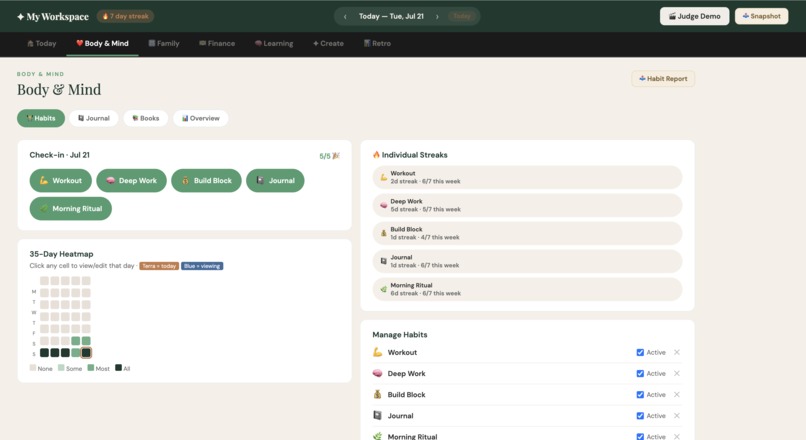
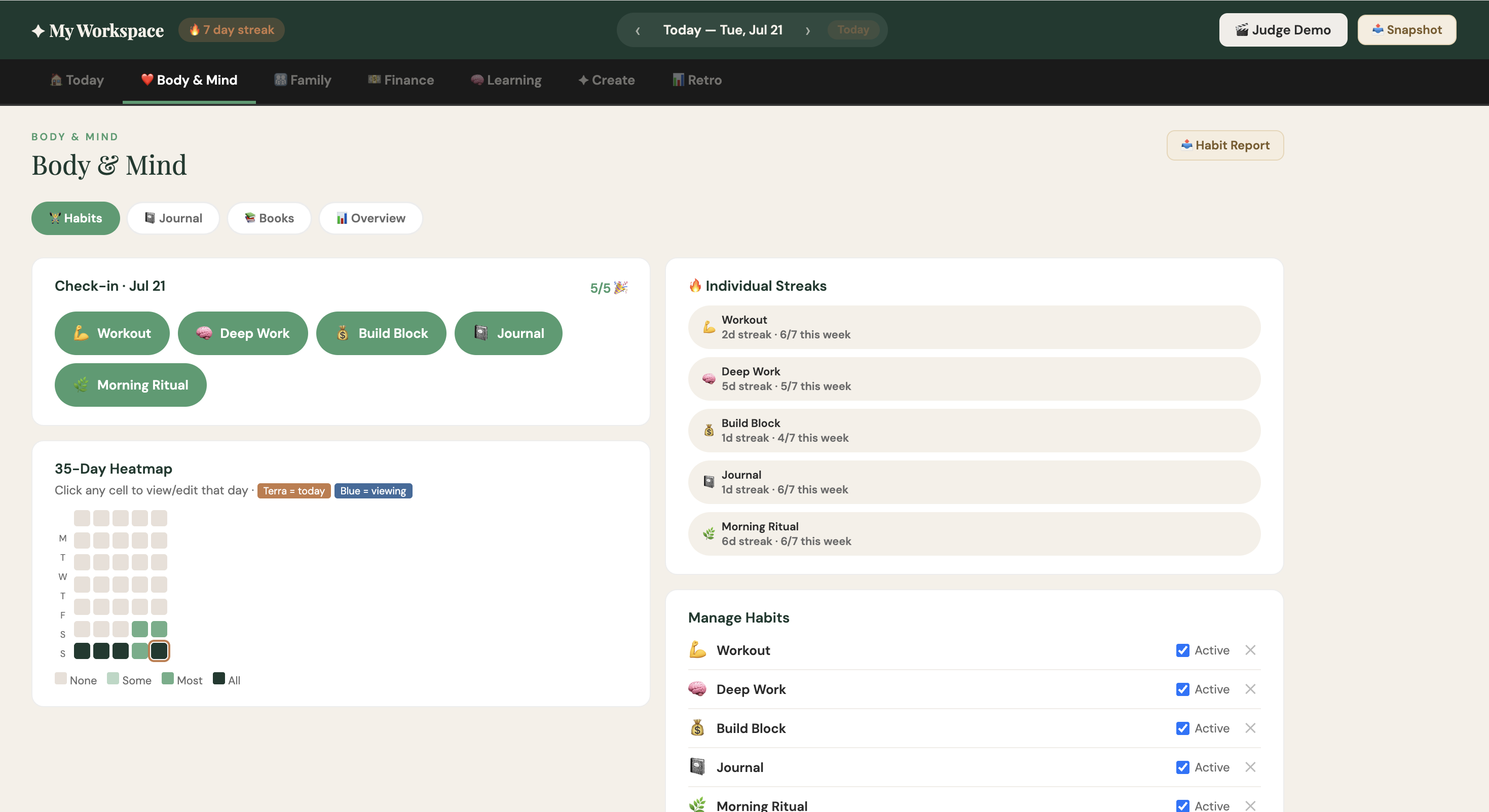
Body & Mind Tab
-
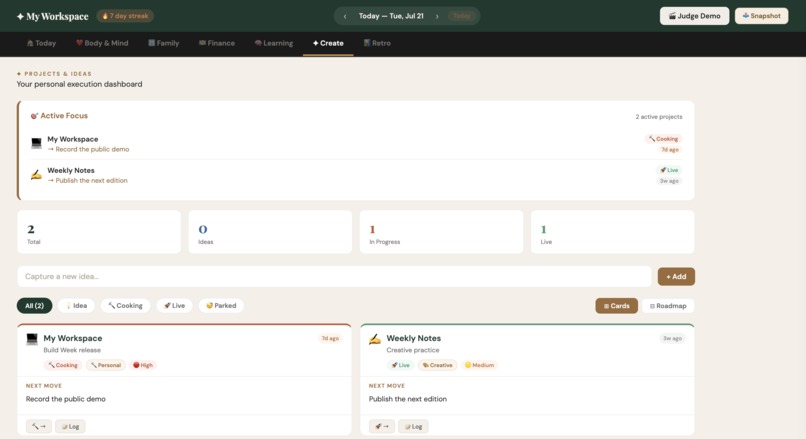
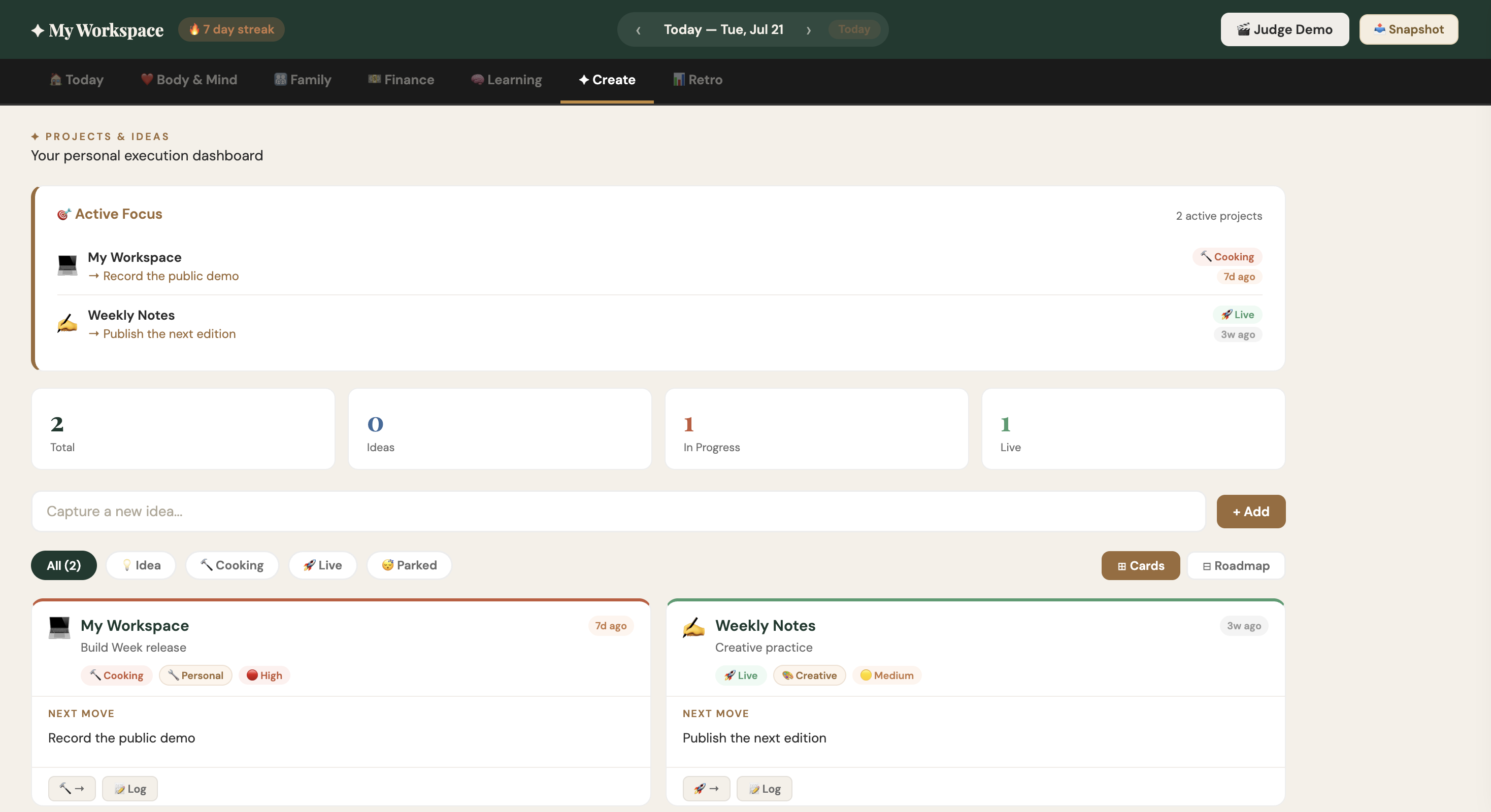
Create- Projects/Ideas Tab
-
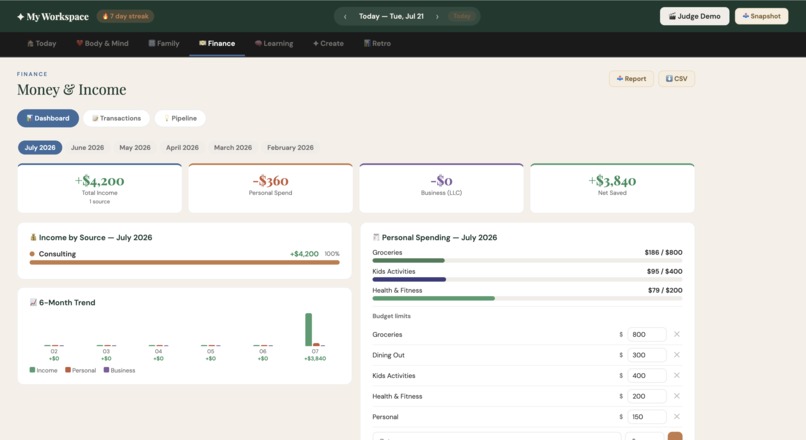
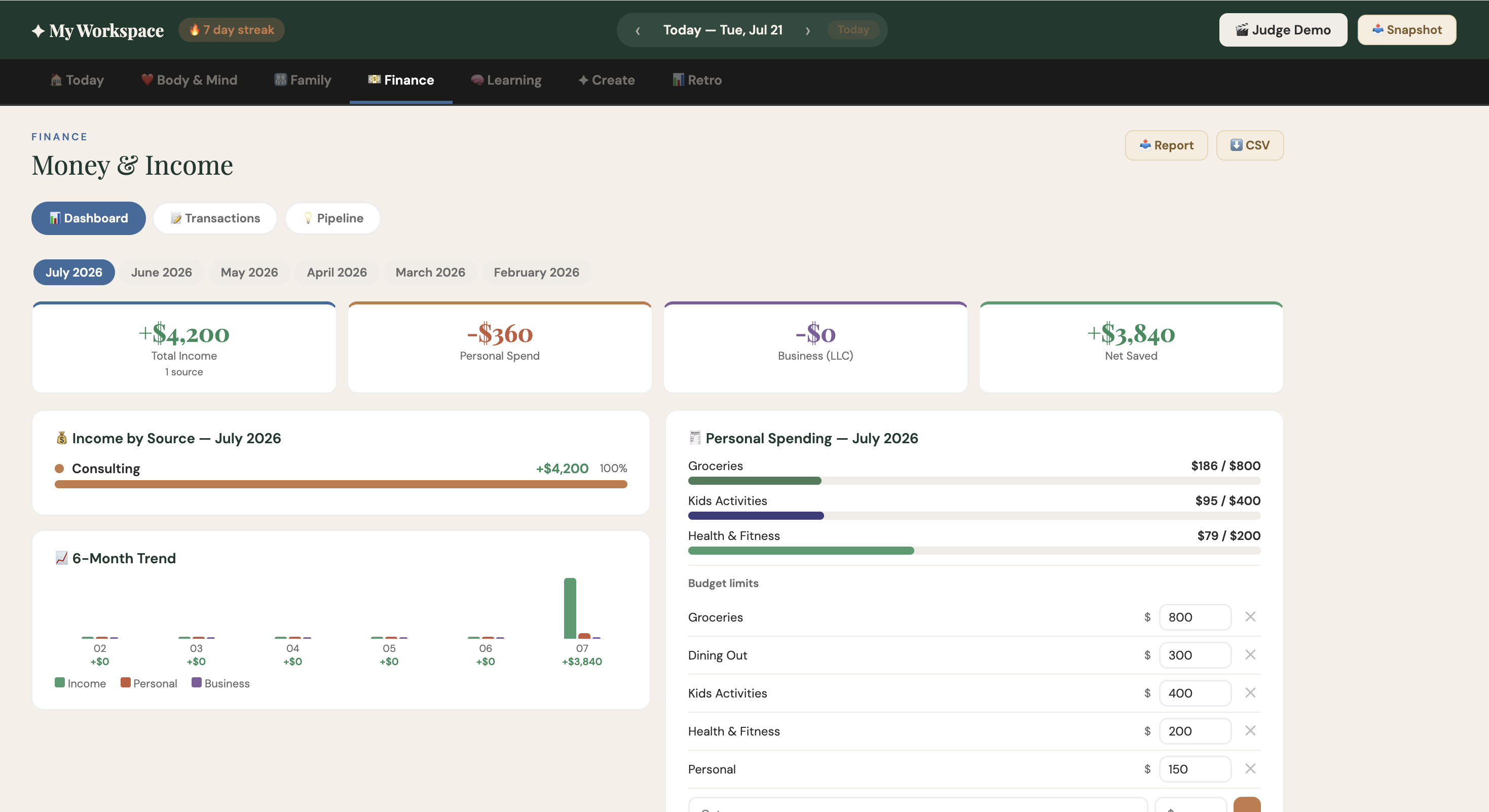
Finance Planning Tab
-
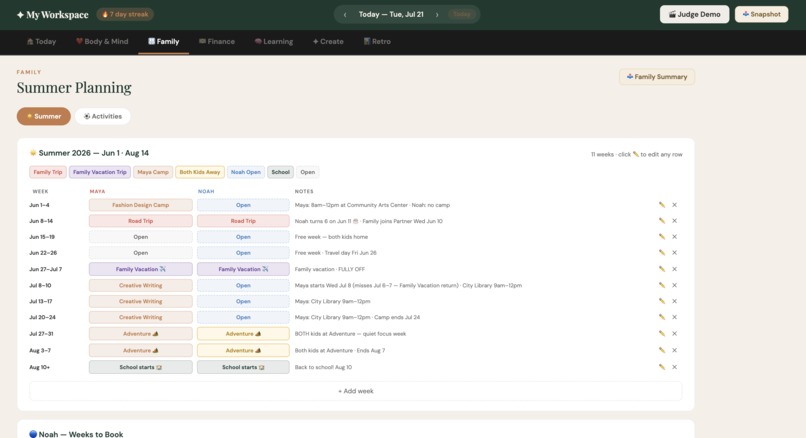
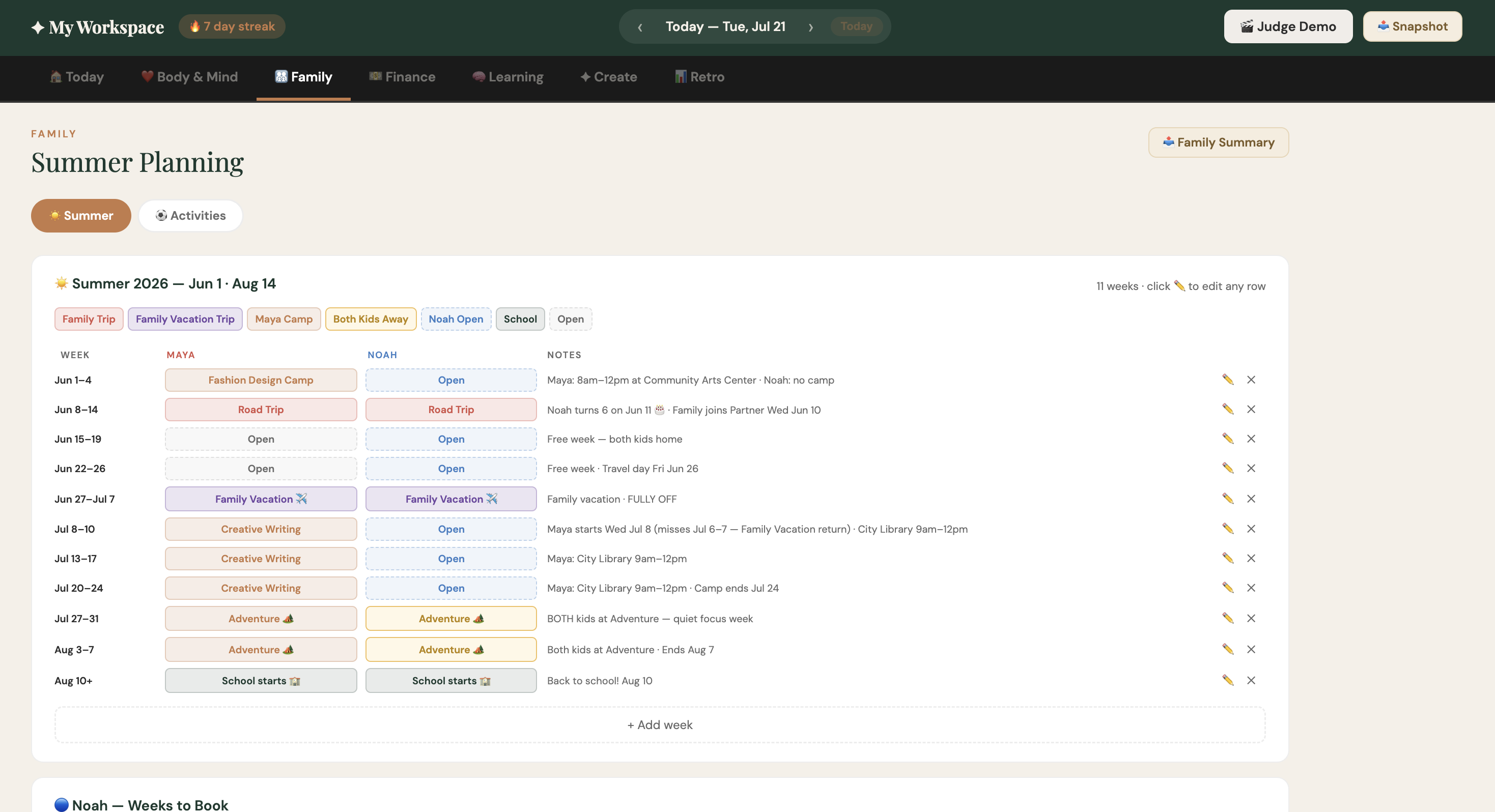
Family Planning Tab
-
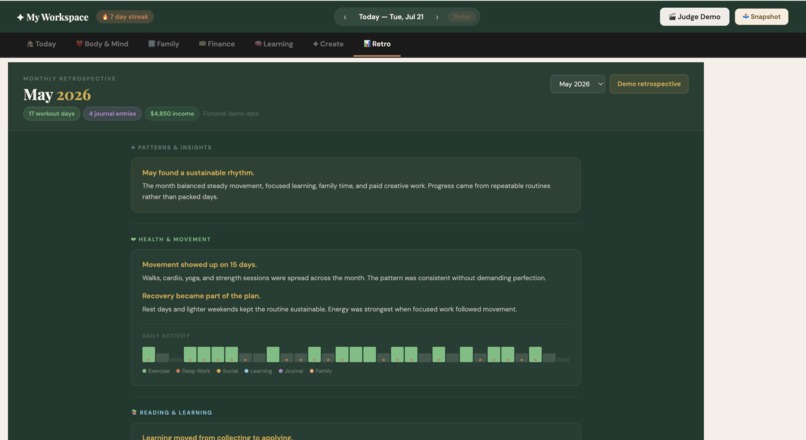
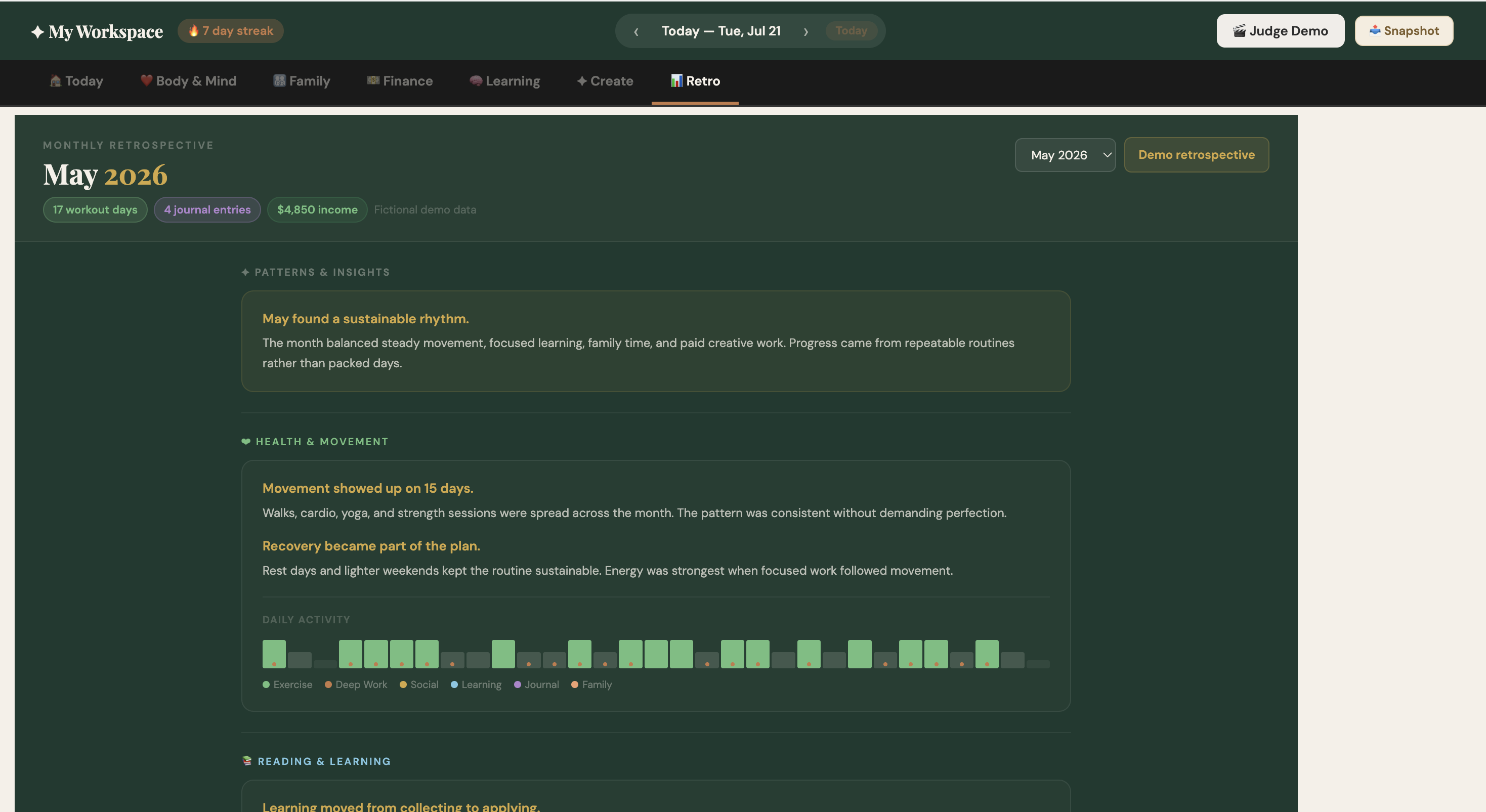
Retro Snapshot 1
-
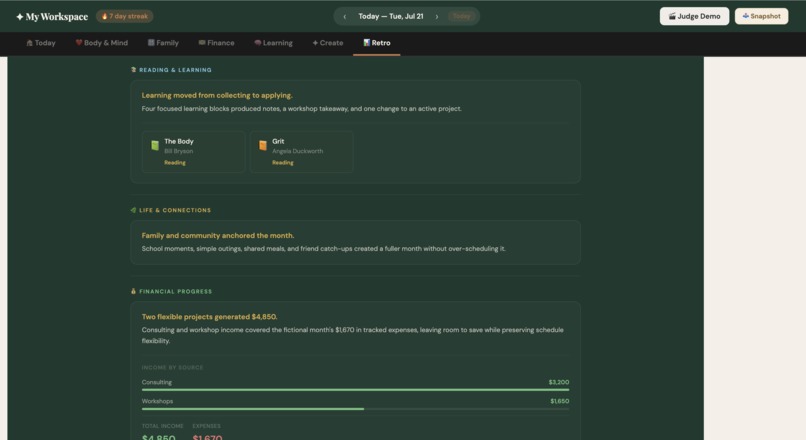
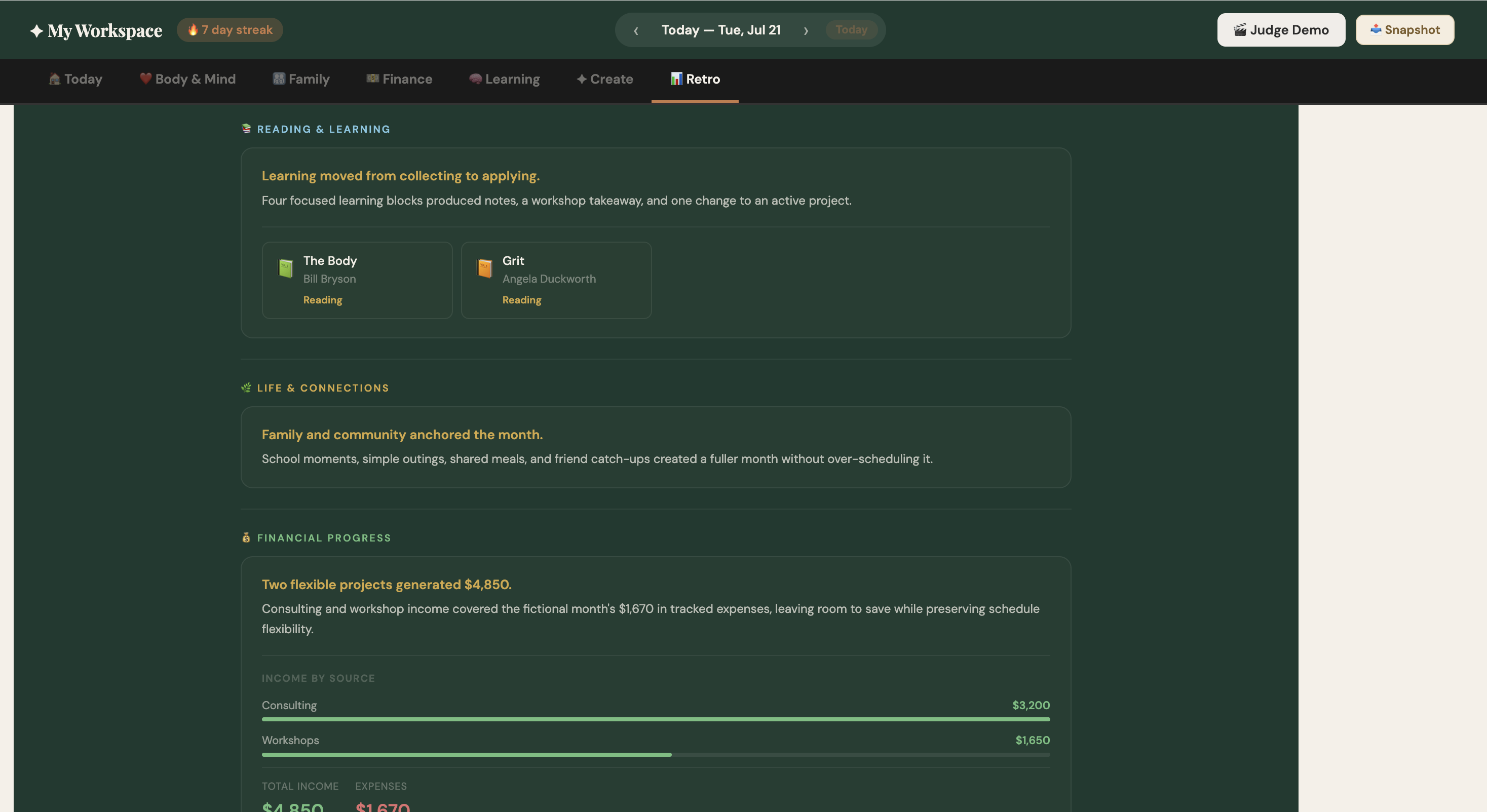
Retro Snapshot 2
-
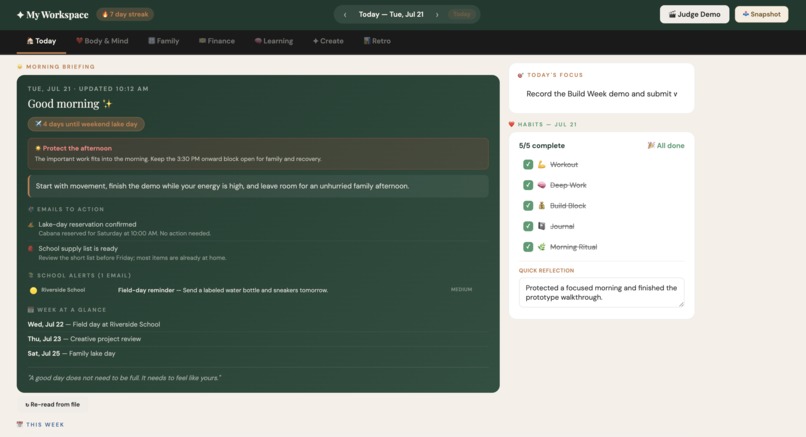
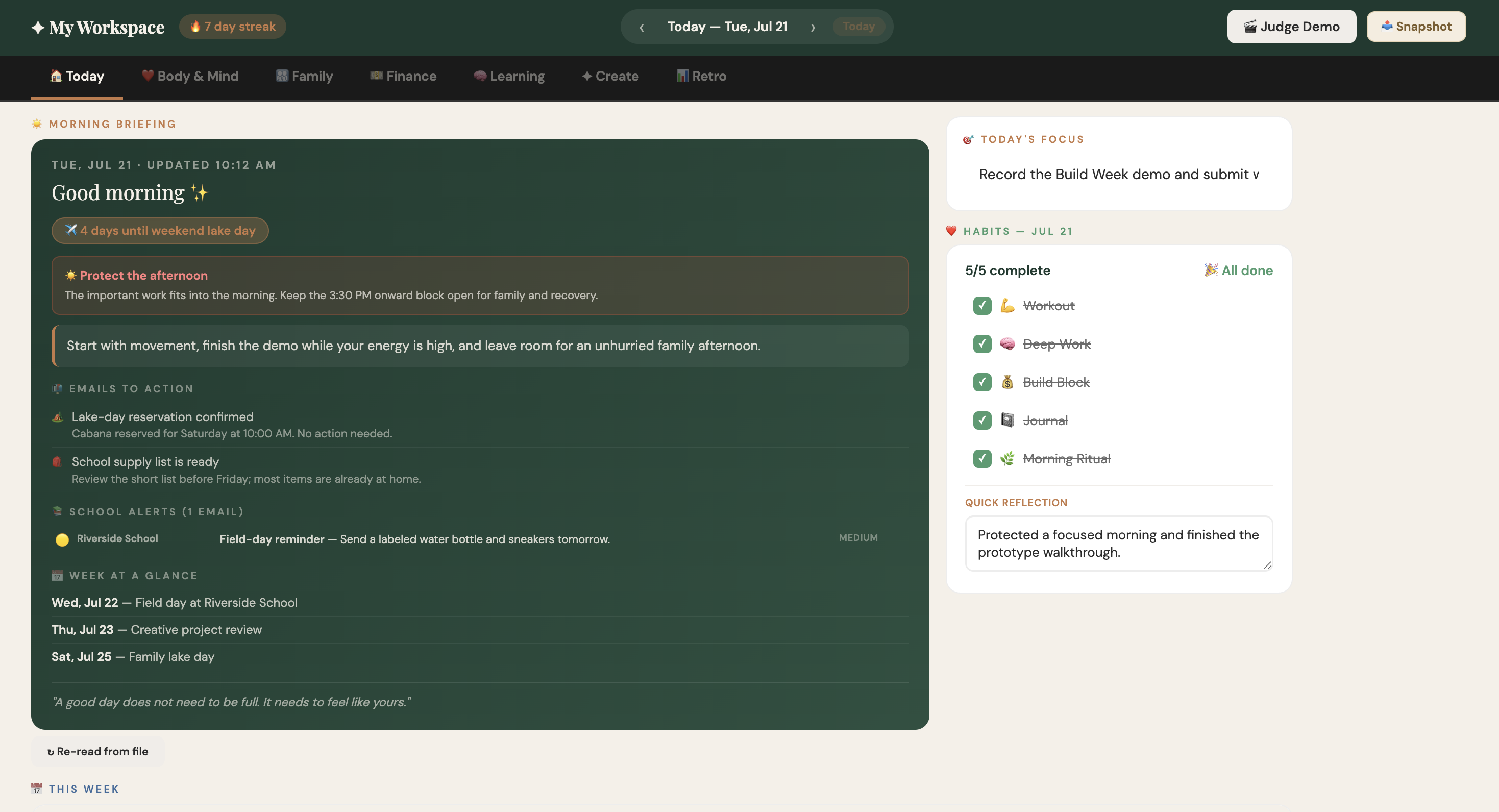
Morning Brief/Homepage
-
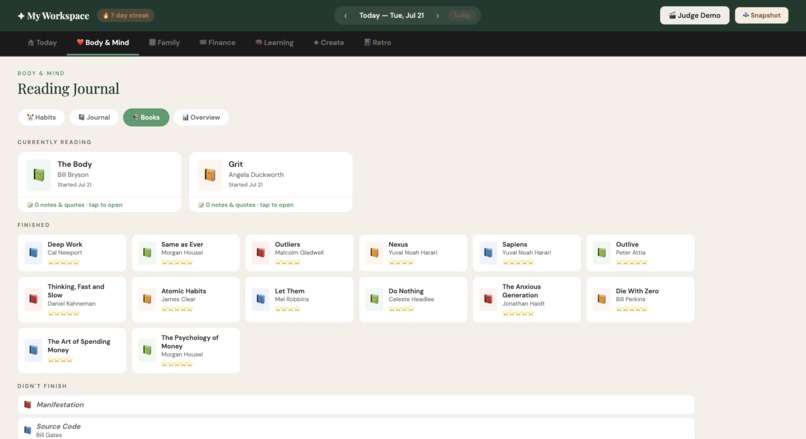
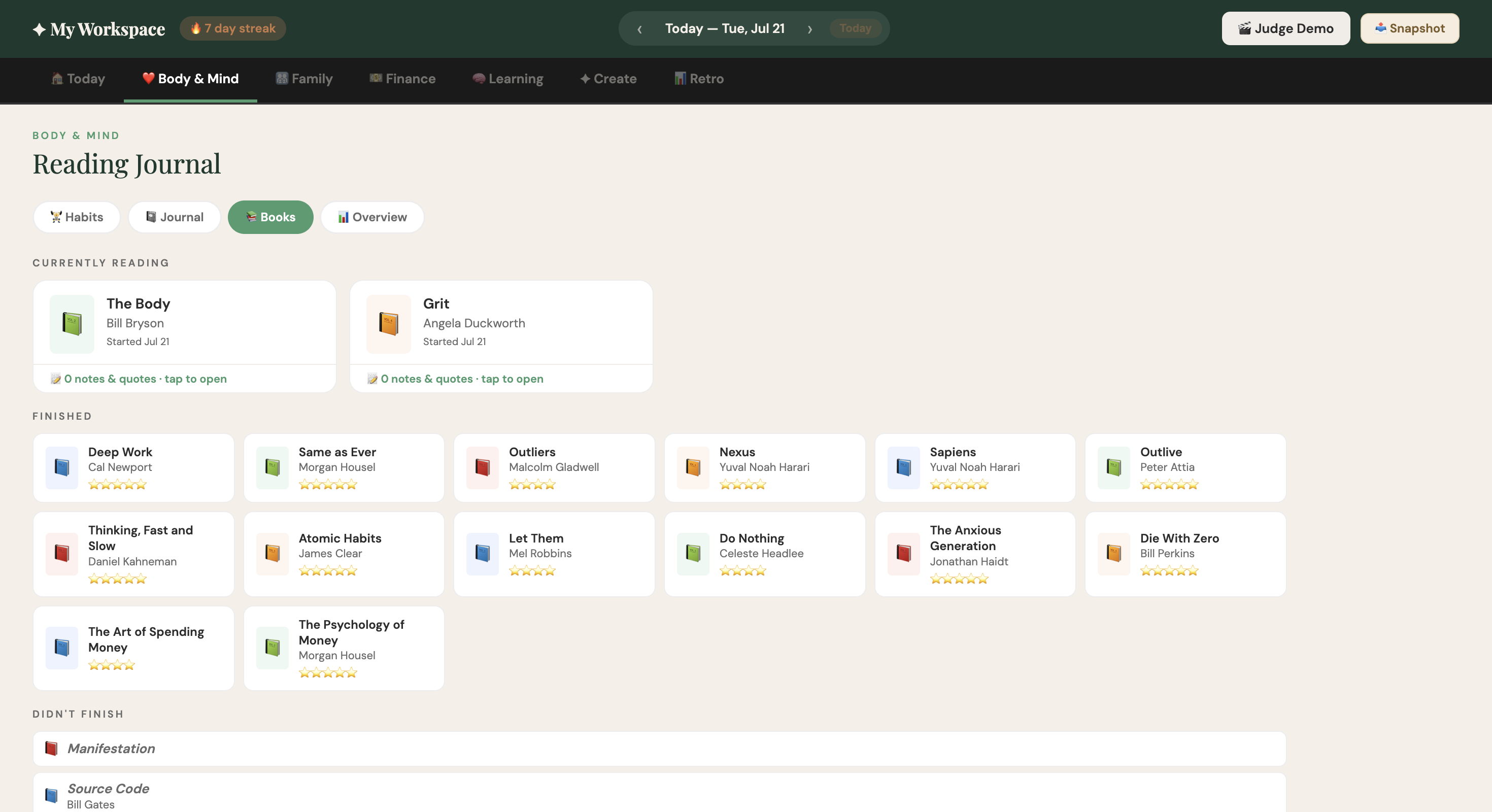
Reading Corner / List of Books
Inspiration
One month into my micro-retirement, the hardest part was not learning to rest, it was losing the structure that had anchored my days.
I had traded Outlook, Teams, meetings, and constant notifications for a blank page. I tried Gmail, Notion, and other productivity tools, but none quite fit. They were designed for managing a working life, not for navigating a paused one.
So I built my own.
I wanted enough structure to move forward without turning my micro-retirement into another job. I also wanted a way to measure my life, not by how busy I was, but by whether I was spending my time and energy on what mattered to me.
What it does
My Workspace is a private, local-first personal operating system for life beyond work. It brings the parts of life that compete for attention into one calm daily view:
- A morning briefing based on my calendar and email
- Daily focus, habits, reflections, workouts, and reading
- Family schedules, school activities, and seasonal planning
- Budgets, transactions, savings, and income ideas
- Learning goals, resources, and progress logs
- Creative projects with clear next actions
- Portable snapshots, reports, and data backups
Every month, I use My Workspace to create a personal retrospective. It brings together activity across health, family, finances, learning, and creative work so I can see where my time went, recognize patterns, celebrate progress, and decide what I want to change.
The Balance Compass provides a current pulse across those five life domains and recommends one small next step in the area that may need attention. The calculations are transparent and happen locally.
The workspace can also provide context-aware guidance, shifting between a health coach, financial thought partner, learning guide, and family organizer depending on which part of the app I am using.
How we built it
My Workspace began as a single HTML file containing the interface, styles, and application logic. We intentionally kept the architecture simple: no backend, required account, installation process, or subscription.
Most data is stored in the browser using localStorage, while longer briefing history uses IndexedDB. Data can be exported and restored as JSON, with additional CSV and print-to-PDF options.
I built the project in collaboration with AI. It helped me generate and debug code, migrate data between browser profiles, rethink the morning briefing architecture, audit privacy risks, test the experience, and prepare a safe release.
For Build Week, I added:
- Balance Compass, which turns activity across five life domains into an explainable pulse and one useful next action
- Judge Demo, which fills the app with fictional, date-aware data so the full experience can be explored immediately
- A separate privacy-safe release with fictional names, schedules, and financial information
Challenges I ran into
The biggest challenge was making a deeply personal tool shareable without exposing deeply personal information. The original workspace contained real family schedules, school details, financial activity, reflections, and daily routines.
I solved this by creating a separate release with its own browser-storage namespace, deterministic fictional data, and no dependency on private accounts or automations.
Another challenge was deciding how to measure a life without reducing it to a productivity score. Health, family, finances, learning, and creative work cannot be represented by one perfect number. The monthly retrospective therefore combines data with personal reflection, while the Balance Compass uses simple, visible rules and treats its result as a signal, not a judgment.
Keeping the app local also meant solving persistence, backup, migration, and reporting without relying on a traditional backend.
Accomplishments that we're proud of
I am proud that My Workspace:
- Brings several fragmented parts of life into one coherent experience
- Runs without installation, an account, or a backend
- Keeps personal information in the user's browser
- Turns everyday activity into meaningful monthly reflection
- Provides explainable guidance instead of a mysterious AI score
- Offers a complete fictional demo that can be explored in one click
- Remains small and adaptable enough to change as its user's life changes
Most importantly, it has become a tool I genuinely use every day, not just a prototype built for a competition.
What I learned
I learned that personal software does not always need more infrastructure or integrations. Sometimes its most valuable feature is ownership: the ability to understand it, change it, and keep its data under your control.
I also learned that measurement can support a meaningful life without turning life into a performance. My monthly retrospectives help me compare my intentions with how I actually spent my time. They create a record of how my life is changing, not just a list of tasks I completed.
Building with AI also feels fundamentally different from simply using AI. The project reflects an ongoing collaboration: debugging late at night, revisiting product decisions, redesigning features, and continuously adapting the workspace as my needs evolve.
What's next for My Workspace
Next, I want to explore:
- Custom goals, targets, and weights for the Balance Compass
- Richer monthly and yearly retrospective views
- Optional encrypted synchronization across devices
- Pluggable calendar and email briefing integrations
- Improved accessibility and keyboard navigation
- Guided onboarding that starts small and grows with the user
- More context-aware guidance while keeping the experience private and understandable
My Workspace does not have a conventional roadmap. It has my life, and it changes when my life does.

Log in or sign up for Devpost to join the conversation.