-
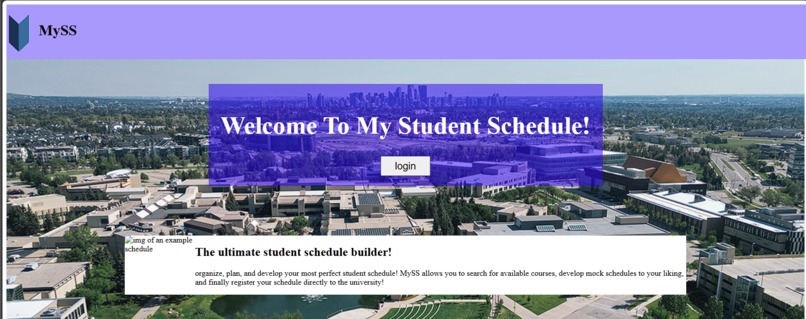
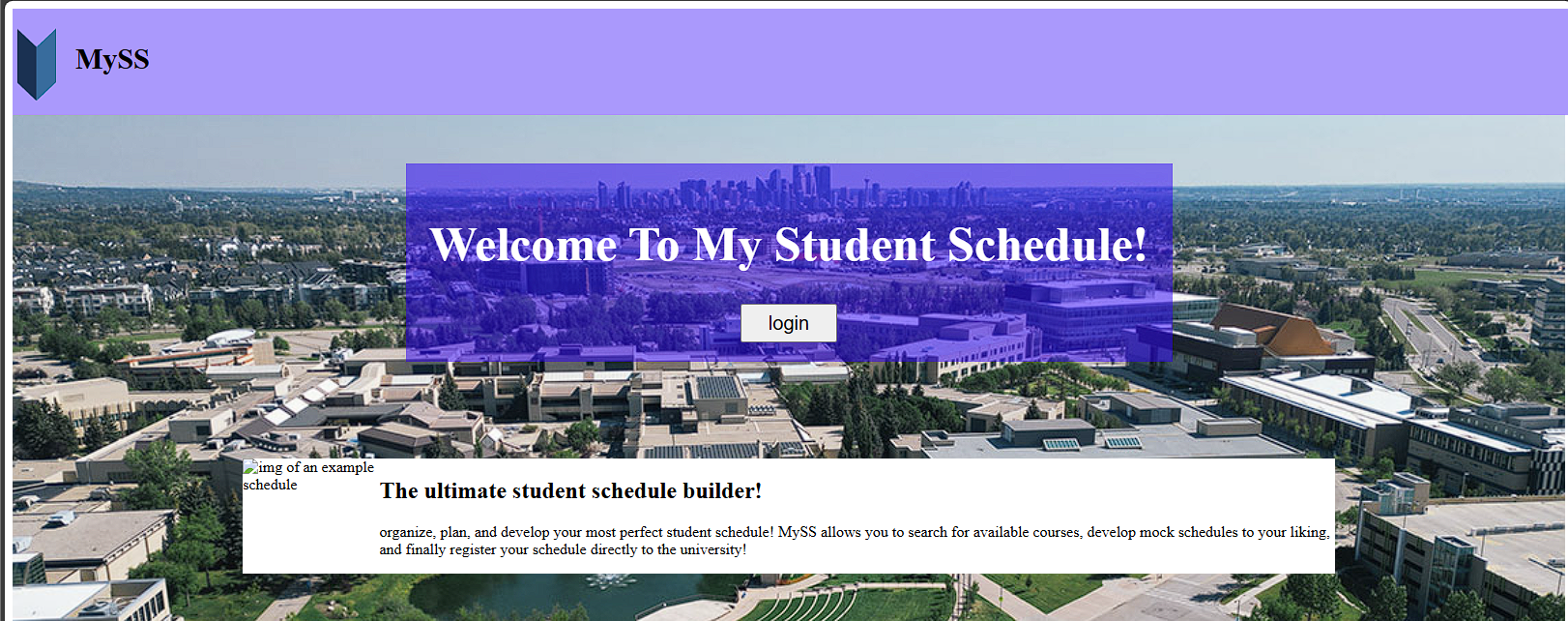
Home Page of My Student Schedule
Inspiration
My Inspiration for this idea was that I thought it was annoying that I had to use multiple web applications when setting up my courses. Mrugradu8 to look at your program requirements, mru registration page to register your courses, My Schedule Builder to make mock schedules, and occasionally looking at the general education course list to find courses.
What it does
It is an all-in-one web server that is available within the local network. Uses MD5 hashing to protect user passwords and temporary auth keys that allow the user to roam the application. Start off at the student dashboard, where you can see all your program requirements and what you still need to graduate! Next is the student schedule maker, where you can create mock schedules while having access to your course database to see what/where you might schedule a course. Lastly, the student has access to the university registration page, where they can import their schedule and immediately register for their course with no hassle.
How we built it
Using Flask as my web framework, I was given the ability to host a local server accessible to anybody on the same network. Also, using Flask's built-in injection protection provides additional security to the users. For the database, I used SQLite to build a detailed DBMS that handled multiple tables ranging from students to professors to courses.
Challenges we ran into
I have never used Flask or SQLite before, which made my production slow; also, the occasional vague error messages made it difficult to debug the code I already had.
Accomplishments that we're proud of
I learned so much about SQLite and Flask
What we learned
ctrl c ctrl v the above response
What's next for My Student Schedule
if ever possible for this project to continue, this project to eventually turn into an inter-university application that can be used by students across Canada.


Log in or sign up for Devpost to join the conversation.