-
-

Example of a real singing bowl and how it is used
-
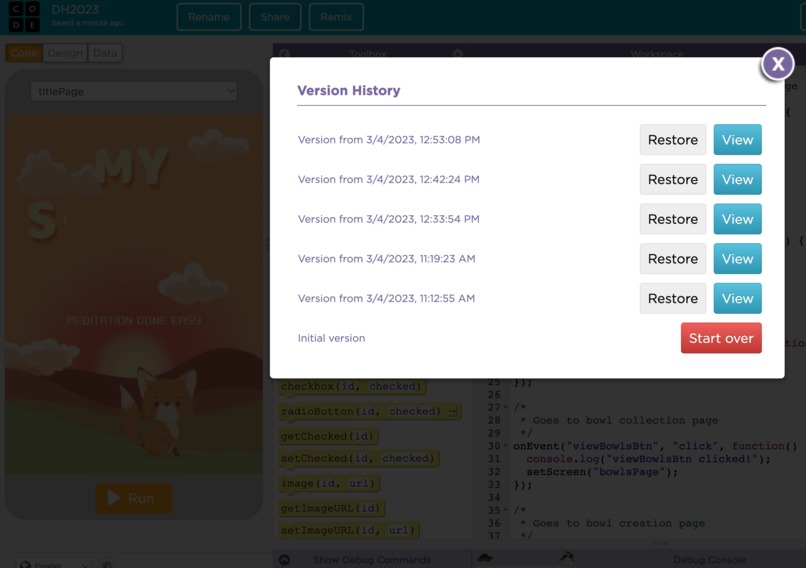
Time Stamped Start Time for project

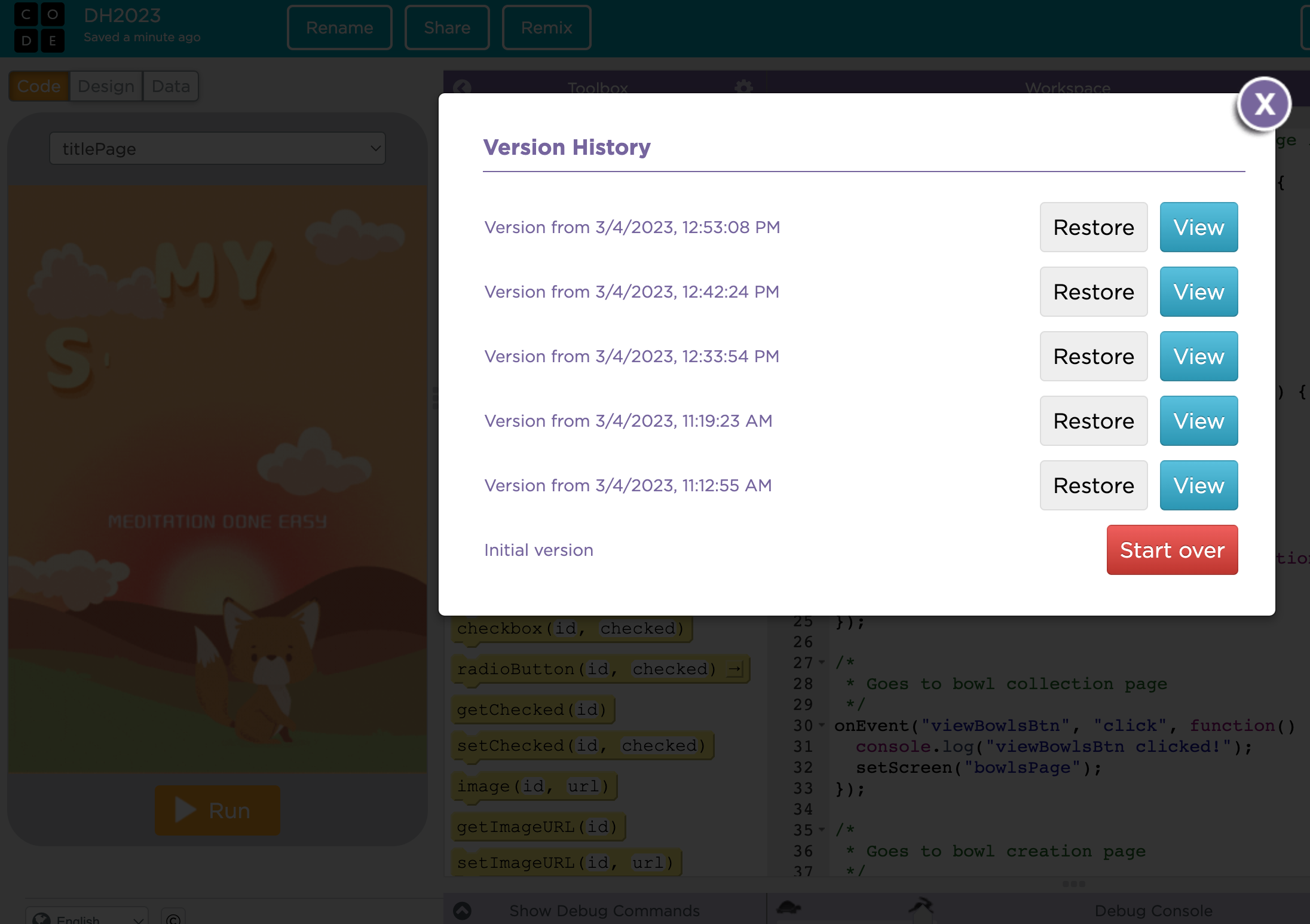
About My Singing Bowl
Inspiration
A few years ago I tried out meditation. I was told to close my eyes and picture a red dot in the distance. Within a minute I was expected to clear my mind, but that extra silence only filled my mind with more as I remembered all the tasks I had to do.
Meditation bowls have historically been used in meditation (their origin dates back to Mesopotamia!). Earlier this year I saw an old singing bowl at an antique shop and gave it a try. It was easy to use and I found myself zoning out as I heard the mesmerizing sounds produced by the bowl. I realized that this zoning out was actually me clearing my mind and that I had just meditated without meaning to.
Singing bowls are often large and expensive. This was when I came up with the idea to create an app called My Singing Bowl where people of all ages can engage in a game-like approach to this easy form of meditation to improve their mental health.
What it does
My Singing Bowl allows users to choose and customize a singing bowl. Different bowls produce different sounds and users can choose their preferred type. When users play the singing bowl, they first tap the singing bowl, then trace repetitive circles around the bowl, mimicking the mallet which is used to play the bowl. This feature allows users to approach meditation at their own pace.
If at any time the users need assistance while using the app, a guiding fox character helps them out!
How I built it
This app was built with the app lab on code.org. It utilizes JavaScript to maintain functionality. I created the graphics (bowls and background) with Canva a graphic design software. The audio is a record of a singing bowl which I modified using SoundTrap to create the different types of bowl sounds.
Challenges I ran into
My first challenge was what platform to create this app on. I wanted to focus more on the UI/UX on this project as this is where I have less experience so I chose the app lab on code.org. It was also difficult to create the sounds as I had to find a way to modify the sound each bowl produced.
Accomplishments that I'm proud of
I am proud of how much I was able to learn and do in a short period of time. With limited experience in UI/UX I am happy with the aesthetic of the app. I was also able to take the UX a step further by adding a user-controlled audio feature.
What I learned
I learned how to create a UI/UX using a design software and transitional JavaScript commands. I went a step further by adding auditory features to the app!
What's next for My Singing Bowl - Meditation done easy
Customization
In the current app, there is a tab for bowl customization. This feature was intentionally left unimplemented as it was not required for the main functionality of the app. I will create this feature next so users can customize their experience. I will also add a feature to allow users to set session times for meditation or record the amount of time they use the bowl. This can be displayed in minutes and can track daily streaks.
Accessibility through an enhanced UX
The next feature I would like to add to My Singing Bowl is vibration. This will take the UX a step further and also allow for more accessibility for those hard of hearing. The vibrations would match the bowl sounds by utilizing the in-built vibrations in cellphones. I also hope to add a voice-over for the fox guide to help those hard of sight, navigate the app and have access to the meditation bowl.
Built With
- canva
- code.org
- javascript
- soundtrap

Log in or sign up for Devpost to join the conversation.