-
Weather With You Img
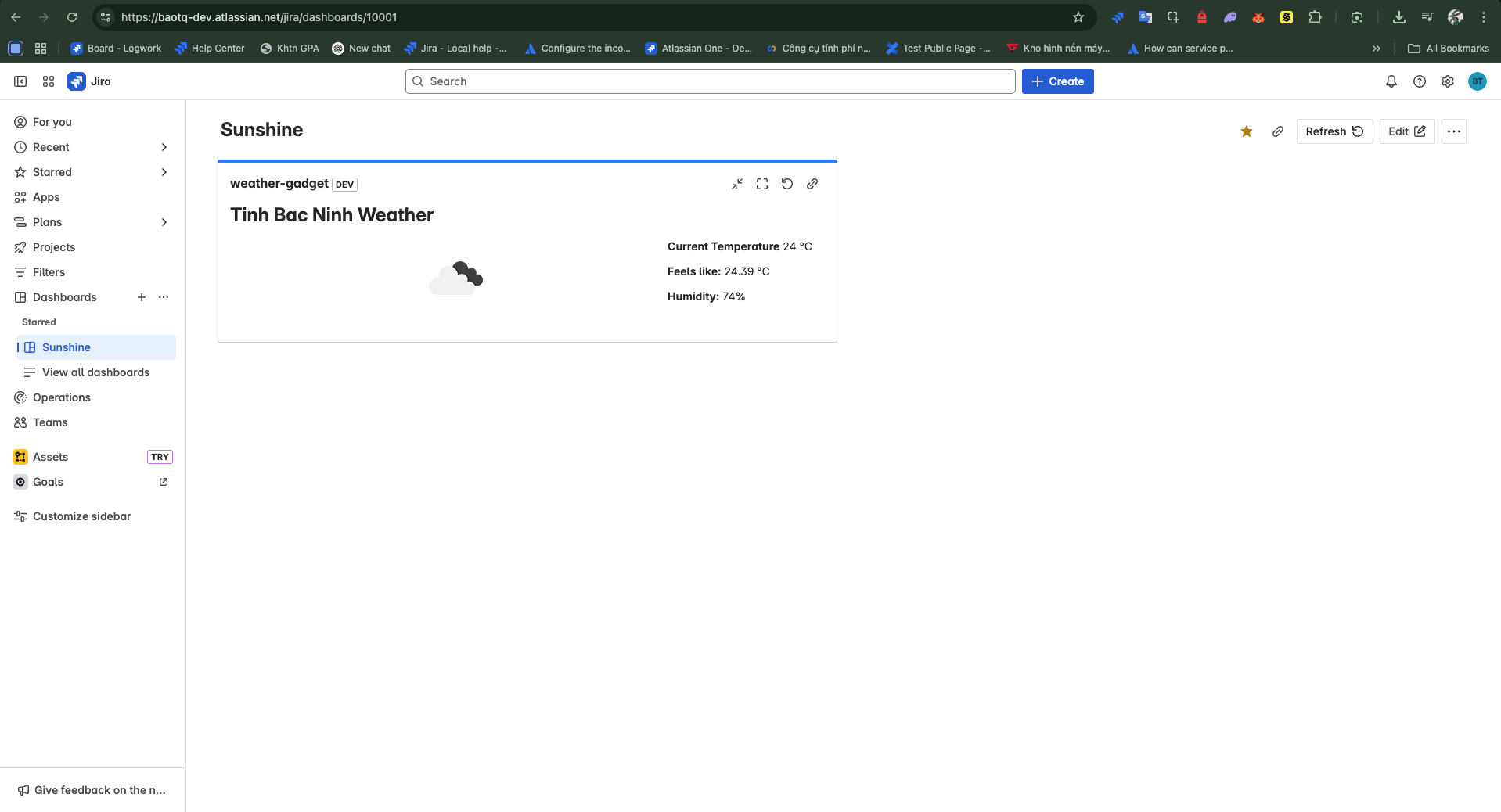
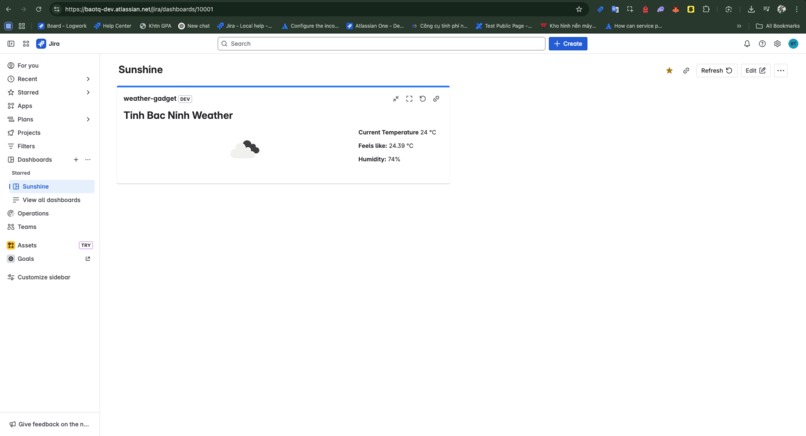
My Weather Gadget Journey ☁️
I joined this hackathon with a simple goal: to finally get my hands dirty with Atlassian Forge. I’ve worked with Atlassian tools before, but Forge always felt like that cool framework I hadn’t made time for—until now.
What I Learned
Building with Forge was surprisingly fun and... humbling. I learned how to:
- Structure a Forge app using UI Kit and Custom UI
- Use Forge resolvers to securely call external APIs
- Handle environment variables (and yes, encrypt them too!)
- Debug using
forge tunnel(after pressing Cmd+C instead of Ctrl+C more than I’d like to admit 😅)
I also got a clearer understanding of how Atlassian handles permissions, authentication, and app deployment in a secure way — which is great if you’re building tools for teams.
How I Built It
- I used OpenWeatherMap for fetching real-time weather data.
- The front end was kept simple with UI Kit, and backend logic ran in a Forge function using
@forge/api. - I used environment variables to store my API key securely, and
@forge/bridgeto connect front and back. - Styling was minimal — just enough to make the gadget blend in with Jira dashboards.
Challenges Faced
- Getting the API key to work in Forge required a bit of back-and-forth with variables and permissions.
- Debugging with
forge tunneltook some time to get used to, especially when I forgot how to stop it properly.
Final Thoughts
This project started as a tiny experiment, but I walked away with a ton of practical knowledge about Forge — and a newfound appreciation for just how powerful (and approachable) the platform is.
Even if I don’t win anything, I already feel like I’ve gained something: the confidence to build and ship Atlassian apps. And honestly, that’s what I came here for.
Thanks for reading — and remember: bring an umbrella if my gadget says rain! ☔


Log in or sign up for Devpost to join the conversation.