-
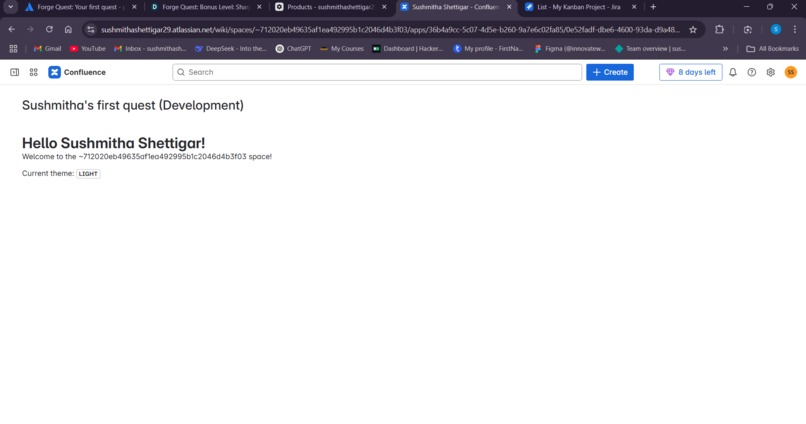
Project UI
-
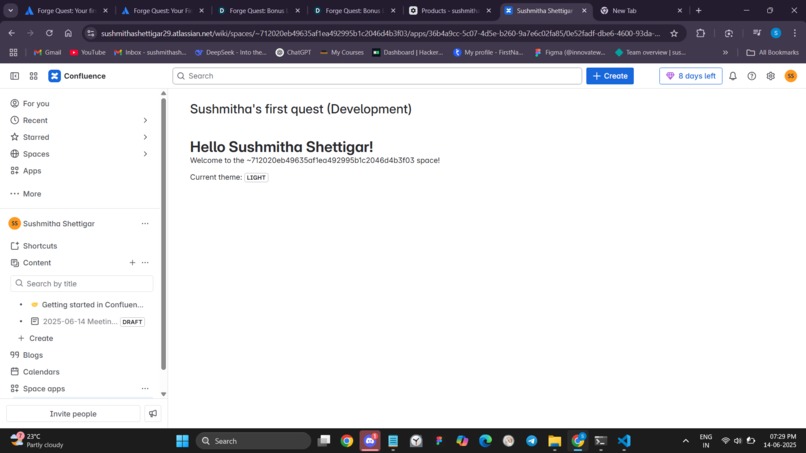
Project UI
Inspiration
As a computer science student passionate about web development and new technologies, I joined Forge Quest to explore Atlassian Forge and try building my very first Confluence app. I wanted to start small and get hands-on experience with how custom apps work inside Confluence.
What it does
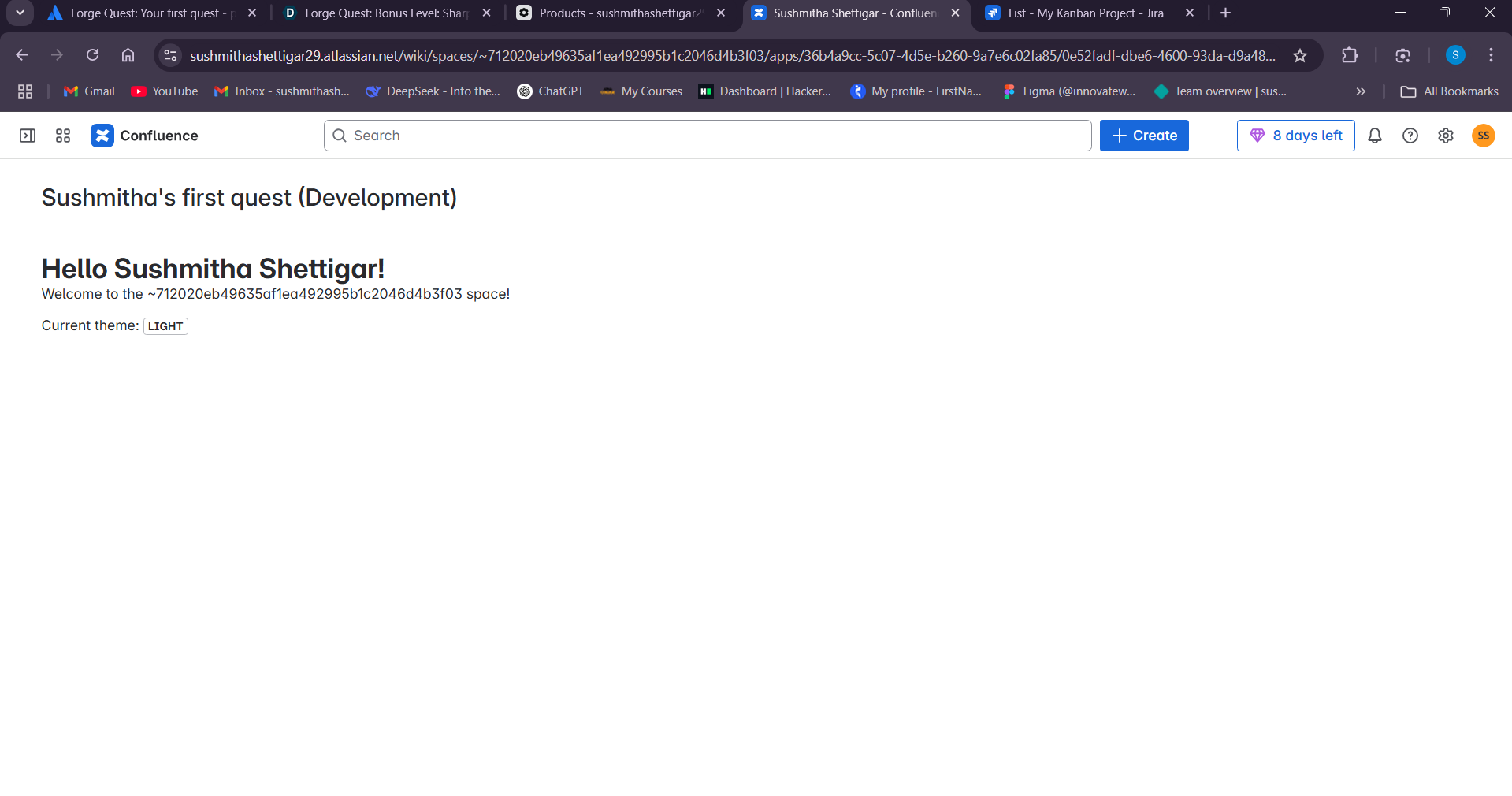
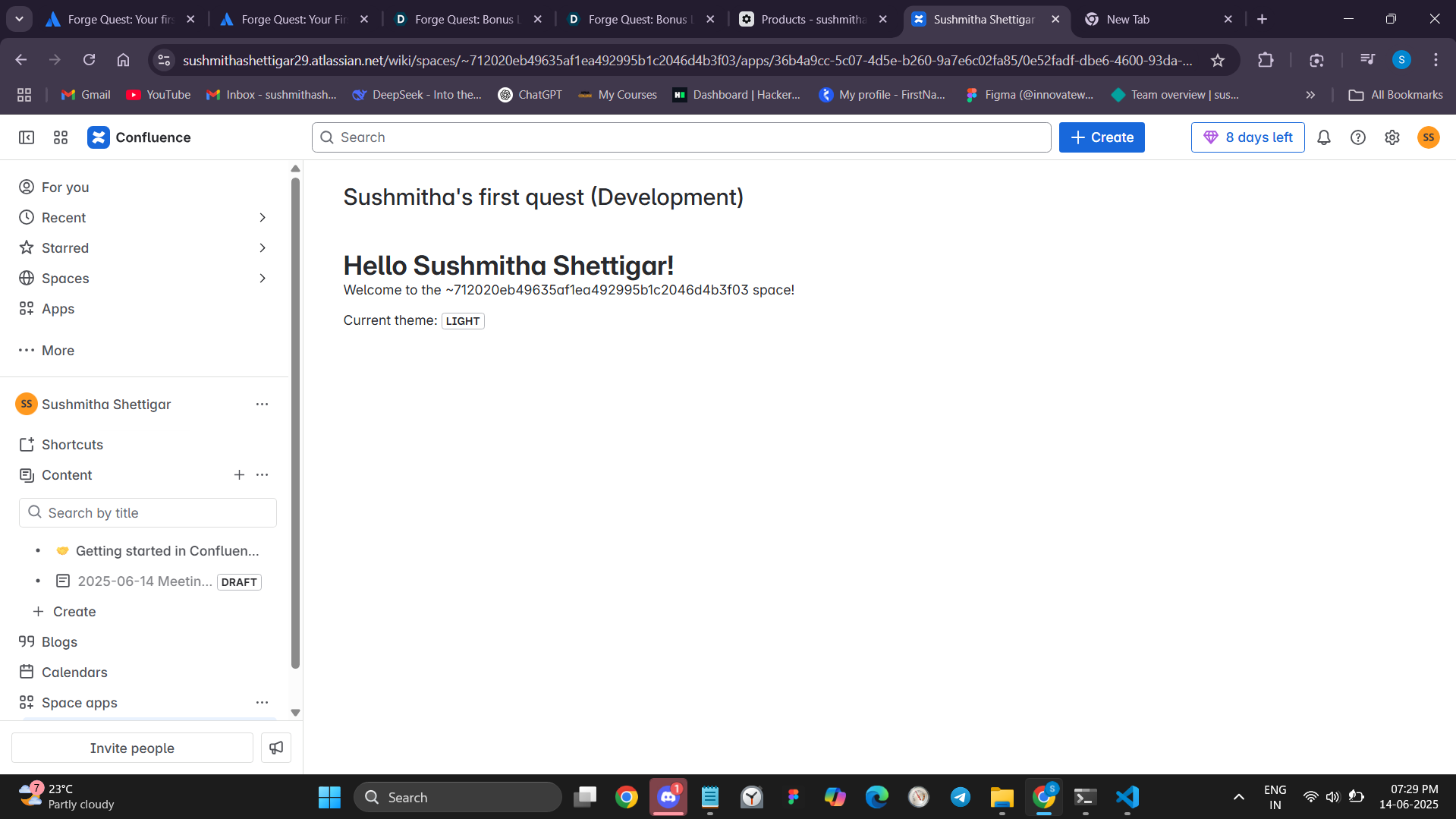
This app displays a simple "Hello, World!" message inside a Confluence space. It uses the Forge Custom UI to render content in the app panel, making it easier for new developers to understand how the Forge platform integrates with Atlassian products.
How we built it
- I created the app using the
forge createCLI. - I selected the
confluence-macrotemplate. - After writing the app code using JavaScript and React, I deployed it using
forge deploy. - I installed it on my Atlassian development site and tested it inside a Confluence space under the “APPS” section.
Challenges we ran into
- Understanding the manifest.yml configuration took some time.
- I was confused at first about which URL to use for app installation — later realized it was my development site URL like
sushmithashettigar29.atlassian.net/wiki. - Figuring out where the app appears inside Confluence was also tricky.
Accomplishments that we're proud of
- Successfully deployed and installed my first Forge app.
- Understood how Atlassian Forge apps work within real Confluence environments.
- Learned to debug deployment and installation issues independently.
What we learned
- Basics of Atlassian Forge development.
- How to use the Forge CLI tools like
forge deploy,forge install. - How apps integrate with Confluence and how the app lifecycle works.
What's next for Confluence Forge App – My First Quest
I plan to:
- Explore Apprentice-level quests next, like the Jira Weather Gadget app.
- Build more advanced features using Forge APIs.
- Work on collaborative tools for students using Forge and Atlassian products.
Built With
- atlassian-confluence
- atlassian-forge
- cli
- forge
- forge-ui-kit
- javascript
- react

Log in or sign up for Devpost to join the conversation.