-
ari:cloud:ecosystem::app/a0d6f15f-0548-4837-91c3-97c5caa01dfd
-
ari:cloud:ecosystem::app/a0d6f15f-0548-4837-91c3-97c5caa01dfd
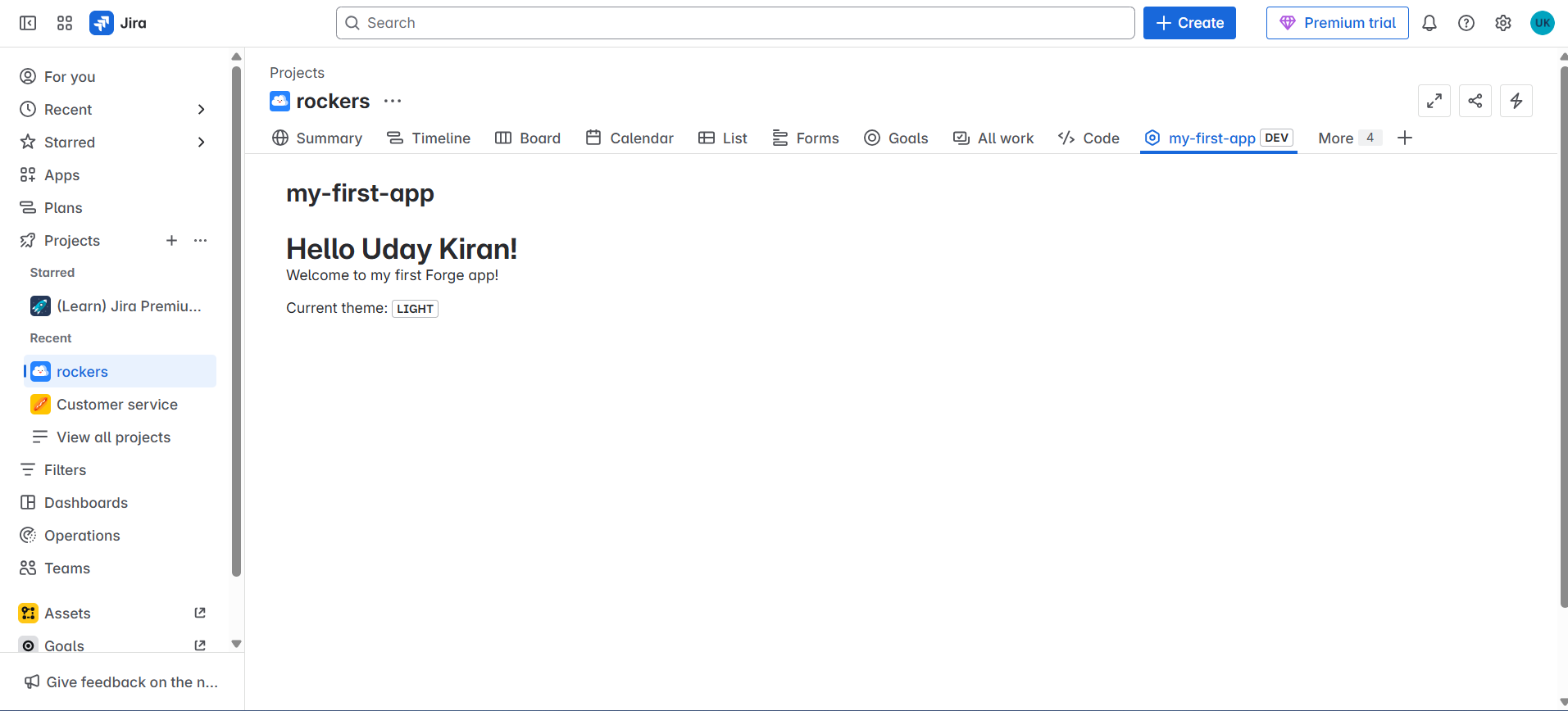
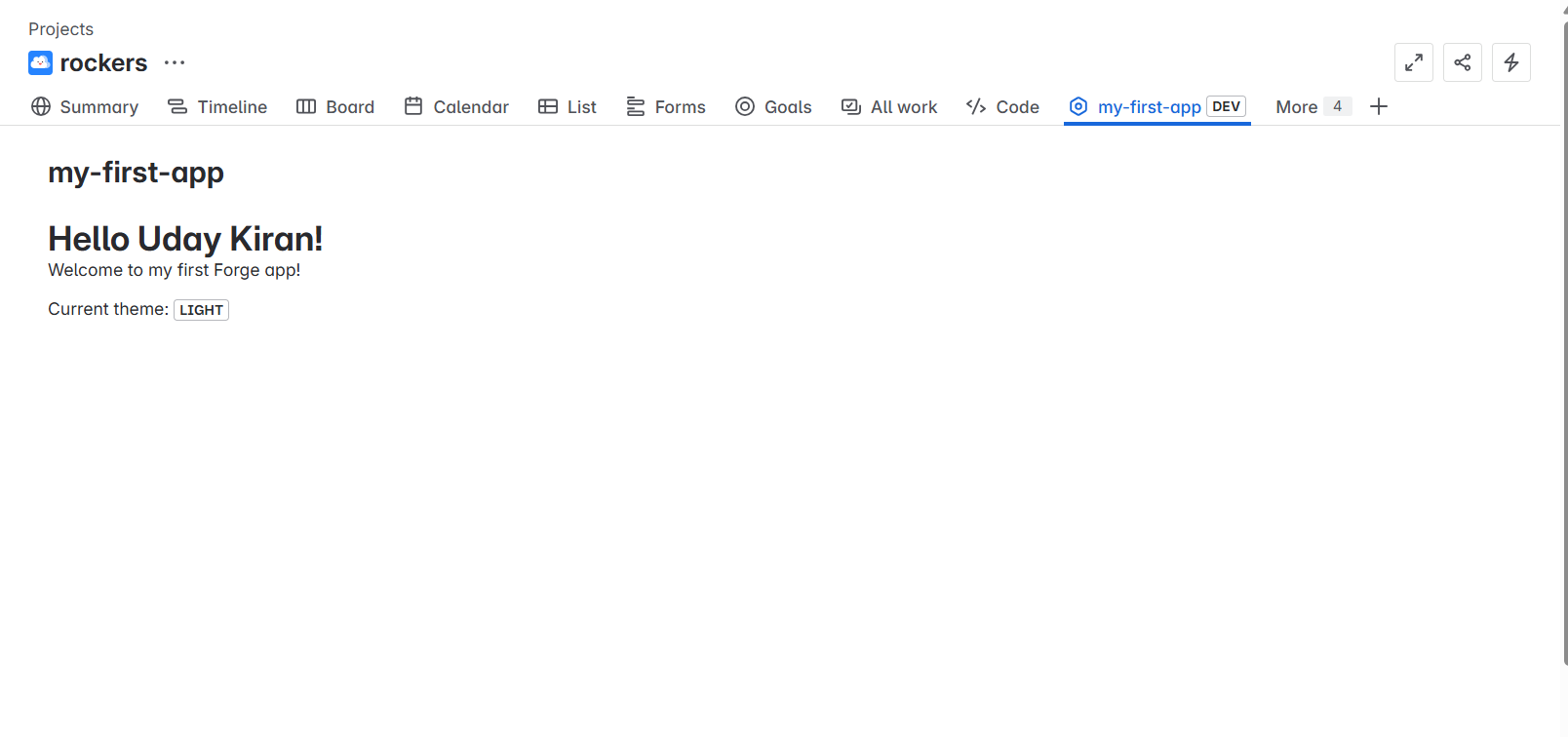
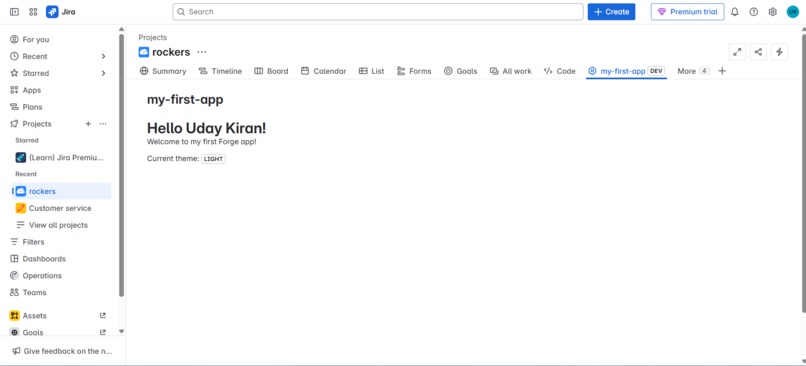
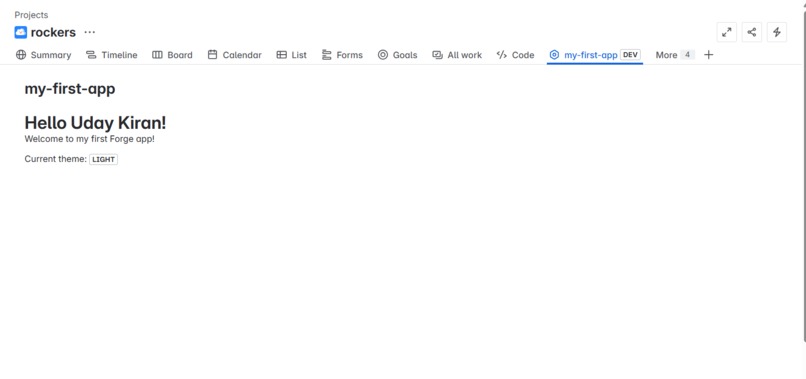
🚀 Hello World Forge App for Jira/Confluence 📝 About the Project This project was my introduction to Atlassian Forge, and I chose to build a simple "Hello World" app for Jira and Confluence. The goal was to understand how Forge apps are structured and deployed, and how to interact with Atlassian cloud products using their modern development platform.
🌟 Inspiration As someone new to Forge, I was excited by the idea of extending Atlassian products using a serverless approach. I wanted to build something minimal but functional to familiarize myself with:
Forge CLI
App deployment process
Rendering UI components in Jira and Confluence
🧠 What I Learned Throughout this project, I learned:
How to install and configure the Forge CLI
How to use templates to scaffold a Forge app
The basics of using @forge/ui and @forge/react
How Forge handles authentication and app deployment
How to use view.getContext() and requestJira/requestConfluence to fetch user info
🛠️ How I Built It Environment Setup: Installed the Forge CLI and logged in to my Atlassian account.
Created the App: Used the forge create command to scaffold a new app.
Edited the Code: Customized the UI to display:
A "Hello, World!" message
The current theme (light/dark mode)
The current user's name using Jira or Confluence APIs
Deployed & Installed: Used forge deploy and forge install to publish the app on my Jira/Confluence site.
🧩 Challenges I Faced Understanding how view.getContext() provides access to user data like accountId.
Learning the difference between requestConfluence, requestJira, and invoke methods.
Figuring out how to structure data requests and handle API responses correctly.
Ensuring proper permissions were set in the manifest.yml to allow user data access.
✅ Final Thoughts Even though this was a basic project, it laid the foundation for more complex app development using Forge. It helped me gain confidence with serverless architecture and Atlassian APIs. I’m excited to move on to the intermediate levels and build apps with custom UI, storage, and integrations.

Log in or sign up for Devpost to join the conversation.