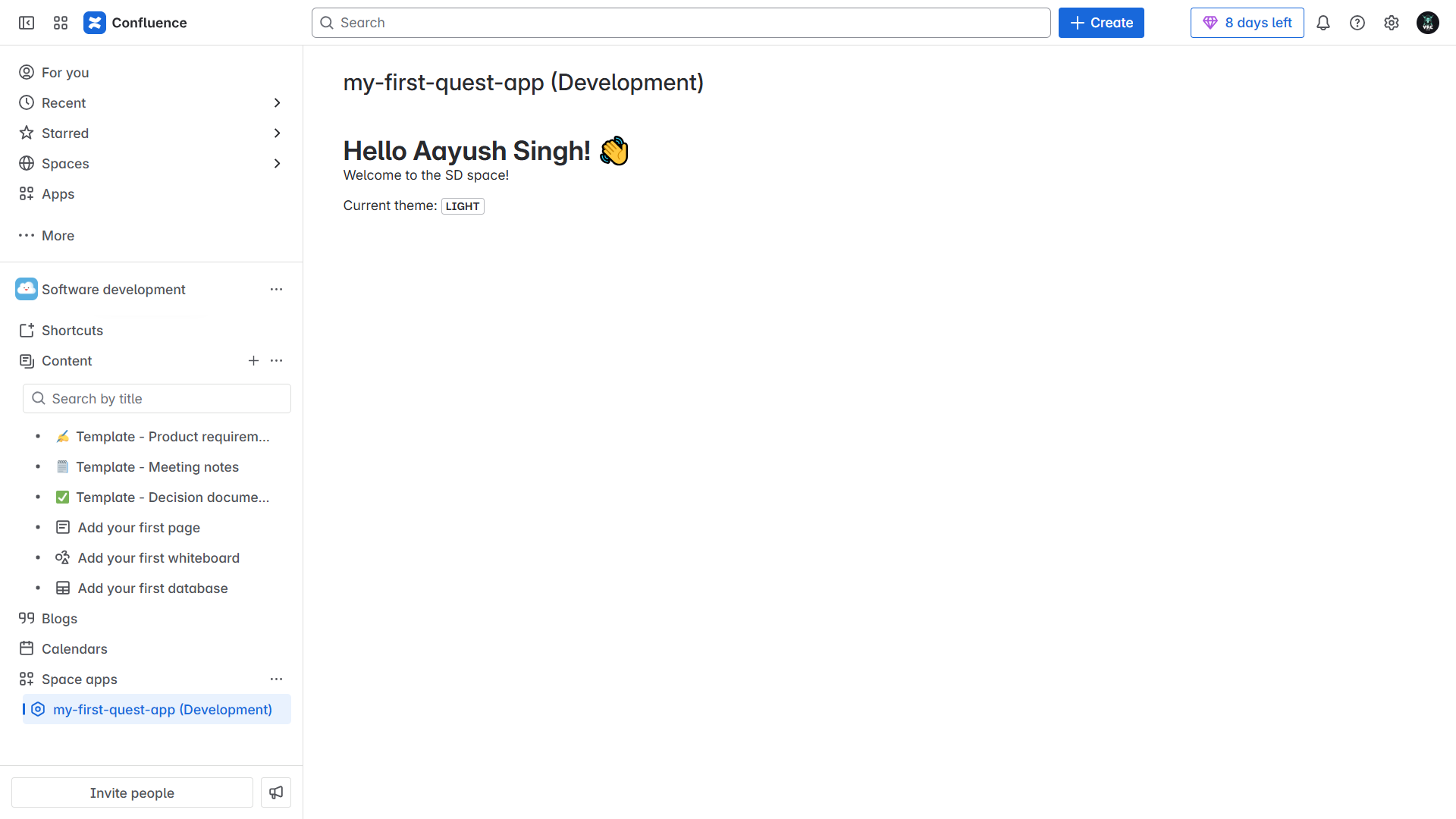
My First Confluence App – Hello [User's Name] 👋
📝 What it does
This Forge app renders a personalized welcome message inside a Confluence page. It greets the user by name (e.g., “Hello Aayush Singh! 👋”), welcomes them to the space, and displays the current theme (light or dark). It demonstrates how Forge macros can embed dynamic, user-aware content directly into Confluence pages.
🛠️ How i built it
- Built using Atlassian’s Forge development platform.
- Used the Forge CLI to scaffold the project.
- Integrated:
requestConfluence(/wiki/api/v2/users-bulk)to fetch the logged-in user's name.view.getContext()to detect and display the current theme.
- Displayed personalized UI using UI Kit components.
📚 What i learned
- How to set up a Forge development environment.
- How to create a Forge macro for Confluence.
- How to access and use product context like user and theme.
- How to render Forge apps within the Confluence UI.

Log in or sign up for Devpost to join the conversation.