-
-
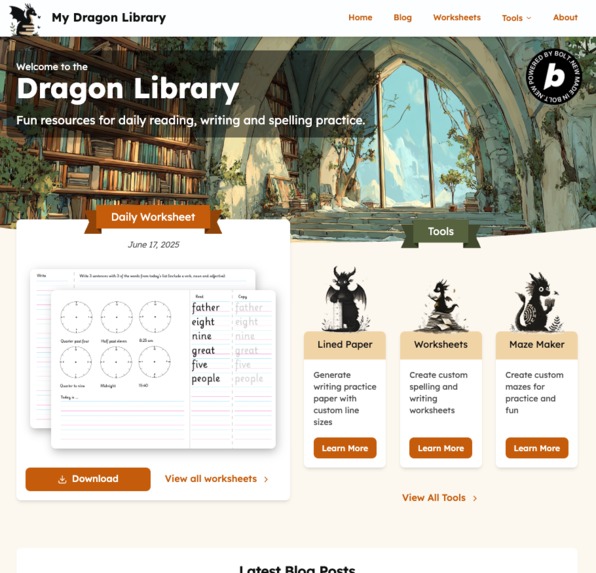
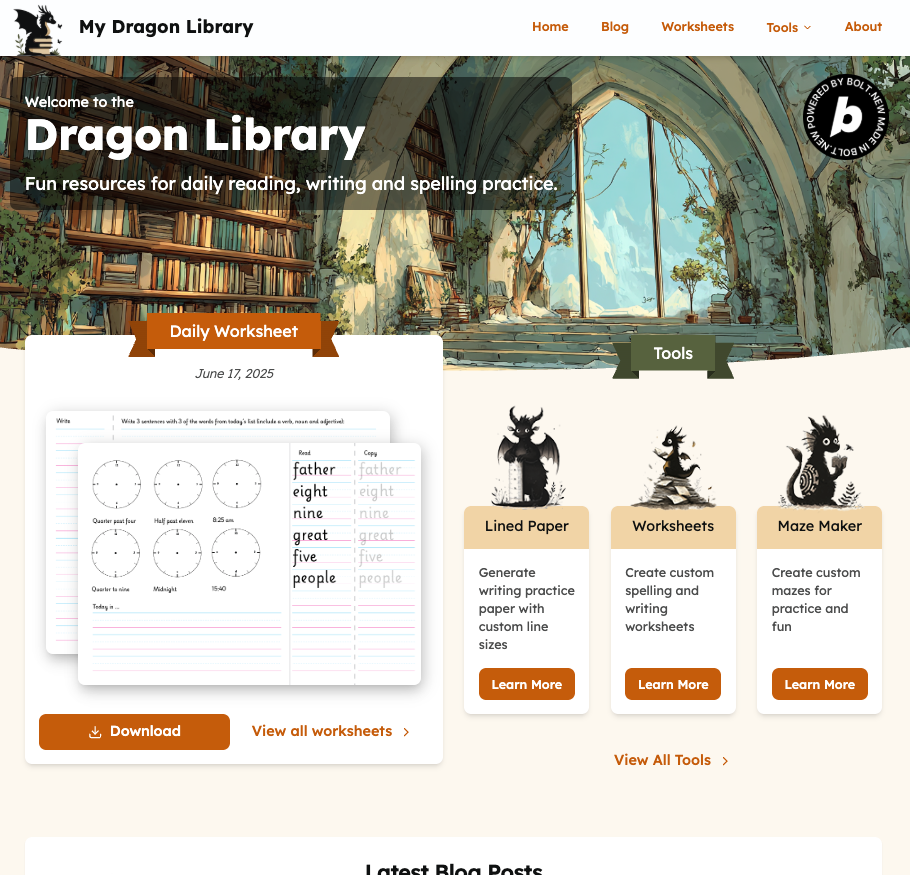
Homepage
-
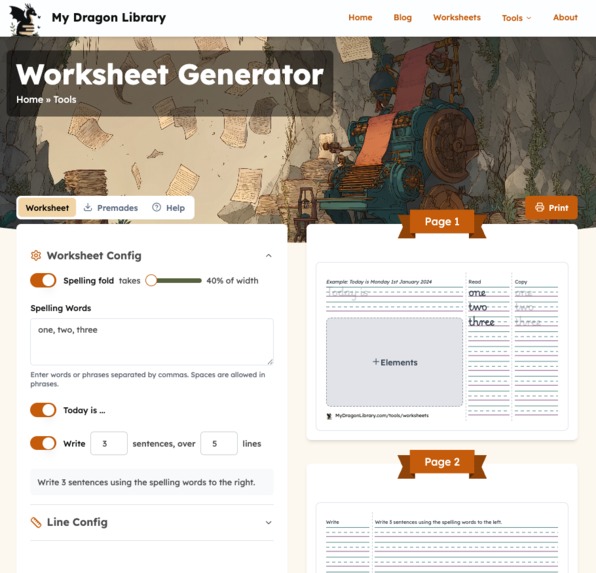
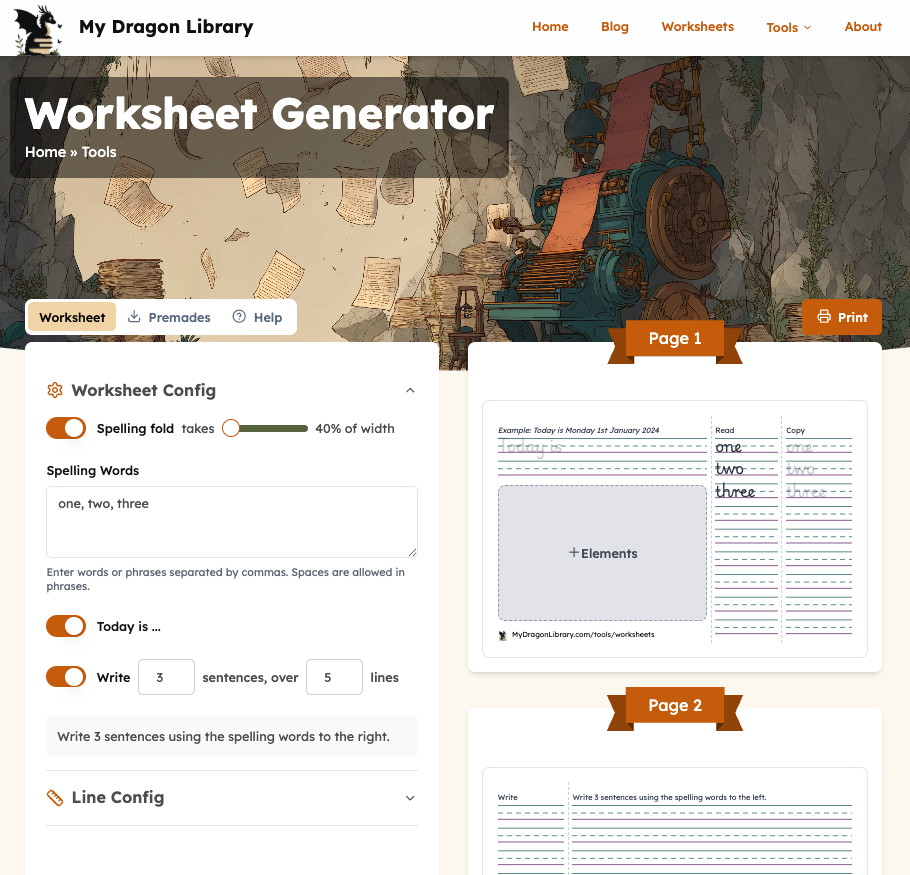
Custom Worksheets page
-
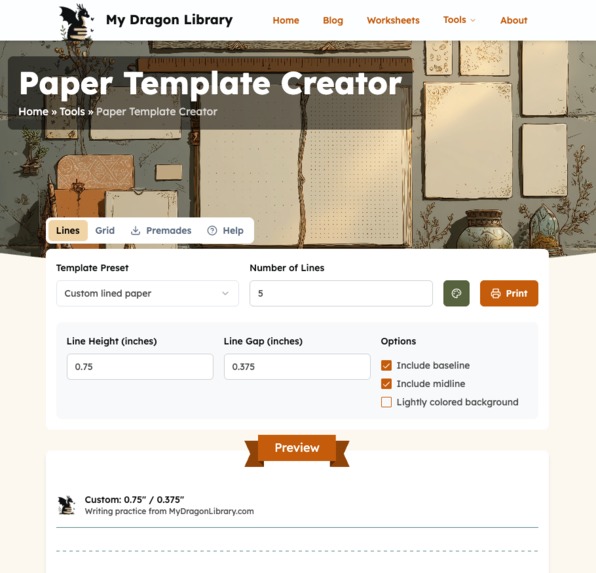
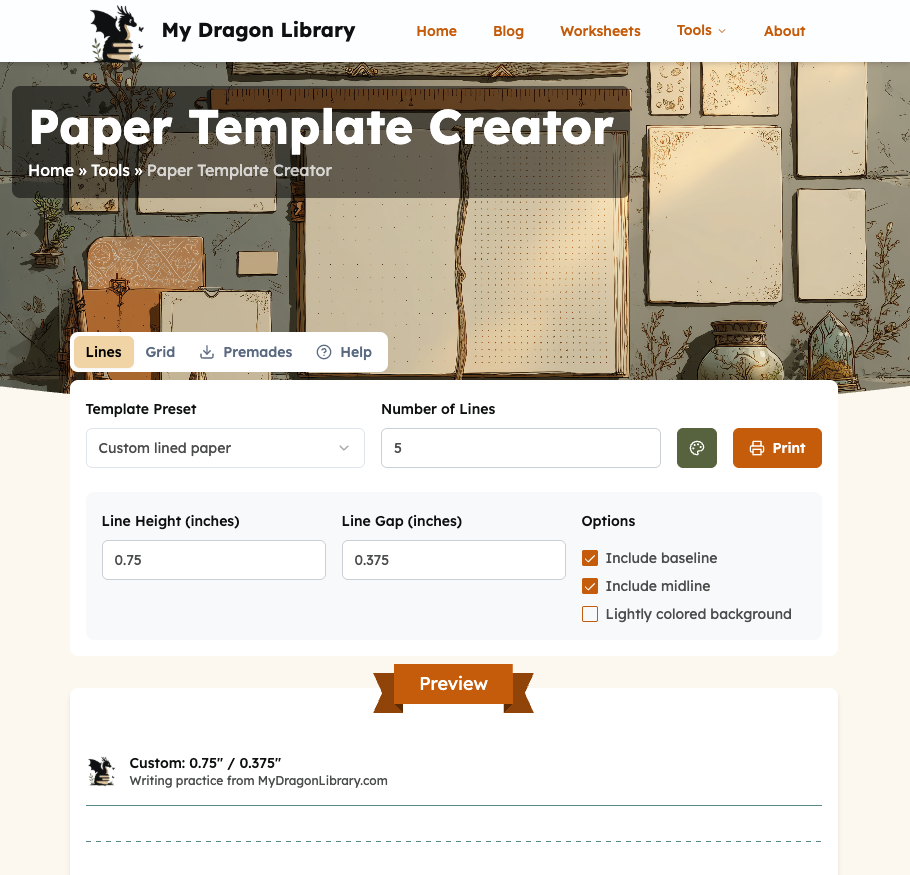
Paper Creator page
-
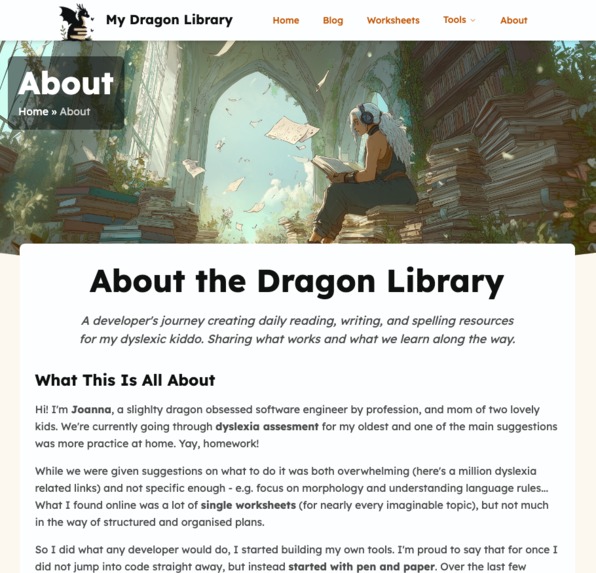
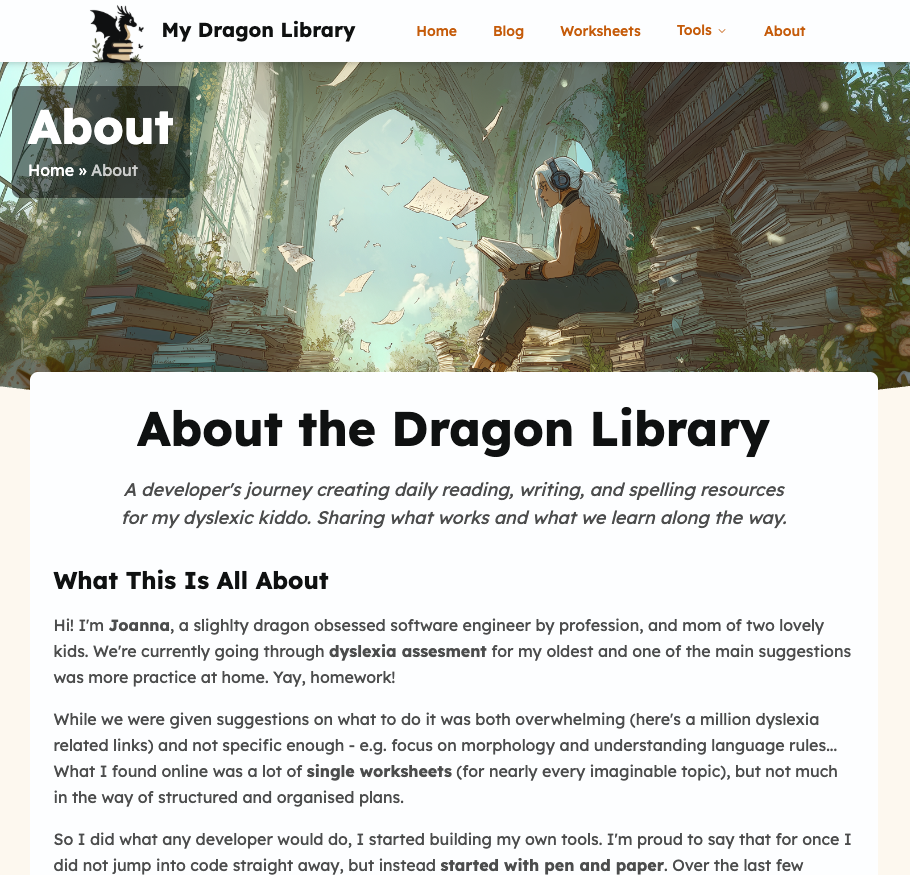
About page
-
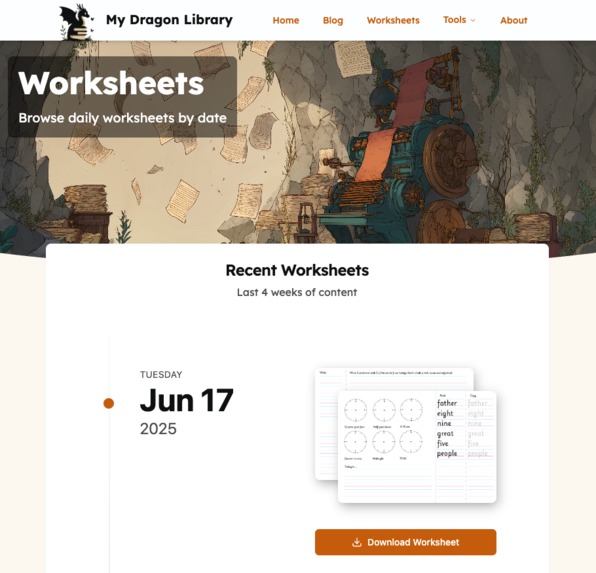
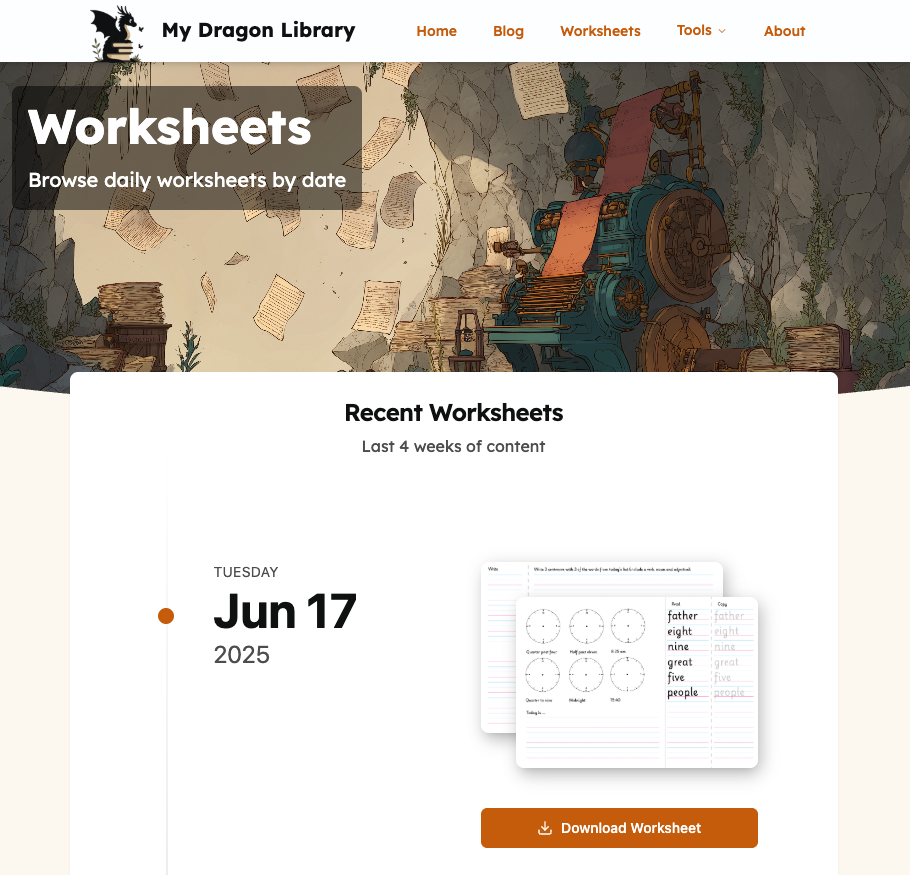
Worksheets page
Inspiration
As a mom to a dyslexic kiddo homework is a never ending battle in our house. Something that has worked finally after months of having to nag and plead for the daily work to be completed were these hand made 2 page worksheets. They cover ✍️ handwriting and 📋 spelling practice with a bit of a 🧩 fun puzzle or challenge thrown in. This sets a clear goal for my son, the familiar format and seeing how much is left to do at a glance has been a game changer for us.
The downside is I had to make these daily by hand in InDesign. So I thought I can use the hackathon to solve my own problem and as a motivation to share my approach with a wider audience.
What it does
The main functionality of the site focuses on generating printable 2-page worksheets. Each daily worksheet has a set of optional elements:
- Spelling fold - three columns (read/trace/write) spread over the two pages allowing the child to cover the words while they are writing from memory
- 'Today is...' section - for practicing writing out dates
- Sentence writing - a space to write sentences with the words we are practicing that day
- Extra space for additional elements - the MVP allows uploading an image or leaving the area blank
The worksheet also allows customising the line sizes for the writing sections with presets inspired by the Zaner-Bloser guidelines for different grades.
There is also a standalone lined paper tool where you can create a full practice sheet with the line styles of your choosing.
The user can print directly from the site and the tools are mobile friendly too. Right now both for print and pdfs I'm relying on the native browser print dialog, but hope to add direct download options soon.
Other than the tools the site features a Blog with notes on homework, reviews and tips from my own experiences, as well as the daily Worksheets I'm using with my kids with some running commentary on how they were received. Both of these I hope can serve as an inspiration to other parents.
How we built it
I began by planning the project scope, choosing the project name, making a visual mood board and selecting a colour palette. I had already been using the worksheets for a while by this point, so it was less about figuring the format of the sheets, and more about how to present them to a wider audience and deal with any hurdles that might rise from translating them to a dynamic online tool.
Photoshop and Figma were my main tools for designs and mockups, with a bit of Stitch for mobile design explorations (though it wasn't very helpful). I used Midjourney to generate the site logo, hero banners and other images, though for the final logo and favicon I had ChatGPT cleanup the image to a cleaner vector style.
I did not decide on the stack and implementation details early on, instead letting experimentation inside Bolt guide me. After working through several prompt iterations I settled on Astro, Tailwind, and Supabase, deploying via Netlify and using the github integration to keep track of the code.
Inside Bolt I used a mix of prompting and direct code editing inside the code tab. As a developer small iterations on tailwind classes were much quicker to do directly, but prompting worked great for bigger changes and adding features that touched multiple pages.
As I added functionality in the form of the Lined Paper and Worksheets tools I relied on shadcn/ui components and 21st.dev for inspiration.
For a more detailed process description see my weekly update posts: https://dreamdevourer.com/tag/bolt-hackathon/
Challenges I ran into
While most of the site is pretty simple - at the core it is a blog / content website - implementing the worksheet tools produced a few technical challenges.
Who new getting lines running down the page that are both solid and dashed intermittently would be such an issue? Not me apparently... It turned into a bit of an interesting CSS based challenge I needed to solve manually. But to Bolt's credit none of the other AI's I tried were able to handle this particular problem either.
A minor annoyance I run into was the occasional overwriting of manual design tweaks. Despite using the experimental 'Diffs' feature Bolt would sometimes rewrite parts of the page resetting to an older version (it feels like it just liked its own code better and swapped back to it when I wasn't looking).
The main issue I run into building on Bolt was github connectivity - got caught out by the dreaded 'stuck in syncing mode' multiple times. Early on I was able to get the project back into working state, but the last one hit as I was finishing things up to submit the project. 😔 Took some advice from Discord to get things back to a functional state in a duplicate of the original thread. On that note the community on the Discord server is friendly and helpful with people cheering each other, which was really nice to see.
Accomplishments that we're proud of
I'm proud of getting the worksheet generation done. Originally I was aiming for the Blog and Daily Worksheets sections + the lined paper tool to be completed. But as I had still a week left until the deadline I thought I'd give the worksheets a go. And while it's not got all the features yet, I can now use it for my daily printouts!
What we learned
I've not used Bolt much before the hackathon, so I was pleasantly surprised how user friendly the platform was and how easy it was to get started. Especially the integrations to Supabase and Netlify were real time savers!
This was also my first time working with Astro and Tailwind. Seeing the AI use it has been a great way to kickstart my own learning.
What's next for My Dragon Library
I now have a solid MVP live at https://mydragonlibrary.com. I'll be adding more posts and daily worksheets regularly and I've already got a growing list of features to add:
- maze creator
- dynamic worksheet blocks and custom layouts
- grid paper
- pre-made template sets for deliberate practice
- language selection for the site
- font selection for the worksheets (different countries have quite different handwriting styles)
- other puzzle makers
- login option to access personalized resources
- and more!
Challange Compliance
Deploy Challenge (Use Netlify to deploy your full-stack Bolt.new application)
Deploying to Netlify was super smooth and allowed to test differences in production and dev environments early on. To keep the live site separate I now have two deployes - one for the Bolt project and a custom domain version with the live site.
Startup Challenge (Use Supabase to prep your Bolt.new project to scale to millions)
This was another area where Bolt's integration shined - the db access was easy to setup and iterate on. Currently I have my content saved and served from a Supabase database and I'm also using a Supabase bucket for downloadable resources and images. I'm looking forward to using Supabase auth soon to offer extras to registered users.
Built With
- astro
- bolt.new
- netlify
- supabase
- typescript

Log in or sign up for Devpost to join the conversation.