-
-
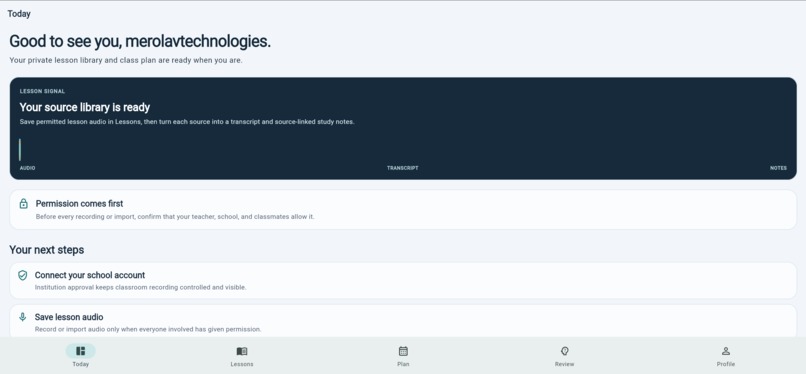
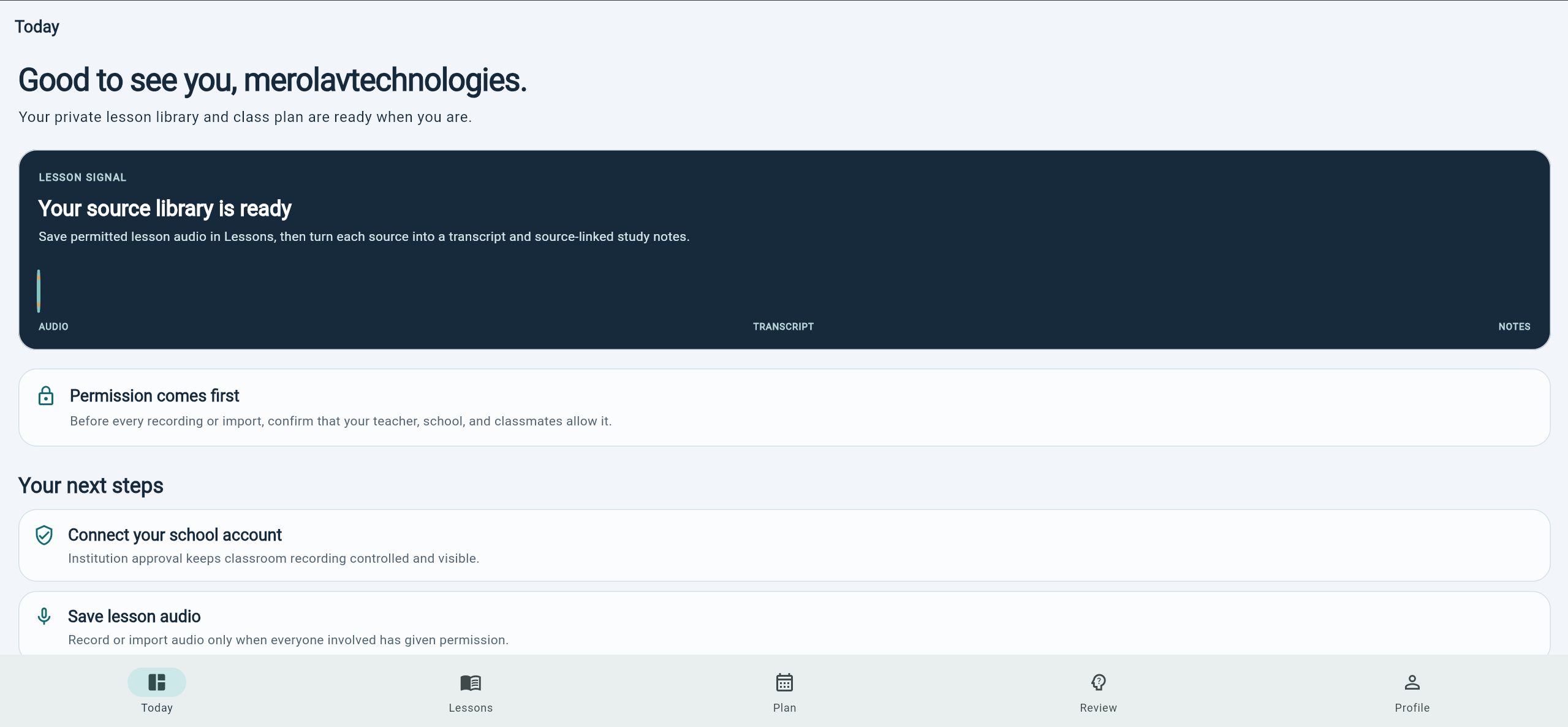
Home screen 1
-
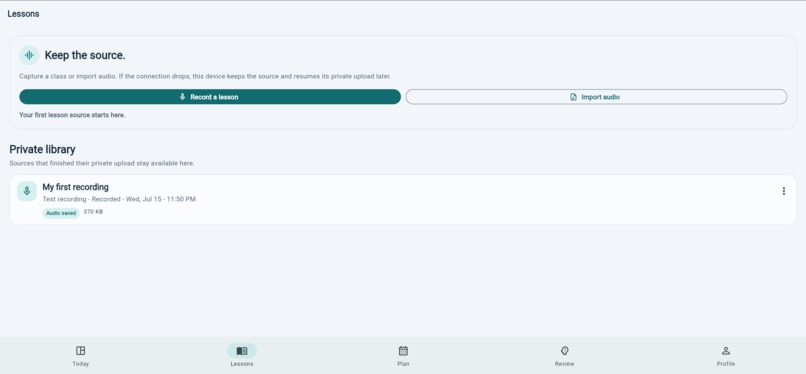
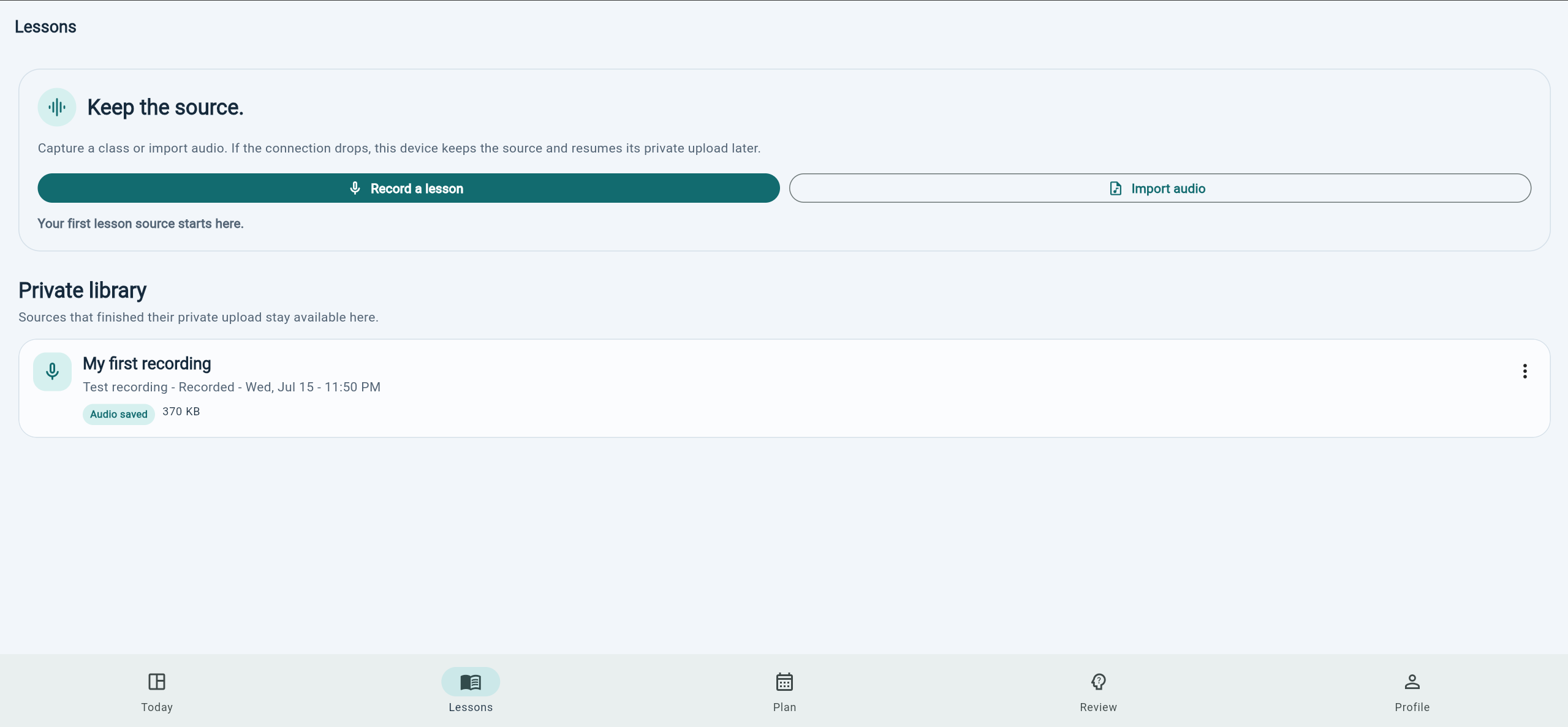
Lessons tab
-
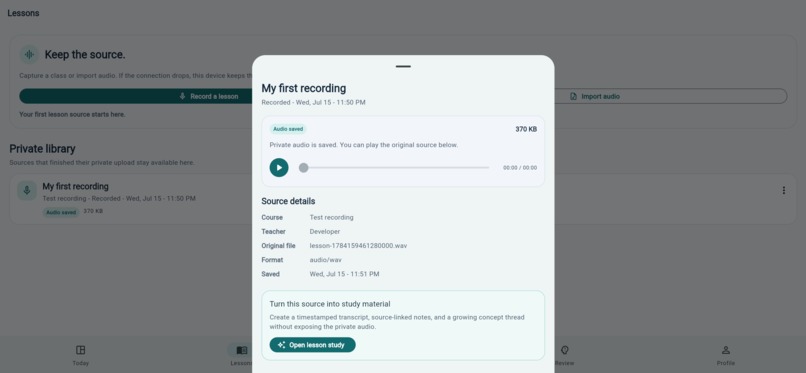
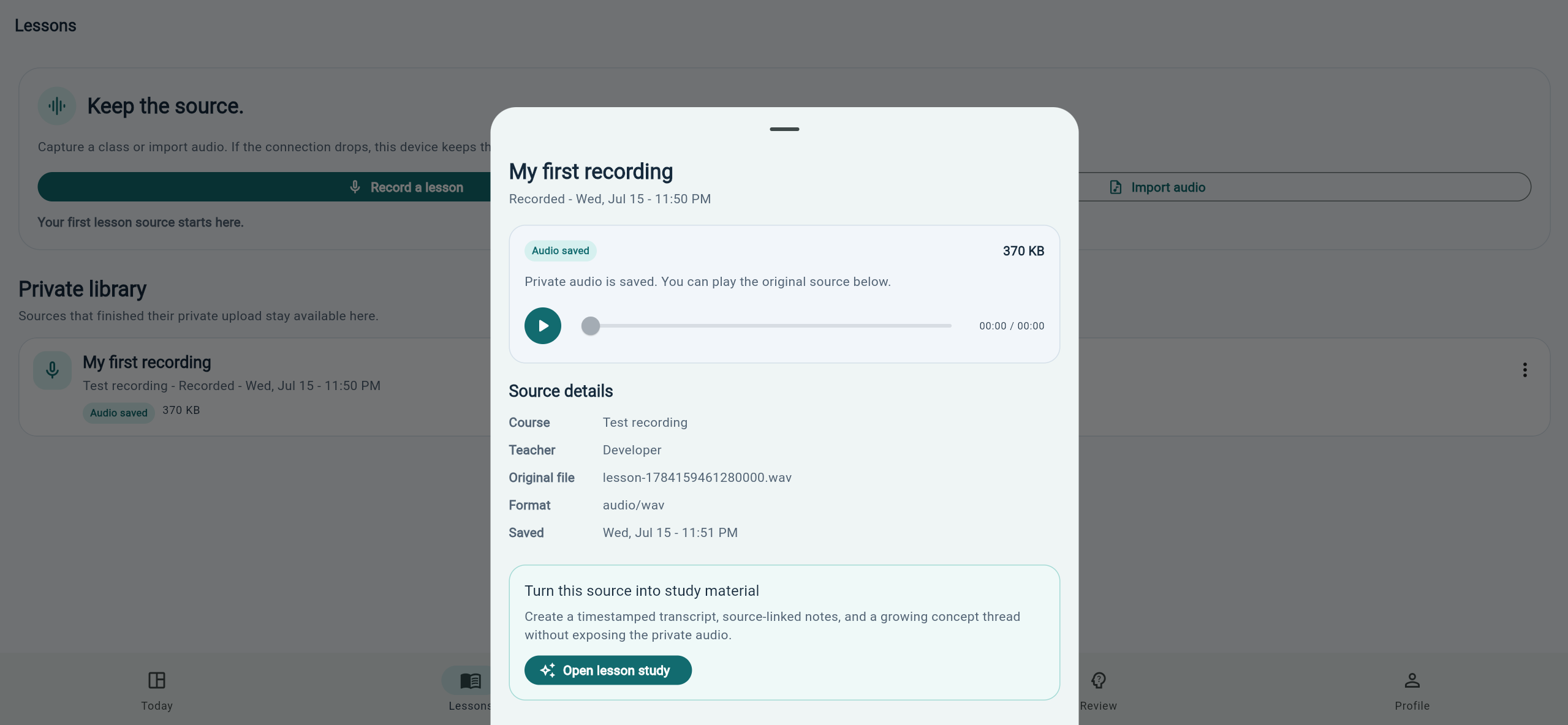
Click to view recording details and enter Lesson study
-
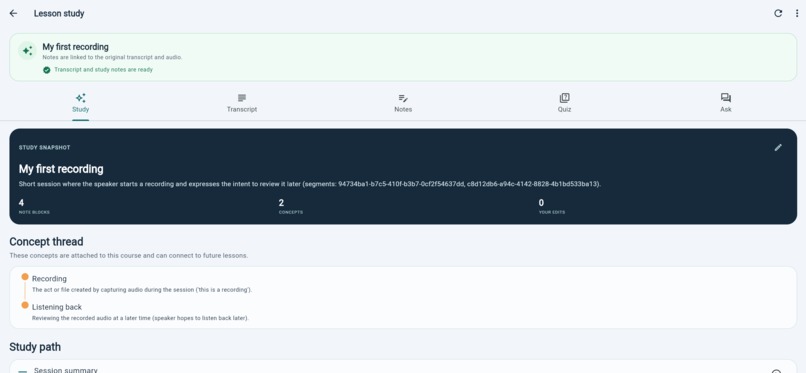
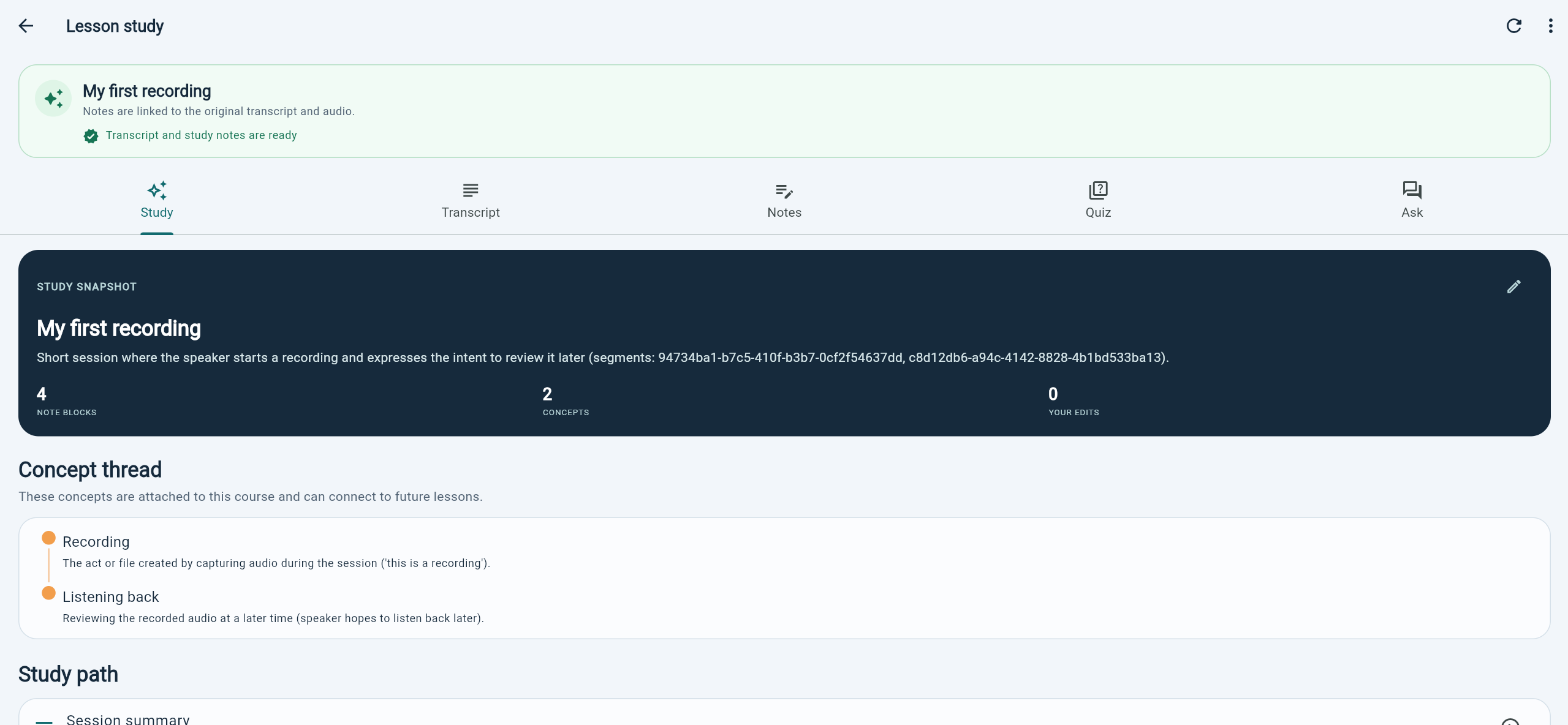
Lesson study screen for a recording
-
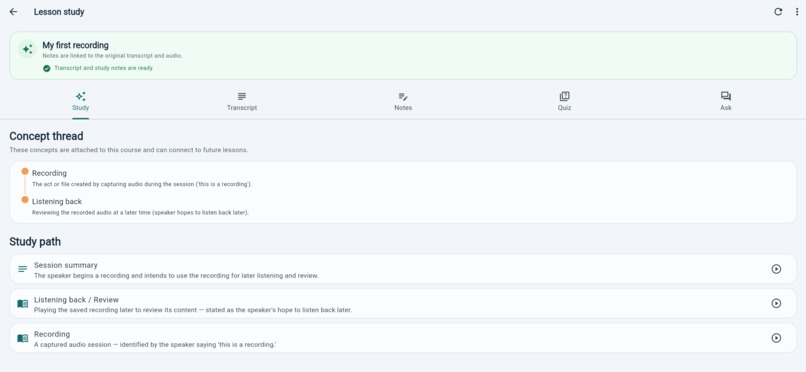
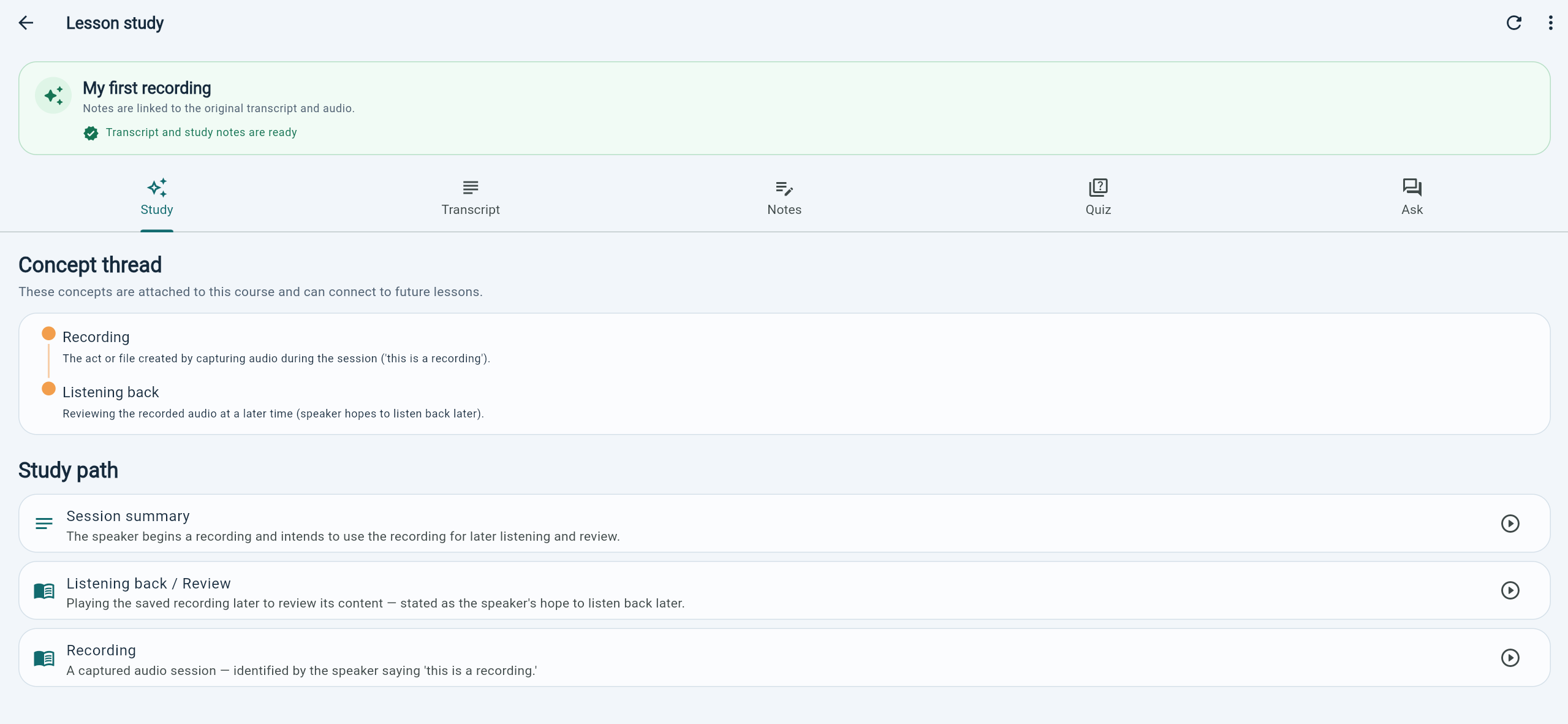
Concept thread and study path in a lesson study screen
-
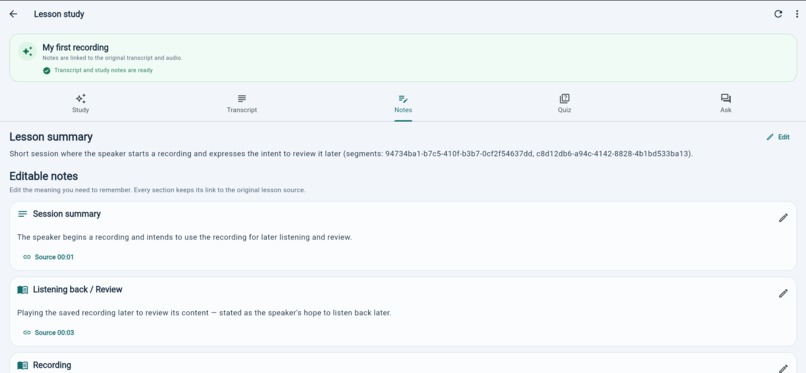
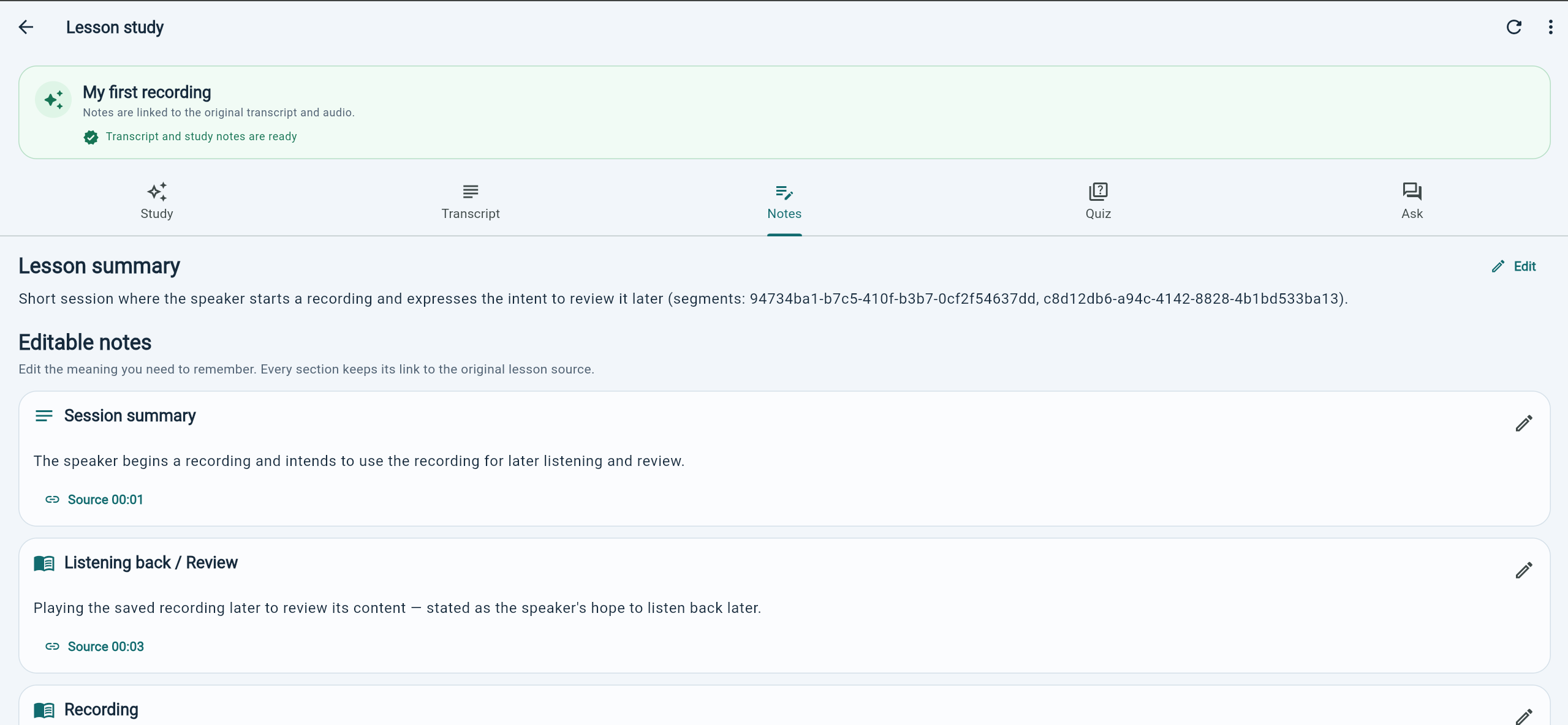
notes on a recording in the Lesson study screen
-
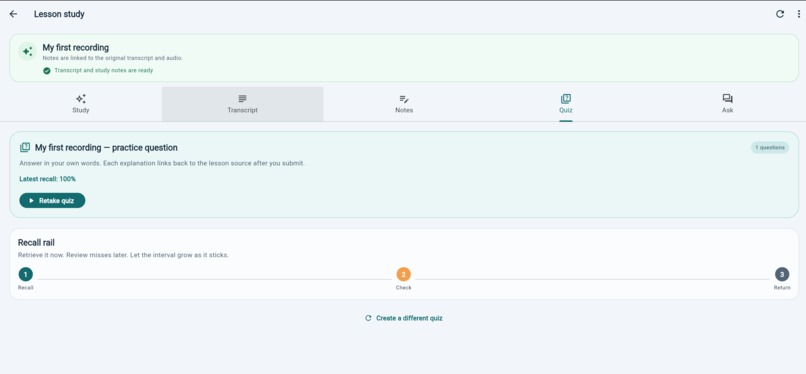
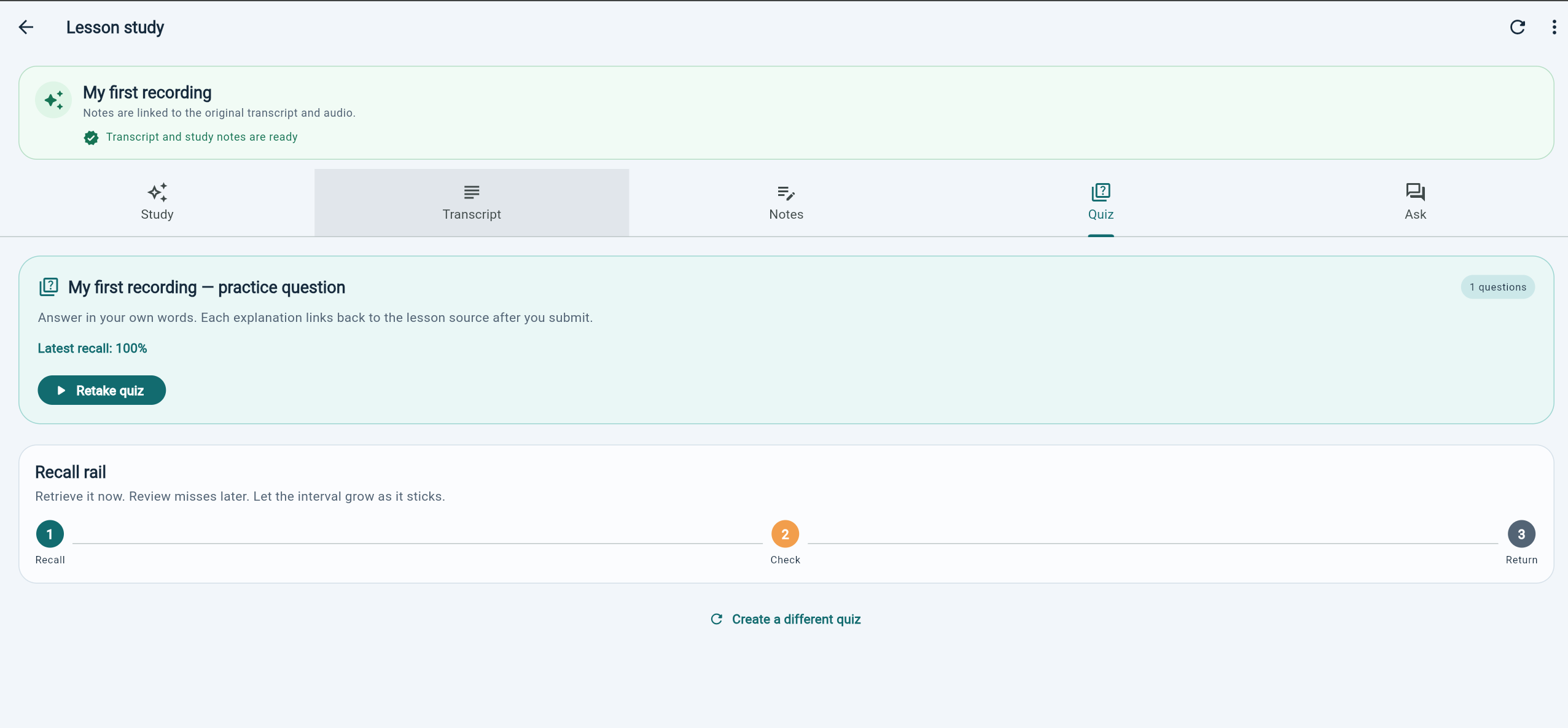
Quiz on a recording in the Lesson study screen
-
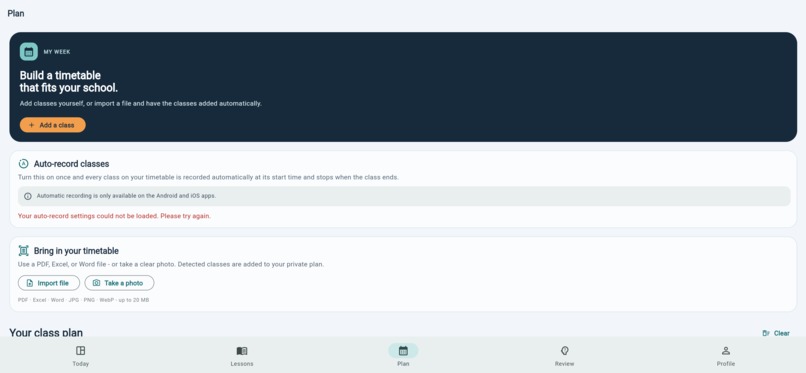
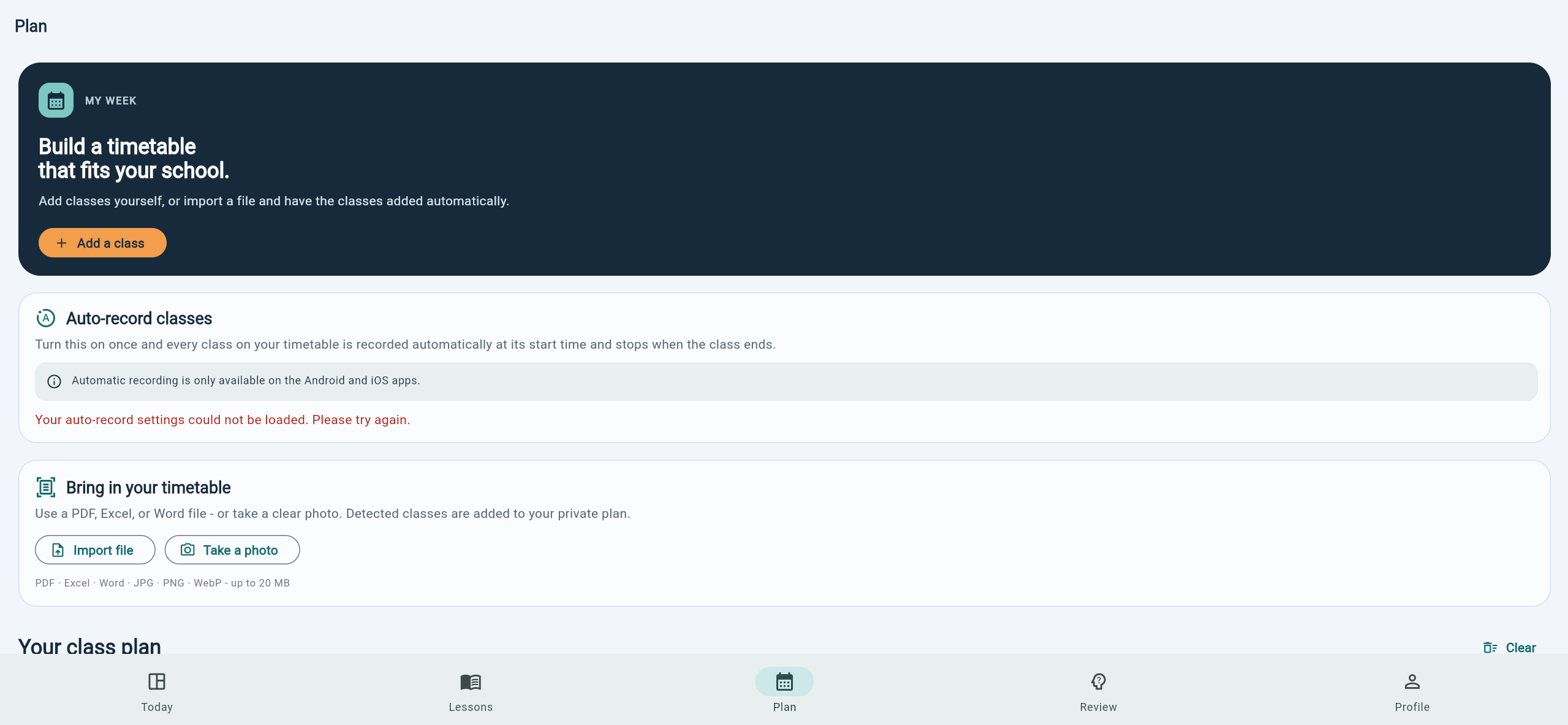
Plan tab
-
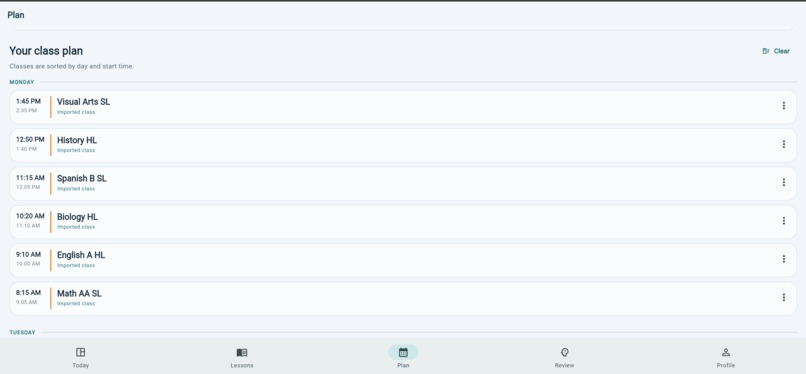
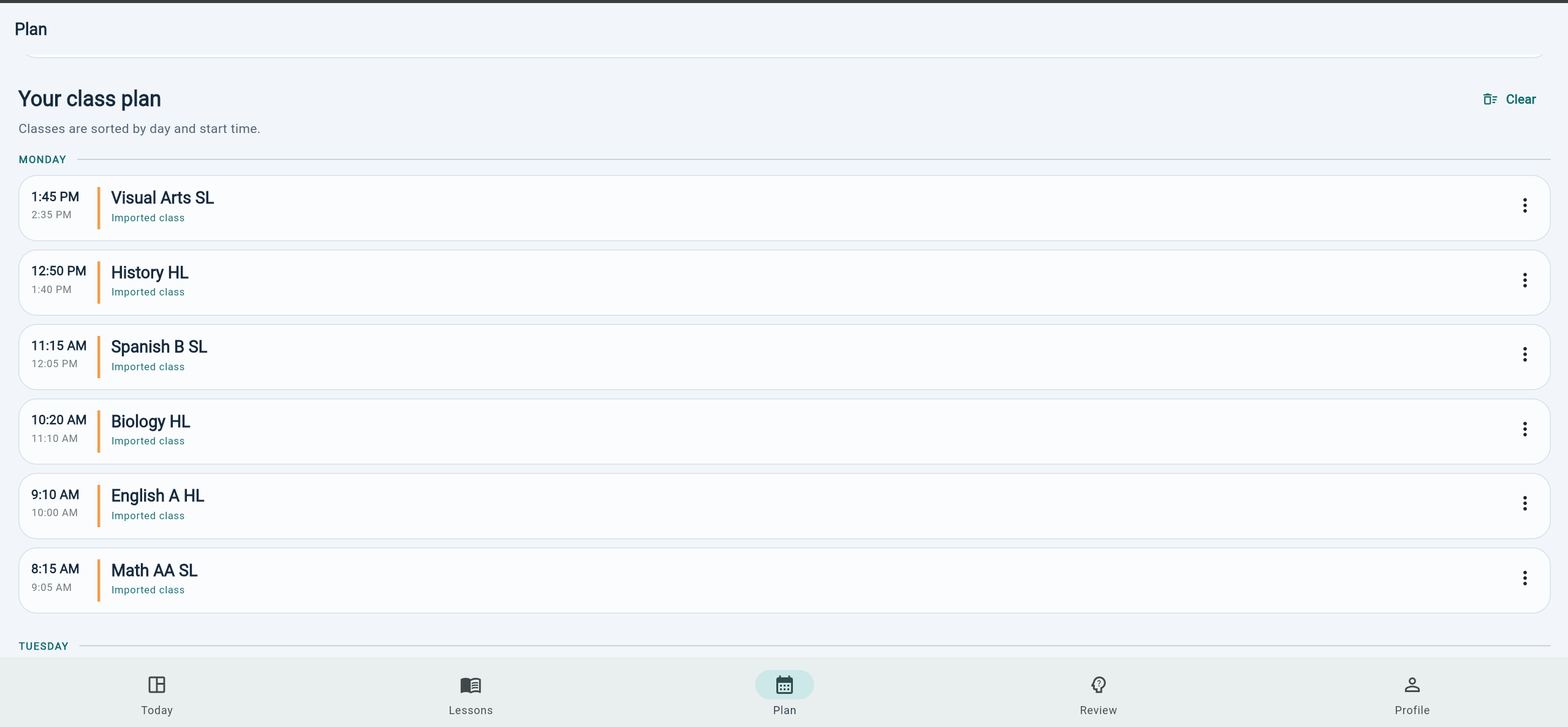
imported/created Class plan on the Plan tab/screen
-
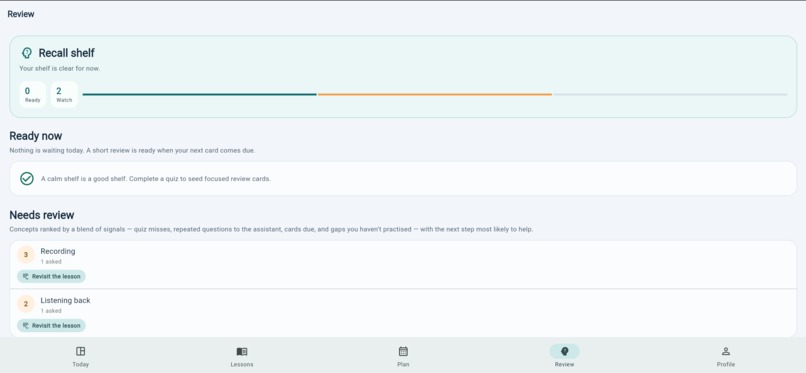
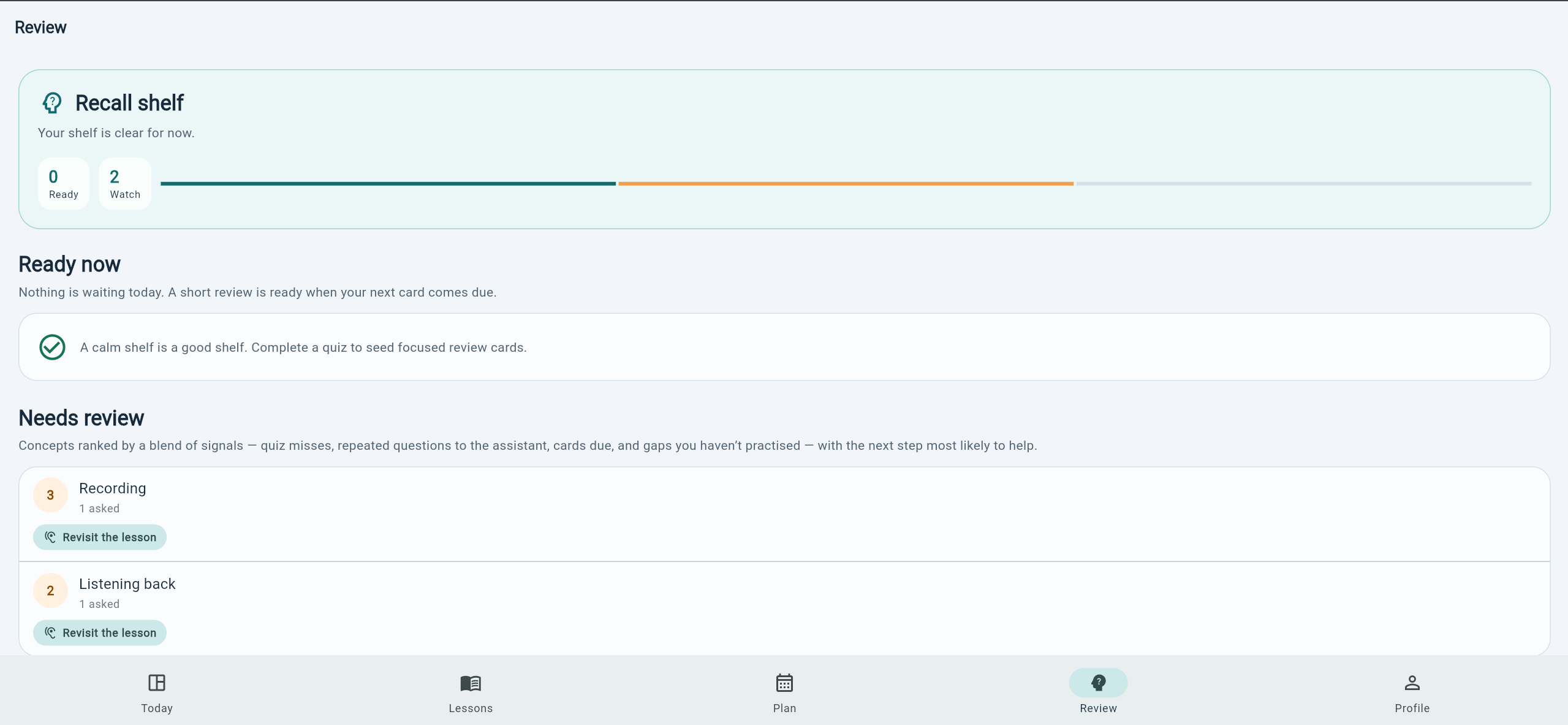
Recall tab
-
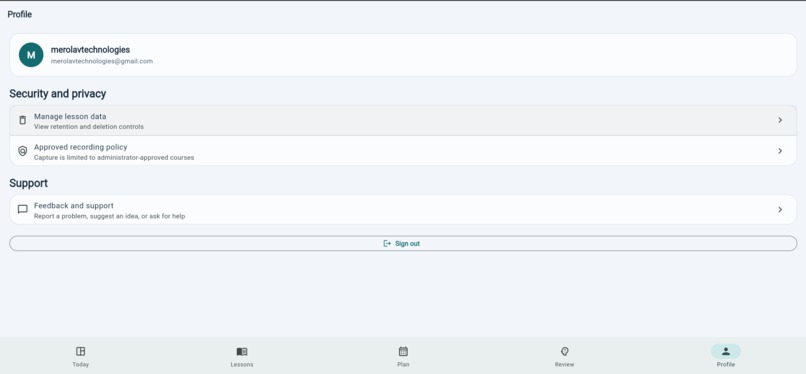
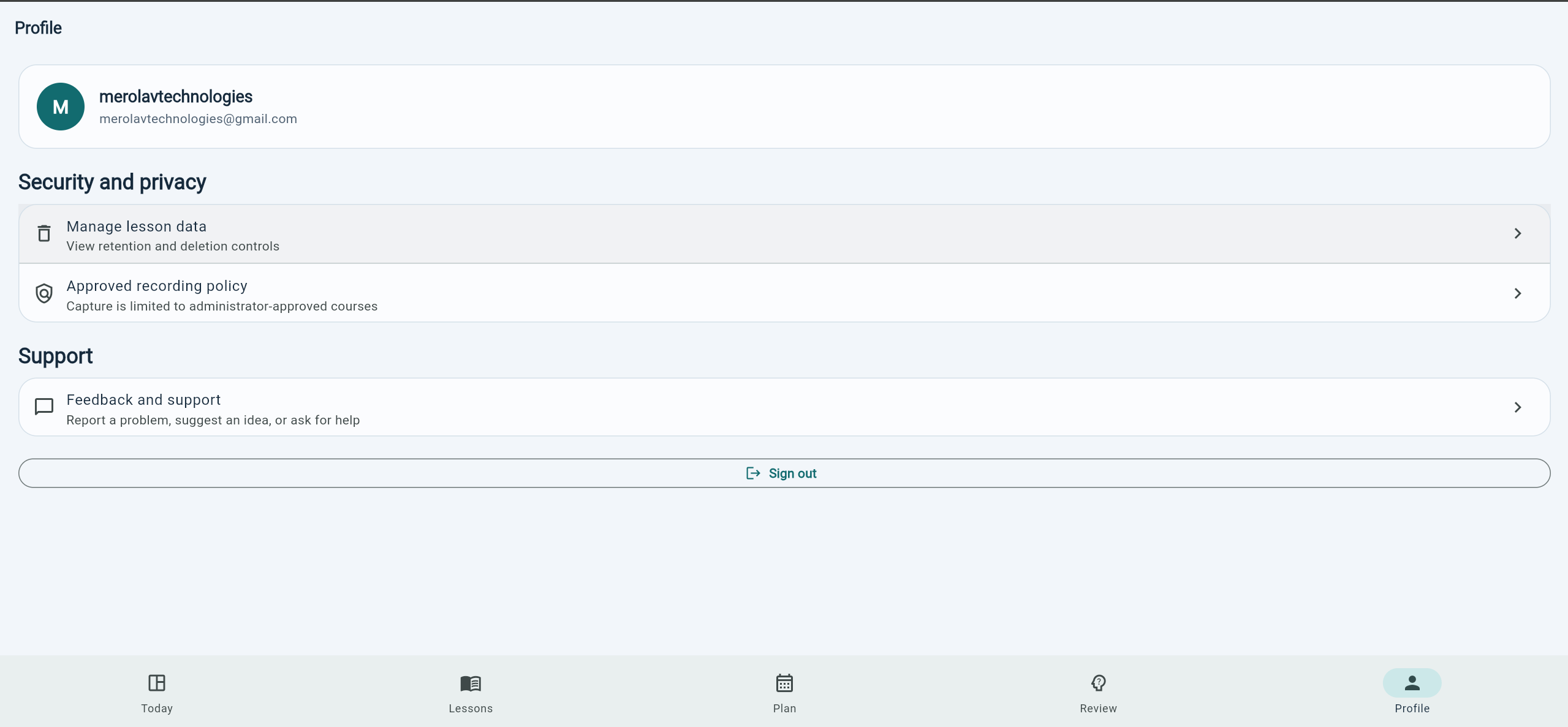
Profile tab
Inspiration
Growing up with ADHD can be tough, you day dream a lot and sometimes only get worse as you age. This was not something I had growing up, and certainly didn't think of back then. Every student has the same experience after a lecture: you have a recording (or good intentions to make one), and then a wall between that raw audio and anything you can actually study from.
Transcripts are unusable if you have to read all of them; notes taken live are incomplete; nothing connects back to when a concept was actually explained. We wanted a system that treats a classroom recording as raw material for a real study loop — transcript, notes, quizzes, spaced review — not just a file that sits there.
We also wanted to be honest about the parts of this problem that are genuinely hard, not just the AI parts: consent, retention, deletion, and what happens on real classroom audio (background noise, a teacher who wanders from the mic) rather than a clean studio recording. That shaped how we built it as much as the tech stack did.
## What we learned
RLS is necessary but not sufficient. Postgres row-level security policies only filter rows after a database role already has table-level privilege. We hit this directly: a new table with
correct RLS policies still silently returned nothing to every client until we added the matching grant select/insert/update/delete. It's now a documented gotcha in our own contributor guide,
because it's the single easiest way to ship a feature that looks done and isn't.
- Platform constraints deserve an honest answer, not a workaround. iOS will not let an app start microphone capture from the background on a timer — full stop. Rather than pretend otherwise, we
designed a real degraded mode (a one-tap arm via a local notification at class time) and surfaced that limitation directly in the consent UI instead of hiding it. - "It compiled" is not "it works." The most important lesson of the whole build: native platform code needs to be run, not just read. More on that below.
- Two coding agents are complementary, not redundant. Codex was excellent at driving fast, disciplined progress through a large, well-specified MVP in one continuous session. Claude Code was
where we went deep on native platform integration, device verification, and hardening — different tools for different phases of the same build.
How we built it
We treated this like a real product, not a hackathon sprint dressed up as one — Phase 0 (before any app code) forced us to write down the consent model, the AI-provider tradeoffs, and a per-lesson
unit-economics model. Phase 1 validated the transcription pipeline against real audio before the app existed, so we weren't building UI around a pipeline that might not work.
The MVP loop — capture, transcription, structured notes with a cross-lesson concept graph, and quizzes with spaced repetition — was built in a single continuous Codex thread running GPT-5.6 Terra. That thread carried the project from an empty repo through a secure Flutter + Supabase foundation (row-level security on every table, audited from the first migration) to a complete record → transcribe → notes → quiz → review loop backed by dedicated edge functions for transcription, note generation, and quiz generation.
From there(run out of credits), we continued with Claude Code to build the parts that came after pilot evidence would normally justify them: a lesson-grounded explanation assistant that refuses to answer when it can't cite a real transcript segment, a signal-fused study-insights engine that replaces a simple "quiz misses" heuristic with a transparent weighted score, and — most recently — automatic timetable-driven recording: a student never has to remember to hit record(great for my ADHD), because the app arms the OS to start and stop recording exactly at class boundaries.
Architecturally: Flutter client (Android/iOS/web) with a demo-mode fallback for every feature, Supabase Postgres for the backend, and a native Android Kotlin layer for the parts Flutter can't reach — exact alarms and a microphone foreground service that keep working even when the app is closed.
Challenges we ran into
The hardest part of the build was proving the automatic-recording feature actually works, not just writing it. It's easy to write Kotlin that looks like it schedules an exact alarm and starts a
foreground microphone service; it's a different thing to prove it. We stood up an Android emulator from scratch (including chasing down a silent JAVA_HOME failure that broke the system-image
download), wrote an on-device integration test suite that drives the real method channel, and pulled a live adb shell dumpsys alarm dump showing our app's exact alarms actually registered with the
Android OS scheduler — not just our own bookkeeping. Then we did it again on a real physical phone, including the device-authorization handshake and Android-version differences (POST_NOTIFICATIONS doesn't exist on Android 12) that an emulator alone wouldn't have caught.
The second real challenge was making the hand-off between "audio captured while the app was closed" and "audio safely queued for upload" durable. A captured class is deleted from the device only
after it's confirmed enqueued for upload — never before — so a crash mid-hand-off retries instead of silently losing a recorded lesson.
The third was a product-design challenge as much as an engineering one: automatic recording is more sensitive than a deliberate tap, since the student isn't in the loop when it starts. So enabling it requires a standing, timestamped consent acknowledgment, and every recording still shows a persistent, non-dismissible indicator — we made the safety bar higher for the automatic case, not lower.
Built With
- android-studio
- claude
- codex
- dart
- flutter
- kotlin
- supabase
- vercel

Log in or sign up for Devpost to join the conversation.