-
-
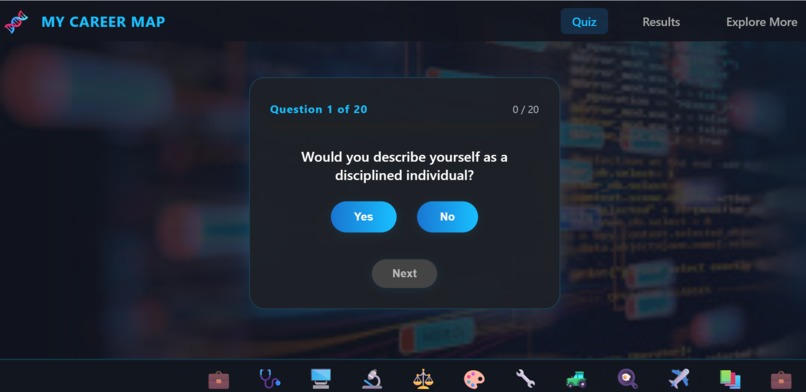
Quiz Page
-
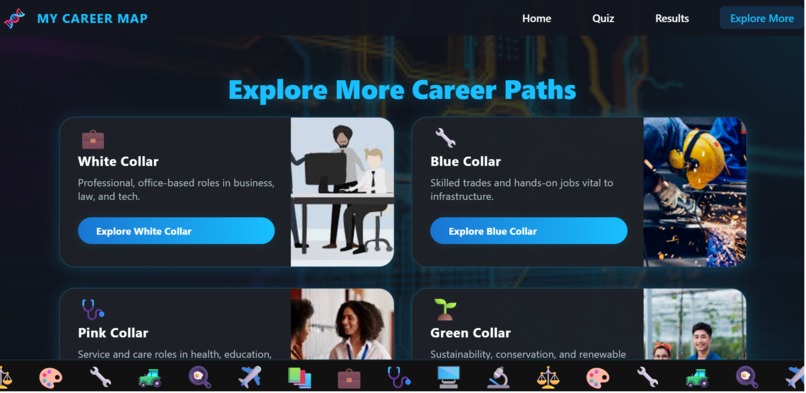
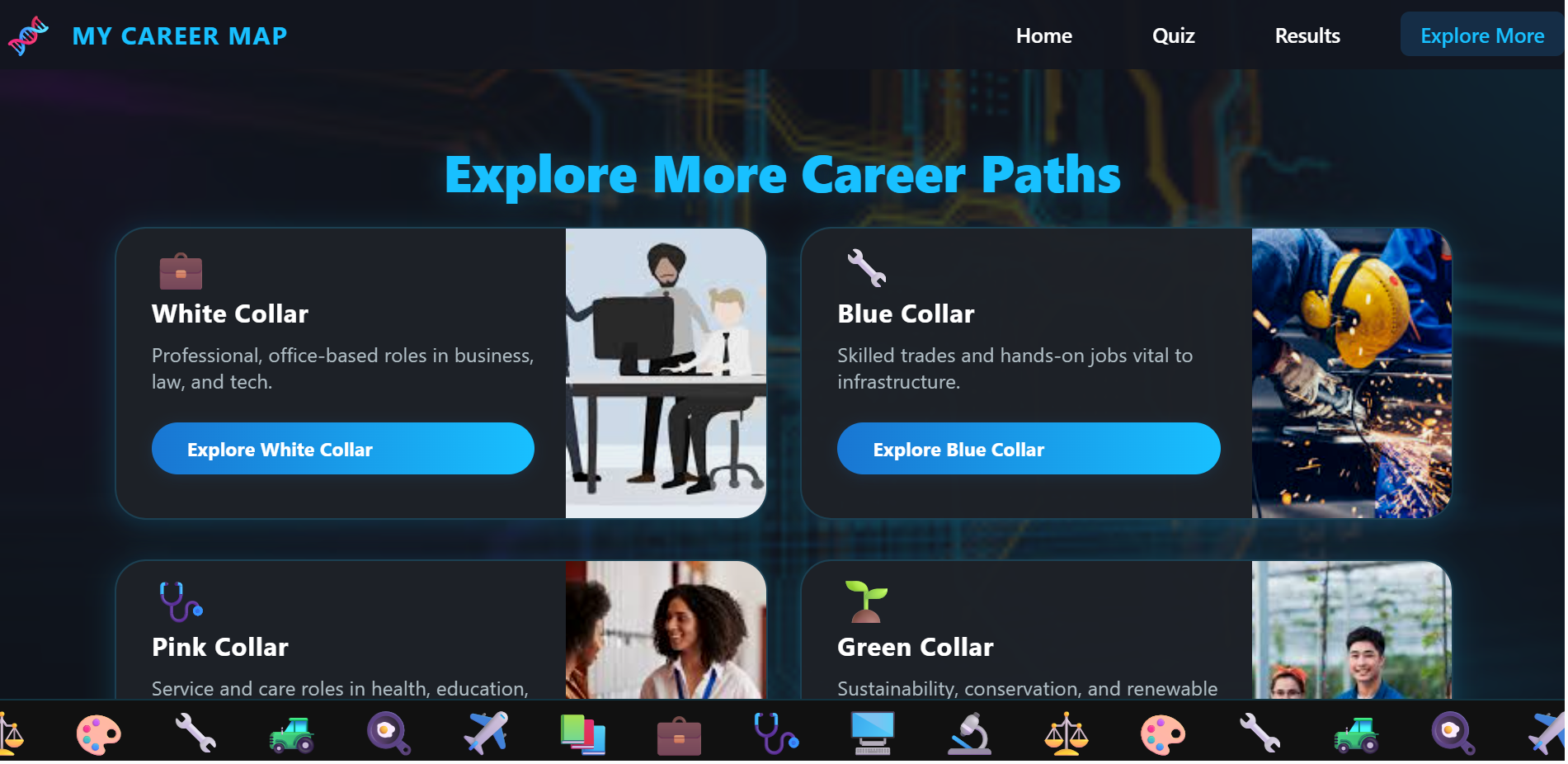
Explore More Page
-
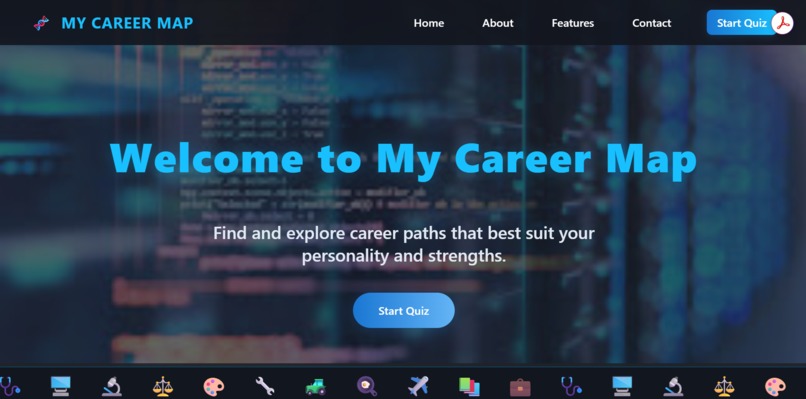
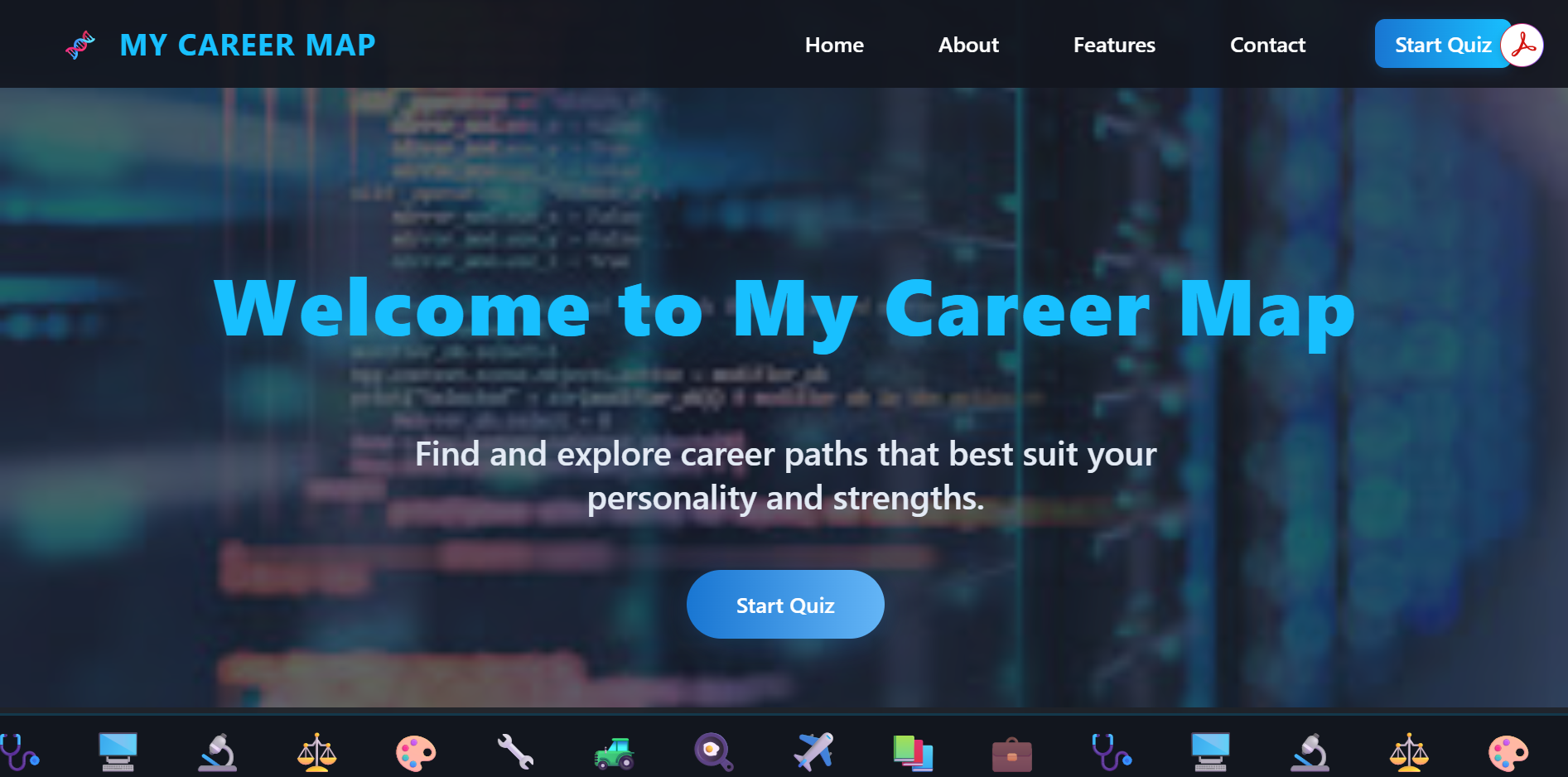
Landing Page
Inspiration
As a student, I realized how difficult it can be to connect personal interests with real career paths. Most guidance resources are either too broad, outdated, or overwhelming. I wanted to create something simple, interactive, and student-friendly that could give clear directions in just a few minutes. That’s how My Career Map was born.
What it does
My Career Map is a website that helps students explore careers through a short 20-question quiz. Based on the answers, the user is matched to one or more “career collars” (such as white-collar, green-collar, or blue-collar). Each collar page provides:
- A clear description of what the collar means
- Example jobs with short explanations and salary ranges
- Pros and cons of the path
- Helpful links and resources to learn more
In under 10 minutes, a student can discover career paths that fit their interests and strengths.
How I built it
I built the website using HTML, CSS, and JavaScript for the frontend. I added a simple Python backend to process quiz results and manage the collar logic. The site is hosted on Netlify, making it accessible and easy to share. I designed the layout to be lightweight, mobile-friendly, and easy to navigate for students and teachers.
Challenges I ran into
One of the biggest challenges was designing quiz questions that felt clear and engaging while still giving useful results. I also had to figure out how to organize the “career collar” data in a way that was simple for users but still informative. Since I worked individually, balancing coding, design, and content writing was also a challenge.
Accomplishments that I'm proud of
I’m proud that the website is fully functional — you can take the quiz, see results, and explore career paths. I’m also proud of writing clear, student-friendly descriptions for each collar. Finally, I’m glad I managed to build and launch the site within the hackathon timeframe.
What I learned
Through this project, I learned how to combine frontend design with backend logic to create a working product. I also gained experience in structuring information so it’s easy for users to digest. Most importantly, I learned how to turn a simple idea into a complete, usable tool.
What’s next for My Career Map
In the future, I want to expand the database of careers and collars, add more detailed resources, and possibly create a teacher dashboard for classrooms. I’d also like to add features such as saving results, career recommendations by country, and more visual elements like graphs or videos to make the experience even more interactive.
Built With
- css
- html
- javascript
- vscode

Log in or sign up for Devpost to join the conversation.