-
-
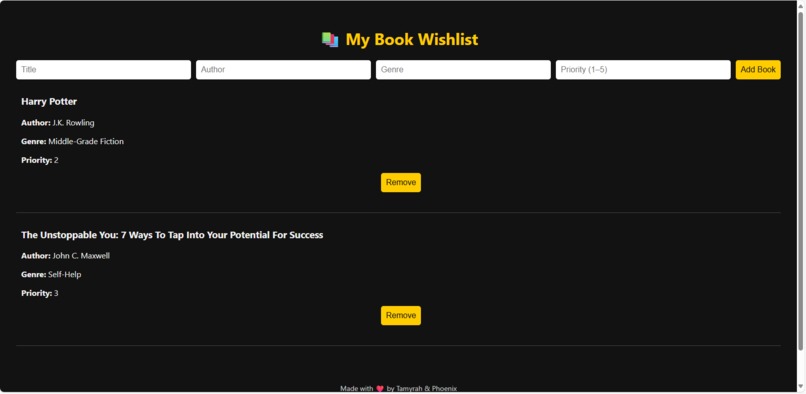
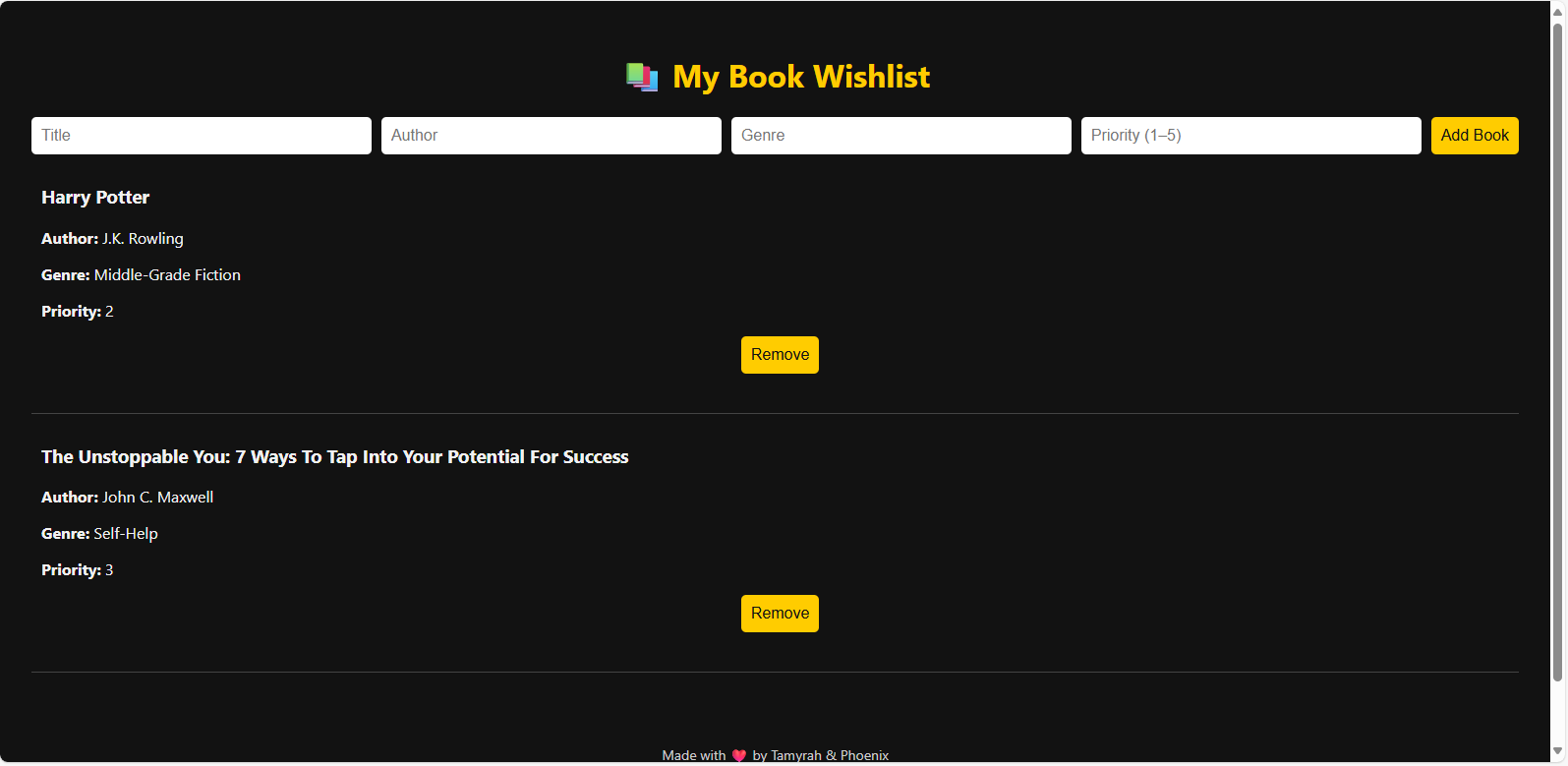
The MyBookWishlist Flask app showing the book list interface with title, author, genre and priority.
Inspiration
I was inspired to build My Book Wishlist after realizing that most book tracking apps were either cluttered with features I didn’t need or weren’t visually appealing. I wanted something clean, fast, and personal — a cozy space where I could save books I want to read or buy, and organize them by priority, genre, or mood.
What it does
My Book Wishlist lets users quickly add, view, and manage a personal reading wishlist. You can input the book’s title, author, genre, and a 1–5 priority rating — or mark it as a favorite. It displays a clean, organized list that makes browsing your future reads feel inspiring, not overwhelming.
How we built it
This project was built from scratch using:
- Flask for the backend (Python)
- HTML + CSS for the frontend (handwritten, no templates)
- JSON for lightweight storage (
wishlist.json) - GitHub for version control
- Render for deployment
- Bolt.new + Netlify for the landing page
I used VS Code and GitHub Desktop to manage everything locally and online. I also built a Bolt-generated landing page to qualify solo after my original hackathon team disbanded.
Challenges we ran into
The biggest challenge was syncing and deploying the app. I had to fully delete and rebuild it from scratch after a broken deployment — but that turned out to be a blessing. I learned how to structure everything properly and troubleshoot versioning conflicts in GitHub and Render.
Another hurdle was adapting quickly when I was removed from a team I had originally signed up with. Rather than give up, I pivoted and re-entered solo — stronger than before.
Accomplishments that we're proud of
- Rebuilding and deploying the app successfully from scratch
- Learning GitHub Desktop workflows step-by-step
- Creating a full-stack app AND a Bolt landing page in one weekend
- Submitting solo with no coding shortcuts or premade templates
What we learned
I learned how to manage a Flask app from development to deployment — and how to troubleshoot Git, file paths, and version control without panicking. I also learned the power of design simplicity: this app may be small, but it’s purposeful and elegant.
What's next for My Book Wishlist
I’d love to add:
- Book cover images for visual flair
- A search/filter option
- Cloud database support for persistent storage
- A “share your wishlist” feature for friends and family
For now, I’m proud to say this app does exactly what I needed — and looks good doing it.


Log in or sign up for Devpost to join the conversation.