-
-
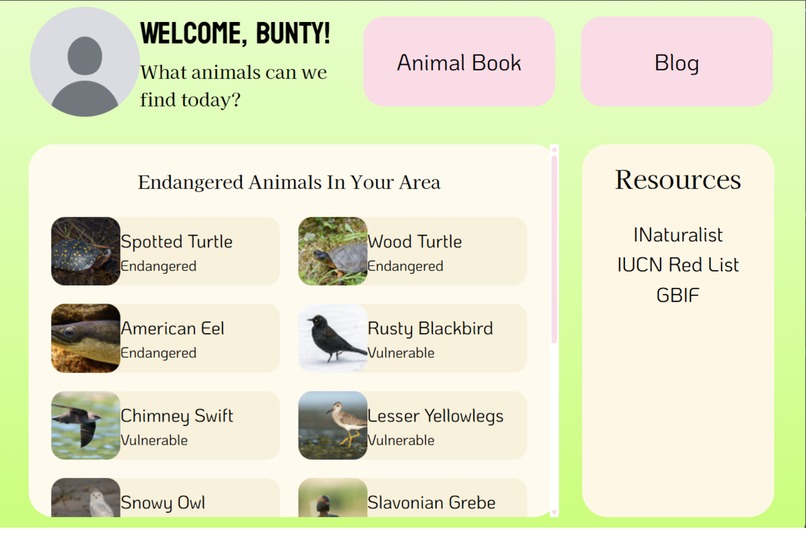
Homepage
-
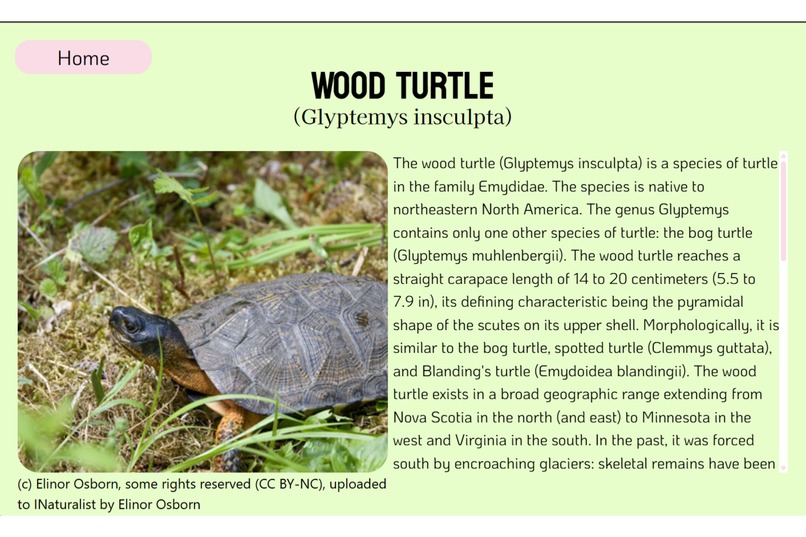
Animal Information
-
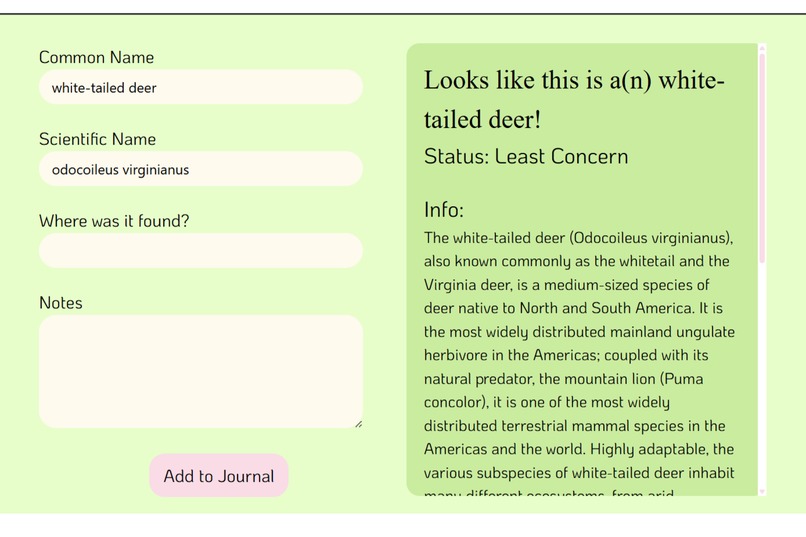
Adding Entry
I took honors biology in freshman year. I remember many of the kids going into my grade shied away from the class. It was a hard class, yes, but what really turned people away was the field journal, a quarterly project (I called it semesterly in the video!! oops!!) in which we had to go out and record pages and pages of observation. I had always liked going outside and seeing the wildlife, even when I was little and pretending to be a Warriors cat in the woodland in my backyard.
It's incredibly heartbreaking to me, the rate at which we're losing animals. Earth is currently going through its sixth mass extinction-- the only one so far caused by human actions.
I think a lot of people do care. They just don't have the means to learn. The internet can be daunting with the amount of information on it. Additionally, websites like INaturalist are great for those already knowledgeable in taxonomy and ecology, but can be confusing for those who are not as well-versed.
That's why I decided to create My Animal Book, a beginner-friendly web app that teaches users about endangered species and allows them to record simple animal observations in an online journal.
How does it work? (so far!)
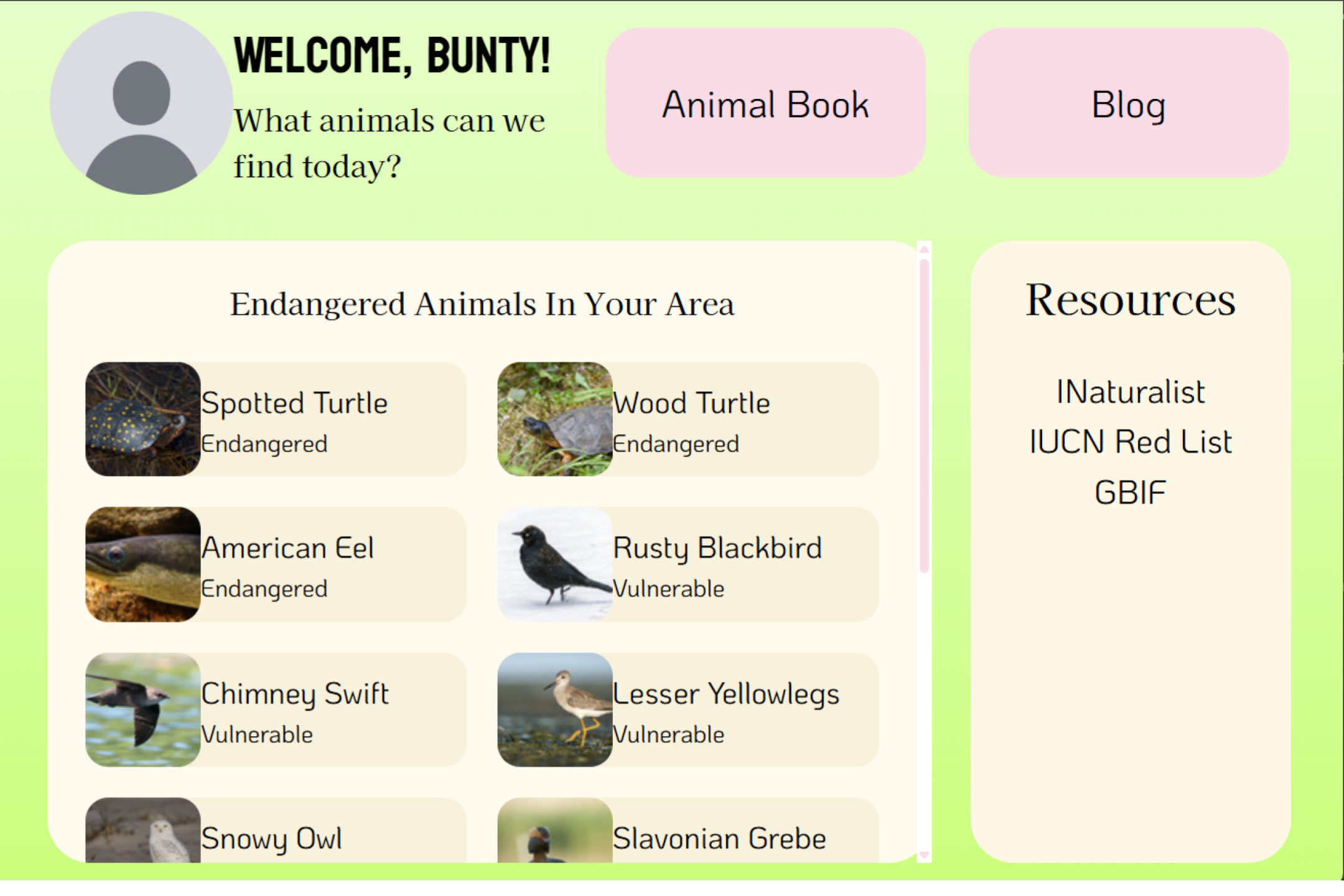
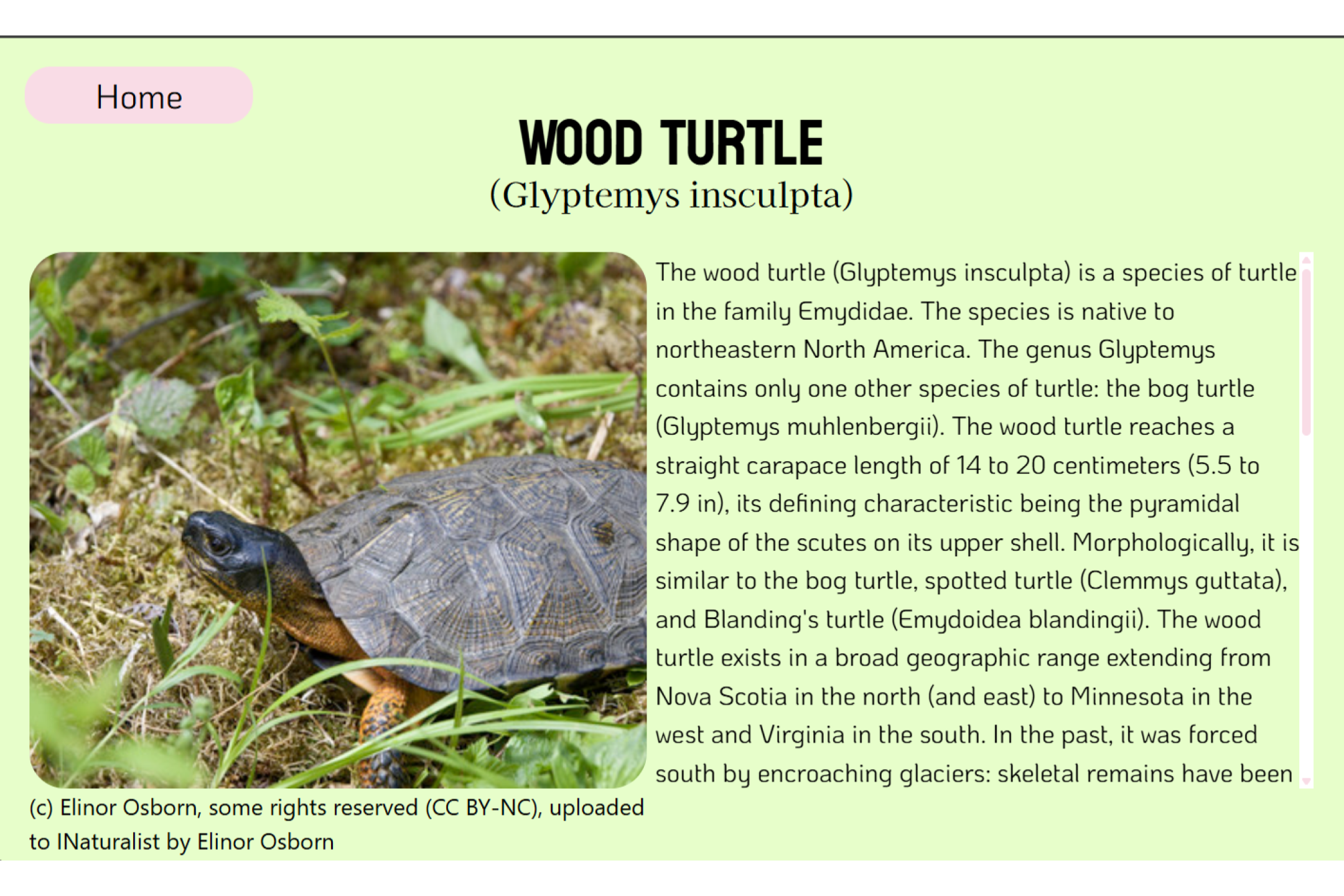
My Animal Book uses a user auth system to allow users to sign up and log in. When a user logs in, they can see a list of critically endangered to near threatened animals (status according to IUCNRedList) observed in their city or town. Clicking on an endangered animal shows the user some images of the animal, information about the animal, and most importantly, a list of threats to the species and conservation actions the user can take to protect it.
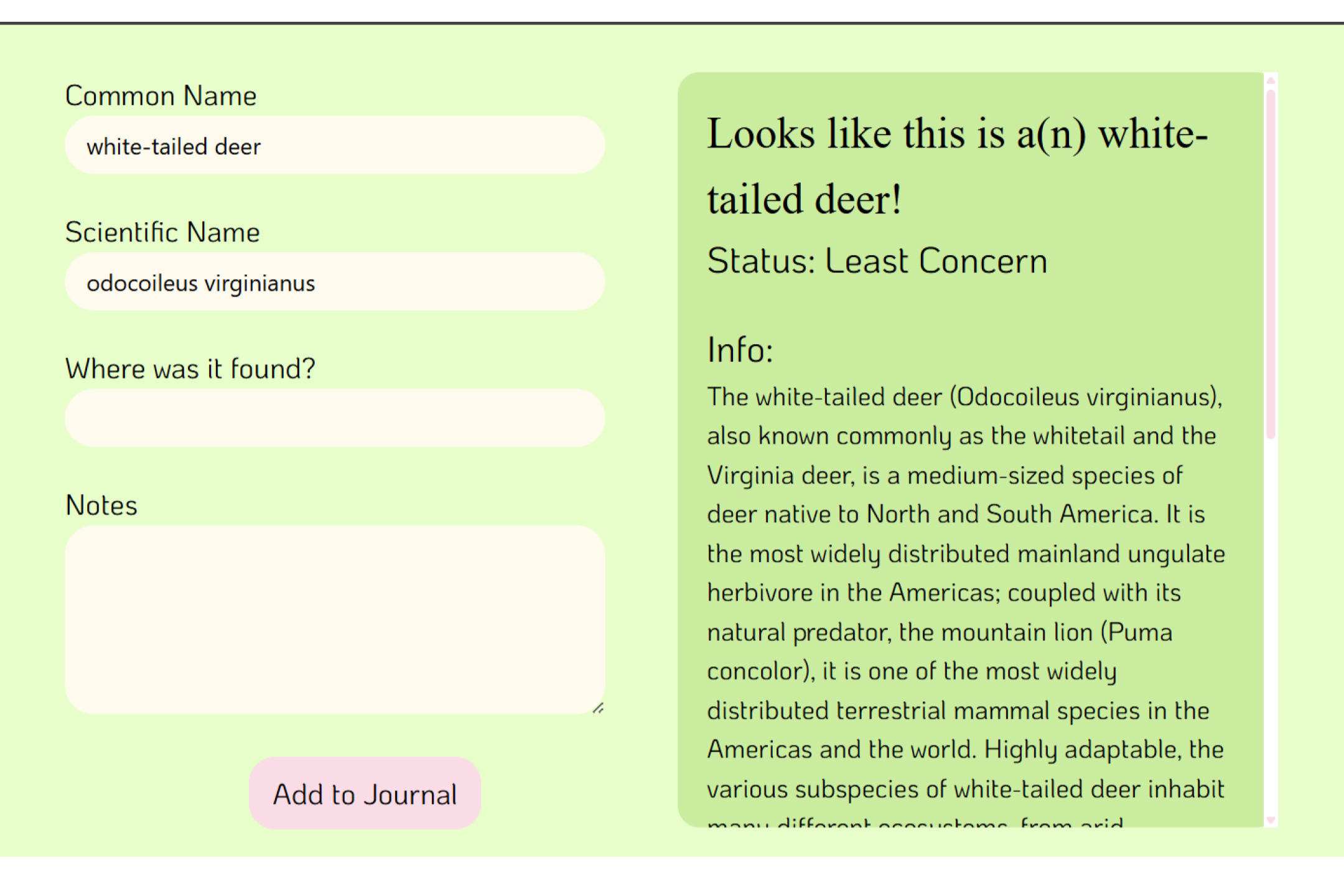
The user can add entries by navigating to their animal book and clicking "Add Entry". The image the user uploads is sent to a backend that detects which animal is in the photo. The user can see the animal's common/scientific name, information about it, and threats to the species. They can add other information to their entry, such as where they found the animal and some notes about their observation, and then add the entry to their journal. The Animal Book page shows the user all their journal entries sorted by most to least recent.
How I built it
I created this project in Sveltekit with TS for frontend/backend. Frontend was designed with a mix of tailwind and css3, with gsap for basic scroll animations. User auth uses MongoDB and bcrypt. Between the two, 7 other APIs were used in this project (and more to come in the future!)
Detailed information can be found on the tech info slideshow linked on this project, or here.
Accomplishments that I'm proud of
I've used Sveltekit in one other project, but my usage of Sveltekit was tainted with HTML knowledge so that it felt less like a Sveltekit project and more like a deformed HTML/CSS/JS. This time, I properly used Sveltekit the way it should be used. I learned a LOT; this project definitely ended up better tech-wise than my last Sveltekit project.
Additionally, this was my first time using TS! It was certainly difficult given how used to JS I've gotten. I admit I got VERY frustrated many times. But ultimately, I feel successful. In fact, I think I'll be switching to regular use of TS in the future. :-)
Challenges I ran into
Using the IUCN Red List API admittedly gave me a lot of trouble. APIs like GBIF and IUCN's depend on user contribution, which is great, but leads to a lot of variation in format, which isn't so great. Getting threats and conservation actions especially was quite a pain-- some animals had very detailed threat information, while others had "unknown" in every field but description. Some animals had great conservation action information, while others had none at all! I had to settle for less in this case-- displaying ALL threats regardless of other information, and generating conservation actions through openrouter.
Additionally, like mentioned earlier, this was my first time properly using Sveltekit the way it should be used. There was a LOT of frustration involved in this, trying to figure out what works in Sveltekit and what doesn't. Ultimately, though, it was still an excellent learning experience.
What's next for My Animal Book?
Like every hackathon project I make, I started this with a lot of ambition and a lot of plans. While I couldn't finish everything I wanted in time, I was at the very least able to integrate the core functionality and a little of the design I truly wanted.
There are two features that I will likely be adding after this hackathon is officially over.
First, I'll be adding a blog feature (the button of which is already on the homepage! But doesn't direct to anything..) similar to Stack Overflow or INaturalist. It'll feature tags such as "ID help" or "Observation share", and especially a tag for those organizing conservation efforts. In that case, I will probably add a drop-down allowing users to sort blog posts by proximity to their location.
Secondly, I found https://birdnet.cornell.edu/ while searching for animal detection APIs. It got me thinking about more ways to add entries to the Animal Book. In the future, users may be able to add not just photos of animals, but animal tracks, signs of activity (e.g. holes in a tree from a woodpecker), and even bird calls and other animal sounds.
Of course, I'd like to improve on UI design. I wanted to draw a little capybara mascot (which you can see in the logo), and I'm sure I'll be able to do that once the hackathon is over. More ideas will definitely come with time :-)
Sources
https://www.calacademy.org/explore-science/how-many-species-on-earth https://news.stanford.edu/stories/2023/09/human-driven-mass-extinction-eliminating-entire-genera


Log in or sign up for Devpost to join the conversation.