-
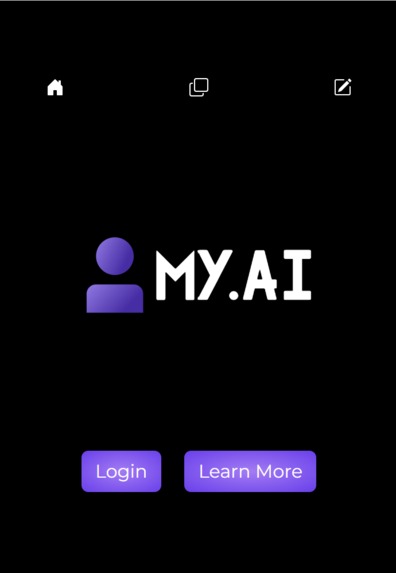
Home Page
-
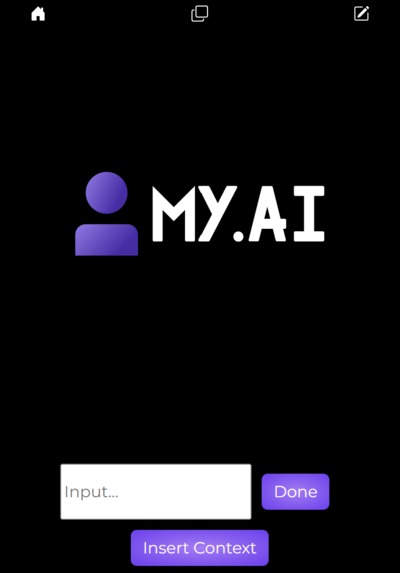
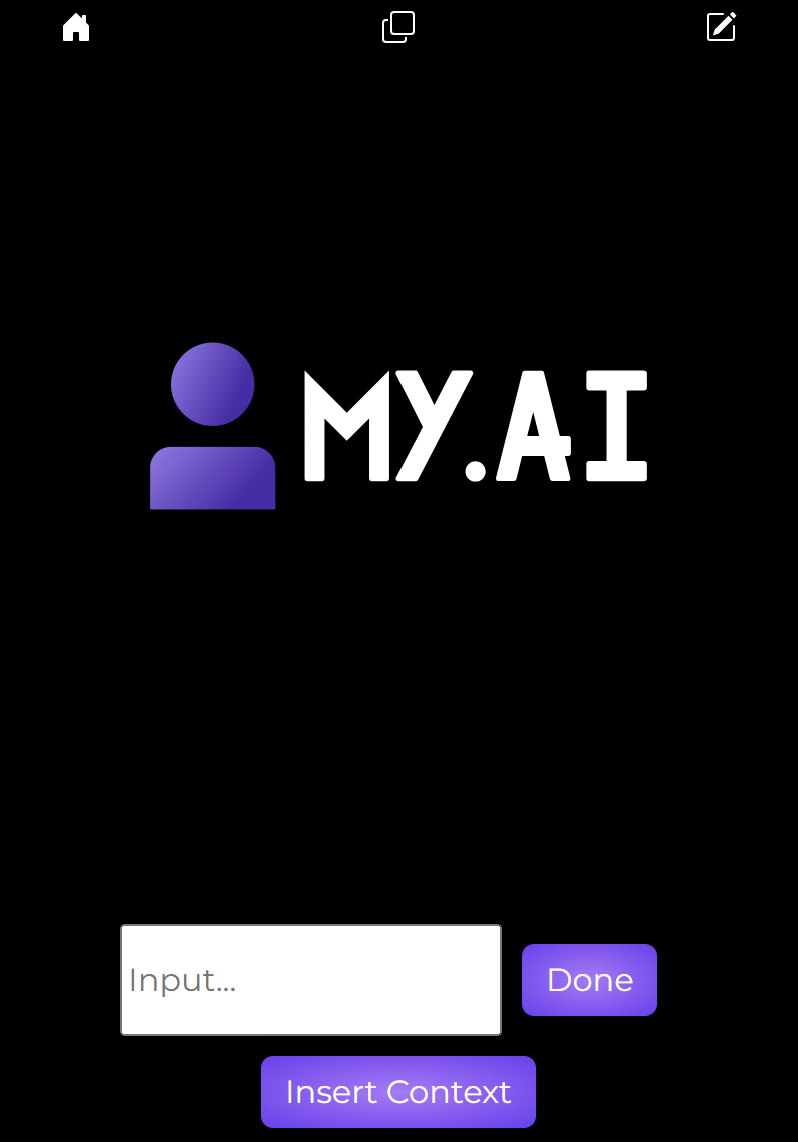
Prompt Entry Page
-
-
Inspiration
As a team, we believe that the future depends on personalization. Whether it's website searches, day-to-day grocery store visits, or chatbots, experiences will be custom tailored to a user's needs. But tailoring experiences requires a deep understanding of a user’s needs, values, preferences, and issues over time. That’s where My.AI comes in.
What it does
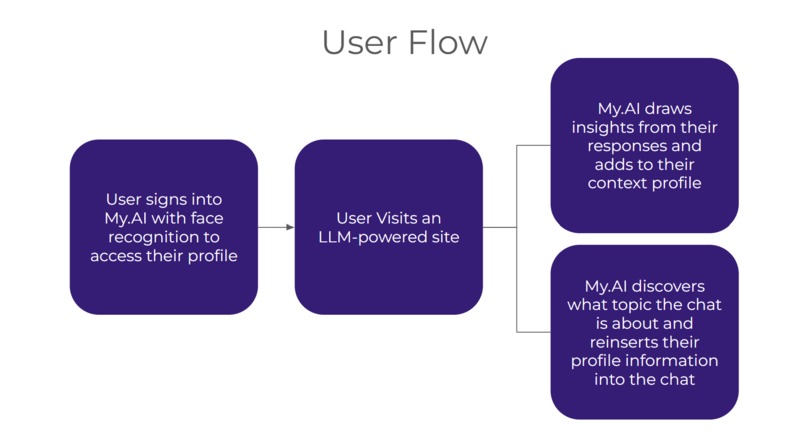
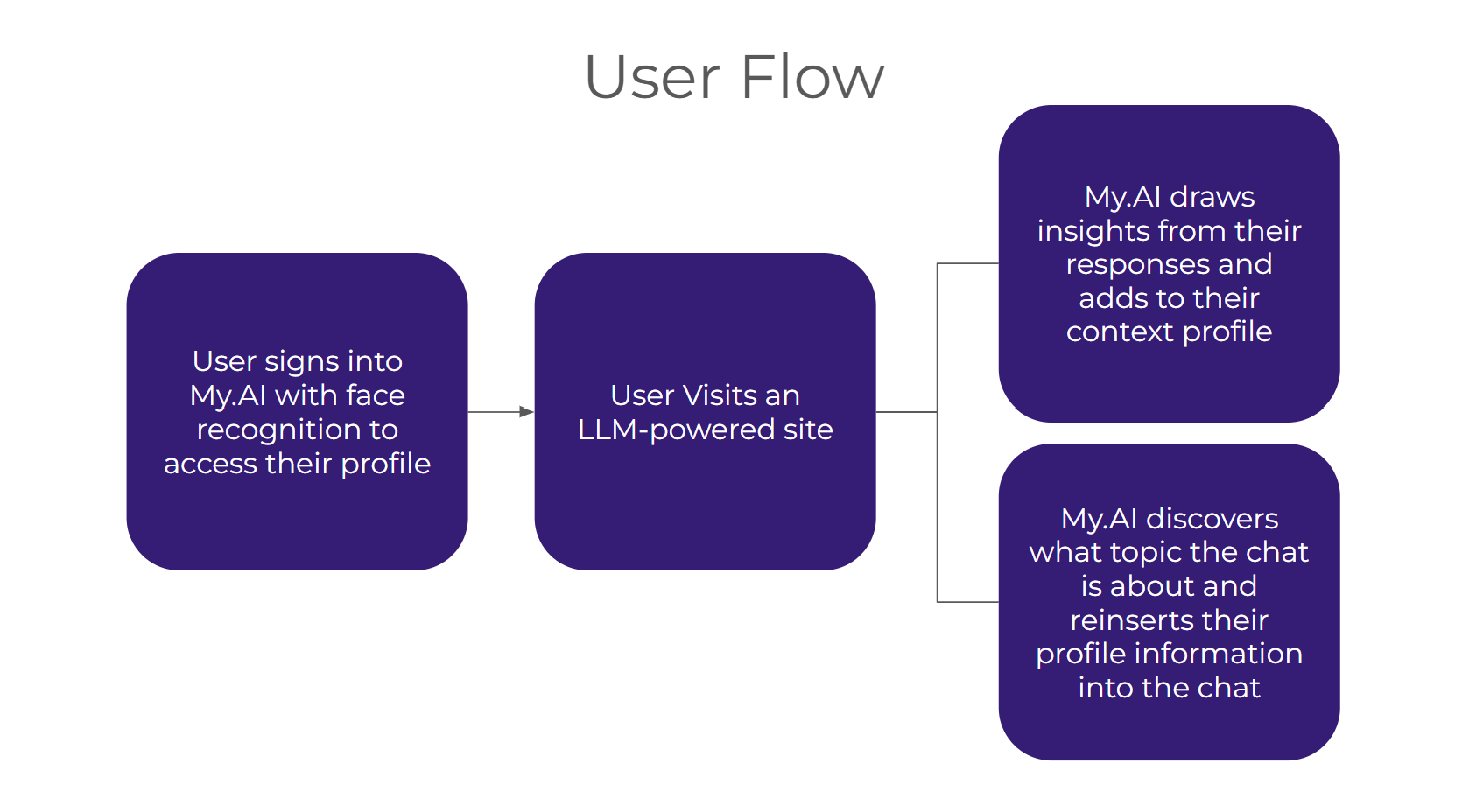
My.AI is a Google Chrome extension for integrating your interactions with LLM chatbots across the web. Whenever you interact with a chatbot, you can use our service to scrape relevant information from your interactions, and this information will be sent to a database. Then, when you use another chatbot in the future, you can opt to prompt it with relevant information gathered from your previous interactions before you ask your first question. This way, the chatbot will be primed to give more personal and relevant information during your interactions. The unique part about our service is that your data is made available to you - you can see what insights have been gathered from your previous interactions, and you can control when new insights are generated!
How we built it
Our application relies on using the complex insights that LLMs can generate and improving the data provided for future queries.
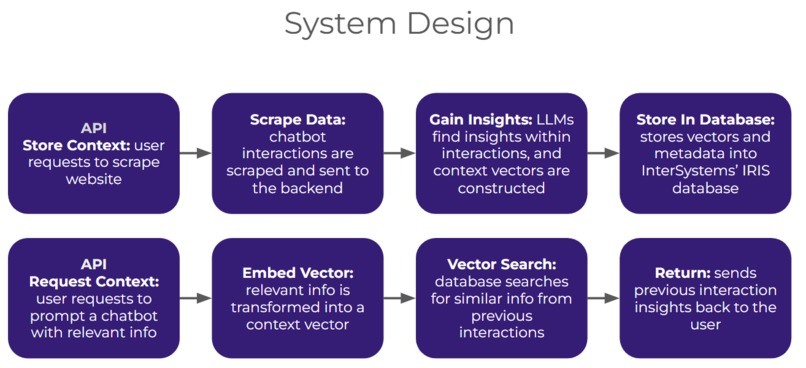
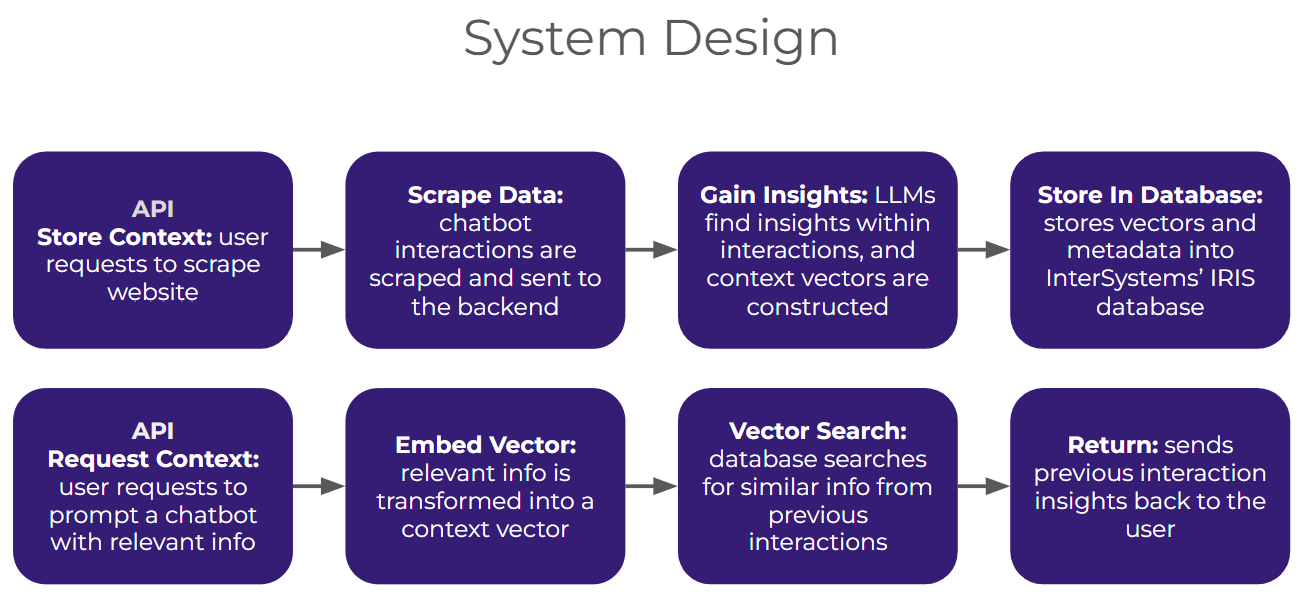
For our backend, we utilized InterSystems’ IRIS database for storing and searching through context vectors. When the API receives a request to add data to the database, it calculates a vector based on the context text, and it adds the data (along with metadata such as user ID) to the database. When it receives a request for searching for relevant information related to a new user query, it conducts a vector search to find similar contexts from past interactions, and it returns the insights gained from these interactions.
We built a React frontend for our chrome extension using a variety of custom styling in CSS. For our face authentication, we used the Chrome API camera access with AWS Rekognition for creating a unique hash per user. Our web scraping and web-entry tool relied on a custom script built on the Chrome query and scripting framework allowing us to locate the prompts and responses generated by a variety of LLMs and input the context directly into the search bar. Finally we used the Open AI GPT-3-turbo model to condense the user’s prompts and responses per question thread to draw insights on their preferences.
Challenges we ran into
We ran into 2 main challenges in the process of building this project.
First, interacting with the chrome API was quite a blocker. When creating the face recognition sign in, we ran into issues surrounding having the chrome extension accessing the camera with the correct permissions which was resolved from a combination of checking the manifest and properly reading the video stream.
Second, on the backend, we had a blocker of how we would draw insights from the user prompts and access related context. Our initial thought was to use a basic vector server to create associations between topics and previous responses that a user had gone through, which ended up being very computationally expensive. In this workflow, we decided to leverage LLM insights on the prompts so that we could query the larger context per thread and summarize it into its most important values. From there, the intersystems vector database would only require a simple cosine similarity algorithm to access the most relevant top-p contexts and thus reduce the computation required over the largest amount of data.
Accomplishments that we're proud of
One of the biggest successes of this project was being able to validate many of the hypotheses on LLM context that we believed. This process happened in stages of first, understanding the system design and implementing the most efficient computational setup. Next came understanding the potential of the Intersystem IRIS database in creating a very structured SQL setup for processing contexts. Finally, it was leveraging these insights and directly seeing the improvements in the chatbot experience. We’re very proud of being able to create a functional application combining the backend and frontend of the application in 24 hours.
What we learned
From a technical standpoint we learned how to develop Chrome extensions using React and Typescript, how to utilize and deploy the chrome API, and how to develop a web scraper that takes input from the user’s current page. On the backend side, we learned how to relate prompts from different contexts. Specifically, we learned about storing and searching through context vectors, and how we can use InterSystems’ IRIS to do this.
What's next for My.AI
In the future, we can see this context-related technology as being a powerful tool for both users and businesses alike. From use cases such as healthcare, where our product would be able to create a personalized experience for patients to receive accurate diagnoses, to business, where our technology could accurately assess a strategy based on a firm’s history, our product will be able to bring a personalized, efficient, and unified workflow to every user.
Built With
- amazon-web-services
- chrome
- intersystems
- openai
- python
- react

Log in or sign up for Devpost to join the conversation.