Intuitive XR Interaction Design for Logitech MX Ink Mixed-Reality Stylus
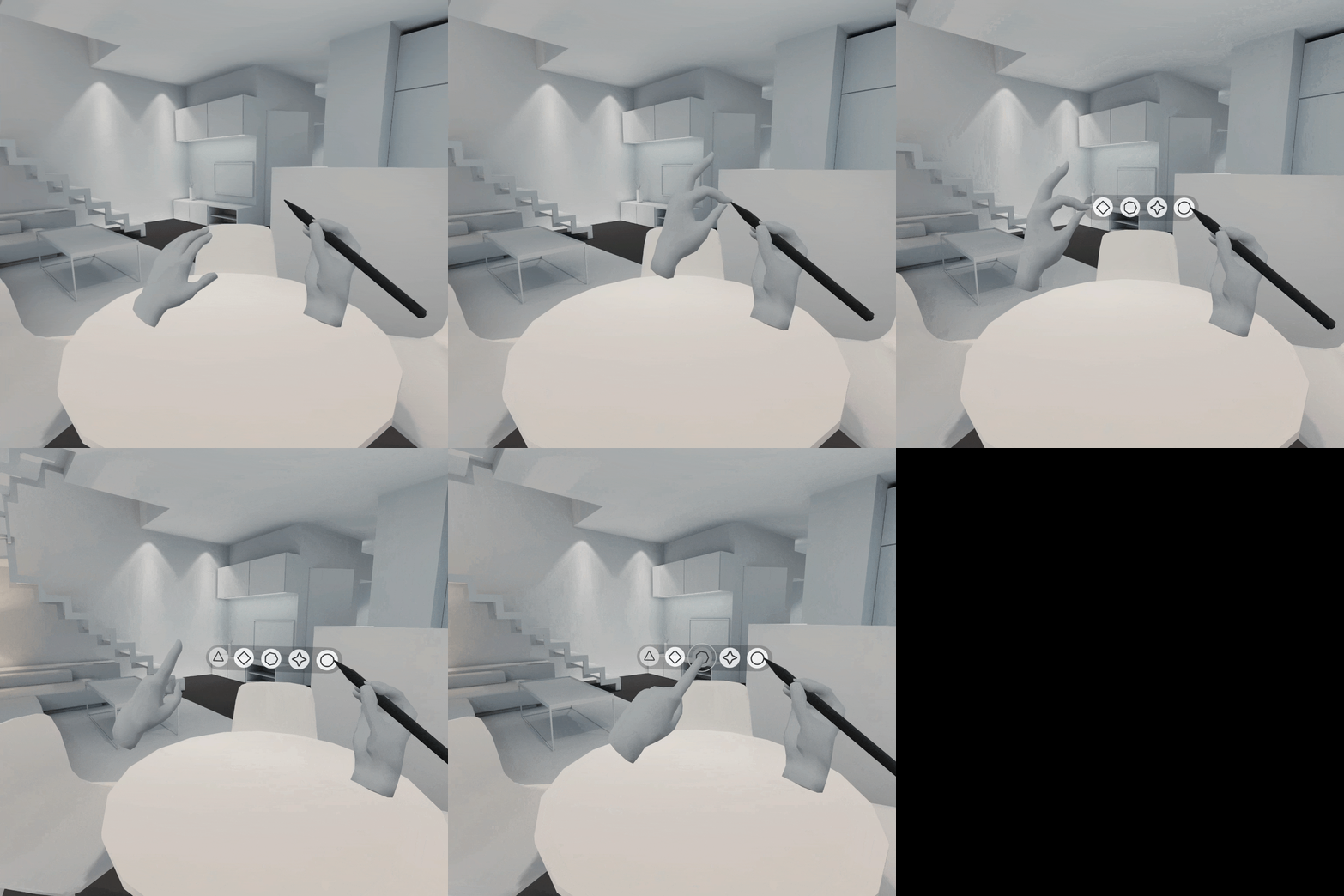
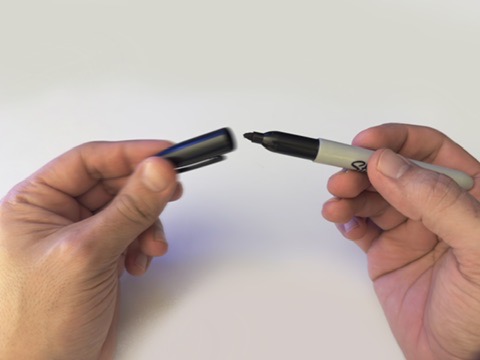
It all began with a simple idea: sometimes, the best way to interact with virtual tools is to mimic what we do in the real world. In XR, users often struggle with complex menus and abstract gestures, so I looked to a familiar, everyday action, such as removing a pen cap, to make stylus interactions feel more natural and satisfying.
What Inspired Me
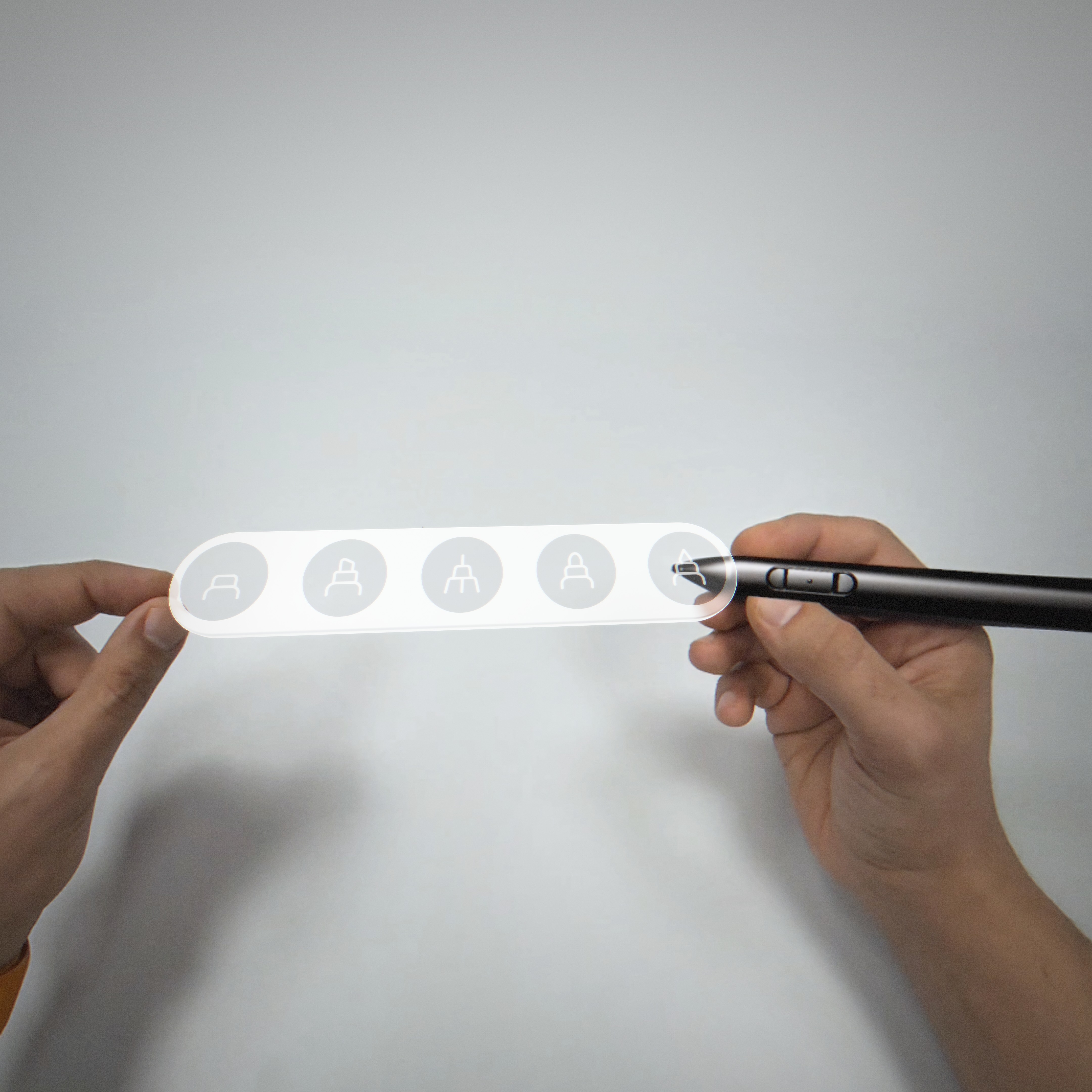
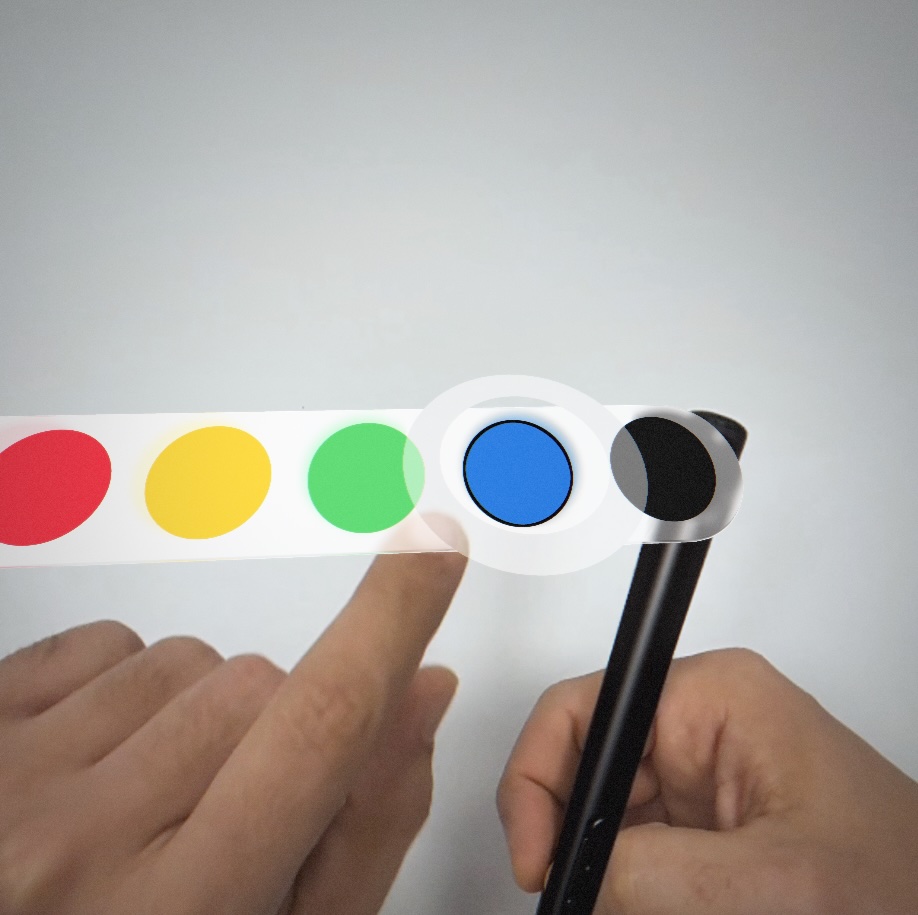
In my own creative workflow, I noticed that picking up a pen and uncapping it to write or draw always felt seamless. It’s a small ritual that sets the stage for creativity. I wanted to capture that tactile moment in a mixed-reality context, where the gesture of pinching and pulling could reveal virtual features like brush tips or color palettes, mirroring the real-world sensation of getting a pen ready for use.
What I Learned
Early prototypes taught me that XR interaction design isn’t just about fancy animations; it’s about harnessing intuitive gestures. The biggest lesson was understanding how physical actions transfer into digital spaces. By focusing on something as simple as pinch-and-pull, I saw firsthand how eliminating friction can boost both creativity and user comfort. Additionally, I learned the importance of clarity in UI prompts, people should always know where to pinch and what will happen when they pull.
Built With
- adobe-creative-suite
- figma
- logitech
- shapesxr
- spline3d


Log in or sign up for Devpost to join the conversation.