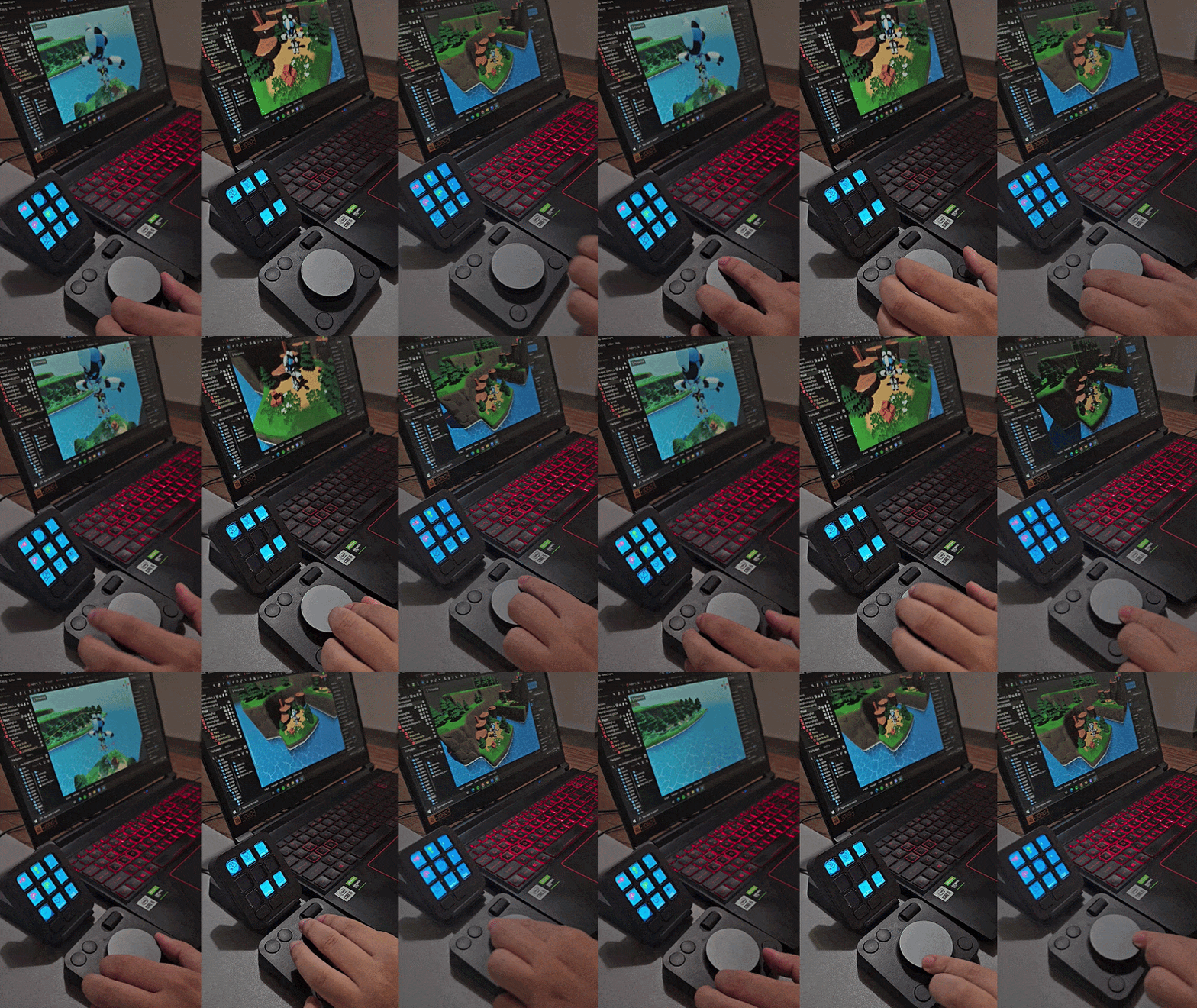
The Problem Is Physical
Game development is fundamentally spatial — rotating objects in three dimensions, scrubbing animation curves, sculpting particle behavior in real time. Yet every one of those tasks gets filtered through the same two-dimensional bottleneck: a mouse and a keyboard. Developers drag tiny sliders to set precise values. They chase rotation gizmos across cluttered viewports. They interrupt creative flow to remember which shortcut does what. The fatigue is real, cumulative, and entirely unnecessary.
This is the problem the MX Creative Console × Godot Engine plugin solves — not with smarter software, but by giving the hands something real to hold.
This Has Never Been Done for Game Development
| 800K+ | 50% YOY | 80+ Actions |
| Monthly active Godot users | Engine growth vs. Unity's 8% | Covered by the plugin |
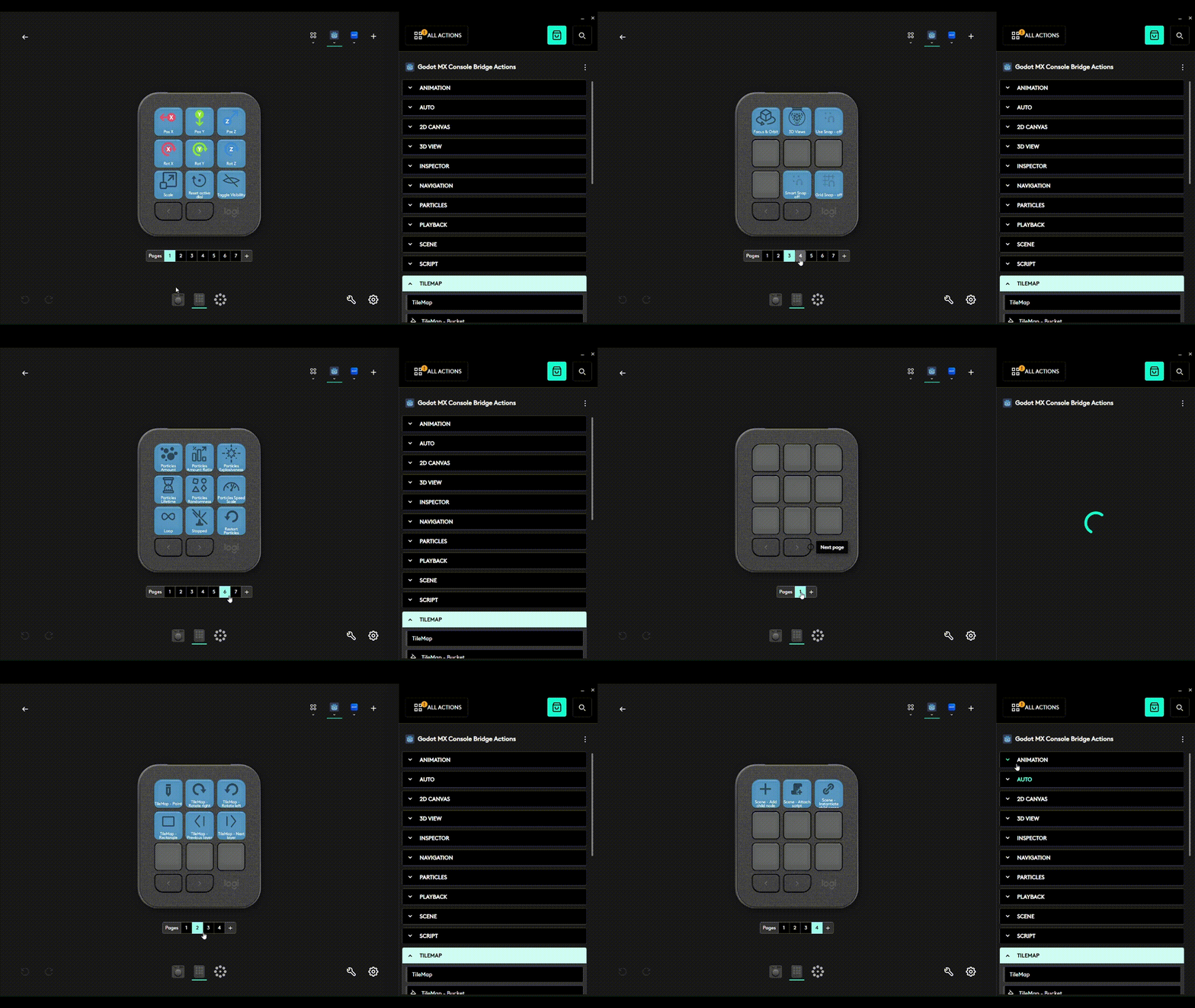
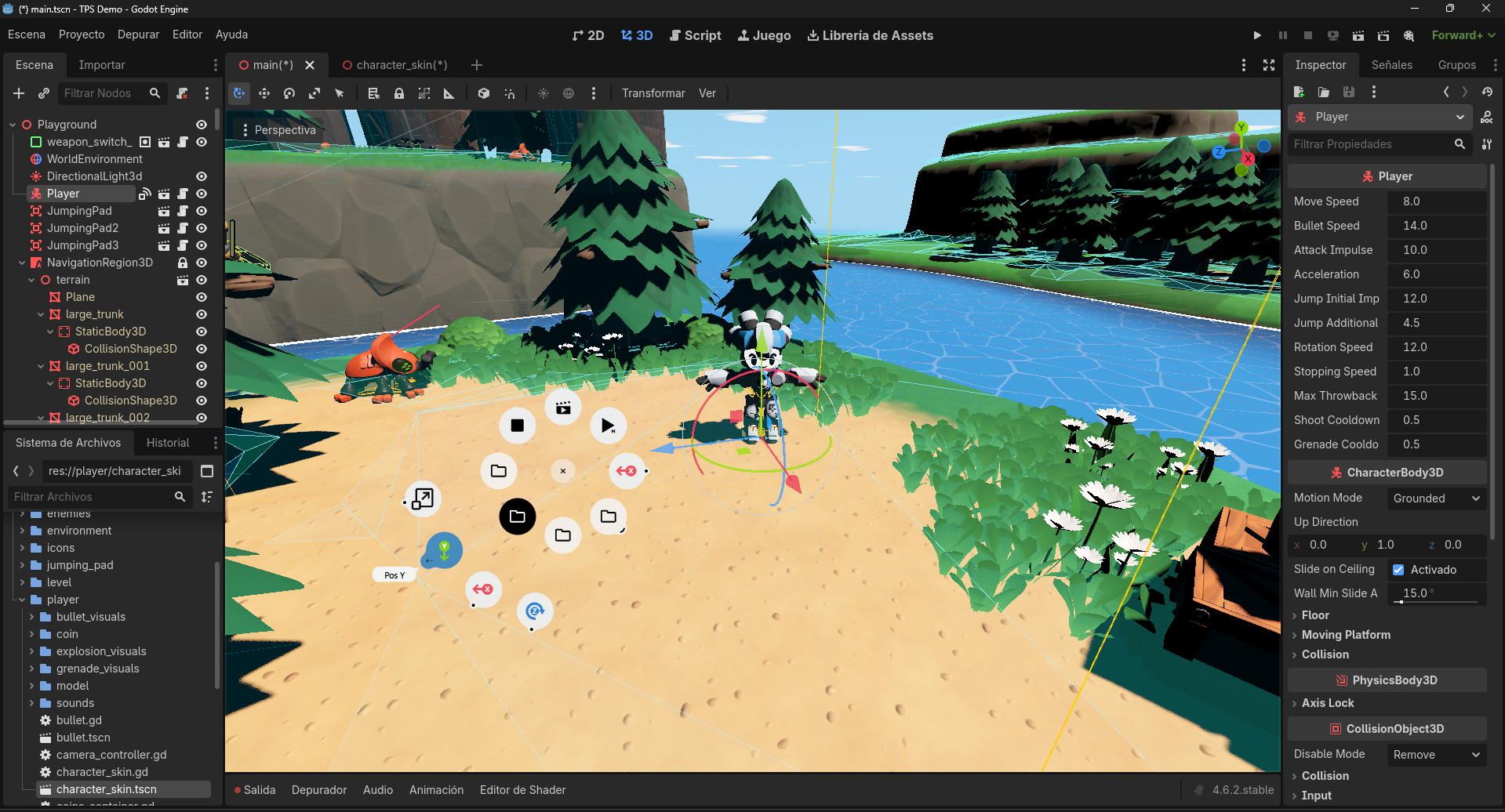
The interaction model has two layers. A contextual layer automatically detects editor state — whether the game is running, whether a particle node or script tab is active — and surfaces the relevant actions. On top of that, it lets developers navigate to dedicated workspaces for animation, TileMap editing, transforms, debugging, and more, tailoring the experience to how they actually work.
Physical dial control has been a standard in film, music, and photography for years. Game development — somehow the most complex creative discipline of all — never got it. Until now.
The console adapts where it can. The developer stays in control everywhere else.
It Ships Today — Here's What It Does
This is not a prototype. The plugin is live in the Godot Asset Library, open source, and ships with a full video tutorial.
Around 80 configurable actions span the full development pipeline:
| Domain | What the console controls |
|---|---|
| 3D Transform | Per-axis position, rotation, scale via analog dial; visibility toggle; quick reset |
| Animation | Frame-precise timeline scrubbing; keyframe insertion; loop modes; clip and track navigation — dynamically generated per project |
| Particles | Emission rate, speed, lifetime, ratio, one-shot/loop toggle, seed randomization |
| TileMap | Tile rotation, brush size, layer navigation, paint/erase/fill modes |
| Live Debugging | Step Into, Step Over, Breakpoint, Continue |
| Game Runtime | Play, Pause, Stop, Restart, time scale control, camera override, tab switching |
| Spatial Views | Top, Bottom, Front, Rear, Right, Left, Perspective/Ortho |
| Physics & Rendering | 32 collision layers + 20 render layers, each as a named, toggleable button |
| Script Editor | New, Save, Run, Cut, Copy, Paste, Find, Help |
Dynamic buttons for animation clips, tracks, and physics layers are generated at runtime from the actual contents of each project — no manual setup required.
The UX Disappears by Design
The plugin's architecture follows one principle: it should feel like the editor grew new hardware. A native Godot addon hosts a local WebSocket server; the Logitech Actions SDK plugin connects to it asynchronously, translating physical input into editor commands in real time with no perceptible latency.
Contextual folders activate automatically as editor focus shifts. First-time setup is covered by the step-by-step tutorial.
It works on macOS and Windows — from the first install.
Viability
The plugin is free and open source — built on the belief that a better tool for the Godot and MX Creative Console community is a collaborative one. It's already listed in both the Godot Asset Library.
Because the codebase is public, the Godot community can extend it. New node types, new editor panels, new workflows — any contributor can add them. That's a meaningful long-term advantage.
What Comes Next
- Play-from-Console — auto-detect the project's Input Map and generate physical buttons for in-game actions, turning the console into a custom gamepad shaped by the game itself
- Live Metrics Display — surface real-time FPS and performance data on the console's screen buttons
- Logi Options+ Integration — seamless in-app discovery for MX Creative Console owners
- Git Controls — commit, push, pull, and branch-switch without leaving the editor
- Shader / Material Uniforms — dial-based control of custom PBR material parameters in the 3D viewport


Log in or sign up for Devpost to join the conversation.