-
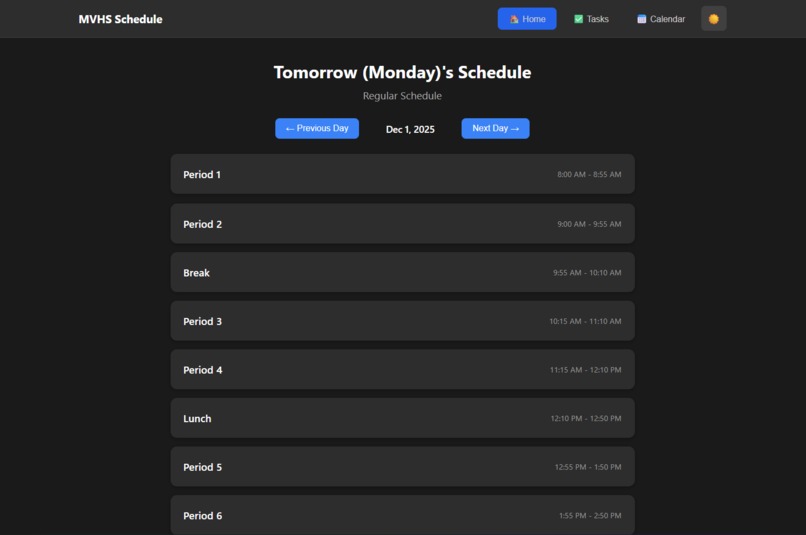
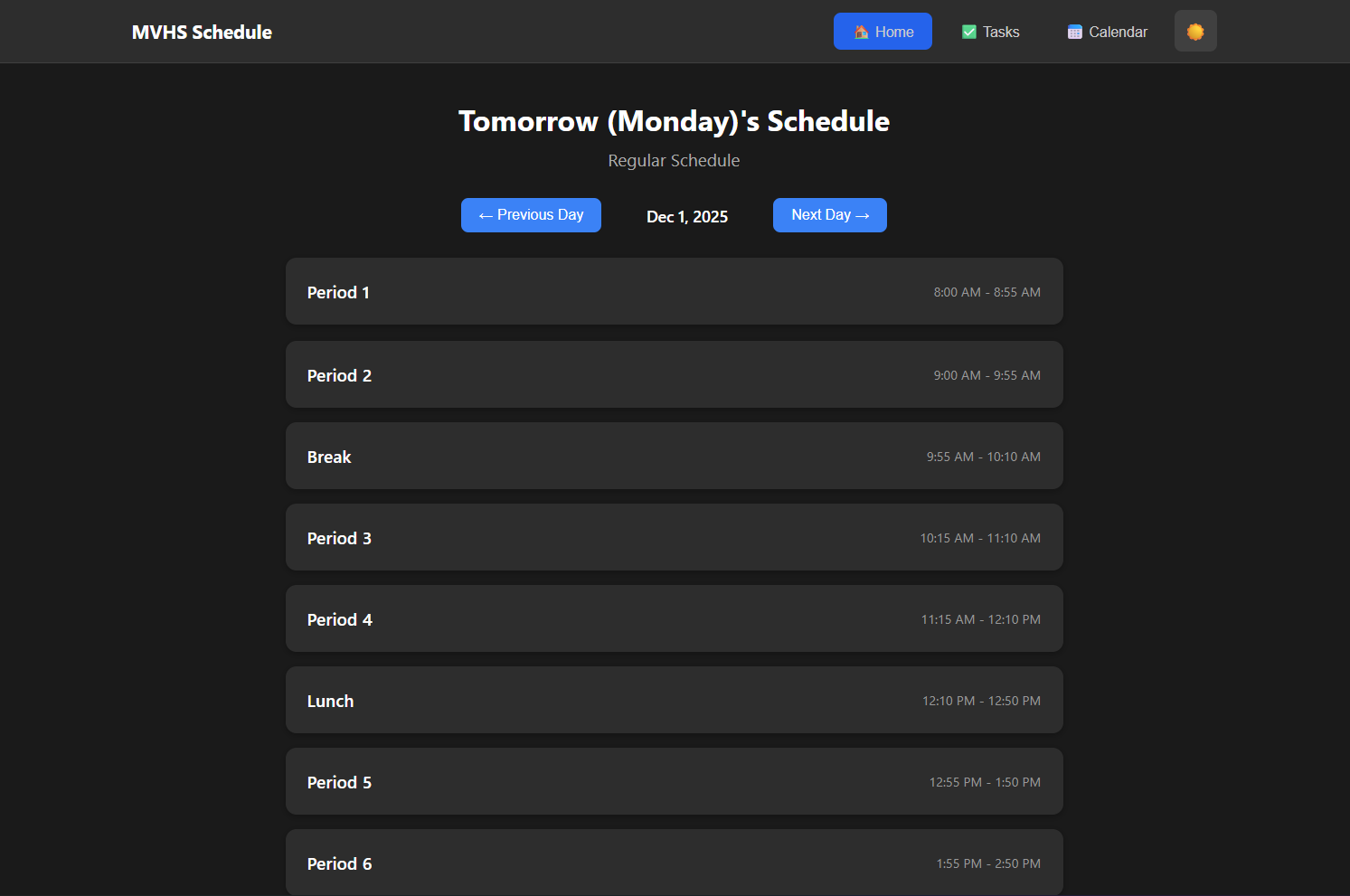
It is Home page
-
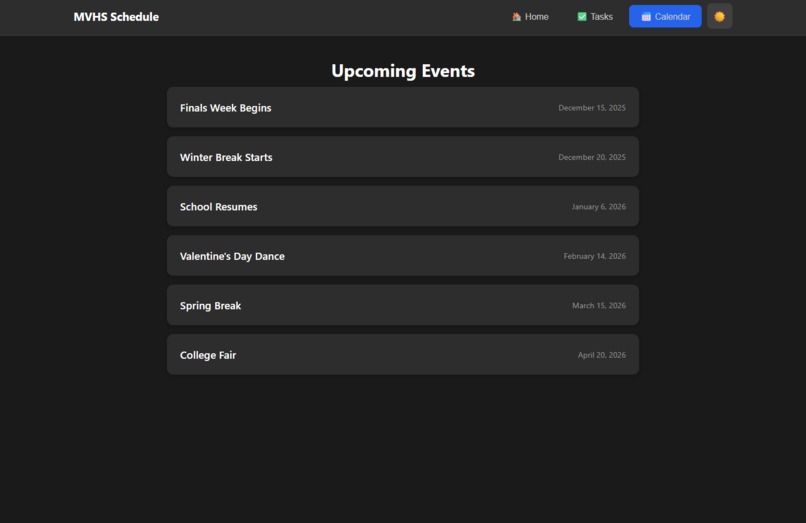
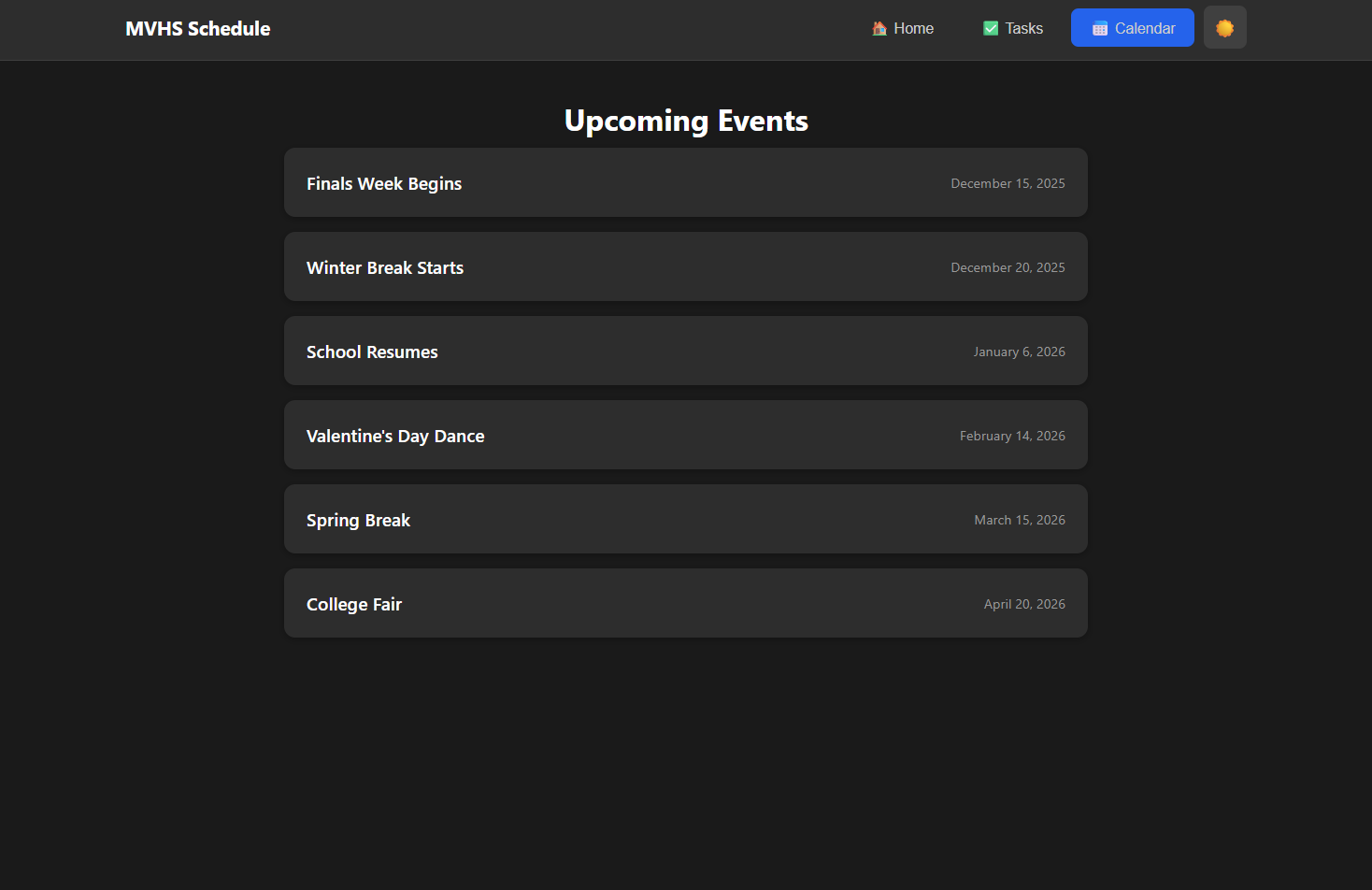
This is Calendar page which shows upcoming events
-
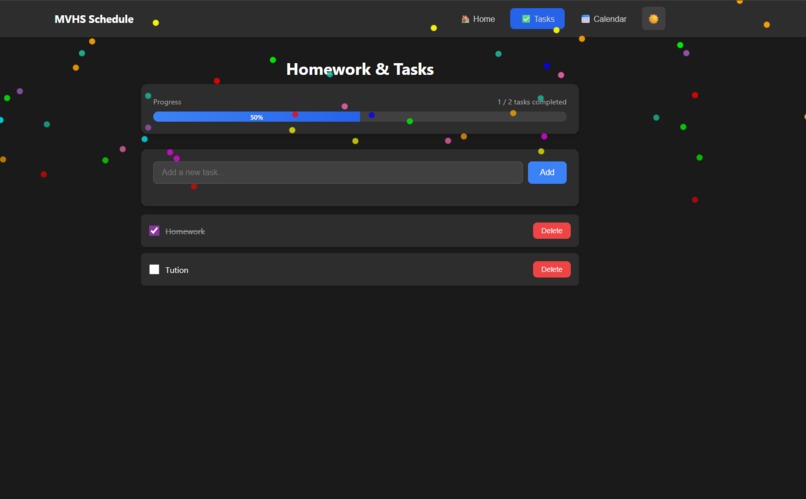
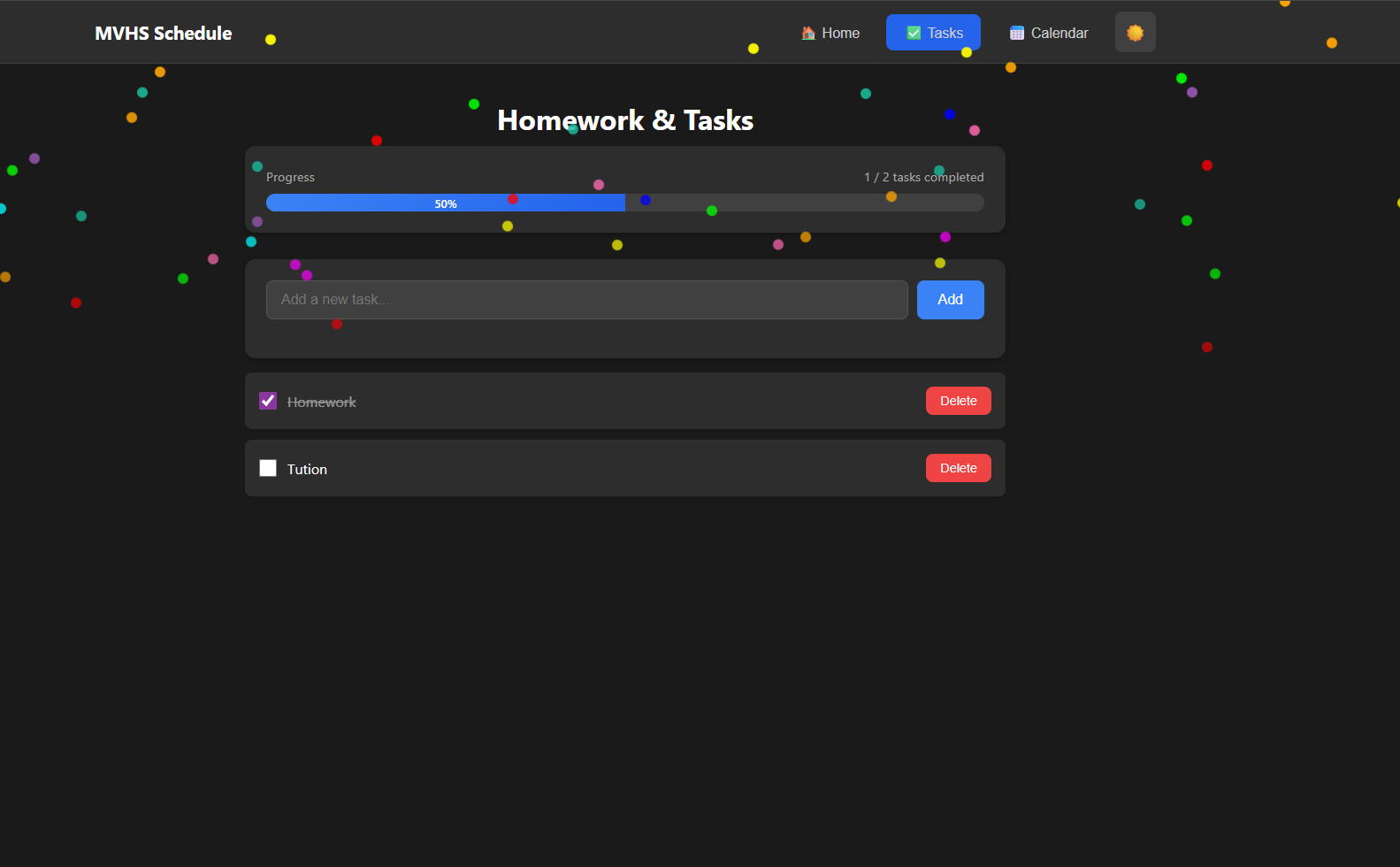
This is Task page which shows how many task remaining and at complete task it shows some cracker effect also have progress bar too
Inspiration
Students at MVHS constantly waste time figuring out what schedule we’re on. PDFs, screenshots, and random posts create confusion. I wanted a single, reliable place that shows the right schedule instantly.
What It Does
The app automatically displays today’s schedule, the current period, and a live countdown. Students can switch between Regular, Block, Late Start, and Rally schedules with one click.
How We Built It
- HTML for structure
- CSS / Tailwind for clean, responsive styling
- JavaScript for timing logic and schedule switching
- Schedules stored in simple JS objects like:
const regularSchedule = [
  { period: "1", start: "8:00", end: "8:45" },
  { period: "2", start: "8:50", end: "9:35" }
];
- Hosted using GitHub Pages for fast deployment
Challenges We Ran Into
- Handling multiple schedule types without breaking the timer
- Designing a UI that stays clean on both desktop and mobile
- Ensuring every schedule displays correctly under all conditions
Accomplishments We’re Proud Of
- A fast, no-nonsense tool that solves a real daily problem
- Works smoothly on any device
- Students get instant clarity without checking PDFs or asking around
What We Learned
We learned how to:
- Build reliable real-time JavaScript timers
- Organize data cleanly
- Deploy and maintain a GitHub Pages web app
- Focus on solving one problem extremely well
What’s Next for MVHS Schedule Tracker
- Notifications for period changes
- Weekly calendar view
- Teachers/weather/event–based temporary overrides
- Better accessibility and UI polish


Log in or sign up for Devpost to join the conversation.