-
-
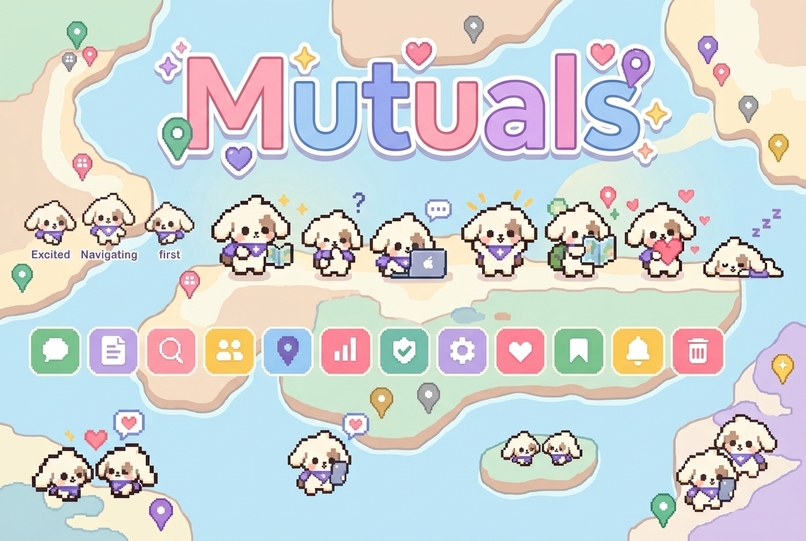
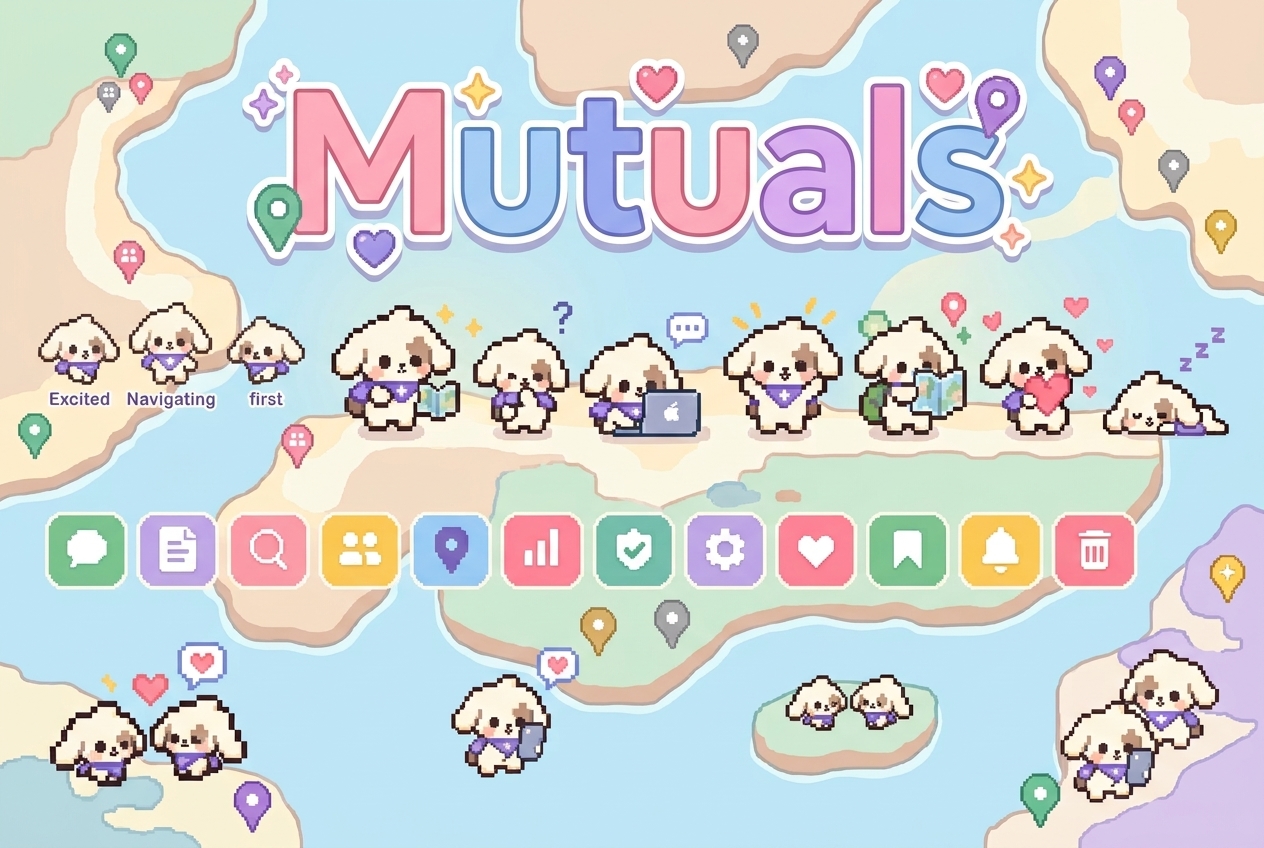
Mutuals.tech Mascot
-
-
-
-
-
Mutuals
Inspiration
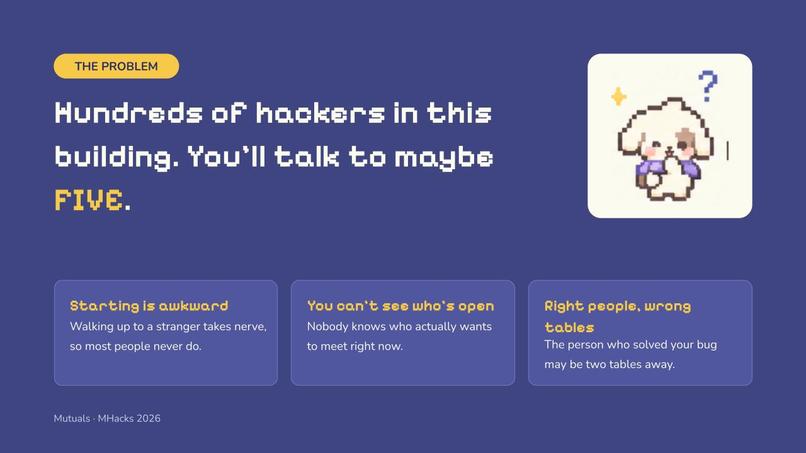
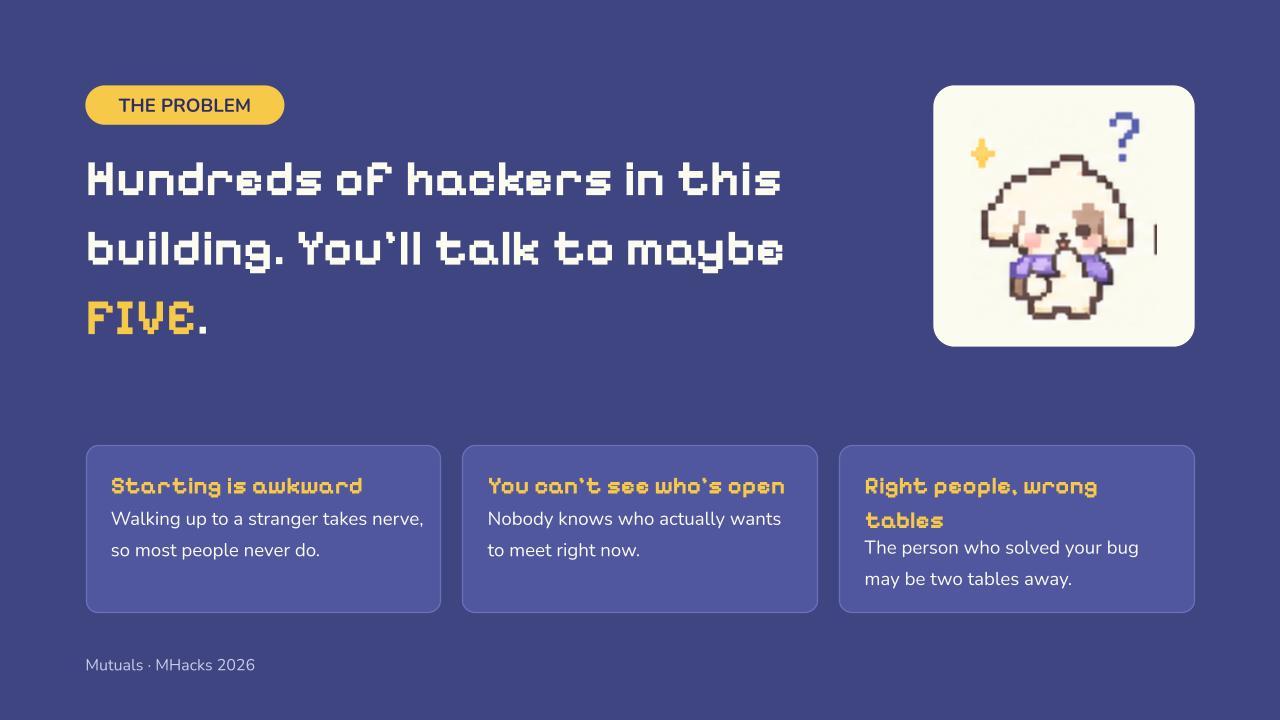
There are 300+ hackers in the building, and you'll talk to maybe 5. The person that could help you might be two table away and you didn't have a clue. Event networking apps are out of date.
We wanted something that works like a good recruiter:
- It knows what you're good at and what you need right now.
- It finds the right person in the room.
- It tells you why you should meet in plain English.
- It stays out of the way until you both want to meet.
We wanted it with nothing to install and privacy built in.
What it does
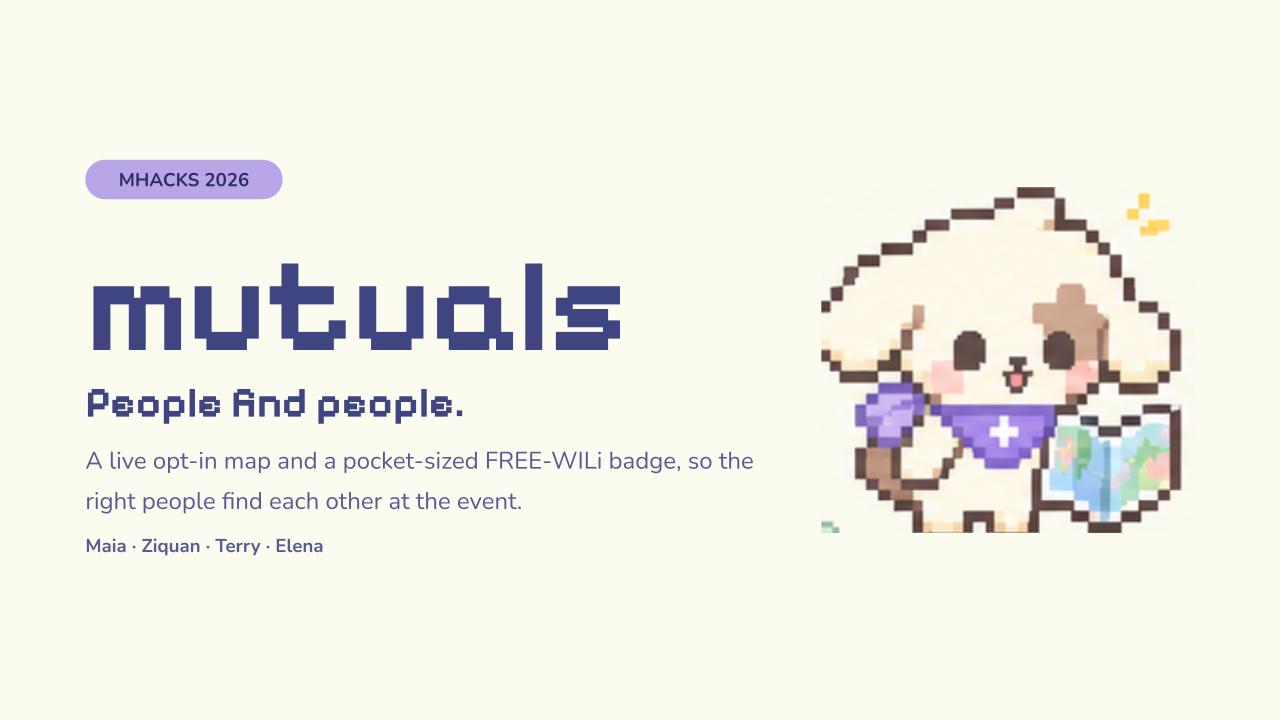
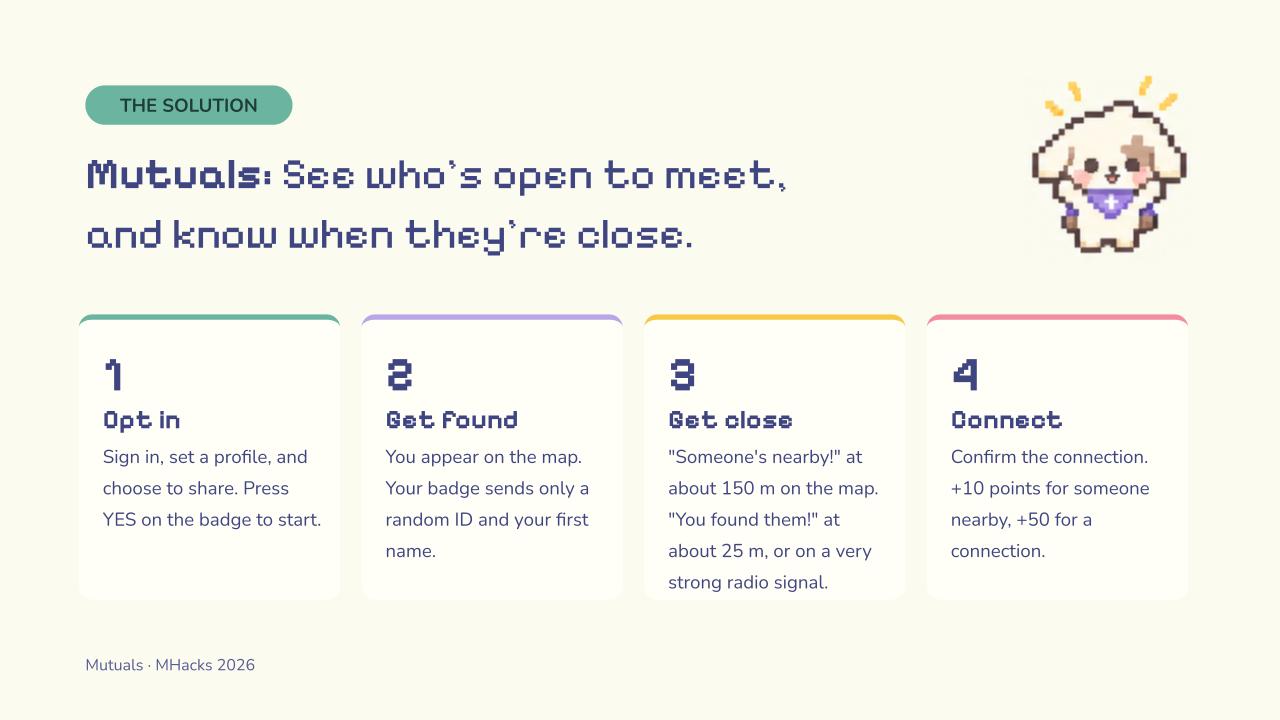
Mutuals is a networking agent that lives on the web, with a live map and a physical badge as companions.
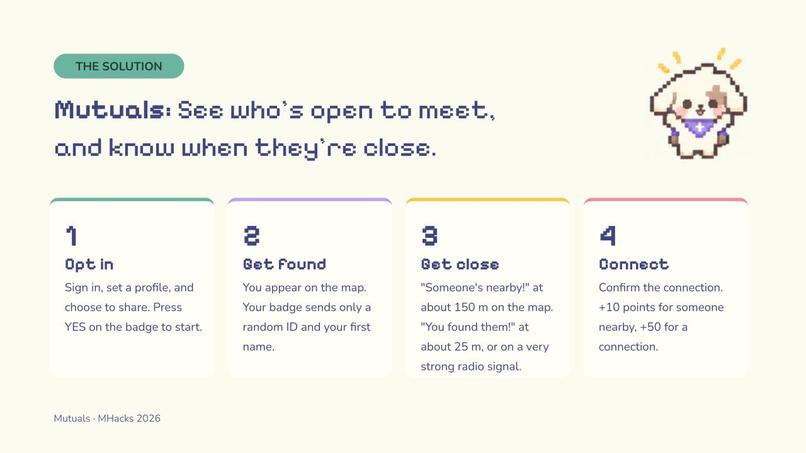
- Send it to the web app, nothing to install: Send your resume or LinkedIn PDF, and the agent builds your profile (experience, school, projects, skills, and links). Text
profileto see everything it knows and delete any fact. - Ask like you'd ask a recruiter: For example: "Stuck on Spacetime auth, anyone nearby solved it?" or "Find me a designer for tonight."
- Double yes: The agent texts both people a reason without names, like "Someone two tables away shipped CV on AWS and can help you deploy tonight." Names, zones, and contact cards are shared only when both reply yes. Then each person gets a 🎉 effect, the other person's business card, a native contact card, and a ready-to-send opener. A "no" or a 15-minute timeout reveals nothing.
- Opt-in live map: A 2D OpenStreetMap of the Duderstadt Center. Signed-in users can share their GPS location, and it syncs live through SpacetimeDB. Turning sharing off, or disconnecting, removes your dot. No location history is stored.
- Mutuals badge (FREE-WILi): A pixel puppy on the badge shows what your agent is doing: searching, match found, waiting, double yes. You answer intros with the badge buttons. Badges beacon to each other over the CC1101 radio, so you get "someone's nearby!" and then "you found them!" when the signal gets strong. You earn points and level up your pup (Lv 1–5). There's also Photon Pup, a networking Tamagotchi mini-game.
- Was it worth it?: After each intro, the agent sends one 👍/👎 follow-up, then goes quiet. The scoreboard shows only real counts: intros, meetings, and % rated worth it.
- You stay in control:
STOP,START,DELETE ME, and "what do you know about me?" all work, even if the agent is down.
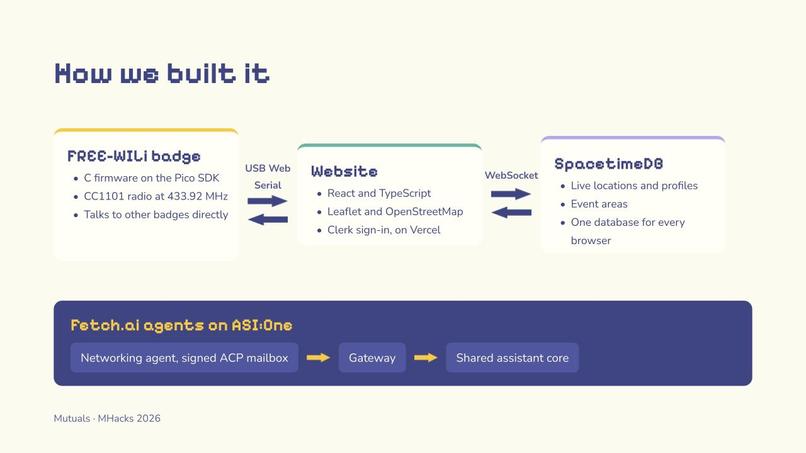
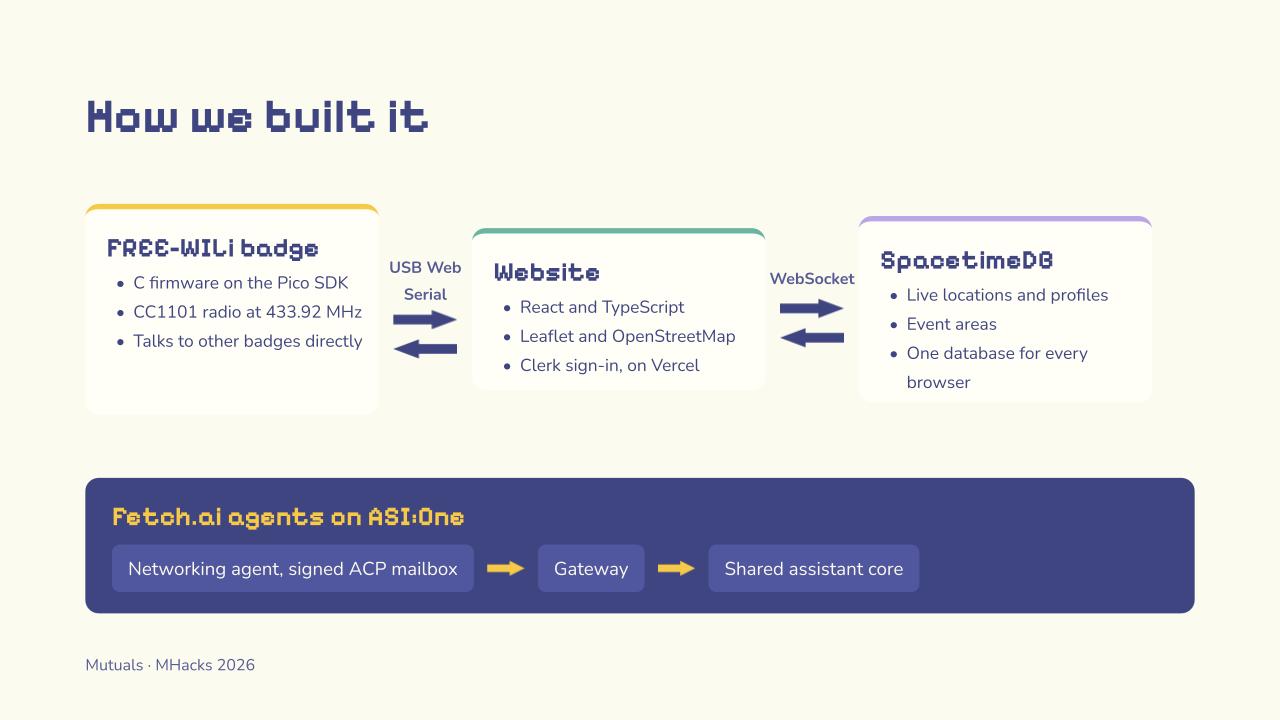
How we built it
📱 Web App (ASI:ONE)
- Passes every resume and attachment to the agent, with typing indicators and a 👍 tapback when a resume arrives.
- Runs the double-yes state, timeouts, privacy commands, the worth-it follow-up, and profile and intro pages.
- Generates business card images.
- A terminal-chat provider lets us demo with no phone.
🤖 Agents (Fetch.ai Agentverse + ASI:One)
- Concierge, onboarding, matcher, and recruiter agents.
- The matcher calls the bridge's
POST /offerwith a separate no-name reason for each person.
📄 Resume reader
- Apple's on-device text recognition reads resumes section by section, including LinkedIn's two-column PDF layout.
🗺️ Live map (React + SpacetimeDB + Clerk)
- Clerk handles accounts, and SpacetimeDB validates the Clerk OIDC token.
- Profiles live in a private table keyed by identity.
- Only the fields a user chooses to show on the map card are exposed, through a filtered public view, and only while that user is sharing.
- Reducers check ownership and coordinate ranges, and a disconnect removes your location.
📛 FREE-WILi badge (an interface for more casual networking events instead of phones)
- Python companion (OneWili over USB): A tested state machine, button handling (short and long presses, stuck-button guard), LED patterns, text-to-speech, and a Pillow pixel UI mirrored on the laptop.
- Native C display app (wiliOGbsp): Draws the pup straight to the ST7789 screen. Plays chiptune and synthesized puppy sounds over I2S. Talks to the map website over Web Serial.
Challenges we ran into
- The FREE-WILi OG can't show images over USB:
show_fwi_image, panels, and picture controls all failed on firmware v024, and the WASM C toolchain only ships for Windows. We ended up writing a native display-CPU app with the BSP to get pixel art on the badge screen. - The kits shipped with a demo app that ignores USB commands: We had to reflash the official firmware before anything worked.
- Proximity without leaking identity: Unlike earlier FREE-WILi projects that counted any strong signal as "nearby," our badges only count packets carrying an 8-byte token derived from the shared match ID. That token is the only thing broadcast, and it's wiped when the match ends.
- GPS indoors is rough: We show accuracy circles and are clear that this is a coordination tool, not indoor positioning.
Accomplishments that we're proud of
- Privacy is enforced in code at every layer, not just promised:
- The bridge never sends names before both people say yes.
- The badge's state machine only stores a person after a
double_yesevent, and tests check this. - Radio proximity only starts after a match.
- The map keeps profiles in private tables.
- Zero install: You onboard from a single text with a resume.
- Tests and offline demos for each piece: 25 bridge tests, 34 badge tests, a terminal two-chat demo, and a one-command 60-second badge demo.
- Pixel art on a FREE-WILi OG screen: A pup that grows with your level, with sound, implemented after the standard routes failed.
- An honest scoreboard: No made-up match percentages.
What we learned
- Human-in-the-loop works better than automatic matching: The agent suggests, and people decide.
- A short reason is worth more than a match score: A simple "they solved this yesterday" is highly effective.
- Building fallbacks early kept us fast: Creating a terminal chat, mock badge, and local map preview let all four of us work in parallel before the pieces were connected.
- Deepened our system knowledge: We learned a lot about FREE-WILi internals, including firmware, BSP, CC1101 packets, and the RSSI behavior of the radio.
What's next for Mutuals.tech
- Calibrate two-badge radio proximity with a second kit (it's implemented, and the demo currently simulates it).
- Merge the map's SpacetimeDB module with the shared schema, so matches show up live on the map.
- Persistent memory of each person's needs across events, plus organizer dashboards with real ROI (intros, then meetings, then % worth it).
- Group intros once Photon supports group chats, and better indoor positioning.
- Take it to the next hackathon and career fair.


Log in or sign up for Devpost to join the conversation.