Inspiration
Every gamer has a backlog and nowhere good to keep it. Notes apps forget the cover art, storefront wishlists only work for one store, and tracker sites feel like spreadsheets. I wanted the "someday I'll play that" list to feel like a bucket list: something you enjoy looking at, and something that celebrates you when you cross an entry off.
What it does
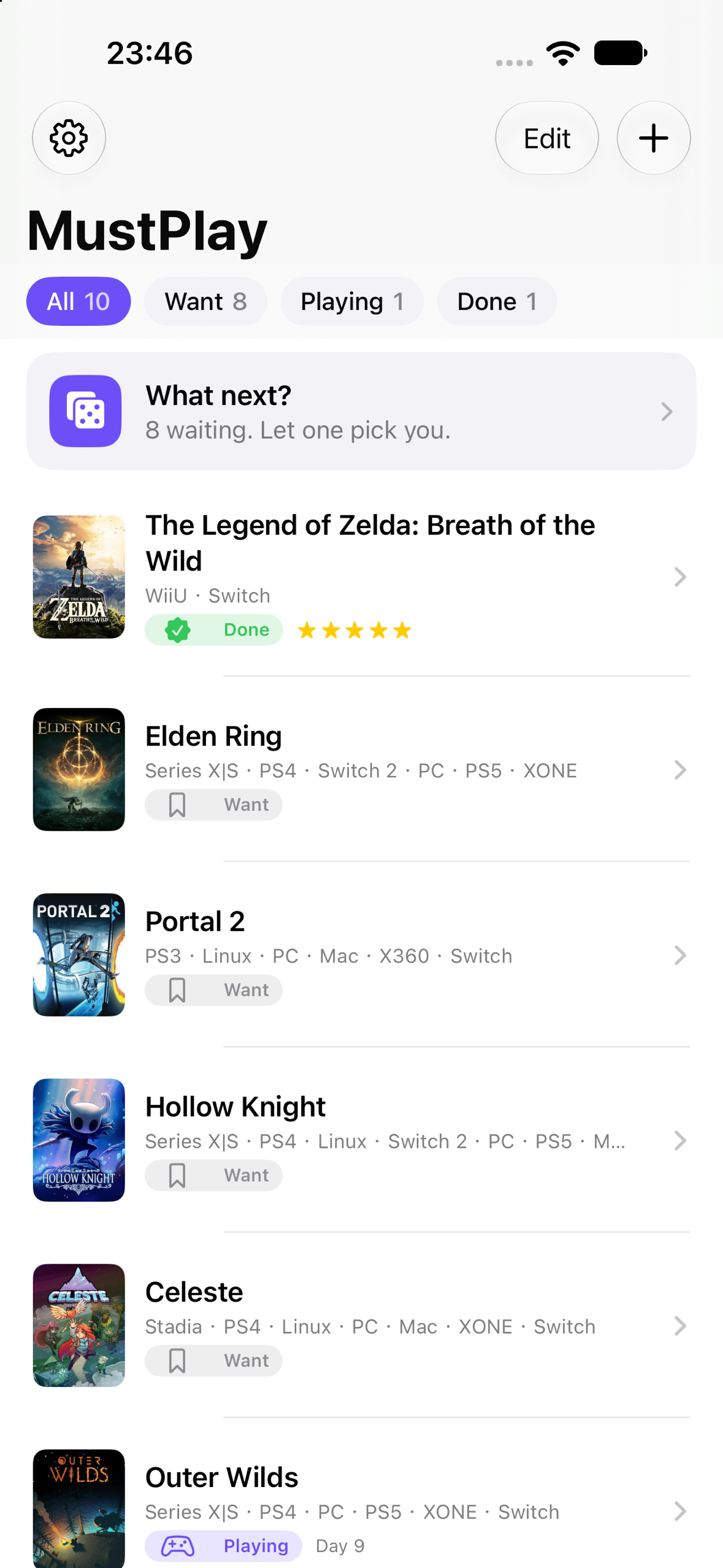
MustPlay is a gaming bucket list for iPhone. The whole app is built around five verbs:
- Save — search any game (IGDB catalogue, 300k+ titles, cover art included) and add it in two taps, right at the moment you hear about it.
- Organize — every game is Want to Play, Playing or Completed. Filter chips at the top, "Day N" counters on games you are playing, swipe to remove.
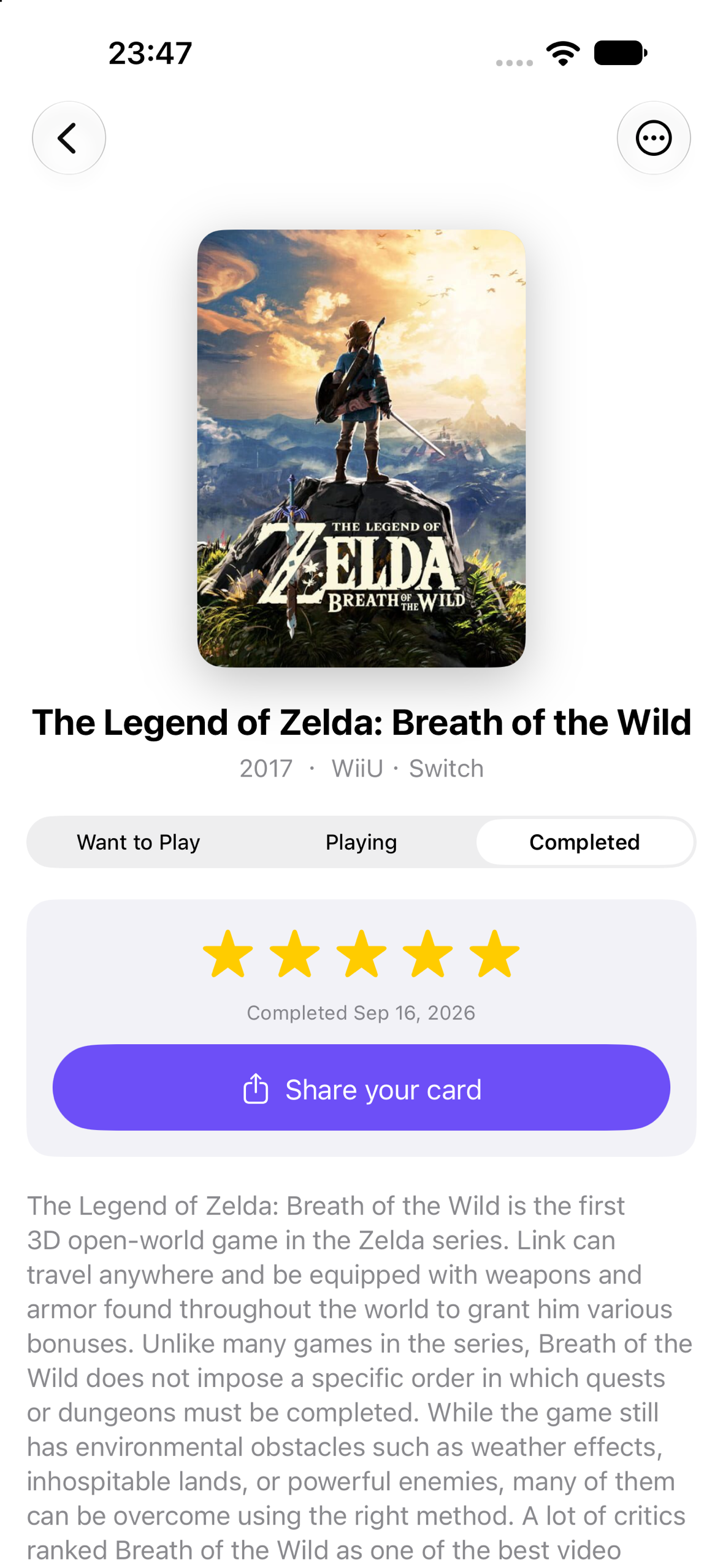
- Complete — mark a game done and MustPlay throws a small celebration: the cover pops, a COMPLETED stamp slams down, confetti falls. Milestones (1st, 5th, 10th, 25th, 50th, 100th completion) get their own line and a ribbon on the card.
- Rate — 5 stars plus "one line for future you", so the list becomes a diary of what each game meant, not just a checkbox.
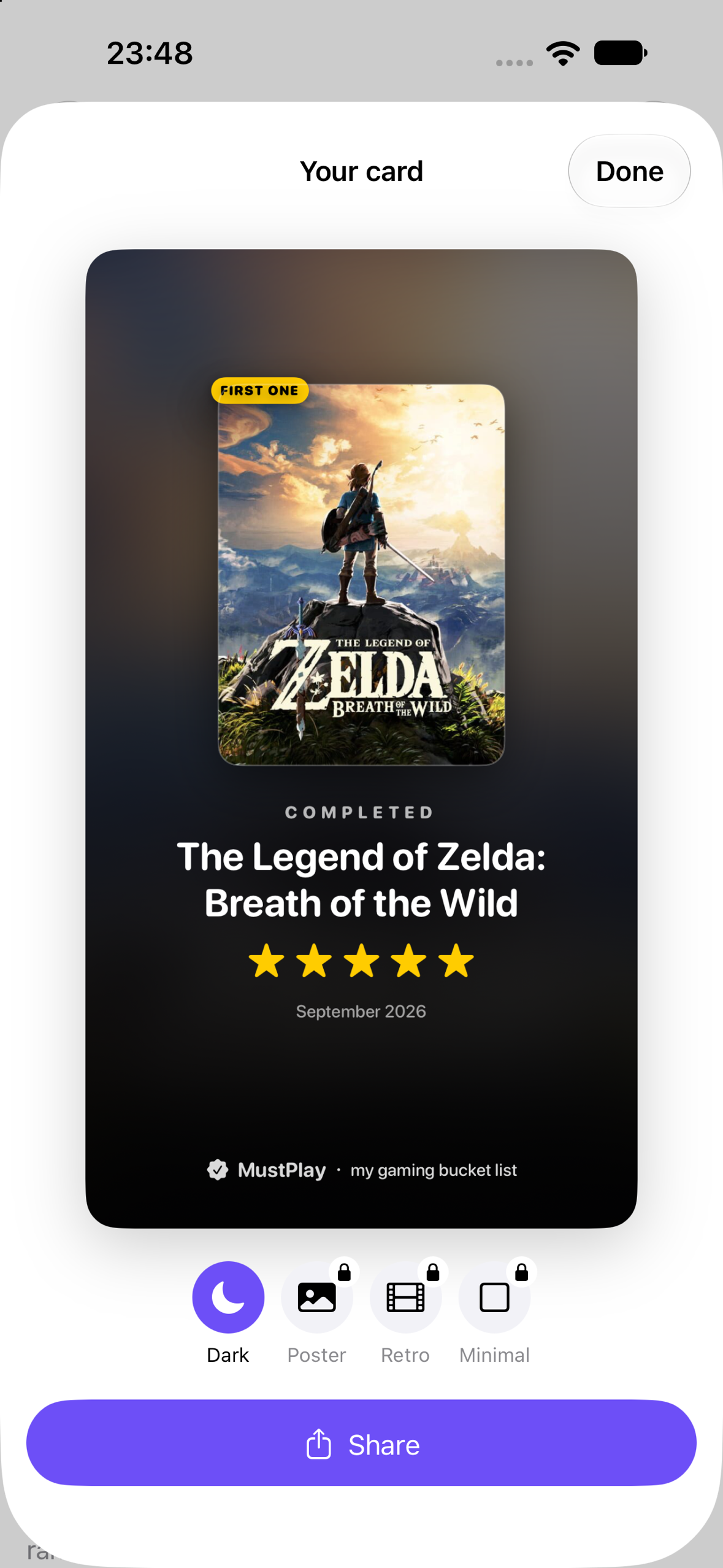
- Share — every completion produces a share card with the cover, stars, quote and date. Four styles: Dark (free), Poster, Retro and Minimal (Pro).
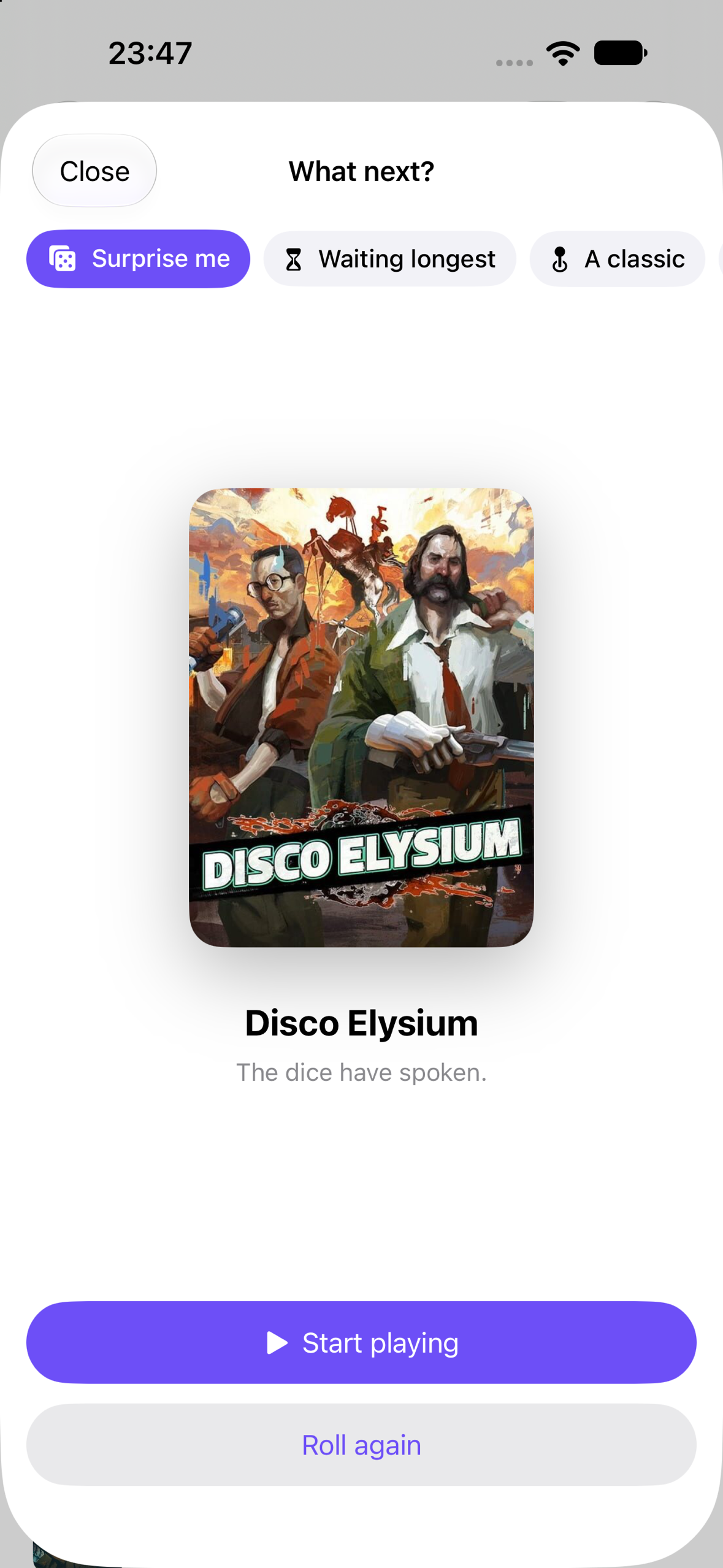
And one feature for the hardest part of a backlog, deciding: What next? Pick a mood (Surprise me / Waiting longest / A classic / Something new) and MustPlay rolls through your Want pile and lands on one game, with a single "Start playing" button.
Monetization (RevenueCat)
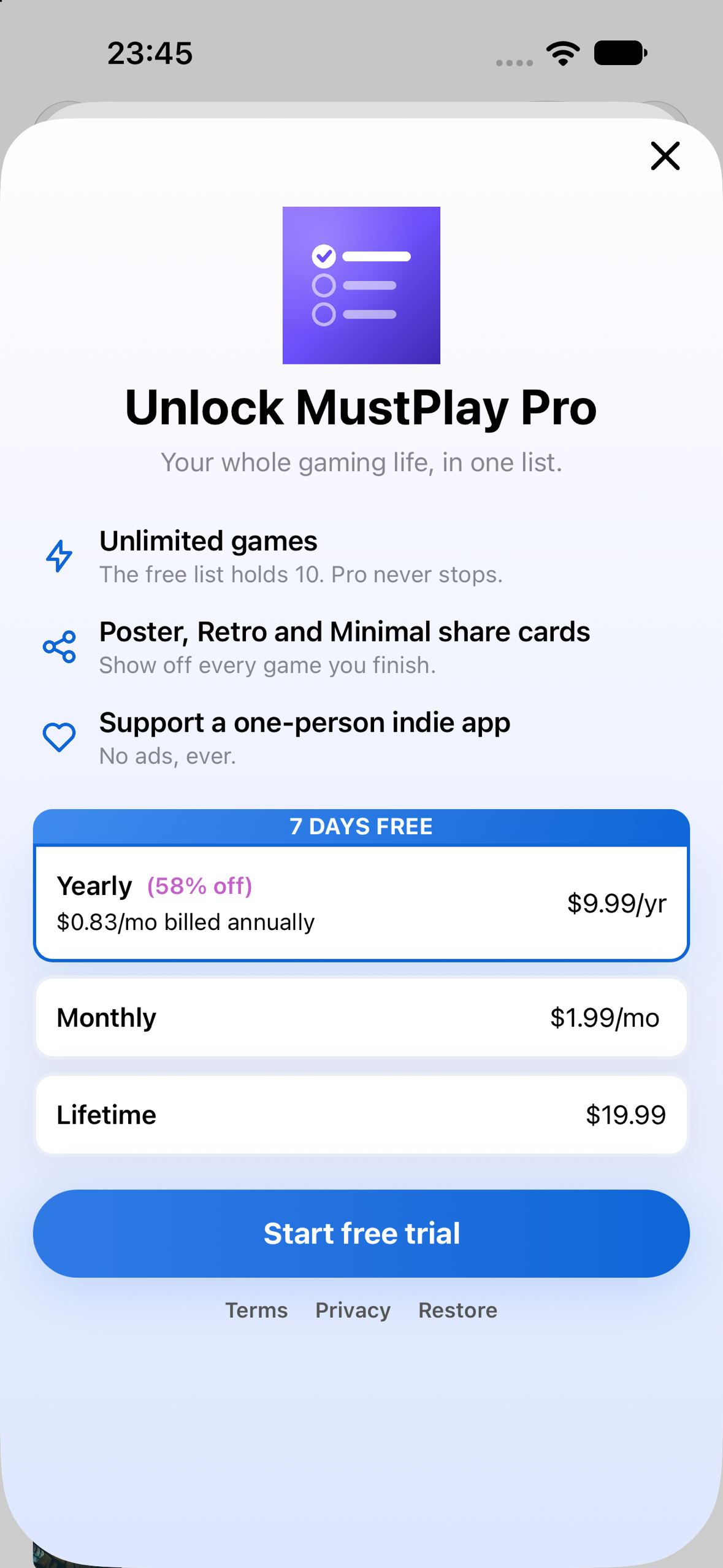
Free tier: 10 games and the Dark share card. MustPlay Pro: unlimited games and all share-card styles. Three packages in one RevenueCat offering: Yearly $9.99 with a 7-day free trial (default, best value), Monthly $1.99, Lifetime $19.99. The paywall is a RevenueCat Paywalls V2 template edited in the dashboard, so copy and pricing can change without an app update. It appears in two natural places: adding the 11th game, and tapping a locked share-card style. The pro entitlement gates everything. Apple server-to-server notifications are wired to RevenueCat.
Judges: the yearly plan has a 7-day free trial, so every Pro feature can be tested without a code.
How I built it
SwiftUI + SwiftData, iOS 17+, XcodeGen-managed project. Game data comes from IGDB through a Cloudflare Worker proxy that holds the Twitch credentials, so no secrets ship in the binary. RevenueCat SDK 5.x for purchases and the remote paywall; OneSignal SDK for tags (want / playing / completed counts, playing_since) and re-engagement. Share cards are rendered with ImageRenderer from the same SwiftUI views the app shows. The celebration is a Canvas-driven confetti system layered over a spring-animated cover.
Challenges I ran into
- IGDB search ranking: a 1995 "Hades" outranked the 2020 one. Fixed by over-fetching and re-ranking locally by exact-title match, then rating count.
- Making a list app worth reopening. "What next?", Playing-day counters and completion milestones were all added after honest feedback that the first build was "just a list".
- Shipping solo on a compressed timeline: the developer account only activated on September 25, and the app was submitted for review on September 26.
What I learned
A remote paywall is worth setting up on day one: every copy and price change after that took minutes instead of a release. And a habit app needs one small reason to come back that is not the core chore; for MustPlay that turned out to be a dice roll.
What's next for MustPlay
Release-day reminders for unreleased games on your list, iCloud sync, and a home-screen widget showing the game you are playing right now.


Log in or sign up for Devpost to join the conversation.