-
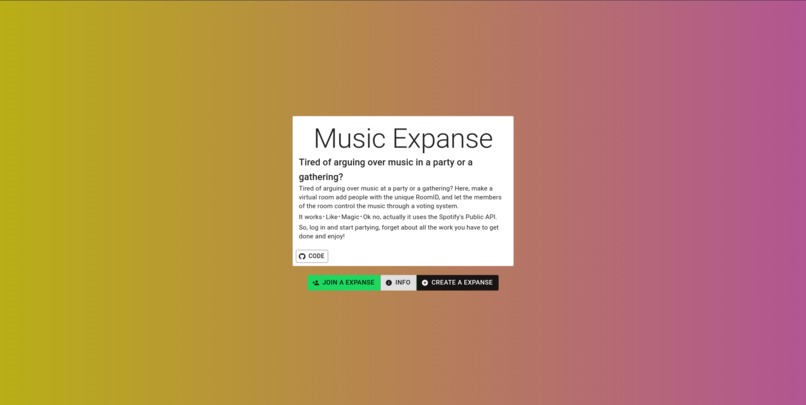
HomePage
-
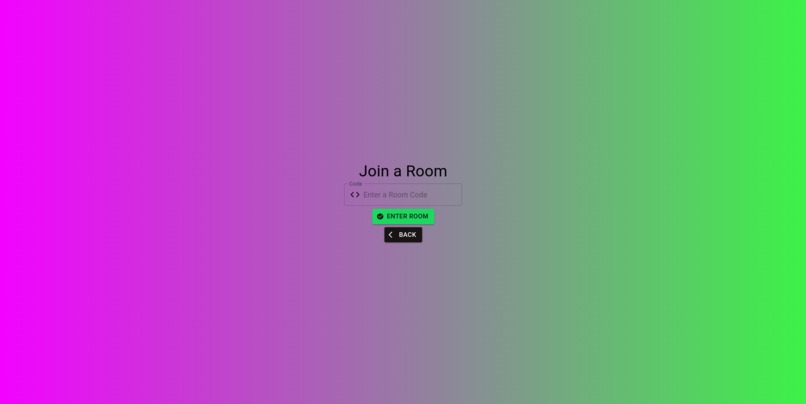
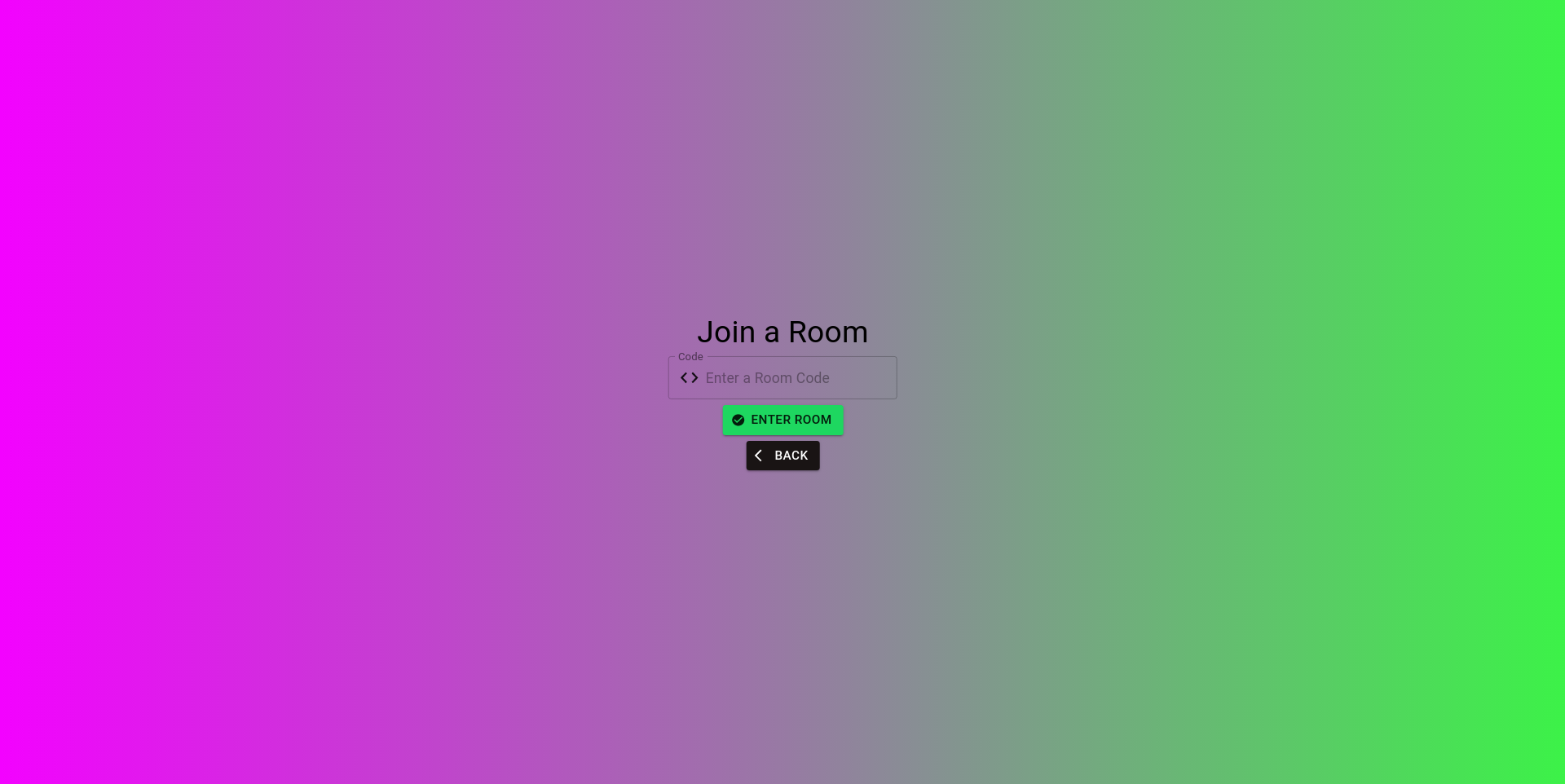
JoinRoom Page
-
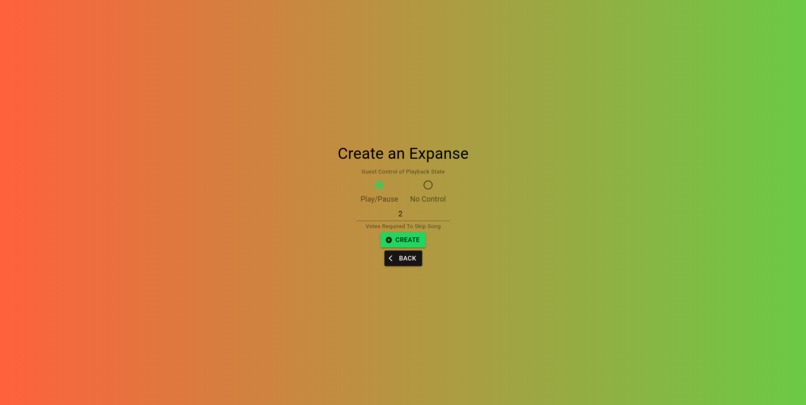
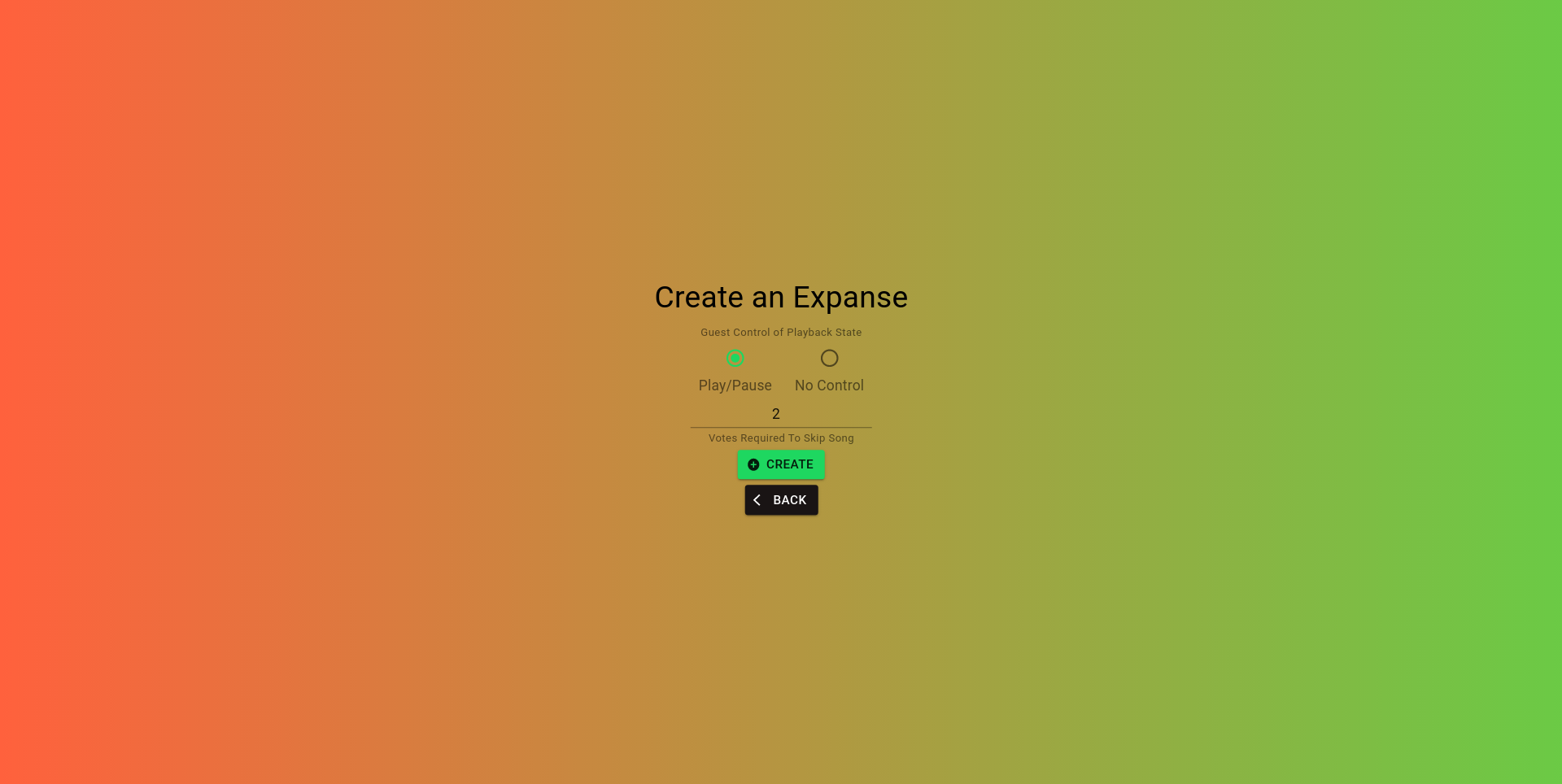
CreateRoom Page
-
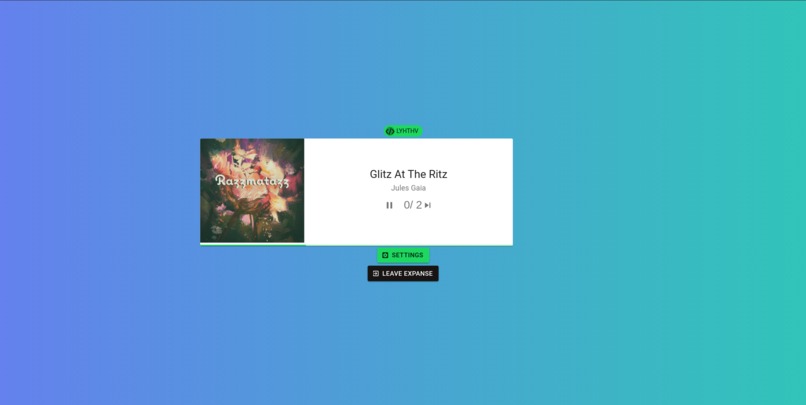
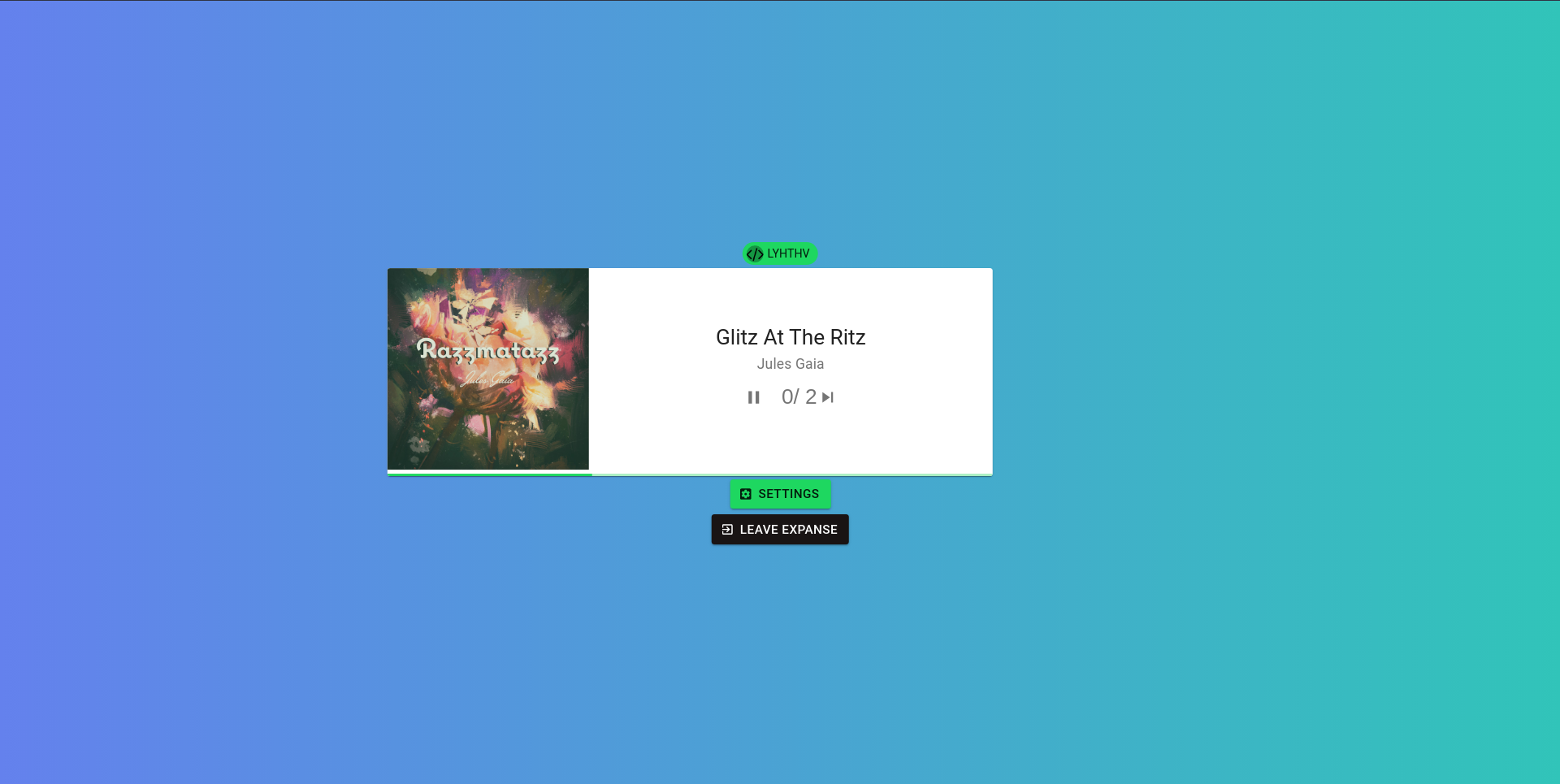
Music Player
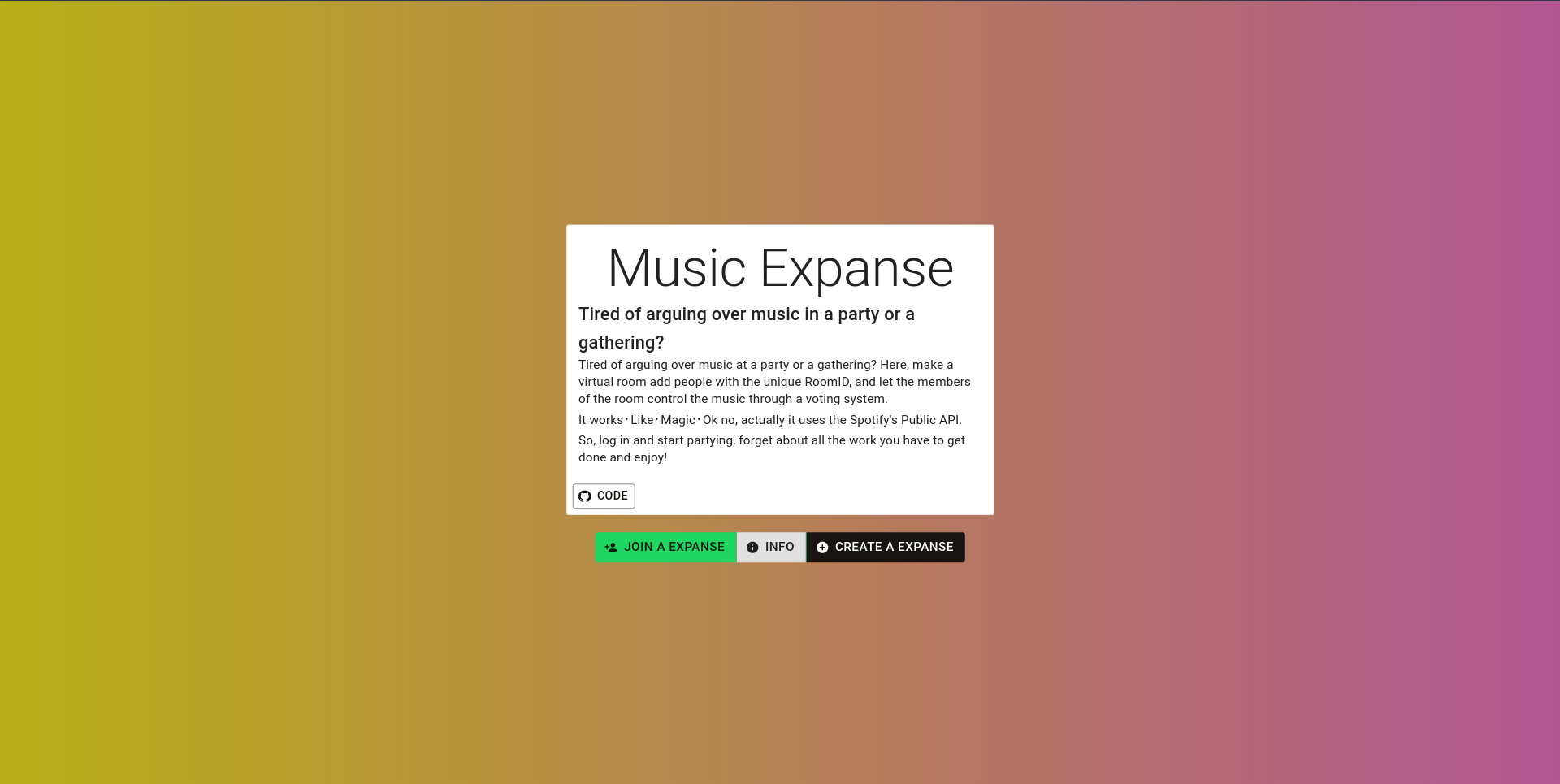
Music Room
Tired of arguing over music in a party or a gathering?
Here, make a virtual room add people with the unique RoomID and let the members of the room control the music through a voting system.
But Rose or whatever your name is, how does it work?
It works like Magic
Ok no, actually it uses the Spotify's Public API So, log in and start partying, forget about all the work you have to get done and enjoy!
Note: This is still under development and I @rosekamallove is the only developer, so the experience may not be the smoothest and new features maybe added
Want to Contribute? checkout the dev branch!
How To Use?
- Creating an Expanse:
- Click on
Create Expanse - Authenticate to Spotify if this is your first time
- Select if you want the members to have control over the music
- Enter the number of votes you want the song to get skipped after
- Now share the
Room Codeto add members to the Expanse - If you don't see any song playing it is because there is no song playing on your spotify
- Joining an Already Created Expanse
- Ask the host for the expanse's code
- Click on Join Expanse and enter the code
- Click on Enter Expanse
- Changing Votes To Skip or the members' control over the music(You have to be the host):
- Click on the settings button
- Change what you want to change
- Click on Update Expanse and then Close
To run the development server:
To run the app create two instances of the terminal and run the following commands:
python manage.py runserver cd frontend ; npm run dev
Whenever you make a change to the database run the following command:
python ./manage.py makemigrations python ./manage.py migrate
ColorScheme:

Node Packages
babeltranspiles our code to work with all the different browsers.webpacktranspiles and bundles all of our javascript into a single file with no spaces hence, optimizing our code.material-uicomes with pre written components so we don't have to style our webpage.babel/plugin-proposal-class-propertiesso we can use Async and Await in JavaScript.react-router-domallows us to re-route pagesmaterial-ui/iconsallows us to use icons from the material ui.
"devDependencies": {
    "@babel/preset-env": "^7.12.11",
    "@babel/preset-react": "^7.12.10",
    "react": "^17.0.1",
    "react-dom": "^17.0.1",
    "webpack": "^5.11.1",
    "webpack-cli": "^4.3.1"
  },
  "dependencies": {
    "@babel/core": "^7.12.10",
    "@babel/plugin-proposal-class-properties": "^7.12.1",
    "@material-ui/core": "^4.11.2",
    "@material-ui/icons": "^4.11.2",
    "babel-loader": "^8.2.2",
    "react-router-dom": "^5.2.0"
  }
Node Scripts:
"dev": Runs the webpack in the develoment and watch mode (automaticaly rebundles everytime we make a change and save)"build": Builds the webpack in production mode.
 "scripts": {
    "dev": "webpack --mode development --watch",
    "build": "webpack --mode production "
  },

Log in or sign up for Devpost to join the conversation.