-
-
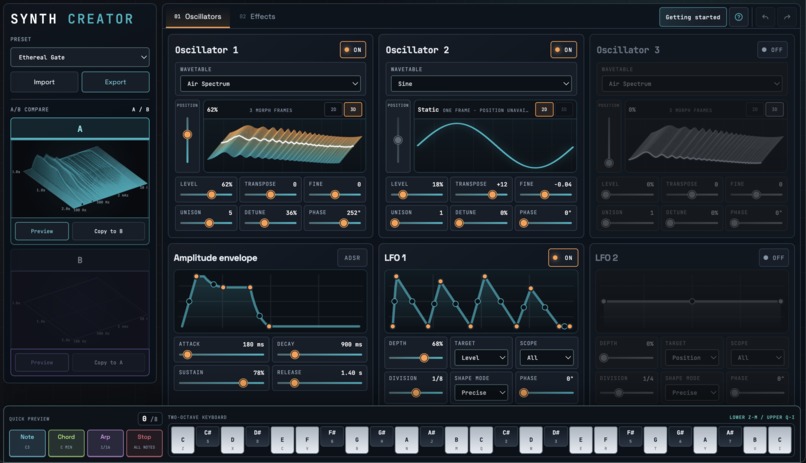
Full-size web application open in Chrome
-
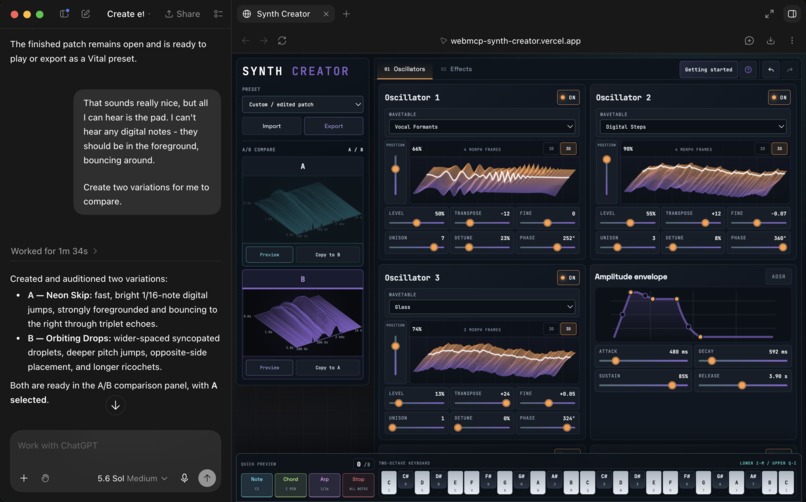
Web application open in ChatGPT
Inspiration
I am a hobbyist music producer. Every time I produce a track, I spend hours trying to find the perfect synth for my idea, either by searching through online libraries or by trying to make my own. By the time I have found the right sound, the inspiration has faded and I have usually forgotten what I wanted to compose.
I was also inspired by these two example applications:
- Field Beat Machine: https://developers.openai.com/showcase/ko-field-beat-machine
- Codex Modeling Studio: https://developers.openai.com/showcase/codex-modeling-studio
What it does
- The app is a music synthesizer: you tweak the controls to configure the sound it makes, then press a key to produce a sound.
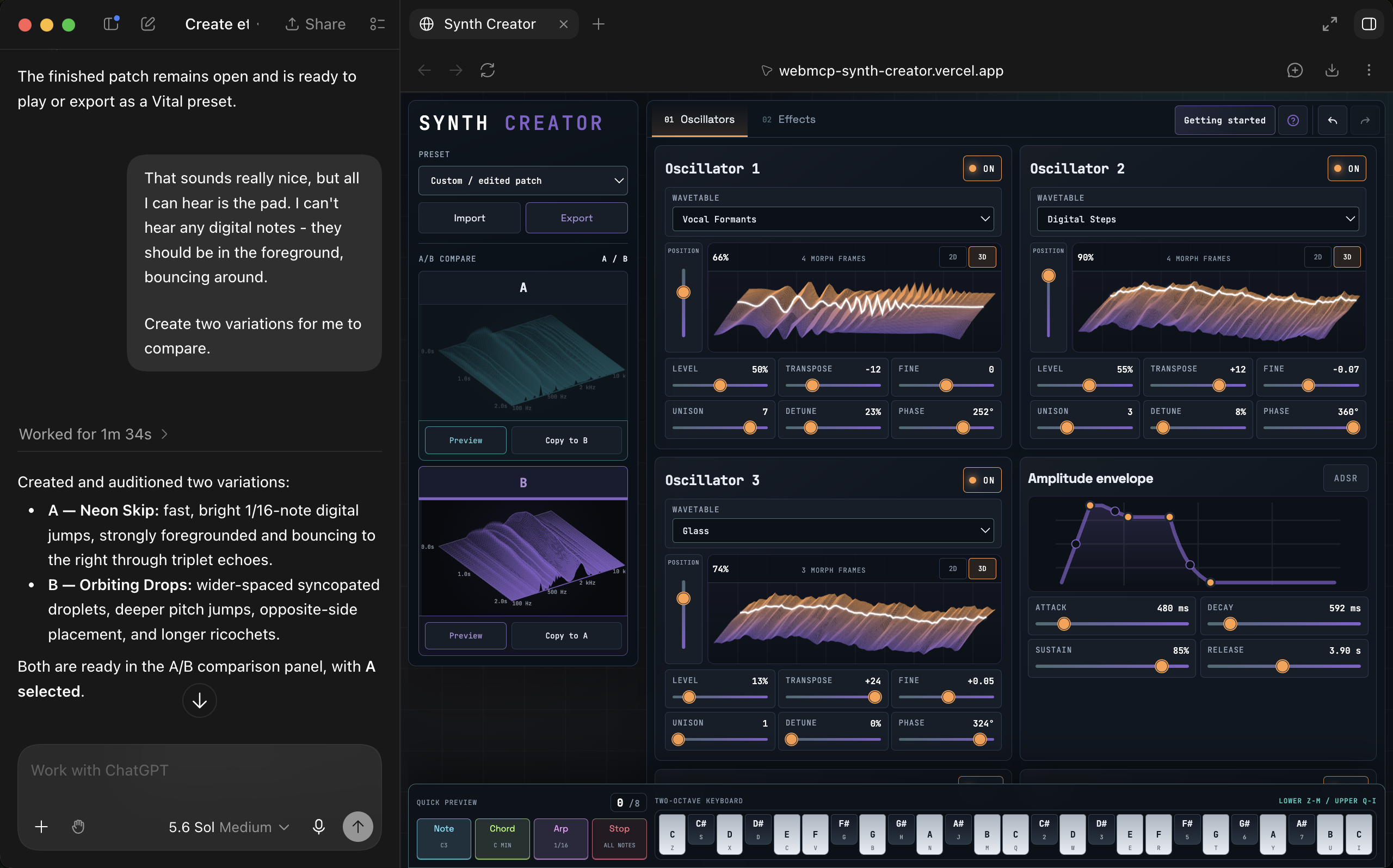
- The WebMCP layer allows the AI to interact with the controls and create synths according to your description.
- You can listen to the sound and give some feedback for the AI to modify the configured synth.
- Finally you can export the synth as an open source .vital file for use in music production software.
How we built it
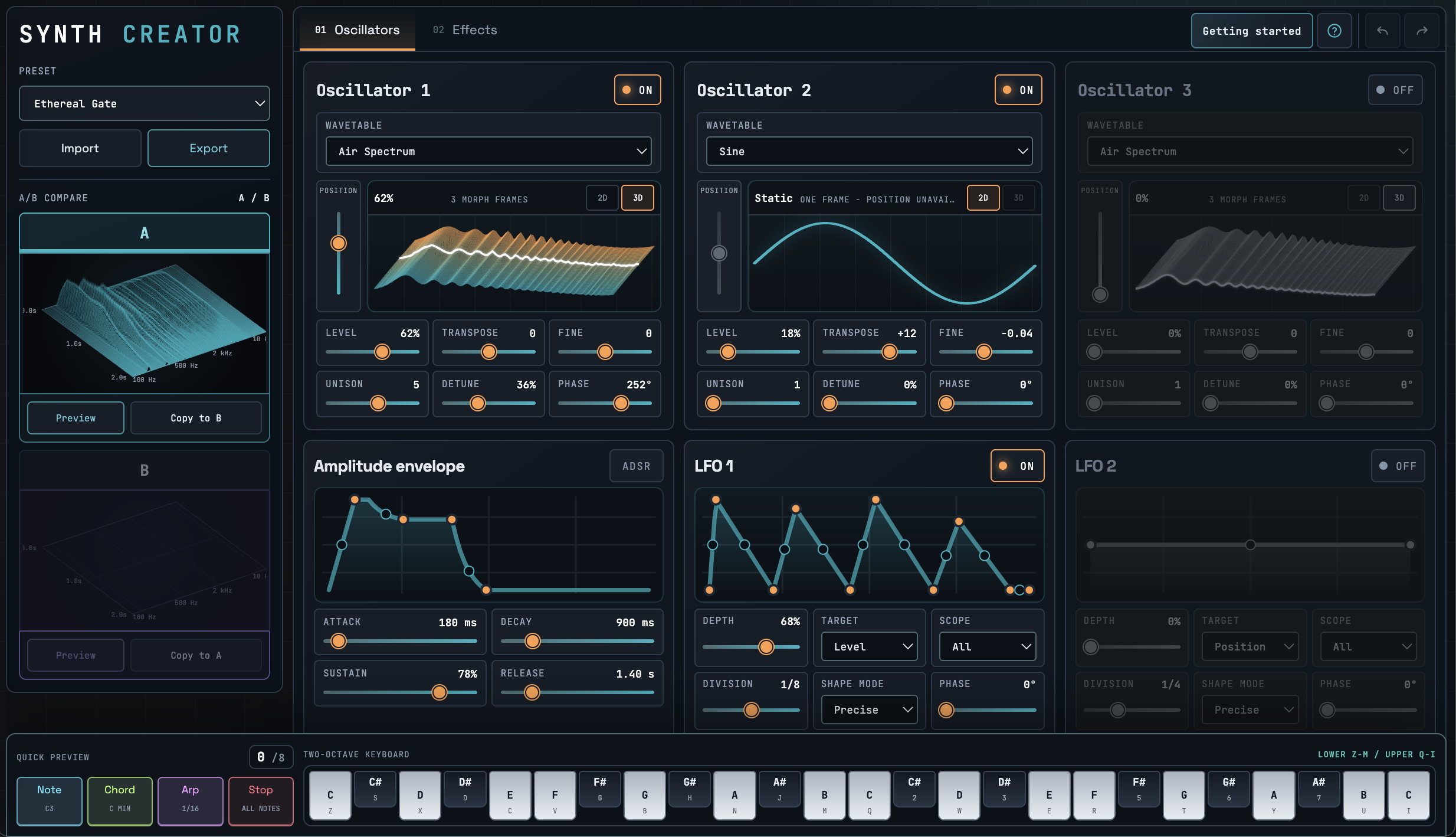
- I built a compact, visually informative synthesizer app which is easy to navigate.
- I compiled Vital's open source wavetable synth engine with WebAssembly to produce sounds from the patch configured in the UI.
- I built a canonical synth patch object as the state for the application's visual and audio components, as part of which I had to create mappings to .vital format parameters.
- I added WebMCP tools so that agents can inspect and interact with the application state directly, without needing to manually interact with the browser.
Challenges we ran into
- I started by creating my own digital signal processing functionality for the synth, until I realised that I would spend too much time developing each feature. Eventually I ported Vital's open-source C++ engine and built an interface around that.
- I created a simple and restricted interface around Vital's complex sound engine. This may have been fine if I hadn't tried to make the app compatible with any .vital file import, which requires a lossy re-construction of their format into my canonical patch object.
- I also started with very low level WebMCP tools, which slowed down and confused the agent. To solve this, I created high level abstractions for the agent to use which improved the sounds it could create.
- I had to add safeguards for when the agent creates a synth with high feedback due to poorly configured effects.
Accomplishments that we're proud of
I can create synths in my app, that I can then import into my music production software! They sound good and the agent responds creatively to my input. I am also very happy with the visual polish of my app.
What we learned
- Digital signal processing is hard!
- Don't try to create too many features! Focus on the core elements.
- I think there might be many exciting WebMCP-enabled apps in the future
- I have started to wonder if there is another possible protocol that could allow for agents to interact with native desktop applications.
What's next for Music Synth Creator
- I want to use it properly - so far I have just been developing it.
- I want to reduce the startup delay when the first note is pressed
- I want to reduce the delay in transitioning between synth variations A and B
- I want to improve the .vital import feature to work with more existing presets
- I want to improve the WebMCP interactions, and add more elements for visual feedback (such as a parameter diff when the agent makes a change)
- I want to add a help section with common music producer jargon to help users better describe the sound they want.
Built With
- audioworklet
- codex
- humanlayer
- playwright
- react
- typescript
- vercel
- vital
- vite
- webassembly
- webmcp


Log in or sign up for Devpost to join the conversation.