-
-
Banner
-
Music Player
-
Basic UI
-
Custom UI
-
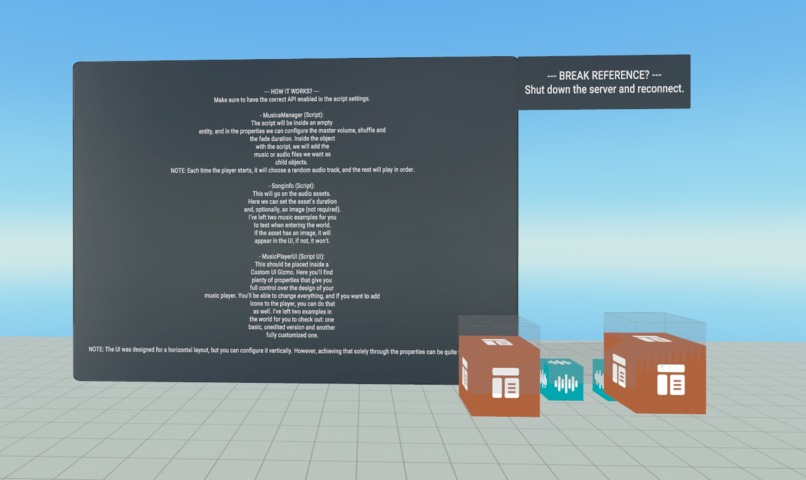
Asset
Inspiration
I’ve played many worlds in VRChat, and what most of them always have is a video or music player. That’s why I wanted to add one inside Horizon Worlds that could be controlled in the same way.
What it does
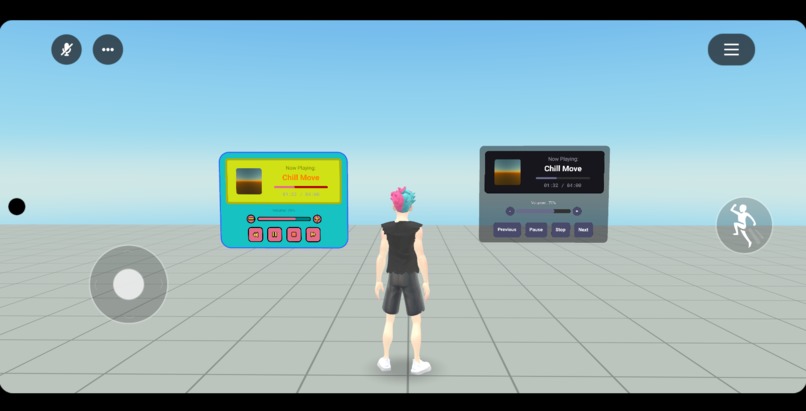
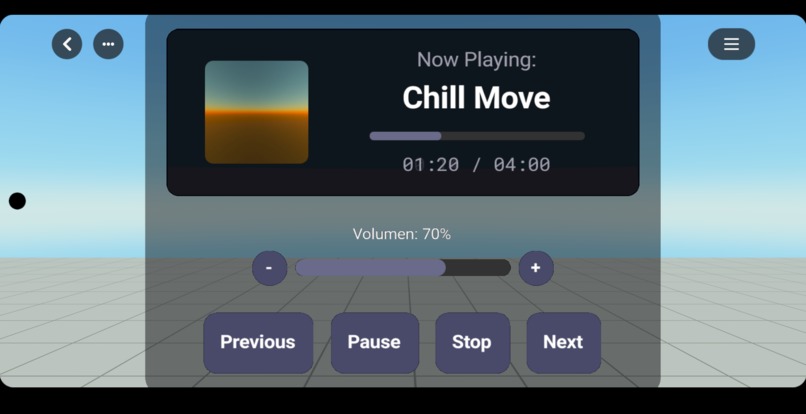
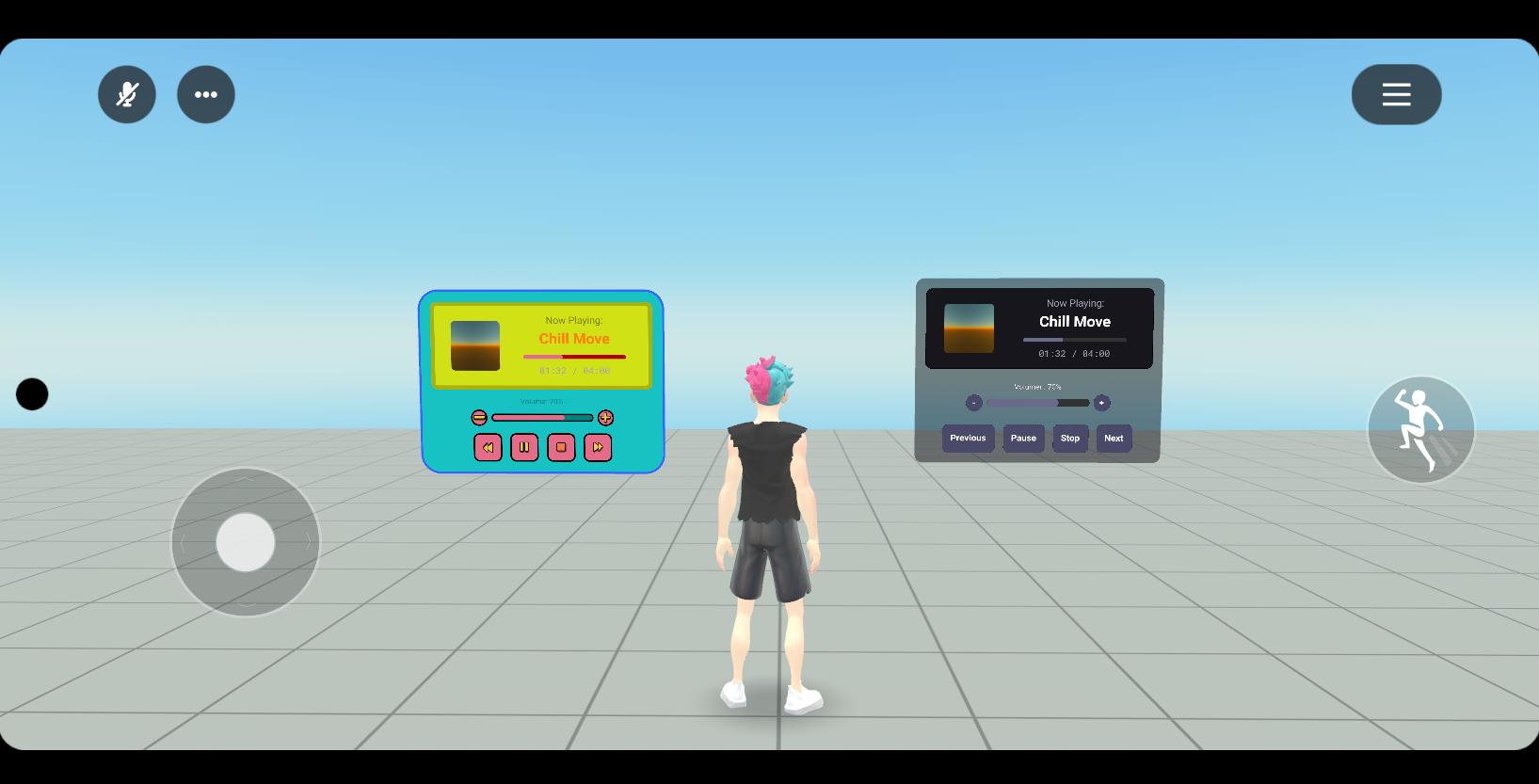
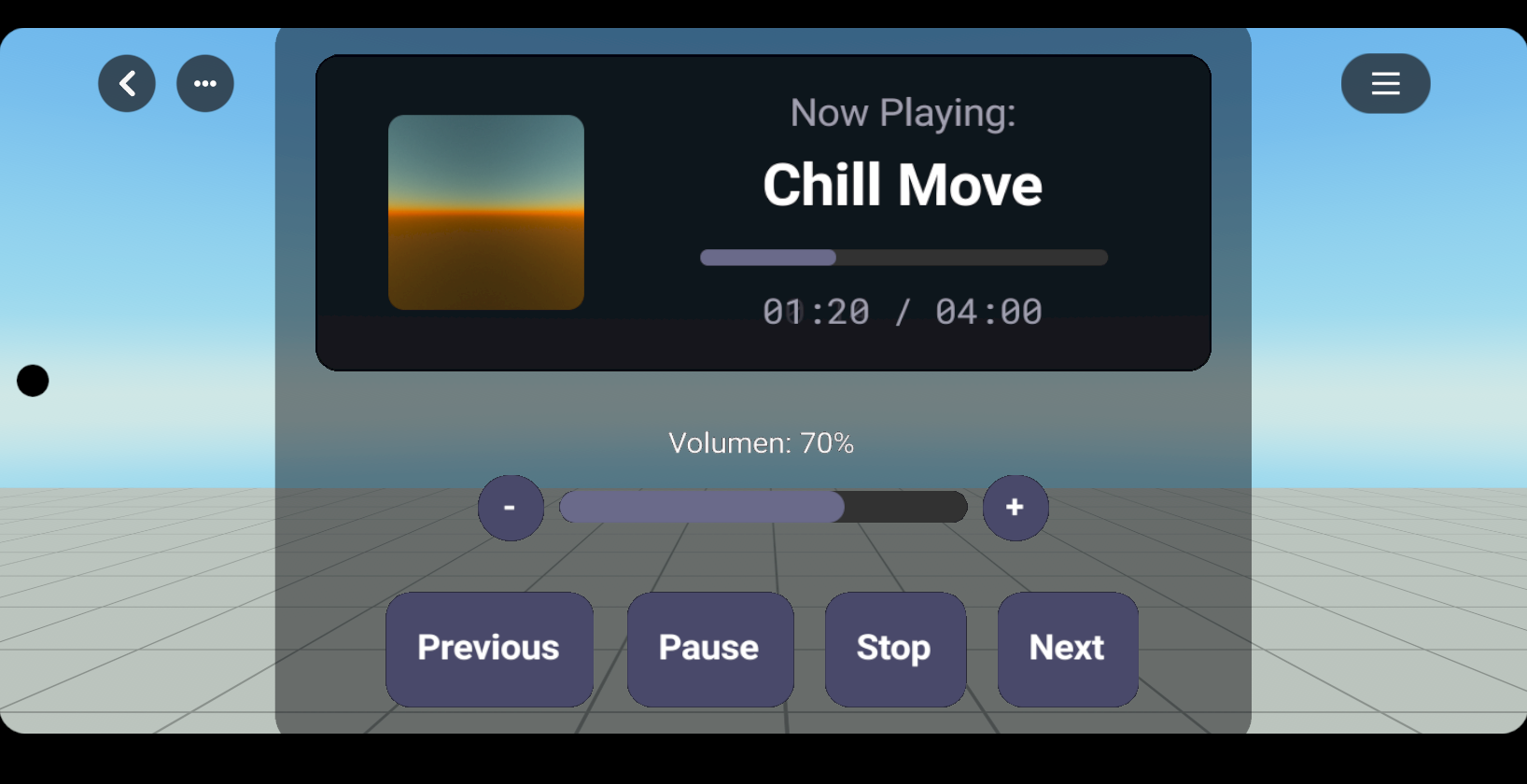
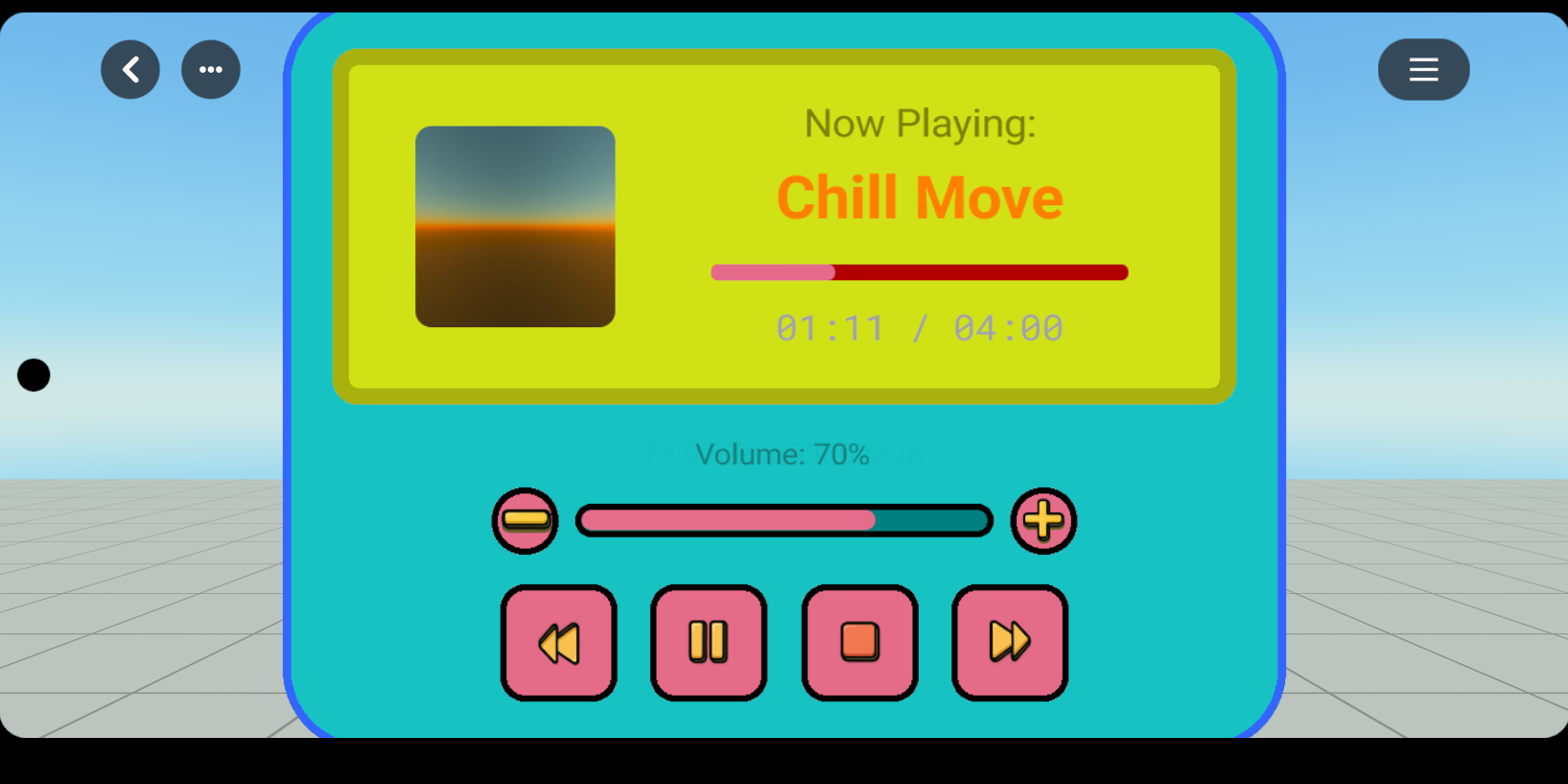
With this Asset, users will be able to fully control the music that the creator adds to their world. They will be able to stop or pause it, play it, skip to the next song, go back to the previous one, and control the volume of the music that is playing.
Thanks to the player’s visuals, users will be able to see how much time is left, and they can also view an image that the creator has added.
How we built it
The world was built in Typescript using VSCode and with the help of GenAI Assistant.
Challenges we ran into
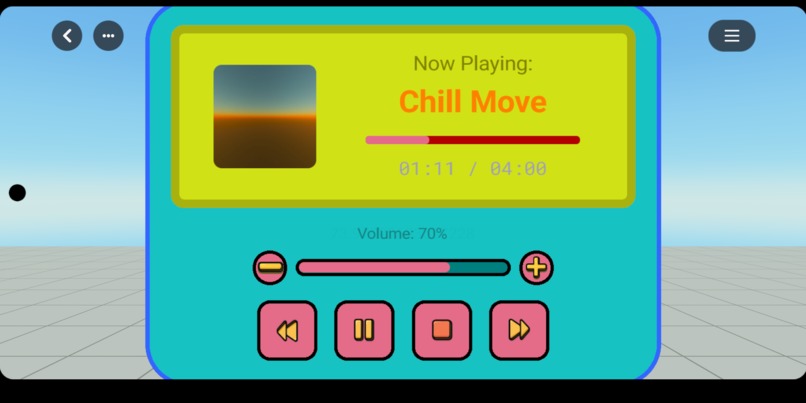
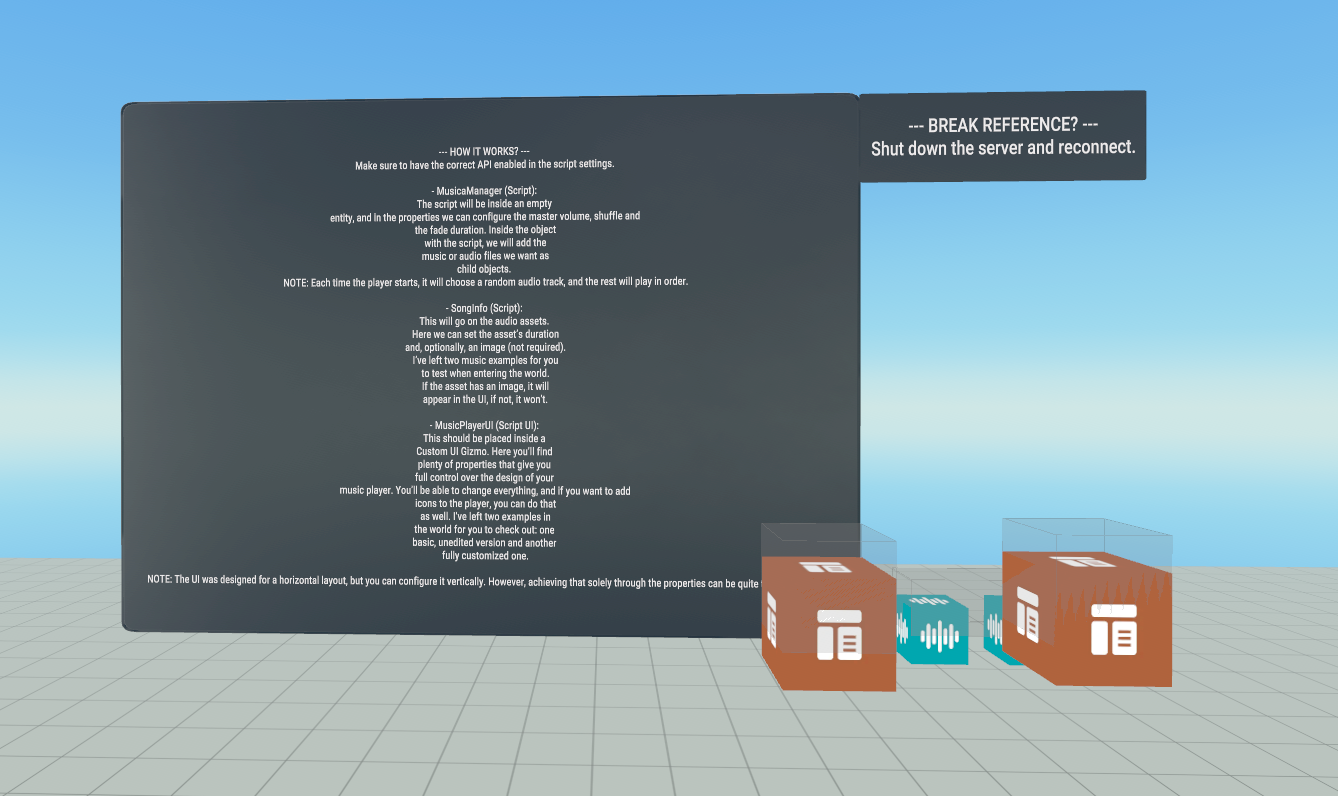
The asset is highly customizable, with many properties allowing the creator to design the music player of their dreams. The most challenging part has been thinking through all the properties and making sure none of them completely break how the player’s UI looks.
The UI is designed to be horizontal, but with careful adjustments, we could even create a vertical UI. That would take quite a bit of time to get right, but I’d say the biggest challenge has been making everything fully customizable.
Accomplishments that we're proud of
Making everything work perfectly when customizing the asset as a creator, and seeing how well it can fit into different experiences within Horizon Worlds. Additionally, if you don’t want to use the player and only want the music system, you just need to make it invisible or hide it, which gives creators even more versatility.
What we learned
Setting everything up properly without breaking the UI
What's next for Music Player System
I have lots of ideas to make this asset the ultimate music player, and I’m excited to keep developing it.
ASSET ID
795767800067440
Built With
- horizonworldsdesktopeditor
- vscode


Log in or sign up for Devpost to join the conversation.