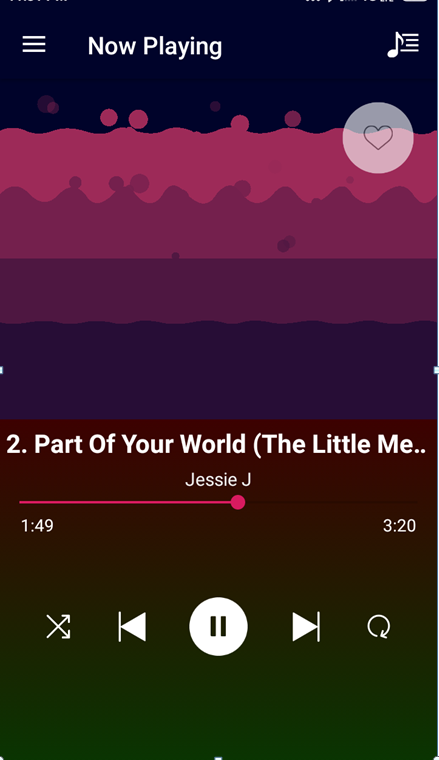
It is an Android mobile music player application used to play songs with an entitled song title and song artist name. It includes all the features which a music player has like play, pause, loop, shuffle, next song, previous song and add/remove as a favorite. It has a visualizer, WaveInApp by Cleveroad. Even it has a feature of change a song by shaking the mobile phone. The user gets a notification to remind that “A track is playing in the background” when there is an incoming/outgoing call music stops. The concept of DBMS has been used for favorite songs. Built using Kotlin for backend and XML for the front end development. Used SQLite for the database.
Practical Usage and Feature
- Fetches list of all songs present on the device with sorting feature (either sorting by recently added or by name).
- Plays song in another screen when that particular song is clicked. Fig 3 - Logo
- Prompts a notification in notification bar with the app logo and its name that “A track is playing in the background.”
- While listening to the music, if the user dials a number then the song automatically pauses or even if there is an incoming call then the song pauses.
- A cool audio visualizer library, WaveInApp by Cleveroad, implemented in our project with wave effects.
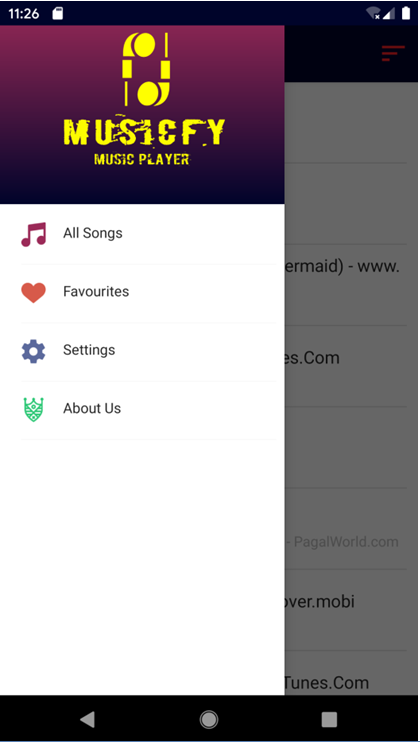
- Allows the user to add the current playing song as a favourite one and all the favourite songs can be accessed via navigating to the navigation drawer and clicking the Favourites. User can even remove a song from the favourites.
- A seek bar to quickly navigate to a particular timing of the song.
- Play/Pause button to play/pause the song.
- Next button and previous button to quickly move to the next song to be played or the previous song playing respectively. If the shuffle button is on the next/previous button will play random songs.
- Shuffle button to shuffle the songs to be played. Loop button to play the particular song again and again in a loop.
- If the user didn’t like the song currently playing he/she may change the song but there’s a catch they can do so without clicking any button. Users can just shake their phone to change the song. Before doing so this feature must be enabled by switching on the switch in “Settings” tab in the navigation drawer.
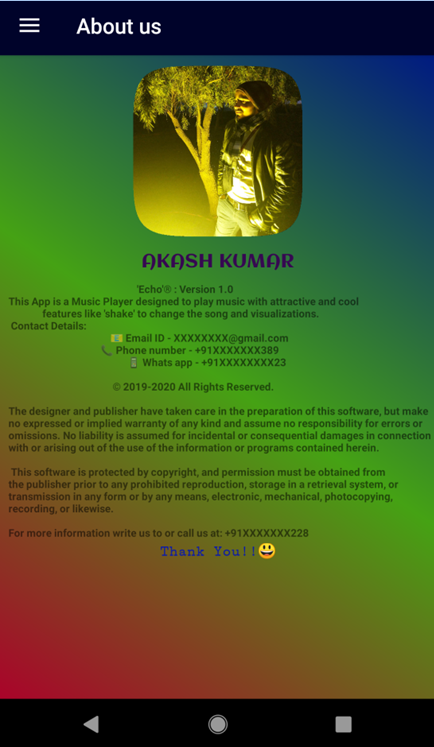
- About Us page has all the details of the company, its policies and contact information.

Log in or sign up for Devpost to join the conversation.