-
lyrisc music pic3
-
lyrisc music pic 2
-
lyrisc music pic1
Inspiration
I'm a first-year software student with a real passion for code, and I wanted to build something that feels fun, not just something for homework. I love how lyric videos make a song feel more alive, but most of them are fixed videos you can only watch. I wanted lyrics that live right on your desktop, floating over whatever you're doing while the music plays. That idea became screen music lyrics.
What it does
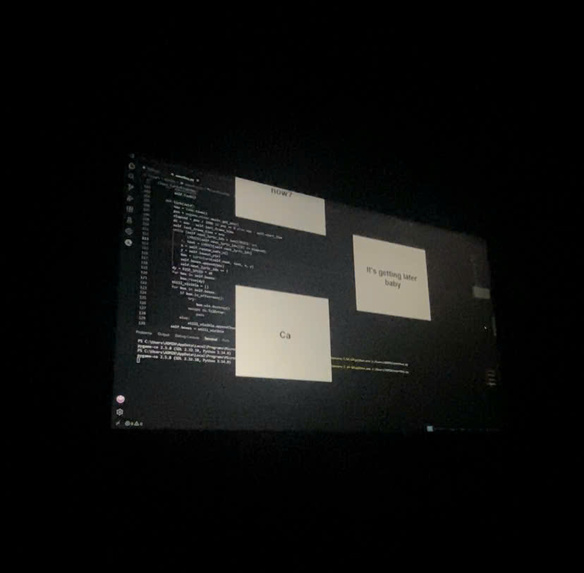
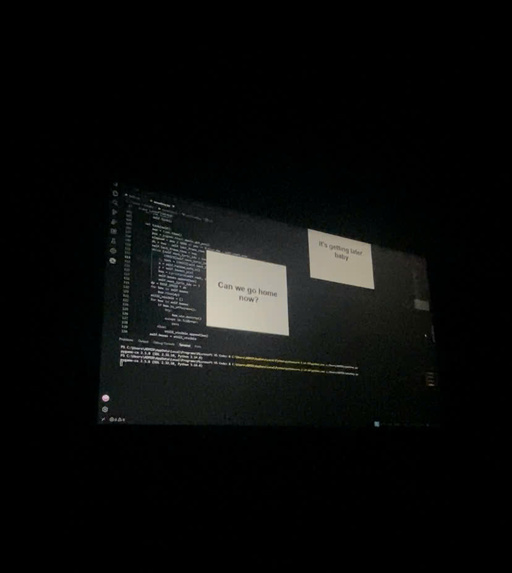
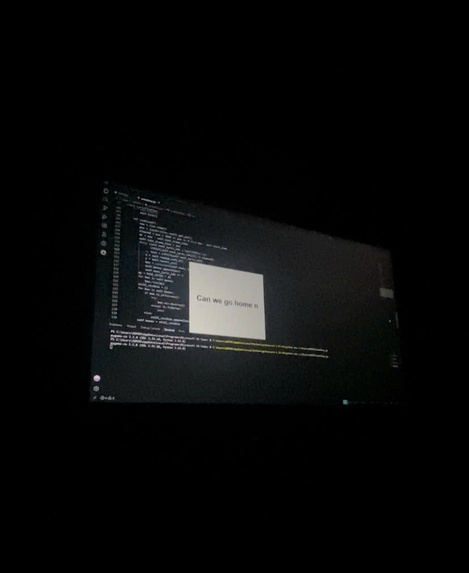
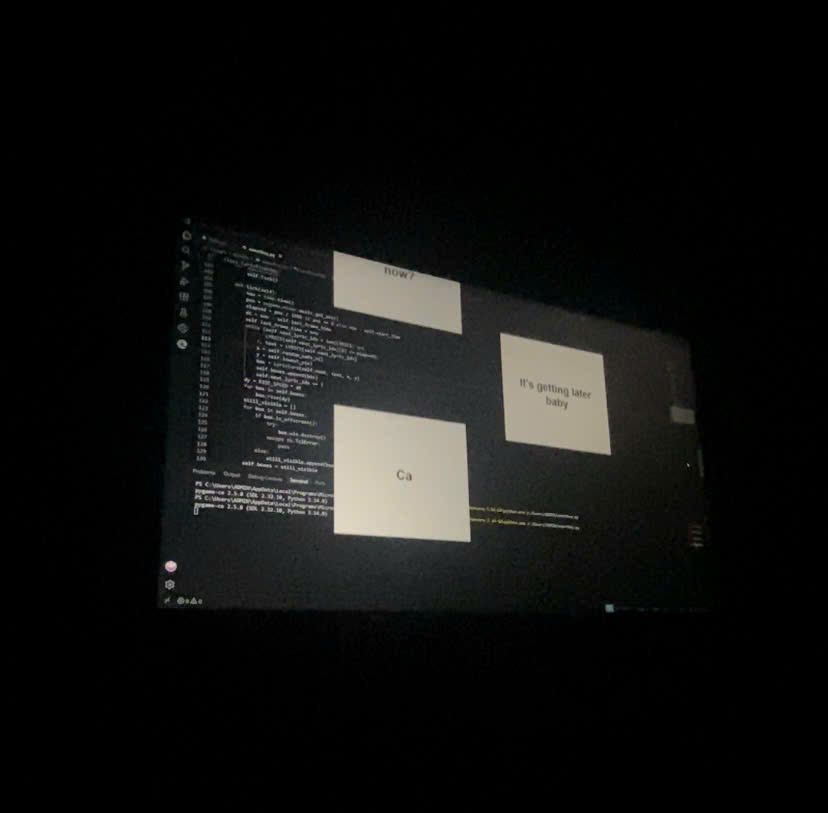
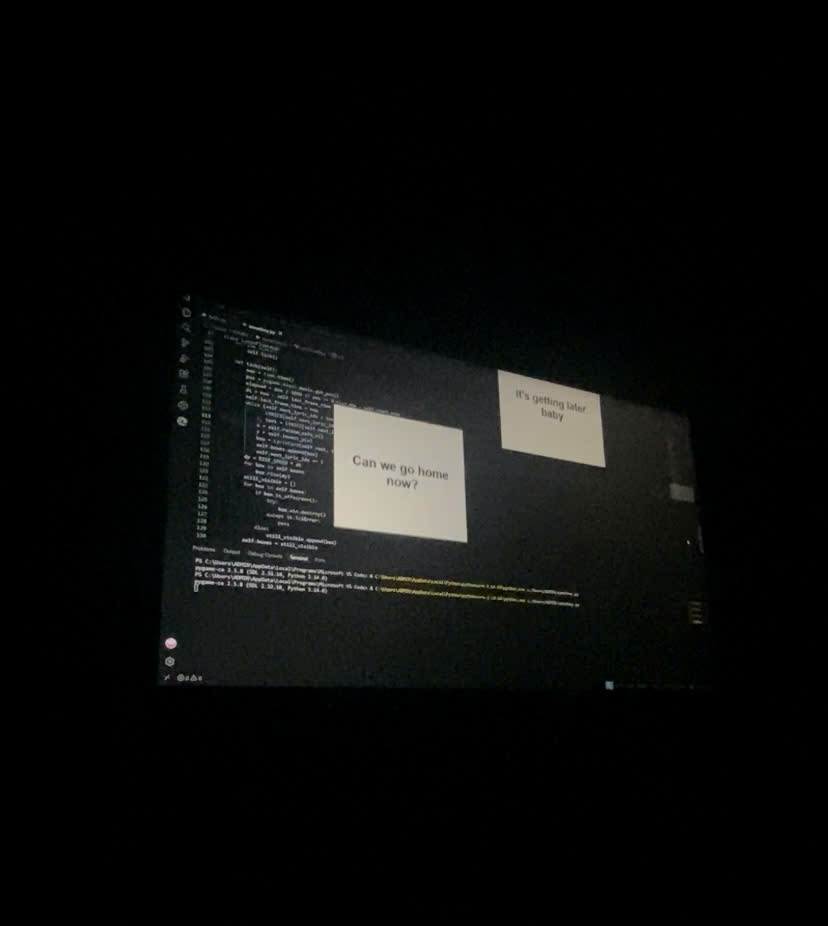
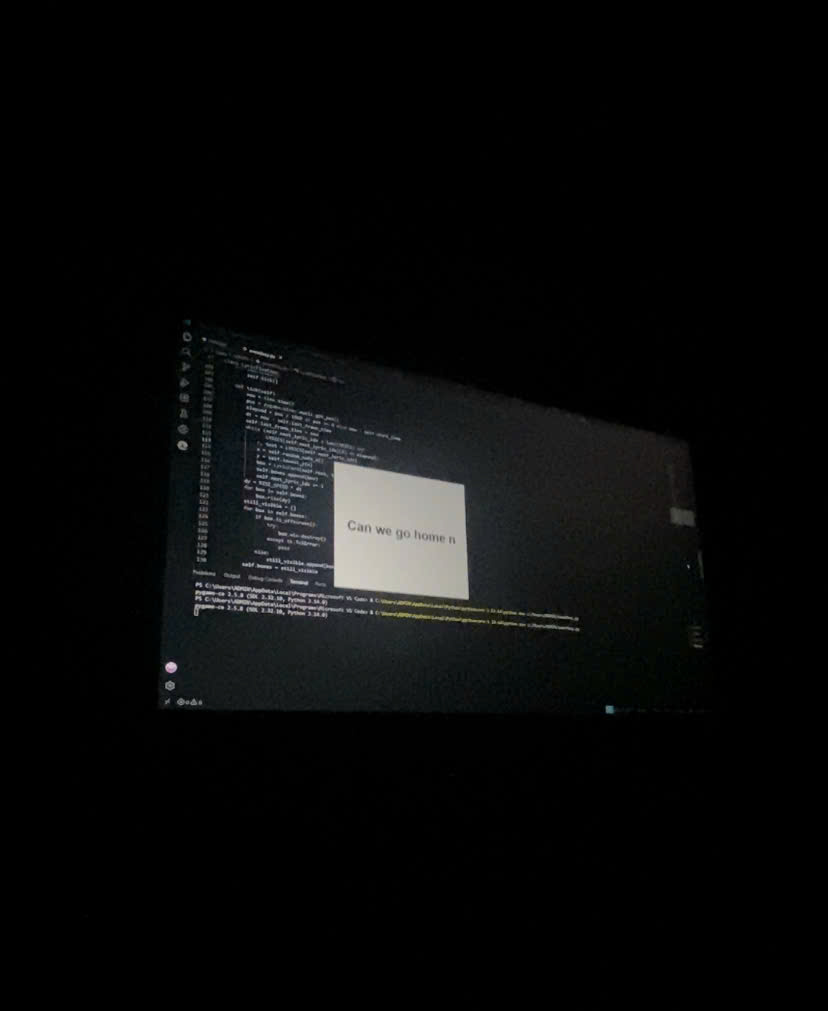
plays a song and shows its lyrics as small floating cards that rise up your screen in time with the music. Each line appears with a typewriter effect, and the cards alternate between the left and right sides so they never overlap. When the song ends and the last card floats away, the app closes itself.
How we built it
- Python for everything.
- Tkinter for the lyric cards: borderless, always-on-top windows that move smoothly upward every frame.
- we use pygame (pygame-ce) to play the audio and read the current playback position, so the lyrics follow the real music instead of a separate timer.
- A list of timestamps that decides exactly when each line appears.
Challenges we ran into
- Cards drifting off-screen: the first version spawned each new card relative to the lowest one, so every card started a little lower than the last and the later ones appeared below the screen. We fixed it by tracking each side (left/right) separately and anchoring new cards to a fixed starting height.
- Keeping lyrics in sync: a normal clock drifted from the audio, so we switched to the music player's own playback position.
- The app never closing: the hidden main window kept running after the lyrics ended, so we added a clean shutdown once the music and all cards were finished.
- Installing pygame on Python 3.14: the official pygame package doesn't install there, so we switched to pygame-ce, which works as a drop-in replacement.
Accomplishments that we're proud of
- Smooth floating cards with a typewriter effect, built with only Tkinter.
- Lyrics that stay locked to the music.
- An app that runs on its own from start to finish and then closes cleanly.
- Finding and fixing real bugs (layout, sync, shutdown, file paths) instead of just getting it to run once.
What we learned
- As a first-year student, this project showed me that I can build something real with code, not just exercises from class.
- How to build animations in Tkinter with a frame-by-frame update loop.
- How timing works between a UI and an audio player.
- How to debug step by step: reading error messages, finding the real cause, and testing the fix.
- That library compatibility (like pygame vs. pygame-ce on a new Python version) can matter as much as the code itself.
What's next for music lyrics
- A tool to record lyric timestamps by tapping along with the song, so any song can be added in minutes.
- Loading lyrics from a file instead of editing the code.
- Choices for card colors, fonts, and floating speed.
- A fade-out effect and support for more songs and playlists.


Log in or sign up for Devpost to join the conversation.