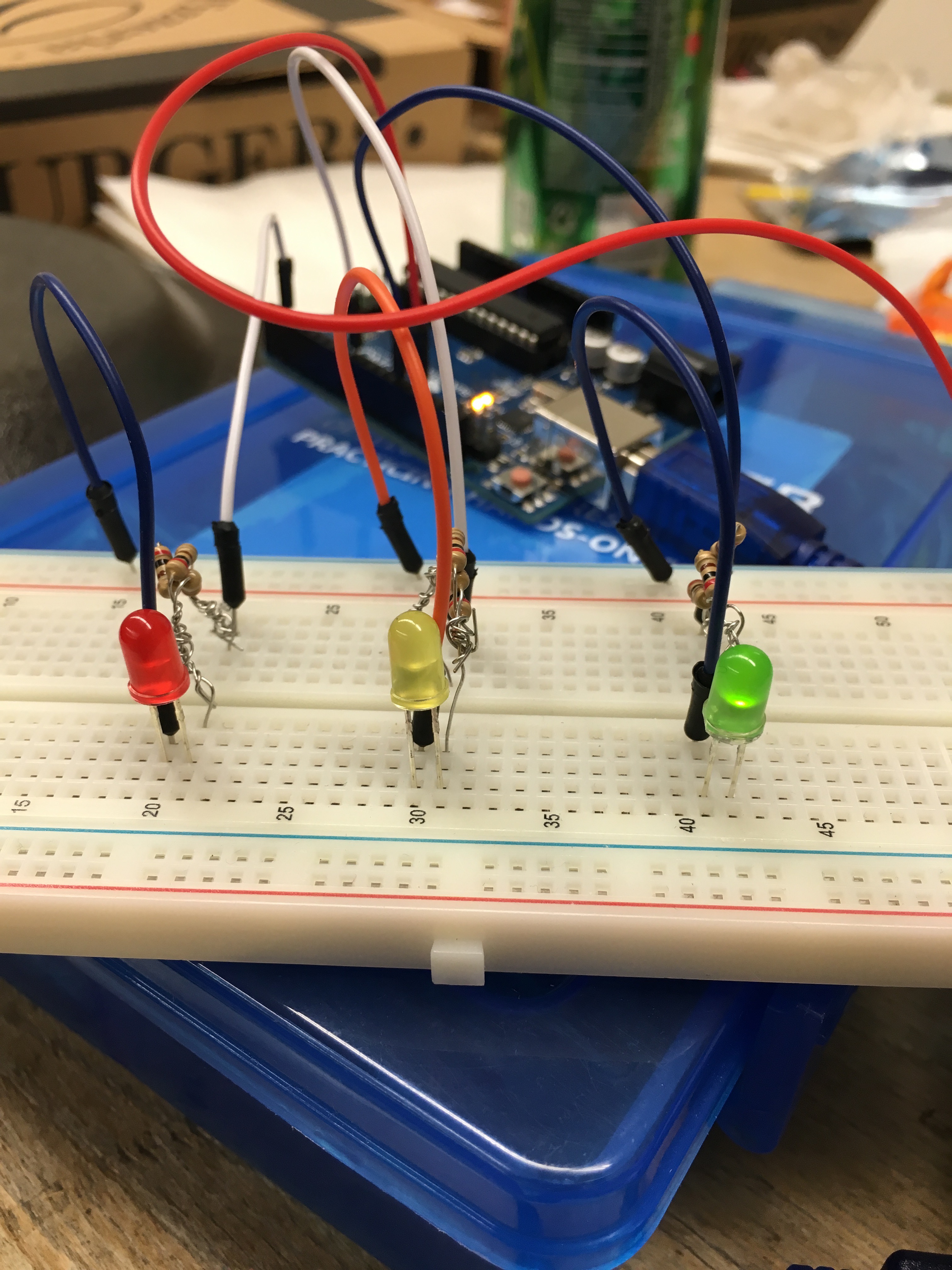
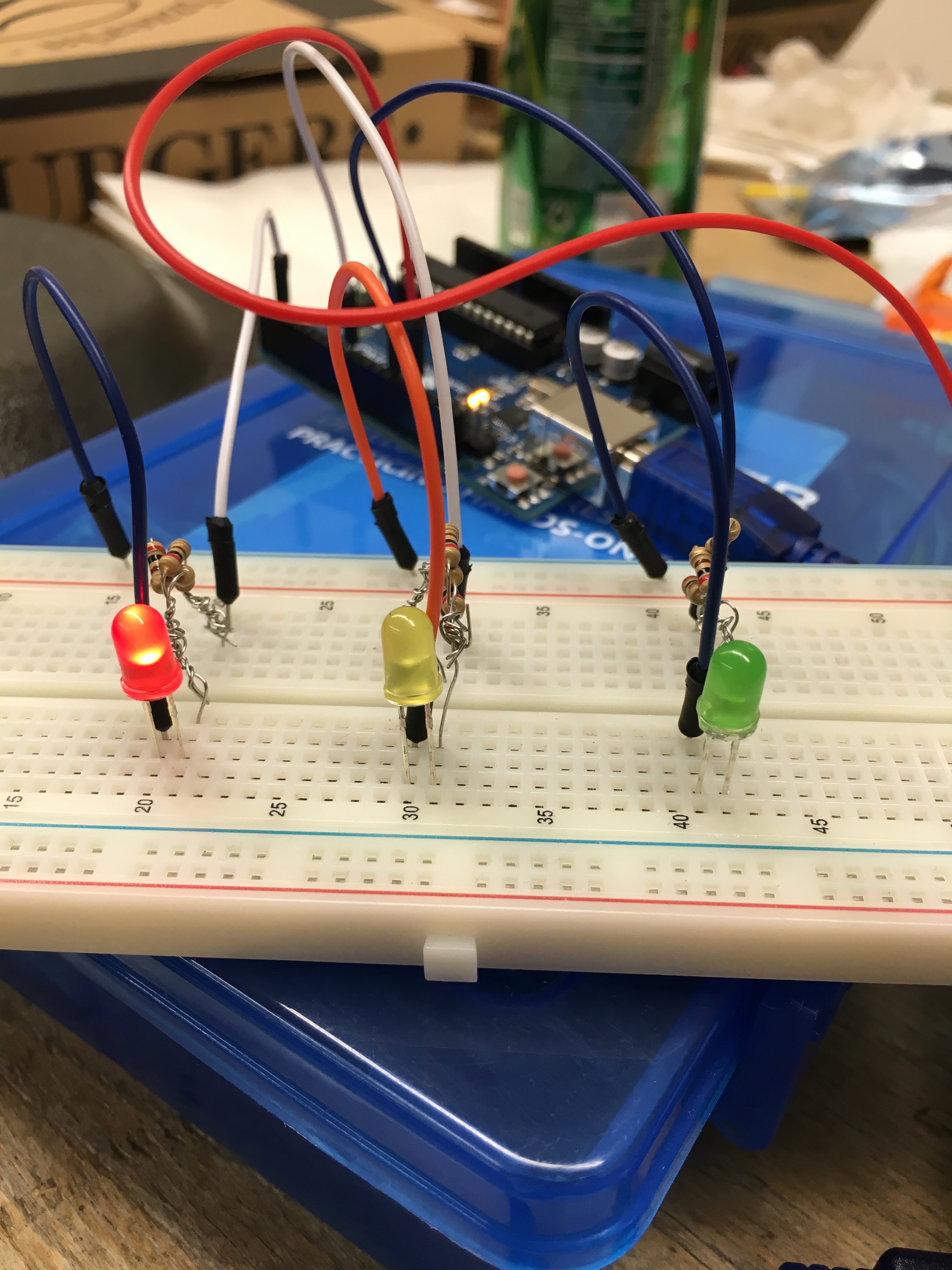
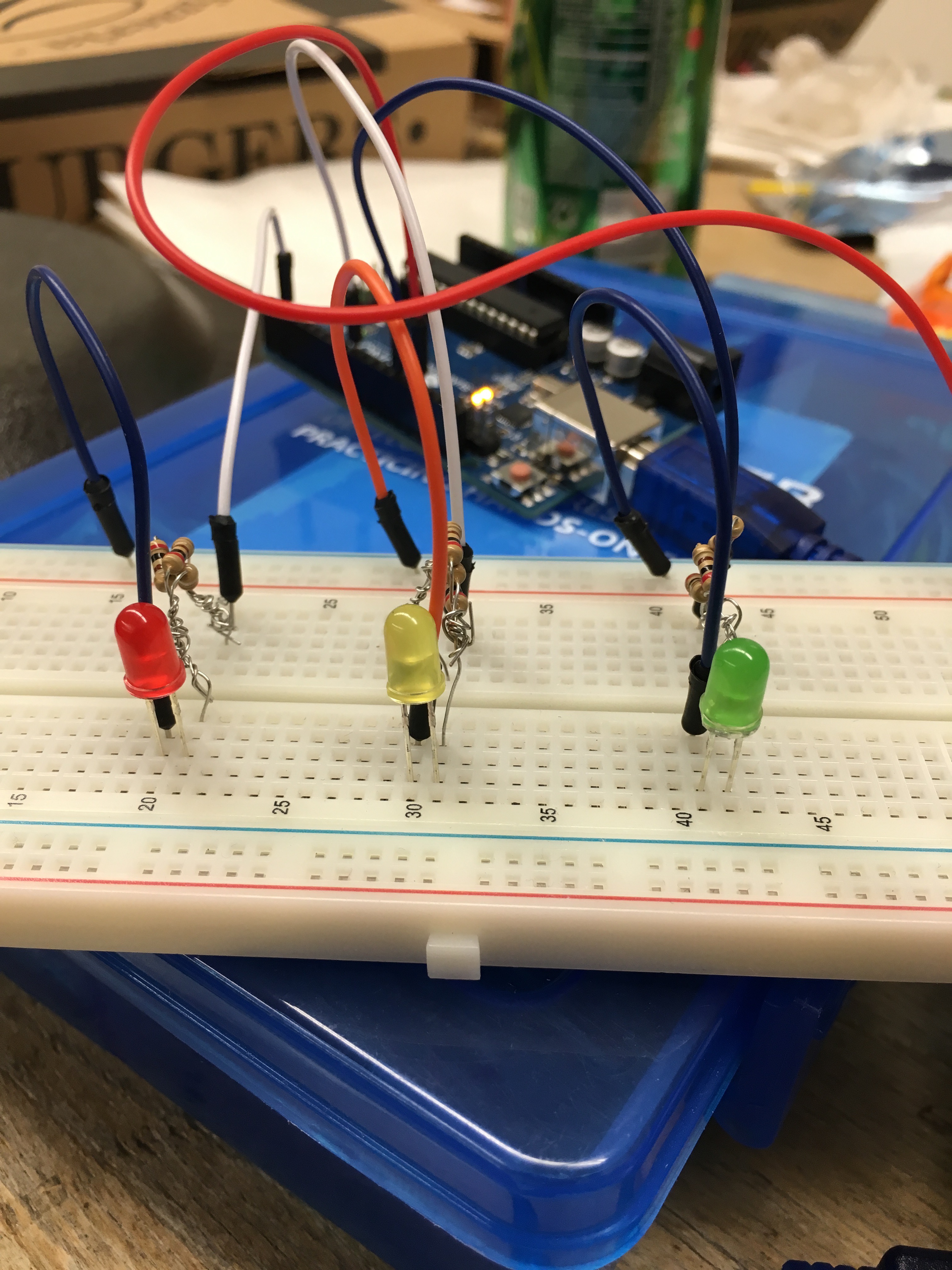
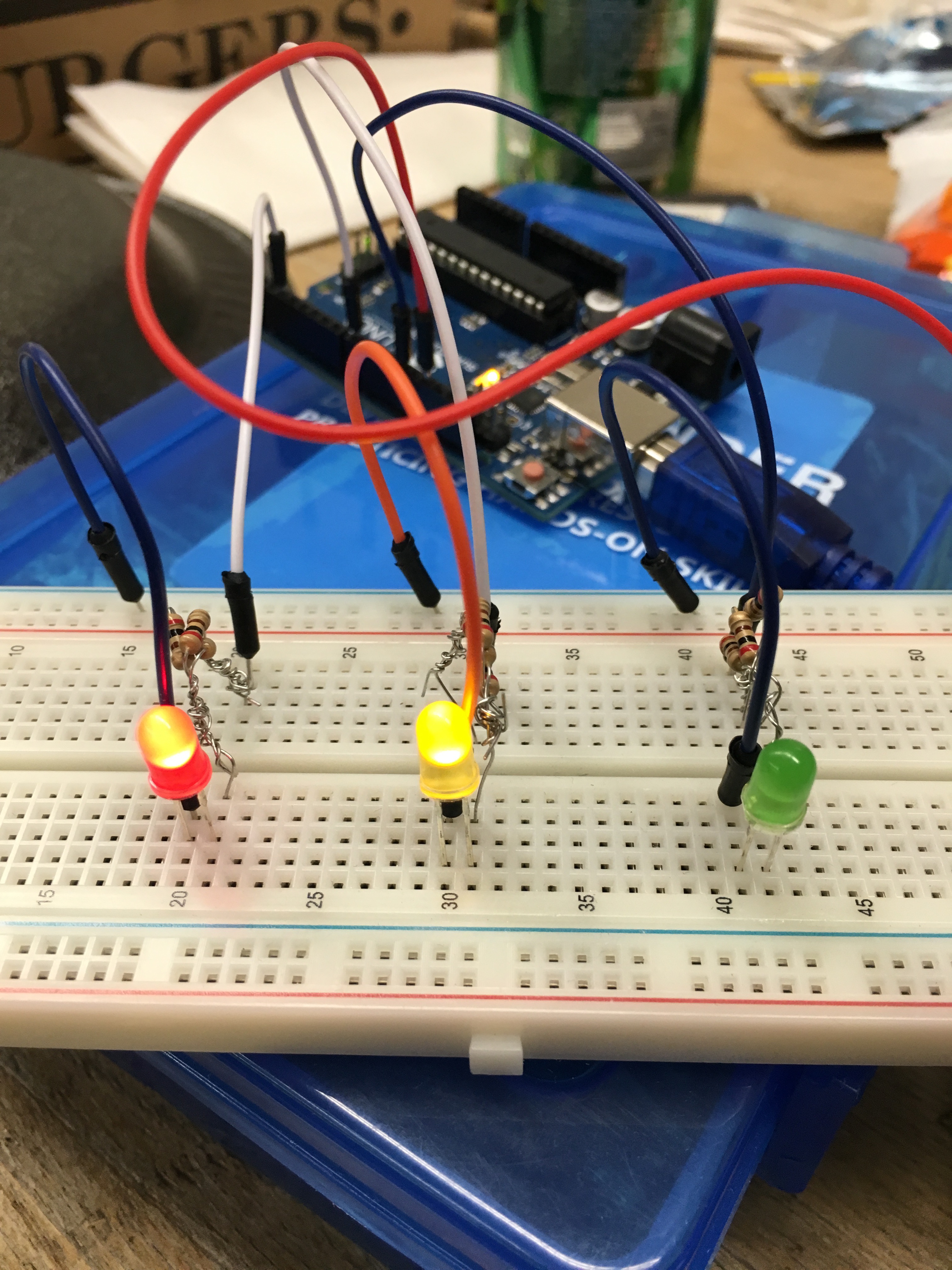
Inspiration: As a new coder, Mark asked his brother Giorgio for tips on getting started. Giorgio recommended Mark a book which he read over Winter Break. With little understanding, Mark made a few simple projects by himself. Mark, who is currently in Michigan State University's Physics 184 class, used the knowledge he gained from class to set up the project on a breadboard. He and Giorgio have collaborated to make a project. Mark was responsible for the hardware setup and coding, while Giorgio was responsible for debugging the code.
What it does
Three LEDs light up independently on a breadboard when a kick, snare, or hat is detected in a song.
How I built it
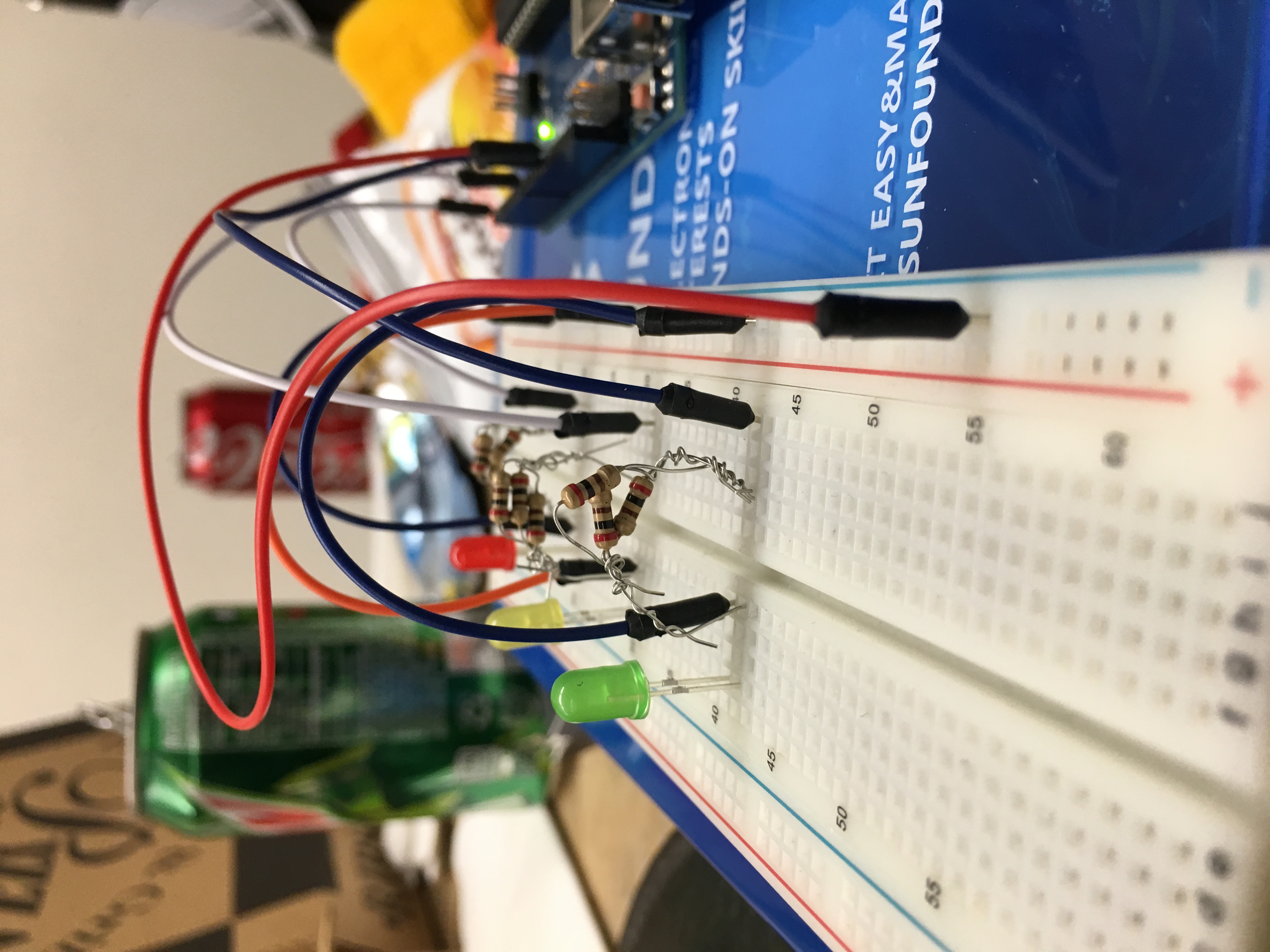
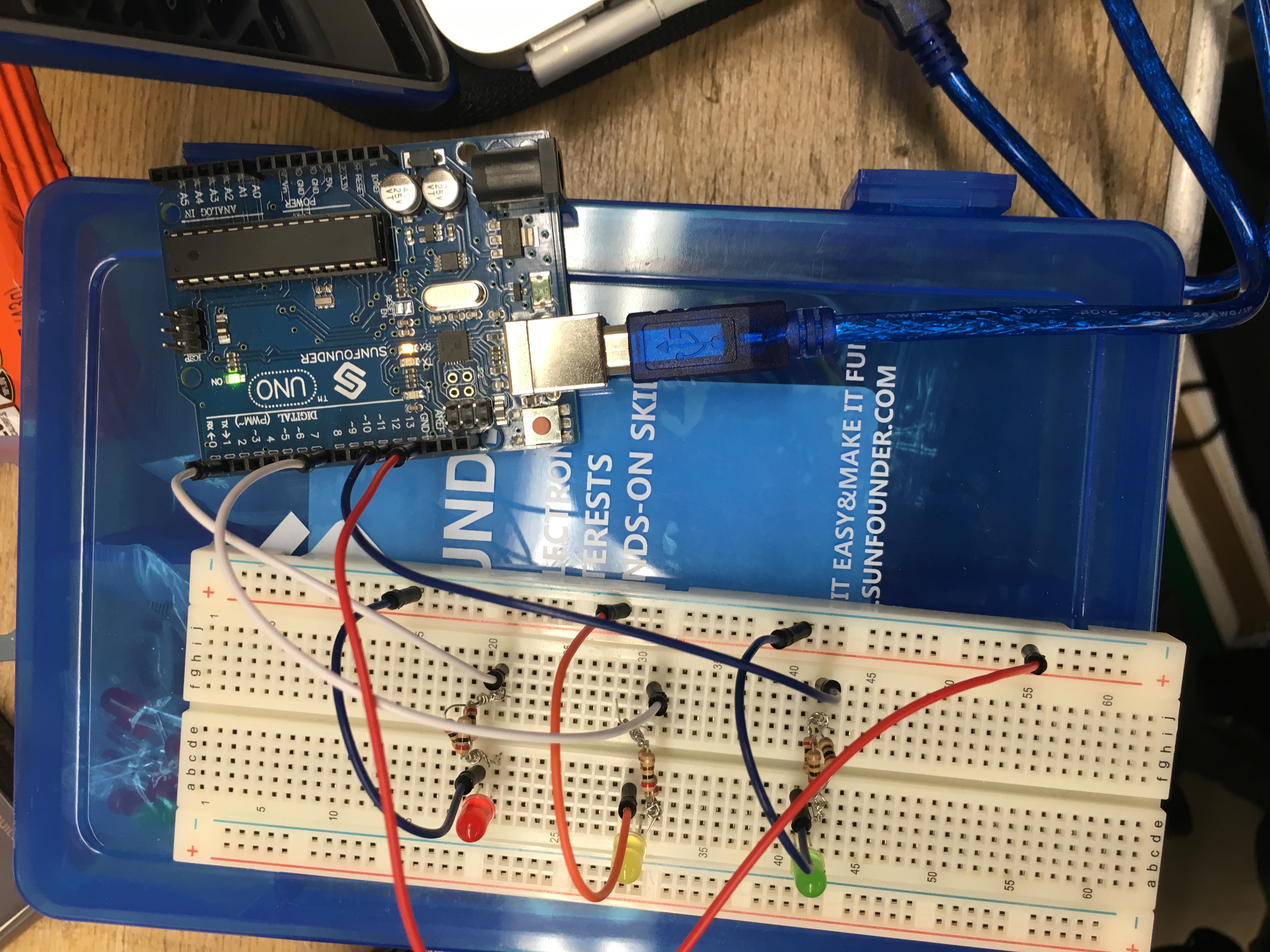
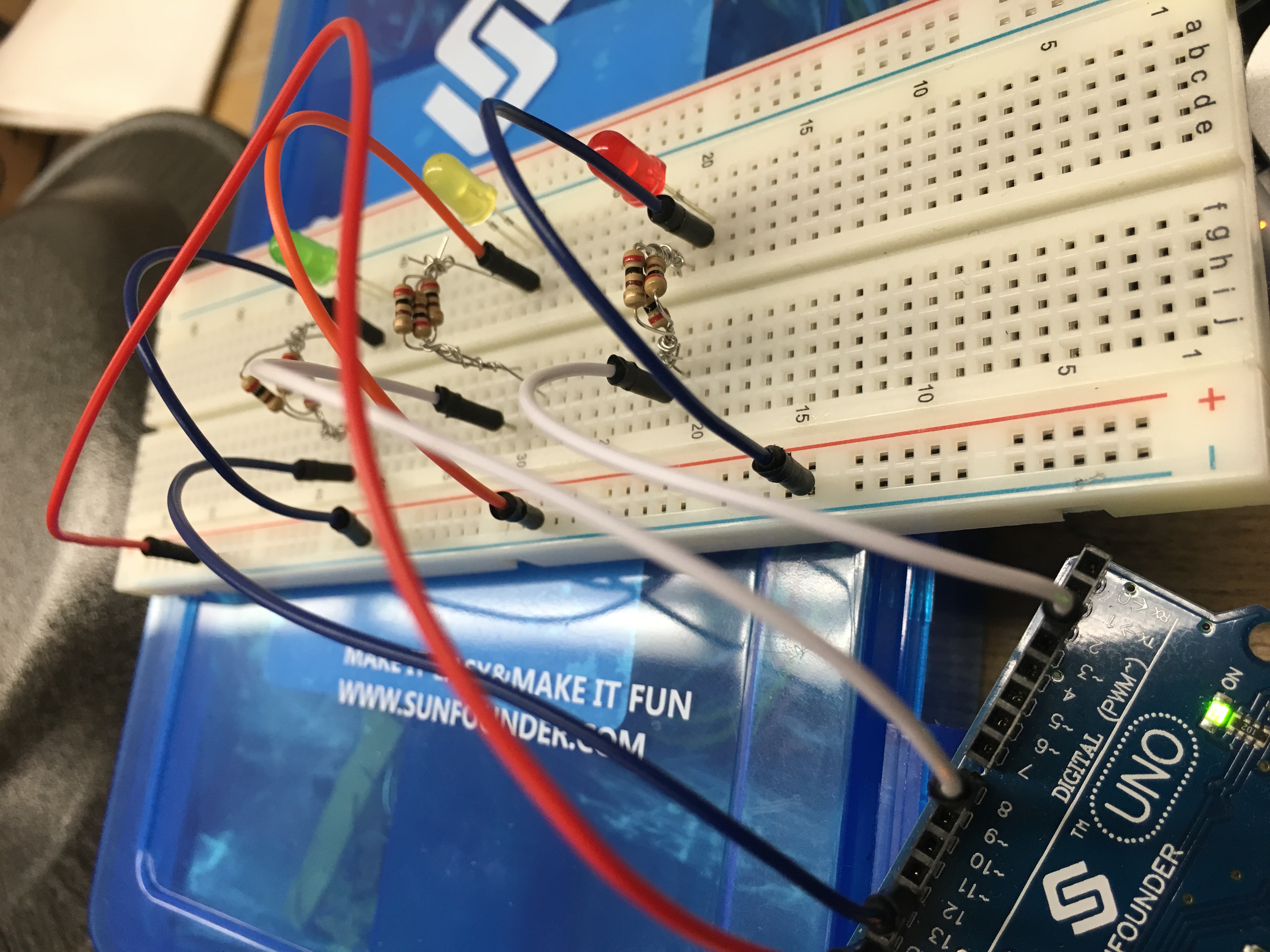
I used a breadboard, wires, resistors, Arduino Uno, and a USB.
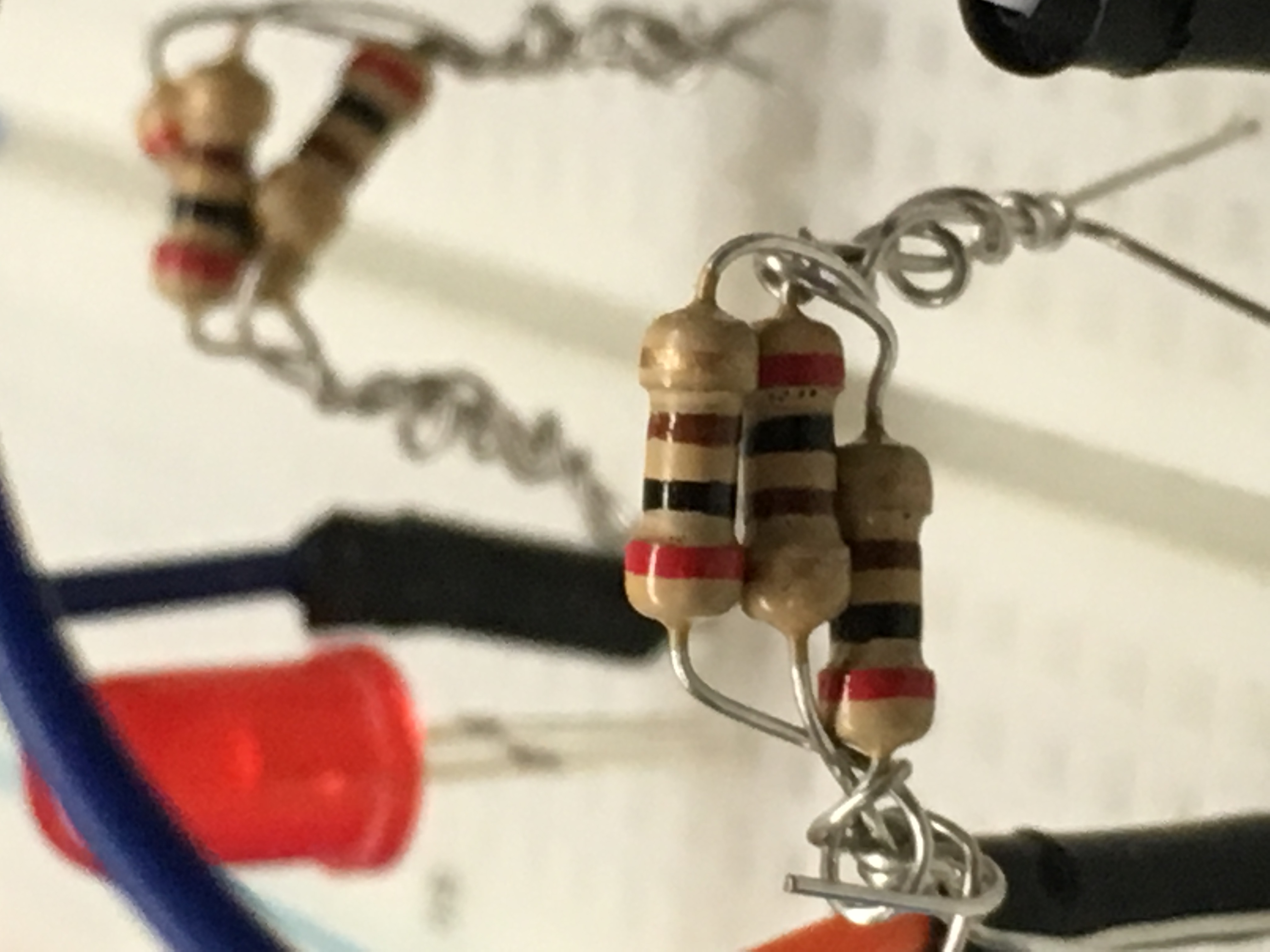
Using my knowledge from my physics class, I understood the lights needed to be set up in parallel in order to light up separately. Resistors are needed to provide a resistance in order to fulfill Ohm's Law V=IR. Without resistance, there would be no voltage. The resistors provided were of 200Ω. Less resistance is needed in order to make the lights brighter due to ohm's law. Thus, three resistors were tied in parallel causing the equivalent resistance to equal (200/3)Ω, less than the previous 200Ω. A wire was connected from digital ground to the negative ground strip on the breadboard. A resistor was connected to the anode of one LED. Another wire was connected from digital port 12 to the anode of the LED, in series with the resistor and LED. Another wire was connected to the cathode of the LED to the ground. The process was repeated for the other LEDS, except the wires connected to the anode were port 8 and 2.
For the coding, I used the libraries Minim, Firmata, BeatDetector, and BeatListener in order to complete the project. Defining ports ledPin,ledPin2, and ledPin3 as integers of 12, 8, and 2 allowed me to set them as the outputs to pins later on. Kick was set to digital pin 12, snare was set to digital pin 8, and hat was set to digital pin 2. song = minim.loadFIle(".mp3", 2048); was used to upload an mp3 file at a specific bit rate that was chosen. song.play(); is used to play the song. beat = new BeatDetect(song.bufferSize(), song.sampleRate()); is an object used to detect the beat of the song that expects buffer to be the length of the song's buffer size. beat.setSensitivity(50); after a beat is detected, the algorithm waits for 50 milliseconds before another beat can be reported. The sensitivity cannot be negative. If set to a negative value, the sensitivity will be set to 10 milliseconds automatically. The rest of the code consisted of if-then statements pertaining to the kick, snare, and hat. If hat was detected, port 2 was set to high and then set to low. The same thing occurs when kick or snare are detected. StandardFirmata, a firmware, was uploaded into the Arduino before being able to run the code.
Challenges I ran into
The code was one large hurdle, as I received help from local coders in the room for some of it. My list was set to zero in the beginning when it was supposed to be set to three. I didn't know how to find the list, so a local coder helped me by using println(Arduino.list()); to see how many there were and exactly which part of the list was the Arduino. It was 3rd on the list of 0-5 and the problem was solved. Another challenge was having the lights flash brighter. This was done by adding resistances in parallel into one equivalent resistance, thus reducing the resistance for each LED. Reducing the resistance increases the voltage by Ohm's Law, thus the LEDs became brighter. After I thought everything was fine, the code had a few bugs, and Giorgio debugged the code.
Accomplishments that I'm proud of
This was one of my first projects that I could apply my classroom knowledge and interests to something highly interesting to me. This is my first Hackathon and my intention was to learn, and I learned a great amount while doing this project.
What I learned
I learned that for the songs to be found and played, the song needs to be in the directory of the library. In my case, BeatWrite. I learned how to find my Arduino in a list. I learned how to diagnose problems more effectively. Using print is a very easy and effective way of doing so. I reinforced my knowledge in circuits and systems. I could properly apply differential equations and lower forms of calculus to the if statements (sarcastic).
What's next for Music Light Bounce
I want to be able to reinforce Music Light Bounce to a larger scale project in which tubes can be filled with led strips and have LEDs light up or down with respect to volume or kick/snare/hat, depending on what looks more aesthetically pleasing. Sound engineers would love this as it can be used to calculate the rhythm as they see the lights flash instead of listening to the beat. I would also like to add a playlist instead of having the program play one song at a time.

Log in or sign up for Devpost to join the conversation.