-
-
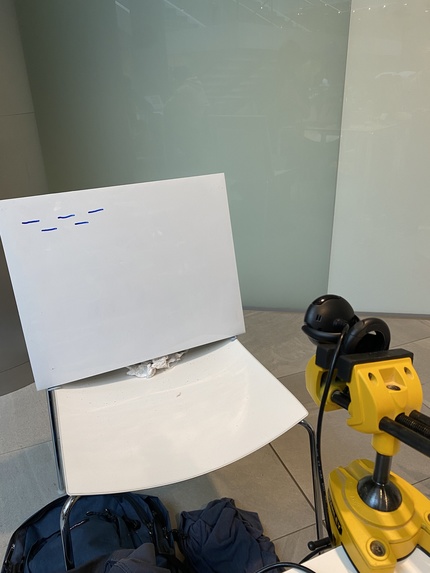
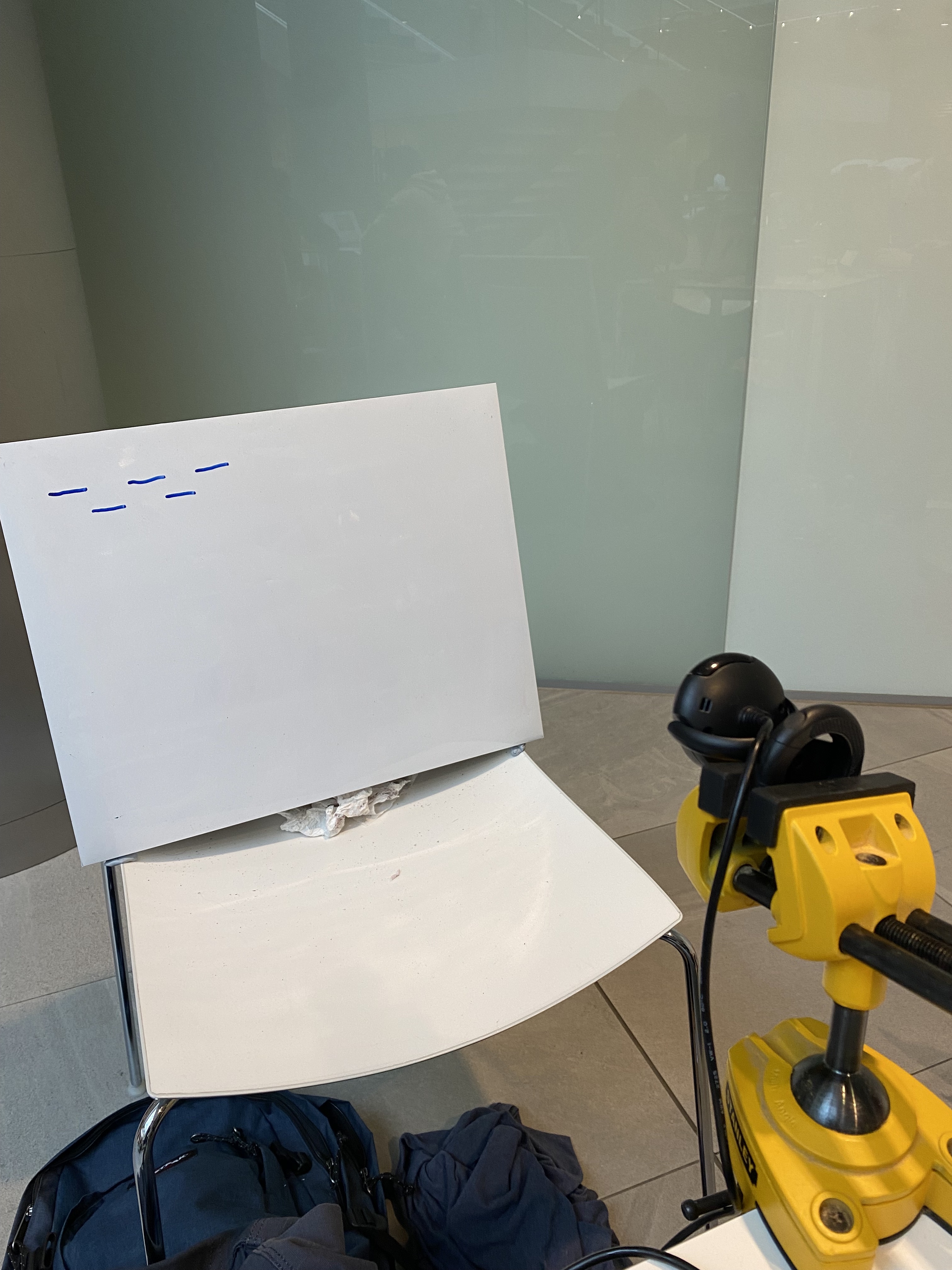
Our high-tech setup
-
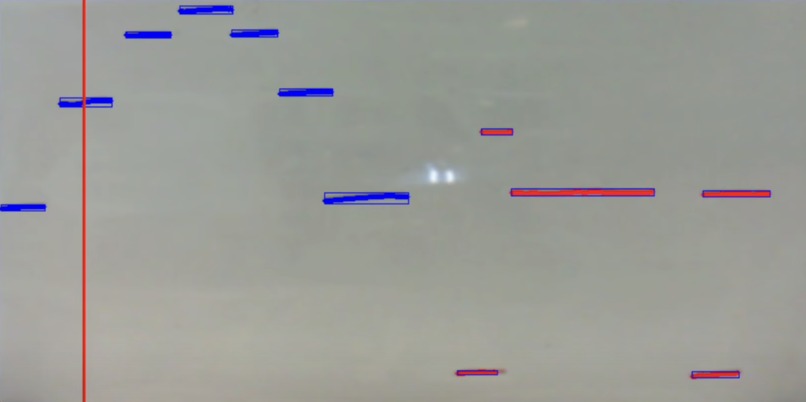
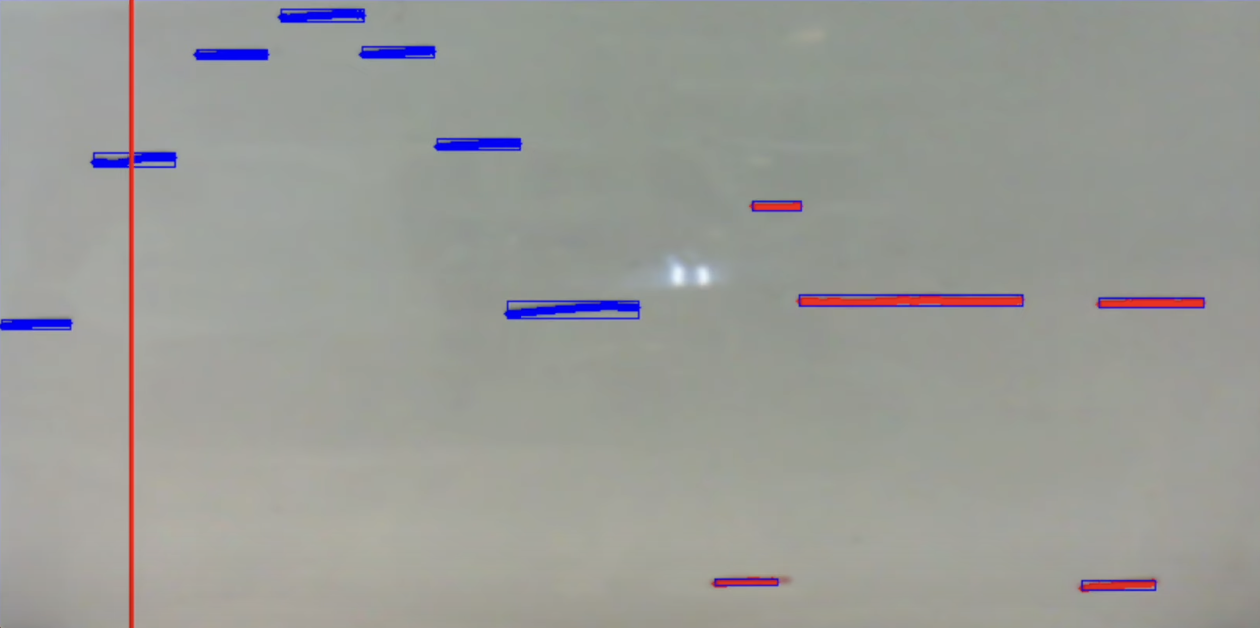
A screenshot of the player and its detected notes.
Inspiration
We all like music and synths, and we brought a bunch of hardware stuff with us so felt forced to use at least some of it. The clamp surprisingly came in handy.
What it does
You can draw different coloured lines onto a white background and each of these colours represents a different wave formation.
- Red: Square wave
- Green: Saw tooth
- Blue: Sine wave
The frequency of the wave is dependent on the height of the line. Each colour has a range of one octave spanning from the bottom of the media to the top in increasing pitch. Each colour has a different octave assigned to it so we have a good range of usable pitches. Bass is red, ~alto is blue and soprano is green.
We designed this application to be easy and fun to use with all people, whether they are musically inclined or not. You can have fun social interactions with friends and colleagues, this could make an ideal icebreaker. Each person could have a different colour and have to make a song collectively as a group. This application is perfect for kids and people with special needs due to the strong visual and audio aspects involved.
How we built it
We used the PyAudio library for generating the audio, along with OpenCV to detect the different lines and correct for the defects in the camera such as perspective correction. We also used the math library to calculate the different waves given the colour.
Our computer vision pipeline starts with a perspective correction, followed by a Gaussian blur to remove any noise before the binary thresholding. The thresholding, a simple global-constant-threshold operation, is performed on a greyscale recolouring of the image. We find the connected components in the binarised image, which we then process further into vector lines and their corresponding colours.
Once we have a collection of vector lines, we map them to their respective frequencies, which are played via the PyAudio API.
Challenges we ran into
Interpolating between the points took the longest to work out due to the resolution of the camera. The webcam we used didn't have a great resolution which resulted in poor data. This meant that the frequency didnt change on a slope, but more staircased. Which resulted in noticable jumps in pitch.
The image recognission is a bit slow which can cause some noise in the waves, we overcame this issue by pre-baking the whole sample beforehand, this does mean that it can't be edited in real-time
Accomplishments that we're proud of
Very reliable recognition of the different lines and accuratly getting their shape and length. It's surprisingly intuitive to use and write a song or melody for.
What we learned
Interpolation between data can be challenging when dealing with less than ideal data.
What's next for Music Board
- Adding actual instruments
- Detecting more features in the line to change the shape of the wave form, for example how curved the saw tooth wave is
- Adding the detection of shapes for percussion for backing tracks - drum sets
- Real time editing - This would require detecing the hand in the frame and removing it, along faster image processing as this is our main bottleneck
- We would have liked to have been able to save songs and images of the whiteboard


Log in or sign up for Devpost to join the conversation.