-
-
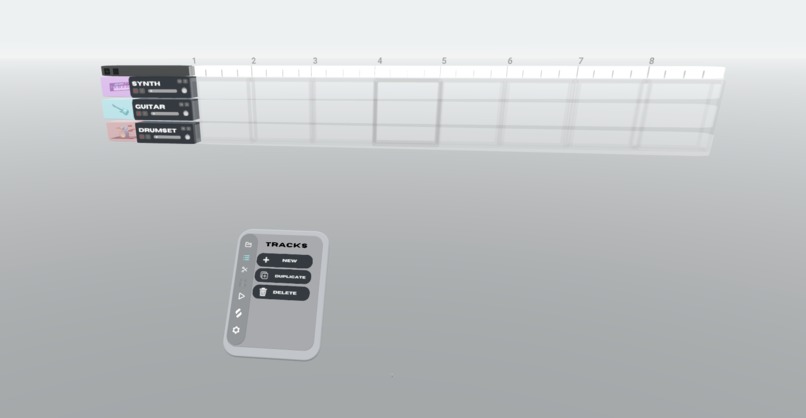
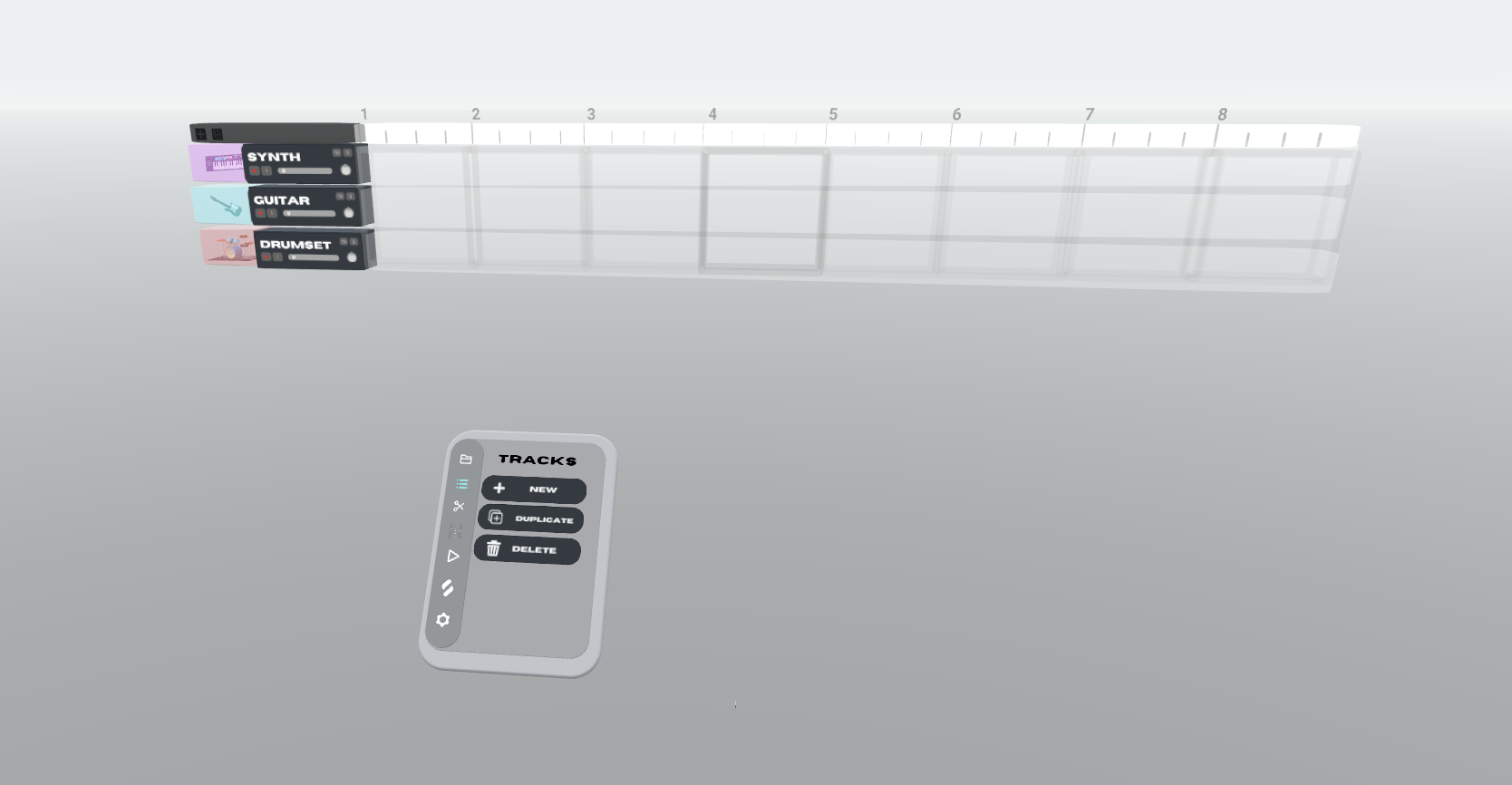
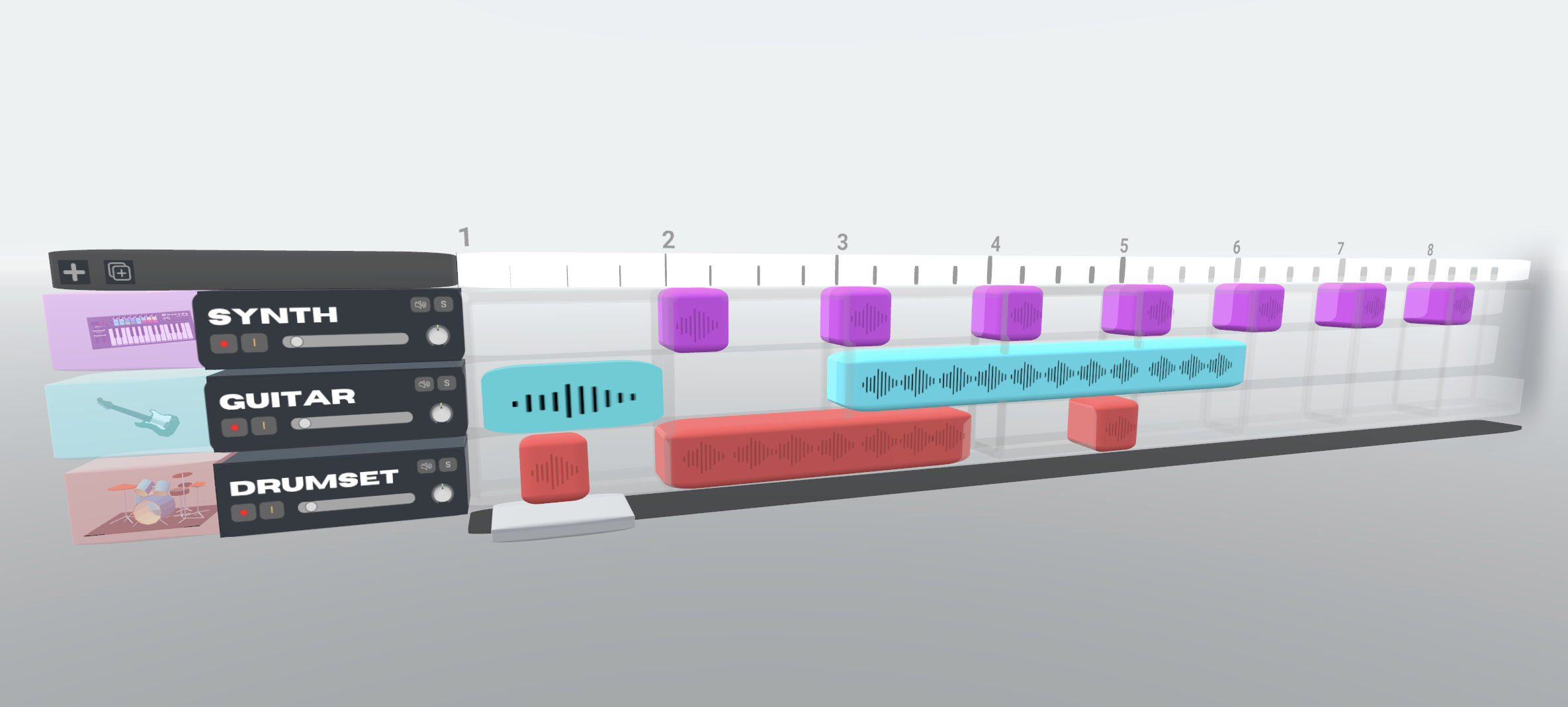
Here is a track addition screen showing the user has added 3 tracks.
-
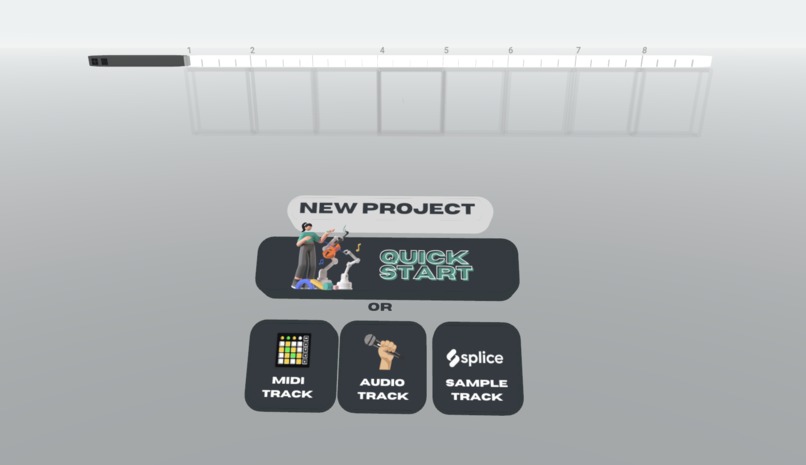
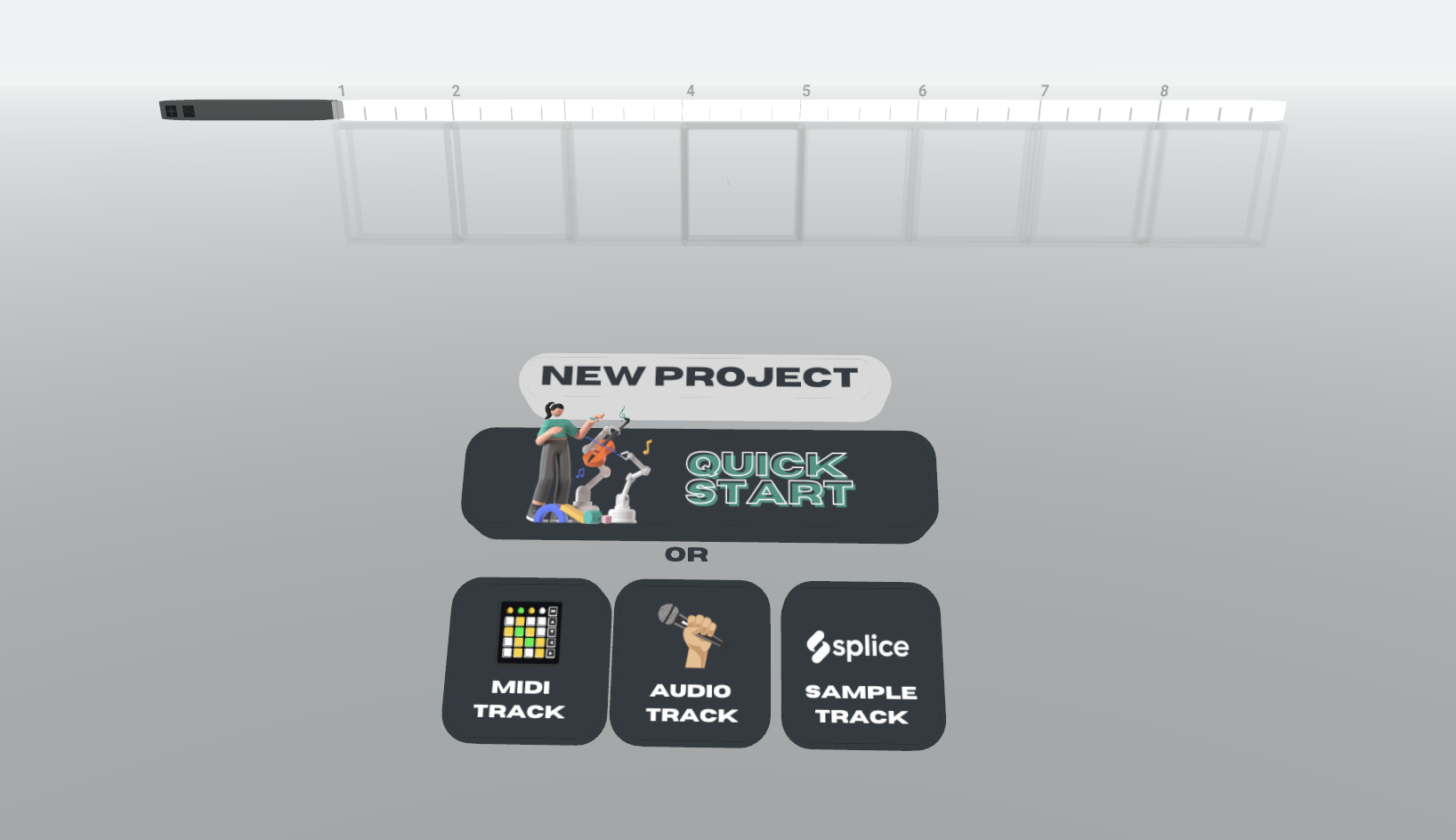
From our quick start menu, AI tools will help users easily jumpstart their song. Otherwise, they can start like a traditional DAW.
-
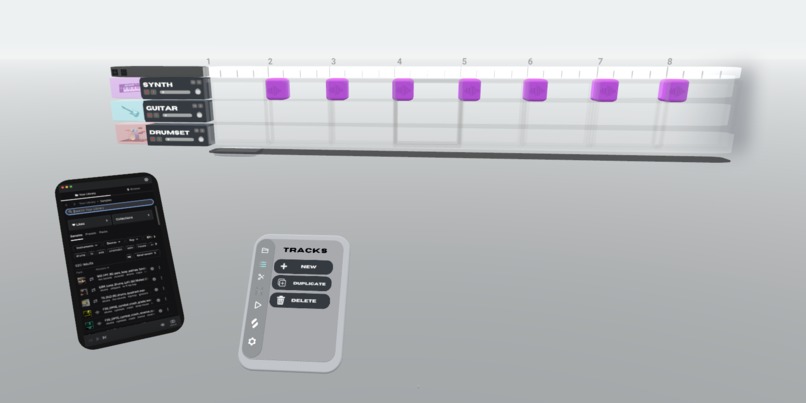
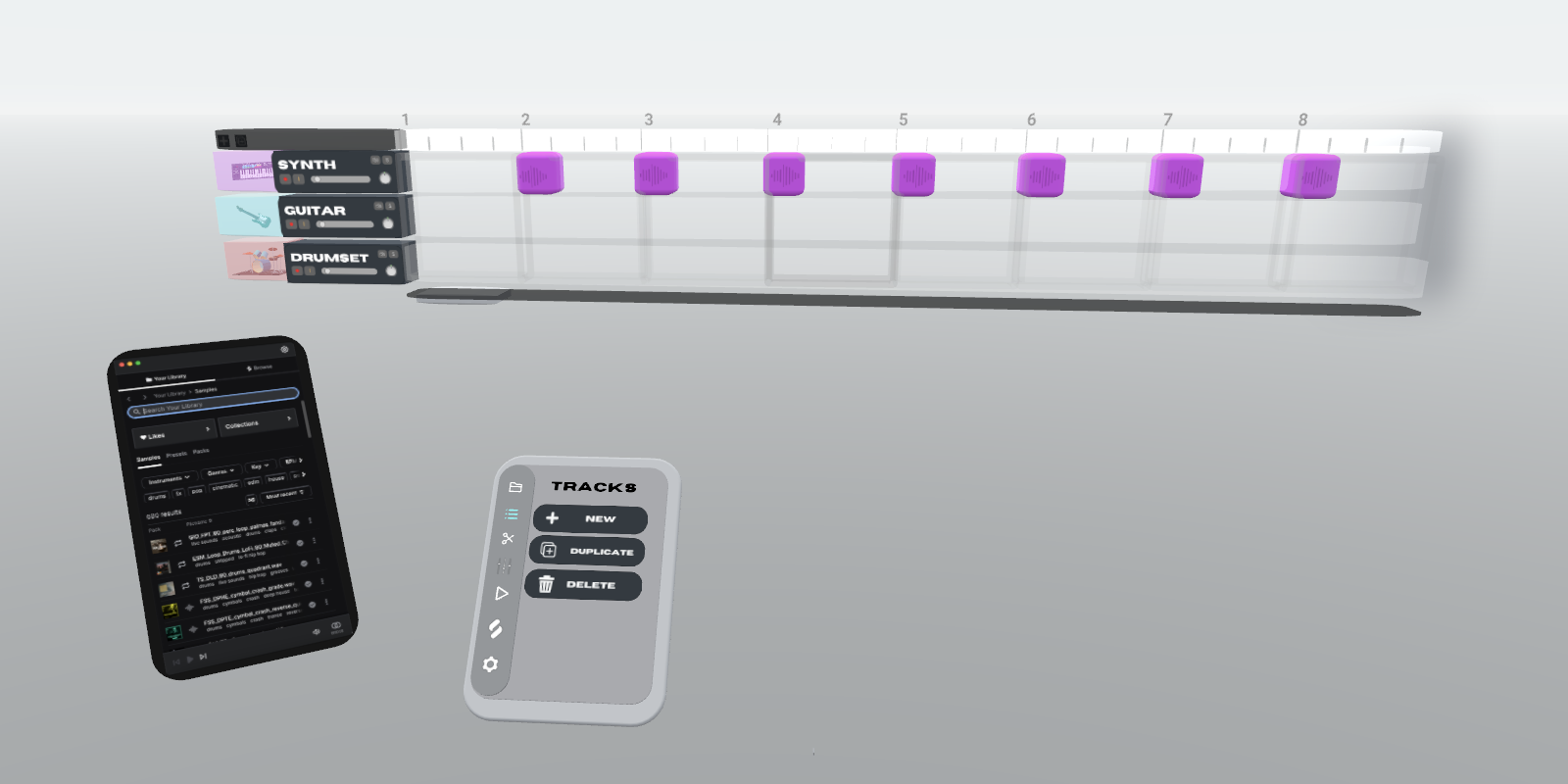
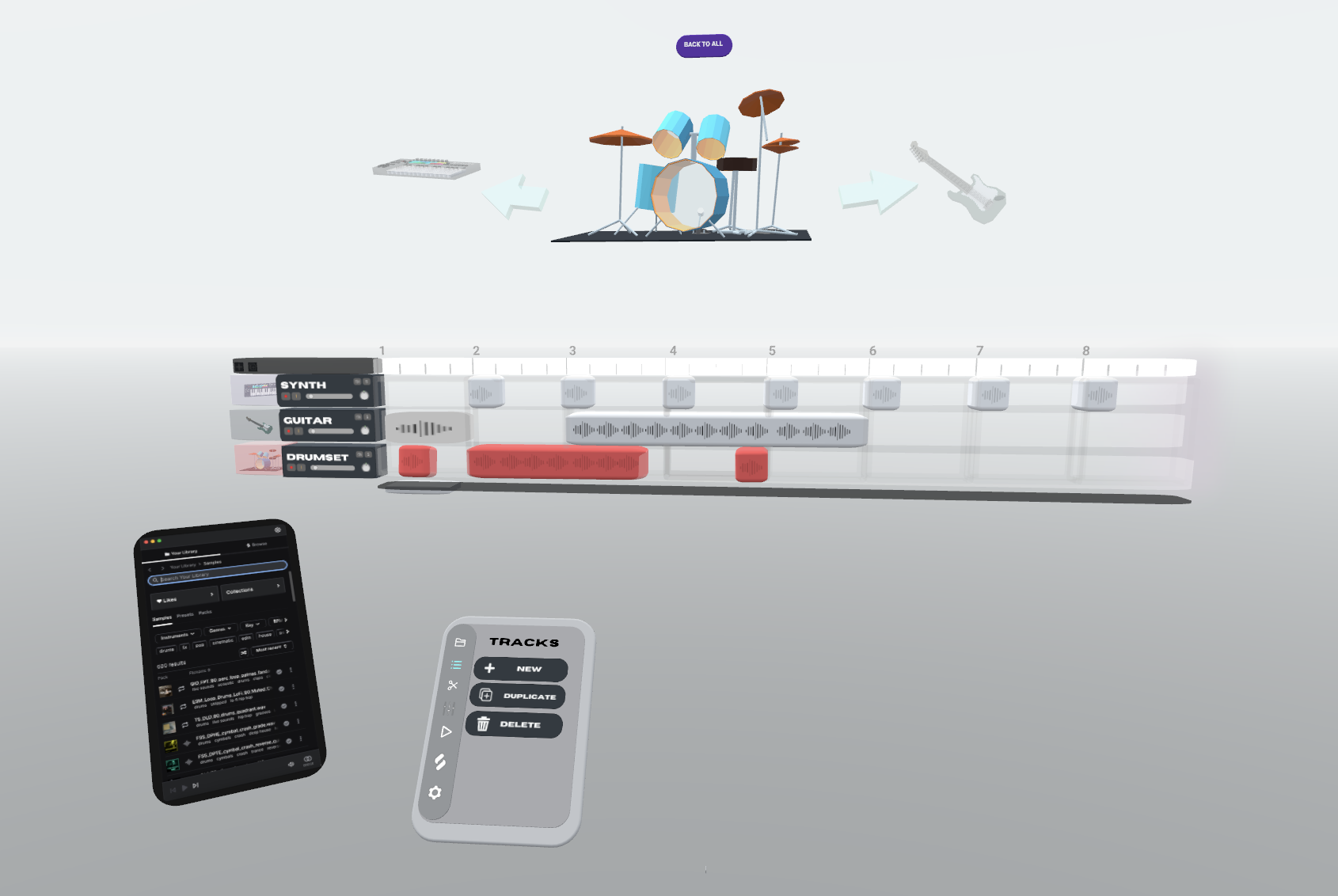
This more clearly shows splice integration, such that samples can be easily added.
-
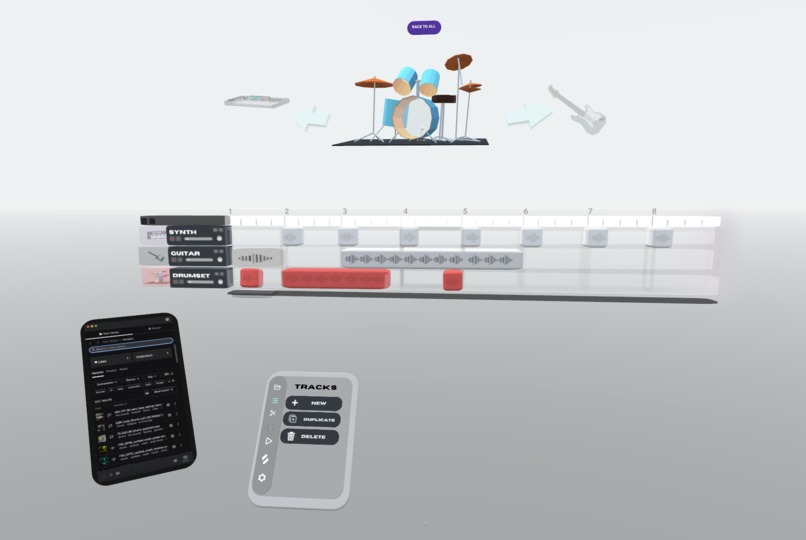
This is a solo instrument UI and an instrument select screen. Also in picture is Splice integration for samples.
-
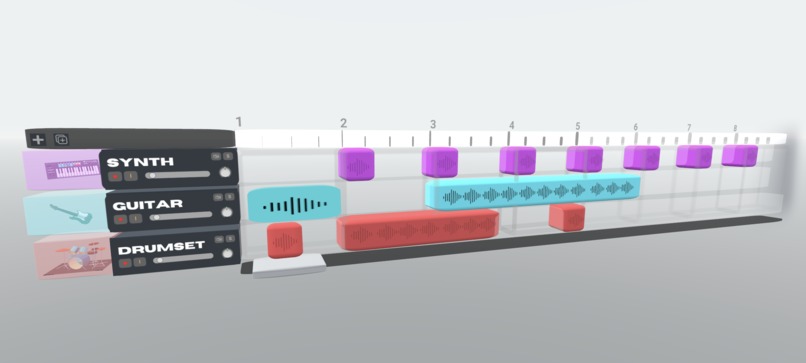
This is the full interface with 3 tracks. You can add many more. This will be scrollable and movable around the room.
About the Project: MuseRoom
Inspiration
MuseRoom was inspired by a desire to rethink how music is created in an immersive, hands-on way. Traditional DAWs like Logic Pro and Ableton Live are powerful but feel constrained by 2D screens and mouse interactions. With the rise of spatial computing, I envisioned a music production experience where users could physically interact with sound in 3D space—moving, shaping, and remixing music as if sculpting it with their hands.
The idea was also influenced by AI’s growing role in creative tools. I wanted to explore how an intelligent assistant could enhance the music-making process.
What I Learned
So far, this project has been an experiment in designing for spatial computing and AI-assisted creativity. Some key takeaways:
- Designing for AR is a completely different challenge – Unlike traditional UI design, AR requires thinking in 3D space, considering depth, user positioning, and natural interaction methods.
- ShapesXR is a powerful tool for rapid prototyping – I had never used it before, but it turned out to be an incredibly intuitive way to visualize the user experience in a VR setting.
- Figma remains essential for UI planning – Even though the final experience will be in 3D, structuring UI elements in Figma helped map out functionality and interactions.
- AI tools like Sora and DALL·E are valuable for world-building – Using AI-generated visuals and videos helped bring the concept to life before writing a single line of code, making it easier to pitch and refine the idea.
How I Built It (So Far)
MuseRoom is still in the design phase, but I’ve used:
- ShapesXR – To prototype the interface and interaction design in VR.
- Figma – To refine UI elements and ensure a structured workflow.
- Sora & DALL·E – To generate hyper-realistic images and videos that support the project’s vision.
The next steps involve transitioning from design to development, where I’ll start building the prototype in Unity, integrating hand-tracking interactions, and experimenting with AI-powered music tools.
Challenges I Faced
- Learning new tools – I had never used ShapesXR before, but it quickly became an essential part of the design process.
- Defining an intuitive AR music workflow – Unlike traditional DAWs, where users expect a timeline and tracks, designing a spatial interface required rethinking how users interact with sound in an open 3D environment.
- Bridging concept and execution – AI-generated content helped visualize the experience, but translating those ideas into a functional prototype will be the next challenge.
MuseRoom is still in its early stages, but the foundation has been set. The vision is clear, and the next step is turning these designs into an interactive, working prototype.
Built With
- dall-e
- dzine
- figma
- shapesxr
- sora


Log in or sign up for Devpost to join the conversation.