Why I built Museion
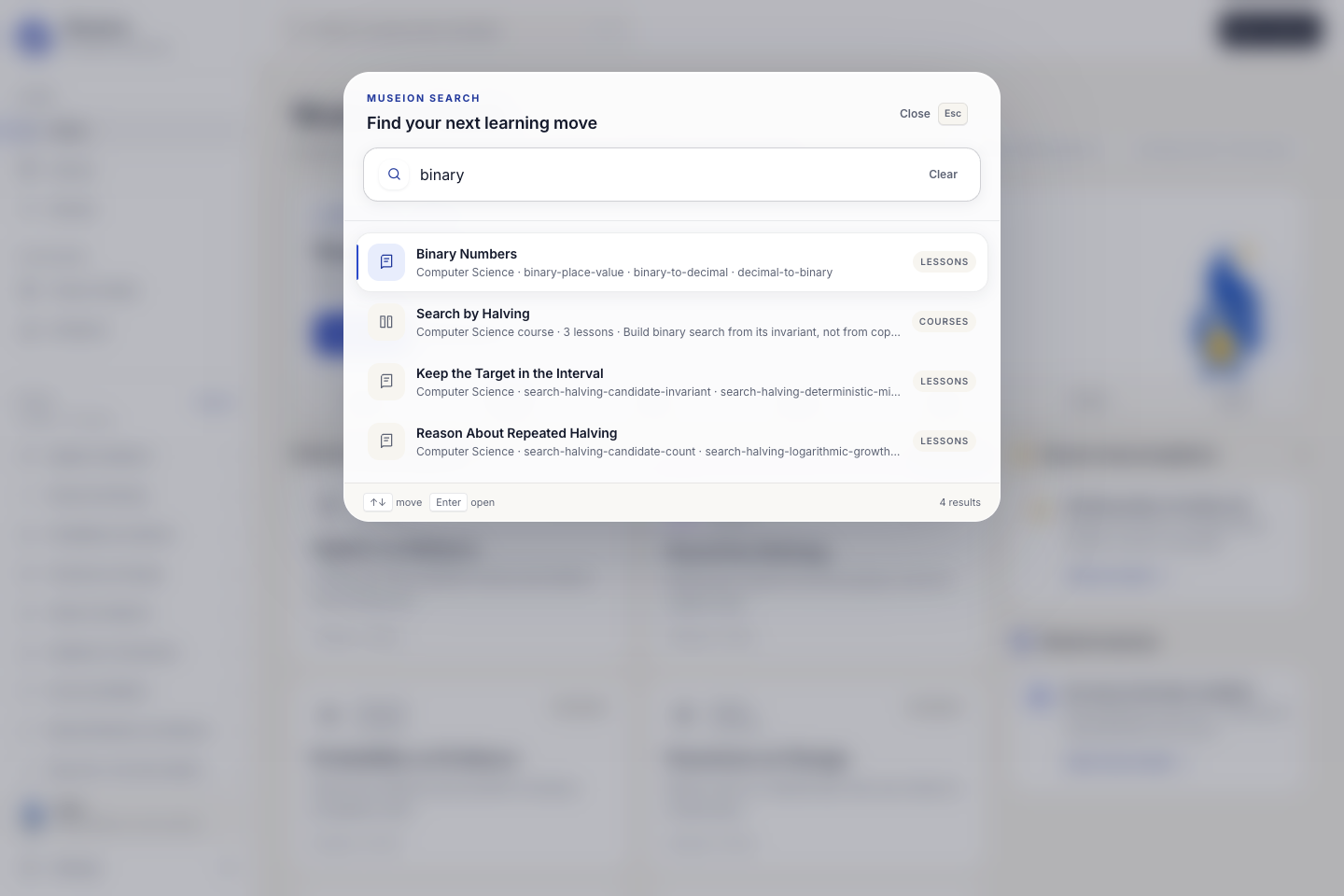
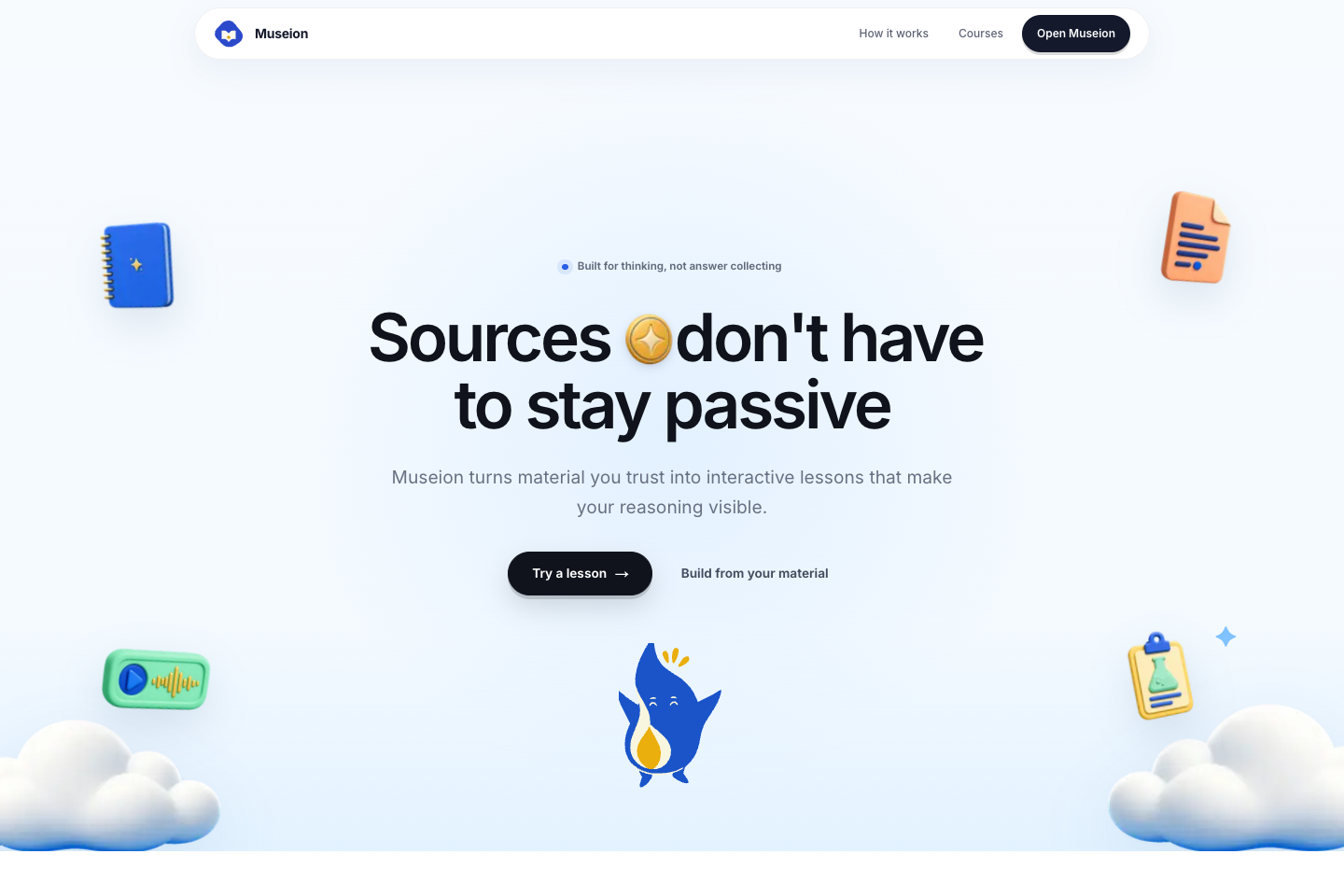
AI can solve a school problem in seconds, but that can quietly remove the practice that helps a learner understand it. I built Museion to explore a different role for AI in education. The model can guide the learner, inspect the context, and ask a useful question, but it should not own correctness or do the thinking for them. The product is based on a simple contract: sources keep the course grounded, deterministic code checks every learning move, and the learner must make the final decision.
I started with an early idea and a sparse product base, then used Codex and GPT 5.6 to turn it into a complete learning environment. The goal was not to make another chat box that can answer homework questions. I wanted an experience where prediction, interaction, mistakes, explanation, and transfer are visible parts of the lesson.
What I built
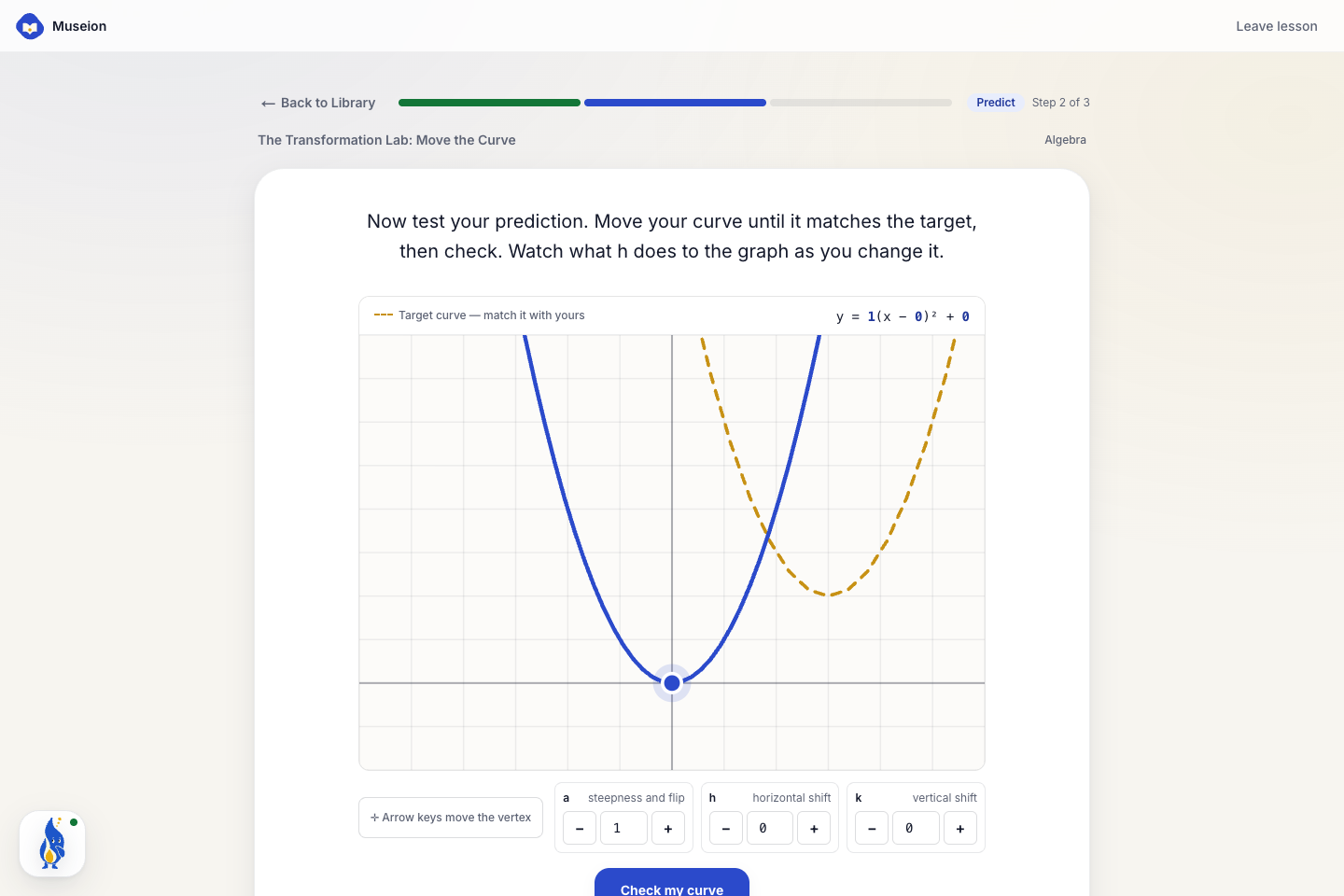
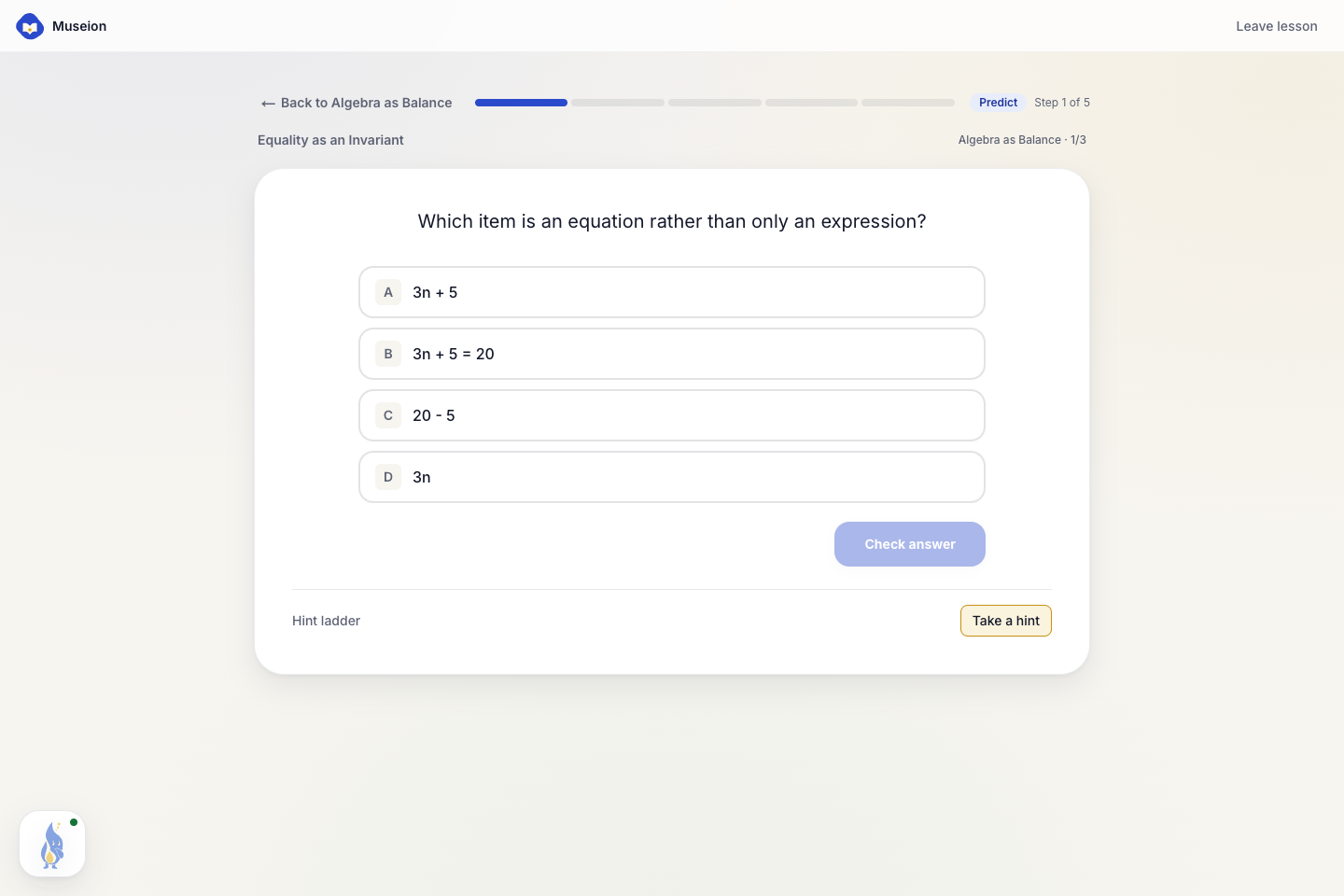
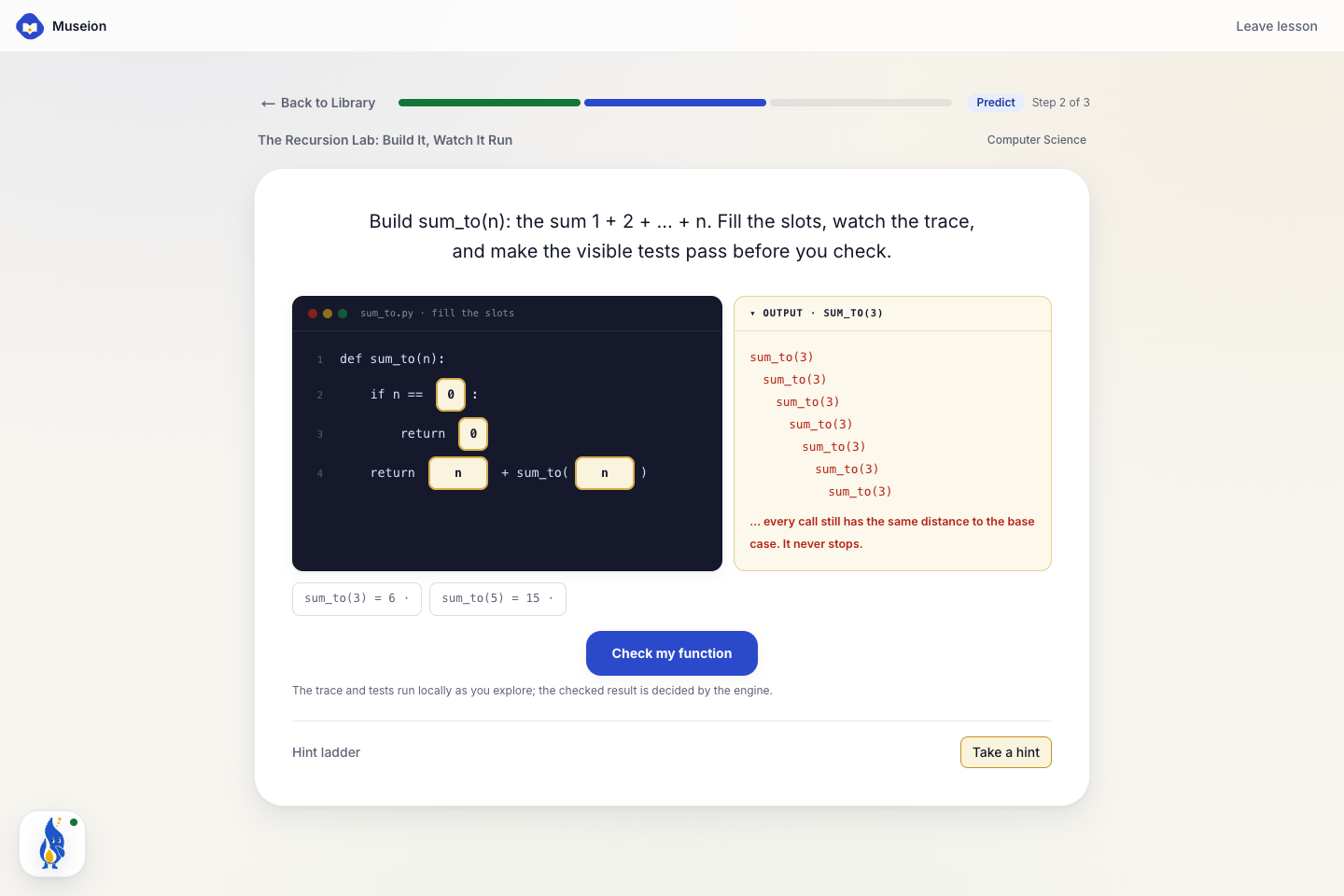
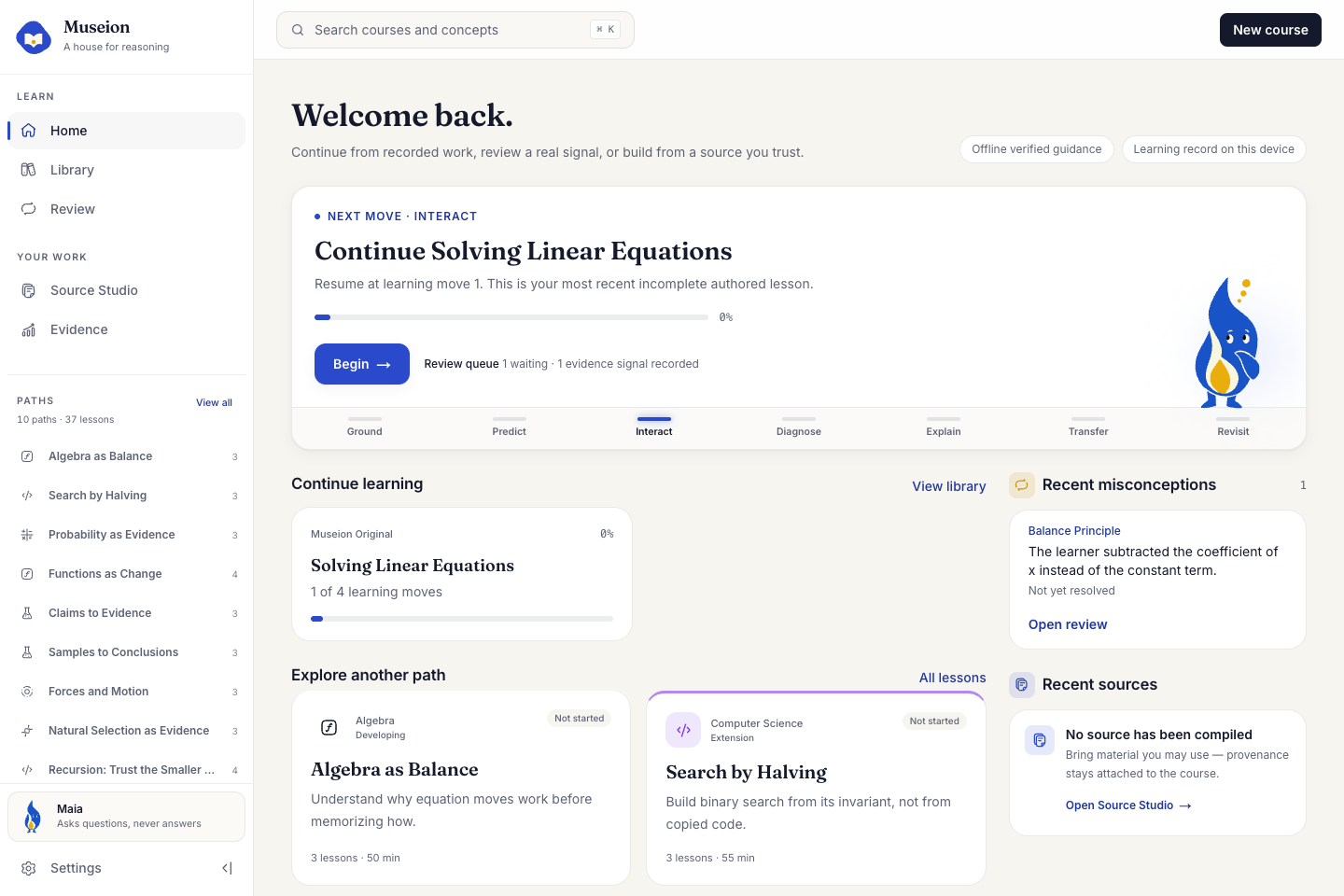
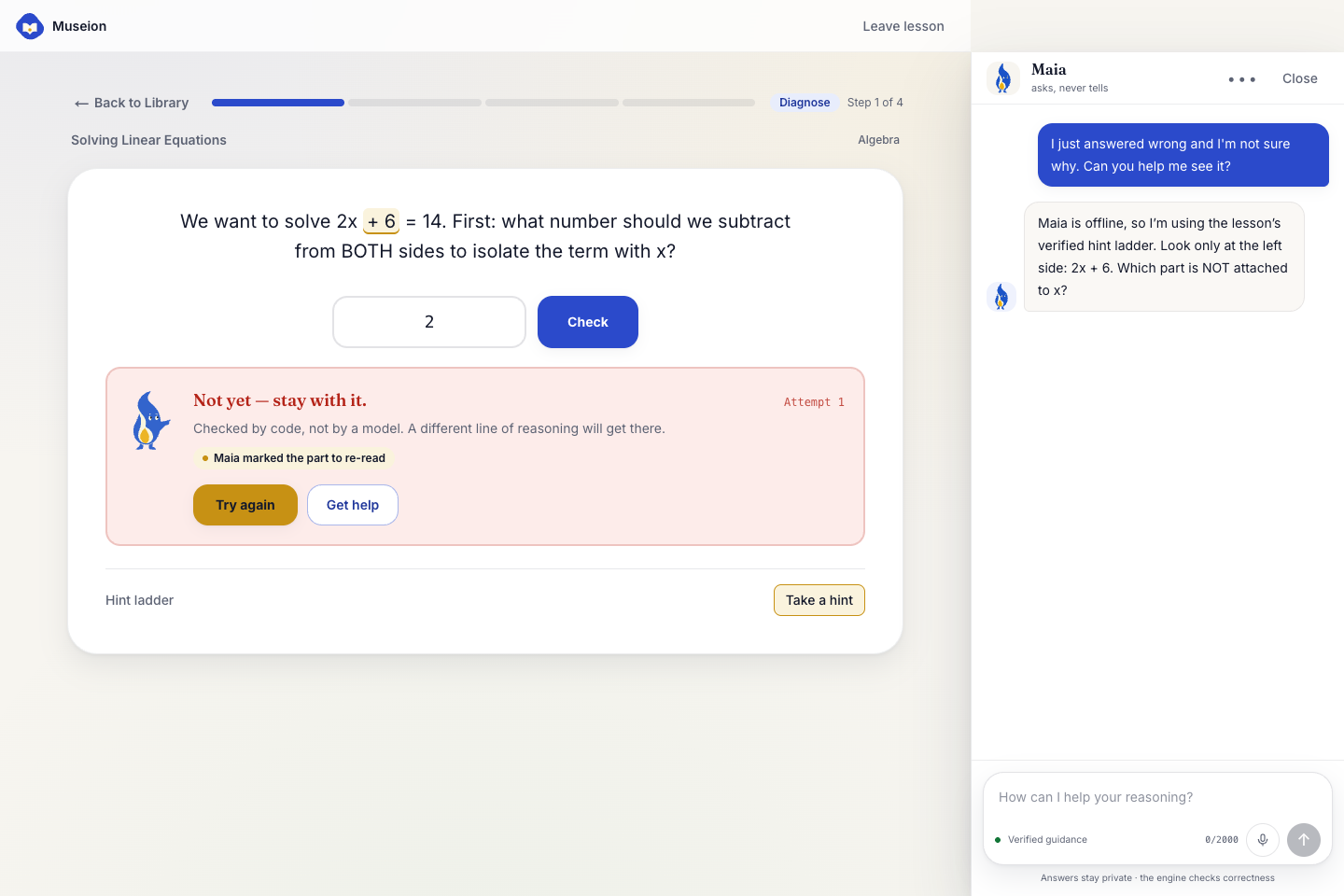
Every Museion lesson follows seven stages: Ground, Predict, Interact, Diagnose, Explain, Transfer, and Revisit. Learners make a prediction before they see an explanation. They can move a curve, trace a recursive function, reason from evidence, and test a mental model through a real interaction. Deterministic code decides if a move is correct and can match a known misconception. When this happens, Museion marks only the relevant element on the screen and Maia, the learning agent, asks a smaller Socratic question without revealing the answer.
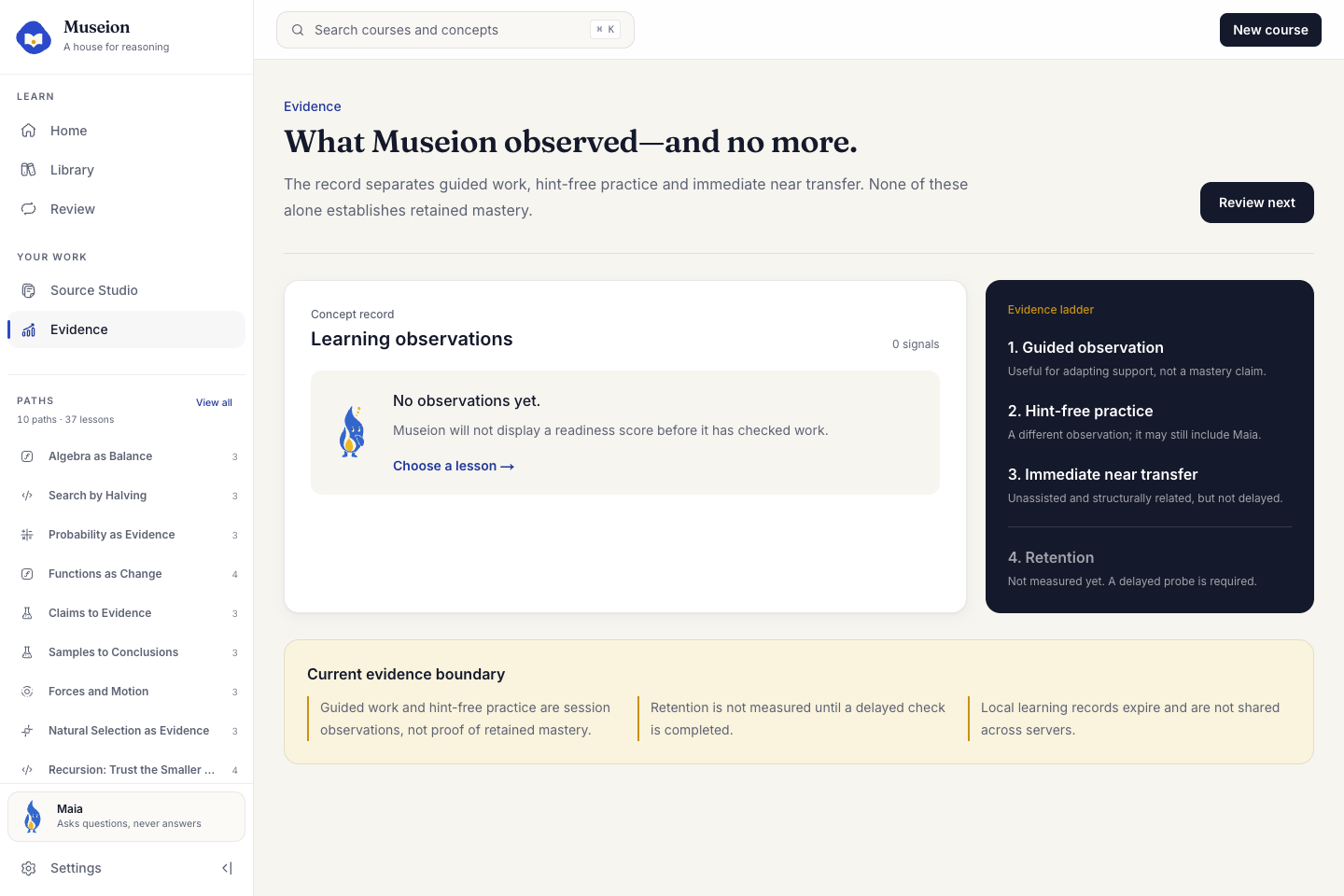
The final transfer task is protected. Maia, hints, and solution reveal are removed, so the learner must act independently. Museion records one immediate observation and explains what that result can and cannot prove. It does not claim durable mastery, far transfer, or a measured learning effect from one task.
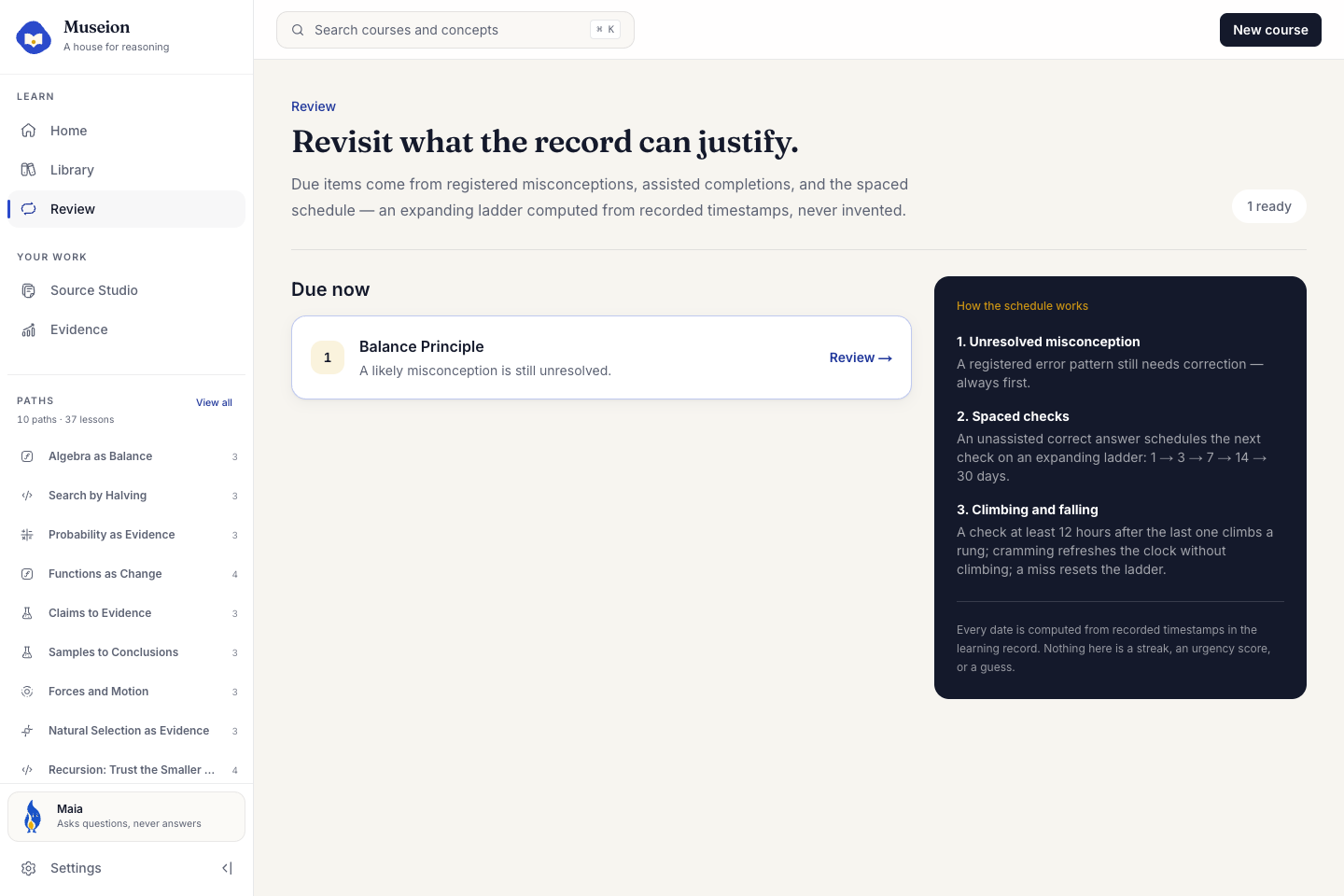
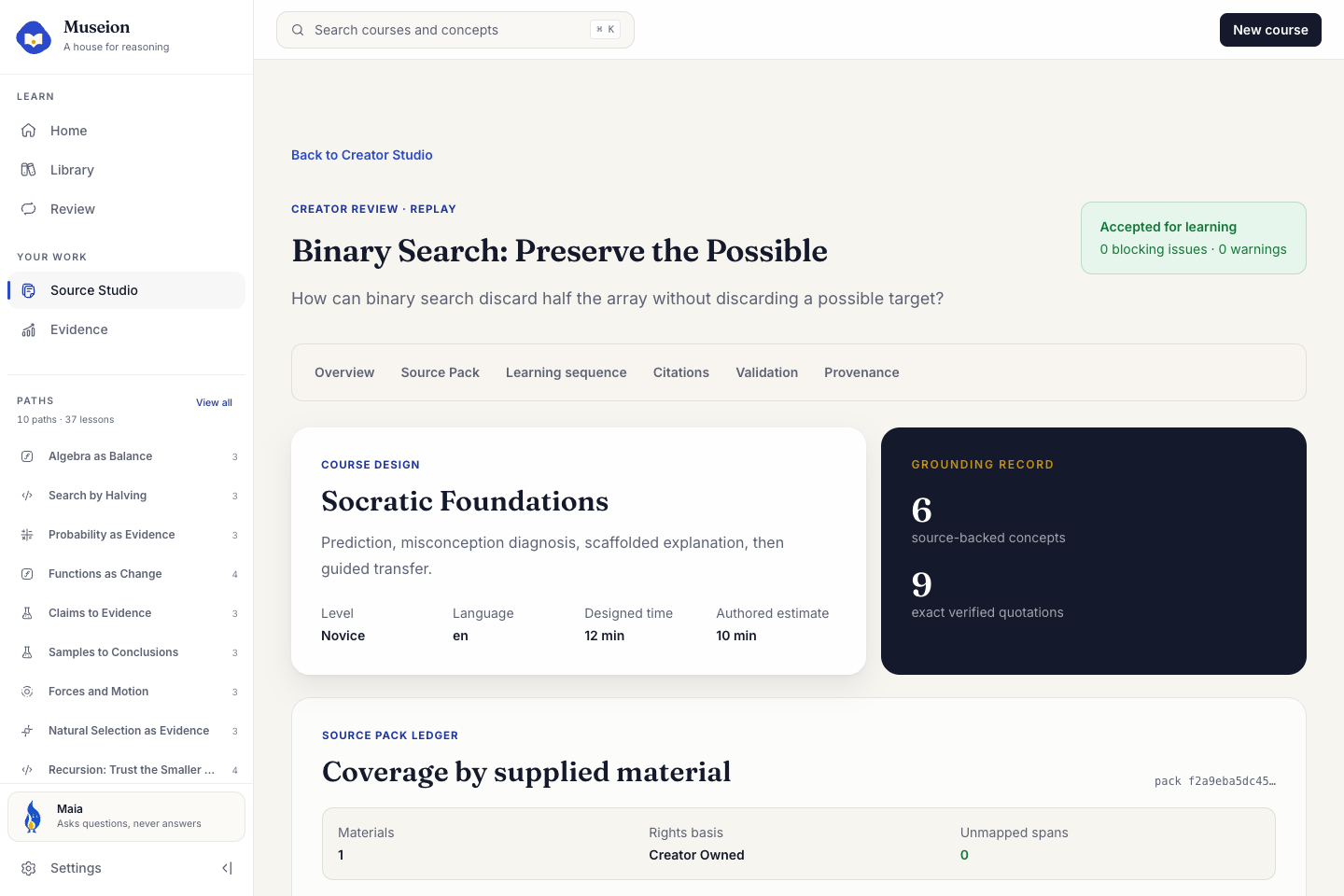
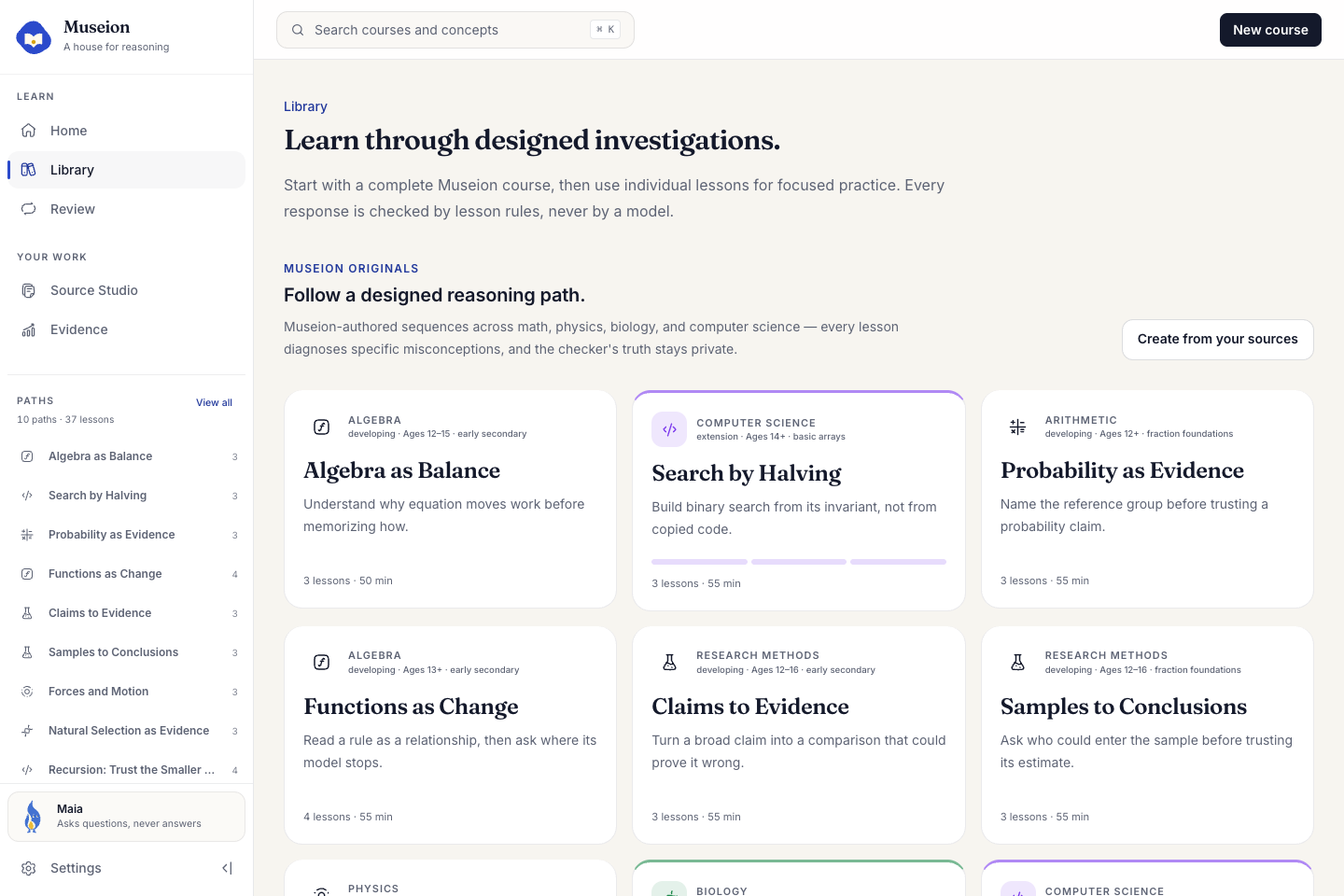
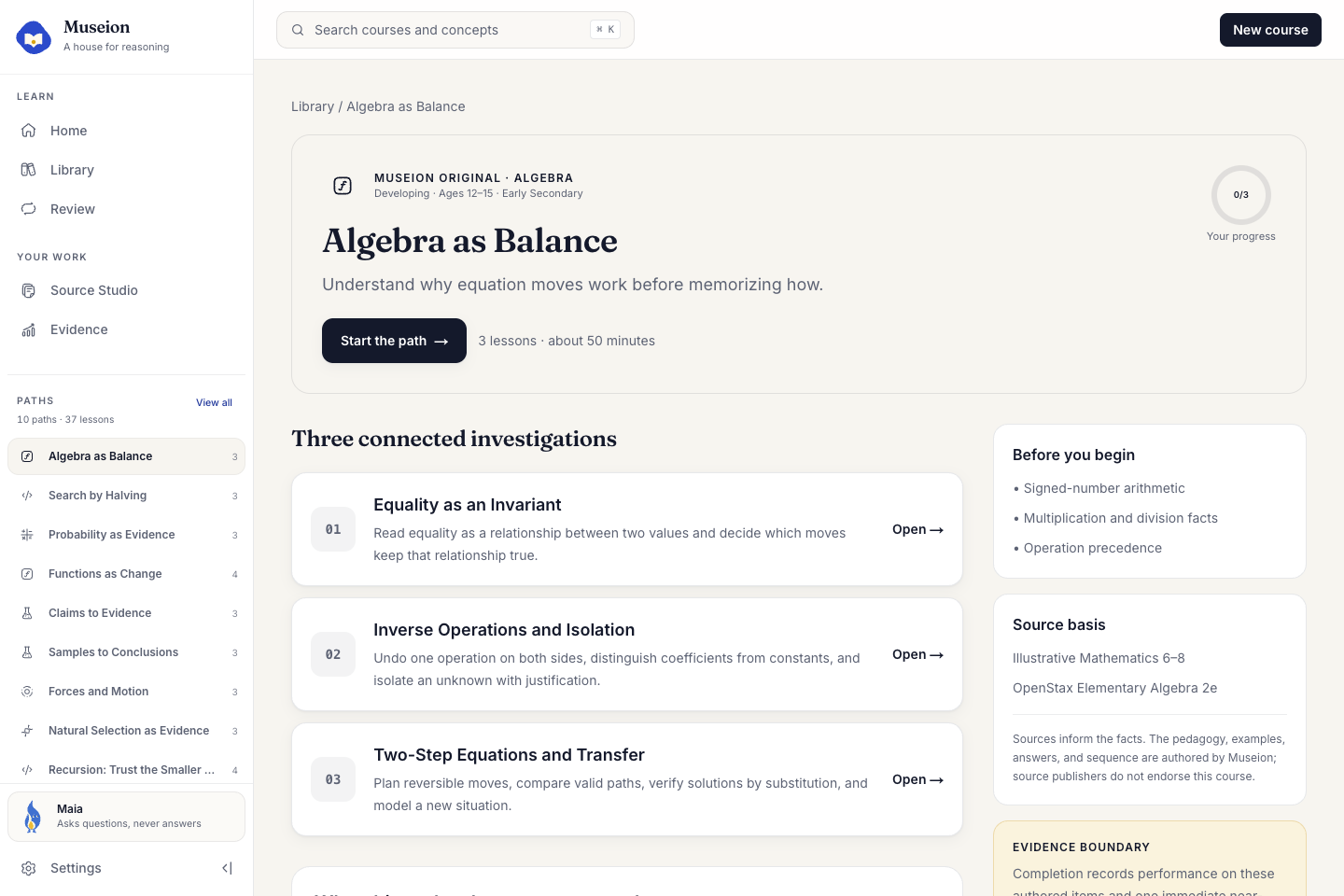
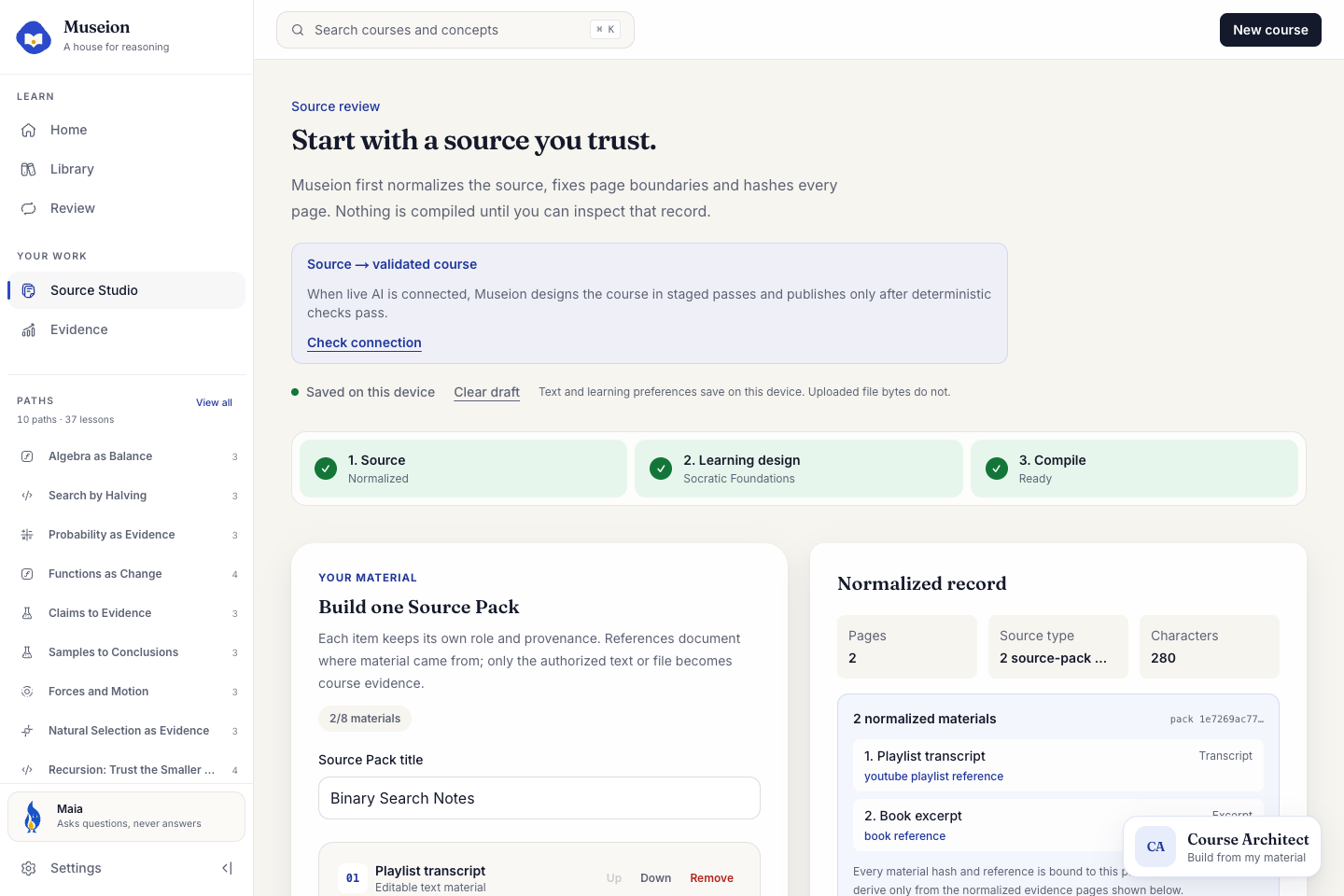
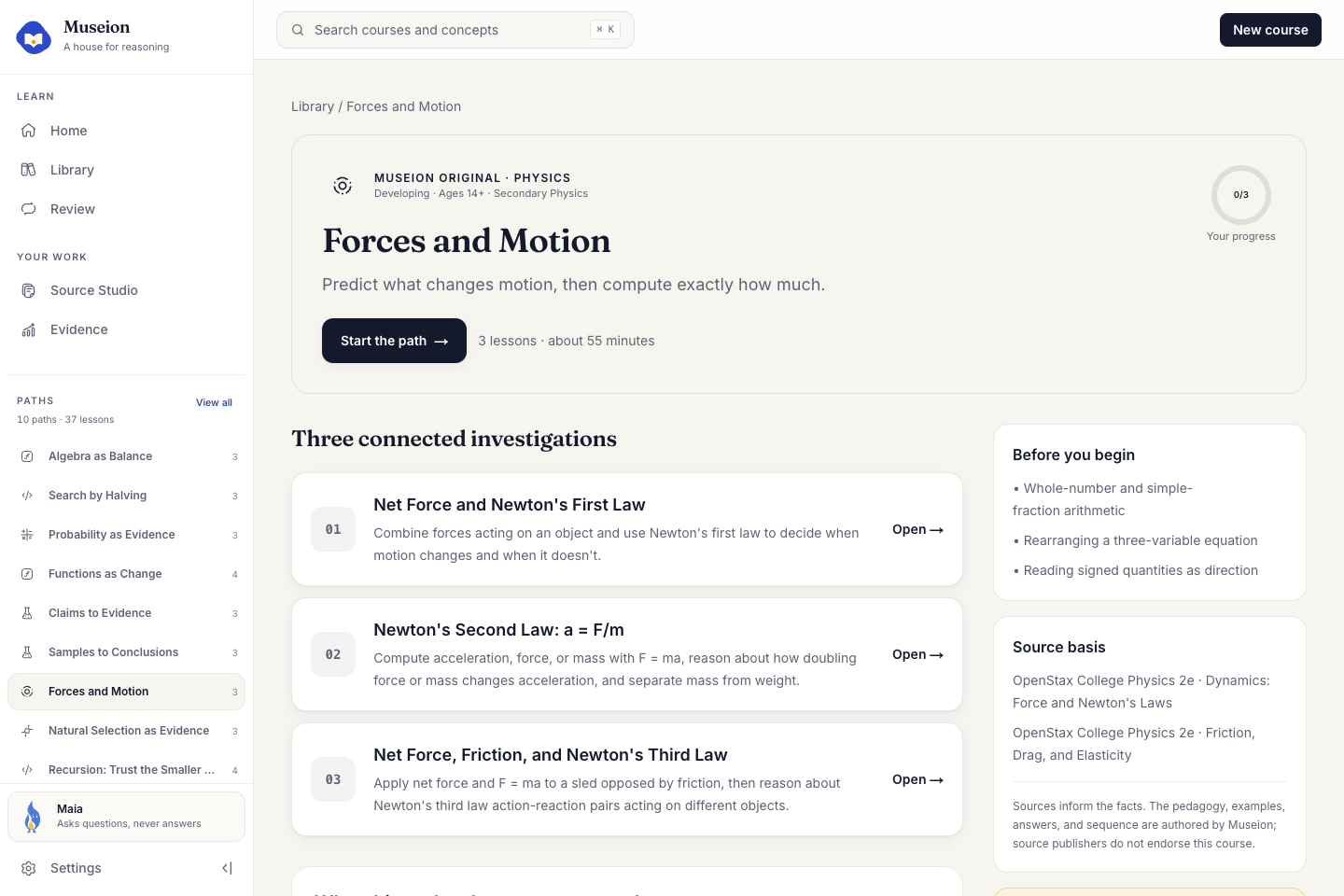
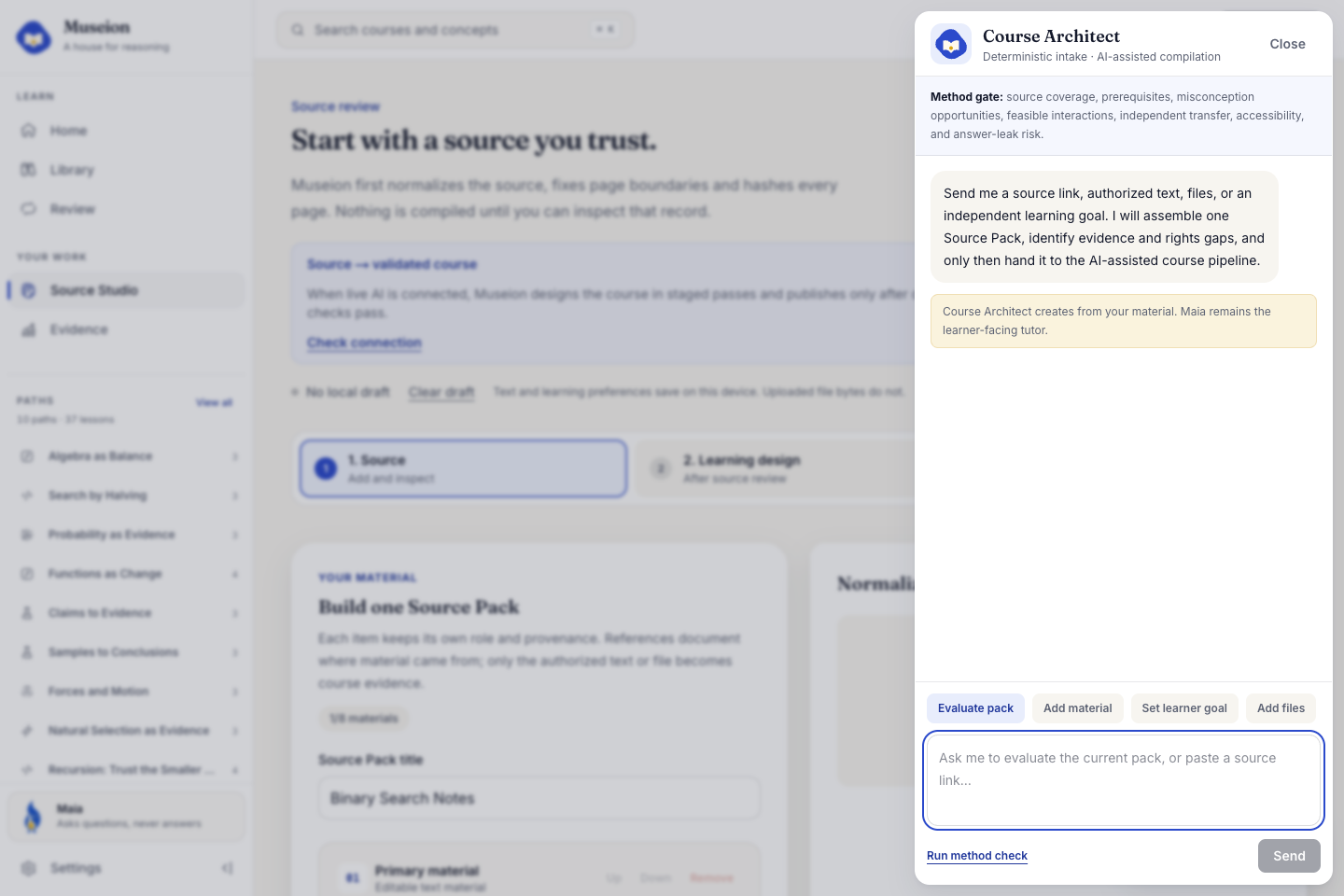
The current product includes ten authored paths and 37 deterministic lessons across mathematics, physics, biology, computer science, and research methods. These Museion Originals are separate from generated courses. The Creator Studio offers one Course Architect flow for all user material, including authorized transcripts, book excerpts, course pages, notes, pasted text, and files. They are not different products. Up to eight materials form one editable Source Pack, where each item keeps its role, provenance, rights statement, and hash. Before a course can reach review, the server checks the documents, material identities, complete pack, citations, learning structure, and publication rules again.
The same Course Architect is available through a typed MCP endpoint. A self hosted Museion instance can expose /api/mcp over HTTPS and connect to compatible clients such as ChatGPT custom connectors, Codex, Claude Code, and Cursor. Deterministic Source Pack preparation is available without spending model quota. Live model backed compilation requires an explicit server token and still passes through the typed compiler, critic, repair, citation, and publication gates. A URL is treated as provenance, not as permission to download protected content.
How I used Codex and GPT 5.6
Codex was the primary builder across the whole project. I used it for product architecture, learning science constraints, frontend implementation, lesson engines, Creator Studio, MCP, debugging, accessibility, documentation, GitHub integration, deployment checks, screenshots, and the final Remotion video. I also used ImageGen inside Codex to explore the logo, mascot, and landing assets. GPT 5.6 Sol, mostly with medium reasoning, was the main model during the build. Focused Codex threads helped divide large problems into smaller areas, while the main thread kept the product method and release state consistent. I repeatedly asked Codex to run tests, browser checks, mobile checks, stress tests, and honest release audits instead of stopping when the code compiled.
Inside Museion, GPT 5.6 is used as a proposal and judgment layer, not as the final authority. Luna extracts source structure, Terra helps design courses and powers bounded Maia guidance, and Sol performs the strongest publication criticism and typed repair. Model output must pass strict schemas and deterministic gates. Answer grading, source binding, leak detection, state transitions, transfer protection, and publication authority remain in code.
Skills, concrete references, and examples helped Codex produce much stronger work, but the project still needed a lot of steering. I had to give exact constraints, protect the learning method, show visual references, reject weak interface choices, identify overlaps, and ask for repeated verification. Codex and GPT 5.6 were very useful because they could move between design, code, tests, browser work, and release tasks, but they did not replace product judgment. A vague prompt often produced a plausible result, while a clear goal, a strong reference, and a falsifiable acceptance test produced a much better one.
What I learned
The largest lesson was that building with an agent is not one prompt. It is a loop of intent, evidence, constraints, implementation, testing, and review. The quality of the result depends on how well I can explain what must stay true, not only what screen I want to see. Focused threads made the work faster, but orchestration and review were still important because one local improvement could easily damage another part of the product.
I also learned that an AI education product needs a clear authority boundary. Models are good at proposing explanations, questions, structures, and repairs. They are not the right place to hide correctness, evidence, permissions, or publication decisions. Moving those responsibilities into typed schemas and deterministic code made the product easier to test and made its claims more honest.
Testing the real interface changed many decisions. Unit tests found engine problems, but browser runs exposed overlap, keyboard, viewport, recovery, and visual hierarchy issues that were invisible in isolated components. Stress tests were especially useful around multiple source materials, stale drafts, multi tab work, and answer leakage. I learned that visual polish also needs precise steering. Codex improved a lot when I supplied references from products such as Brilliant and Duolingo and explained what I wanted from their interaction patterns, but copying surface style was never enough. The learning contract had to remain Museion's own.
Finally, I learned to separate an impressive demo from evidence. Museion can show that a learner completed an authored interaction and one immediate transfer task. That is useful product evidence, but it is not yet proof of long term learning. Writing this boundary into the interface and documentation made the project stronger, not weaker.
What comes next
The next foundation is durable authentication, learner accounts, protected histories, and clearer per client identities for MCP. I also want to improve the visual interface, reduce remaining density, refine Maia's placement and motion, and make every lesson feel more consistent and premium across desktop and mobile.
The larger direction is to expand the course catalog and raise the quality of each course, with more interactive labs, stronger misconception maps, better transfer tasks, teacher review, sharing, and editing tools. I want Course Architect to accept not only formal external sources but also a clear text brief, teacher written material, or the learner's own notes. This should not mean inventing unsupported facts. The agent should label the evidence boundary, ask for missing context, narrow the scope when needed, and refuse to turn a weak prompt into a confident but meaningless course.
I also want to improve the agent itself. Maia should become better at choosing the smallest useful question, and Course Architect should become better at evaluating whether a topic fits the Museion method before it starts generating. Future work includes more interaction types, stronger accessibility, better course editing, optional teacher and school workflows, retention studies, and a careful path from immediate performance to real learning evidence.
Try it
Judges can open Judge Mode for the complete keyless replay. It needs no account, API key, credits, or test credentials. The public repository is available at github.com/metaforismo/Museion. To run or host the project, clone the repository, run npm ci, copy .env.example to .env.local, run npm run dev, and open /judge.
Optional local Codex mode is explicit. Set MUSEION_LOCAL_AI=1, start Museion, open /settings, and complete the official ChatGPT device login. Do not put an API key into the hosted deployment. MCP setup, HTTPS requirements, and the server token boundary are documented in docs/MCP_COURSE_ARCHITECT.md.
Built With
- codex
- gpt-5.6-sol
- next.js
- openai-imagegen
- playwright
- react
- remotion
- typescript
- vercel
- vitest


Log in or sign up for Devpost to join the conversation.