-
-
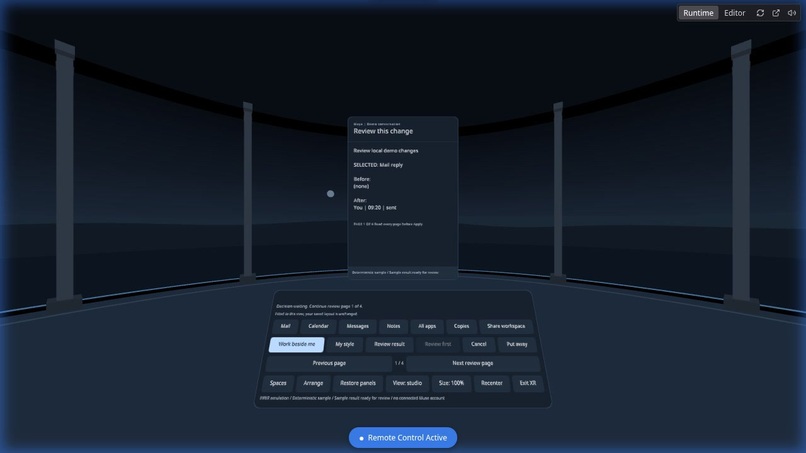
Actual IWSDK/IWER simulator frame from an earlier Museic build (5543431). Physical Quest performance remains unverified.
-
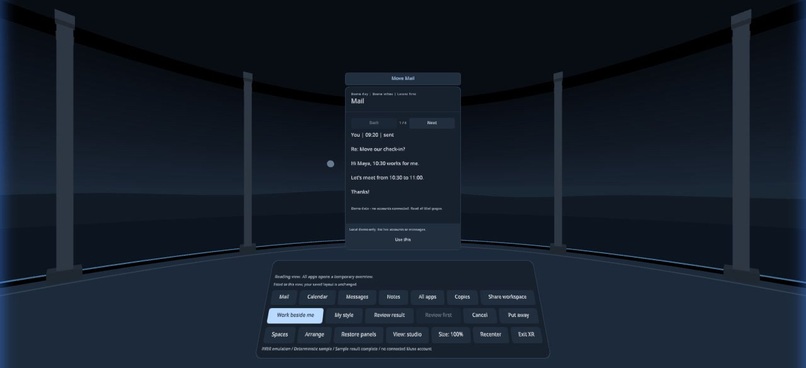
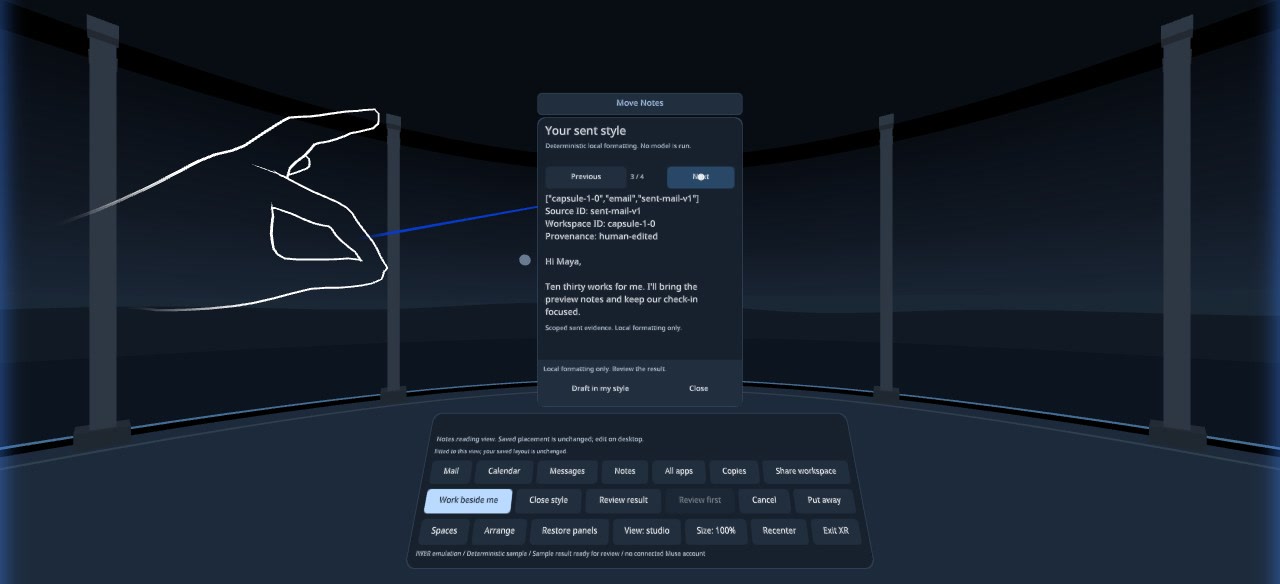
Actual IWSDK/IWER simulator frame from an earlier Museic build (5543431). Physical Quest performance remains unverified.
-
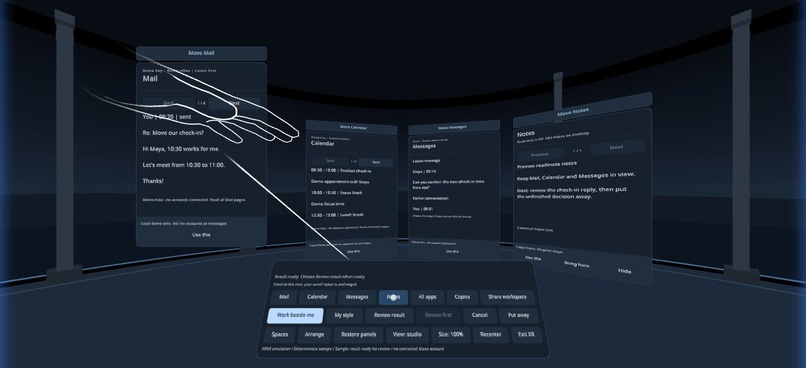
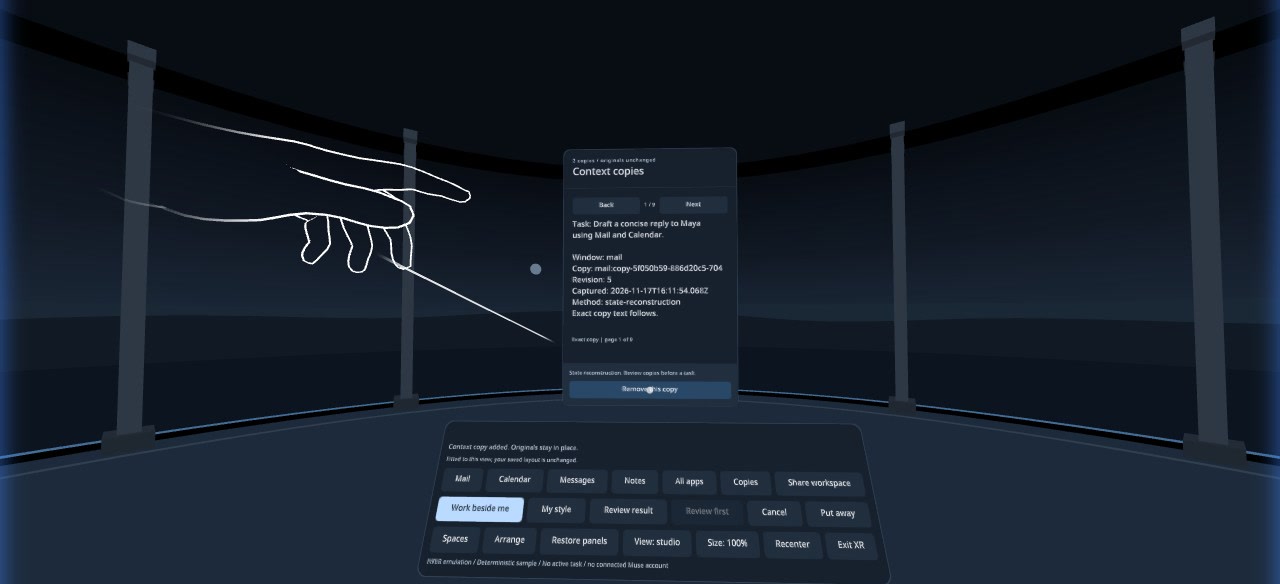
Actual IWSDK/IWER simulator frame from an earlier Museic build (5543431). Physical Quest performance remains unverified.
-
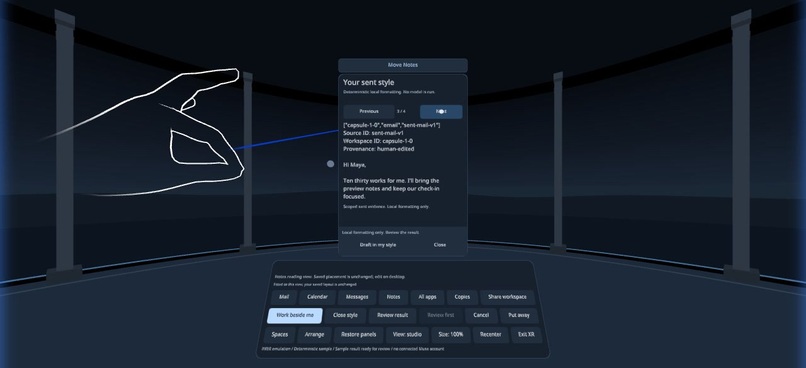
Actual IWSDK/IWER simulator frame from an earlier Museic build (5543431). Physical Quest performance remains unverified.
-
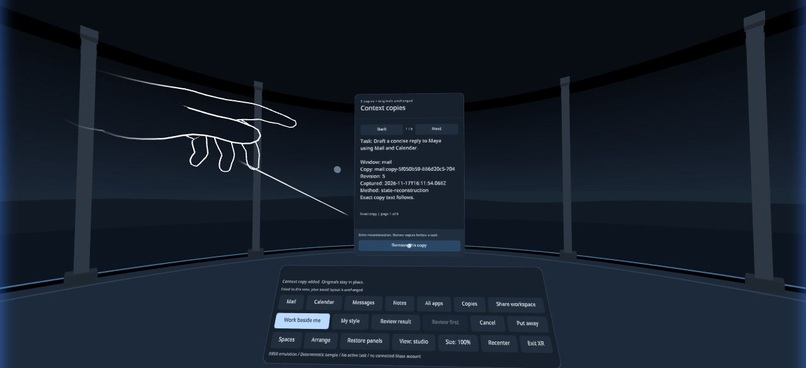
Actual IWSDK/IWER simulator frame from an earlier Museic build (5543431). Physical Quest performance remains unverified.
-
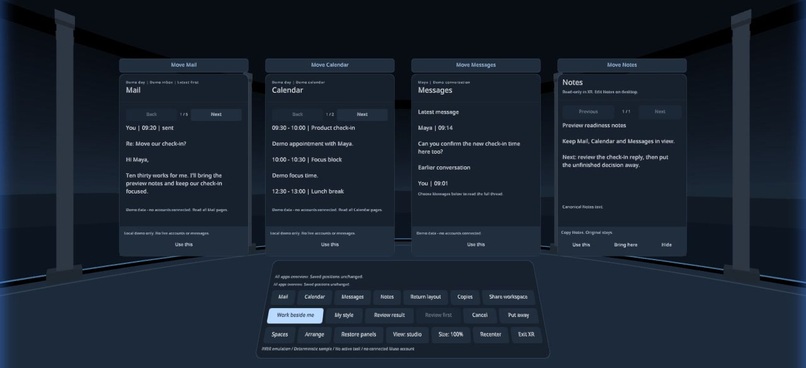
Actual IWSDK/IWER simulator frame from an earlier Museic build (5543431). Physical Quest performance remains unverified.
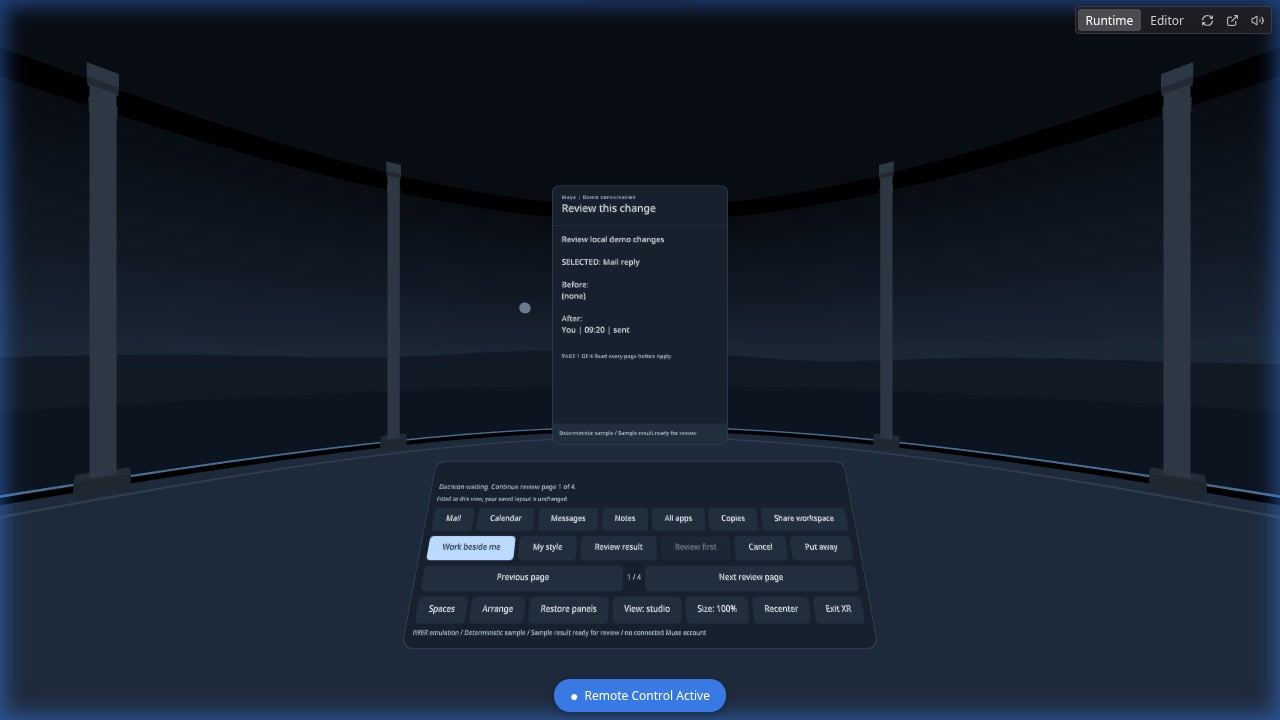
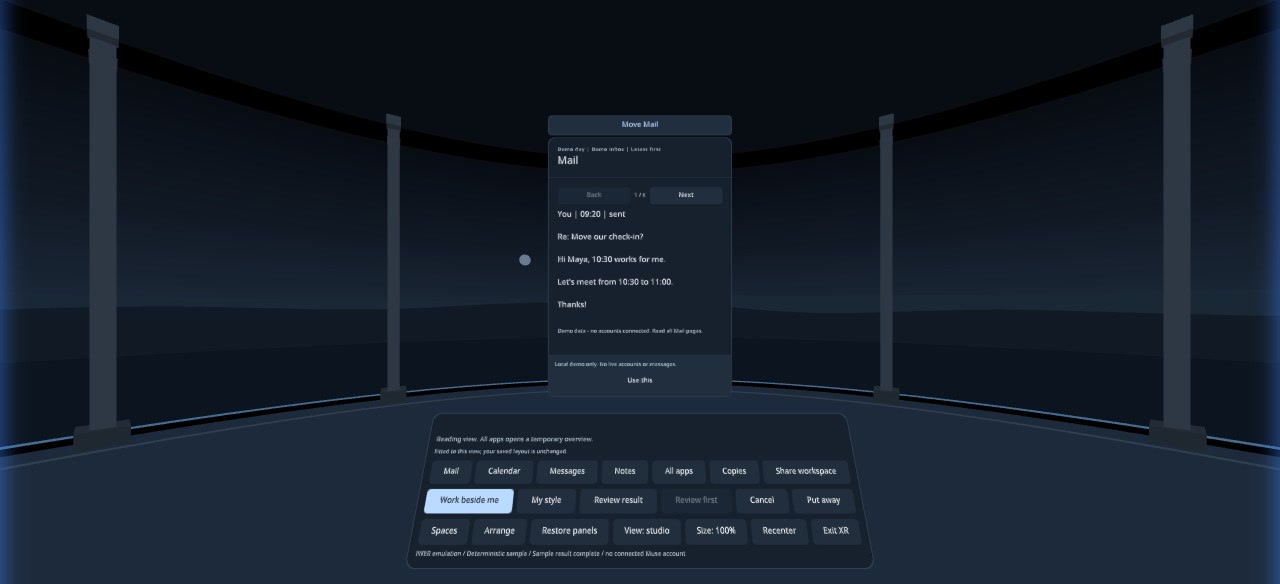
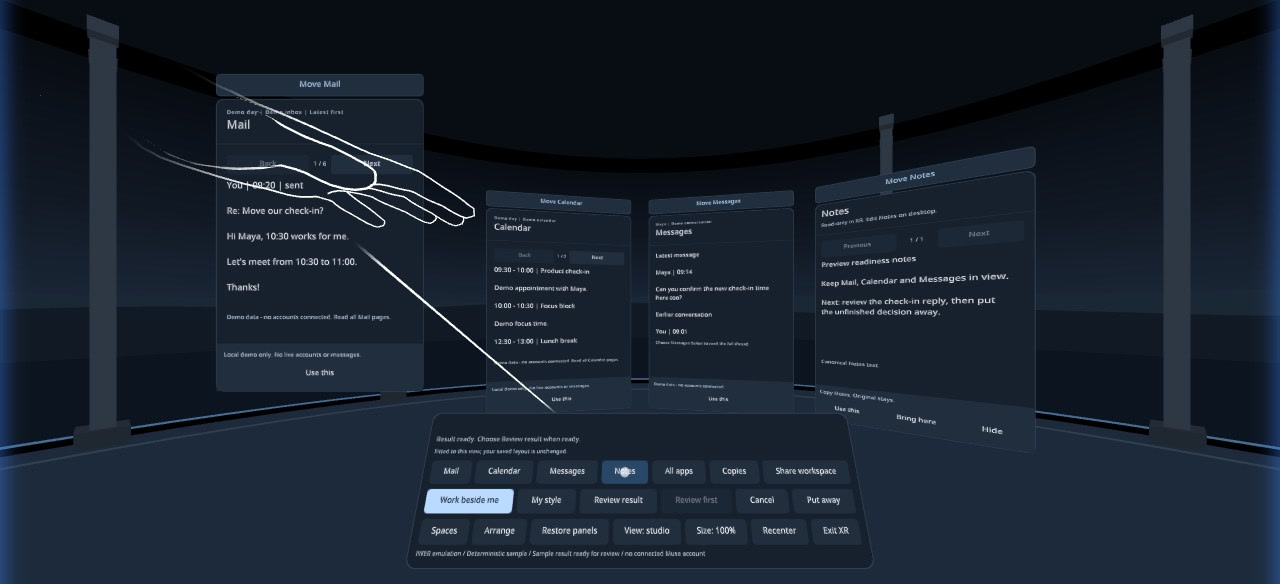
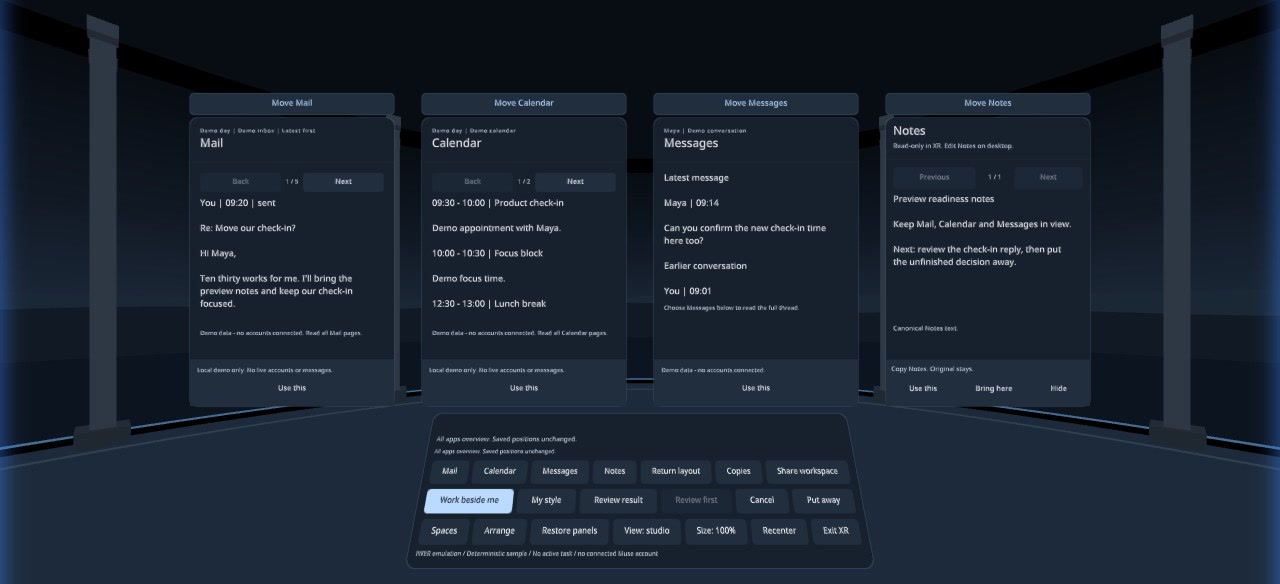
Museic is a spatial workspace for getting work done more efficiently with the help of AI. Keep Mail, Calendar and Messages open around you, bring a window into view when you need it, and move, pin, resize or minimize it. Switch between Lookout and Lagoon while keeping your workspace in place. The browser companion also gives you Notes, Research, Files and Tasks.
Use this. Choose which app records to share with the assistant. Museic creates inspectable copies and keeps the originals in place. You can see where each copy came from and choose whether to share selected text for one Live task.
Work beside me. Check calendar availability, draft a reply or create a briefing from selected Research while you continue in Notes. Accept a gray reply suggestion with Tab in the companion, then edit it in the reply field. Museic can suggest another time when an event conflicts. Before applying a change, you see the exact reply and calendar edit together and decide whether to approve them. The prototype applies changes within Museic's own apps.
Keep my place. Put the workspace away and Resume after a reload. Museic restores the layout, selected context and pending decision so you can review it before applying anything. You can save preferences for how the assistant addresses people or writes in a particular tone, choose when to use them, and remove them with Forget.
I built Museic to make it easier to move between apps while staying in control of what the assistant is allowed to see and change. The challenge was carrying enough state across a pause to make resuming useful while keeping edits subject to review. I used TypeScript, React, IWSDK, Three.js and UIKitML to connect one workspace model to the browser companion and spatial view. OpenAI Codex substantially assisted with research, design, implementation, testing and documentation. I am aiming for a January 2027 release.
Try Museic
Open the spatial workspace in Quest Browser or the desktop XR simulator. Choose Enter spatial workspace and open apps from the dock. Use Use this to attach selected context in Chat. Use Put away and Resume to test workspace continuity.
Open the browser companion for text editing, calendar availability and Live assistance. Under Work beside me, select Connection and text-only task controls, then Approved relay. Enter the privately provided judge pass and select Enable relay for this session. Review and authorize the selected context for each Live task. Applying an app change requires its own review.
Credits
I authored the procedural Lookout and Lagoon geometry. The spatial implementation uses Meta IWSDK, IWER, Three.js, UIKitML, pmndrs UIKit and Pointer Events. The application uses React, TypeScript and Vite. The guarded Node.js relay uses the OpenAI API, Vercel and Neon PostgreSQL. Noto Sans is distributed under the SIL Open Font License. Playwright and QRCode are credited in the project. The film uses offline Kokoro narration with the af_heart voice and an original instrumental score.
Built With
- typescript
- vite
- webxr
