-
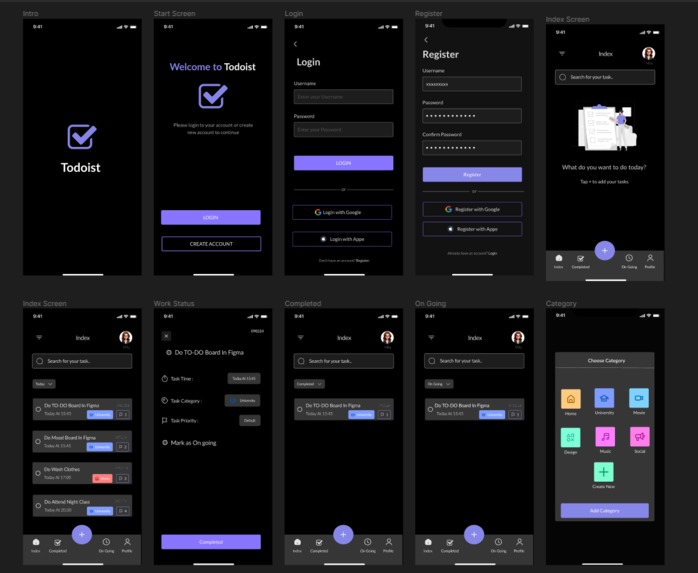
UI Design
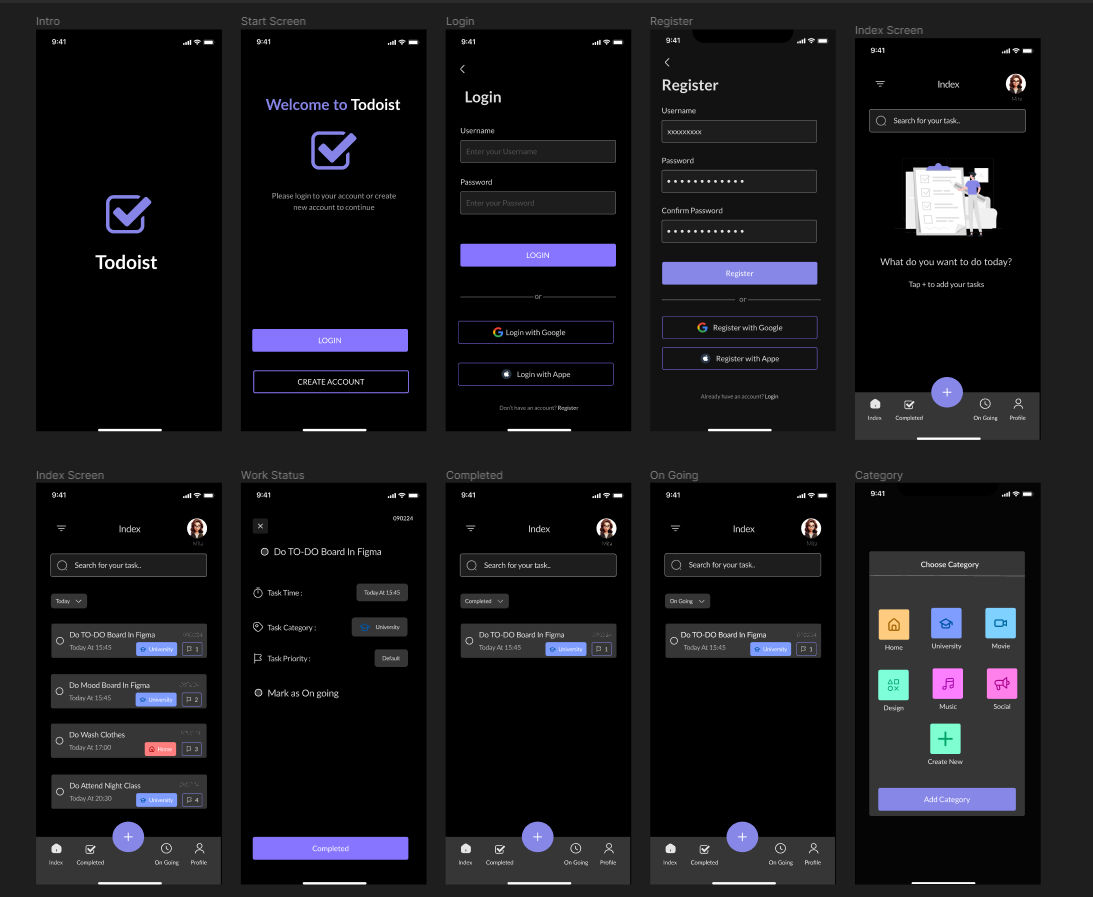
Popular to-do list apps and design trends can inspire a functional and visually appealing to-do list in Figma. Building it will enhance your understanding of Figma's core functionalities like frames and components, while prompting you to consider user experience. Plan the layout, design UI elements, leverage components for efficiency, and consider adding an interactive prototype (optional) to showcase user interactions. Challenges might arise from increasing complexity with advanced features or managing interactions in prototypes. Search online tutorials for inspiration and start simple, iterating as you gain confidence in Figma.
Built With
- figma
- uiux

Log in or sign up for Devpost to join the conversation.