Inspiration
Women have long understood that safety is found in numbers. They’ve mastered subtle glances and unspoken signals, creating safe words to discreetly call for help when feeling unsafe, uncomfortable, or in need of support.
From ordering a coded drink at the bar to calling 911 under the guise of a pizza order, these protective measures have been necessary—but not always foolproof. Help should never be uncertain.
What it Does
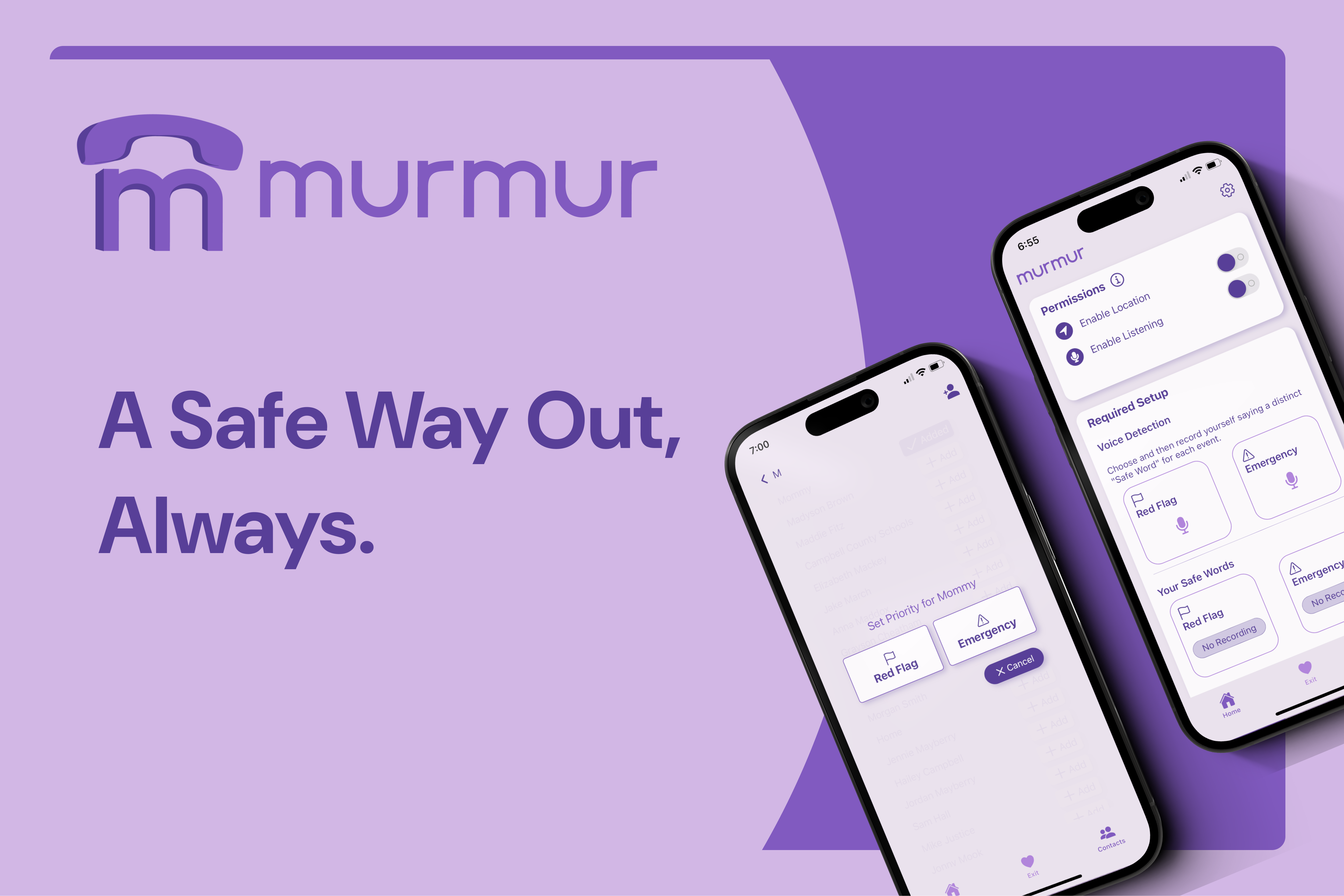
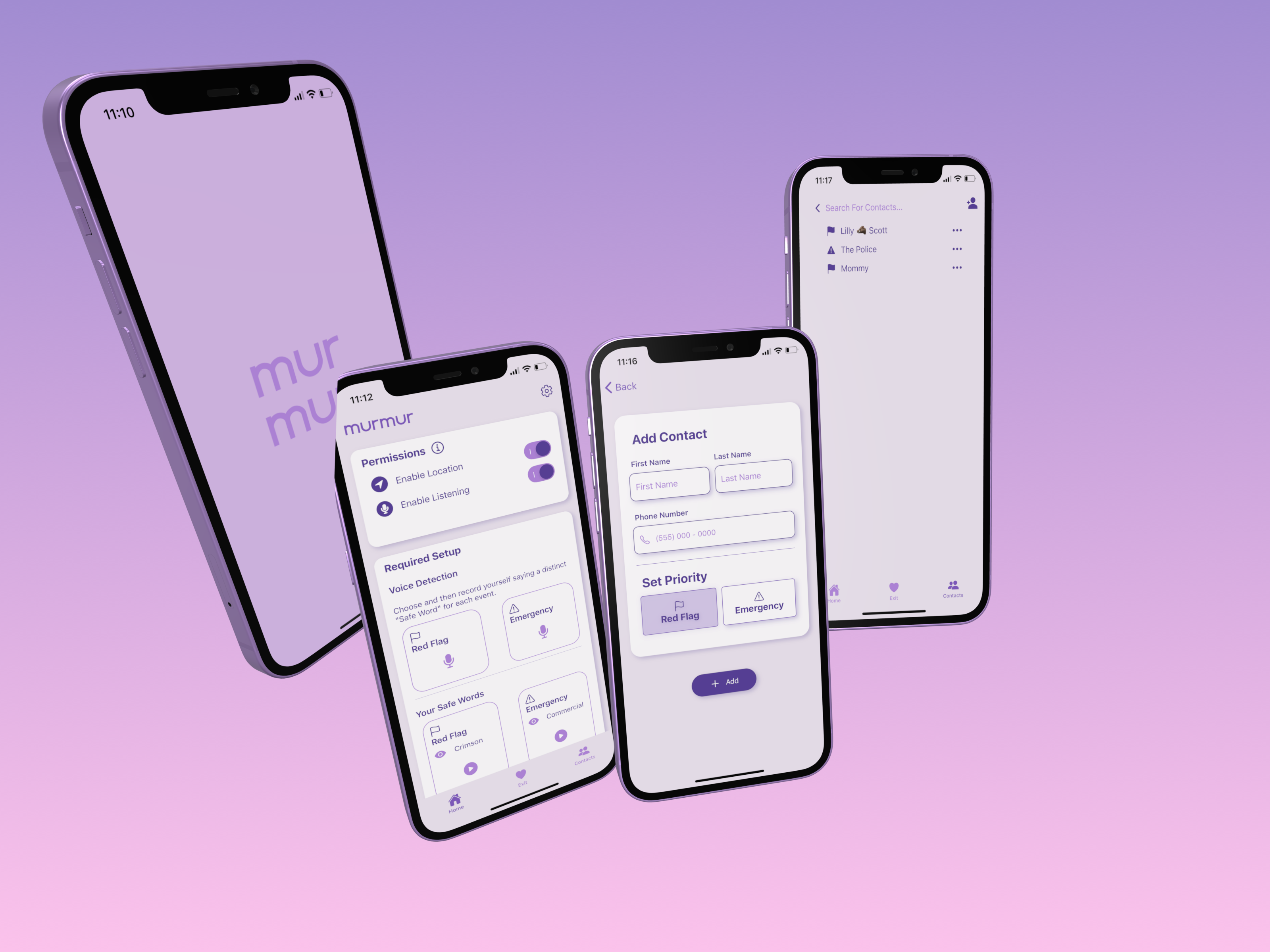
Murmur automates this social practice into a discreet mobile app that does the planning and alerting for you.
Whether you're out with friends, navigating workplace discomfort, or facing real threats of violence, Murmur ensures hands-free, discreet, and immediate communication with trusted contacts and authorities.
How we Built it
Overview
Murmur was built using React Native, leveraging Expo Go's developer tools and libraries such as Expo AV for audio processing and Expo Location for optional location data. Real-time safe word recognition is powered by Azure's AI-powered speech-to-text.
Voice Profile
Our voice profiling system, was implemented using a custom Flask backend. This backend utilizes the open-source Vosk speech recognition and speaker identification library, specifically the vosk-model-spk-0.4 and vosk-model-en-us-0.22 models.
The backend verifies a users voice by extracting speaker vectors from audio files and comparing the vectors using cosine distance to determine if a speaker's voice matches with the defined user's voice. The function assumes a predefined threshold (e.g., 0.6) for verification.
Users create their voice profile by recording themselves speaking the following three phrases:
- "My voice is my identity. I speak naturally and clearly."
- "My voice represents me. I speak so that I can be understood."
- "The way I talk is unique to me. I say my words with clarity."
The Flask API handles these recordings and returns a unique voice embedding or speaker vector.
Safe Word Detection
Once the user has enabled active listening mode our app is then always monitoring and processing audio at 5 second intervals using Azure's Speech to Text API*. If a user's safe word is detected, the audio clip is passed to the /verify-speaker backend API. Once the user's voice profile has been verified the app will take action messaging the assigned contacts.
Text Messaging
For handling automatic SMS notifications, we are using an Email to SMS Gateway, which is integrated into our custom Flask backend.
Designs
All of our designs, wireframes, and logos were developed in Figma, ensuring a seamless and user-friendly experience.
Tech Stack
 |
 |
 |
 |
 |
 |
|---|---|---|---|---|---|
| React Native | Expo | Azure AI Services | Flask | Vosk (Python-based Speech Recognition) | Figma |
| - JavaScript mobile development | - Expo AV | - Speech-to-Text API | - API for AI Hosting | - vosk-model-spk-0.4 (Speaker Identification Model) |
- Wireframes and Graphic Designs |
| - Expo Location | - vosk-model-en-us-0.22 (Speech Recognition Model) |
Challenges We Ran Into
- Restricted Access to Key Technologies: Platforms like Twilio and Azure's Speaker Recognition offer powerful tools for voice and SMS functionality, but their regulatory restrictions posed significant challenges in implementation, ultimately requiring some hacked work-arounds.
Accomplishments That We're Proud Of
- Developing our own voice profiling AI model.
- Error proofing the active listening and recording of safe words, using Azure's AI speach to text
- Discrete and friendly UI
What We Learned
- How to use open-source models to perform speaker verification.
- That is now basically impossible for an iOS device to automate sending a text message without prior vetting and approval.
What's Next for Murmur
- Storing recording data: Currently all recording data is housed in async storage, which is not problematic for development purposes, but to allow for scaling of the app the recorded data would need to be moved to a cloud platform such as Firebase.


Log in or sign up for Devpost to join the conversation.