-
-
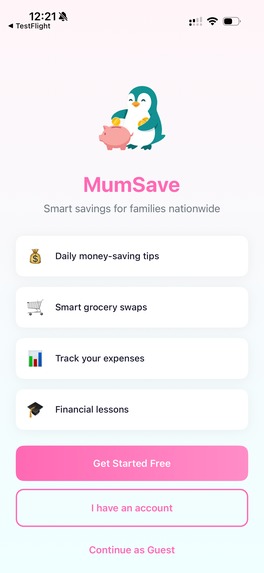
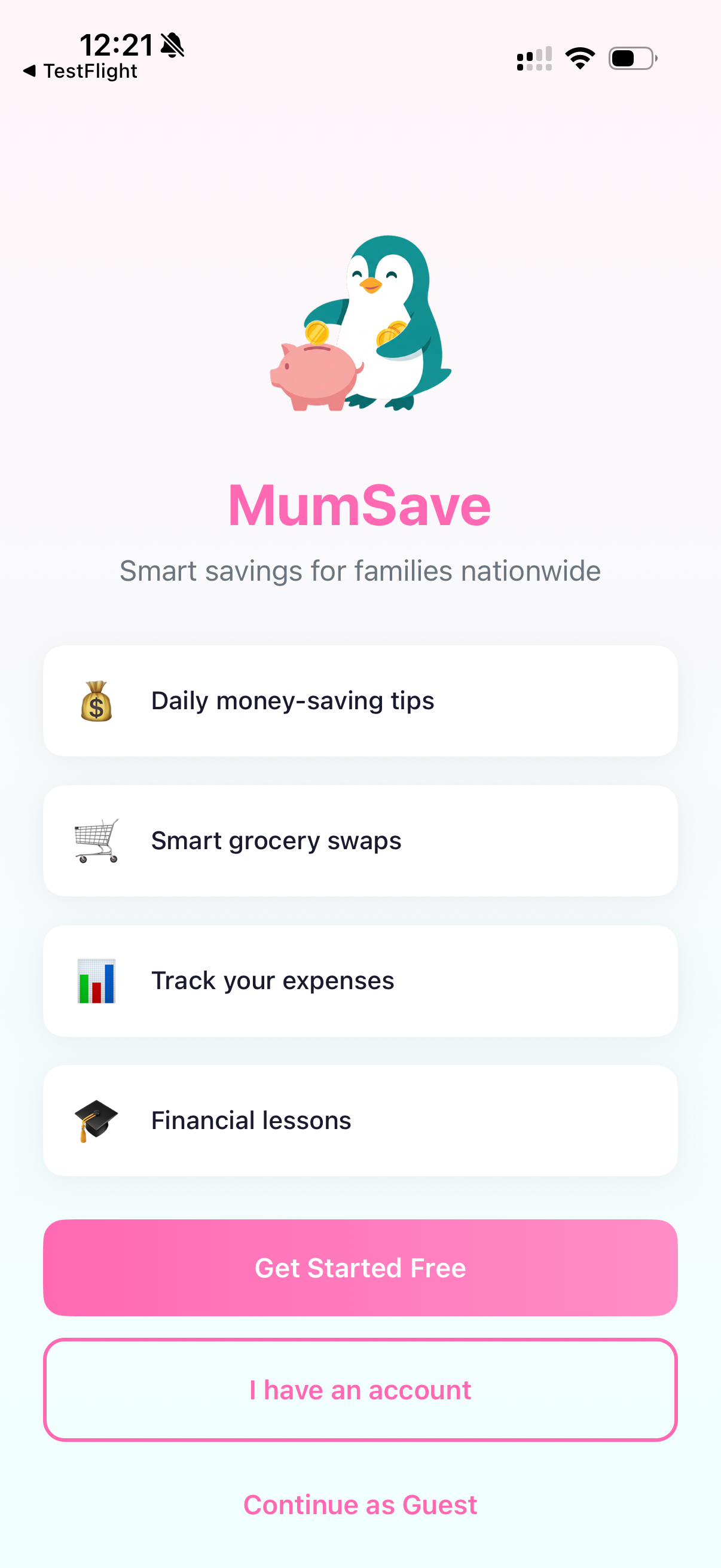
Sign in / Registration page on the iOS app
-
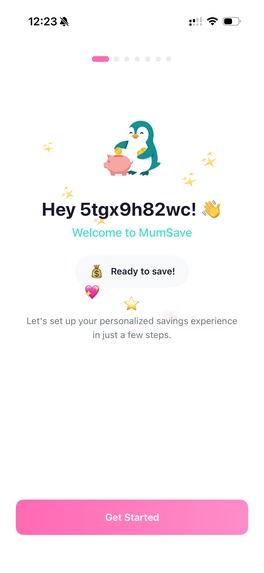
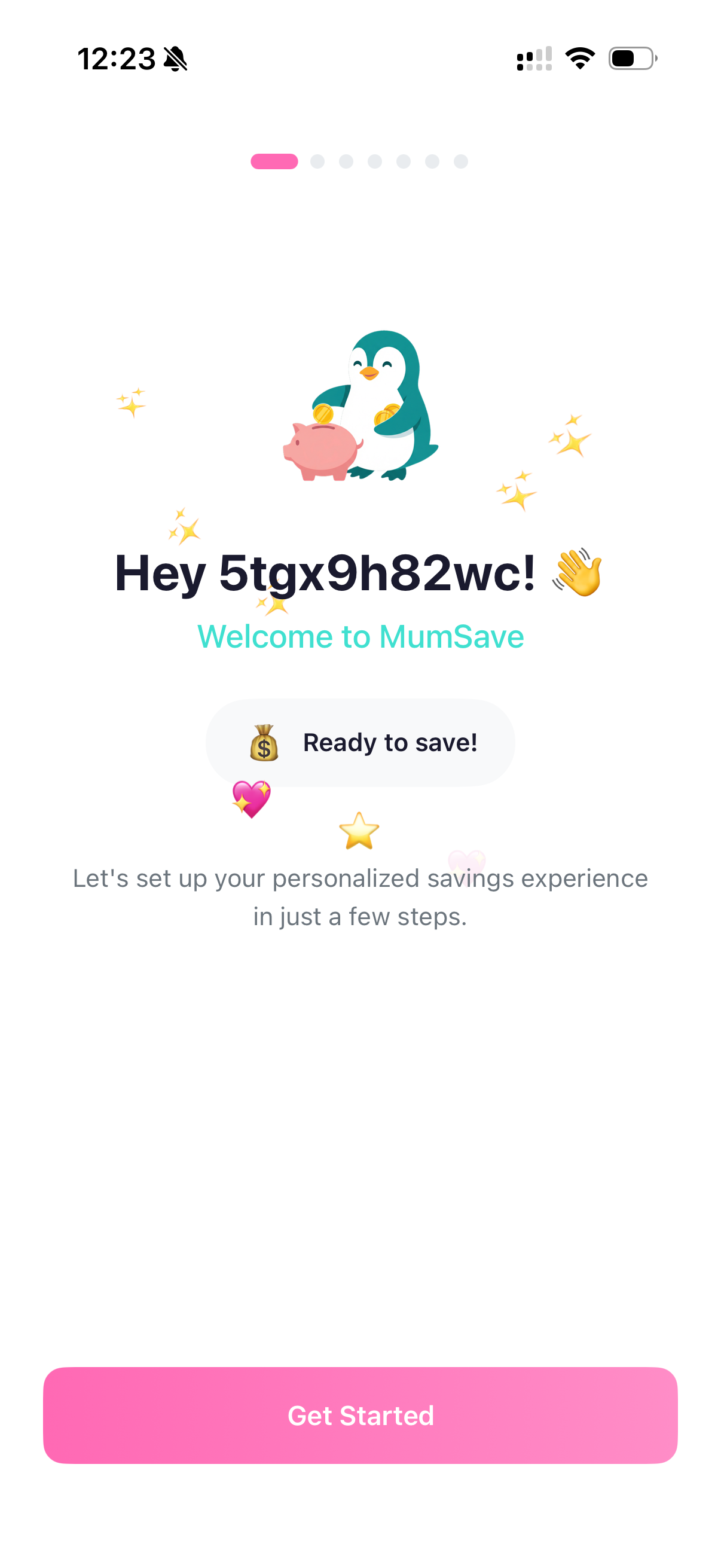
Welcome page after registration
-

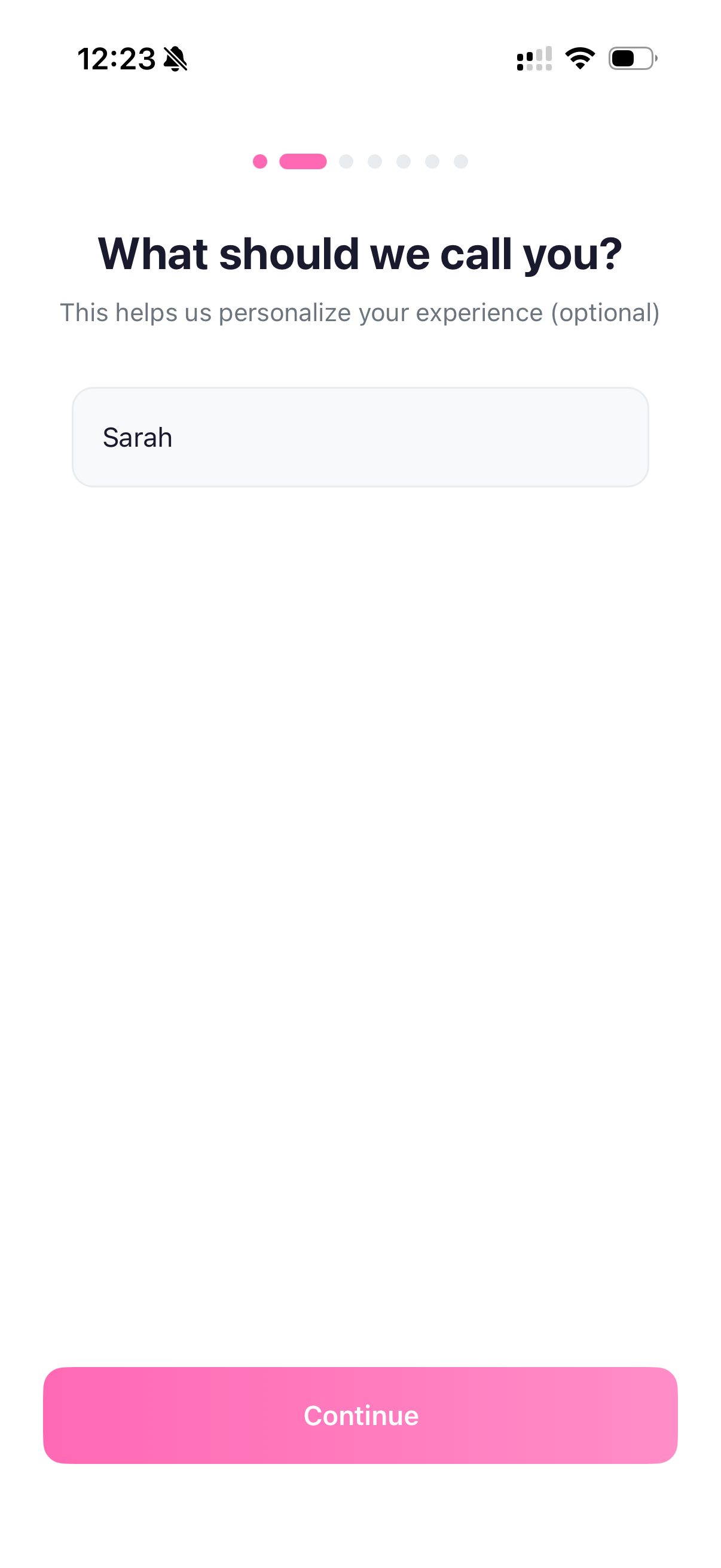
Asking users name (optional) on the post registration onboarding screen
-
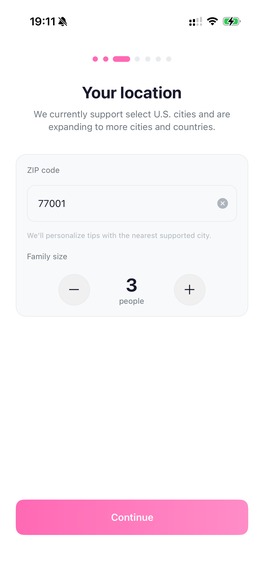
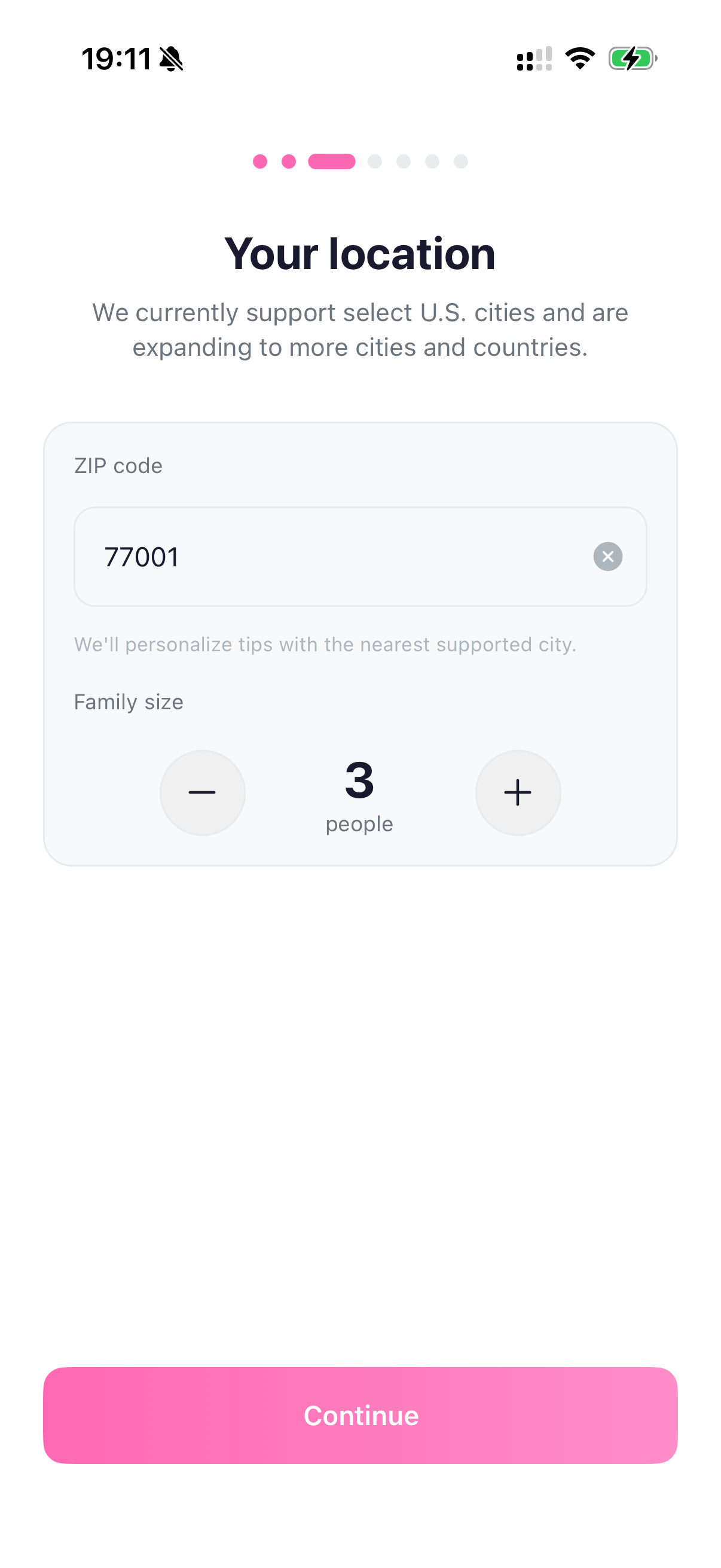
Onboarding screen asking users zip code and family size for personalizing tips and savings
-
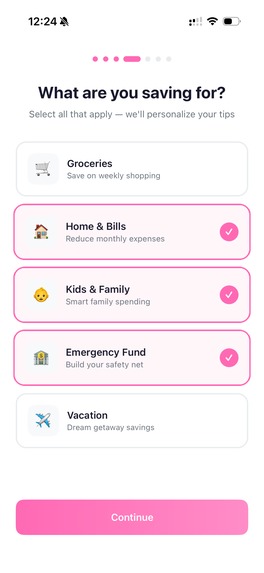
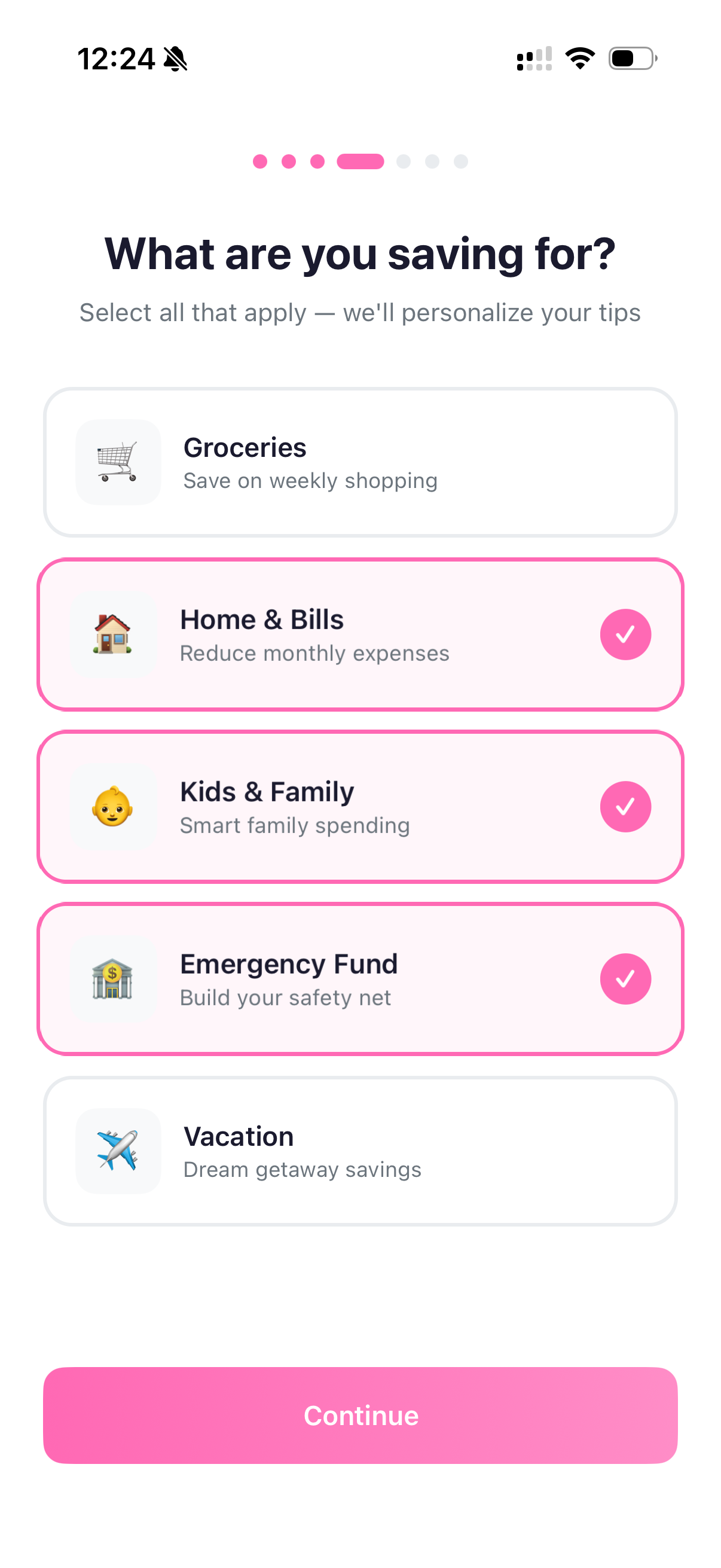
Asking users their preferences
-
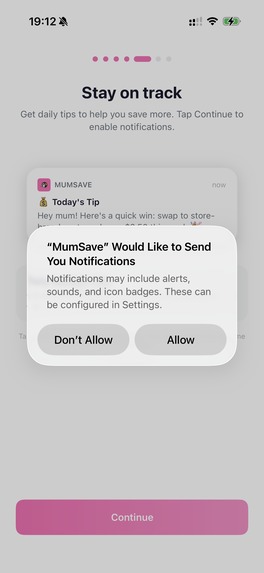
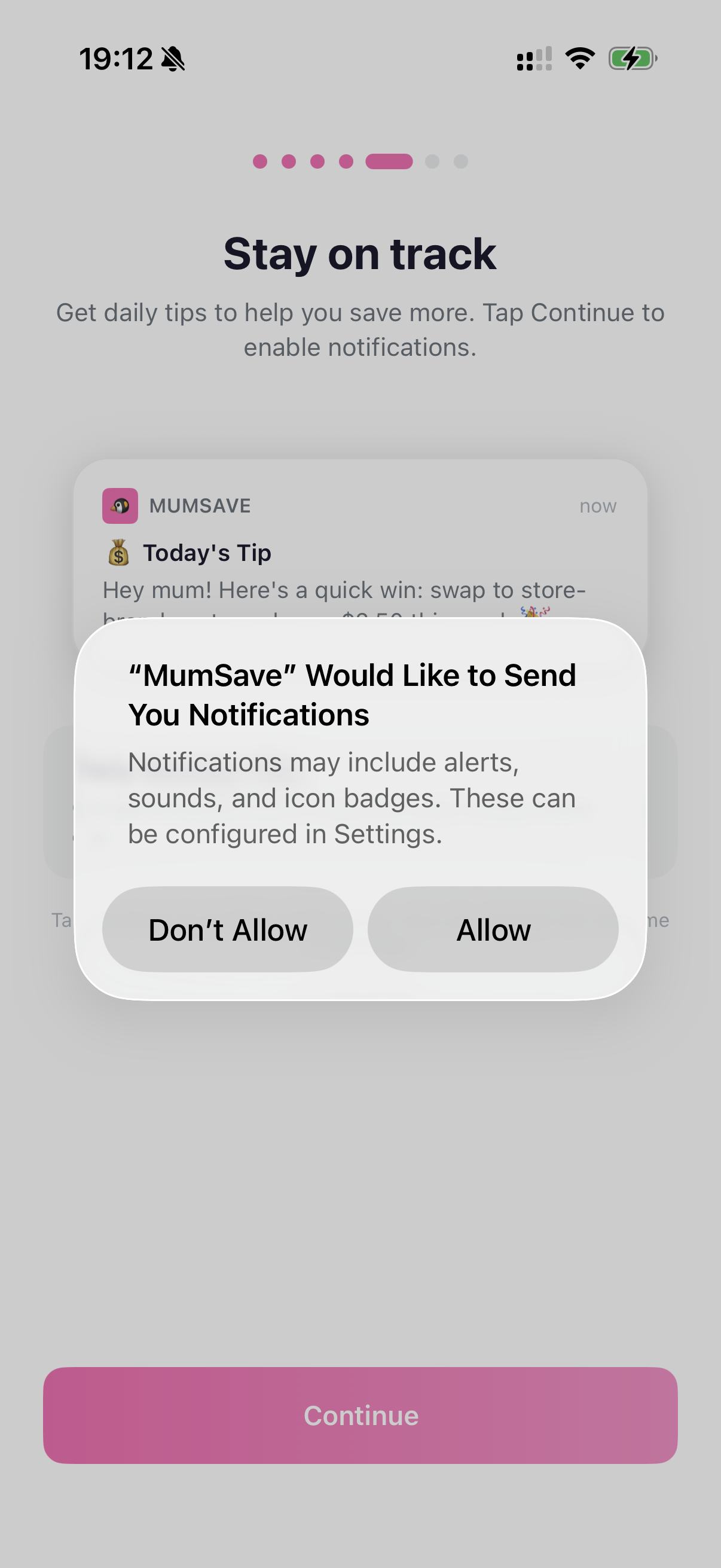
Onboarding screen asking users permission to allow/not allow app notifications
-
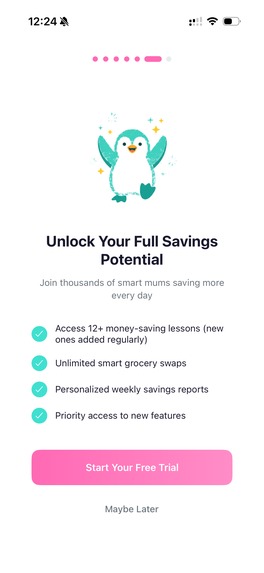
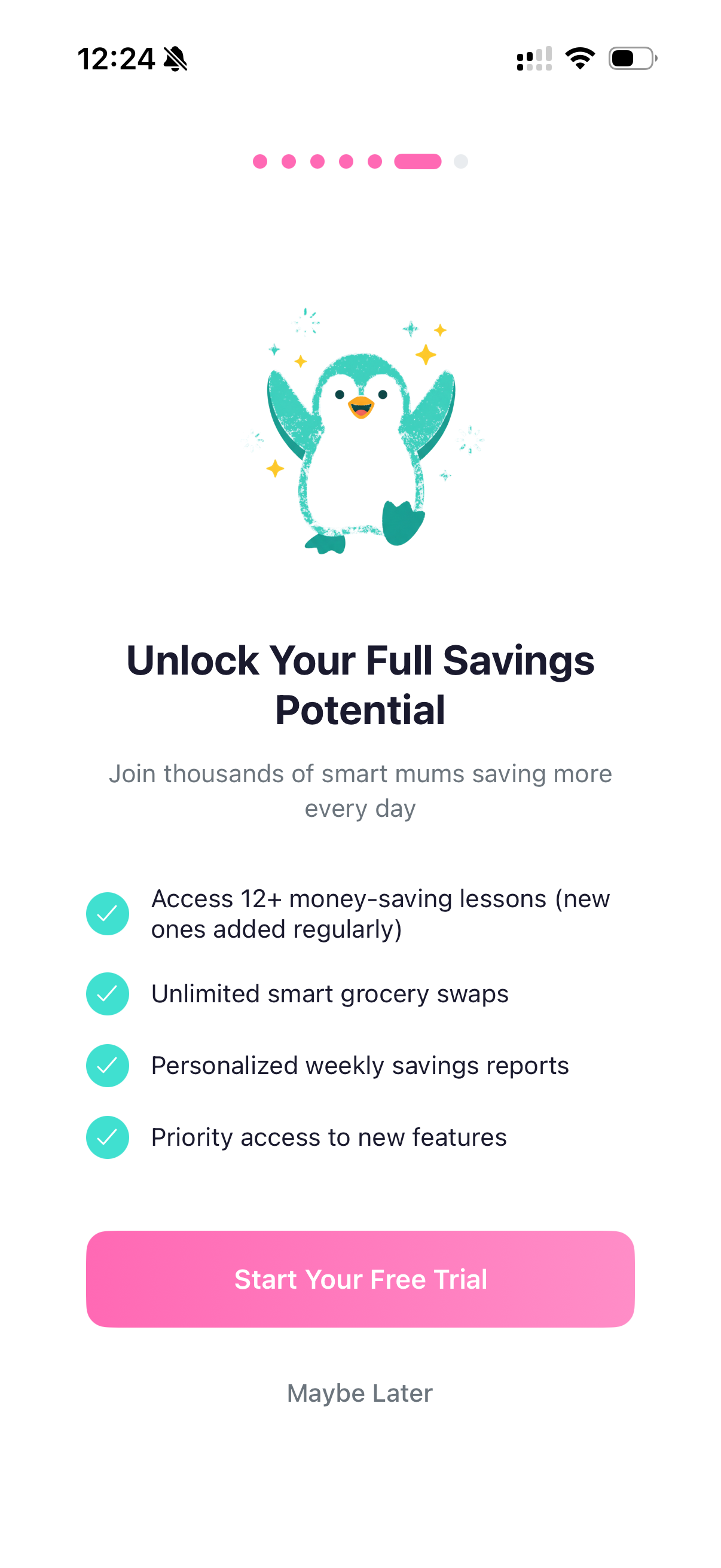
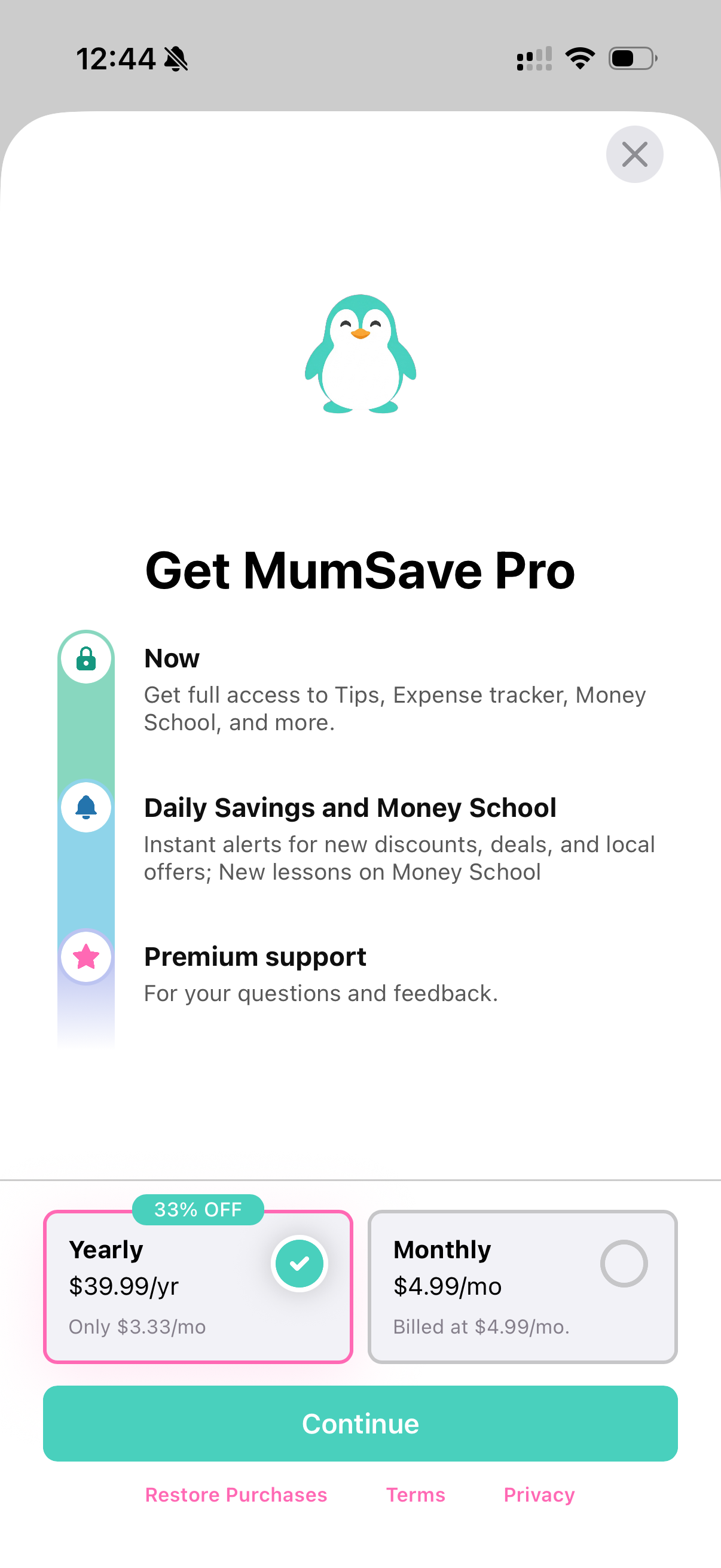
App page explaining premium features
-
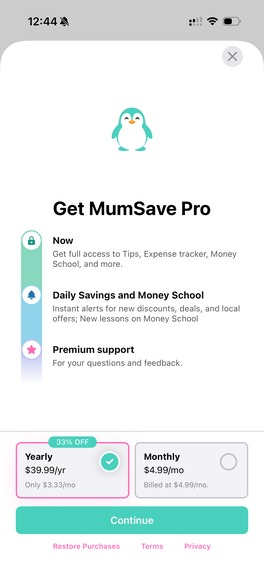
RevenueCat paywall for choosing monthly/yearly subscription
-
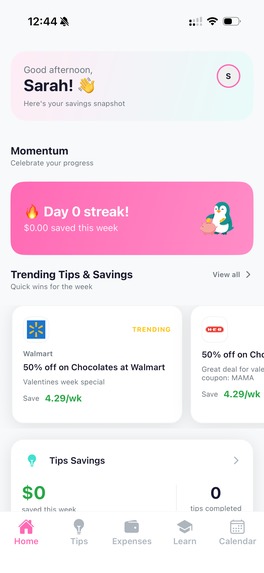
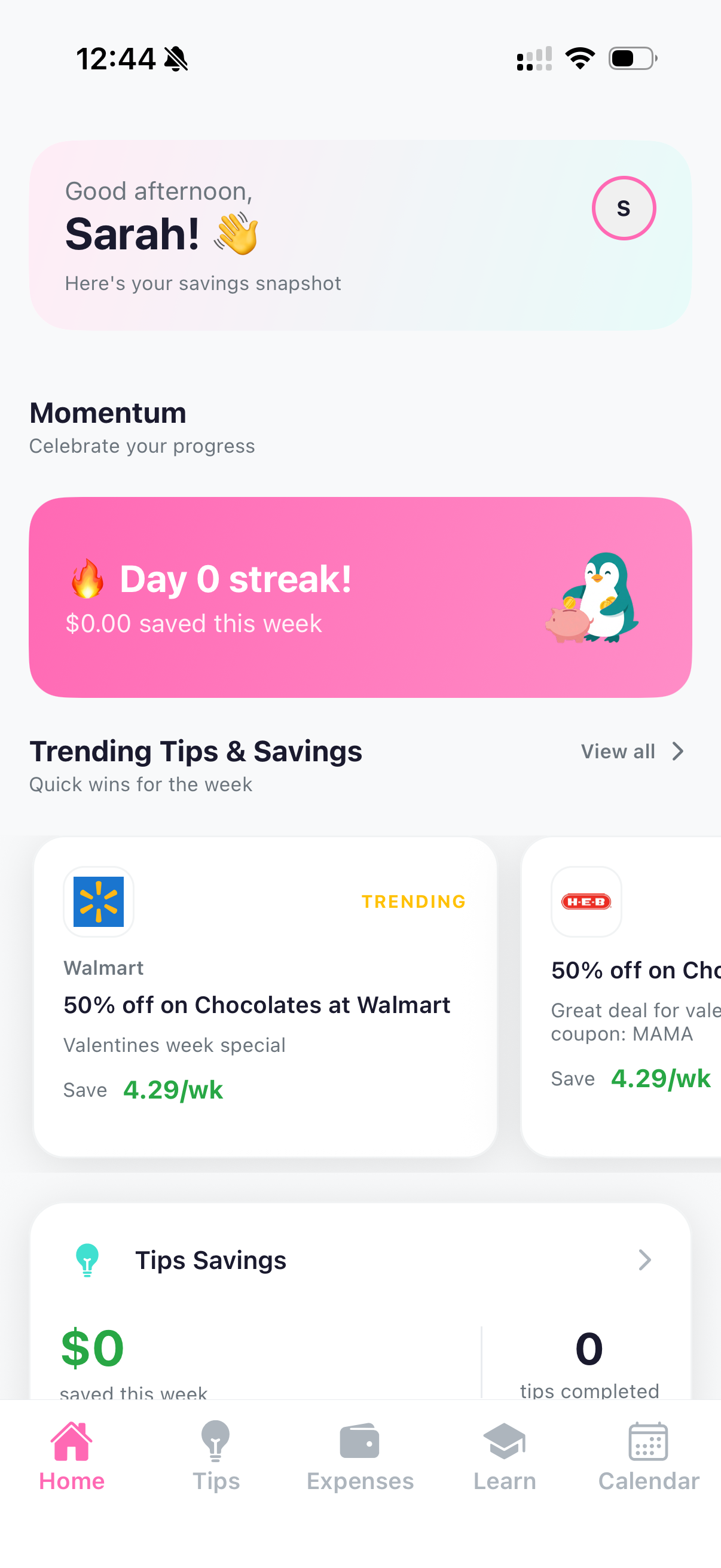
Home page showing a snapshot of users profile which includes daily tips, users saving streak, spending summary, etc
-
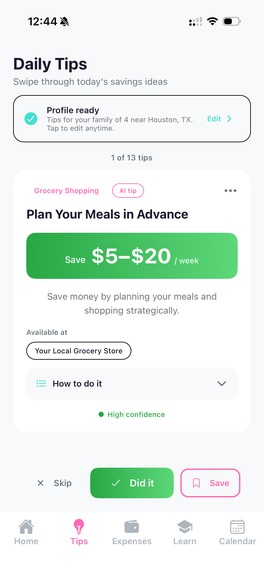
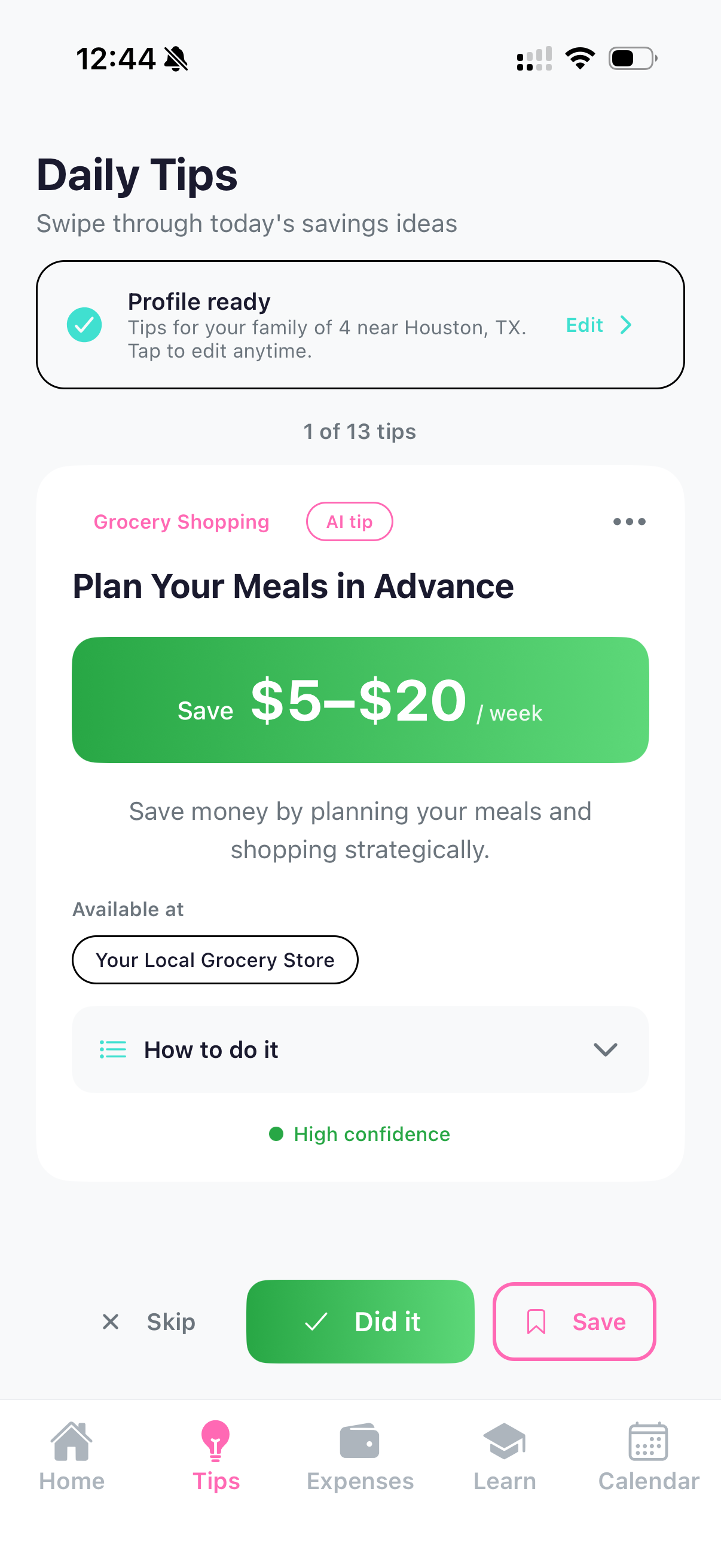
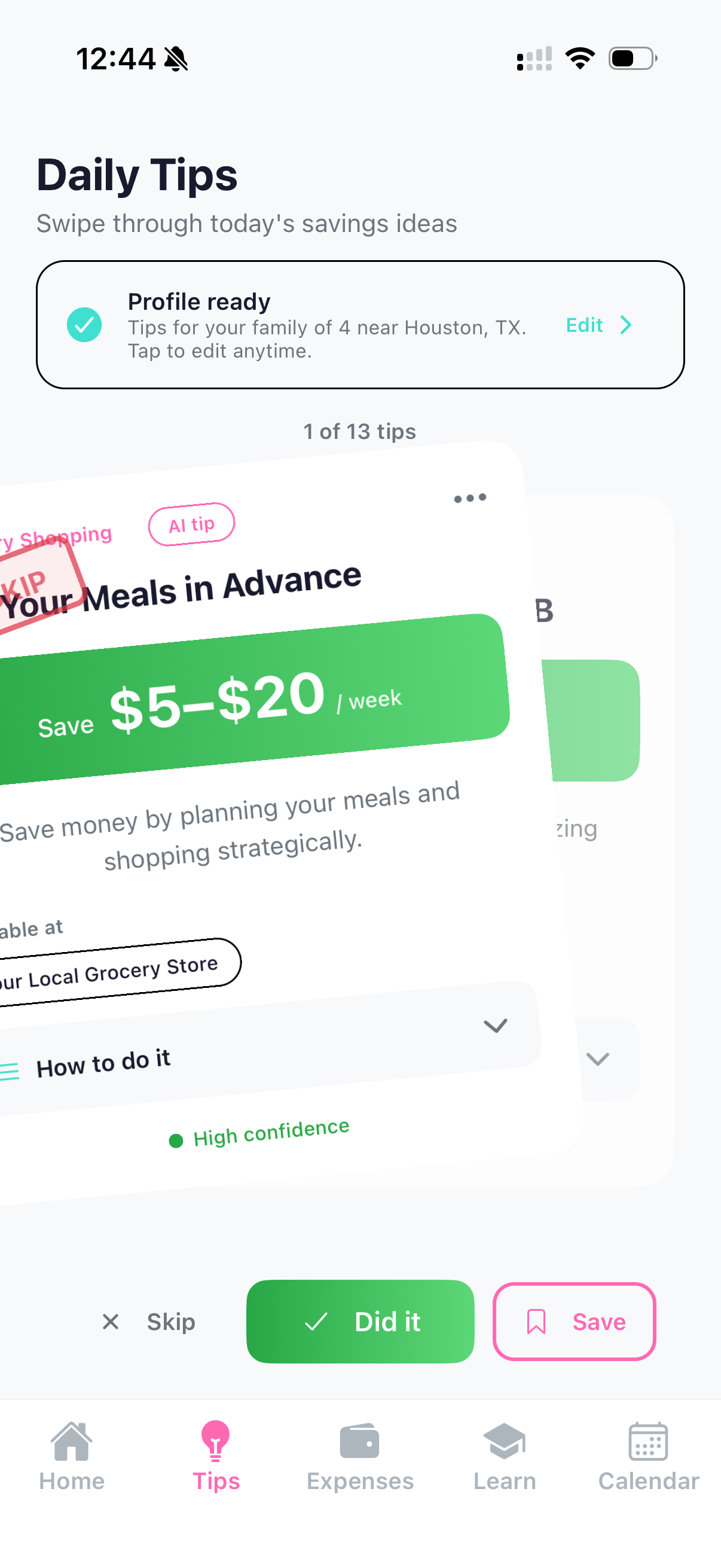
Tips page showing daily tips on savings, offers, discounts for moms
-
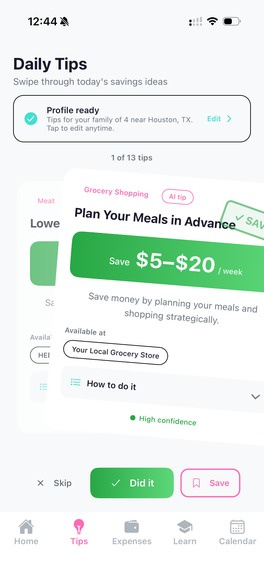
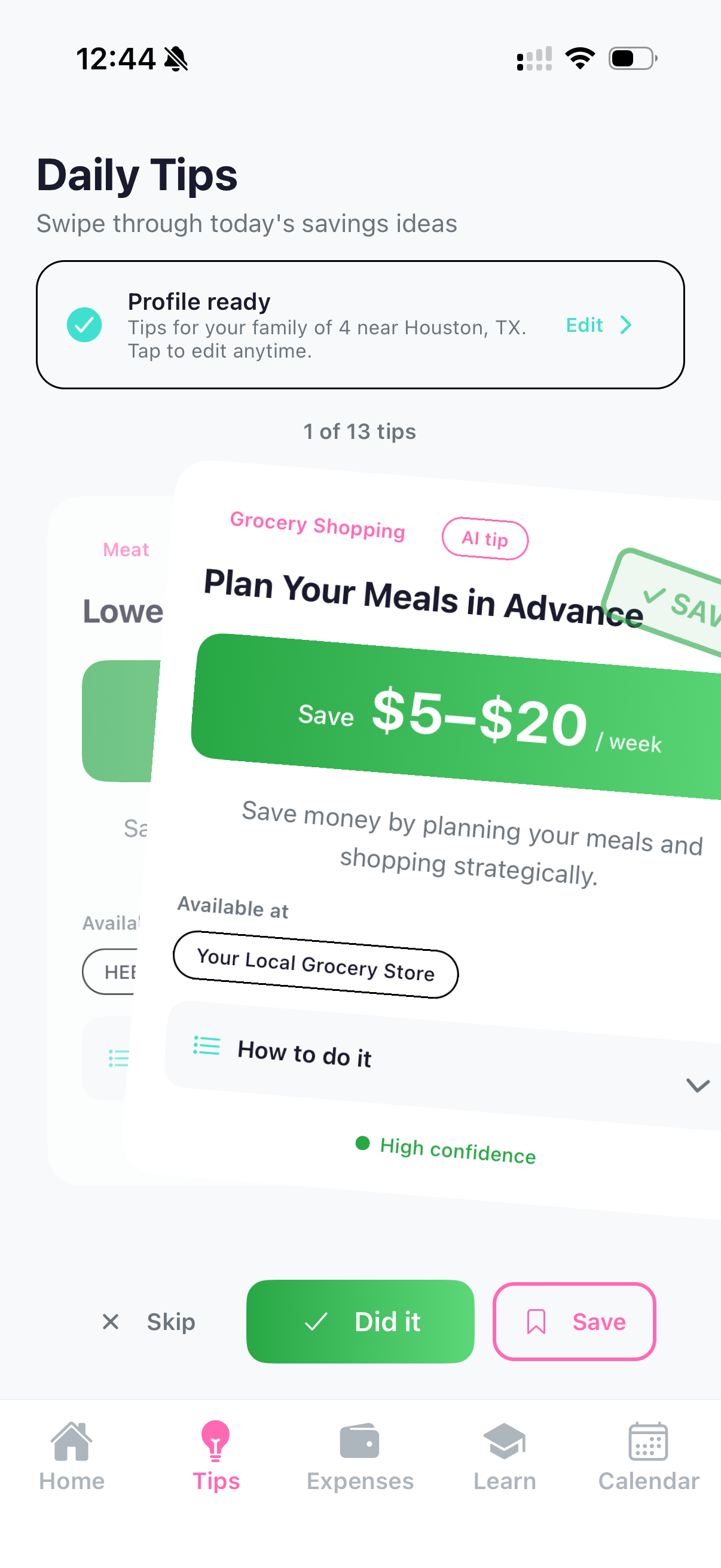
Gamified save tips experience by swiping right
-
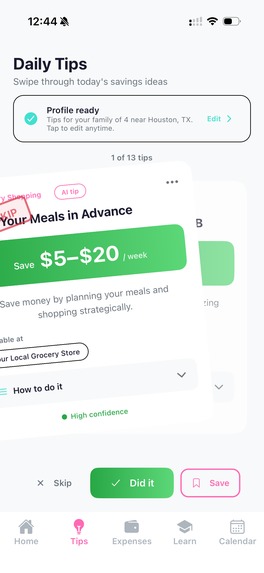
Gamified skip tips experience by swiping left
-
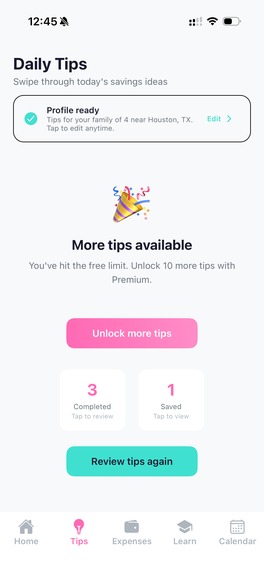
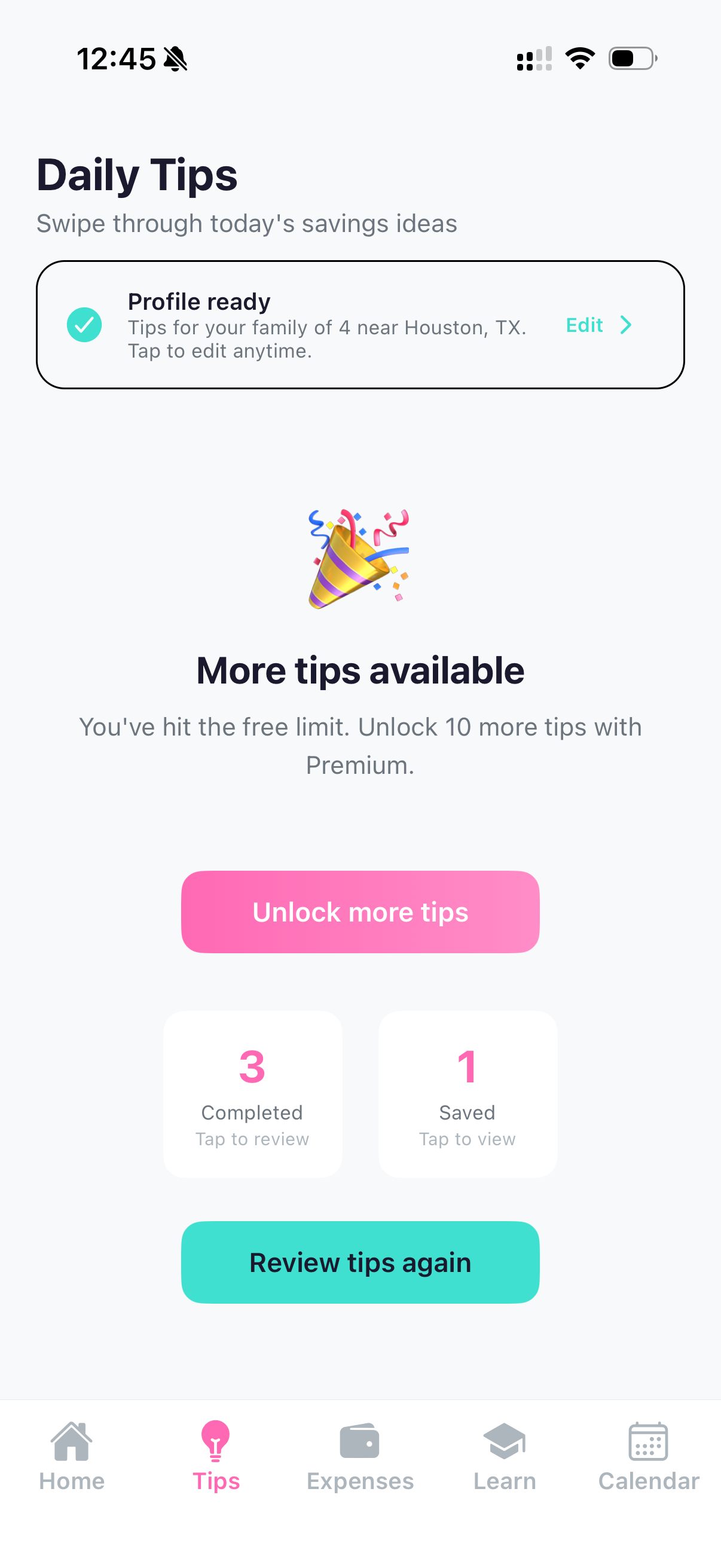
Paywall showing 3 tips restriction for free users
-
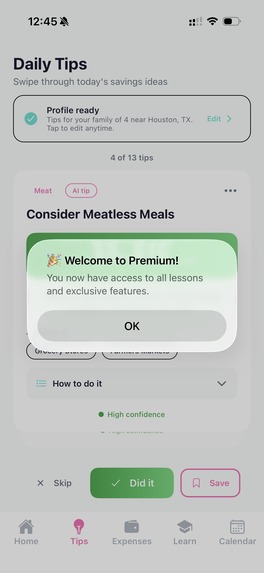
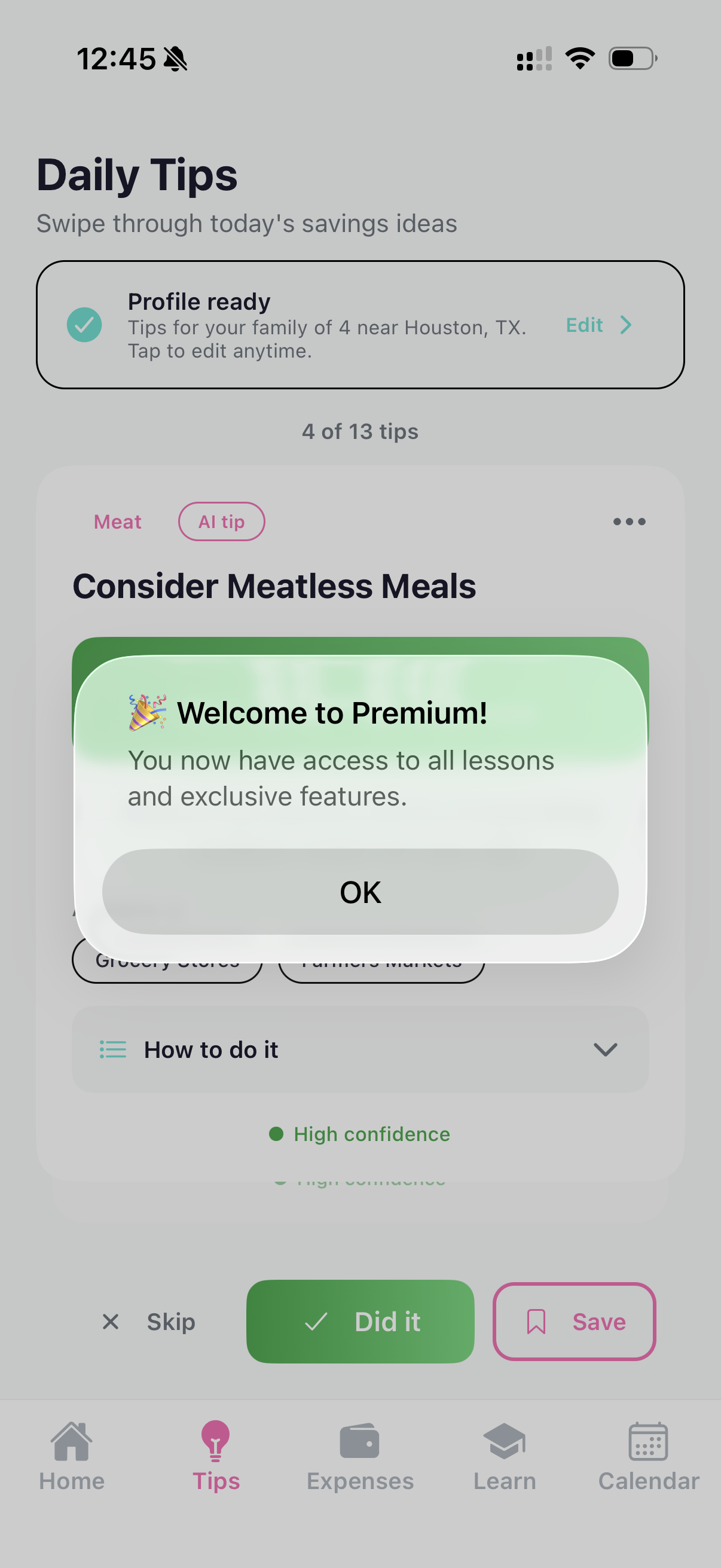
Enabling all tips after a premium subscripti
-
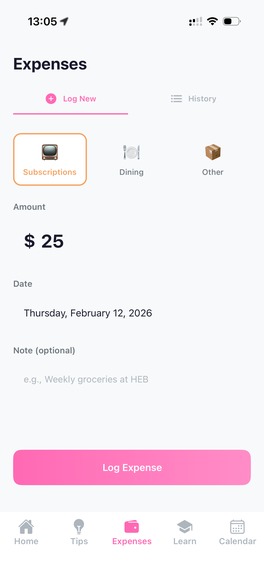
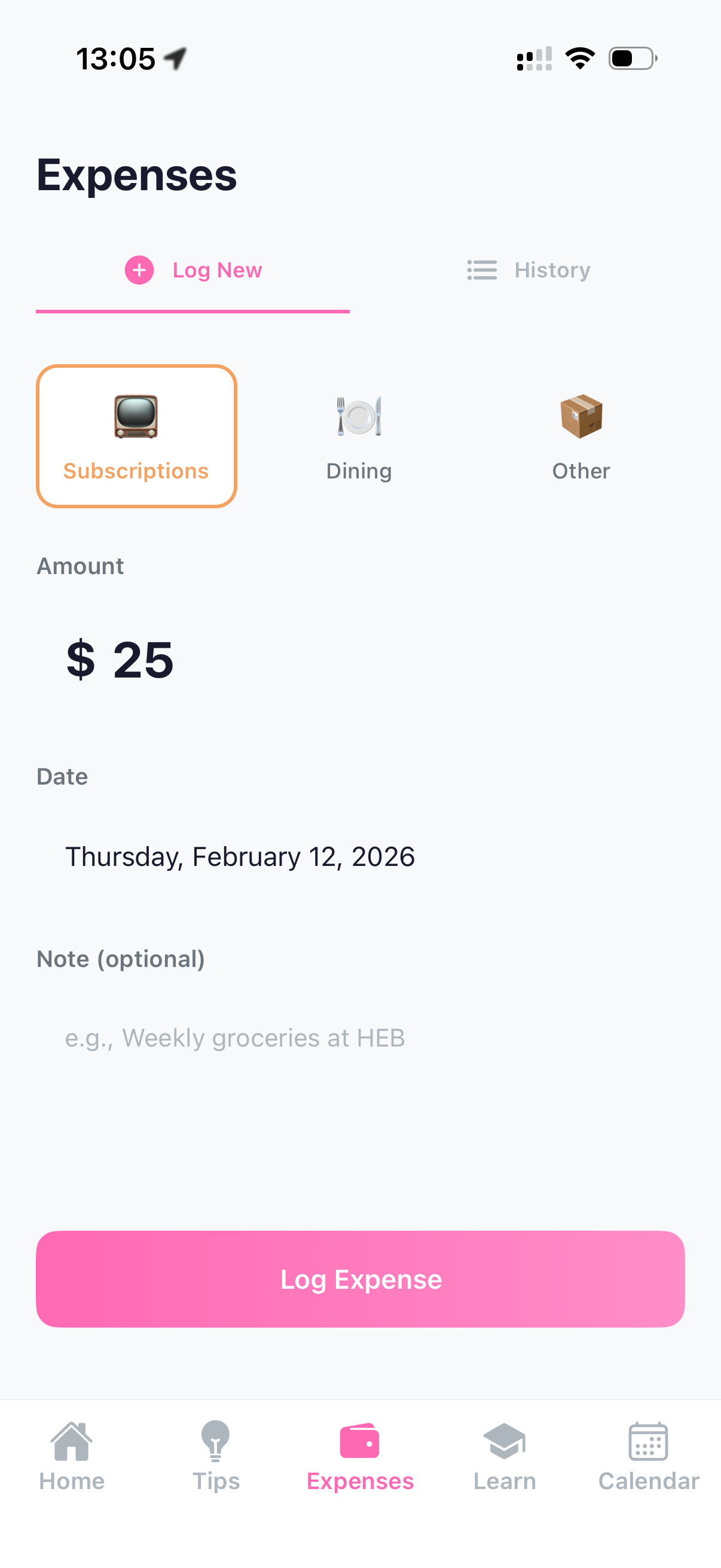
Expense page where user can log their groceries, home renovation, shopping, subscriptions, dining, and other expenses
-
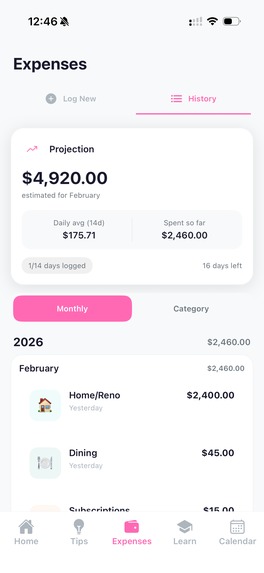
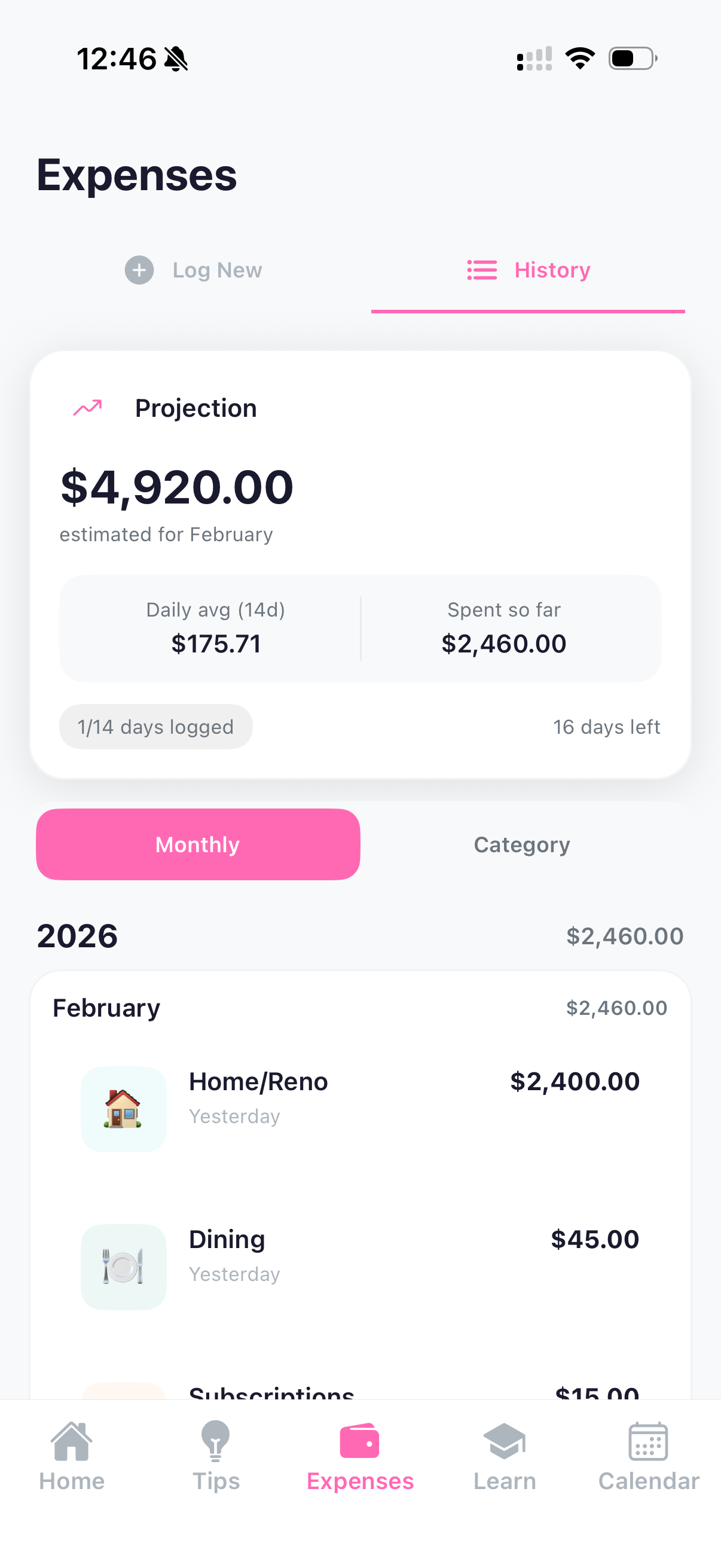
Expense history page that shows expense projection based on usage, and the past history
-
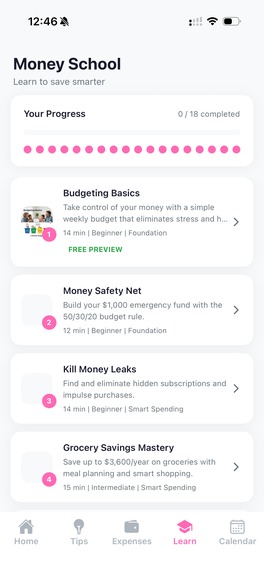
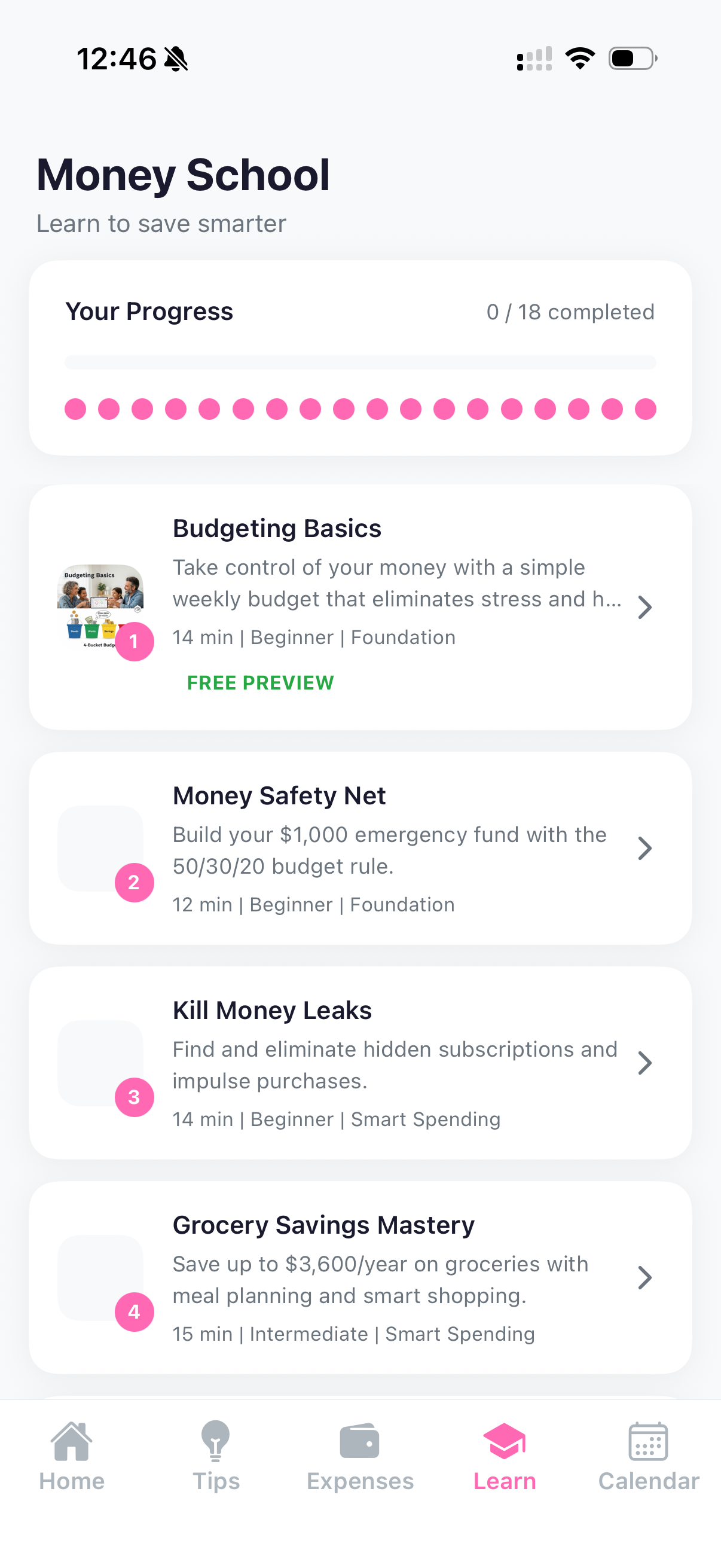
Learn page that has Money School course curriculum on savings
-
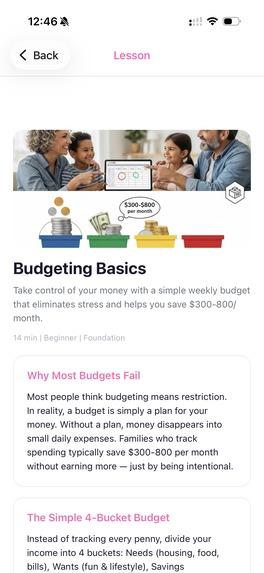
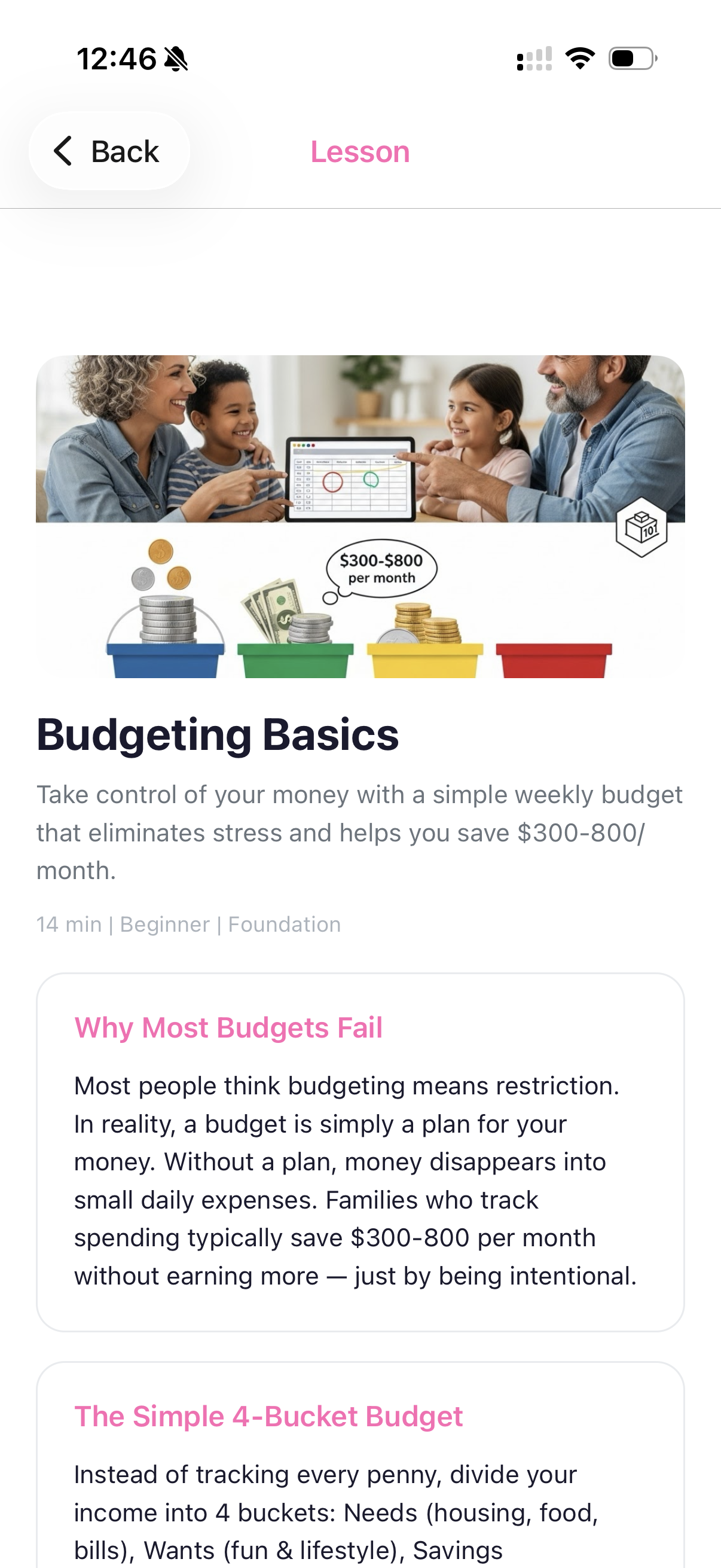
Page showing a lesson on the Money School course
-
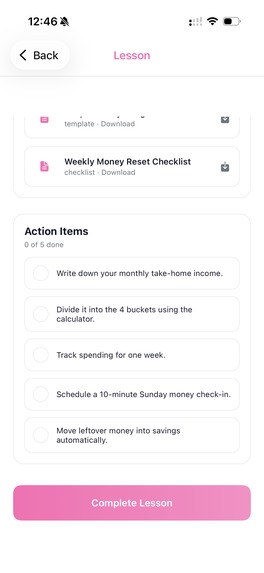
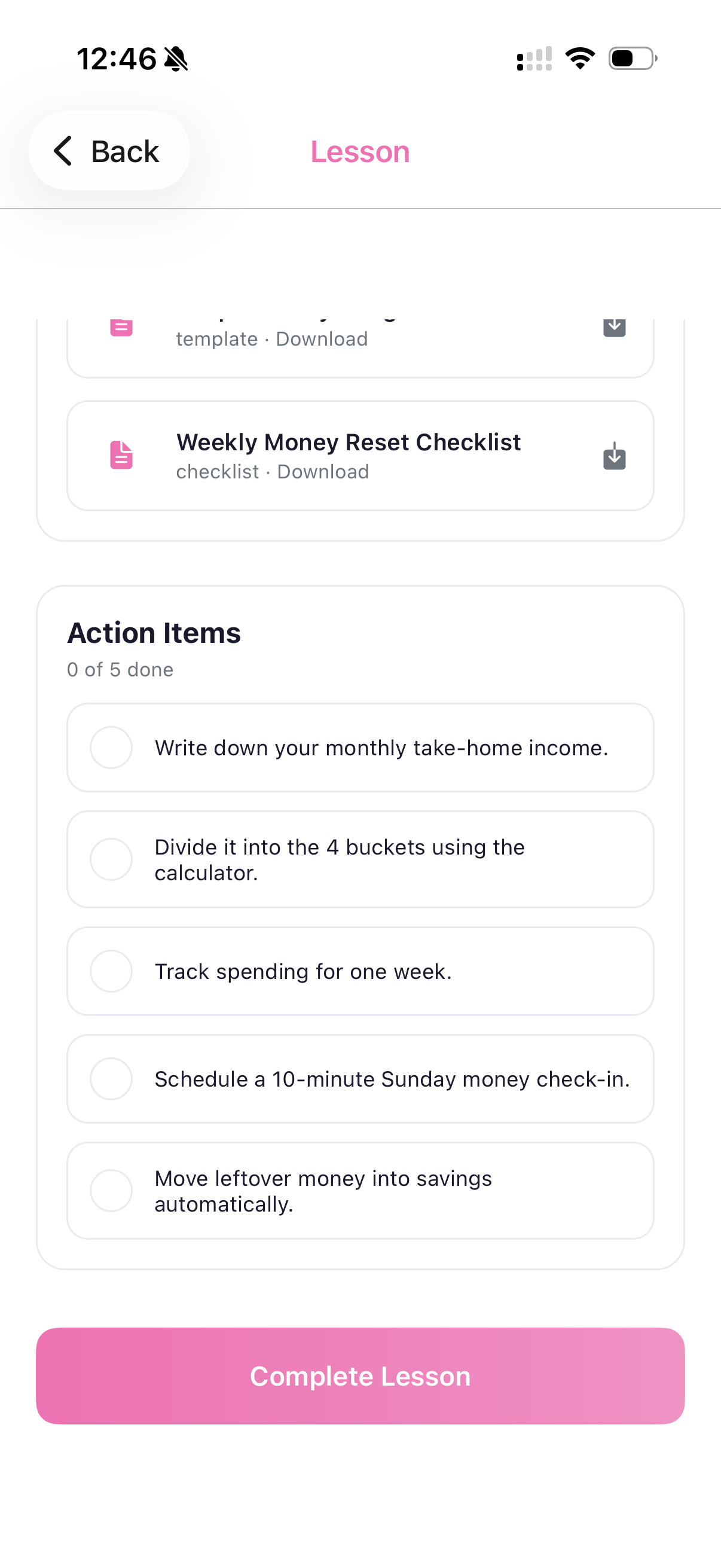
A section on the lesson page showing interactive lesson resources
-
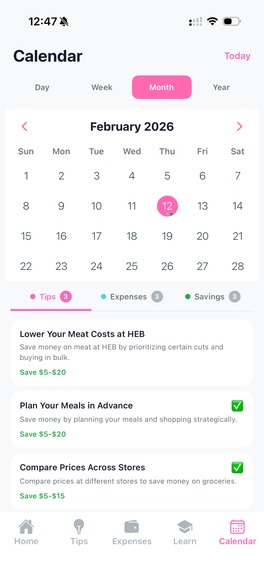
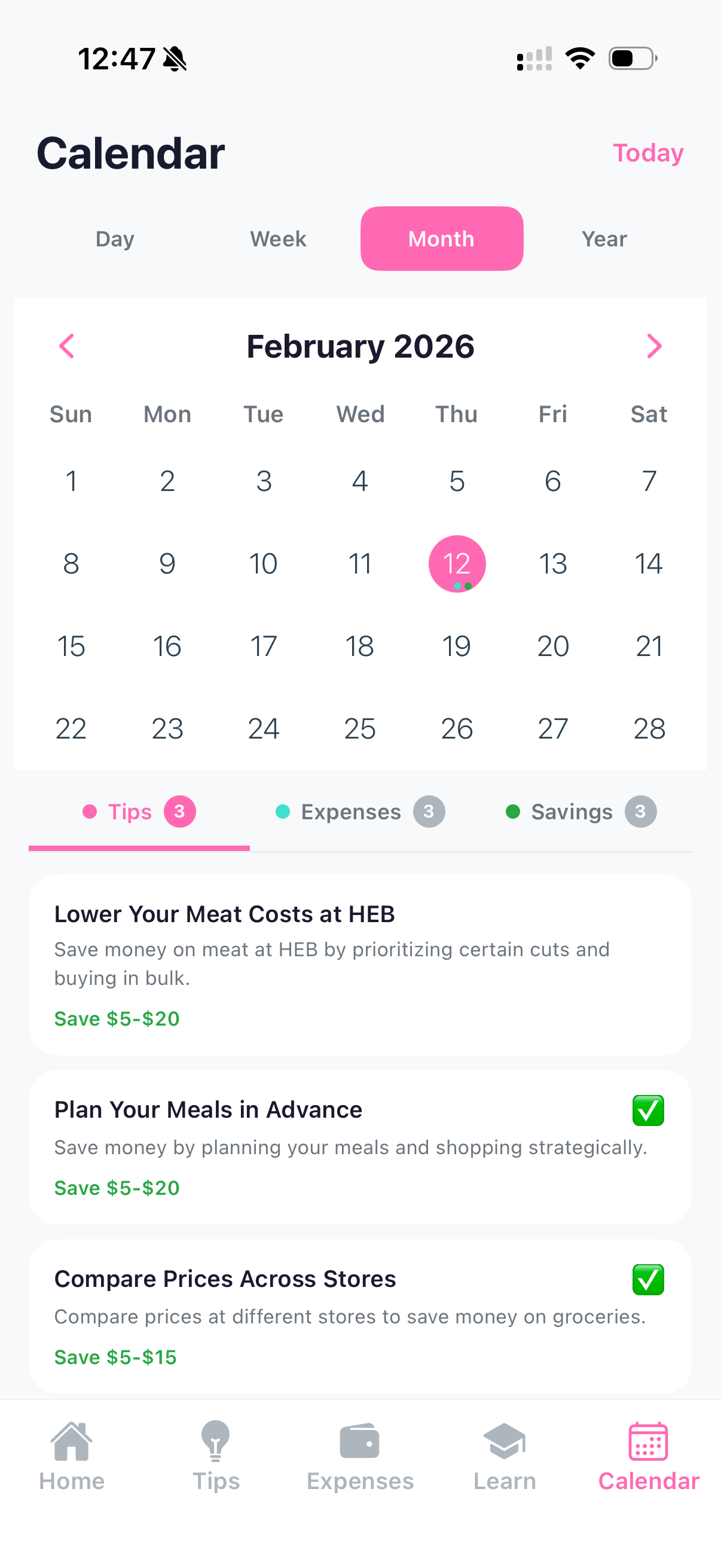
Calendar page that shows Tips, Expenses, and Savings tabs. Day, Week, Month and Year views enables user to quickly see past activities.
-
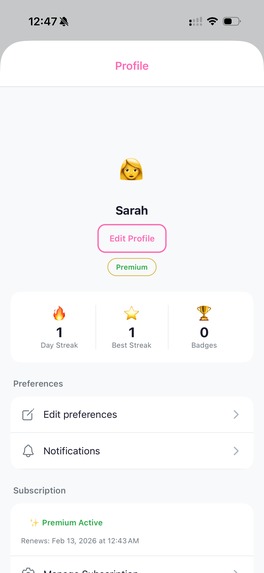
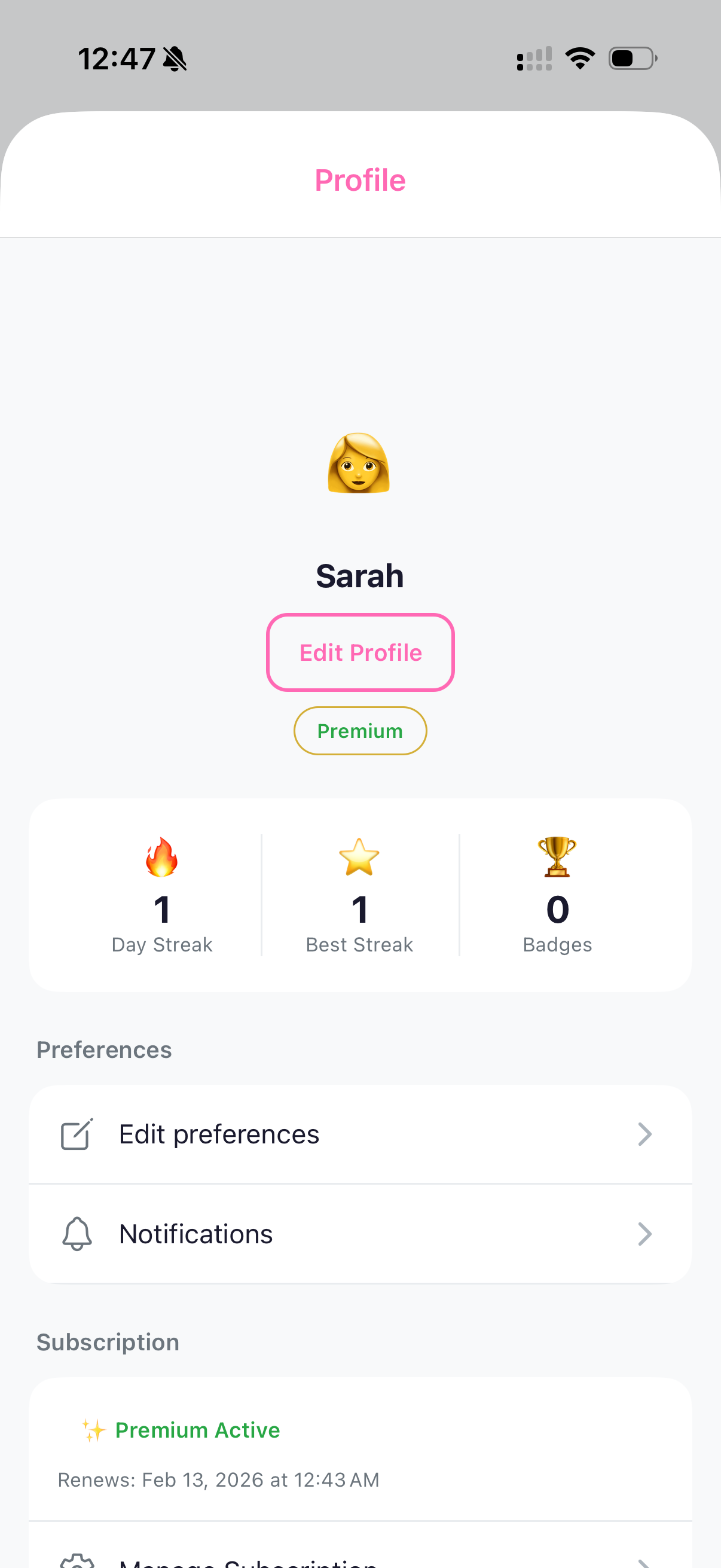
Users Profile page accessible from Home page
-
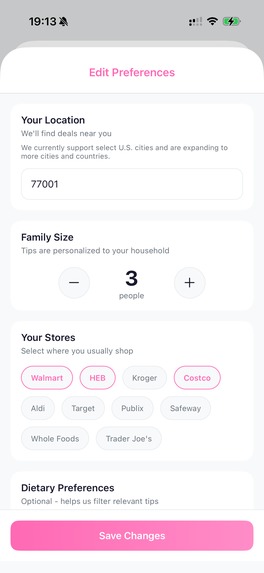
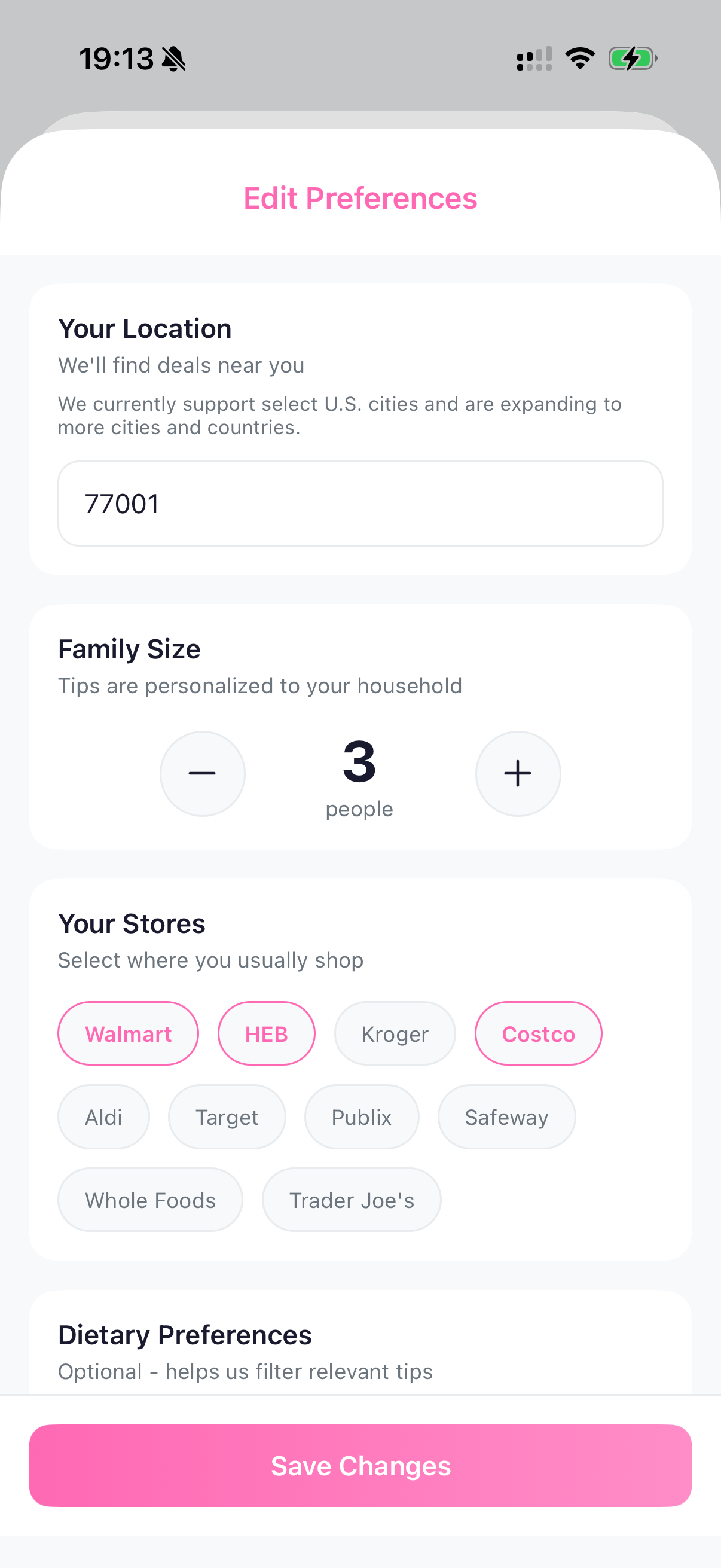
Screen that lets user change their preferences like location, family size, nearby stores, dietary preferences for personalized tips
What Inspired Me
For this contest we had several ideas to choose from. I chose the Financial Confidence for Busy Mums idea from Rebecca Louise, and built MumSave for Rebecca’s audience: time-constrained mums seeking financial independence who want practical, actionable help with money - fast. Rebecca’s brief asked for an app that offers everyday money-saving guidance (shopping, cooking, home costs) alongside an approachable way to learn investing basics and grow what users already have. The idea is close to me personally: I’m a new father, and my wife was always trying to find good products for our baby that don’t break the bank. We both see ourselves using an app like this-saving on groceries and household spending while building a bit of investing confidence. That’s exactly the gap I wanted to fill: no app combined practical daily savings (grocery swaps, batch cooking, store-brand hacks) with gamified investing basics in one approachable package.
A average familiy of four spend roughly \$936–\$1,396/month on food (USDA). Small swaps add up. e.g. saving \$0.50/week on milk is (\$0.50 \times 52 \approx \$26)/year from one habit-yet most mums lack tools that speak to their reality: "What can I do today?" rather than complex projections.
How I Built It
I built MumSave with React Native + Expo for fast iOS iteration and Laravel for a robust API, using RevenueCat to gate premium content and keep a single source of truth for subscriptions.
Core experience:
- Daily swipeable tips - A personalized deck of savings tips (e.g. "Kroger milk \$2.99 → Walmart \$2.49 = \$26/year saved"). The app calls the Laravel API with
family_sizeandzip(e.g./api/tips/dailywith user context); the backend uses Google Gemini to generate tips tailored to family size and location. Tips are cached (server + React Query + AsyncStorage) so the deck works offline after first load. - Gamified streaks - 7-day logging unlocks the "Week Warrior" badge and helps unlock investing lessons. Badges include Swap Star (3 days), Batch Boss (5), Week Warrior (7), and Monthly Master (30). Streaks are stored on the Laravel backend and synced on login; the app uses expo-secure-store for auth and AsyncStorage for local deck cache-no Realm or CloudKit; multi-device is "same account, same server."
- Expense tracker - Category breakdown with pie charts (react-native-gifted-charts), weekly/monthly spend, and top-spending insights. Data lives in Laravel; the dashboard and calendar give mums a clear picture of where money goes.
- Investing path - Lessons from Budget/Emergency fund → Debt → Index funds → Family legacy. Lesson 1 is free; lessons 2–3 unlock after a 3-day streak; lessons 4–18 require RevenueCat premium. Native paywalls and webhooks keep subscription state in sync.
- Expo Router ties it together: tips → tracker → lessons → calendar with file-based routing and deep linking. Expo Push is integrated (backend
PushNotificationServicesends via Expo’s push API); currently used for engagement (e.g. new custom tip alerts from the admin). OTA updates (expo-updates) let me ship fixes and tweaks without a new TestFlight build.
Tech stack (summary): Expo SDK 51, React Native, TypeScript, Laravel 12, Sanctum auth, Gemini API, manus.im (content research and generation), RevenueCat (SDK + webhooks), expo-notifications, AsyncStorage + SecureStore, React Query, Zustand.
Challenges I Faced
- Content scale - Generating enough relevant tips for many family sizes and locations would be expensive and brittle with static copy. I solved this with Laravel + Gemini: one prompt template takes family size and ZIP, and the API returns personalized swaps. Cost is on the order of a few cents per 100 tips; caching (TipCache, daily decks) keeps calls low.
- Gamification and retention - I wanted streaks and badges to feel real and to unlock content. I used server-backed persistence (Laravel
Streakmodel, badges in JSON) so progress survives reinstall and is consistent across the app. Confetti and badge-unlock modals make milestones feel rewarding. - Hackathon deadline - With a tight window to TestFlight, Expo’s OTA updates were essential. I could fix bugs and tune copy without waiting for a new binary; EAS Build + Submit got the first production build to TestFlight in about two weeks.
What I Learned
- AI scales content - One well-designed prompt plus family size and location yields a large space of personalized advice without maintaining hundreds of static tips.
- Mums want action - The majority of use cases are "save \$5 today" and "see where I’m spending," not long-term projections. The product works because it leads with daily tips and tracking, then layers on investing education.
- RevenueCat in practice - Native paywalls, webhook-driven entitlement sync, and customer center gave a production-ready subscription layer quickly. In beta, the clear split between free (tips + limited tracking + one lesson) and premium (unlimited tips, full Money School) has driven meaningful conversion.
MumSave shows that busy mums can save hundreds of dollars a year through micro-habits while building investing confidence-one swipe at a time.
Built With
- expo.io
- google-gemini-api
- laravel
- react-native
- revenuecat
- simplemaps
- sqlite
- typescript

Log in or sign up for Devpost to join the conversation.