Inspiration
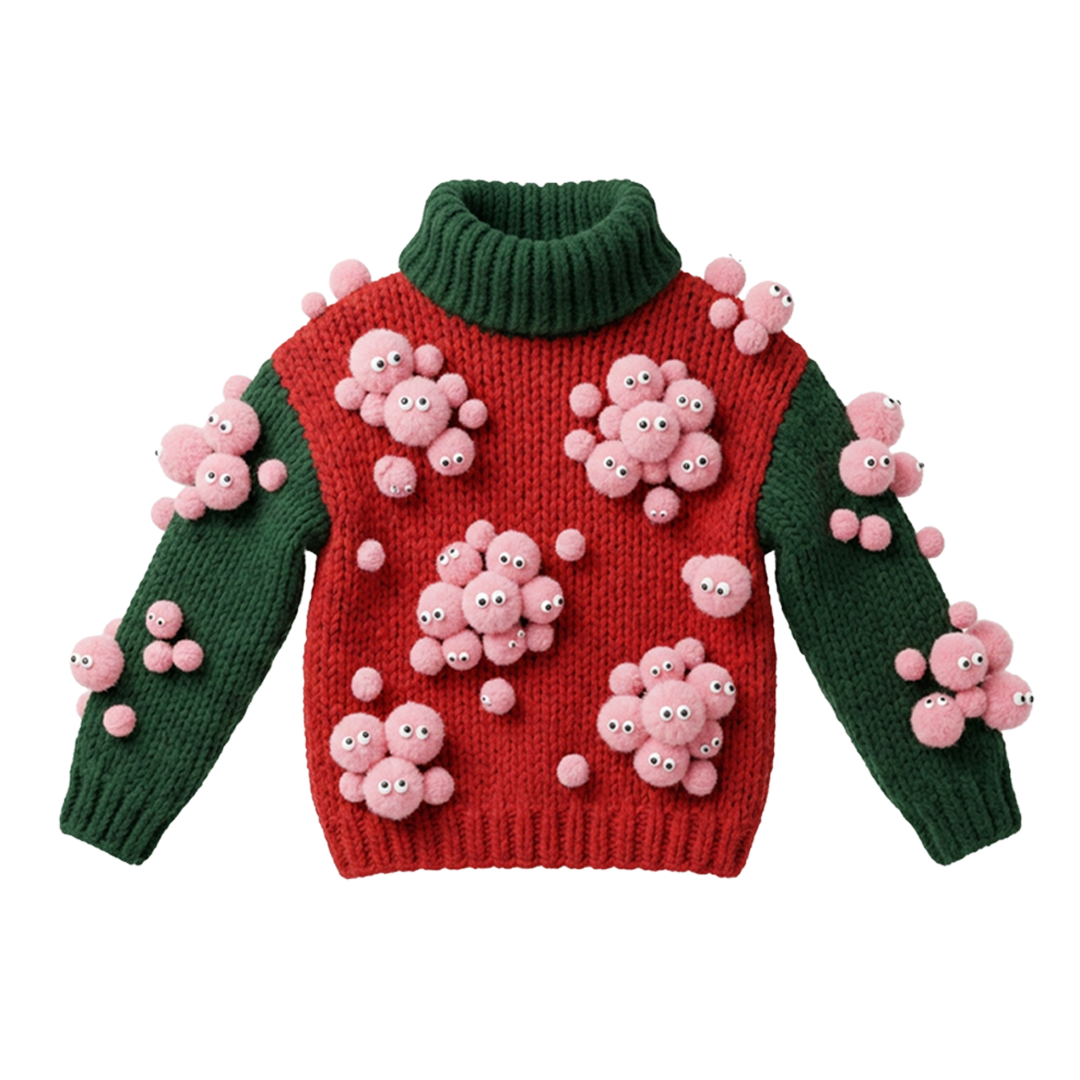
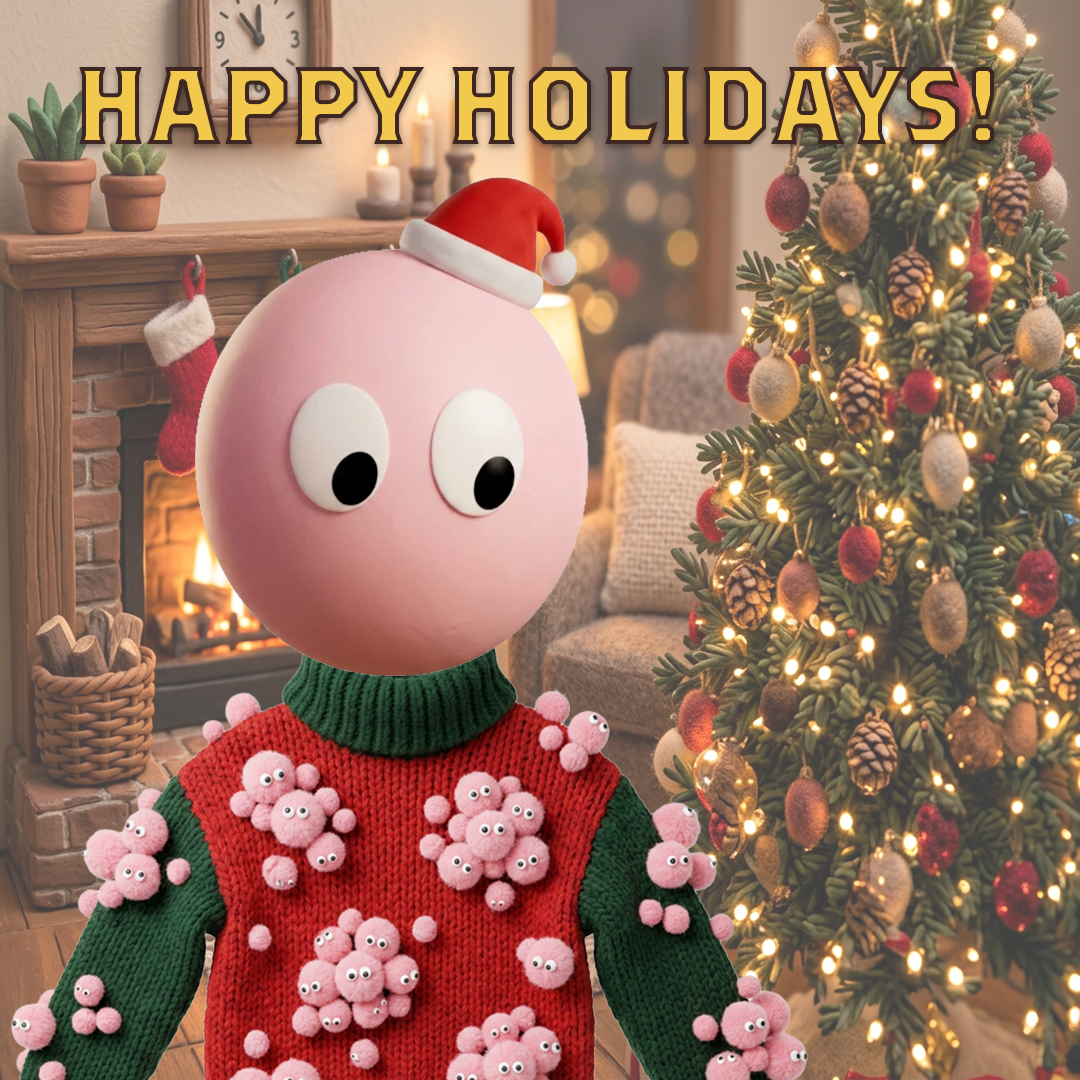
The idea started with my original circular pastel-pink avatar, whose eyes naturally look down toward the lower left. I wanted to build a humorous holiday story around that exact gaze: what if the character is staring in mild panic because dozens of tiny, fuzzy pink lint-ball versions of itself are multiplying and clinging all over its ugly holiday sweater? To unify the aesthetic, I aimed for a tactile, 3D claymation and handcrafted wool feel.
How I built it
1. Standalone Ugly Sweater Design
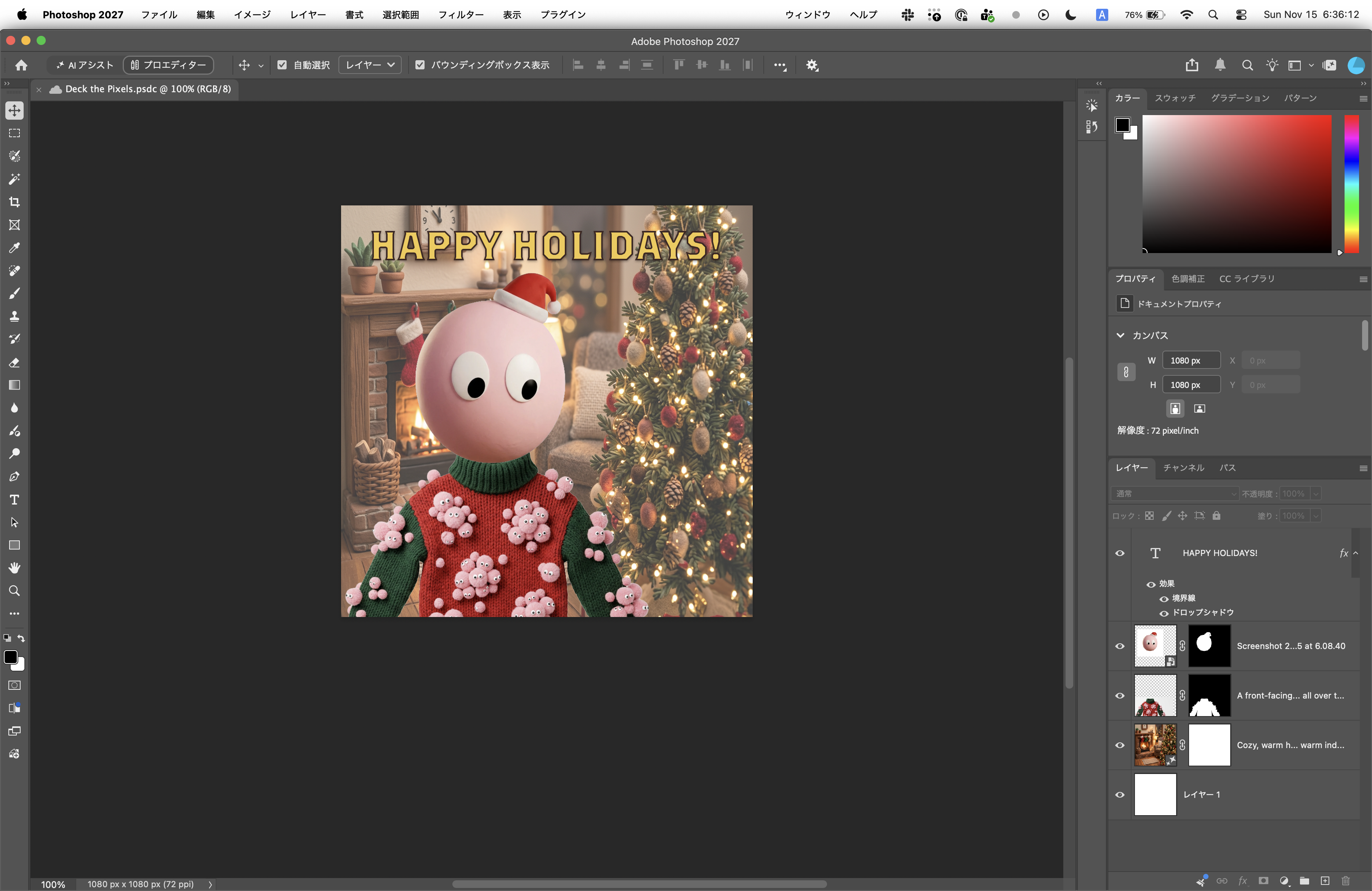
- Layout & Scale Guide: I started with a 1080×1080px canvas in Adobe Photoshop and placed my avatar as a visual reference to plan the collar alignment and proportions.
- Generating with Nano Banana: Using Photoshop's Generative Fill powered by Gemini 3.1 (Nano Banana 2), I generated a front-facing, chunky-knit red and dark green holiday sweater covered in multiplying pastel-pink wool pom-poms with tiny googly eyes.
- Isolation & Layer Masking: After selecting the best generation, I rasterized the layer and used Photoshop's Remove Background and Layer Mask tools to cleanly isolate the sweater on a transparent background before exporting the standalone sweater image.
2. Avatar Integration & Final Holiday Card
- 3D Character Layering: I layered a 3D clay-style version of my avatar (wearing a tiny red Santa hat) directly above the sweater layer, carefully tucking the bottom curve behind the green ribbed turtleneck collar so it looks naturally worn.
- 3D Diorama Background: Selecting the bottom background layer, I used Nano Banana again to generate a cozy, 3D claymation-style living room featuring a glowing fireplace and a decorated Christmas tree to match the tactile style of the character and knitwear.
- Composition & Typography: I scaled and positioned the character and sweater so the hem extends past the bottom edge for a grounded portrait framing. Finally, I used Photoshop's Type Tool to add
"HAPPY HOLIDAYS!"at the top, applying custom Stroke and Drop Shadow layer styles to make the gold lettering pop against the warm background.
Challenges we ran into
Initially, combining a flat 2D illustration avatar with a photorealistic knit sweater created a visual mismatch, and the sweater looked like it was floating mid-air. I solved this by converting the avatar into a matching 3D clay texture, switching the background prompt to a cohesive 3D miniature diorama style, and zooming in on the framing so the sweater sits naturally at the bottom of the card.
Accomplishments that we're proud of
- Turning a simple 2D icon's eye direction into a cohesive, comical visual narrative.
- Keeping every element—background, sweater, avatar, and typography—neatly separated into non-destructive Photoshop layers while maintaining a unified 3D handcrafted aesthetic.

